
How to Create AI Product Photos for E-Commerce: Studio, Lifestyle & Ad Images in Minutes
Learn how to create high-quality e-commerce product photos using AI—white background pack shots, lifestyle scenes, 3D mockups, ad visuals, and platform-ready images in minutes.
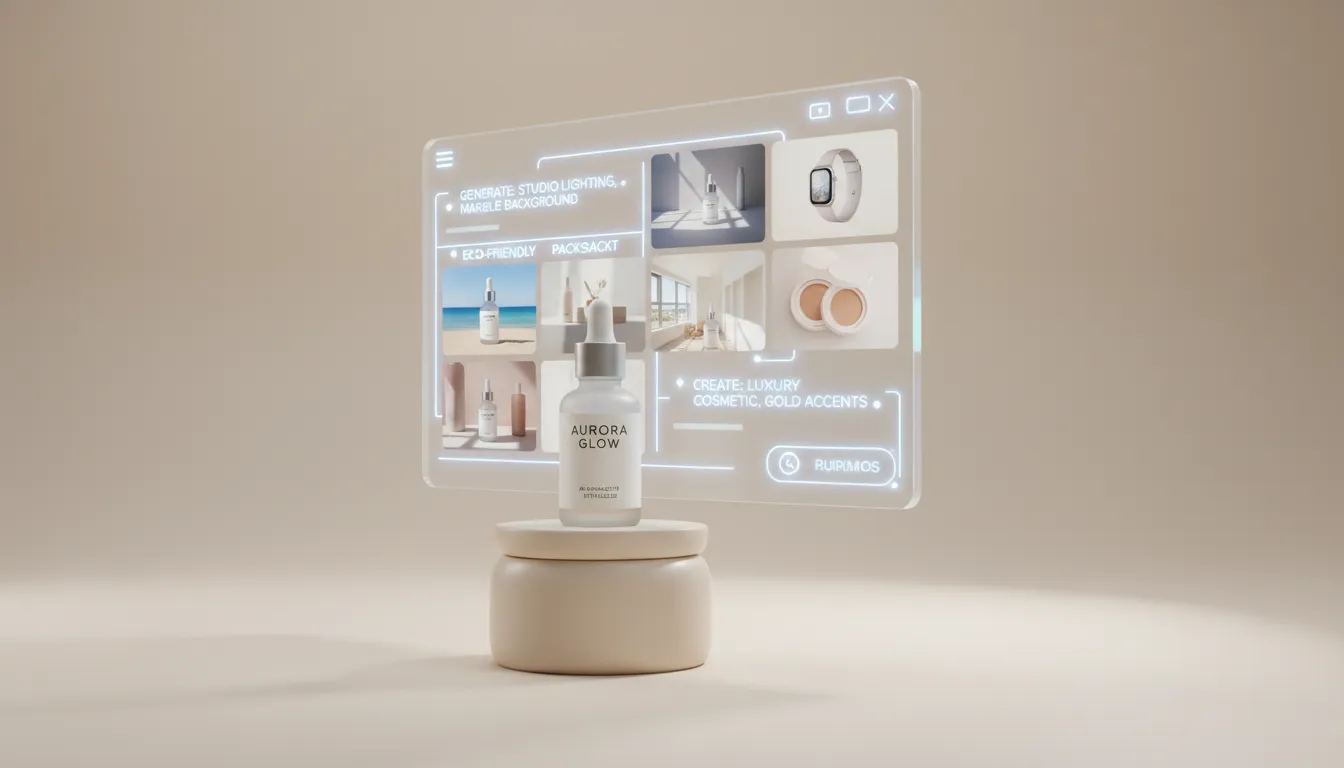
As platforms demand content at an increasingly rapid pace—more product launches, more holiday events, and doubled social media assets—traditional photography can no longer meet the need for “fast, high-volume, and low-cost” production. AI completely rewrites the rules: with just one product photo + one prompt, you can generate product images in different scenes, lighting styles, atmospheres, and aesthetics. The results are fast, affordable, stylistically consistent, and easy to adjust anytime.
It not only makes the creation process more flexible, but also gives small and medium-sized sellers true “brand-level visual capabilities.” You don’t need photography skills—only a clear expression of what you want.
Why Are More and More Sellers Starting to Use AI to Generate E-Commerce Product Images?
In today’s highly competitive e-commerce landscape, product photos have shifted from being a “nice-to-have” to becoming the key factor that determines conversions. Whether you sell on Amazon, Shopify, Etsy, TikTok Shop, or any local e-commerce platform, product images are often the most direct and influential visual reference shoppers rely on before making a purchase. But traditional product photography is extremely complex—it requires lighting setup, scene building, color adjustments, retouching, prop preparation, model coordination, studio rentals, and sometimes multiple rounds of reshoots. This process is time-consuming, labor-intensive, and significantly drives up overall costs.
The rise of AI-generated imagery has made creating high-quality e-commerce product photos easier than ever before. When you can generate 20–50 product images in different scenes and styles using just one main image or a single prompt, the entire product visual production workflow is completely transformed. Whether it’s white-background main images, lifestyle scene photos, seasonal themed visuals, 3D brand renderings, model composites, or promotional posters, AI can produce them all quickly.
For sellers, this means higher efficiency, lower cost, stronger visual consistency, and a content production speed that far surpasses traditional photography. AI is not just a tool—it's a fast content creation system optimized specifically for e-commerce.
What Are AI E-Commerce Product Photos?
AI e-commerce product photos refer to product display images generated automatically through AI image generation, without relying on traditional photography equipment, lighting setups, prop preparation, or studio arrangements. AI builds complete scenes based on your product photo, text prompt, desired style, brand color preferences, and e-commerce platform requirements—allowing you to get professional-grade visuals without taking a single shot.
AI can generate a wide variety of product image types, including:
- White-background product photos (Amazon-ready pack shots): suitable for platforms like Amazon and Shopee that require pure white backgrounds.
- Lifestyle product photos (lifestyle product photography): showcasing the product in real-life settings such as kitchens, desktops, bathrooms, or outdoor scenes.
- AI model composite photos (AI model product photos): placing the product naturally in scenarios involving people to increase realism.
- 3D product renderings (3D product mockups): ideal for tech, home goods, or brands that emphasize material textures.
- Holiday-themed visuals (holiday e-commerce visuals): such as Christmas, Valentine’s Day, Halloween, or Black Friday visuals.
- Brand advertising creatives (brand ad creatives): used for creating premium brand key visuals or promotional posters.
During the generation process, AI not only understands the product’s shape, material, texture, reflective properties, and color, but also automatically simulates professional photography elements such as lighting direction, shadow placement, depth of field, and composition. This results in visuals that follow the visual logic of the e-commerce industry. The final images are both aesthetically pleasing and commercial-ready, capable of highlighting product selling points, reinforcing brand identity, and improving click-through and conversion rates.
Simply put, AI allows you to accomplish in five minutes what previously required a full photography studio. With just one product image and one prompt, you can generate high-quality e-commerce product photos in multiple scenes, styles, and formats—dramatically increasing the efficiency of visual content production.
Why Are E-Commerce Sellers Turning to AI?
E-commerce sellers are adopting AI-generated product images because it truly solves the biggest pain points of traditional photography: high costs, slow production, inconsistent style, and massive content demands. As e-commerce accelerates—more frequent product launches and more visual content required for social media—the advantages of AI become increasingly evident.
First, AI dramatically reduces the cost of producing product images. There is no longer a need for studios, lighting setups, props, or models. By simply uploading a product photo or writing a prompt, sellers can generate professional-quality visuals—giving small and medium-sized businesses access to brand-level product imagery previously achievable only by large companies.
Secondly, AI generates visuals extremely fast. Traditional photography—from preparation to post-production—often takes several days, whereas AI can produce multiple sets of product images in different styles within minutes, easily meeting the high-frequency demands of holiday sales, ad creatives, and daily product launches. Additionally, AI can easily switch between styles and scenes. You can instantly generate visuals such as kitchen countertops, Nordic home interiors, outdoor sunlight scenes, black-gold tech aesthetics, and Christmas themes—without rebuilding sets or reshooting—greatly improving content iteration efficiency.
At the same time, AI helps sellers build a consistent brand visual identity. It can maintain uniform lighting, color tones, and background styles, making the store look more professional and trustworthy—something traditional photography often struggles to achieve.
Finally, AI can adapt to the requirements of different e-commerce platforms. Amazon requires white backgrounds and high clarity; Etsy prefers natural lighting and lifestyle scenes; TikTok Shop needs authentic, story-driven visuals. AI can quickly generate versions tailored to each platform’s standards, making it easier to gain visibility and improve conversions.
In short, e-commerce sellers are turning to AI because it is faster, cheaper, more flexible, and far better suited to meeting today’s massive demand for visual content.
What Do You Need to Prepare Before Using AI to Generate Product Images?
Before you start using AI to generate e-commerce product images, the more thorough your preparation is, the more professional, accurate, and brand-aligned your final visuals will be—while also meeting platform requirements. Below are the key items you must prepare in advance:
1.Clear Product Photos
Try to provide high-quality product photos with even lighting and clear edges. AI identifies the product’s shape, material, color, and details based on the image. If the source photo is blurry, overly reflective, or has a messy background, the AI may generate distorted shapes, incorrect materials, or inaccurate colors. It’s best to prepare multiple angles, such as front view, 45-degree angle, side view, or top-down shot. For transparent, metallic, or highly reflective products, clarity and lighting are even more important to reduce the chance of AI misinterpretation.
2.Define the Visual Style You Want
Before writing your prompt, it’s best to decide what atmosphere or scene you want your product to appear in:
- clean studio lighting
- lifestyle product photography
- luxury black & gold
- Scandinavian wooden table
- Christmas, Valentine’s Day, Black Friday
The more specific you are, the better AI can generate visuals that match your brand identity. An unclear visual style is one of the main reasons beginners get poor results.
3.Understand the Image Requirements of Your Target E-Commerce Platform (Avoid Rework)
Different platforms have different requirements for product images, and knowing them in advance helps you avoid heavy cropping or reworking after generation. For example:
- Amazon: Requires a pure white background, clear product edges, and no extra props.
- Shopify: Suitable for consistent brand styling, high-resolution banners, and emotional visuals.
- Etsy: Prefers natural lighting, warm lifestyle settings, and less commercial-looking visuals.
- TikTok Shop: Values authentic environments, model scenes, and strong lifestyle aesthetics.
AI can generate different versions with a single click based on platform requirements, but you must be clear about where you intend to publish your product images.
4.Define Your Brand’s Visual Direction
The clearer your brand identity is, the easier it is for AI to consistently produce visuals in a unified style. You can define in advance:
- Primary color tones (cool tones / warm tones)
- Background type (wooden tabletop, studio backdrop, solid color background)
- Lighting direction (soft light, hard light, natural light)
- Scene complexity (minimalist vs. rich/detailed) These parameters influence the overall brand feel, helping your store and ad visuals remain consistent instead of having each image appear in a different style.
5.Prepare Reference Images
If you have competitor styles you like, shooting references, brand visual examples, advertising posters, packaging photos, or similar materials, you can upload them as reference images for the AI. Reference images significantly improve generation stability, especially for high-end products, special materials (glass, metal, transparent items), branded environments, or scenarios where a model must be integrated naturally.
6.List the Types of Images You Want to Generate in Advance
Before generating images, clarify the types of product visuals you need—this can significantly reduce trial-and-error and repeated generation. For example: main images (white background), detail shots (material close-ups), lifestyle scene images, model usage scenes, seasonal theme visuals, promotional banners, etc. By preparing a clear list in advance, AI can generate an entire set of visual assets at once, instead of requiring repeated testing and per-image adjustments. This greatly boosts overall efficiency.
How to Use AI to Generate E-Commerce Product Images (Full Workflow + Practical Tips)
The process of using AI to create e-commerce product photos is not complicated. Once you master a few key steps, you can generate professional visual content ready for Amazon, Shopify, Etsy, TikTok Shop, and other platforms within minutes. Below is an efficient workflow tailored for e-commerce sellers:
Step 1: Prepare a Clear Product Photo AI determines the product’s shape, material, and color entirely based on the reference image—so the clearer, the better. Ideally, use a main image with a clean background and even lighting to prevent the AI from misinterpreting textures or structure.
Step 2: Decide on the Desired Scene and Style When generating e-commerce images, you need to determine the visual direction beforehand—such as white background, natural light tabletop, Nordic style, black-gold commercial style, or kitchen lifestyle scenes. The clearer the style, the more accurate the AI output will be. Many sellers choose their style based on platform needs; for example, TikTok Shop works better with lifestyle aesthetics, while Amazon requires a pure-white main product image.
Step 3: Write a Clear Prompt (Style + Constraints) Your prompt should include details such as background, lighting, composition, and important constraints like “maintain realistic proportions and material accuracy.” For example:
- Lifestyle product photo placed on a wooden table with soft daylight.
- Minimal background, accurate materials, clean shadows, high-resolution.
Or:
- Professional product photo on a pure white background.
- Studio lighting, sharp edges, realistic reflections, Amazon-ready.
A clear description can significantly reduce the risk of distortion, incorrect materials, and other generation errors.
Step 4: Adjust Lighting, Composition, or Props as Needed After the first version is generated, you can ask the AI to adjust background color, lighting direction, shadow texture, number of props, color atmosphere, or even compositional spacing. This usually requires modifying just one sentence and is extremely effective for building a “consistent brand visual identity.”
Step 5: Export Image Ratios Suitable for Each Platform AI can directly generate e-commerce images in various aspect ratios—such as 1:1 main images, 4:5 social content, 9:16 video covers, and 16:9 banners—preventing composition issues caused by manual cropping.
Throughout the entire process, if you want to save more time, quickly test multiple styles, or batch-generate different scenes, using a professional AI image generation tool will be more efficient. For example, on createimg.ai’s product image generation feature, you can upload your product photo, directly choose white-background images, lifestyle visuals, or promotional themes, and then refine the style using a prompt. This allows you to produce consistent, stable, and platform-ready product images much faster.
Overall, the advantage of AI product photos is not just “saving money”—it’s the ability to create multiple visual versions at any time and run A/B tests across different platforms, making product presentation more flexible and far more efficient.
Best AI Visual Strategies for Different E-Commerce Platforms
Across different e-commerce platforms, users’ visual habits, browsing behavior, content styles, and algorithm preferences vary significantly. Therefore, when generating AI product photos, you must optimize them specifically for each platform rather than relying on a “one-image-fits-all” approach. Below is a breakdown of the most effective visual strategies for major e-commerce platforms.
1.Amazon: Prioritize White-Background Main Images, Clarity and Realism Are Essential Amazon has very strict requirements for main images and prefers clean, clear, distraction-free white-background product photos. The best AI strategy here is to use a pure white background (RGB 255,255,255), clean edges, realistic proportions and materials, and to avoid adding props or visual noise. Using studio lighting enhances professionalism—the simpler and clearer the image, the more stable your search ranking and CTR will be.
2.Shopify: Emphasize Brand Identity, Maintain a Fully Consistent Visual Style Shopify functions more like a brand’s official website, where users spend more time browsing, which means a solid brand visual identity is essential. When generating AI product images, it’s best to choose high-end visuals with consistent color tones, backgrounds, and lighting to establish a cohesive brand system. Lifestyle images, banner visuals, and product series images should all maintain the same visual style so users can instantly sense the brand’s quality when they land on the page.
3.Etsy: Natural Light + Lifestyle Scenes Work Best — The More Real, the Better It Sells Etsy users prefer natural, warm, handmade-feeling visuals. Therefore, AI works best for generating lifestyle product photos featuring wooden tabletops, warm natural light, and minimal real props. Soft lighting, warm tones, and textured backgrounds significantly increase product trust. Overly commercial studio-style shots can actually reduce appeal.
4.TikTok Shop: Emotional Scenes + Real Usage Feel Short-form video platforms emphasize real usage scenarios, so AI is ideal for generating model composite photos (AI model product photos), hand-held product shots, and real-life usage scenes. Vertical compositions (9:16) with subtle emotional elements (sunlight, motion blur) and lifestyle atmospheres (cozy / casual) perform best. Users aren’t just looking at the product—they’re looking at how someone else uses the product.
5.Instagram / Pinterest: High-Aesthetic Mood Images Perform Best These platforms prioritize visual aesthetics, so AI excels at generating premium advertising-style images, minimalist compositions, soft ambient lighting, and themed concept visuals. Cinematic lighting, premium ad visuals, and seasonal concept images perform extremely well. The more beautiful and emotional the image, the more likely it is to be saved, collected, and followed.
Best AI Visual Styles for Different Product Categories
Different product categories require different visual strategies, and choosing the right AI style can significantly enhance professionalism and conversion rates.
Beauty Products They work best with minimalist, high-end studio aesthetics. Use clean backgrounds, soft lighting, or slight wet-look lighting to highlight glass bottles, metallic details, and texture patterns. The overall image should be clean, clear, and refined, emphasizing “texture” and “premium quality.”
3C Electronics & Tech Products These products suit cool-toned, tech-focused visuals. Examples include dark backgrounds, metallic reflections, and sharp edge lighting. The key is to highlight the product’s structure, lines, and metallic texture, making the visuals feel professional and futuristic.
Home & Lifestyle Products It is recommended to use natural light, soft warm tones, and lifestyle scenes. Wooden tabletops, fabric textures, or cozy home environments create a sense of “real presence,” enhancing relatability and helping users imagine the product in everyday life.
Jewelry & Accessories The best presentation style is high-gloss, macro, and high-contrast premium photography. Black-and-gold backgrounds or soft-focus solid color backdrops enhance shine and facet details, making jewelry appear more luxurious and refined.
Food & Beverage These work best with bright natural lighting and top-down or side-angle compositions. Wooden tables, kitchen setups, fruit accents, or tableware details help create a “real and delicious” visual mood. The focus should be on freshness, vibrant colors, and appetizing textures.
Common Mistakes Beginners Often Make
Many people generate AI e-commerce product photos for the first time and run into the following issues: 1.Product proportions become distorted AI may misinterpret dimensions, making bottles look flat or boxes appear wider. Solution: Add “keep original shape” or “maintain realistic proportions” to your prompt.
2.Material looks inaccurate or gets altered Glass becomes plastic, metal turns matte—one of the most common beginner issues. Solution: Emphasize “accurate material texture” and upload a clear reference image.
3.Background is too complex and distracts from the product AI may generate too many props or decorations, causing the image to lose focus. Solution: Add “minimal props” and “clean background” to your prompt.
4.Color inconsistency or uneven lighting Inconsistent color temperature or brightness can harm your brand professionalism. Solution: Fix the tone, e.g., “soft neutral tones” or “consistent lighting.”
5.Not meeting platform requirements For example, Amazon requires a pure white background, yet some users generate lifestyle images. Solution: Clearly state platform rules based on Amazon / Etsy / TikTok Shop.
The purpose of this section is to help beginners avoid the most common pitfalls, reduce rework, and achieve more stable and professional AI-generated results.
After Generating Product Photos: How to Create Product Videos Using AI?
Once you have used AI to generate a set of clean, attractive, and stylistically consistent product images, the next natural step is to upgrade these static visuals into more engaging product videos. Whether you're running a Shopify store, selling on TikTok Shop, posting Reels, creating ads, or simply wanting your products to look more “premium,” videos can easily increase user understanding and retention.
Traditionally, making product videos required filming equipment, scripting, lighting, locations, and editing. Today, AI tools make the entire process incredibly easy. You only need to upload the product images you’ve already generated and provide a few simple descriptions, and AI will automatically create smooth, natural camera-motion animations for you. Since your platform already includes both “image generation” and “video generation” features, the full workflow—from static images to dynamic visual presentations—is seamless, requiring no tool switching and no technical skills.
One of the most compelling aspects of AI-generated videos is its ability to simulate real camera movements: gentle zoom-ins, slow pans, smooth rotations, light shifts, depth-of-field transitions… Effects that once required professional filming can now be achieved within seconds, giving the visuals a “cinematic feel” that aligns with modern viewing habits.
You can use it to create a wide variety of e-commerce videos, such as:
- 360° product rotation animations: helping users understand texture from every angle.
- Subtle lifestyle scene motion: desktops, kitchens, bedrooms, and outdoor atmospheres that move naturally.
- Brand-style advertising shots: slow push-ins with soft light sweeping across the back of the product.
- Light motion in model scenes: increasing trust and conveying real usage.
- Small unboxing-style animations: especially effective for new products and gift sets.
- Clean, simple product detail-page videos: helping users quickly understand key product features.
Creating a video doesn’t require complicated instructions. A simple description is enough to get started:
Create a smooth animation based on this product photo. Use gentle camera movement and soft lighting. Keep the product shape and material consistent.
AI will automatically handle the camera motion, lighting, and material consistency, allowing you to generate short videos within seconds that can be used directly on product pages, ads, or social platforms.
With the combination of AI images + AI videos, you can easily build a complete visual content system for every product: main images, scene images, ad posters, themed visuals, short videos… No more relying on expensive photography, no more production delays, and no more worries about inconsistent styles. You can create, adjust, and update content anytime—spending more of your energy on products and operations instead of the production process itself.
Why Use createimg.ai to Create Product Videos?
For most e-commerce sellers, product photos and product videos often require jumping between multiple software tools—taking photos, editing images, then switching to video editors. The workflow is complicated and inefficient. createimg.ai integrates both image generation and video generation into one platform, making the entire visual production process smoother, more coherent, and better suited for high-frequency product launches and fast content creation.
First, your product photos can be created directly in createimg.ai using the AI image generator. From white-background shots to lifestyle scenes, from premium studio aesthetics to seasonal themes, everything can be generated within the same interface—maintaining a consistent brand style and producing more unified, professional product visuals. The generated product images can then be used immediately in the video module without needing to export, upload, or reprocess them, significantly reducing manual steps.
Secondly, the AI video generation feature on createimg.ai can automatically transform these static product images into various types of product videos, such as 360° rotation displays, unboxing animations, commercial-style camera movements, and dynamic lifestyle scenes. No filming, no editing, and no set-building required—AI will automatically mimic real camera language, making static products “come to life.”
Most importantly, both product images and product videos can be created in one place on createimg.ai. This avoids switching between platforms, file incompatibility issues, repeated generation, and inconsistent styles. The synchronized creation of static images + dynamic video presentations makes product launches, holiday marketing, and ad creative production much more efficient.
- This workflow is especially suitable for the following types of sellers and teams:
- Amazon / Shopify / Etsy sellers who need to quickly produce high-quality product visuals
- DTC brands that prioritize strong branding and consistent visual style
- TikTok Shop sellers who produce a large volume of short video content daily
- UGC creators and visual content bloggers who need to create product content continuously
- E-commerce and content teams that rely on high-frequency product launches and large volumes of assets
If you want your product photos, scene visuals, ad posters, and product videos all created in one place—while maintaining a unified brand style and consistent rhythm—then createimg.ai is an ideal tool for your workflow.
Conclusion: AI Makes E-Commerce Visuals Simpler, More Flexible, and Highly Scalable
AI has completely transformed the way e-commerce product photos are created. It eliminates the complexity of shooting setups, lighting equipment, and post-production, and enables any seller to easily achieve “brand-level” product visuals. From pure white main images to lifestyle scenes, seasonal themes, advertising visuals, and dynamic image-to-video displays, AI has elevated both the capacity and speed of visual content production to a new level.
For e-commerce sellers, this means higher efficiency, lower costs, and stronger visual consistency. It also means greater creative freedom during product launches, holiday campaigns, and social media marketing. Whether you want to create atmospheric lifestyle scenes or produce high-end studio-style advertising visuals, AI makes the entire process more flexible, more controllable, and easier to achieve.
If you also want to generate professional e-commerce product photos or create product videos more efficiently, you can try the AI Image Generation and AI Video Generation features on this site. Simply upload a product photo or enter a simple prompt, and your product can be presented in a higher-quality and more visually attractive way.
✨ Start Creating Your E-Commerce Visuals:
- AI Image Generator (quickly create white-background images, lifestyle scenes, and ad visuals)
- AI Video Generator (bring your product to life; perfect for TikTok, Reels, and advertising videos)
Let your product visuals become easier, higher quality, and more competitive—starting today.
Try it
Run your own prompt in the generator
Pick a model, run one prompt, and compare the results side by side. New accounts start with free credits.
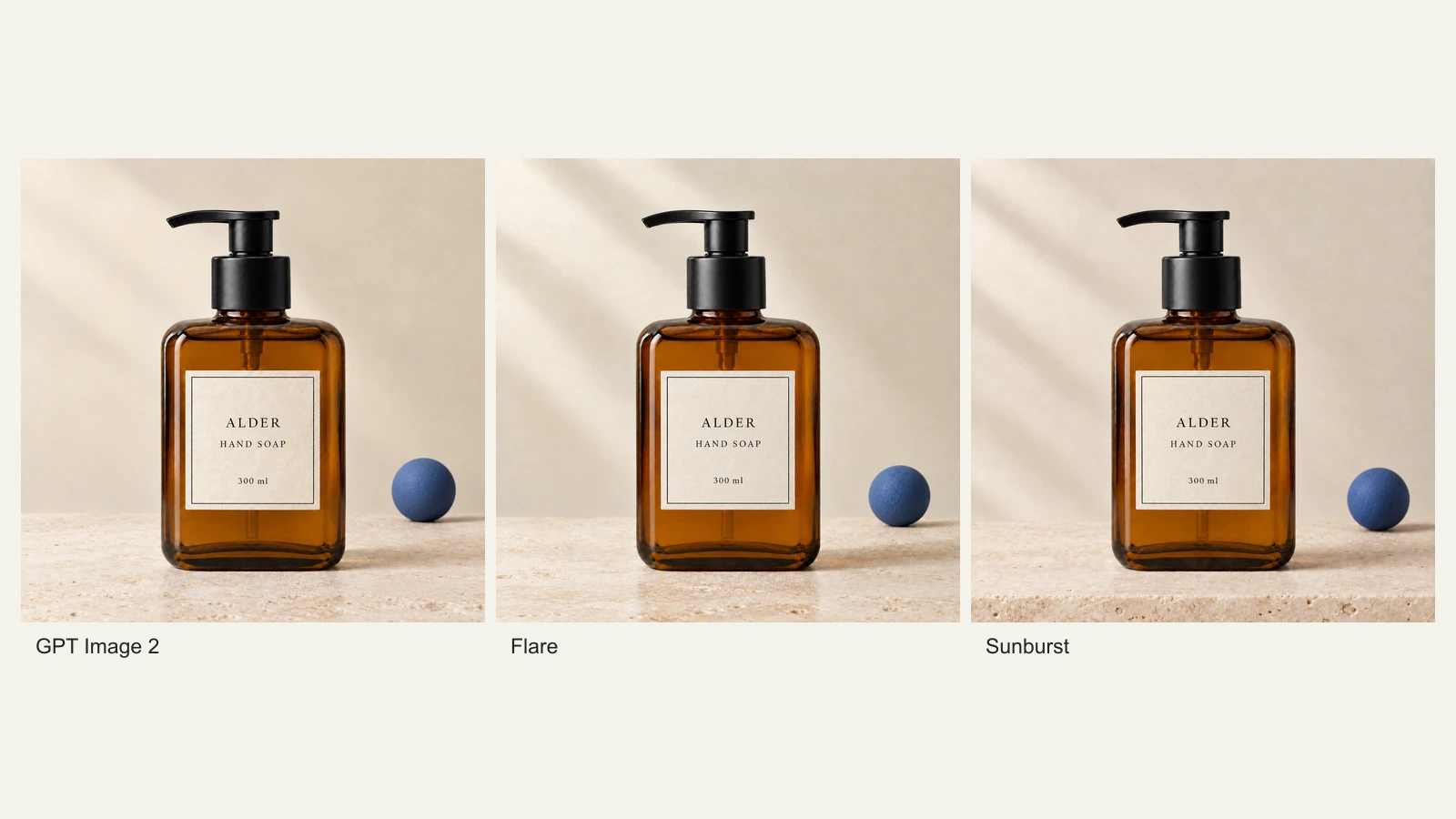
GPT Image 2.5 Flare vs Sunburst: Product Photo Edits Tested
We compare Flare, Sunburst and GPT Image 2 across 18 product-photo edits: label fidelity, material changes, editing speed and current site credits.
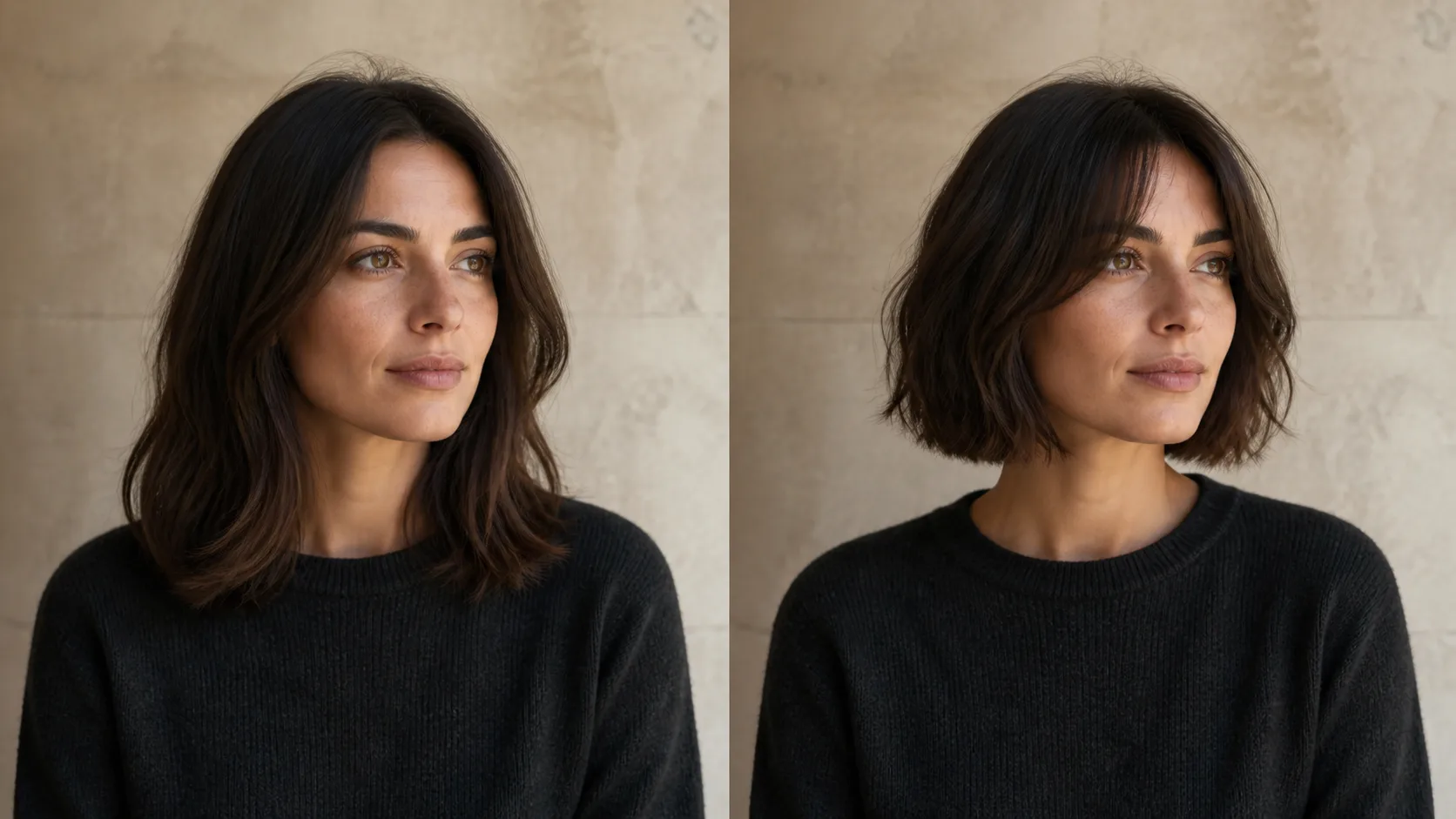
How to Preview a Haircut With AI Before You Commit
Learn how to preview a haircut with AI using better photos, precise prompts, reference images, and a realism check before visiting the salon.