
Nano Banana Prompt Mastery: 7 Tips for Pro AI Image Generation
Discover 7 proven Nano Banana prompt-writing techniques to improve AI image generation. Learn how to control lighting, style, and consistency to create realistic visuals on Createimg.ai.
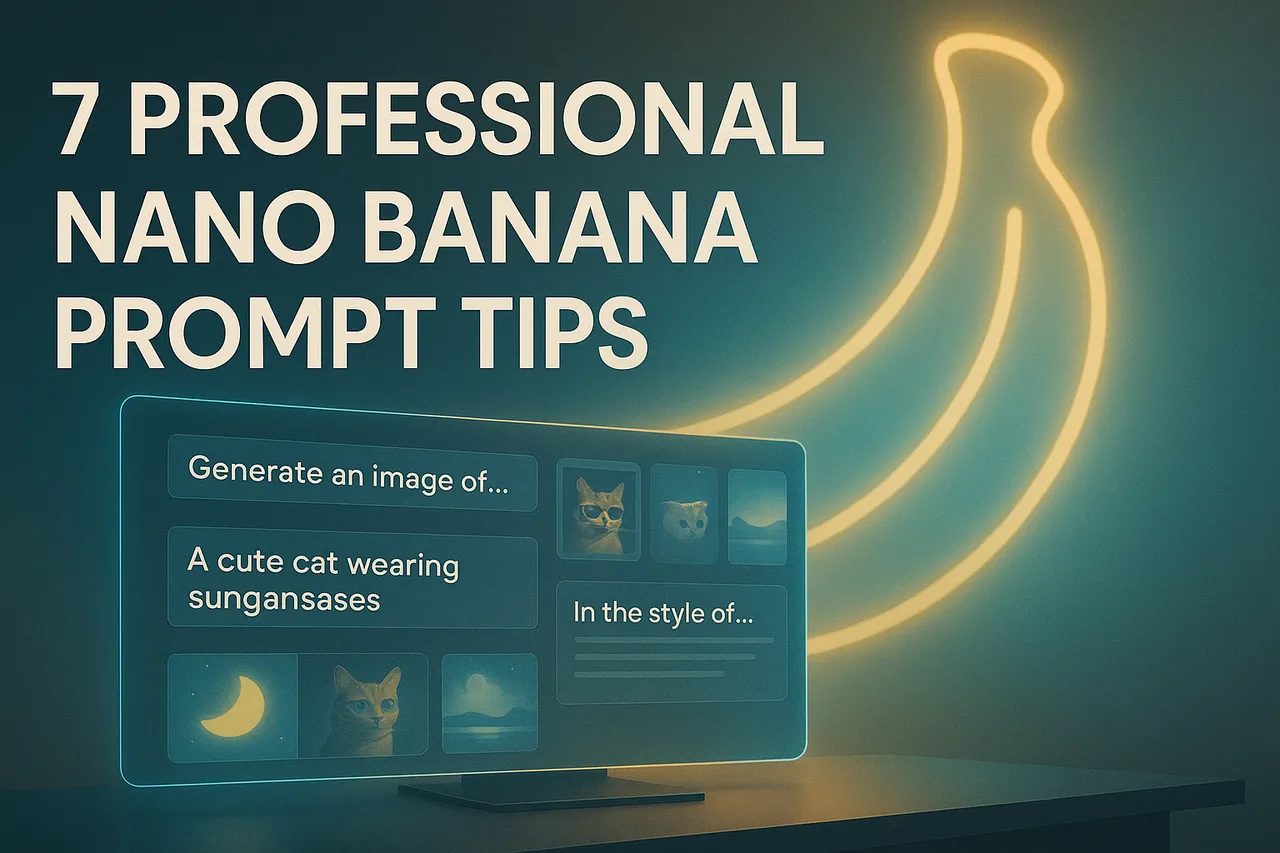
Nano Banana is one of the new-generation high-precision AI image generation models and is rapidly becoming a leading tool in the creative design field.
It is known for its exceptional character consistency and scene coherence. Even without any drawing or design experience, you can generate professional-grade images—with diverse styles, rich details, and strong structural accuracy—simply by providing the right prompt.
Unlike traditional image editors, Nano Banana is not a one-time output tool, but an Iterative Creative Partner. Its greatest strength is not “creating from scratch,” but continuous refinement.
Through multiple rounds of prompt adjustments, you can build a “creative dialogue” with the model—allowing Nano Banana to understand your aesthetic goals, lighting preferences, and stylistic tendencies, and gradually produce stunning visual results.
Instead of hoping for a “perfect one-shot generation,” it’s better to treat Nano Banana as a collaborative thinking system: Every generation is a visual experiment; Every adjustment is a form of semantic sculpting. This human-AI co-creation process is precisely where Nano Banana shows its greatest value.
Over the past nine months, through thousands of generation experiments, we have developed a set of prompt strategies and a syntax framework specifically optimized for Nano Banana. This guide will provide you with:
- Real case studies — showcasing prompt results across different visual styles;
- Practical writing techniques — how to structure the logical order of your prompts;
- Common mistakes and correction methods — avoiding expression traps that cause the model to misunderstand your intent.
Whether you are trying AI visual creation for the first time or aiming to bring your brand visuals to a consistent professional standard, Nano Banana will be your reliable intelligent design partner.
7 Best Nano Banana Image Prompting Tips
These additional tips can help you avoid common mistakes, speed up your workflow, and achieve more stable and consistent results when using the Nano Banana image generator.
Using preset image prompts is certainly a good starting point, but real breakthroughs come from learning how to write your own custom prompts.
Once you master Nano Banana’s recommended prompt format and structural logic, generating high-quality images becomes faster, more flexible, and far more creatively controlled. You can access the Nano Banana image generation model through Nano Banana AI Image Generator, which offers deeply optimized character consistency and contextual understanding — ideal for creators who need brand stability or visual uniformity.
Here, we share six professional and practical techniques that I’ve refined through extensive long-term testing, especially useful for handling complex custom images, brand characters, or multi-style visual projects.
If you’re a content creator, visual designer, or AI art enthusiast looking to unlock more expressive, stylistically unified, and artistically rich AI images with the help of Nano Banana, then this guide will take you from beginner fundamentals to professional-level creation, helping you fully understand the language logic and visual control behind prompt design.
1.Write Detailed Prompts for More Accurate AI Image Results
To generate more accurate and higher-quality images, the most effective method is to write detailed and concrete prompts. This is not just about describing the subject — it should also include the background of the scene, lighting direction, color tone, atmosphere, and overall style. The more specific the prompt is, the smaller the deviation during the model’s interpretation and generation process, resulting in visuals that better match your intended outcome.
Instead of entering vague content such as:
Vague Example: A cat in a park
Try using a more detailed description:
Optimized Example: A photorealistic image of an orange tabby cat lounging lazily on a sunlit park bench. Soft morning light filters through the trees, casting warm golden highlights on the cat’s fur. Dewy grass glistens around the bench, and a few fallen leaves rest near its paws. In the blurred background, faint silhouettes of trees and a distant fountain add depth. Shallow depth of field keeps the cat in sharp focus, showing fine fur texture and natural shadows. Calm, peaceful atmosphere with cinematic composition and realistic lighting.
This level of detailed prompting allows the AI model to understand your intent more accurately, reduce misinterpretation, and provide a clear direction for later adjustments. When writing prompts, you can further enrich the details from the following aspects:
- Lighting and Atmosphere: Describe the time of day, lighting direction, and emotional tone of the colors — such as “soft morning light,” “dramatic backlighting,” or “moody neon night scene.”
- Perspective and Camera Lens: Specify the angle, depth of field, composition, and lens type, such as “bird’s-eye panoramic view,” “shallow-depth close-up,” or “35mm cinematic lens.”
- Style and Texture: Indicate the visual style you want to achieve, such as “photorealistic style,” “cyberpunk aesthetic,” or “oil-painting texture.”
2.Start Simple and Gradually Add More Details
While writing long and detailed prompts usually leads to more accurate results, there are exceptions — sometimes the shortest prompts can help you understand your creative direction more clearly.
If your prompt fails to generate the desired image and you're unsure where the problem lies, try simplifying it. Remove complex modifiers and keep only the core subject. For example:
A picture of a car
With such a minimal prompt, you allow the AI to interpret the scene freely. The generated results often reveal what you truly want to emphasize.
For example, after generating the image, you might notice: “The sky feels too empty,” “The background is too plain,” “It lacks lighting depth”…
These reflections help you identify what’s missing from your prompt, so you can add more targeted details in the next step.
“I actually want more clouds, waves, or sunset lighting in the scene.”
Discovering these details becomes the starting point of prompt optimization. Although short prompts are incomplete and may not produce the expected results, that is precisely their value. Letting the AI fill in the gaps helps you determine which elements should be kept—and which ones need adjustment. At its core, this is a human–AI collaborative creative process.
Through repeated generation, observation, and refinement, you will gradually arrive at the ideal visual expression.
And this collaborative approach often leads to results that are more creative and more realistic—one of the most valuable techniques in AI image generation.
3.Use AI to Refine and Polish Your Prompts
If you feel stuck while writing prompts or are unsure how to accurately express your ideas, you can let AI help you craft them. Models like ChatGPT excel at generating and refining text, which also makes them surprisingly effective for improving visual prompts. You only need to make a request such as: “Can you help me improve this image and make it look more realistic?” or “Can you make the description more detailed without changing the subject?”
Using AI to optimize your prompt before generating the image is both efficient and practical. It can help you expand your ideas, add contextual details, and rewrite your original concept into a form that AI image generation models understand more clearly.
For example, it may enhance your prompt by adding lighting descriptions, spatial relationships, or emotional atmosphere—resulting in a more complete final image. Pay attention to how it adjusts your wording, what details it adds, and which keywords it strengthens—these are excellent ways to improve your own prompt-writing skills.
Through this collaborative approach, you not only achieve more realistic generation results but also gradually master more professional methods for optimizing AI prompts through continuous practice.
4.Avoid Endless Revisions
When using Nano Banana to modify an image, you may sometimes encounter situations where the model cannot perform the change you want, repeatedly misunderstands your editing intent, or even reverses parts you were originally satisfied with.
These issues are very common in Generative AI workflows. At such times, don’t fall into an endless cycle of repeated attempts, because excessive fine-tuning often pushes the result further away from your intended goal.
Experience shows that a simple and effective approach is this: If Nano Banana still fails to produce the desired result after three attempts, stop modifying immediately and start over.
Treat each failed attempt as a learning opportunity—note the details the model misunderstood or the elements that were missing, and then rewrite a clearer, more detailed prompt based on these insights. By doing this, you can guide the Nano Banana image generation model to better understand your intent, while continuously improving your own AI prompt-optimization skills through experimentation. Starting over is not a waste—it is an important step toward achieving more precise and higher-quality image creation.
5.Eliminate Redundant Words for Cleaner, More Effective Prompts
When writing AI image generation prompts, clarity and simplicity are always more effective than piling on adjectives. Repeating the same word—such as “a realistic cat wearing a realistic hat with a realistic smile”—will not make the image better. Instead, it may confuse Nano Banana or any other generation model.
Excessive repetition makes it difficult for the AI to determine which details are important, often resulting in outputs that look exaggerated, unnatural, or lacking visual coherence.
To achieve a more natural and cohesive image, you should eliminate redundant wording and focus on the core details.
Instead of repeatedly emphasizing that something is “exquisite,” describe the key visual elements more specifically—such as the texture of the clothing, the reflective surface of a cup, the cat’s expression, or the ambient lighting.
This not only helps the AI model understand your intent more accurately but also makes the generated image more realistic and expressive.
In short, less is more. Avoiding repetitive wording is essential for high-quality AI prompt optimization and for improving visual consistency and professional polish.
6.Use Lighting and Color to Set the Mood of Your Image
Just like in photography, lighting is a key factor that determines the overall texture and atmosphere of an AI-generated image. It not only influences the brightness and contrast of the scene, but also directly shapes the tone, mood, and visual focus of the artwork.
When writing prompts, adding descriptive phrases such as “cinematic lighting,” “soft window light,” or “golden hour” can significantly change the mood and expressiveness of the image—often without adjusting any other parameters.
The type of lighting you choose in your prompt has a profound impact on the final image. For example, “soft morning light” can create a warm and natural atmosphere, while “high-contrast stage lighting” can emphasize dramatic tension on the subject.
By precisely defining the lighting style, AI image generation models (such as Nano Banana) can better understand the scene environment and produce visuals with a professional photographic quality.
Therefore, when optimizing your AI prompts, never overlook the element of light—it is often the key factor that elevates your image from ordinary to stunning.
7.Specify the Artistic Medium and Style for a Consistent Look
If you want to generate artwork with a specific artistic tone or visual language, be sure to clearly state the style in your prompt.
Adding keywords such as “digital painting,” “watercolor,” “Studio Ghibli style,” or “figure photography” helps Nano Banana quickly understand the artistic direction you’re aiming for and apply the corresponding visual characteristics and color language during generation.
Even if you plan to create a seemingly simple image, it’s worth experimenting with different artistic styles to spark inspiration and extend creative possibilities.
By changing the style-related keywords in your prompt, the AI image generation model can interpret the same subject in completely different ways, producing diverse and visually rich results.
For example, using the same core prompt, you can generate the following different styles of images: (1) cartoon illustration, (2) watercolor art, (3) photorealism, (4) street graffiti.
These differences highlight the importance of style keywords in AI prompt optimization. Whether you’re mimicking an internet meme aesthetic or exploring current art trends, accurately defining the style makes your creations more distinctive and expressive.
In the AI image generation process, style is not just a visual appearance choice — it is a form of visual storytelling language. Clearly defining the stylistic direction is a crucial step in creating artwork with artistic depth and consistent branding.
My 5 Favorite Nano Banana Image Prompts
All prompt examples in this article include bracketed sections (such as [subject], [style], [background]) that you can customize based on your needs.
Portrait Prompt
Prompt: A cinematic portrait of a [young woman] wearing a [hooded cloak], dramatic lighting, soft shadows, [dark studio background], shallow depth of field, digital painting style, vertical composition.
Portrait-style prompts focus on the combination of emotion and lighting.
By clearly specifying clothing, background, and style, AI models (such as Nano Banana) can capture the character’s features and atmosphere, generating images that are both realistic and artistically expressive.
Product Photo Prompt
Prompt: A minimal commercial photo of a [skincare bottle] placed on a [white marble surface], soft natural lighting, subtle reflections, clean shadows, professional product photography style, centered composition.
Product photo prompts emphasize realistic textures and consistent commercial visuals.
By precisely describing materials and lighting, the generated images can closely resemble e-commerce photography, making them suitable for advertisements, product showcases, or brand visual creation.
Cinematic Shot Prompt
Prompt: A cinematic movie frame of a [hero standing in the rain], neon reflections on the street, dramatic backlight, shallow focus, moody atmosphere, captured with a 35mm lens, film grain texture, realistic lighting.
Cinematic-style prompts are rich in storytelling. By clearly defining the atmosphere, camera lens, and lighting, the AI can generate images with a strong film-like quality, helping creators quickly develop visual stories or storyboard references.
Artistic Creation Prompt
Prompt: An abstract painting of [a blooming city at dawn], vibrant color palette, watercolor texture, expressive brush strokes, atmospheric lighting, surreal composition blending realism and imagination.
Art-style prompts give AI image generation much greater creative freedom. By experimenting with different painting mediums, color palettes, and thematic styles, you can explore unique directions of artistic expression and achieve a truly personalized visual language.
Social Media Image Prompt
Prompt: A colorful social media thumbnail featuring a [content creator smiling at camera], bold typography, blurred background, high contrast lighting, designed for YouTube-style presentation.
Social media prompts emphasize visual impact and content alignment. Whether used for YouTube thumbnails, blog covers, or social platform visuals, a clear subject and strong stylistic expression are key to boosting click-through rates and increasing shareability.
Try it
Run your own prompt in the generator
Pick a model, run one prompt, and compare the results side by side. New accounts start with free credits.
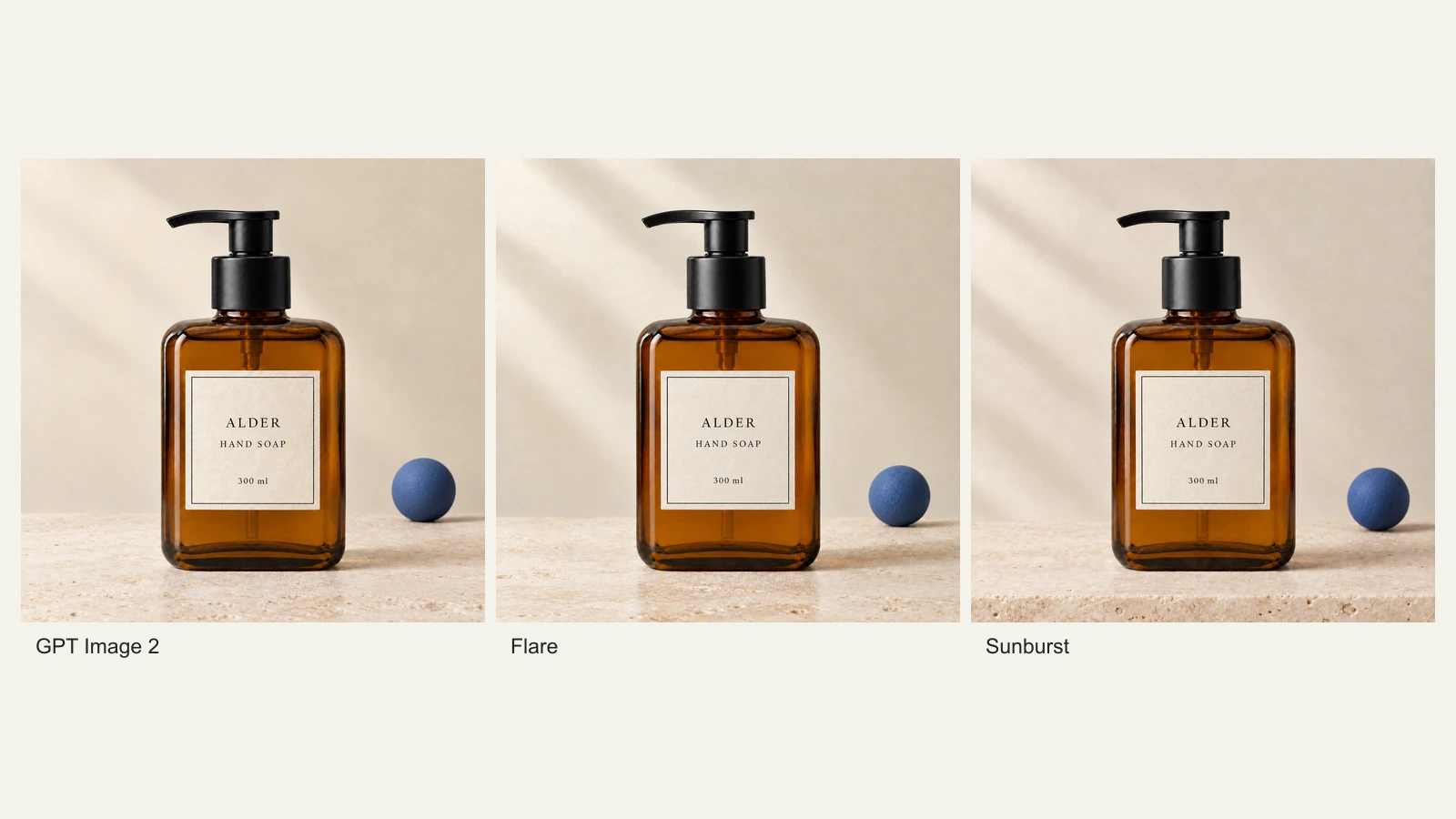
GPT Image 2.5 Flare vs Sunburst: Product Photo Edits Tested
We compare Flare, Sunburst and GPT Image 2 across 18 product-photo edits: label fidelity, material changes, editing speed and current site credits.
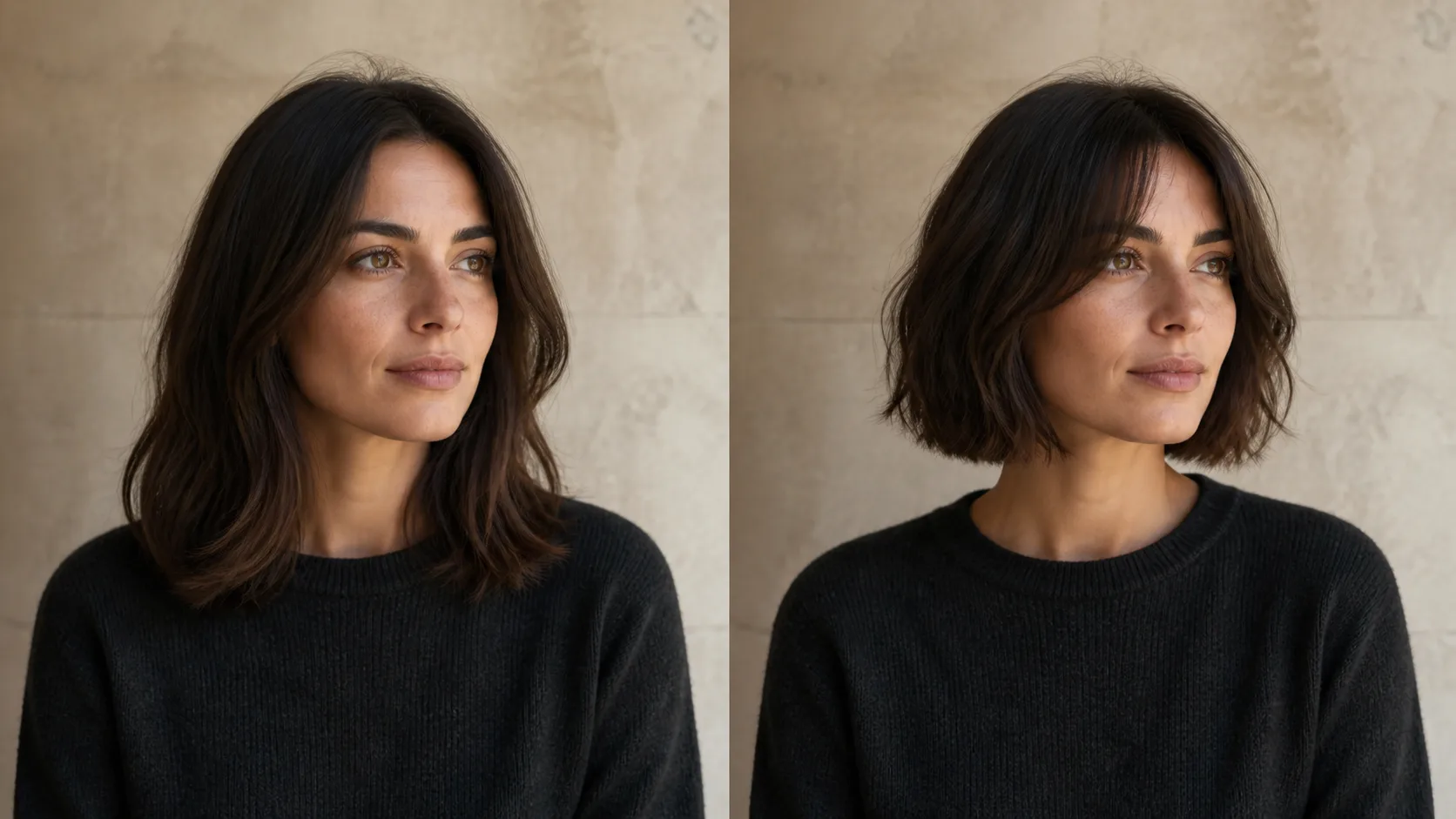
How to Preview a Haircut With AI Before You Commit
Learn how to preview a haircut with AI using better photos, precise prompts, reference images, and a realism check before visiting the salon.