
Nano Banana 2 AI Image Generator
Results
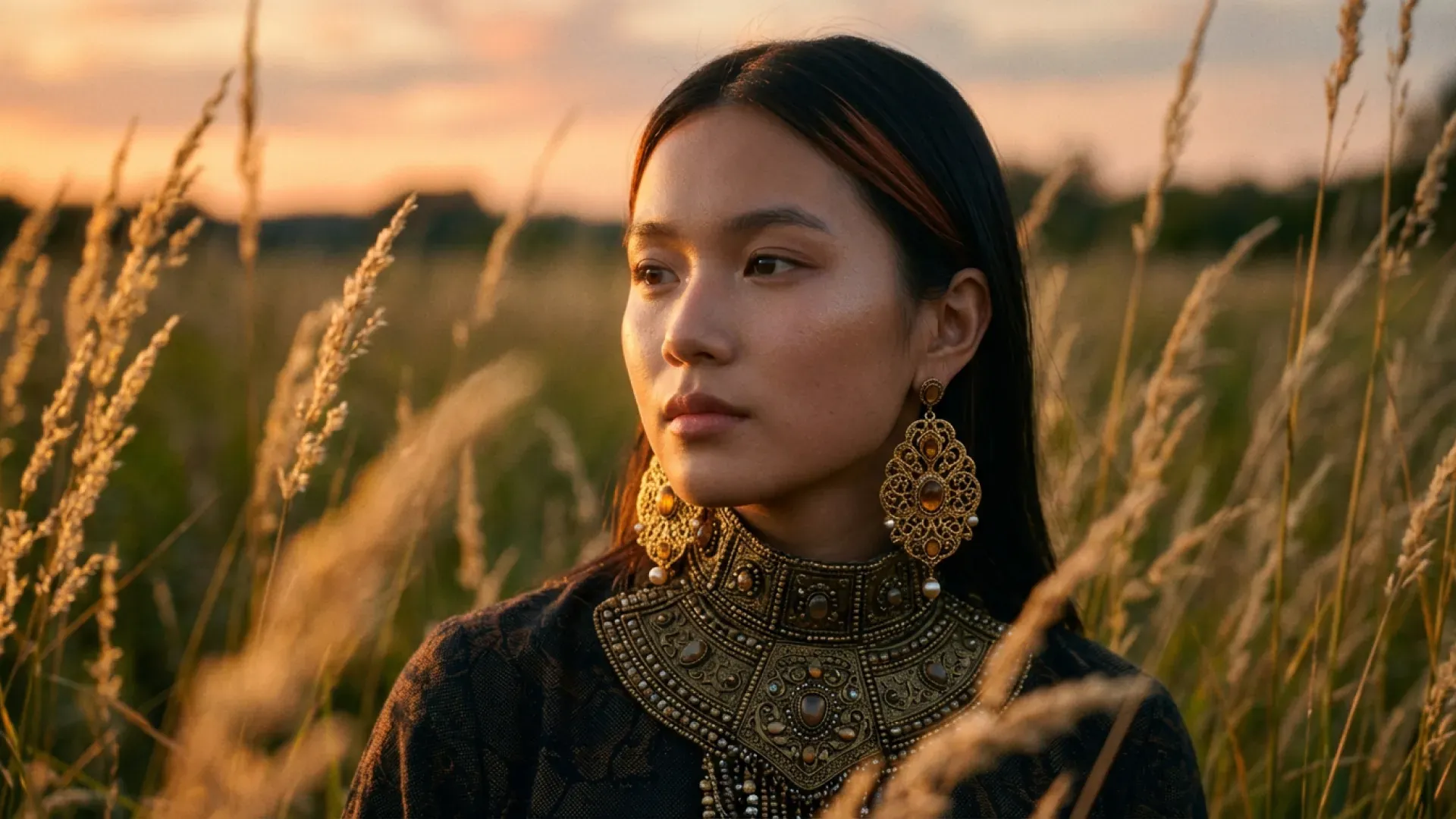
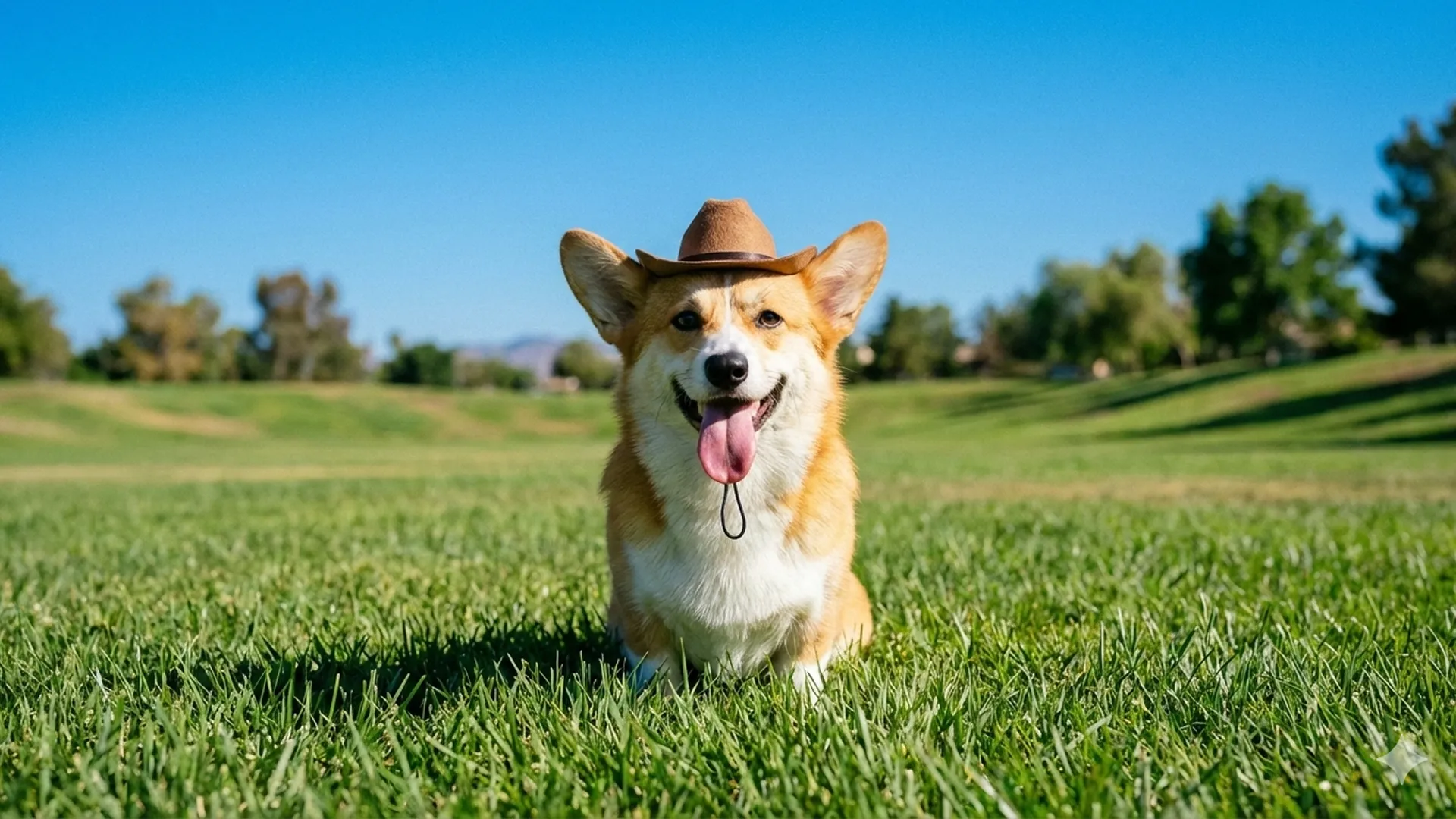
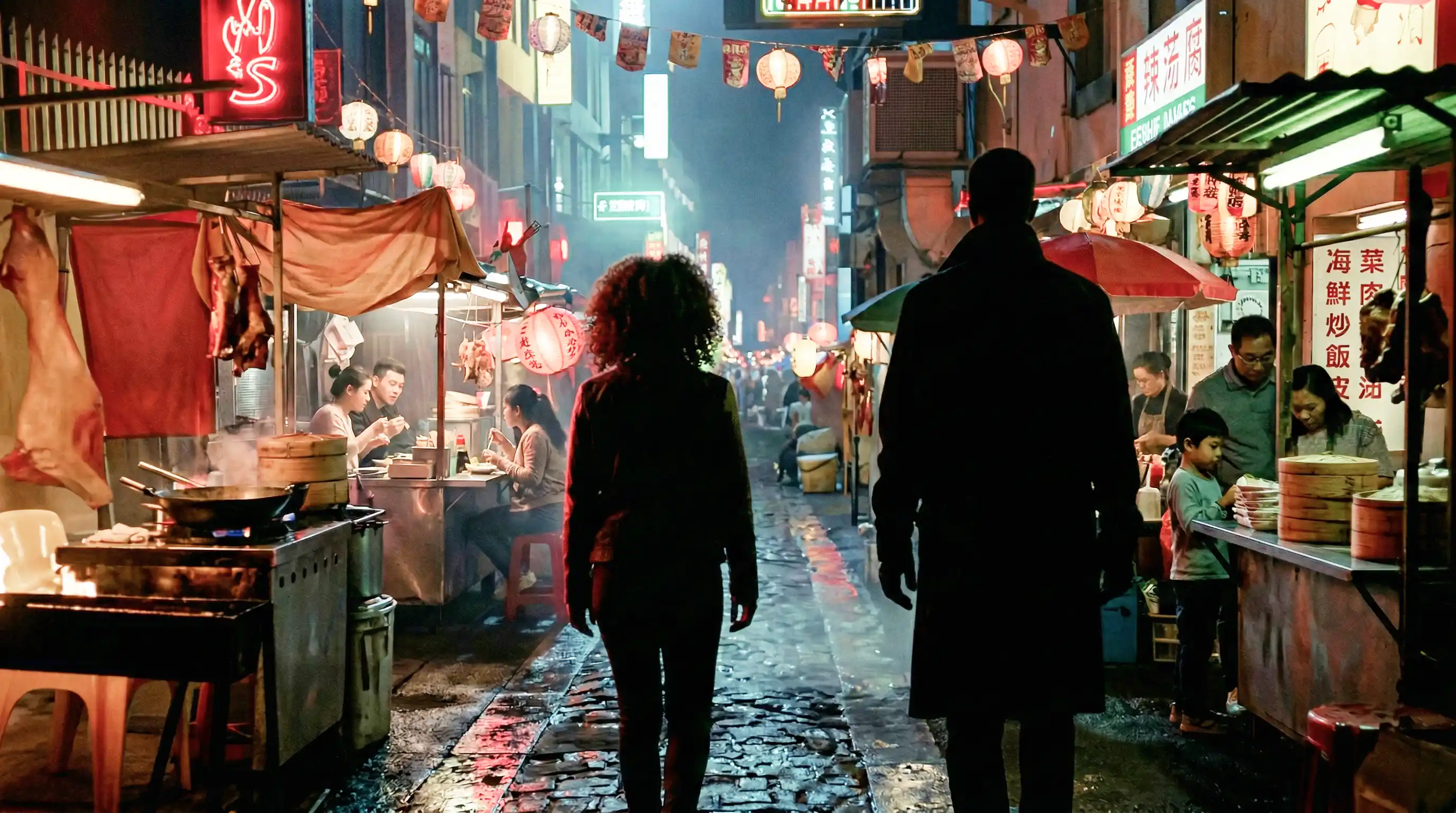
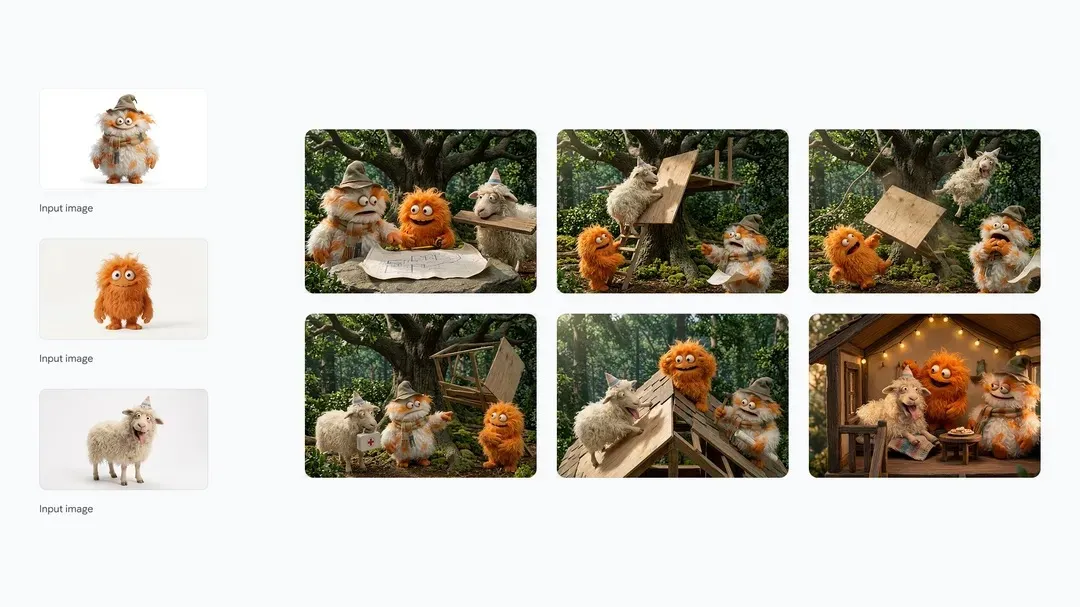
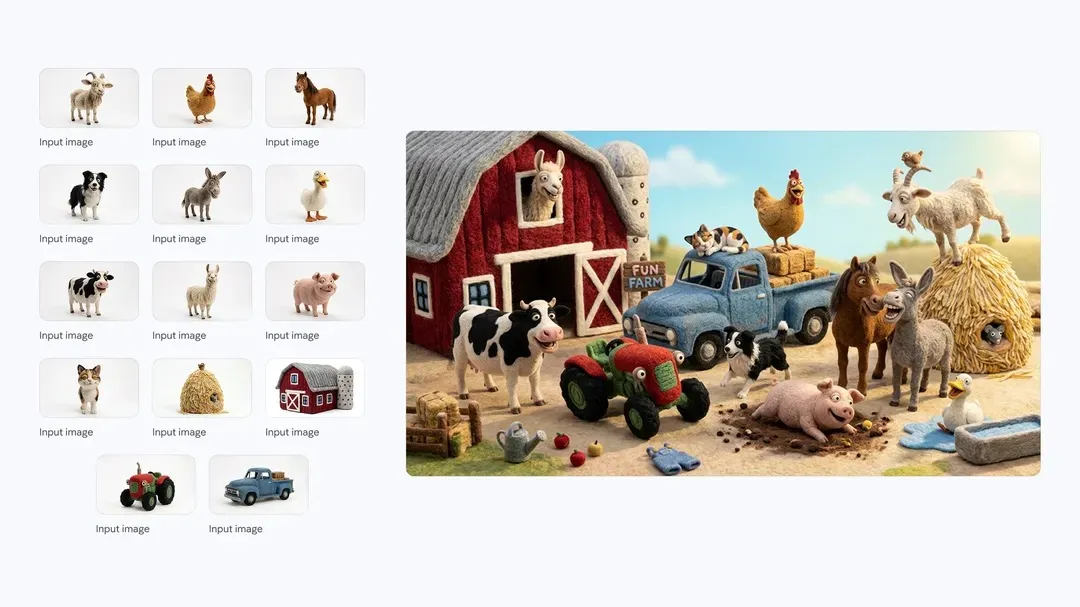
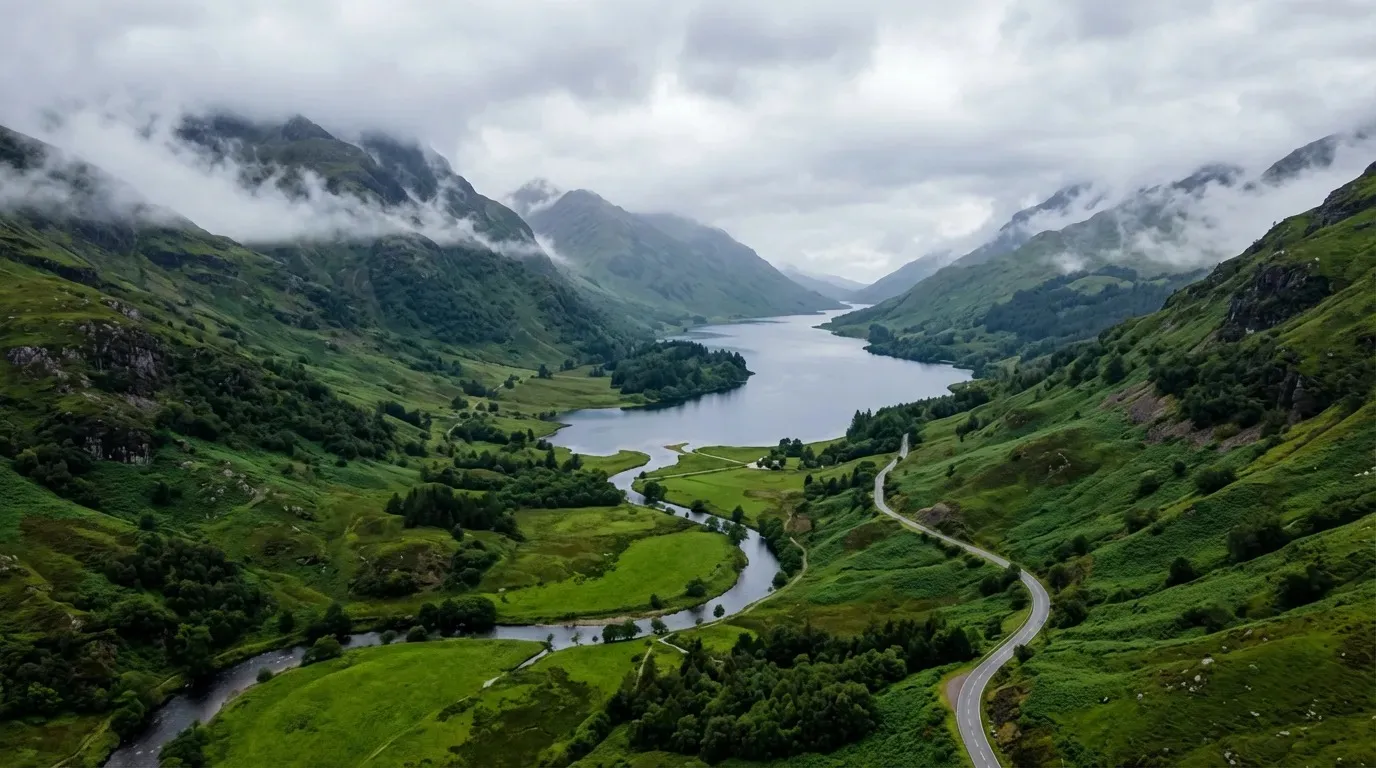
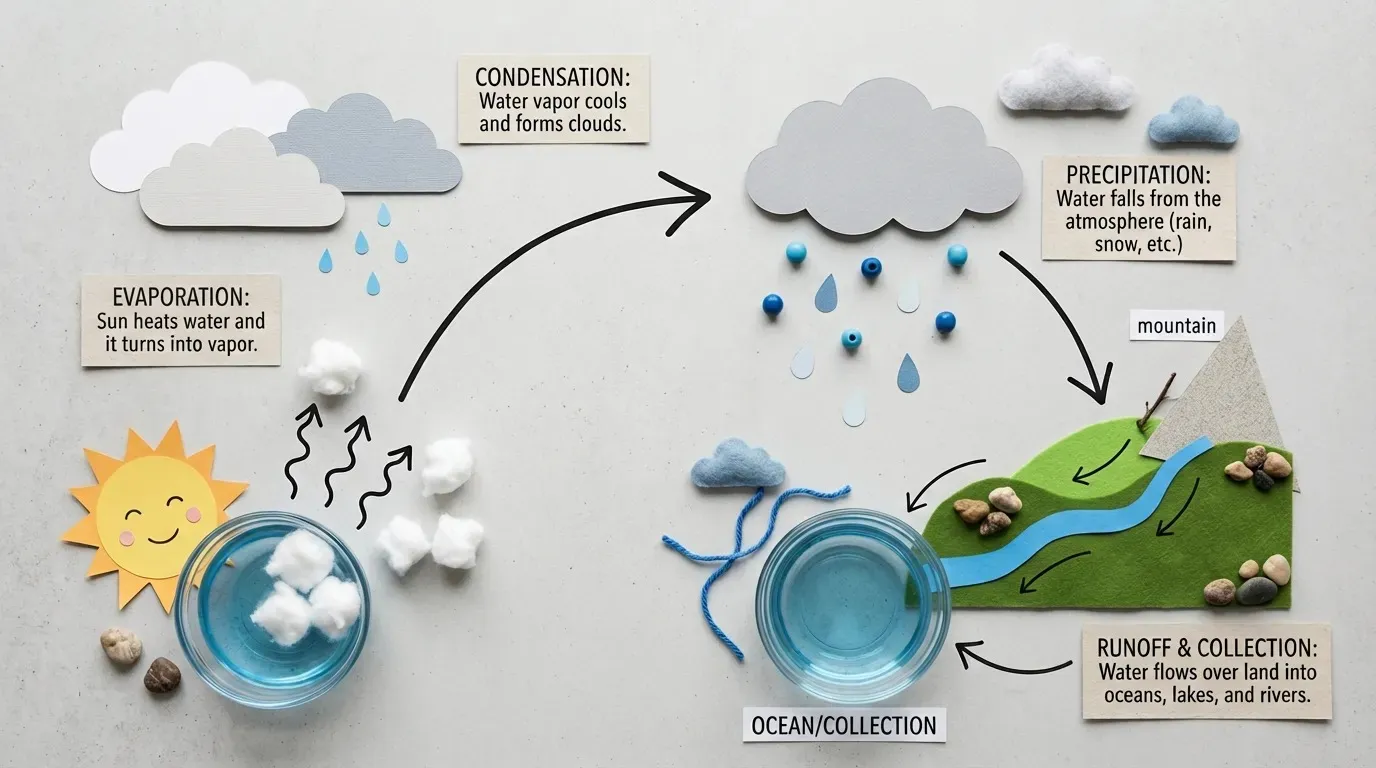
Create and edit images with Nano Banana 2, featuring Google Search grounding and up to 14 reference images for studio-quality precision. Try on Createimg.ai
Nano Banana 2 AI Image Generator Features and Capabilities
Why Choose Nano Banana 2 for AI Image Generation
Nano Banana 2 combines Flash-level speed with studio-grade visual quality. Generate, edit, and transform images with Google Search grounding, precise text rendering, and multi-character consistency — all in one model.
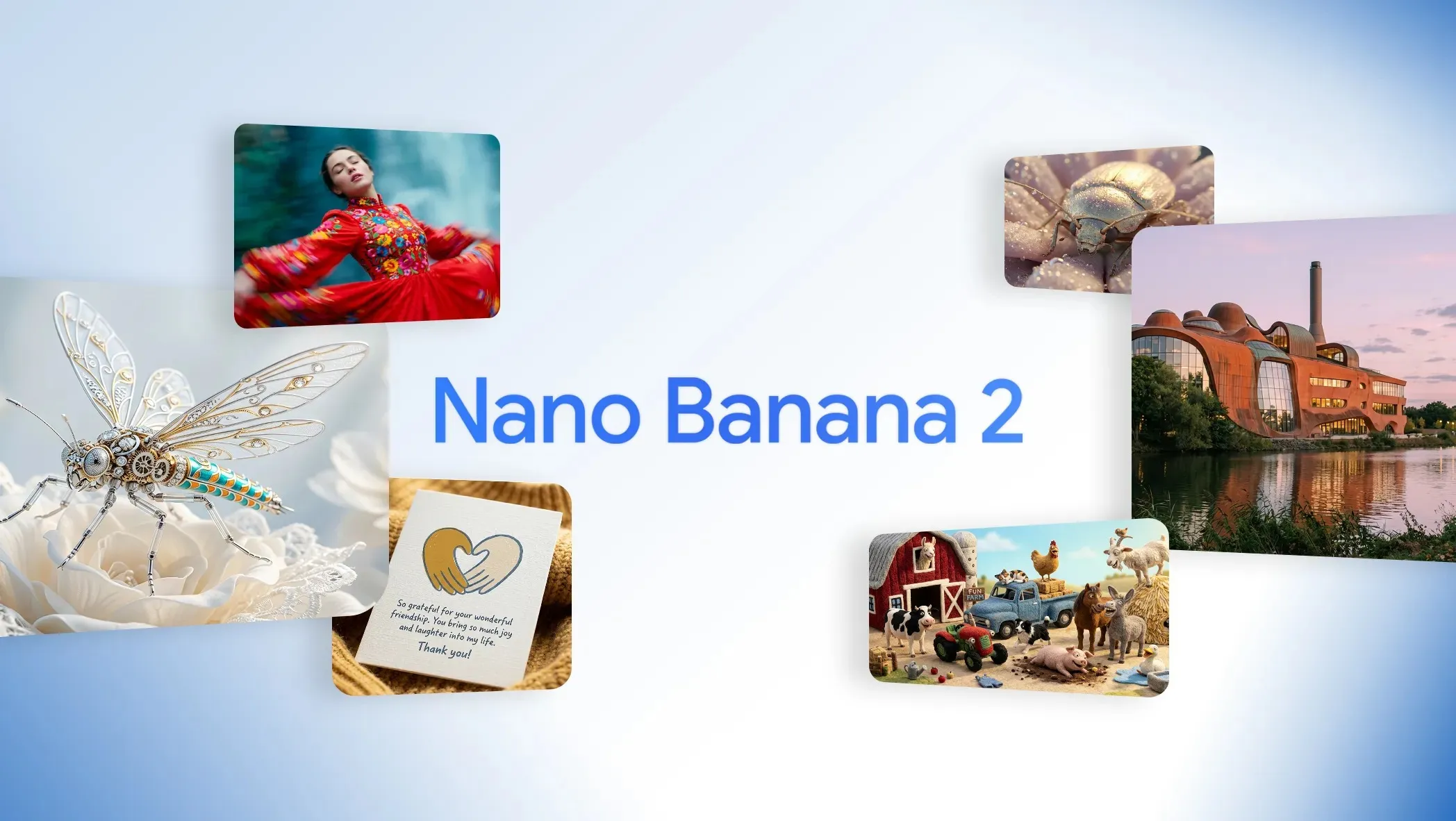
- Nano Banana 2 generates high-quality AI images in seconds. The advanced Flash engine balances rendering speed with image fidelity, preserving fine details and vibrant colors in every creation — no long waits for professional results.
- Experience a visual fidelity upgrade with vibrant lighting, richer textures, and sharper details. From hair strands to material surfaces, Nano Banana 2 produces lifelike results suitable for product mockups, advertising, and digital artwork.
- Generate clear, legible text directly within images for posters, marketing mockups, greeting cards, and UI drafts. Nano Banana 2 also translates and localizes text within images, helping you share ideas globally.
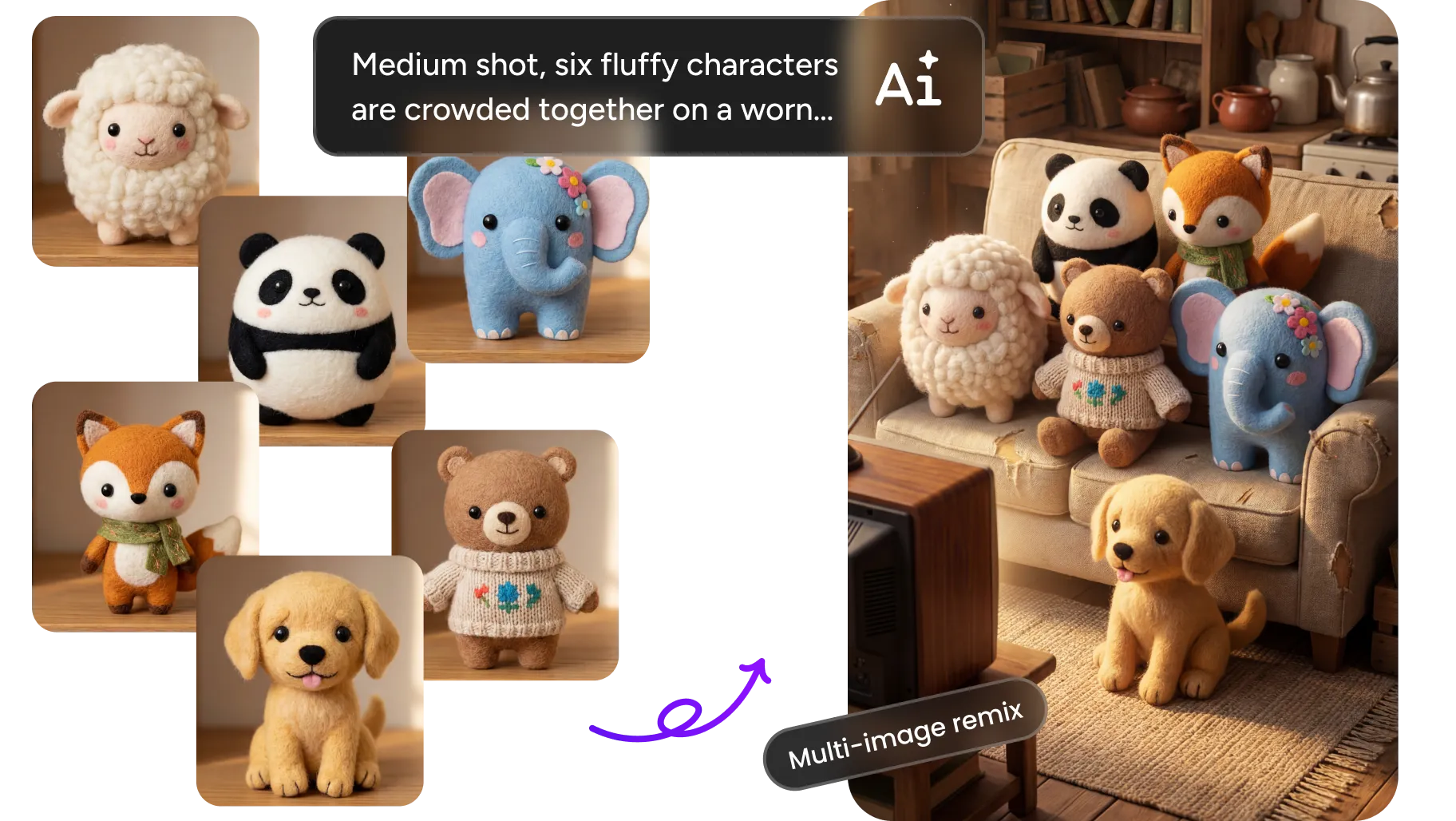
- Maintain character resemblance for up to 5 characters and the fidelity of up to 14 objects in a single workflow. Build storyboards, brand narratives, and sequential campaigns without altering the appearance of your subjects.
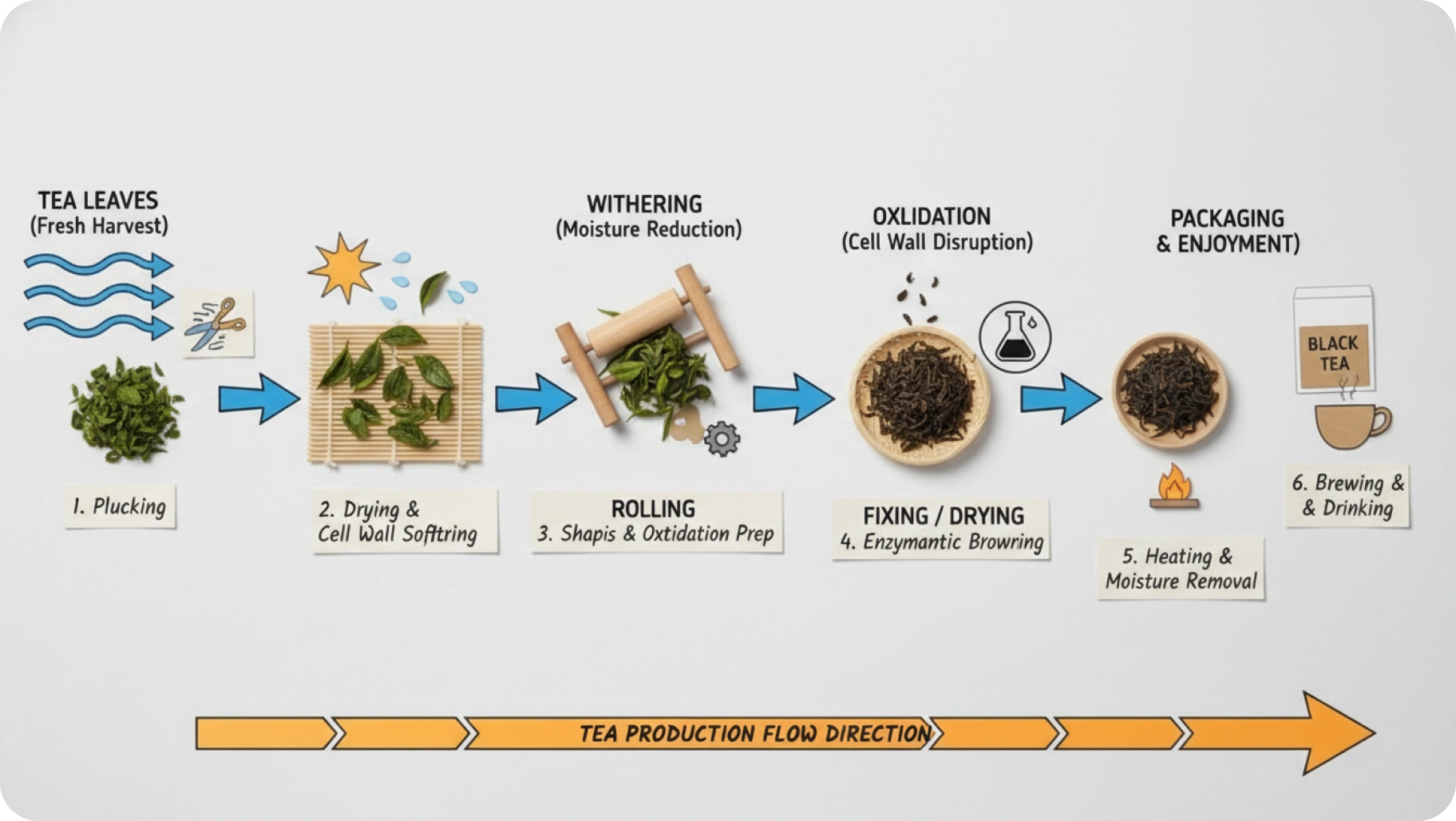
- Pull real-time information and images from web search to generate visuals based on current events, trending topics, and factual references. Create infographics, turn notes into diagrams, and produce data visualizations with up-to-date accuracy.
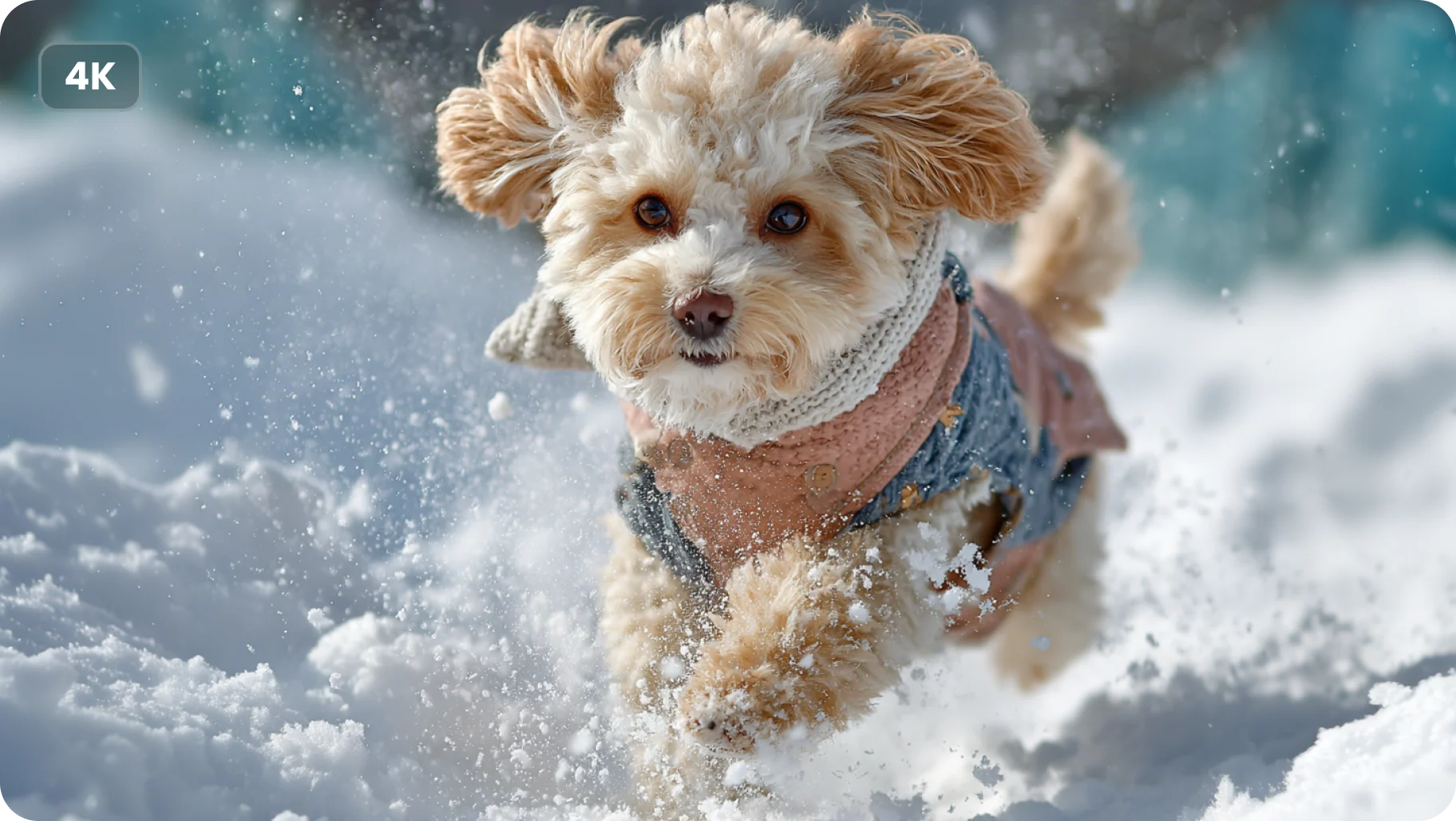
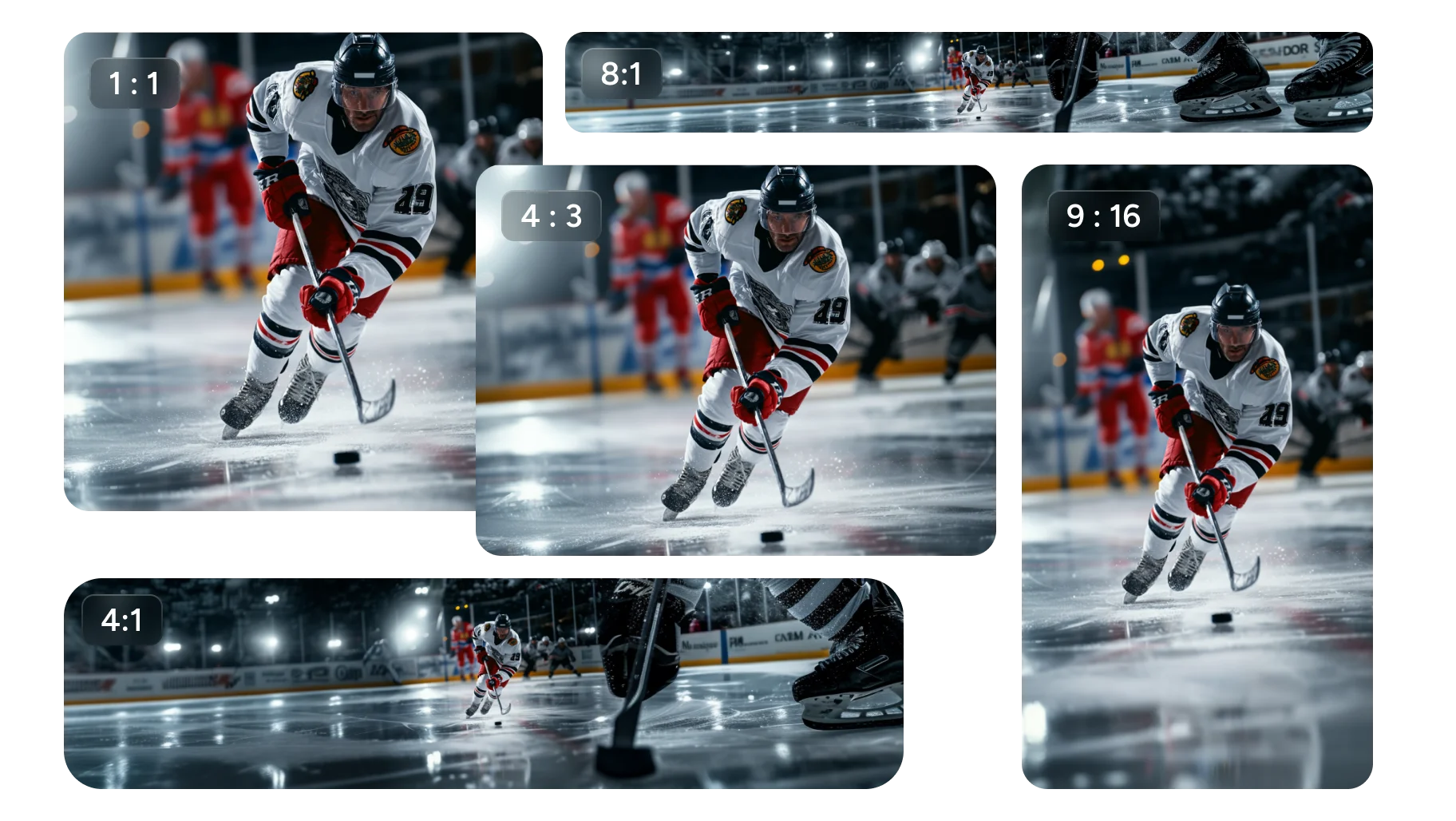
- Generate crisp visuals from 512px to 4K across a wide range of aspect ratios including ultra-wide (4:1, 8:1) and standard formats. Your images stay sharp whether for vertical social posts, panoramic banners, or print-ready layouts.
- Take the texture, color, or style from any reference photo and apply it to your subject. Manipulate lighting direction, camera angles, and depth of field — from day-to-night transformations to cinematic color grading.
- Upload up to 14 reference images to guide generation with unmatched control. Use product shots, character references, or design drafts to maintain visual consistency and achieve exactly the output you envision.
Nano Banana 2 AI Image Generation Showcase and Examples
See What Nano Banana 2 Can Create
From photorealistic portraits to multi-scene storyboards, explore how creators use Nano Banana 2 to bring their ideas to life in seconds.
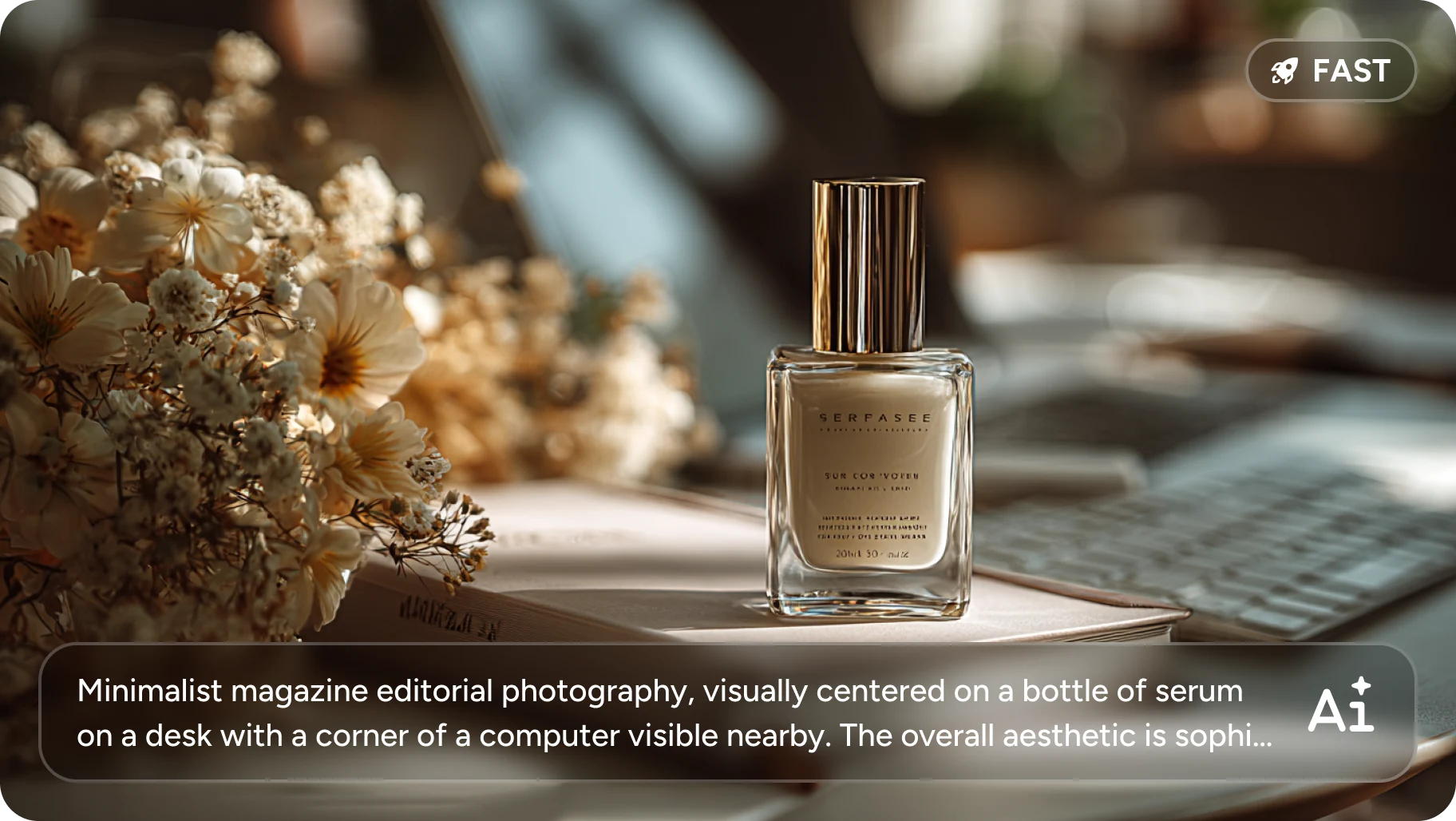
Nano Banana 2 generates high-quality images in seconds with the advanced Flash engine. Rapid iteration means you can explore multiple creative directions without waiting — ideal for marketing visuals, social media content, and digital artwork.
Explore Cutting-Edge AI Models
AI Models — Powerful Image & Video Generation Tools
Explore advanced AI models for high-quality image and video creation. Discover powerful generation and editing technologies that enhance your creative workflow and bring your visual ideas to life with ease.







How to Use Nano Banana 2 AI Image Generator Step by Step
How to Generate Images With Nano Banana 2
Create professional-quality AI images in three simple steps using the Nano Banana 2 generator on Createimg.ai.
Upload References and Write Your Prompt
Upload up to 14 reference images for style, composition, or subject guidance. Then describe the image you want — be specific about lighting, mood, pose, and details for best results.
Configure Resolution, Format, and Settings
Choose your aspect ratio, resolution (1K, 2K, or 4K), and output format (PNG or JPG). Enable Google Search grounding if you need real-time context from the web.
Generate and Download Your Image
Click Generate and wait a few seconds. Preview the result, then download your high-quality image for social media, print, web, or any creative project.
Nano Banana 2 AI Image Generator FAQ
Frequently Asked Questions About Nano Banana 2
Common questions about using Nano Banana 2 for AI image generation, editing, and creative production online.
What is Nano Banana 2?
Nano Banana 2 is the next-generation AI image generation model that turns text or image inputs into high-quality visuals. It offers strong instruction following, consistent subjects, enhanced lighting and texture details, and Google Search grounding for real-time accuracy.
How is Nano Banana 2 different from Nano Banana Pro?
Nano Banana 2 introduces faster generation speeds, enhanced image quality, improved text rendering, and more precise instruction following compared to Nano Banana Pro. It also supports up to 14 reference images (vs 8) and ultra-wide aspect ratios (4:1, 8:1) for more creative flexibility.
Is Nano Banana 2 free to use online?
You can try Nano Banana 2 free with your account credits on Createimg.ai. New users receive free credits at signup. Each generation costs credits based on resolution — 1K costs 50 credits, 2K costs 80 credits, and 4K costs 120 credits.
How do I get the best results with Nano Banana 2?
Write descriptive, specific prompts. Instead of 'make it better,' try 'add warm golden-hour lighting from the left and blur the background for depth.' For character consistency, describe your subject in detail. Upload reference images to guide the style and composition.
Can Nano Banana 2 maintain character consistency across images?
Yes. Nano Banana 2 preserves character identity, facial features, body proportions, and styling details across multiple images. This makes it ideal for storyboards, brand mascots, marketing campaigns, and any project requiring visual continuity.
Can Nano Banana 2 handle complex scenes with multiple objects?
Yes. Nano Banana 2 supports multi-scene consistency and subject control, maintaining accurate positioning, appearance, and lighting for multiple characters and objects across different scenes — perfect for storyboards and dynamic content creation.
Does Nano Banana 2 support text rendering in images?
Yes. Nano Banana 2 renders clear, aligned text directly in images. Combined with its real-world knowledge base, it can also create infographics, charts, and data visualizations — making text both visually clean and practically useful.
Do I own the images I create with Nano Banana 2?
Yes. You retain full commercial rights to all images generated with Nano Banana 2. Use them freely for personal projects, commercial products, marketing campaigns, social media, or client work without attribution requirements.
Nano Banana 2 AI Image Generator Guide and Tutorial
Read the Professional Nano Banana 2 User Guide
Powered By


Start Creating With Nano Banana 2
Generate high-quality images with Google Search grounding, up to 14 reference images, and 4K resolution. Try Nano Banana 2 on Createimg.ai — no download or design skills needed.