
Image to Prompt Generator
Upload an image and get an editable prompt you can use to create similar images.
Detail
Prompt style
Your prompt
Upload an image and click Generate prompt. You will get the subject, setting, style, lighting and composition as separate, editable parts, plus a full prompt.
Turn Any Image into a Prompt You Can Actually Edit
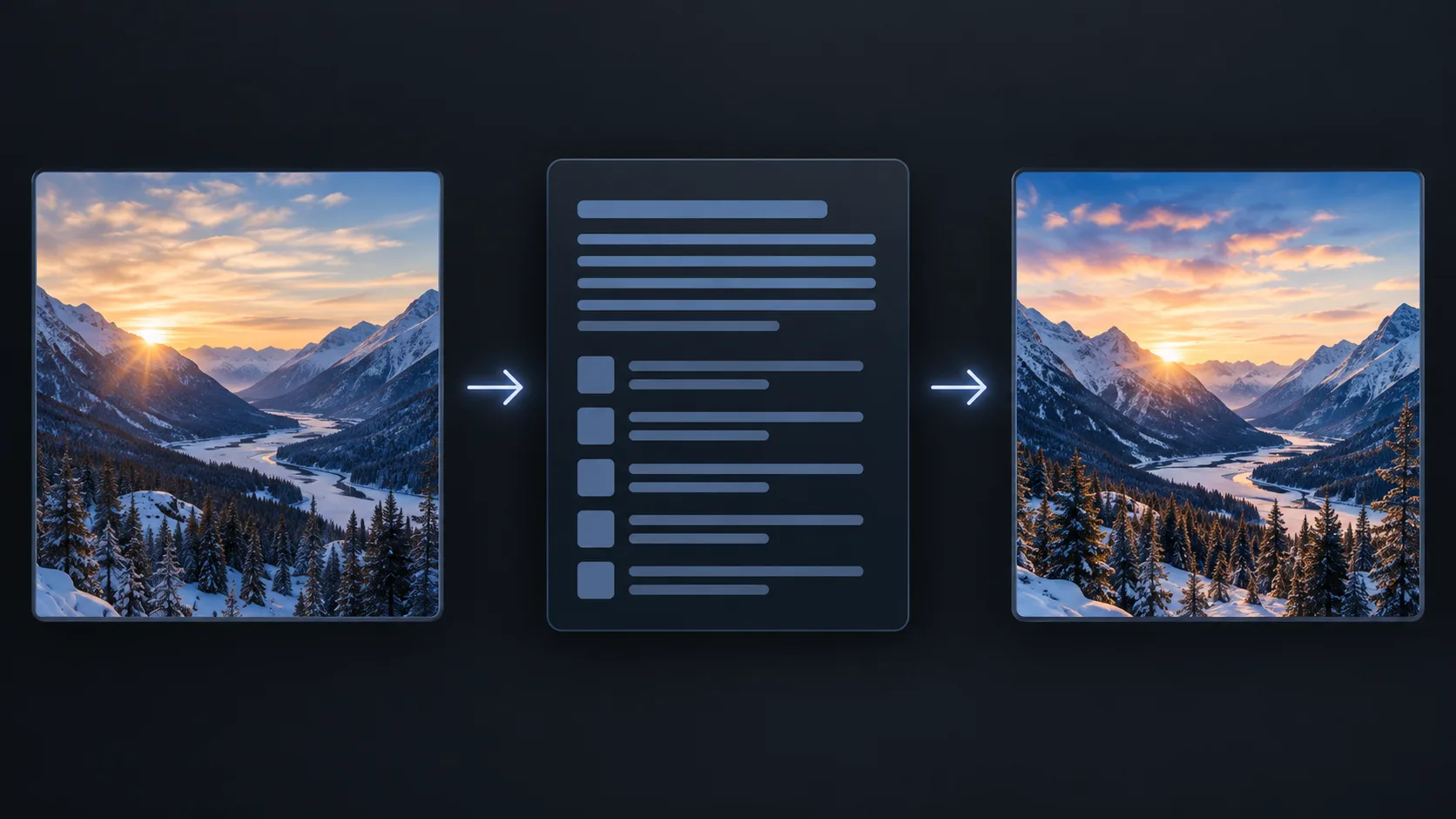
From reference image to a prompt you control
Our image to prompt generator reads your picture and writes the prompt in parts, so you can keep what you like, change what you don't, and create with it straight away.
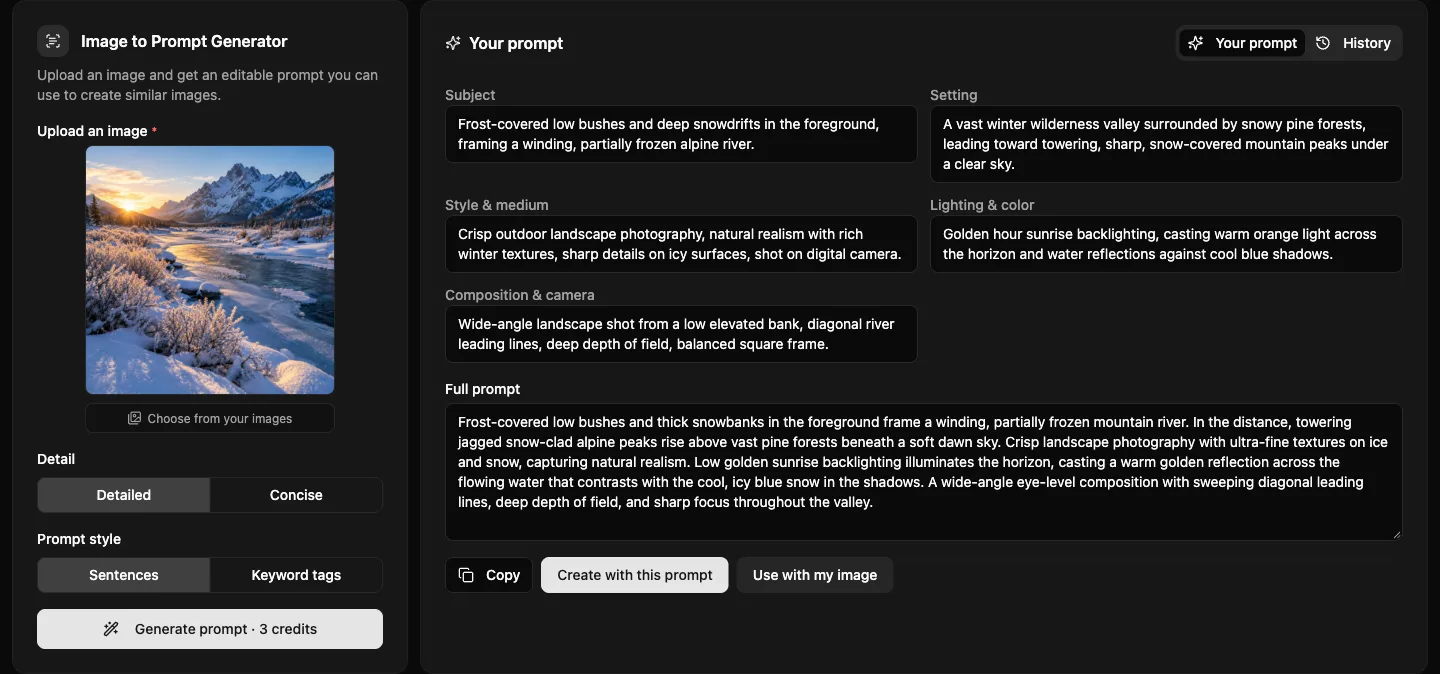
- You get the subject, setting, style, lighting and composition as separate fields. Change any of them and the full prompt is rebuilt for you, or edit the full prompt directly.
- Send the prompt to Text to Image in one click, or open Image to Image with the prompt and your original picture already attached as a reference.
- Pick natural sentences or comma-separated tags, and a detailed or short version, to match how your favorite image model likes its prompts.
- Landscapes, portraits, illustrations, 3D renders and product photos all come back with the medium, lighting and camera details that shape the look.
- Your last 20 prompts are kept in the History tab next to the result. Click one to bring back the image, the options and every part of the prompt.
- It describes what is visible in the image. It cannot recover the exact prompt someone used to make an AI image, and it describes people instead of naming them.
Image to Prompt Examples
See the prompt, then the image it makes
Each example shows the uploaded image, the prompt the generator wrote for it, and a new image created from that prompt on Createimg.ai.
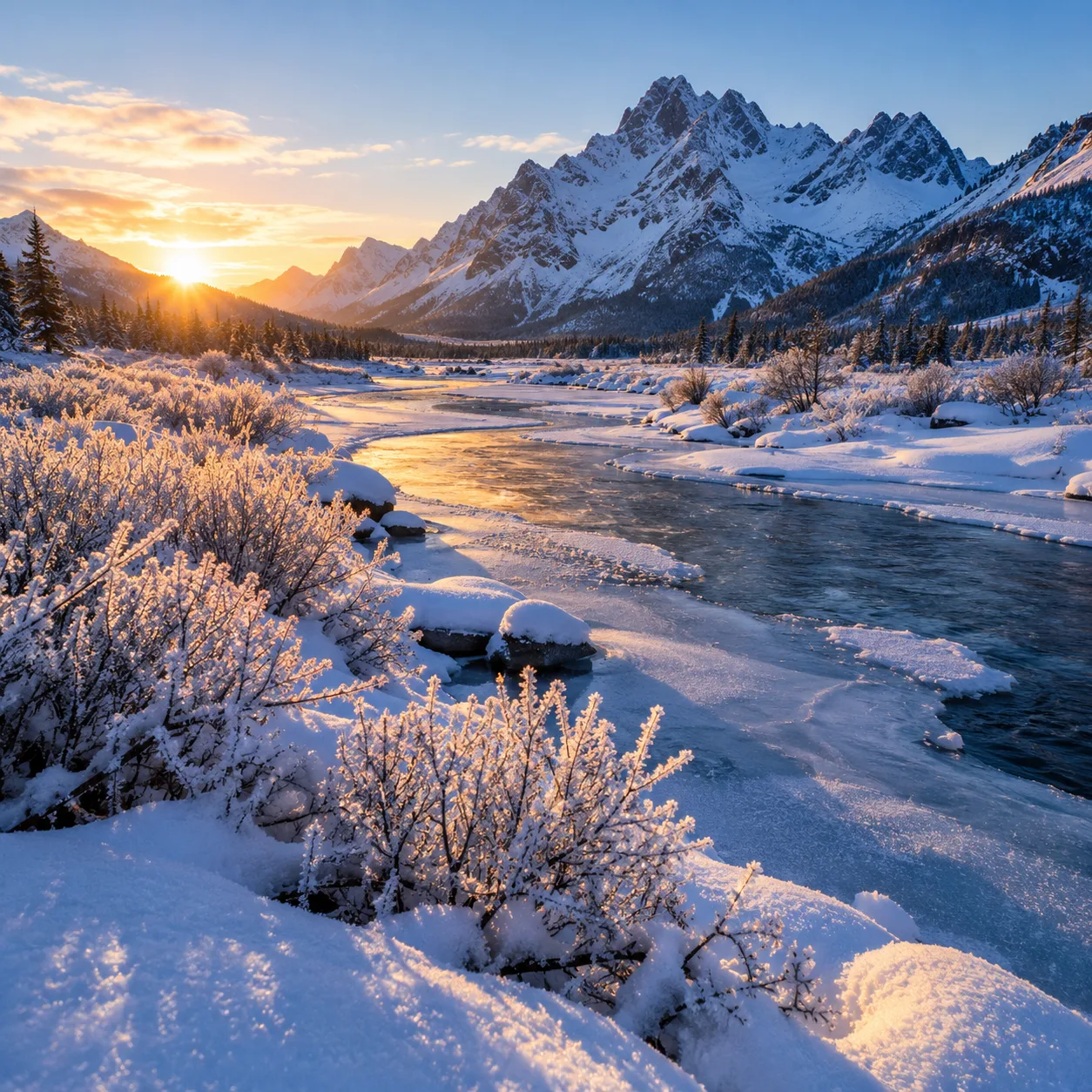
Frosted shrub branches covered in delicate crystalline rime and a winding, partially frozen river flowing through a serene winter valley. Towering jagged snow-dusted mountain peaks rise in the background behind dense alpine pine forests under a pale sky. Crisp landscape photography with ultra-sharp textures and natural realism. Warm golden hour sunrise backlighting casts an amber glow across the icy water's surface, contrasting with cool blue snowy shadows. Wide-angle shot from a low perspective, deep depth of field, with leading river lines drawing the eye toward the distant mountains.
Prompt written from the image
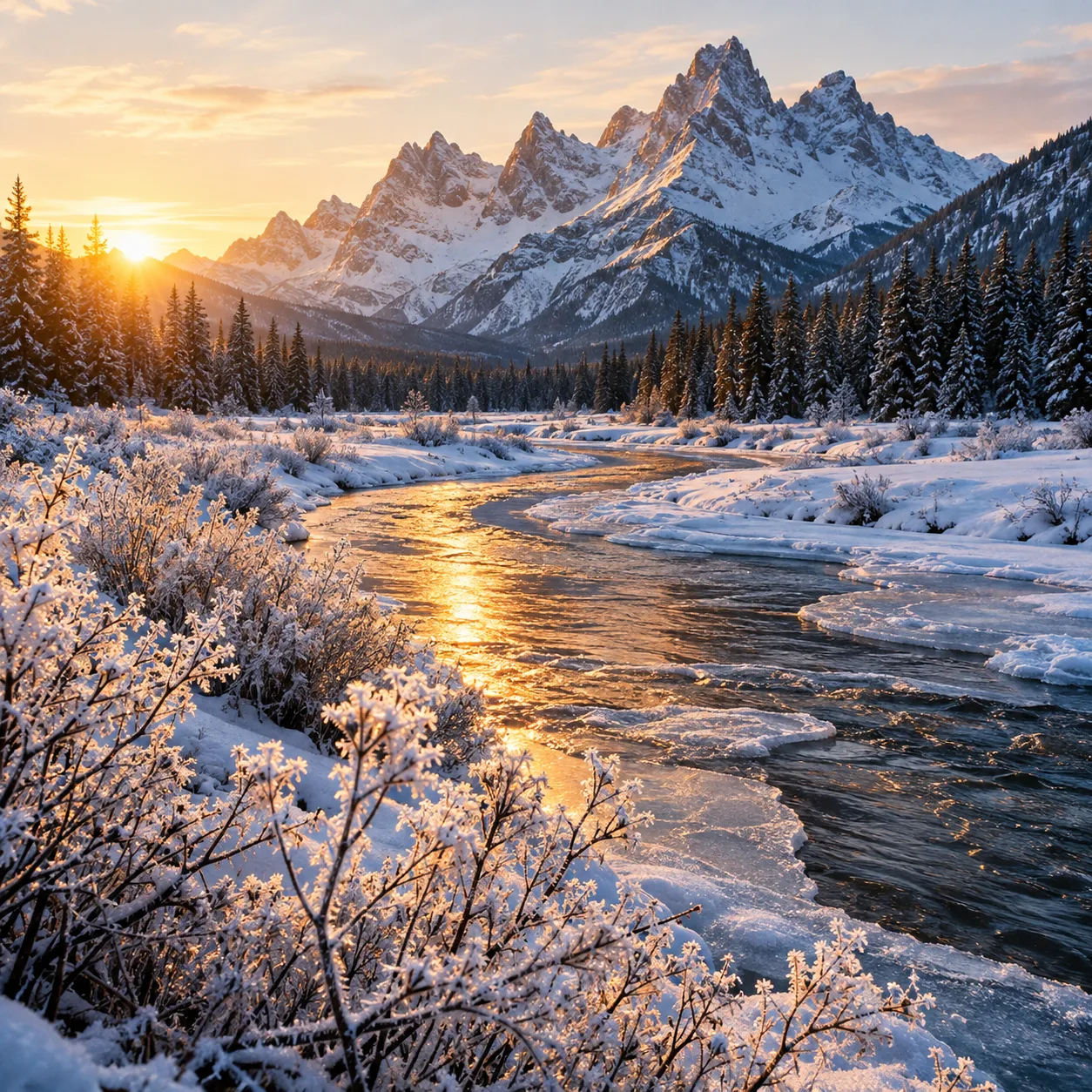
A snowy mountain valley at sunrise. The prompt picks up the frosted shrubs in the foreground, the golden backlight and the wide, low camera angle, which is what makes the new image feel like the original.
Try it in Text to Image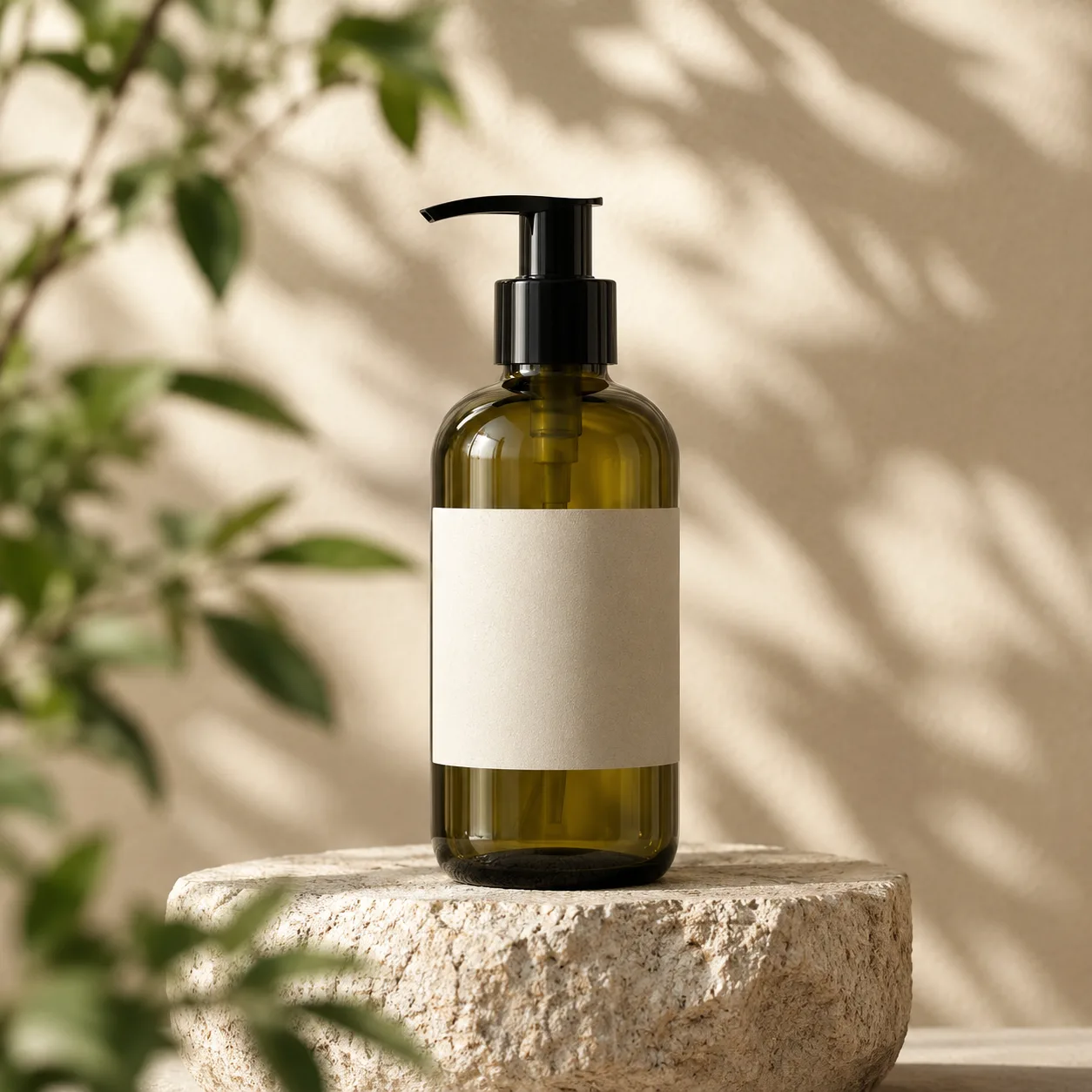
amber green glass pump bottle, blank off-white label, black dispenser, rough stone pedestal, beige background, blurred green leafy foliage, commercial product photography, dappled sunlight shadows, warm natural lighting, centered eye-level shot, 85mm lens, shallow depth of field
Prompt written from the image
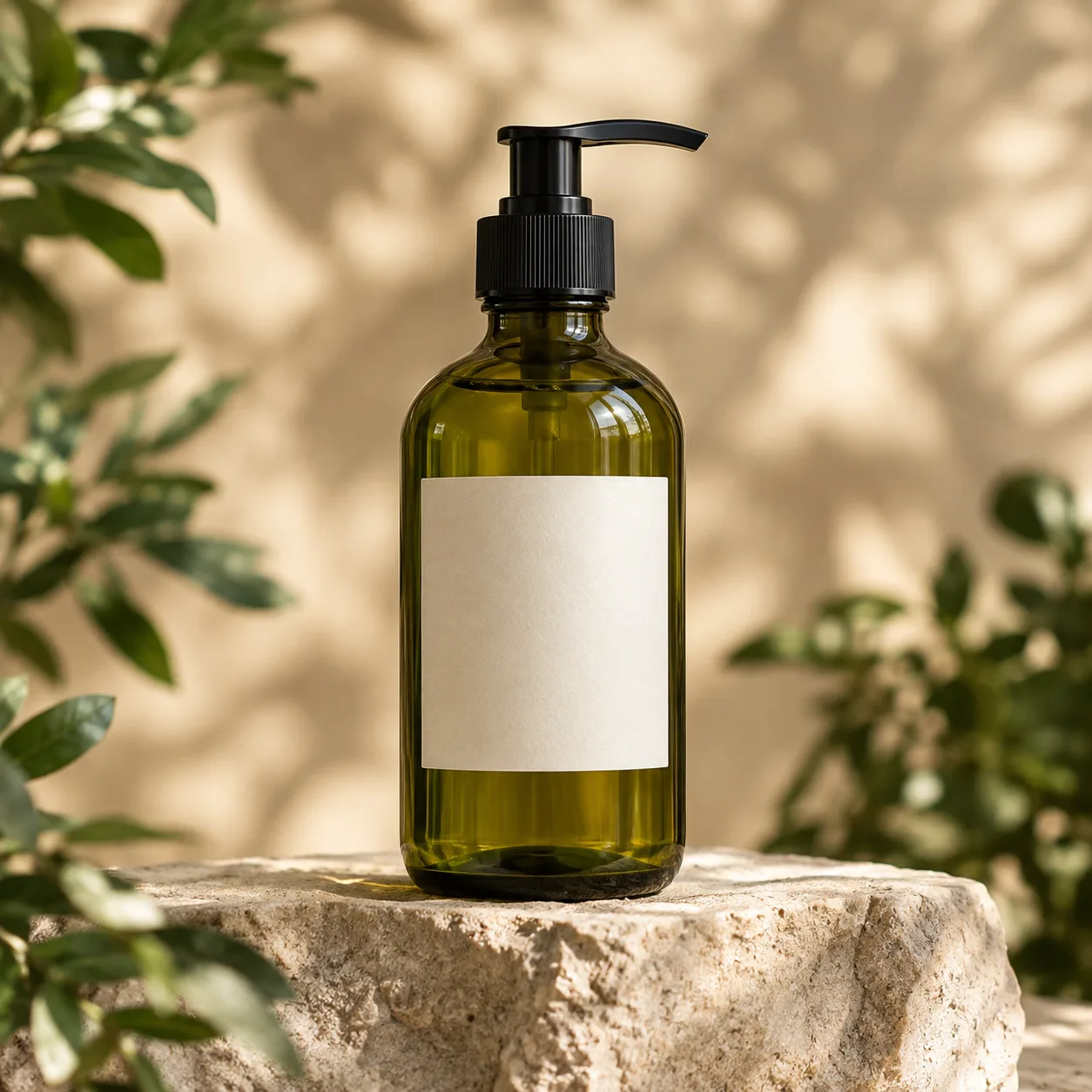
A green pump bottle on a stone pedestal, written as keyword tags. Use it with your own product photo in Image to Image to get the same soft daylight and leaf shadows.
Use it in Image to Image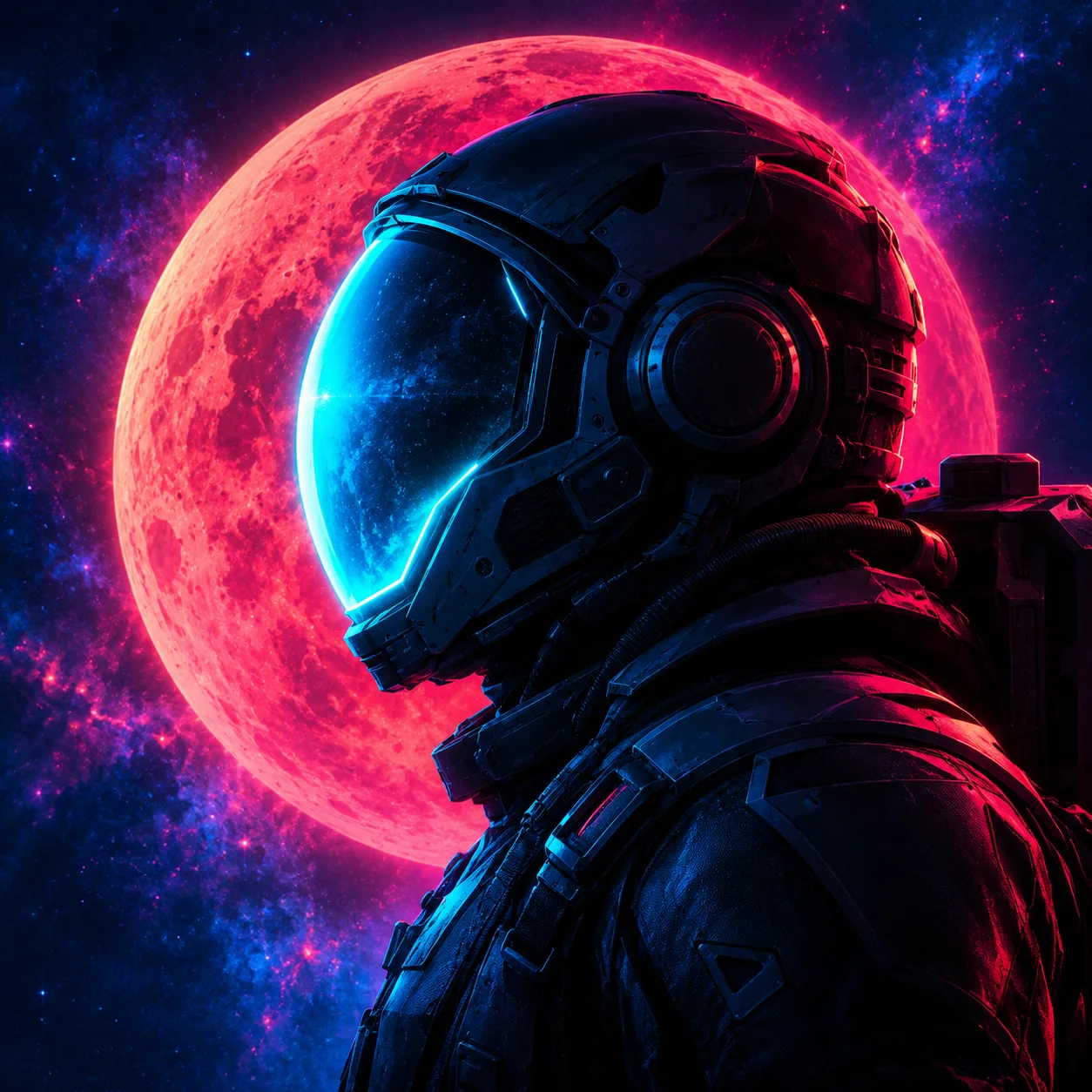
An astronaut shown in side profile wearing a complex dark mechanical spacesuit with a glowing cyan visor reflecting outer space. The background features a massive glowing red moon set against a dark starry sky filled with deep blue and magenta nebula clouds. Digital sci-fi illustration and 3D concept art style with a vivid synthwave aesthetic. Dramatic high-contrast dual lighting, dominated by brilliant neon cyan glow from the helmet and vibrant magenta-red rim lighting from the celestial sphere. Close-up portrait framing with a cinematic depth of field.
Prompt written from the image
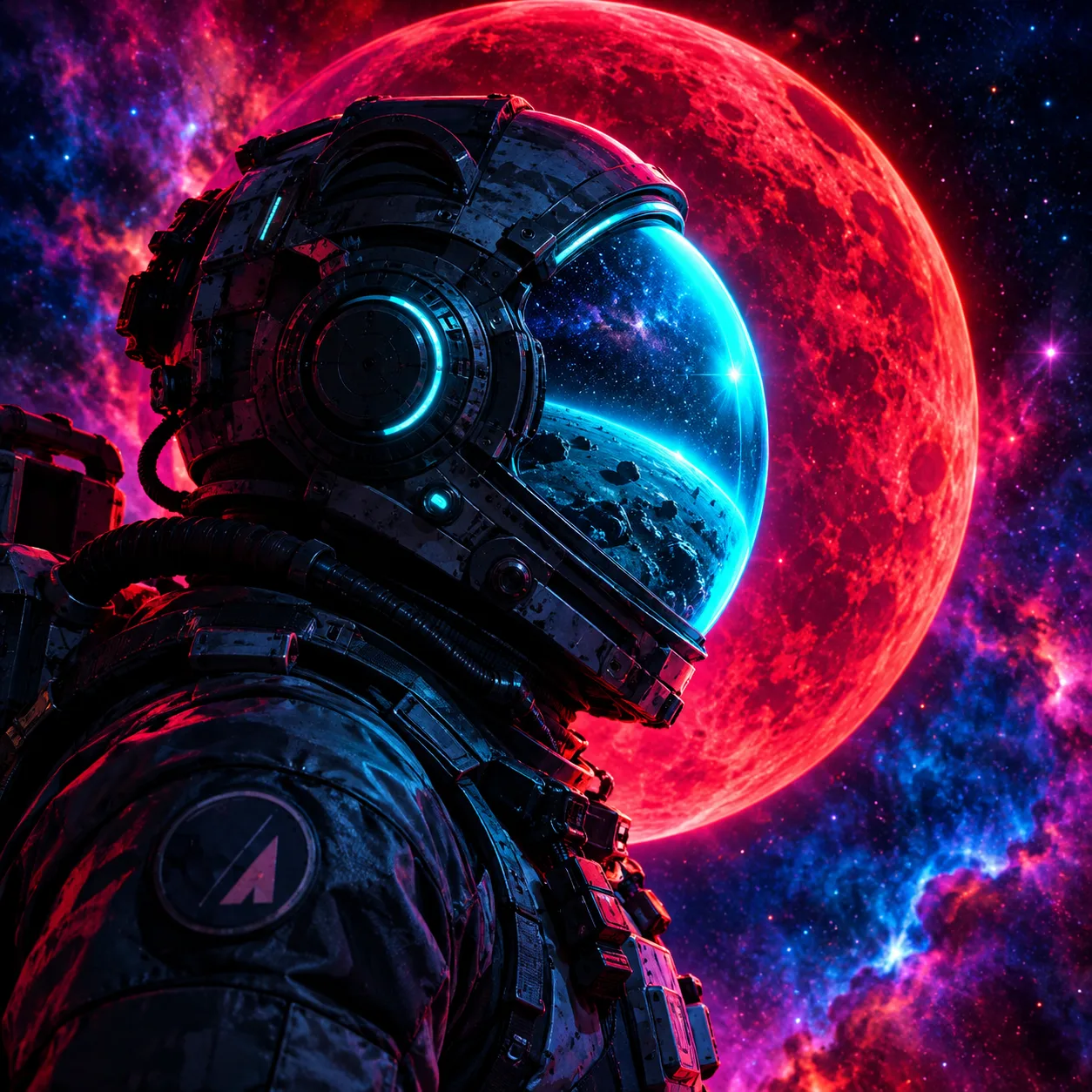
A synthwave astronaut portrait. The prompt names the medium, the magenta and cyan rim light and the close-up profile framing, so you can keep the style and change the subject.
Try it in Text to ImageMore AI Image Generators for Every Creative Idea
Unleash Creativity With Createimg.ai AI Image Generators
Explore a variety of AI image generators tailored to different creative needs. Whether you want to design shirts, make fun emojis, or create unique posters, these tools make it easy to bring every idea to life.
 New
NewImage To Prompt
AI Age Progression
AI Sticker Generator
AI Thumbnail Generator
 Hot
HotImage To Image
 Hot
HotText To Image
AI Food Generator
Wedding AI Photo Generator
AI Ad Generator
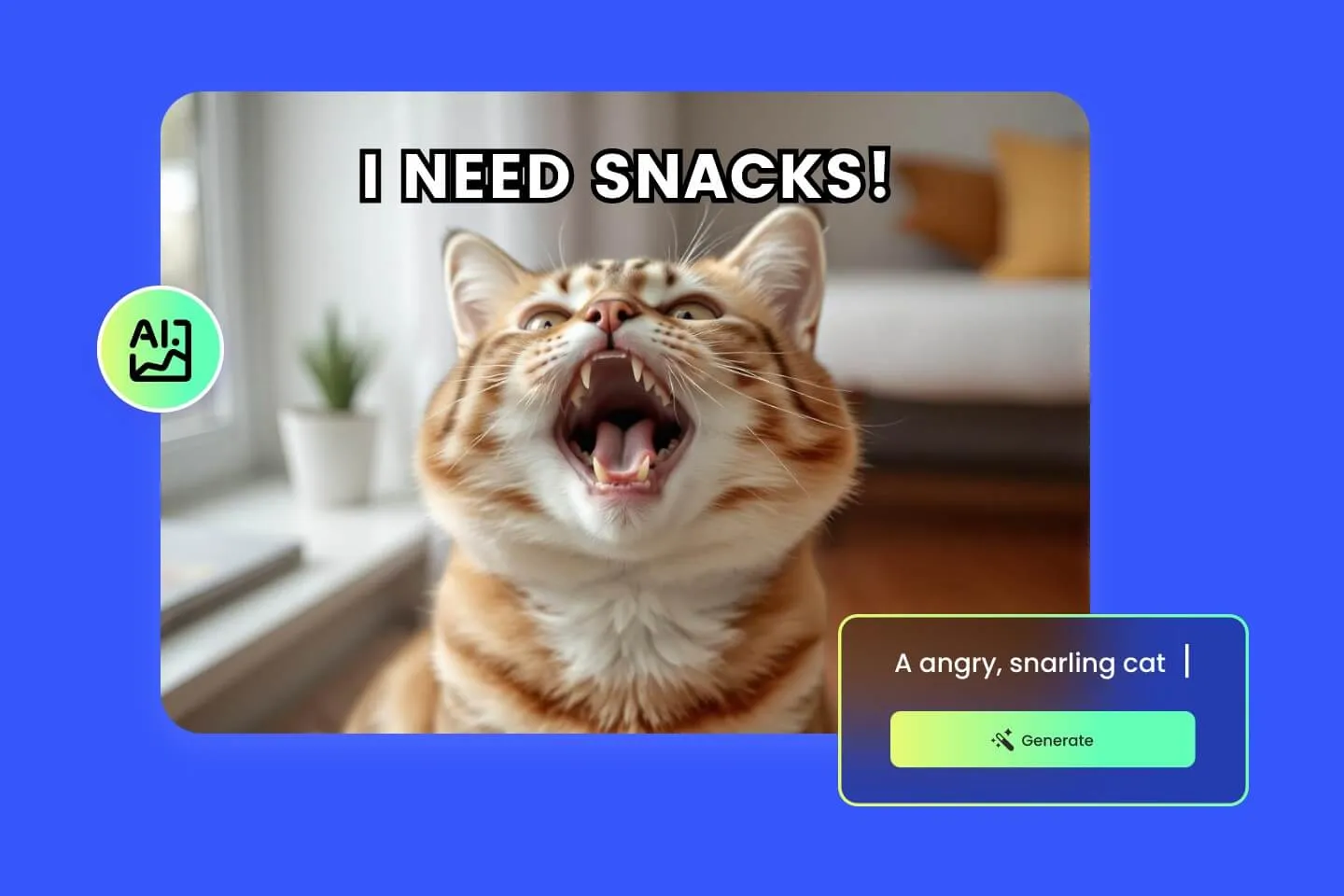
AI Meme Generator
Explore Cutting-Edge AI Models
AI Models — Powerful Image & Video Generation Tools
Explore advanced AI models for high-quality image and video creation. Discover powerful generation and editing technologies that enhance your creative workflow and bring your visual ideas to life with ease.








How to Turn an Image into a Prompt
Three steps from picture to prompt
Most images are done in 10 to 20 seconds.
Upload an image
Drop in a JPG, PNG or WebP, or pick one from your images. Large files are compressed in your browser before upload.
Choose detail and prompt style
Detailed gives a fuller prompt; Concise keeps it short. Choose Sentences for natural prose or Keyword tags for a comma-separated list.
Generate, then edit, copy or create
Click Generate prompt (3 credits). Adjust any part, copy the full prompt, or create a new image with it on Createimg.ai.
Image to Prompt FAQs
Questions about turning images into prompts
Costs, limits and how to get the most out of the image to prompt generator.
What does an image to prompt generator do?
It looks at a picture and writes a text prompt that describes it: the subject, the setting, the style or medium, the lighting and colors, and the composition. You can then use that prompt to create new images with a similar look.
Can it find the exact prompt that was used to make an AI image?
No. An image does not contain its original prompt, so no tool can recover it. This generator writes a new prompt that describes what it sees, which you can use to get a similar result.
How much does it cost?
Each image costs 3 credits. If the analysis fails, the credits are returned automatically. You need to sign in, and new accounts get starter credits to try it.
What kind of images can I upload?
JPG, PNG and WebP images, one at a time. Photos, illustrations, 3D renders, screenshots of artwork and product shots all work. Large images are compressed in your browser before they are uploaded.
Should I choose sentences or keyword tags?
Sentences read like a description and suit models that understand natural language, such as GPT Image and Nano Banana. Keyword tags give a comma-separated list, which some people prefer for Stable Diffusion style prompting. You can switch and generate again at any time.
Can I use the prompt in other AI image tools?
Yes. The prompt is plain text, so you can copy it into any image generator. You can also send it straight to Text to Image or Image to Image on Createimg.ai.
How long does it take?
Usually 10 to 20 seconds per image.
Are my images and prompts saved?
Your last 20 successful prompts appear in the History tab on this page, and only you can see them. Click one to load it again with its image and options.
Powered By


Turn your next reference image into a prompt
Upload a picture you like and get a prompt you can edit, copy and create with in under a minute.