
AI Sticker Generator
Results
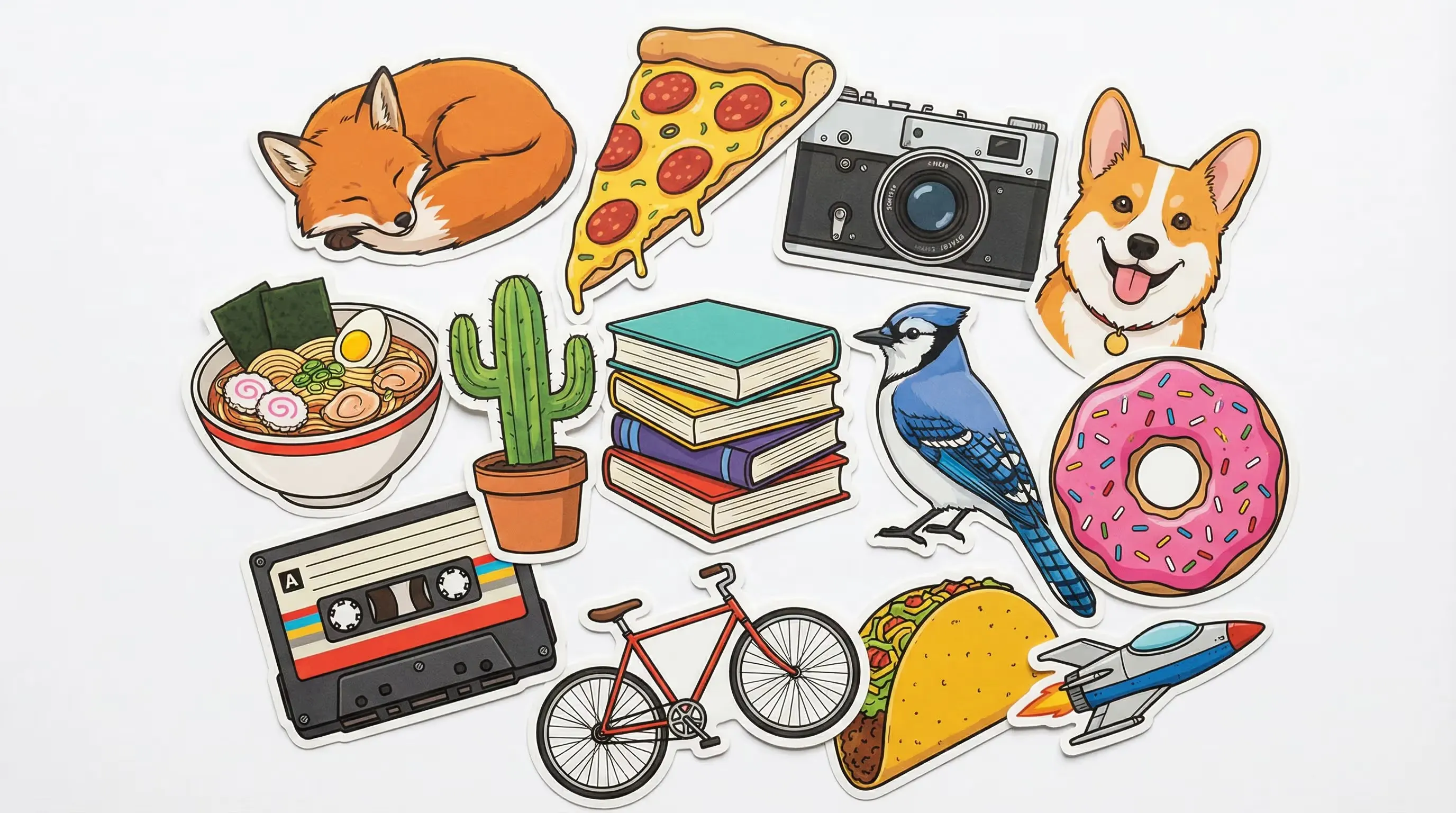
Custom unique stickers effortlessly with our AI Sticker Generator. Turn your photo/image/text into stickers in various styles.
AI Sticker Generator Features for Photos, Images & Text
Why Creators Choose Our AI Sticker Generator
Turn any photo, image, or text idea into a custom sticker in seconds. Our AI sticker generator delivers bold die-cut designs ready for messaging apps, social media, and print.
- Upload a selfie, pet picture, or product shot and the AI sticker generator from photo transforms it into a polished die-cut sticker — preserving the subject while applying bold sticker-ready styling.
- Drop in any image — illustration, logo, or screenshot — and the AI sticker generator from image converts it into a clean, vibrant sticker with a thick white outline and high-contrast colors.
- No image? No problem. Describe your sticker idea in words and the AI sticker generator builds it from scratch — kawaii characters, cute mascots, meme stickers, and more in any style you can imagine.
- Generate stickers in cartoon, anime, chibi, kawaii, flat vector, watercolor, retro, or pixel art styles. The AI sticker generator adapts to your aesthetic so every sticker pack feels uniquely yours.
- Export your AI stickers in 1K, 2K, or 4K resolution. Whether you need crisp messaging-app stickers or print-ready laptop and water bottle designs, every sticker stays sharp and artifact-free.
- Download clean, watermark-free stickers ready for WhatsApp, Telegram, iMessage, Discord, or print-on-demand stores. Our free AI sticker generator gives you commercial-ready results with no hidden branding.
AI Sticker Generator Examples and Results
Stickers Created with Our AI Sticker Generator
Every sticker below was generated from a photo, image, or text prompt using our AI sticker generator. Explore the styles and start building your own pack.
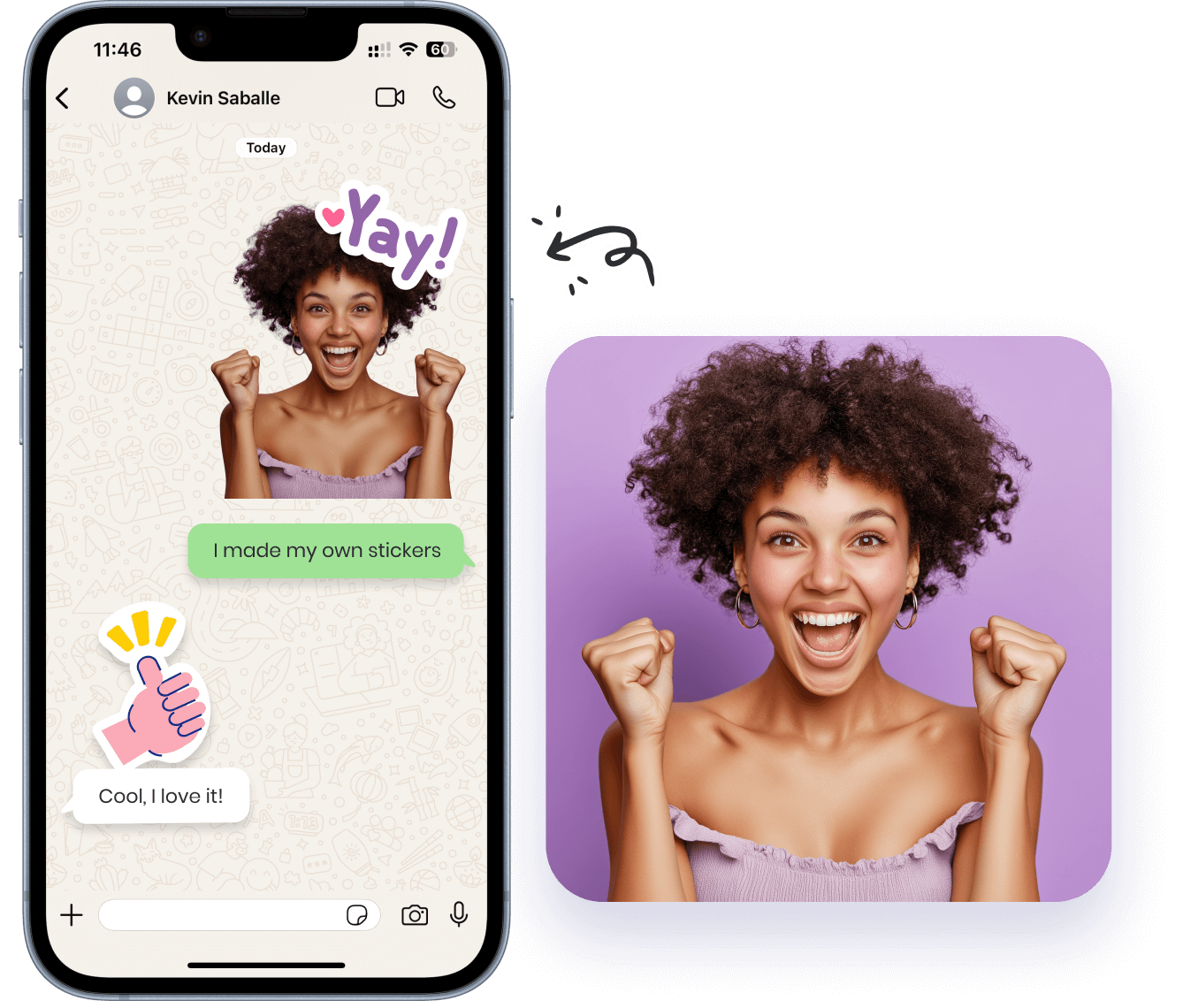
Sticker from Selfie Photo
Personal sticker created with the AI sticker generator from photo. Upload a selfie and the AI transforms your face into a vibrant cartoon sticker with a clean die-cut outline — perfect for chat apps.
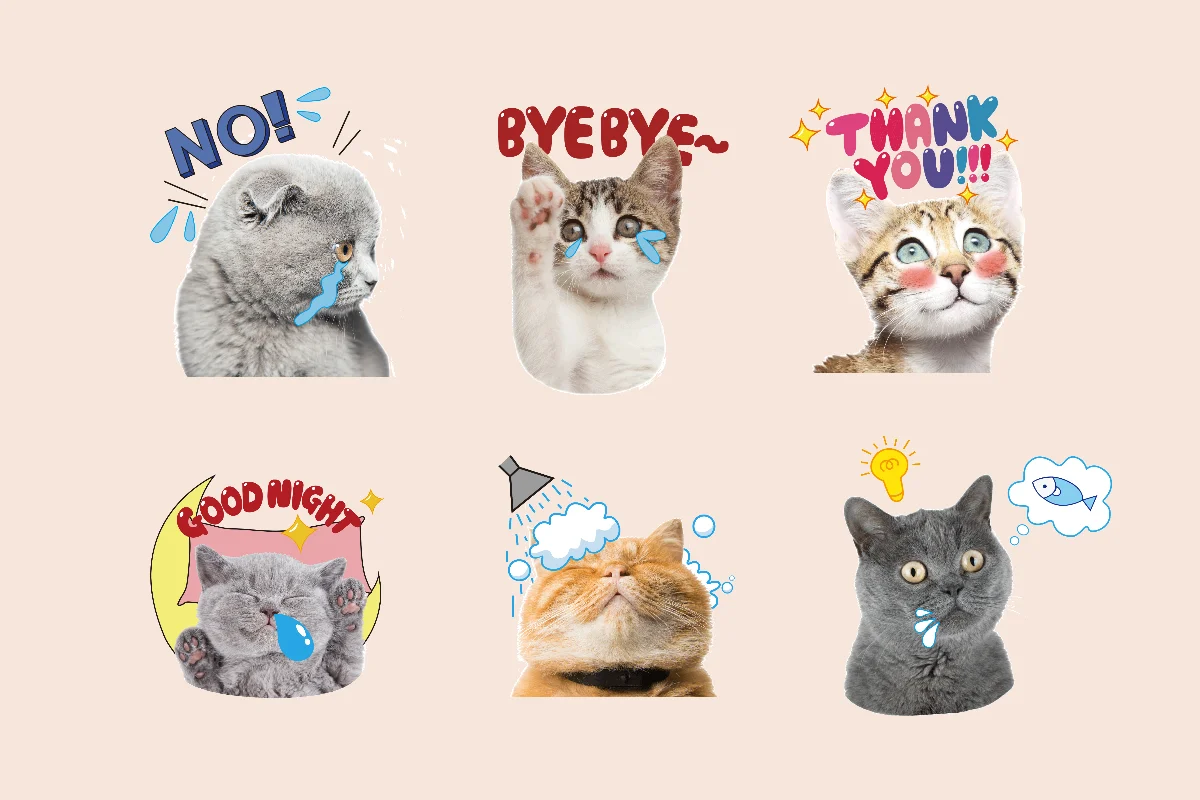
Cute Pet Stickers from Image
Adorable pet stickers generated by the AI sticker generator from image. Upload your pet photo and turn it into a chibi-style sticker pack ready for messaging and merch.
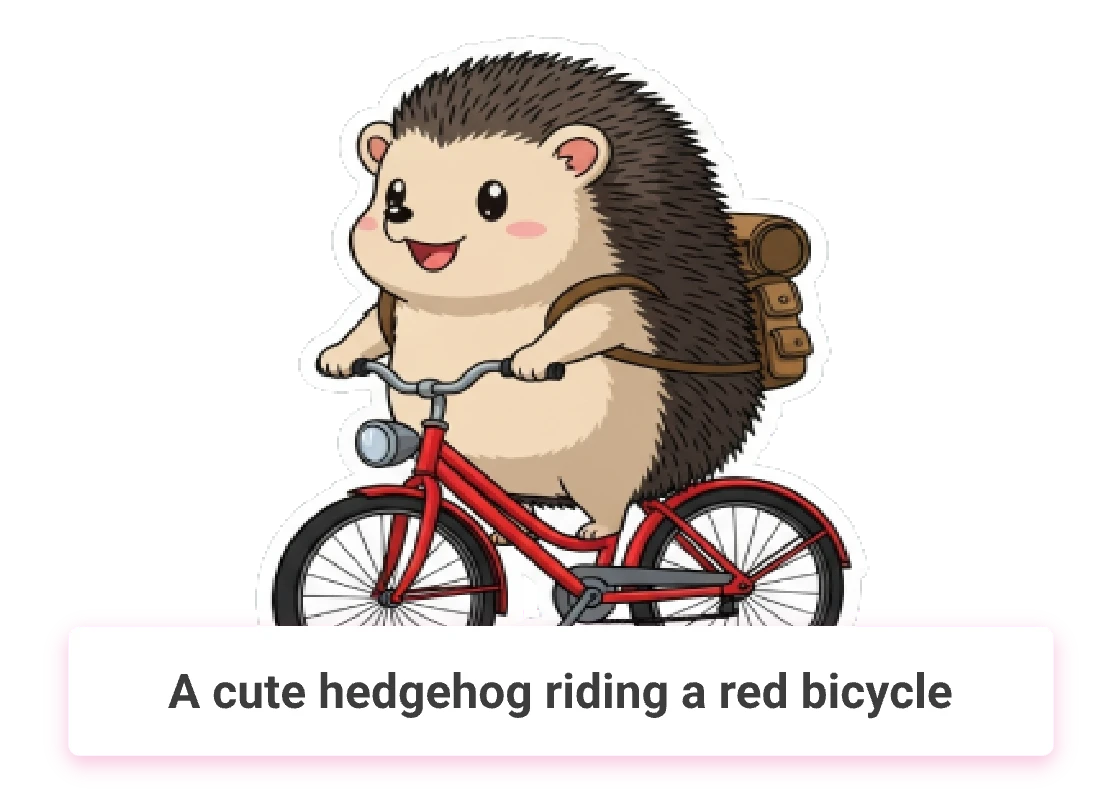
Kawaii Character from Text Prompt
Original kawaii characters created from a text prompt. The AI sticker generator builds expressive mascots and chibi characters from scratch — no upload required.
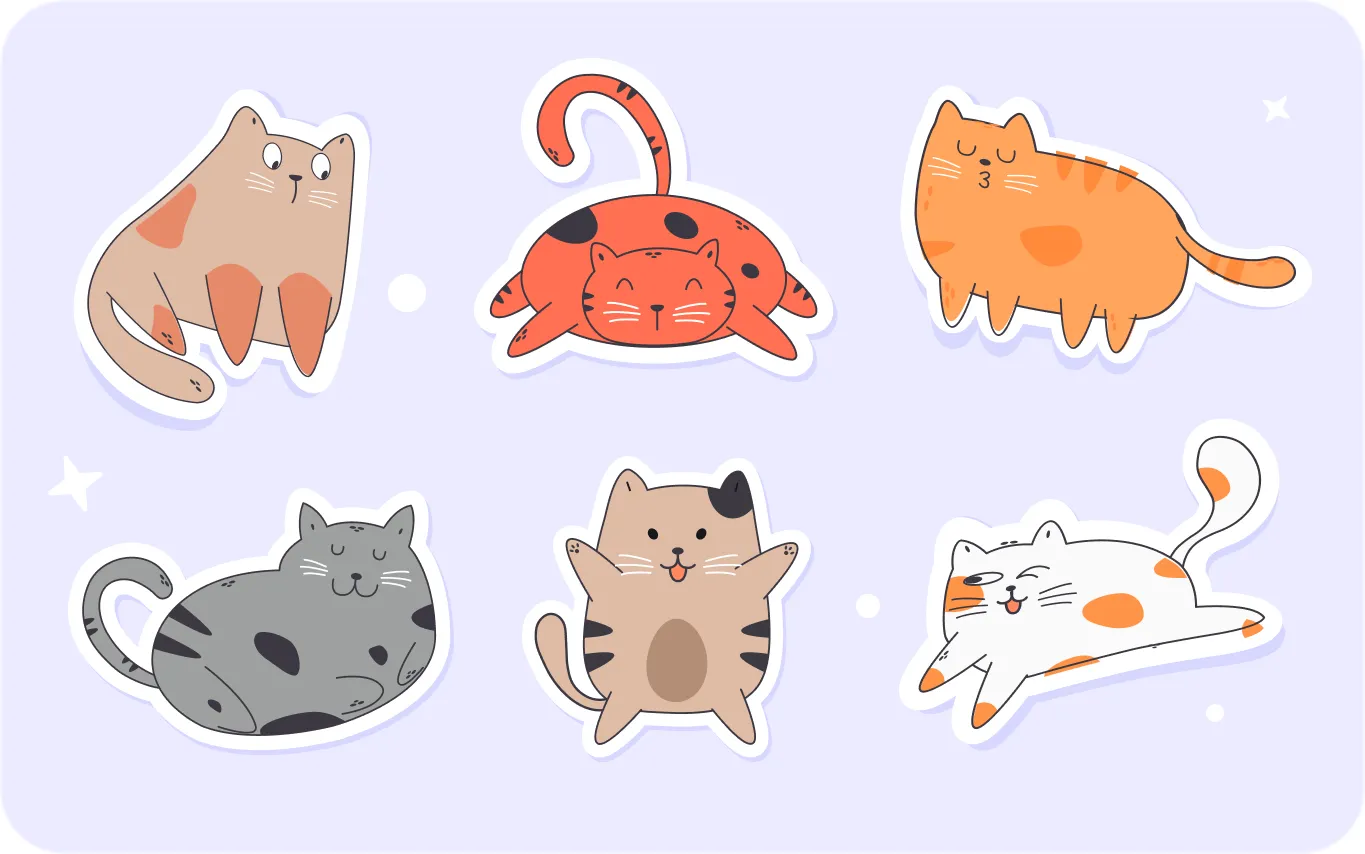
Meme & Expression Sticker Pack
Funny expression stickers and meme reactions generated by the AI sticker generator. Build a custom sticker pack for WhatsApp, Telegram, or Discord with consistent style.
More AI Image Generators for Every Creative Idea
Unleash Creativity With Createimg.ai AI Image Generators
Explore a variety of AI image generators tailored to different creative needs. Whether you want to design shirts, make fun emojis, or create unique posters, these tools make it easy to bring every idea to life.
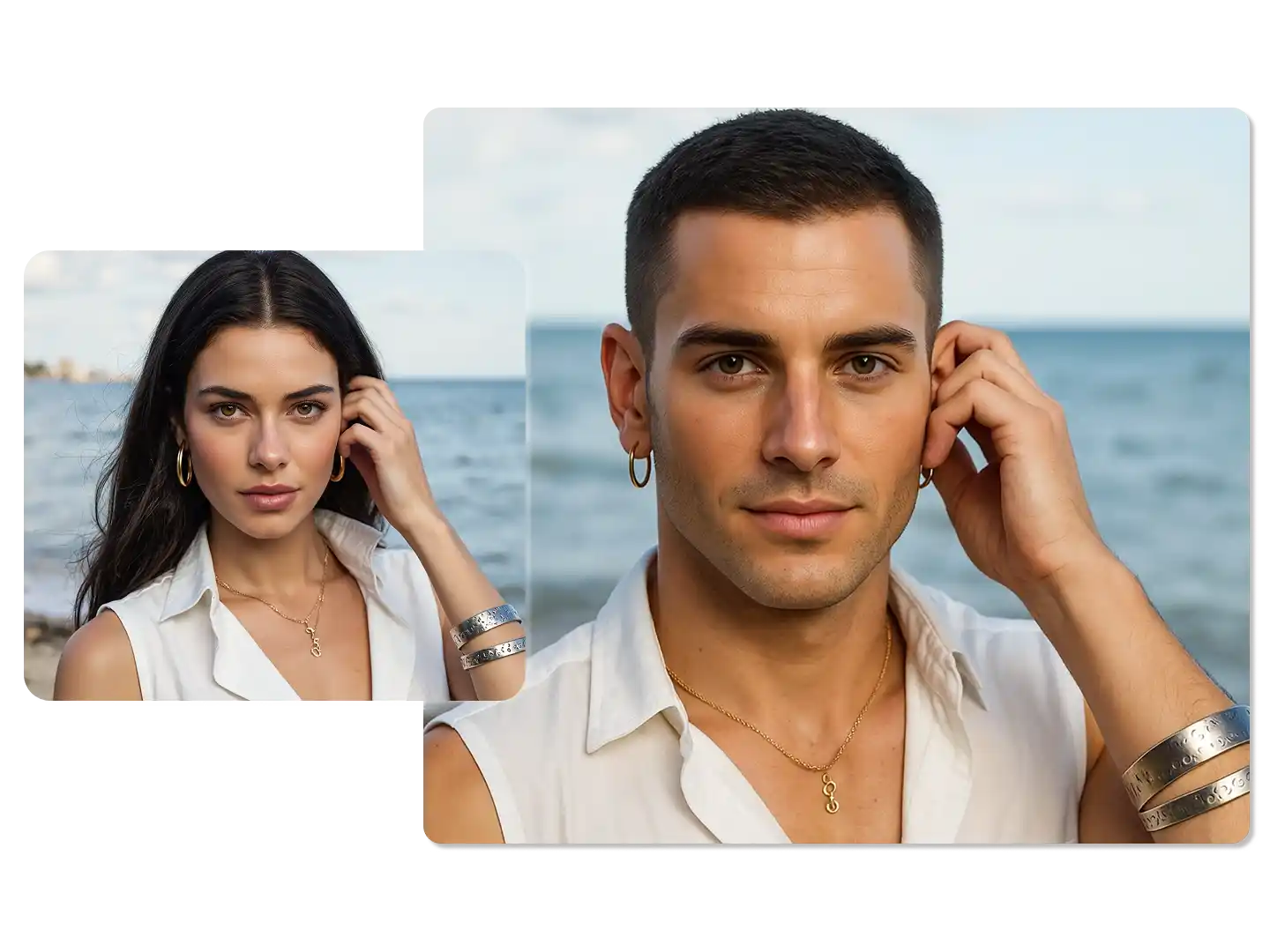
AI Gender Swap
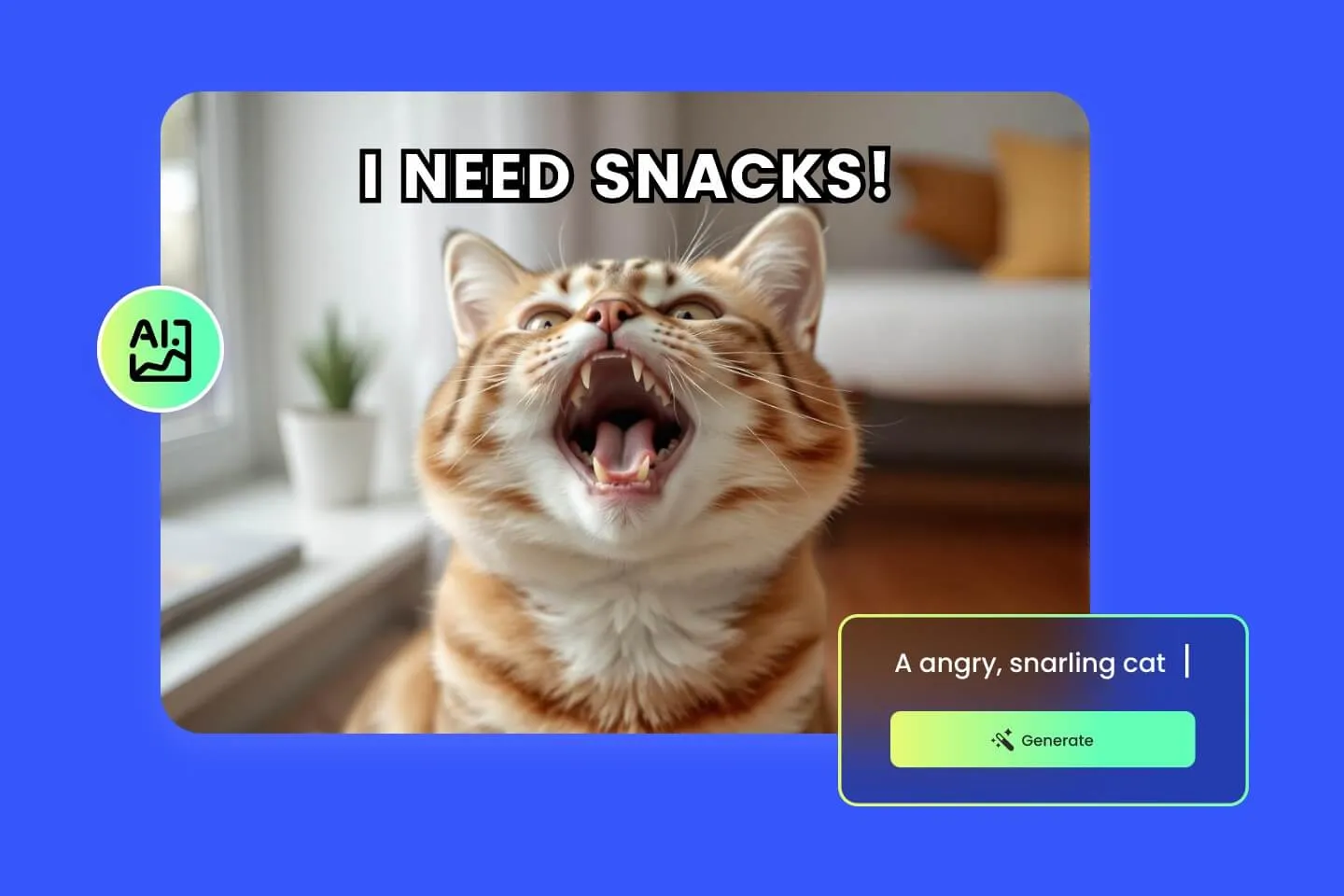
AI Meme Generator
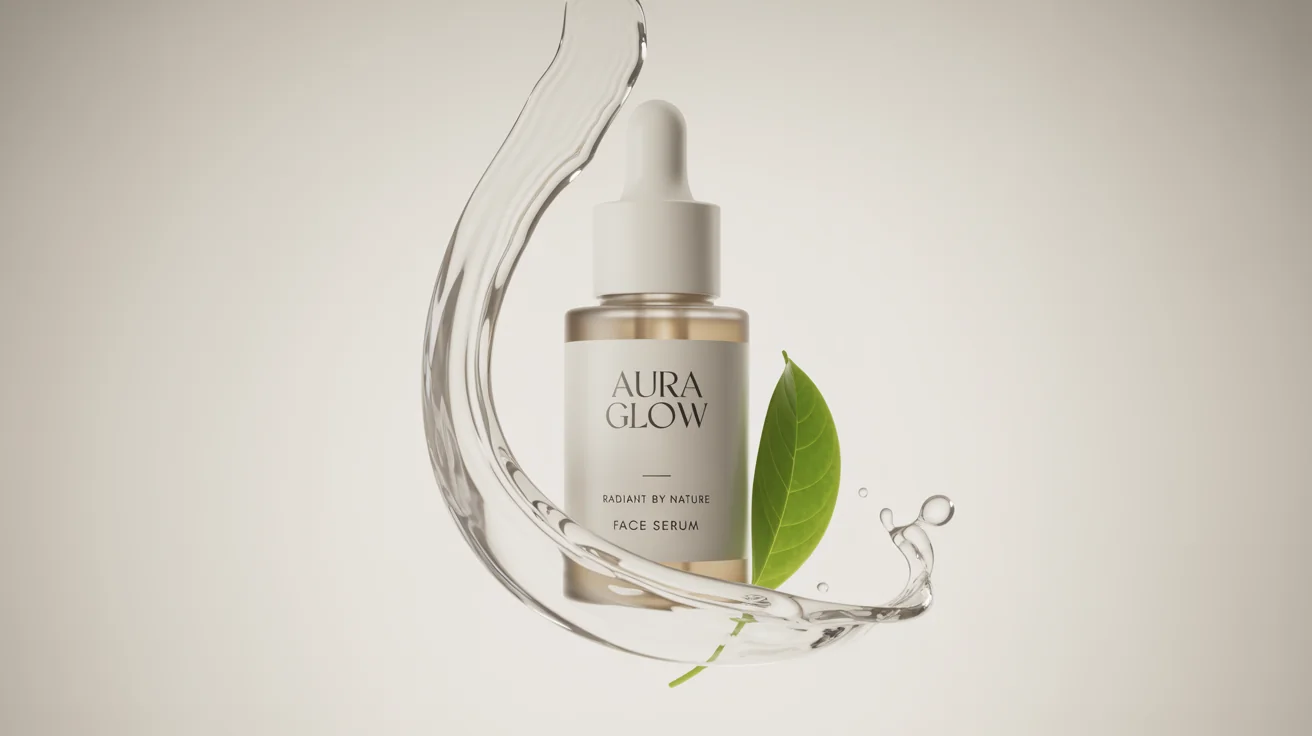
AI Ad Generator
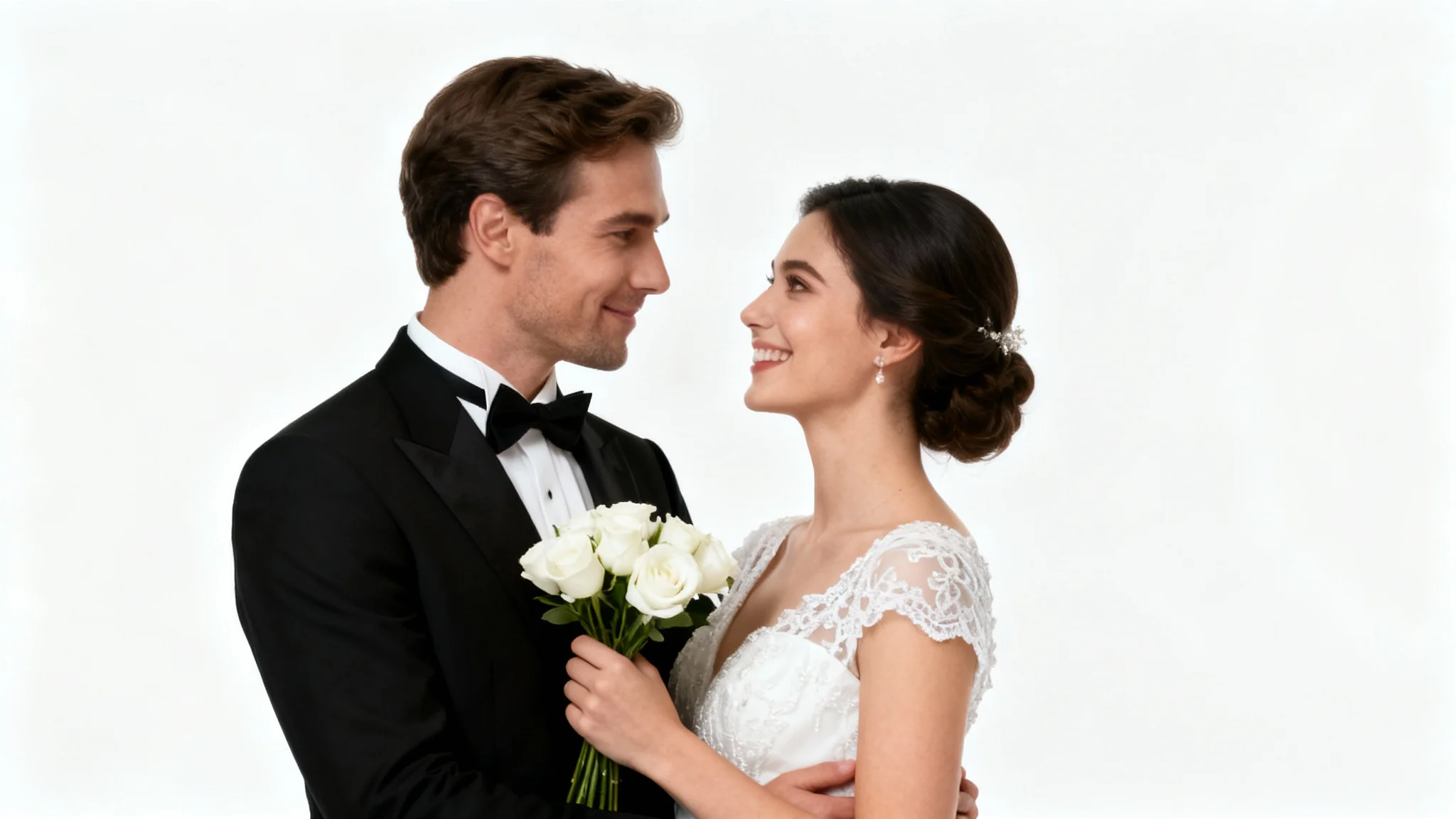
Wedding AI Photo Generator
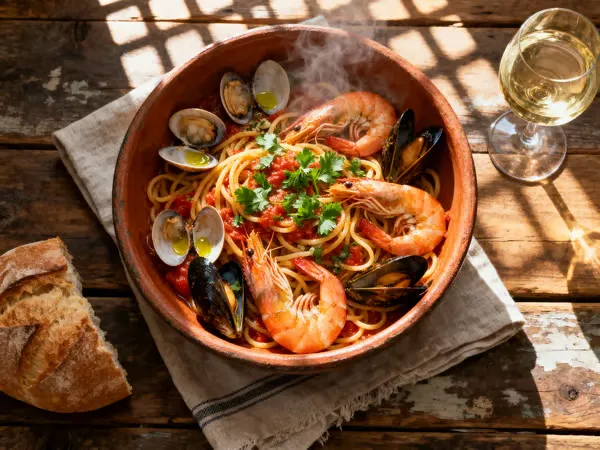
AI Food Generator
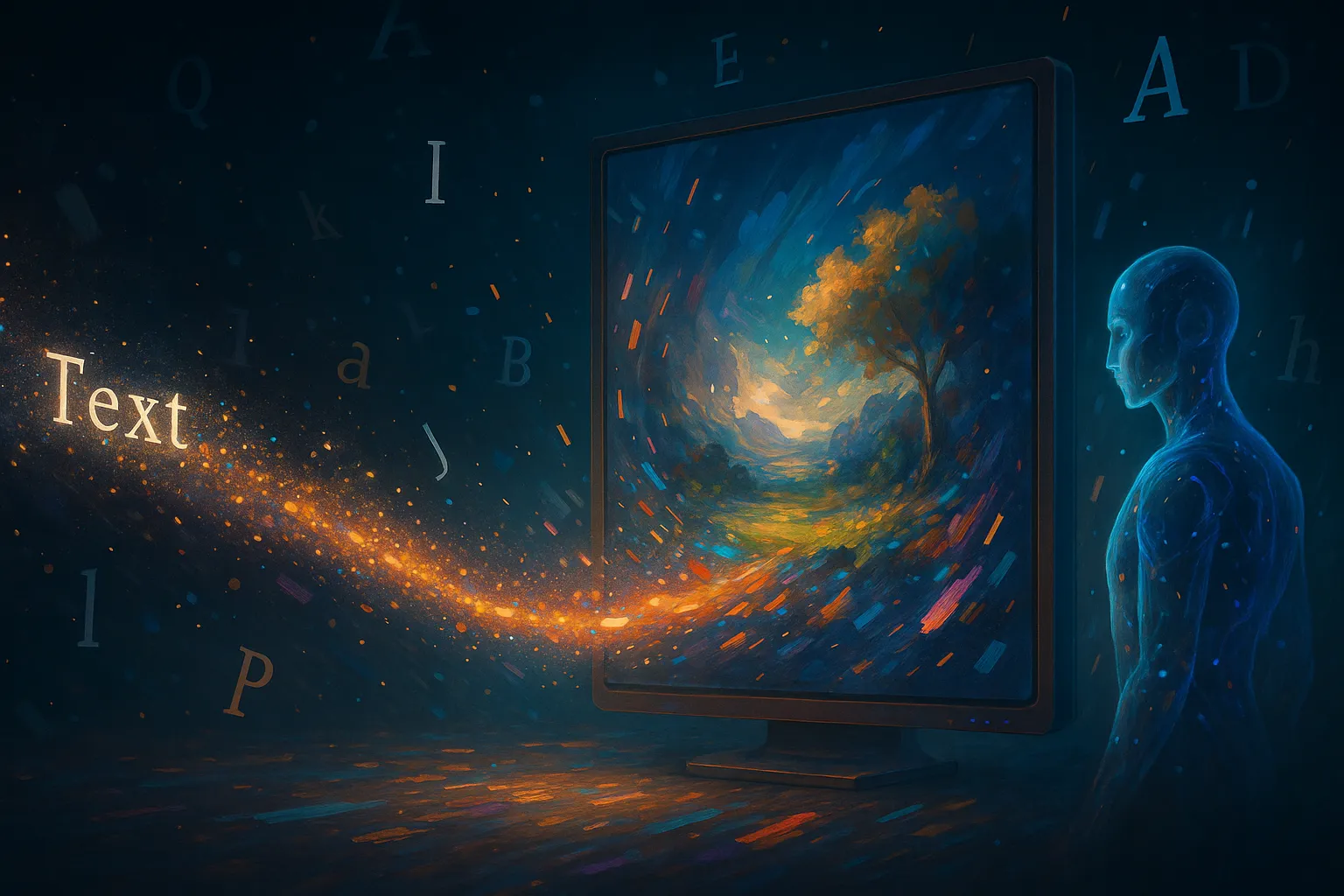
Text To Image
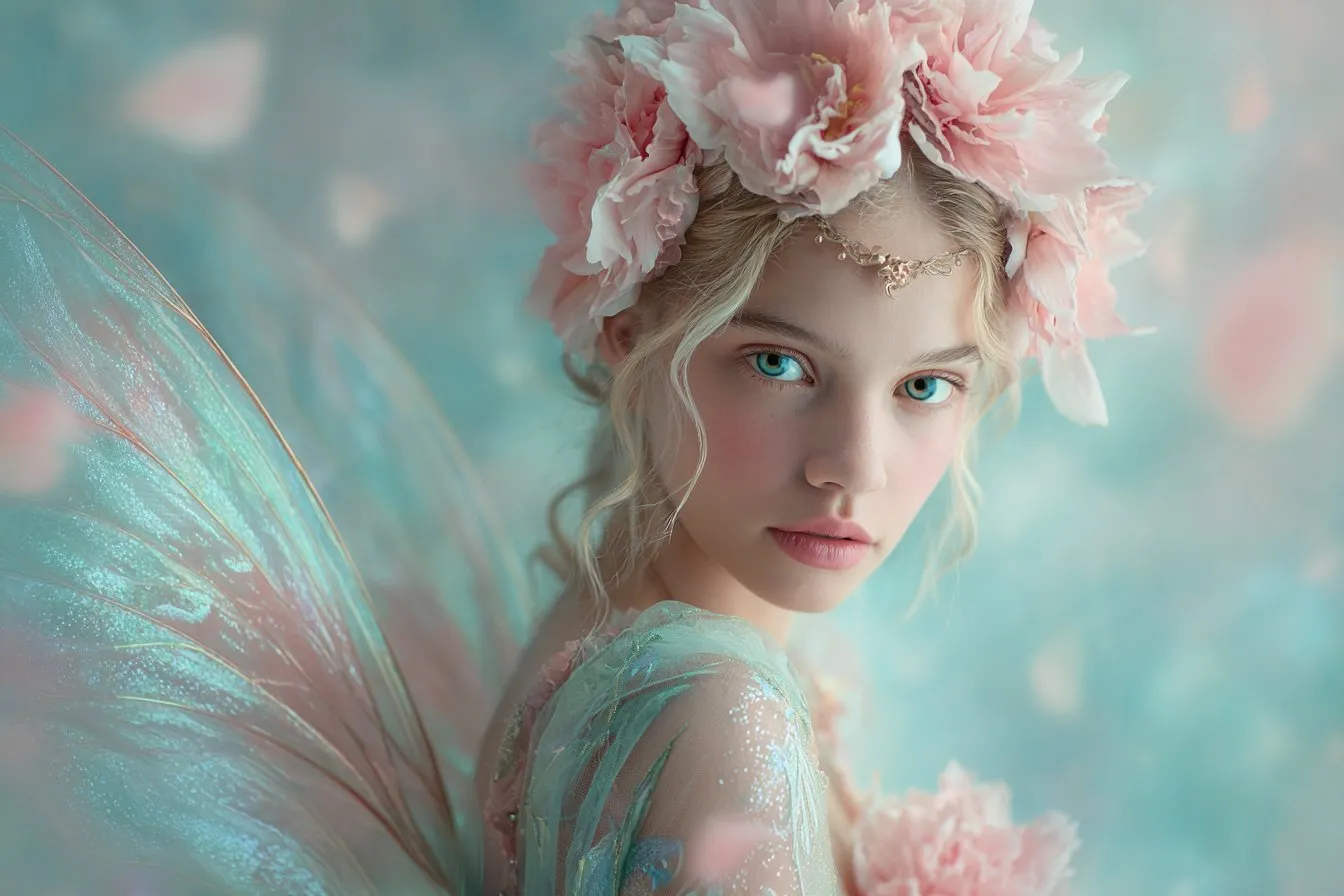
Image To Image
AI Thumbnail Generator
AI Sticker Generator
AI Age Progression
Explore Cutting-Edge AI Models
AI Models — Powerful Image & Video Generation Tools
Explore advanced AI models for high-quality image and video creation. Discover powerful generation and editing technologies that enhance your creative workflow and bring your visual ideas to life with ease.








How to Create AI Stickers from Photo, Image, or Text
Make Custom Stickers in 3 Easy Steps
Turn any photo, image, or idea into a polished sticker. Upload or describe your concept, choose your settings, and download a die-cut sticker in seconds.
Upload a Photo or Describe Your Idea
Use the AI sticker generator from photo by uploading a selfie, pet, or product shot — or simply type a prompt describing the sticker, style, and colors you want.
Choose Style, Aspect Ratio, and Resolution
Pick your preferred sticker style (kawaii, anime, cartoon, flat), aspect ratio, resolution (1K, 2K, or 4K), and output format. The AI sticker generator optimizes the design accordingly.
Generate and Download Your Sticker
Click Generate and your custom sticker is ready in seconds. Download the watermark-free PNG and share it on WhatsApp, Telegram, Discord, Instagram, or print it on merchandise.
AI Sticker Generator FAQ
Frequently Asked Questions About AI Sticker Generator
Everything you need to know about creating custom stickers with our AI sticker generator — from uploading photos and images to choosing styles and downloading high-resolution results.
What is an AI sticker generator?
An AI sticker generator uses artificial intelligence to turn photos, images, or text prompts into custom stickers. Upload an image or describe your idea, and the tool produces a polished die-cut sticker design in seconds.
How does the AI sticker generator from photo work?
Upload any photo — a selfie, pet, or product — and the AI sticker generator from photo analyzes the subject, preserves its key features, and restyles it into a vibrant sticker with a clean white outline and bold colors.
Can I use the AI sticker generator from image?
Yes. The AI sticker generator from image accepts illustrations, logos, screenshots, or any image file. The AI converts your input into a clean, share-ready sticker that fits messaging apps and social media.
Can I create stickers without uploading anything?
Absolutely. The AI sticker generator works from text prompts alone. Describe your character, animal, mascot, or scene — including the style — and the AI builds the sticker from scratch.
Is the AI sticker generator free?
Yes. Our free plan lets you generate and download custom stickers without watermarks. The AI sticker generator delivers professional results at no cost, with optional credits for higher resolutions.
What sticker styles does the AI support?
Choose from kawaii, cartoon, anime, chibi, flat vector, watercolor, retro, and pixel art styles. Simply mention your preferred style in the prompt and the AI sticker generator matches it consistently.
What resolutions can I export?
Stickers can be generated in 1K, 2K, or 4K resolution. Higher resolutions use more credits but are perfect for print-on-demand merchandise, laptop decals, and high-DPI displays.
What output formats are supported?
Download your AI-generated sticker in PNG (lossless, supports transparency) or JPG (smaller file size). PNG is recommended for stickers because it preserves the die-cut transparent background.
How do I write a great sticker prompt?
Be specific about the subject, style, mood, and color palette — for example, 'a chubby orange cat in chibi style, wearing a tiny crown, pastel pink background, thick white die-cut outline.' Detailed prompts produce better stickers.
Can I use AI-generated stickers commercially?
Yes. Stickers you create with our AI sticker generator are yours to use commercially — sell them on print-on-demand stores, package them as sticker packs, or use them in marketing without licensing restrictions.
Powered By


Create Custom Stickers in Seconds — Try It Free
Join thousands of creators using our free AI sticker generator to turn photos, images, and ideas into unique stickers. No design skills, no watermarks — just pick a style and generate.