
Photo to Coloring Page Converter
Results
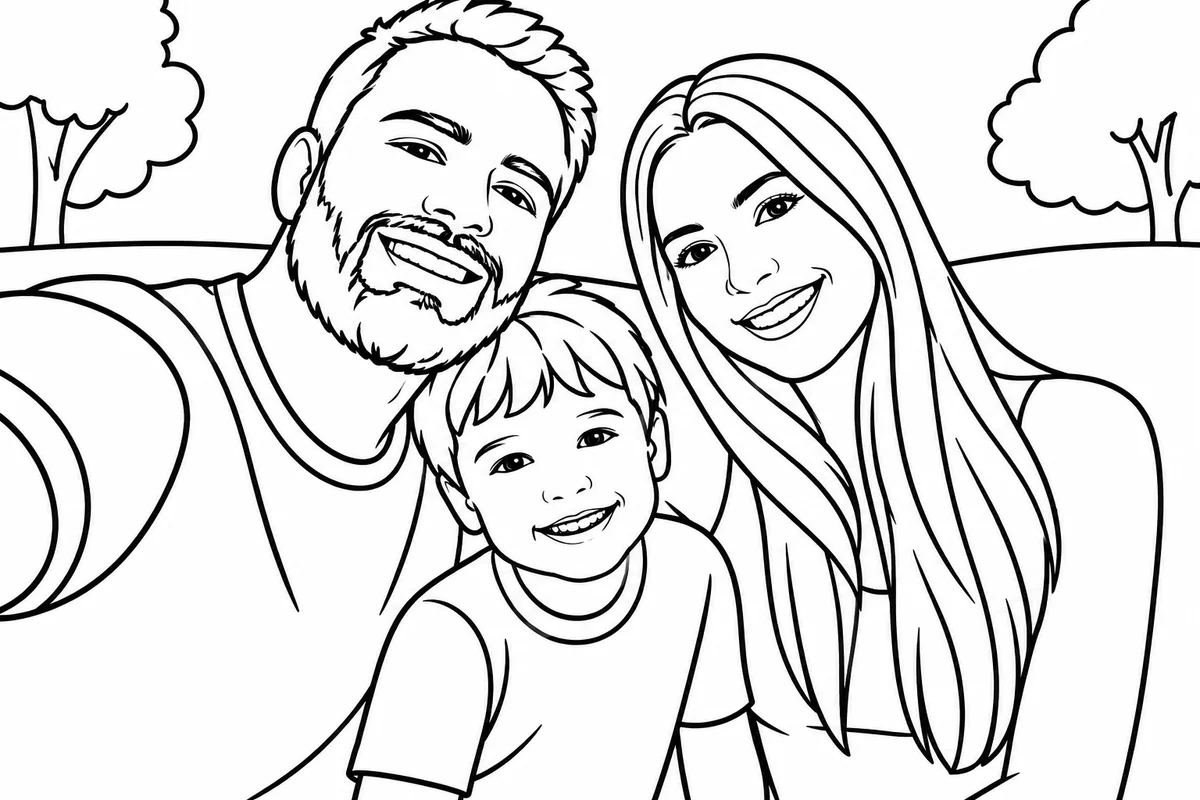
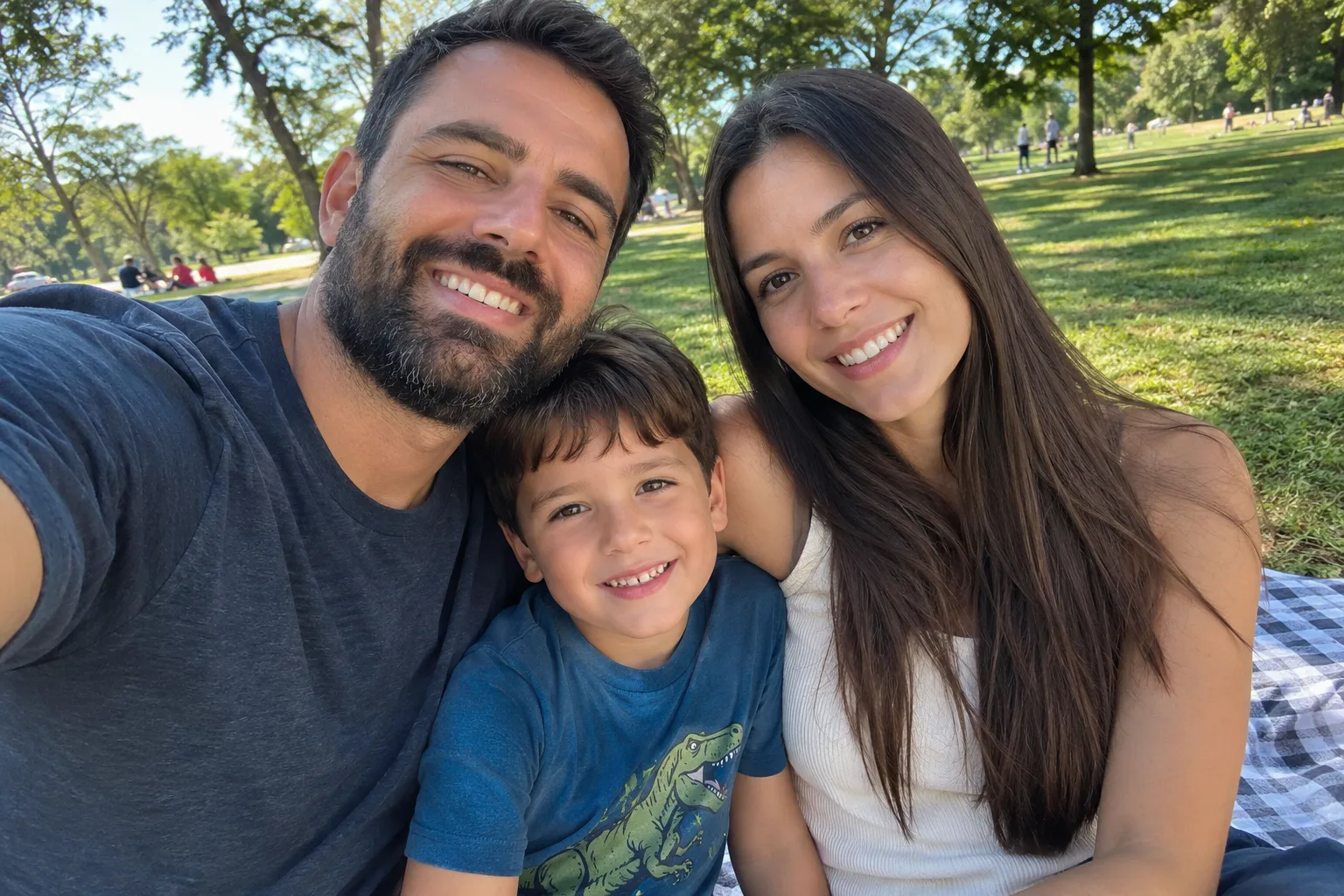
Bold outlines, big spaces to color, simple background
Upload a photo of a person or pet, choose Kids or Adults, and get a coloring page you can download or print on US Letter or A4.
Photo to Coloring Page Examples
See what your photos turn into
Real results from this converter. The example photos were made with AI, so no real people are shown. Tap the small photo to swap it with the coloring page.
Family picnic selfie
For Kids — Simple
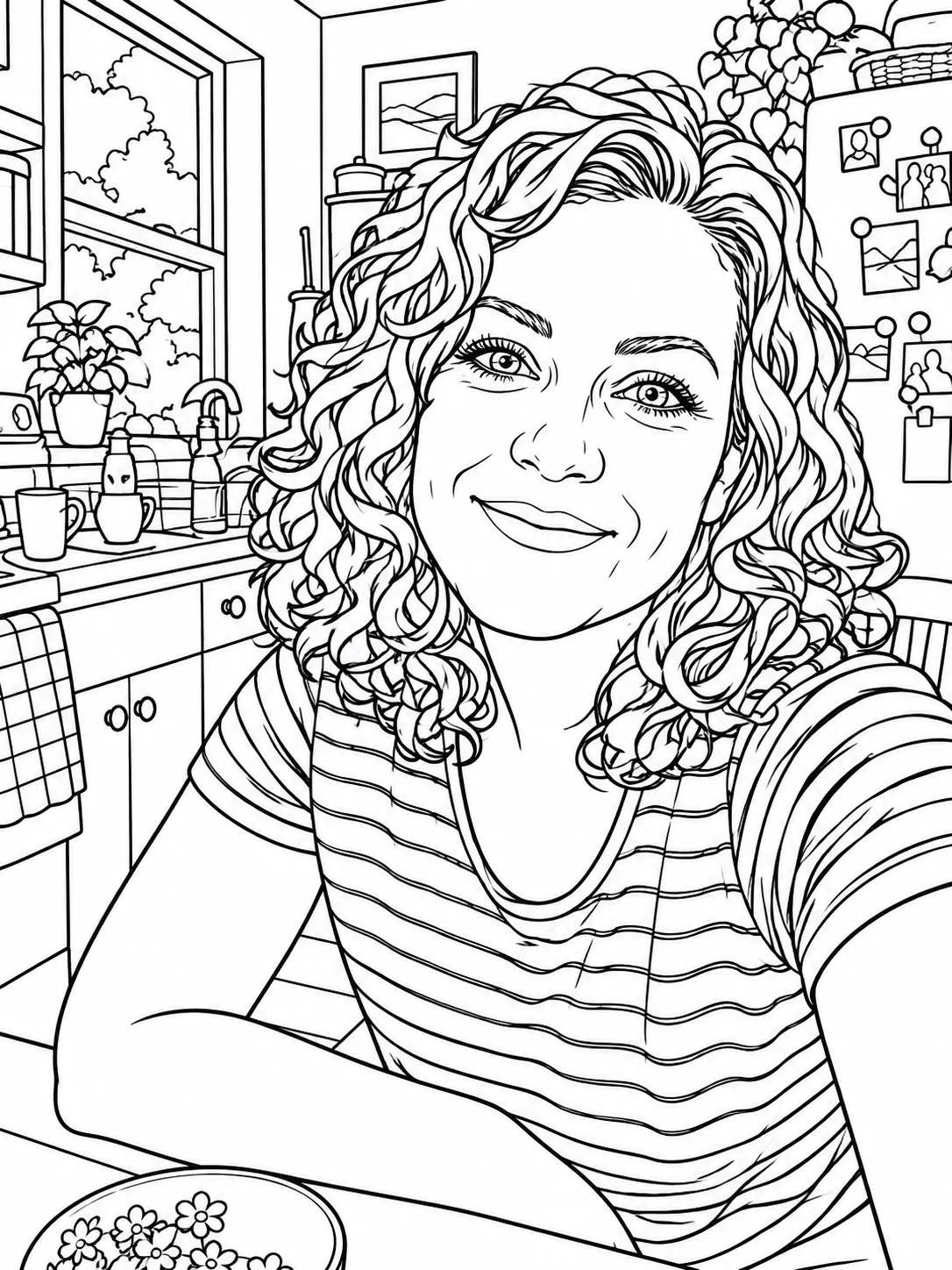
Portrait at the kitchen table
For Adults — Detailed
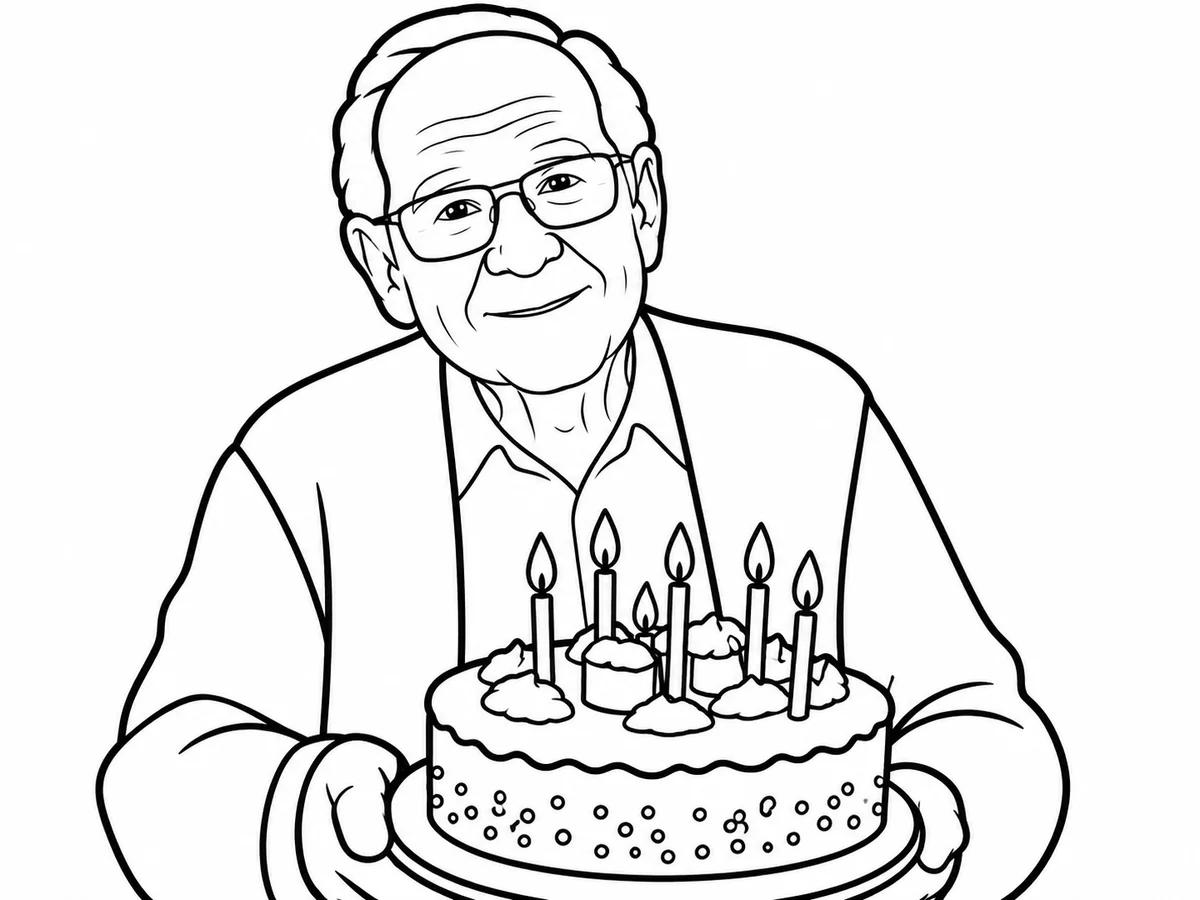
Birthday cake in low light
For Kids — Simple
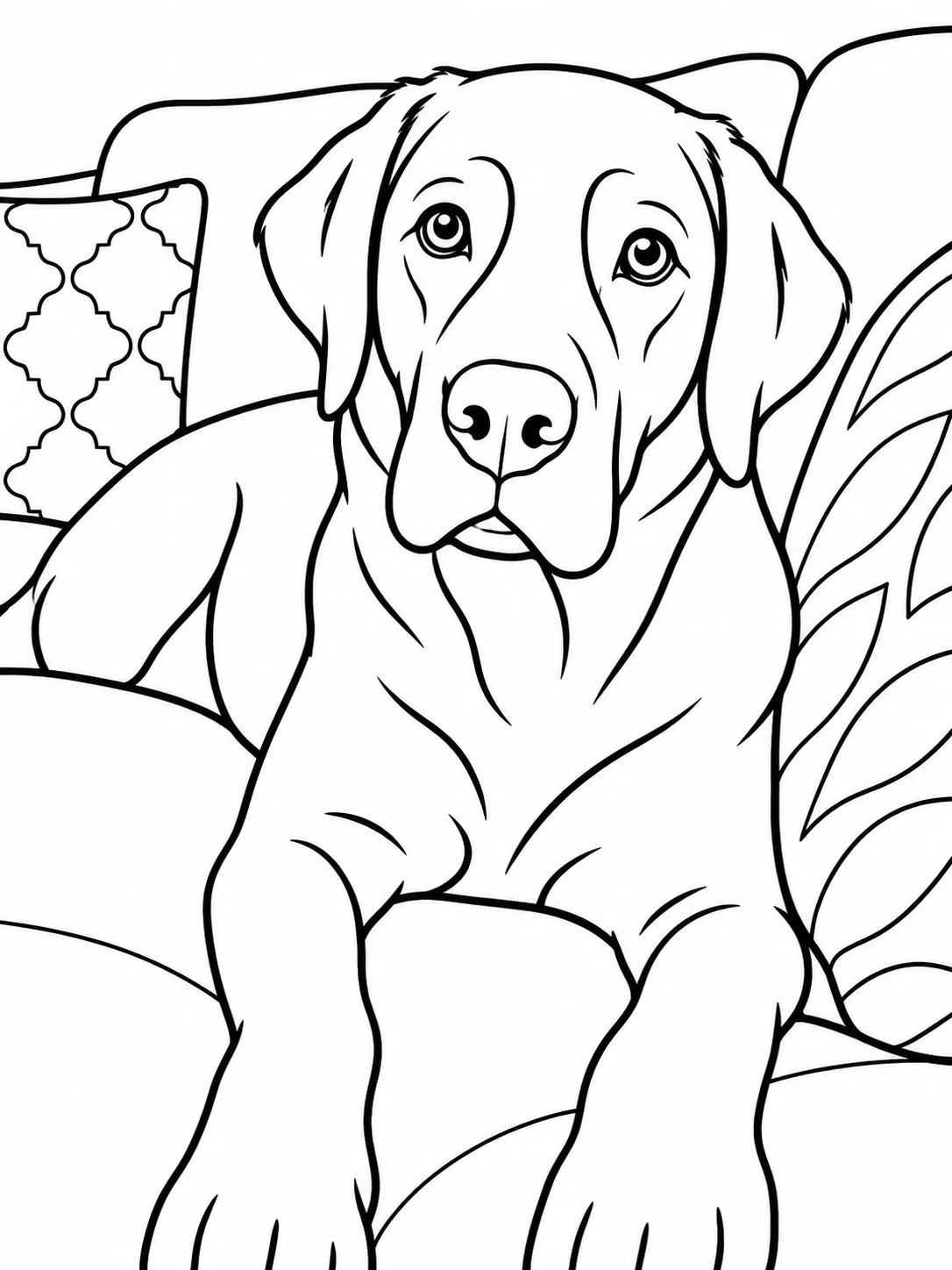
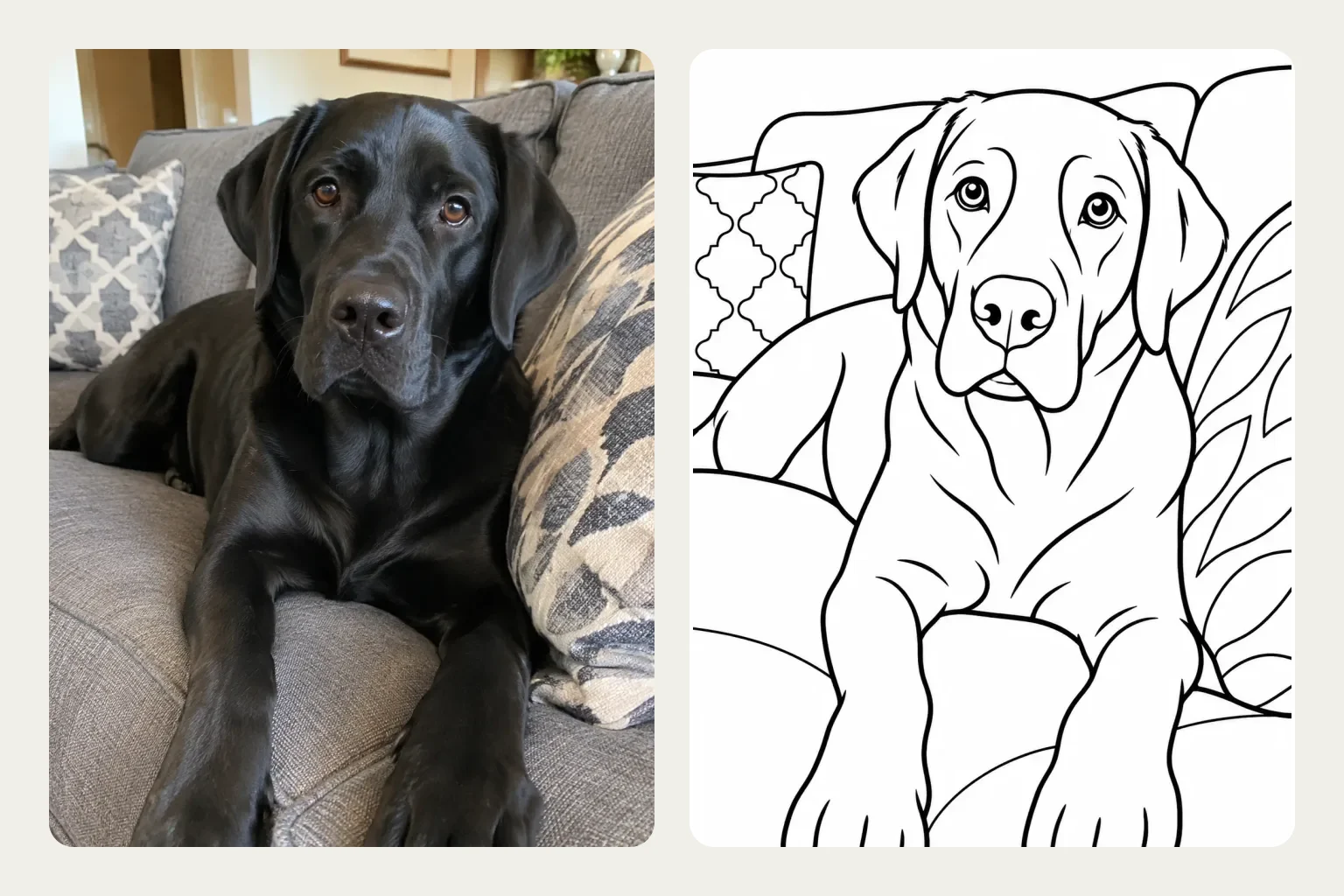
Black Labrador on the sofa
For Kids — Simple
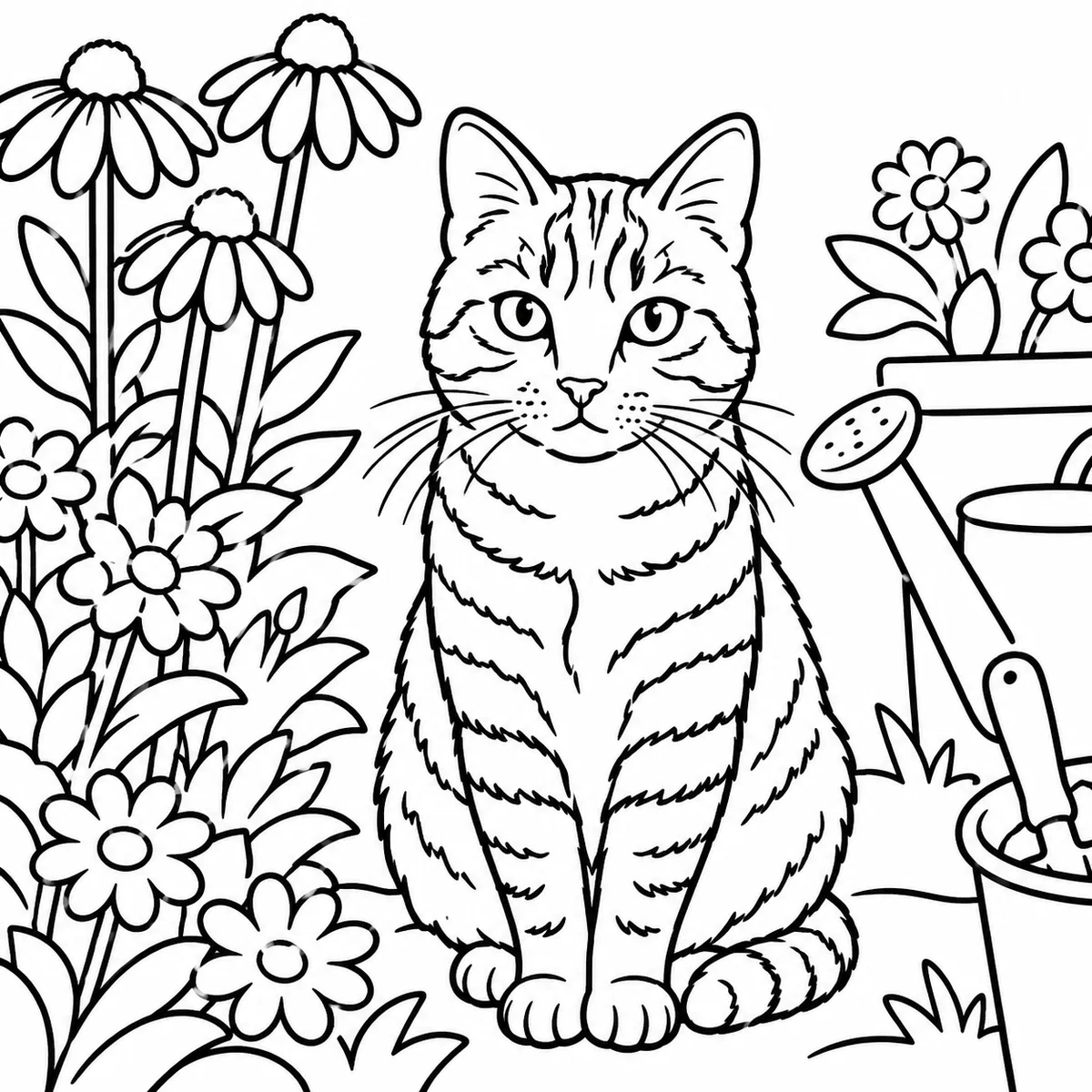
Cat in a busy garden
For Kids — Simple
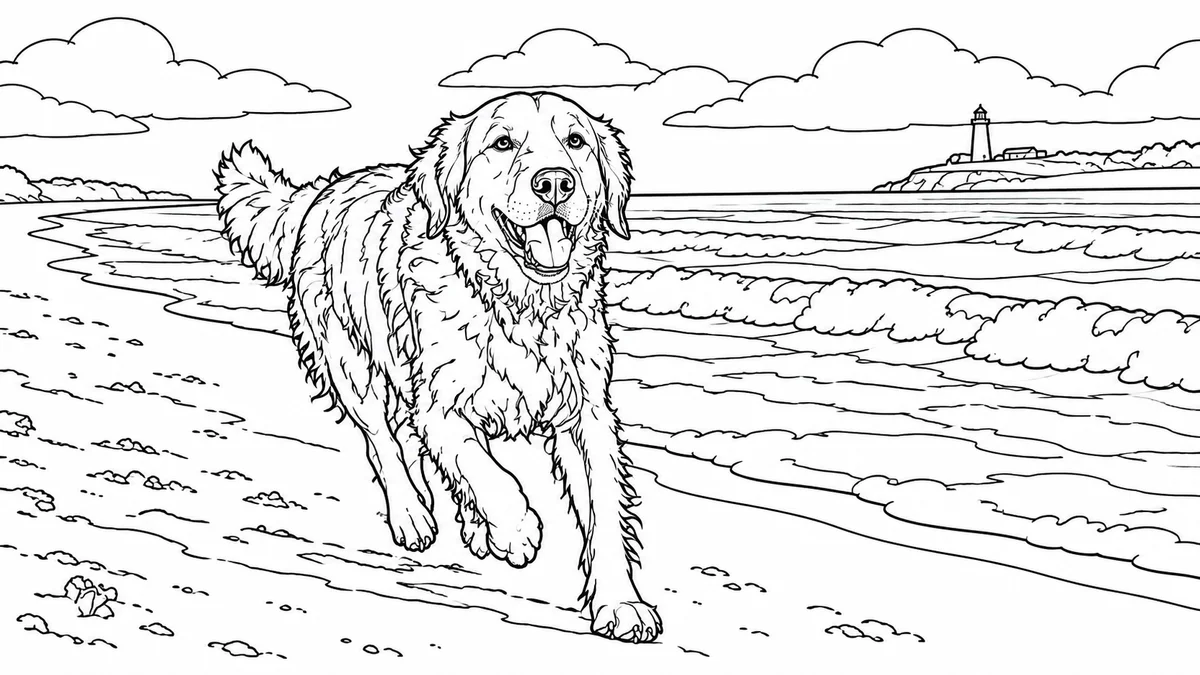
Golden retriever on the beach
For Adults — Detailed
Why Use This Photo to Coloring Page Converter
Coloring pages that still look like your family
Most photo-to-sketch filters trace every edge in the picture, so grass, fur and shadows turn into specks and broken lines. This converter redraws the photo as clean outlines made for coloring.
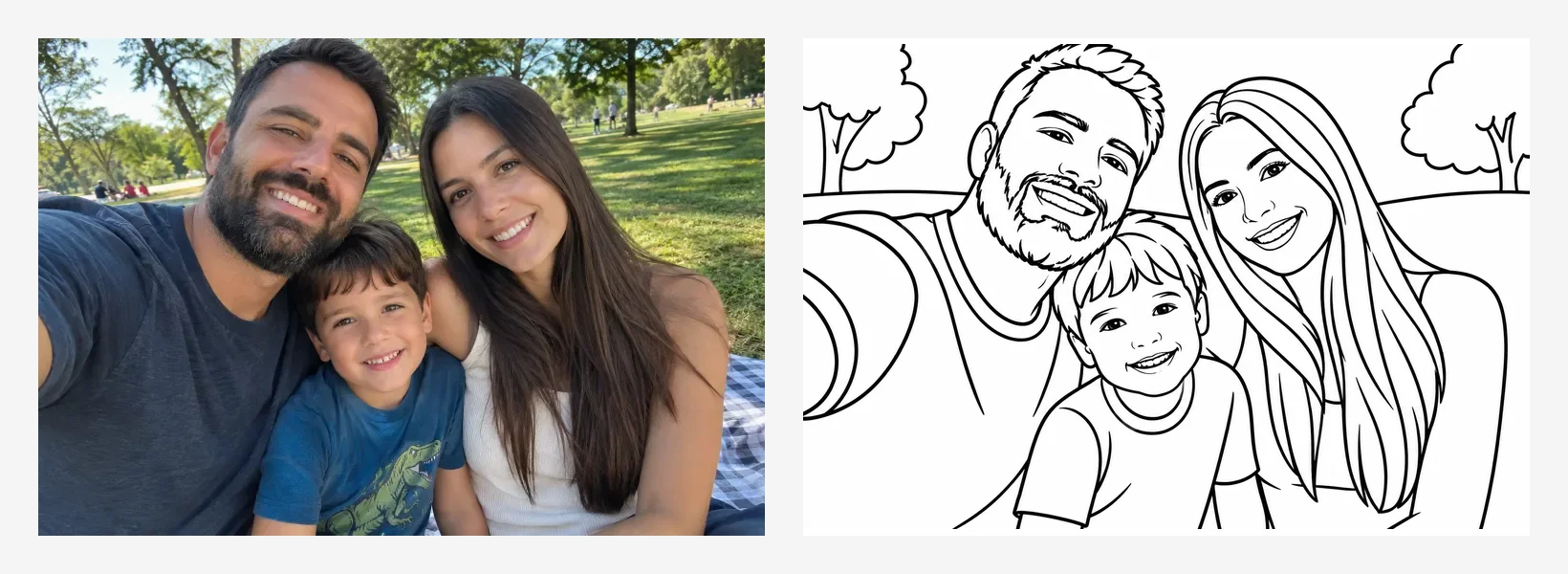
- The AI redraws people and pets as smooth, closed outlines on a white background, so every area can be colored in instead of filled with noise.
- Kids gives bold lines, big spaces and a simpler background. Adults adds clothing folds, hair and fur detail, and a fuller background.
- Black fur, dark clothes and shadows are drawn as outlines, not solid black blocks, so there is still something to color.
- Download a PNG, or use Print / PDF to get a page centered with a margin on US Letter or A4. Switching paper size does not regenerate the picture, and there is no watermark.
- Drag the slider to check the result against your photo. Everything you make here is saved in this page's History, so you can download or print it again later.
How to Pick a Photo for a Coloring Page
Better photos make better pages
The AI can only keep what it can see. These four checks make the biggest difference.
The subject fills the frame
 Works well
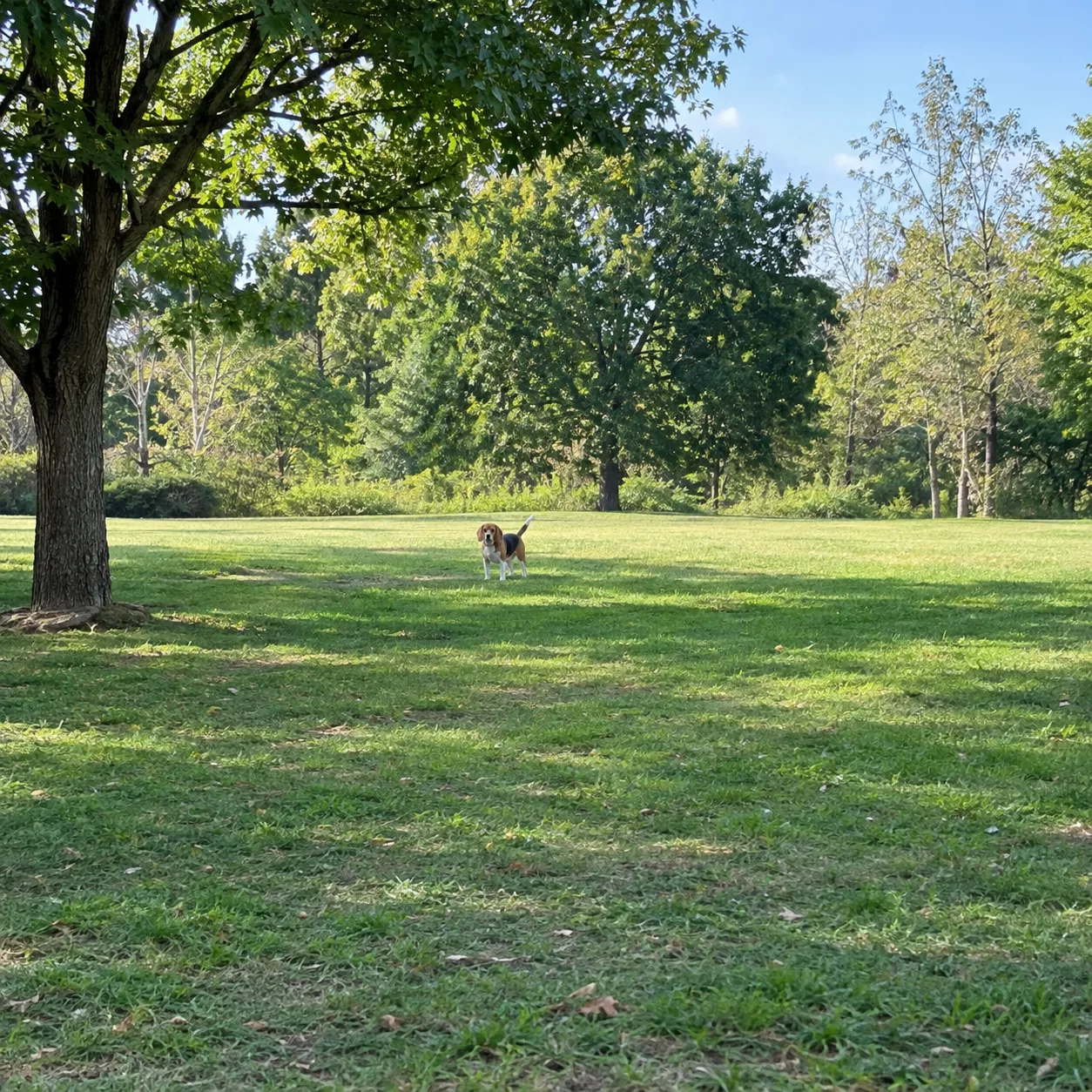 Avoid
AvoidSharp and well lit
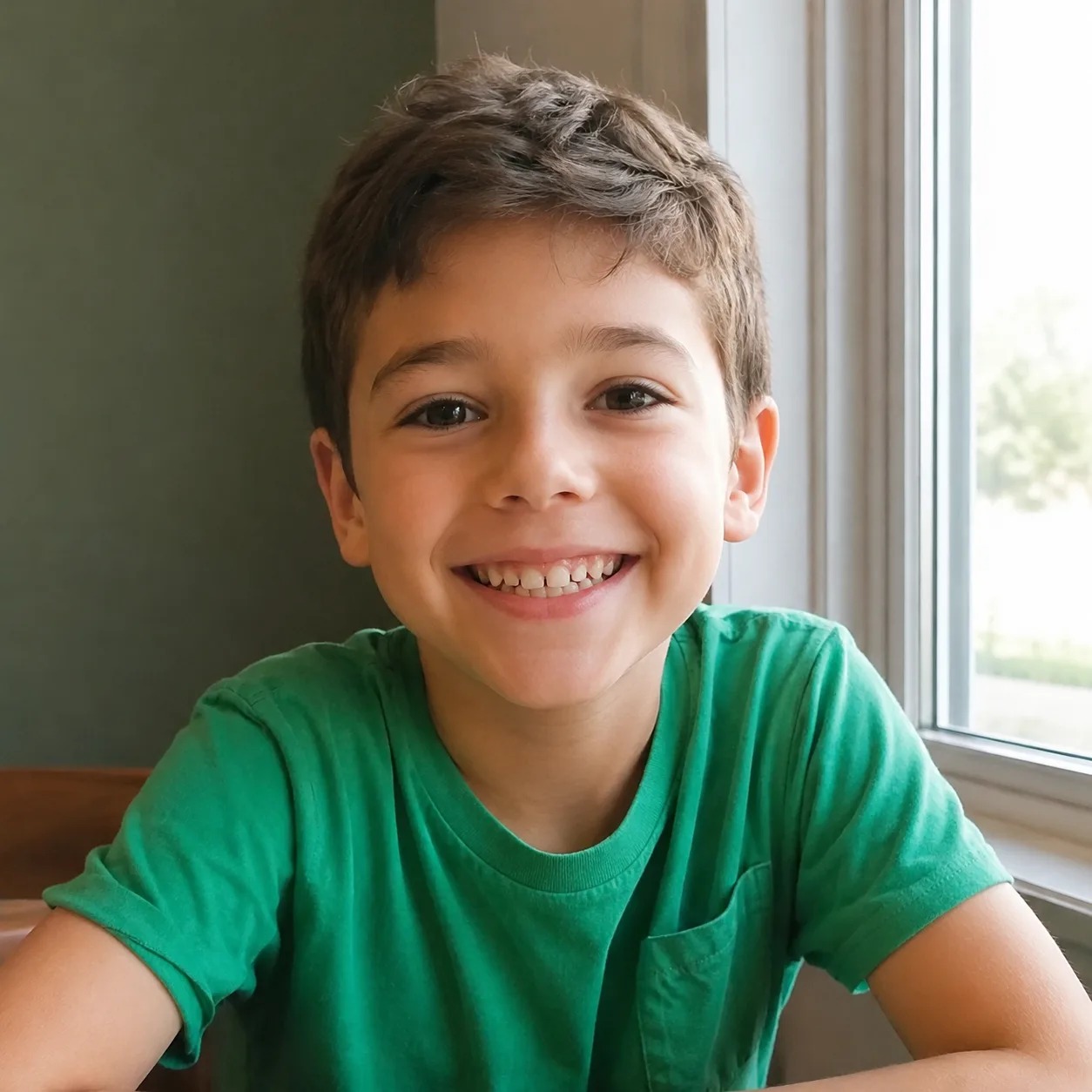 Works well
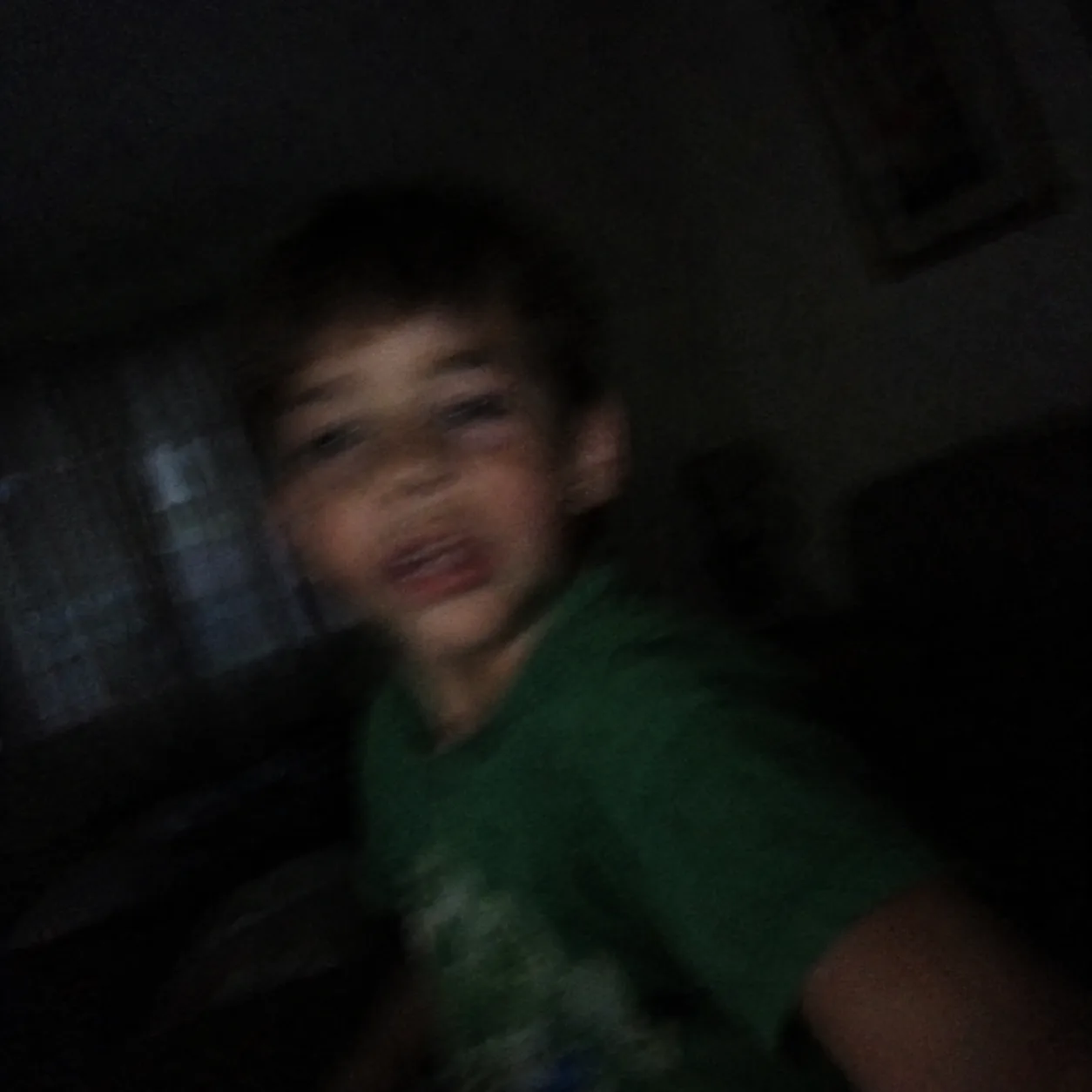 Avoid
AvoidFaces toward the camera
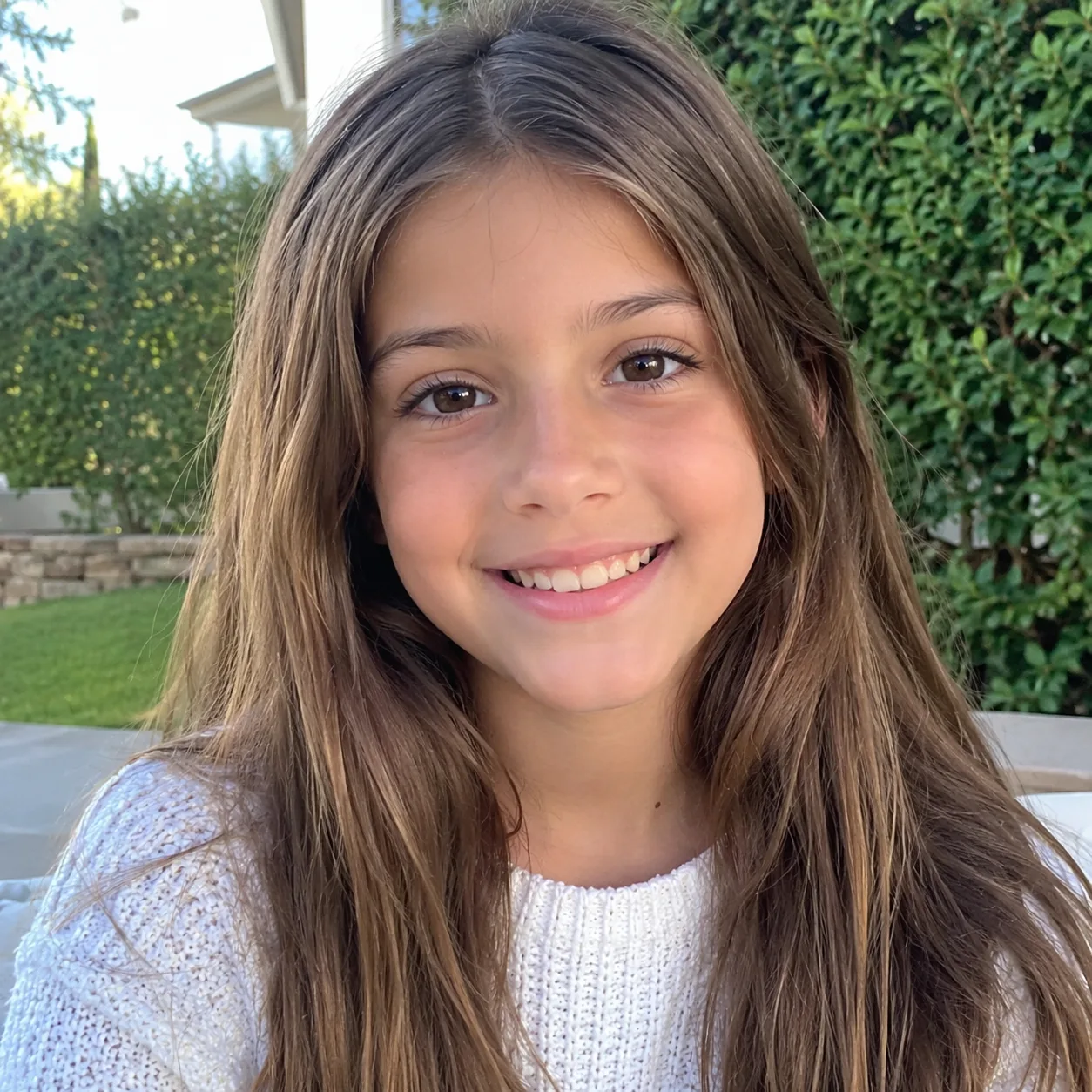 Works well
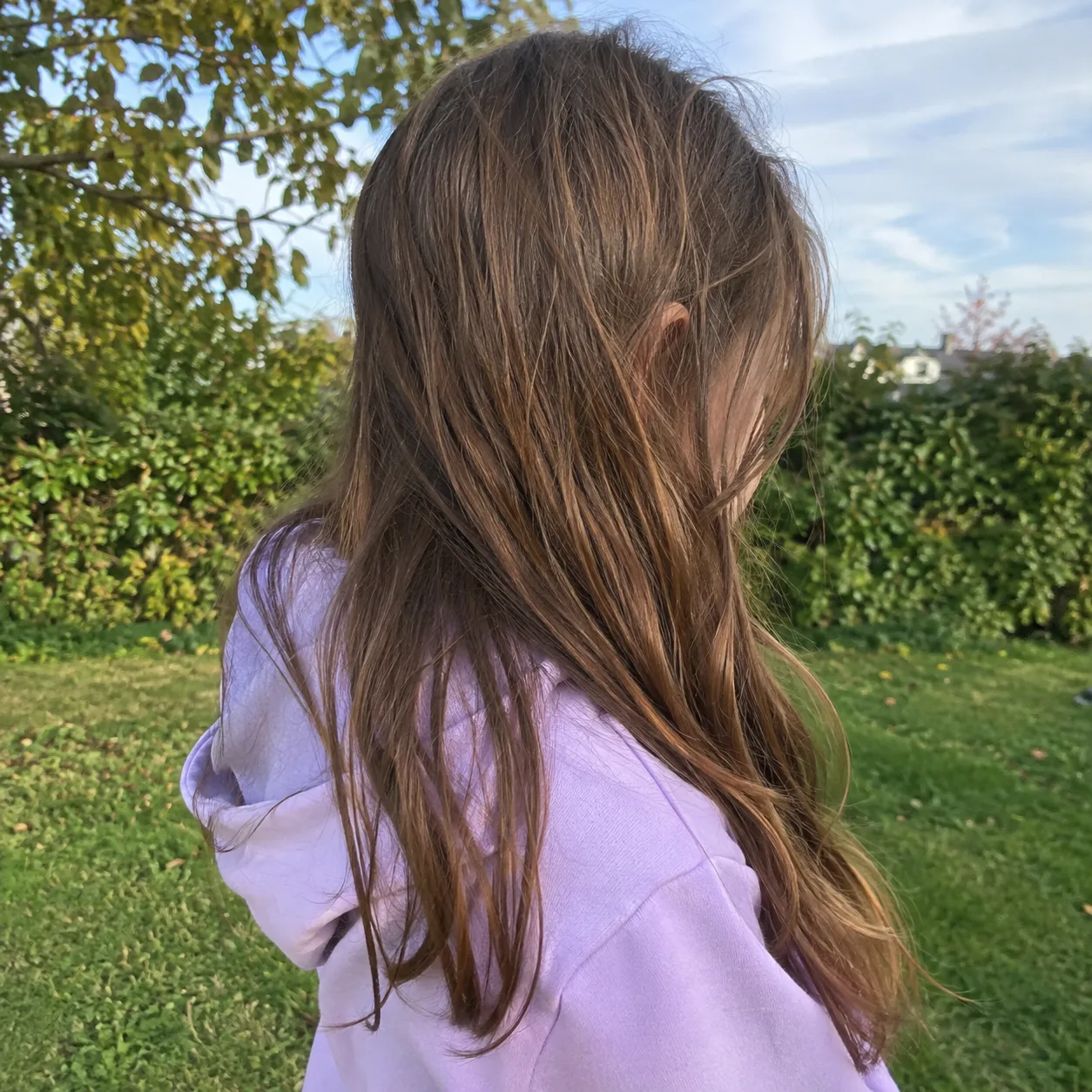 Avoid
AvoidA simple background
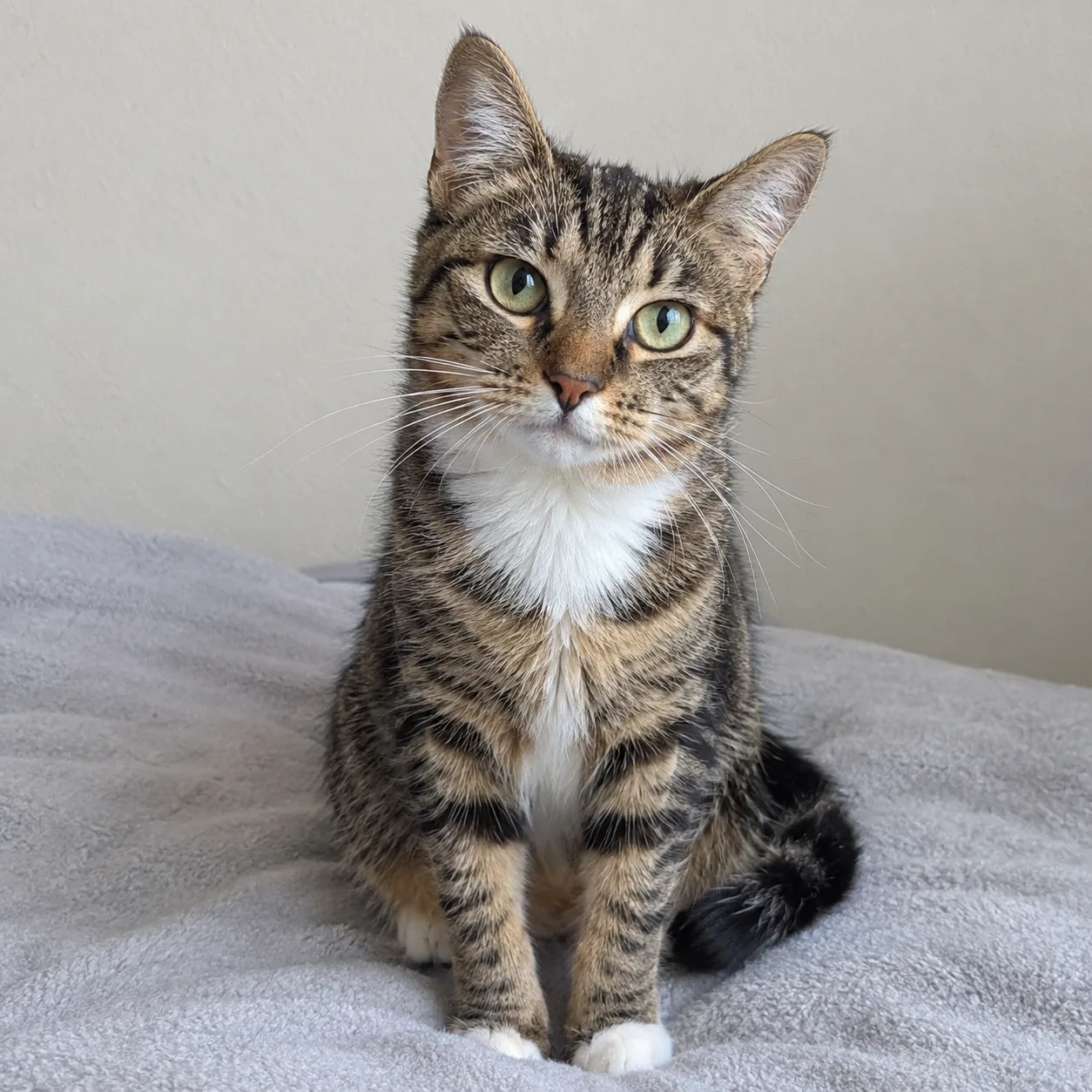 Works well
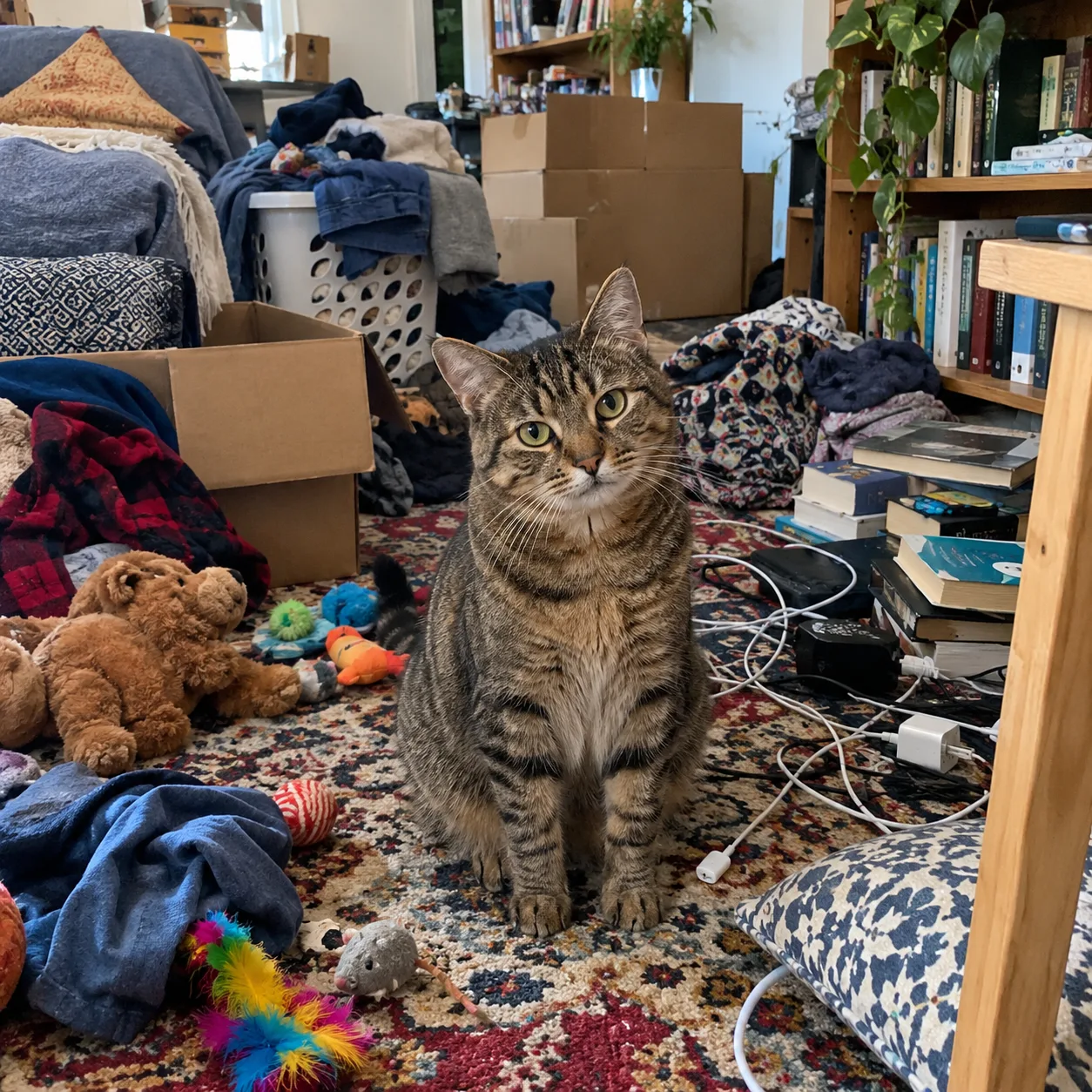 Avoid
AvoidMore Ways to Work with Your Photos
When you want a different result
Two related tools for photos that need something other than a coloring page.

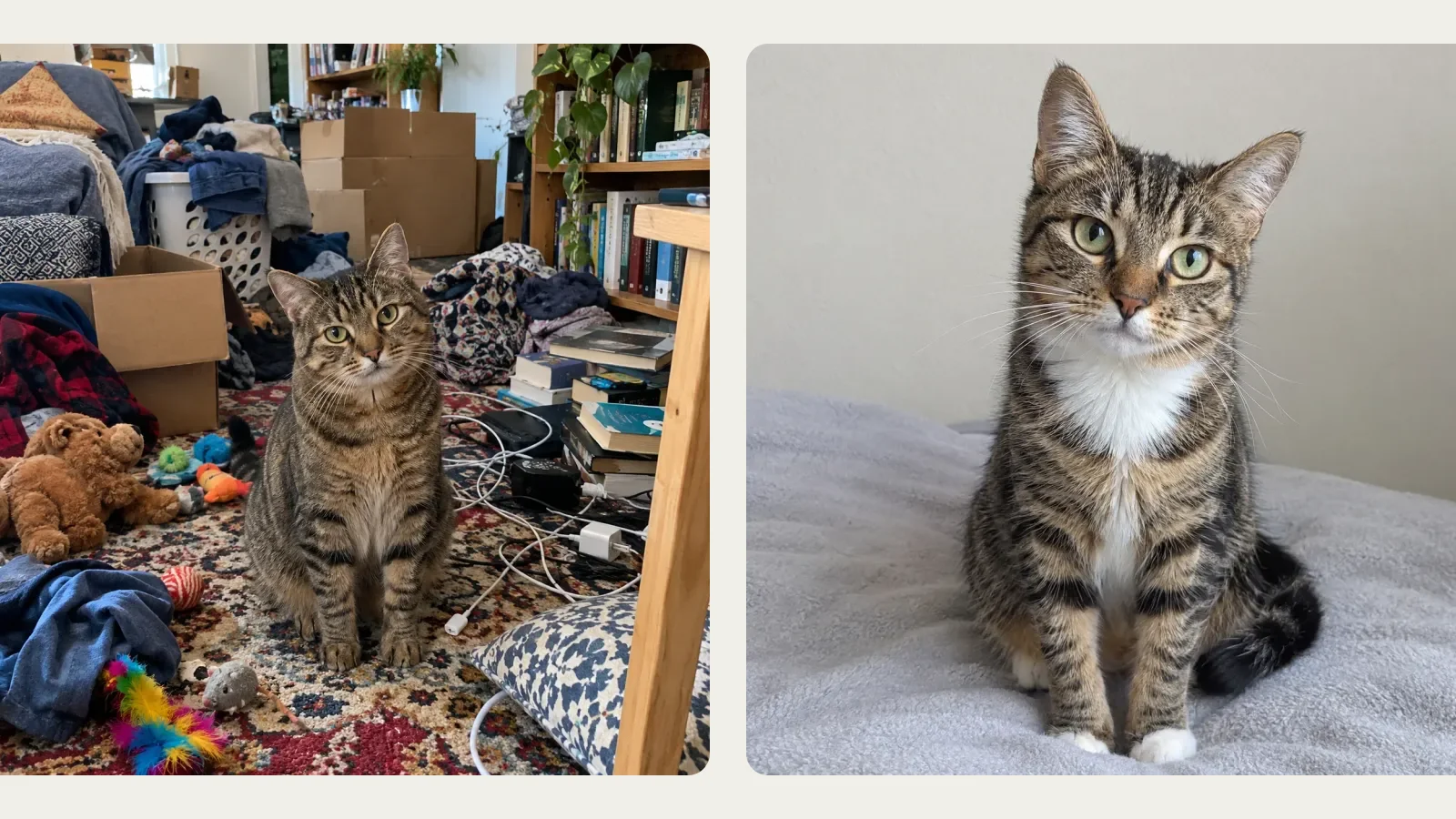
Want shading instead of outlines?
The AI Sketch Generator turns a photo into a pencil-style sketch with shading. It looks great framed, but it is not meant for coloring in.
Fix the photo first
Need to remove a person, change the background or combine two photos before making a page? Edit it in Image to Image, download it, then upload it here.
More AI Image Generators for Every Creative Idea
Unleash Creativity With Createimg.ai AI Image Generators
Explore a variety of AI image generators tailored to different creative needs. Whether you want to design shirts, make fun emojis, or create unique posters, these tools make it easy to bring every idea to life.
 New
NewPhoto to Coloring Page
 New
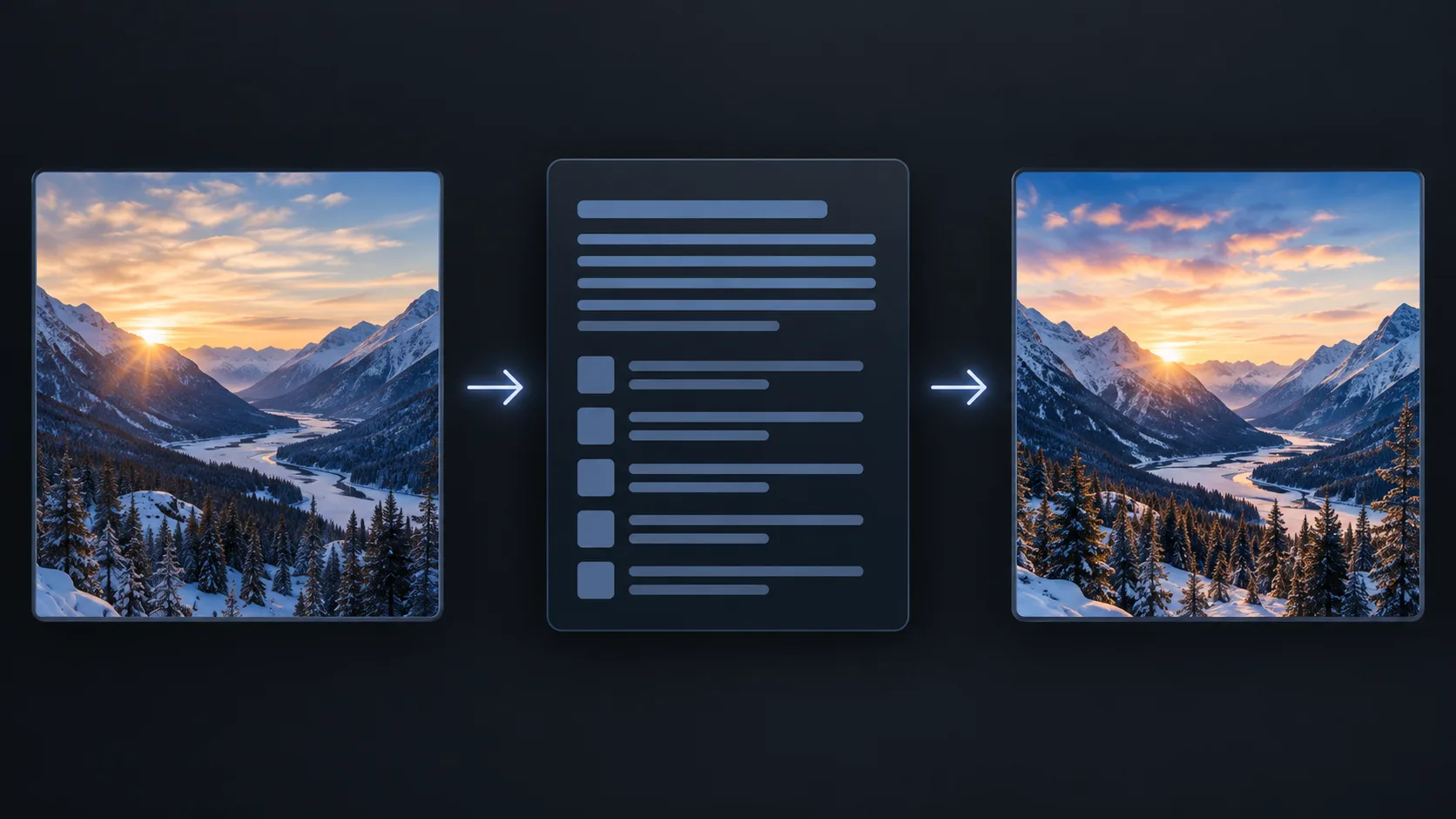
NewImage To Prompt
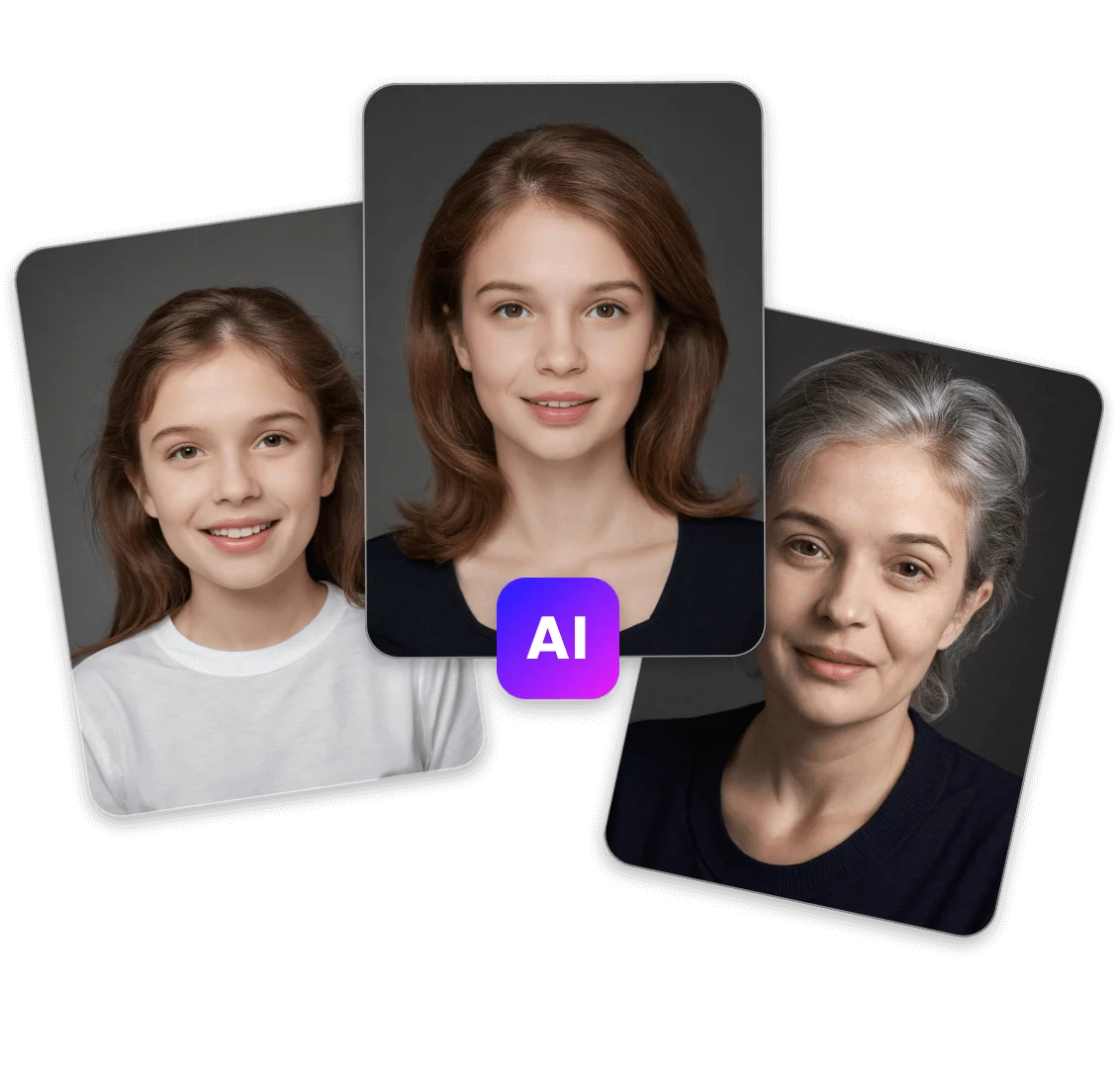
AI Age Progression
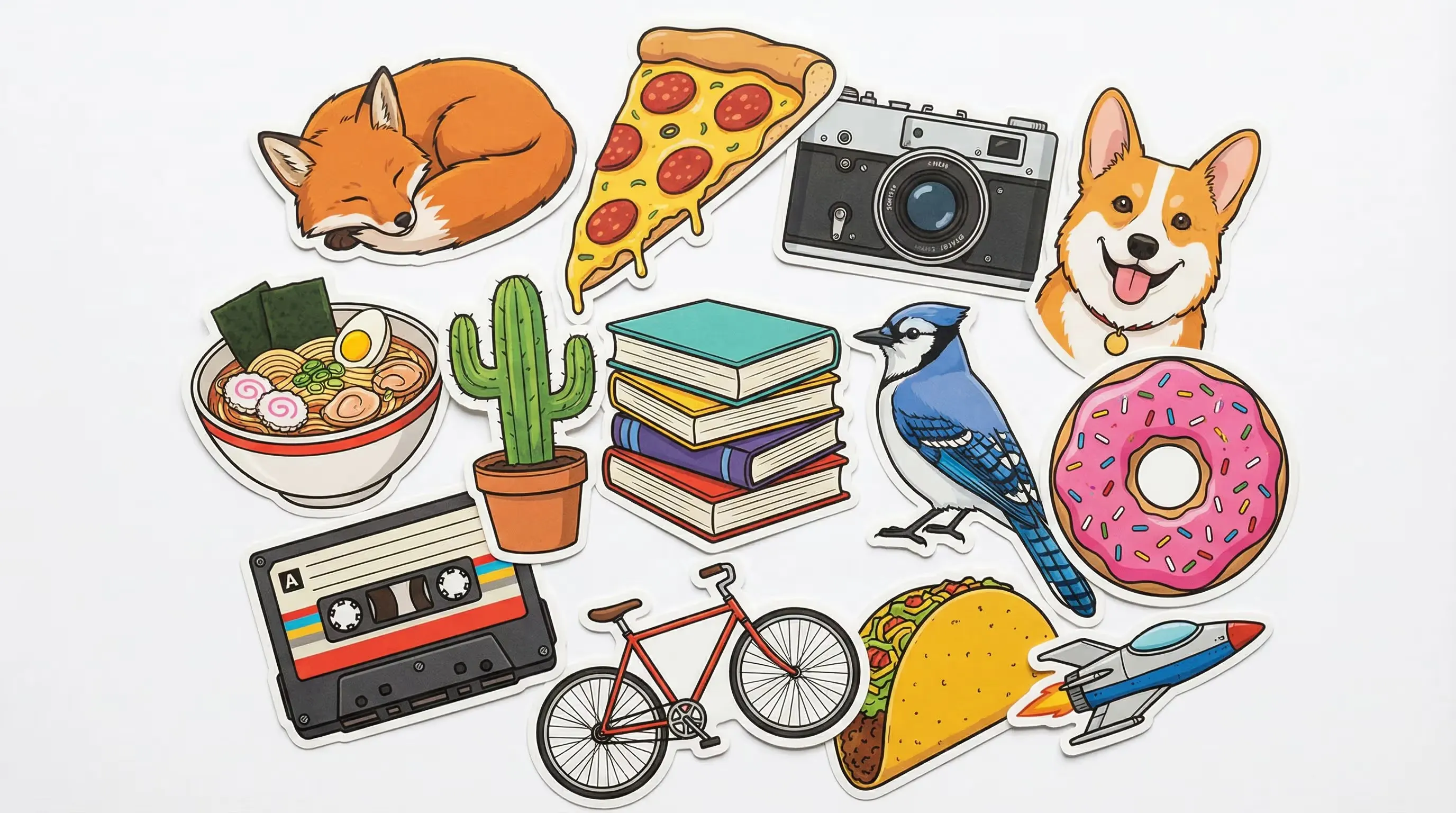
AI Sticker Generator

AI Thumbnail Generator
 Hot
HotImage To Image
 Hot
HotText To Image

AI Food Generator
Wedding AI Photo Generator

AI Ad Generator
Explore Cutting-Edge AI Models
AI Models — Powerful Image & Video Generation Tools
Explore advanced AI models for high-quality image and video creation. Discover powerful generation and editing technologies that enhance your creative workflow and bring your visual ideas to life with ease.











How to Turn a Photo into a Coloring Page
Three steps, no drawing skills needed
Make a printable coloring page from your own photo in about a minute.
Upload a photo
Add one clear photo of a person or pet you have permission to use. JPG, PNG and WebP work, and iPhone HEIC photos are converted automatically.
Choose Kids or Adults
Kids gives bold, simple lines; Adults adds more detail. Optionally add a short instruction, such as removing the background or keeping the beach.
Generate, then download or print
Check the result against your photo, then download the PNG or open Print / PDF to save or print it on US Letter or A4.
Photo to Coloring Page FAQ
Questions about turning photos into coloring pages
How the converter works, what it costs, and how to print your pages.
How do I turn a photo into a coloring page?
Upload a photo above, choose Kids or Adults, and click Generate. In about a minute you get a black-and-white coloring page you can download as PNG or print from Print / PDF. JPG, PNG, WebP and iPhone HEIC photos are supported.
Is the photo to coloring page converter free?
You need to sign in, and each page uses credits. The cost depends on the model you pick and is shown before you generate; the default model uses 30 credits at 1K. New accounts get some free credits when they sign up, and credits for a failed page are refunded automatically.
What kind of photo works best?
A sharp, well-lit photo where the person or pet fills most of the frame and faces the camera. A plain background helps. Very small faces, blurry photos and crowded scenes give less accurate pages.
What is the difference between Kids and Adults?
Kids uses thick outlines, large spaces and a simplified background, which suits young children and crayons. Adults keeps more detail in clothing, hair, fur and the background, for older kids and adults with fine-tip pens or pencils.
How do I print it on US Letter or A4?
Click Print / PDF under the result, pick US Letter or A4, then download the PDF or print directly. The page is centered with a half-inch margin and never cropped, and wide pictures are turned to landscape automatically.
The page has too much detail. Can I remove the background?
Switch to Kids, which simplifies the background, or add an instruction such as "remove the background" or "keep only the dog" and generate again. Each new attempt uses credits again.
Will the coloring page look exactly like my photo?
It keeps the pose, faces, hairstyles and fur markings recognizable, but the picture is redrawn as line art, so small details can be simplified or changed. If something looks off, generate again or try the other level.
Can I use photos of other people or children?
Only upload photos you have the right to use, such as your own family photos or photos you have permission to edit. Do not upload photos of people who have not agreed to it.
Powered By


Make your first coloring page
Upload a photo of your kids, family or pet and print it on US Letter or A4 in a few minutes.