
AI Age Progression
Results vary by model. If a generation fails or is blocked, switch to another model and try again.
Results
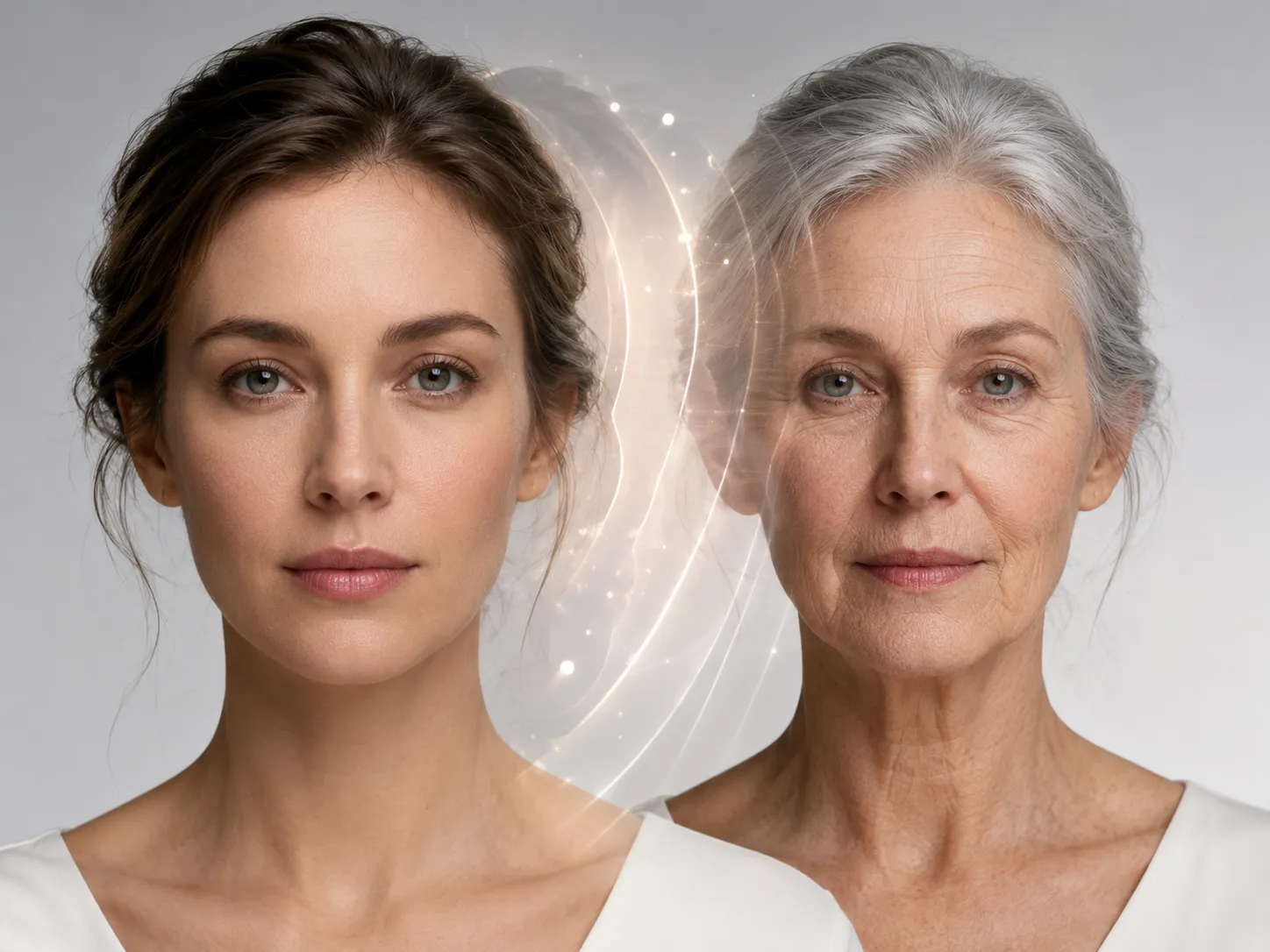
Upload one clear portrait, choose a target age, and create a realistic older or younger version of the same person. Results are a creative simulation, not a prediction.
AI Age Progression Features for Every Stage of Life
Why People Love Our AI Age Progression Tool
See yourself older or younger from a single photo with our AI age progression tool. Predict any age — from baby to elderly — in seconds, with identity-preserving realism.
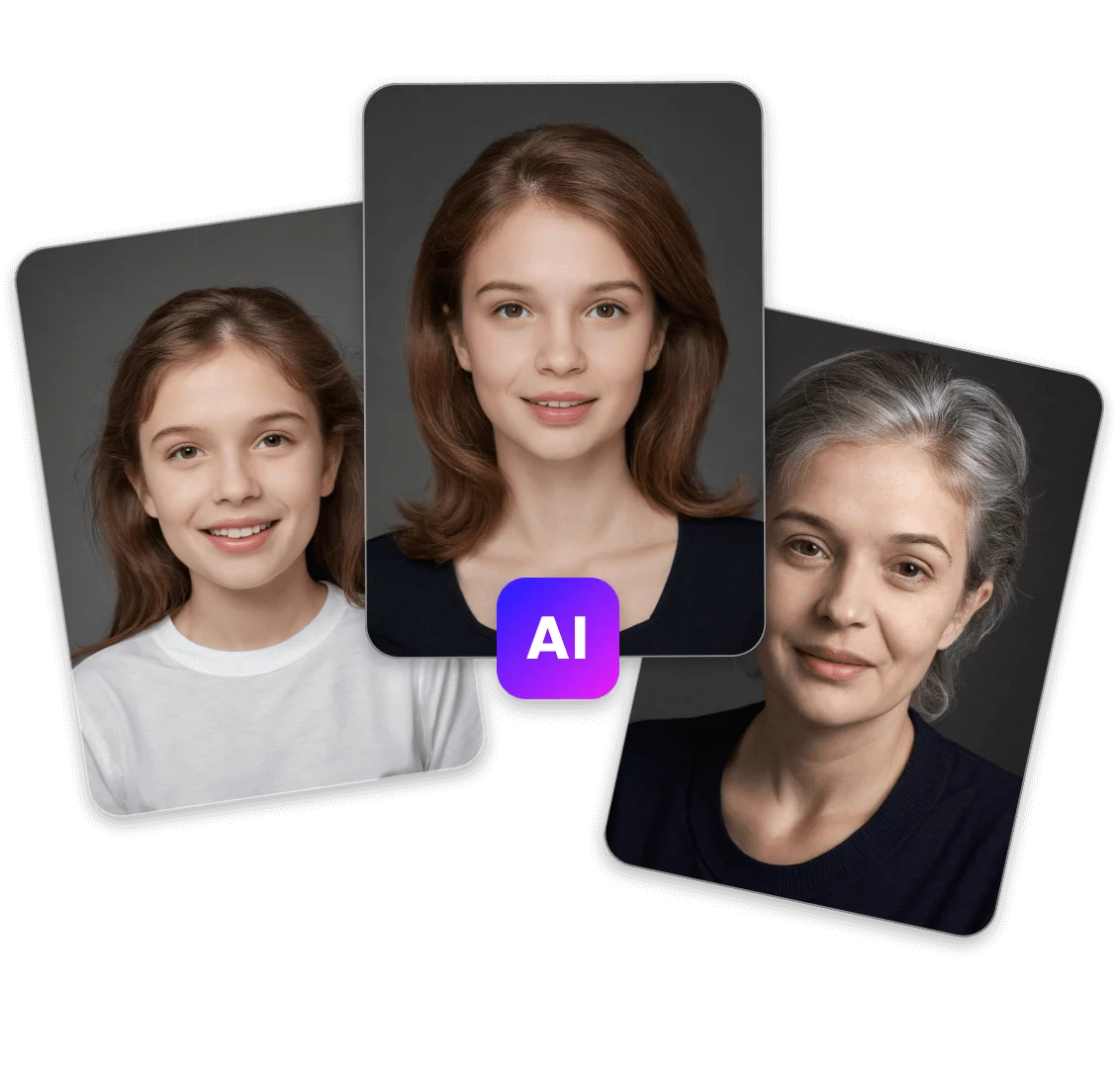
- Upload a single photo and our AI age progression generator predicts how you'll look in 10, 20, or 50 years — realistic wrinkles, hair changes, and skin texture, while preserving your identity.
- Reverse the clock with AI age progression. Generate a younger version of yourself — teenage, childhood, or toddler — straight from your current photo, no extra inputs required.
- Curious how someone looked as a baby? The AI age progression baby mode reconstructs realistic baby and infant faces from an adult photo, ideal for family albums and fun social shares.
- Our AI age progression generator locks in your facial structure, eye shape, ethnicity, and unique features — so every age-progressed result still clearly looks like you, not a different person.
- Export your age progression results in 1K, 2K, or 4K. Whether you need a quick preview or a print-ready portrait spanning every life stage, the AI age progression tool delivers crisp detail.
- Try the AI age progression tool free online — no app install, no signup hassles. Just upload your photo and instantly explore yourself at every age, all in your browser.
AI Age Progression Examples and Results
Real Results From Our AI Age Progression Generator
Every portrait below was created from a single photo with our AI age progression tool. See how the same person looks across every stage of life — from baby to elderly.
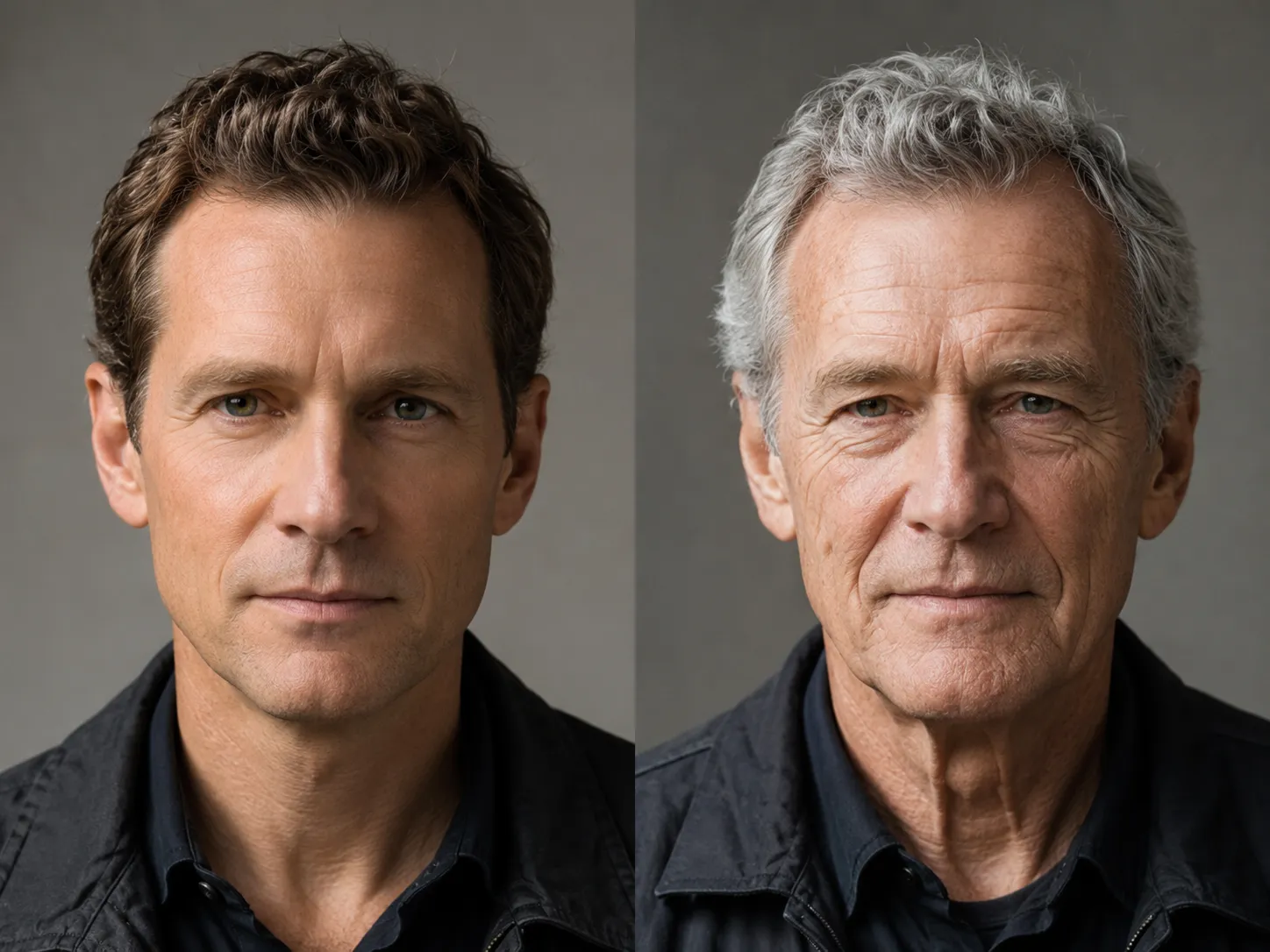
Adult to Elderly Age Progression
Realistic AI age progression result aging an adult portrait forward by several decades. Natural wrinkles, graying hair, and softened bone structure preserve identity while showing the future you.
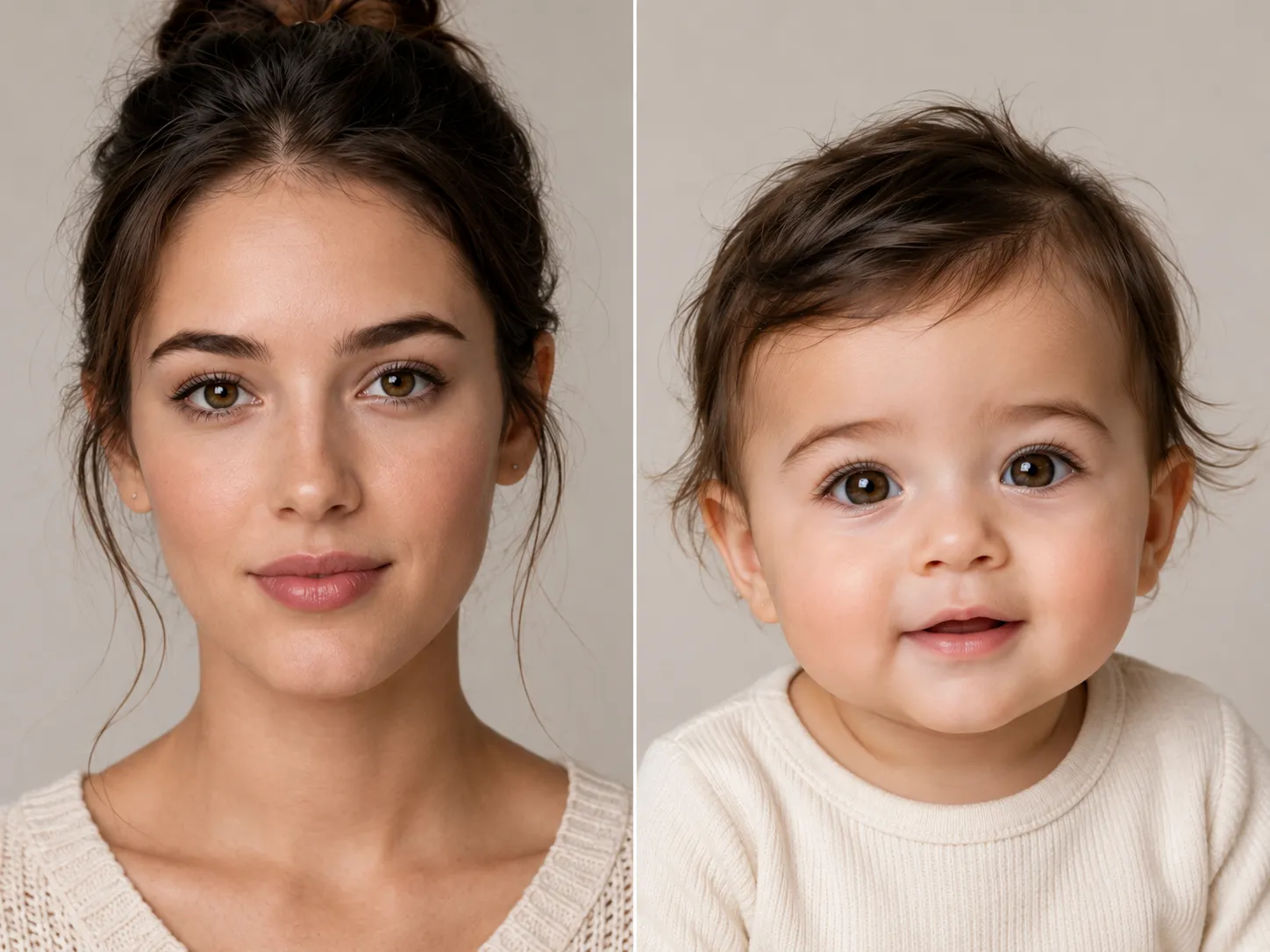
AI Age Progression Baby Version
Reverse aging in action: the AI age progression baby mode reconstructs realistic infant features from an adult portrait, with natural baby skin, larger eyes, and rounded proportions.
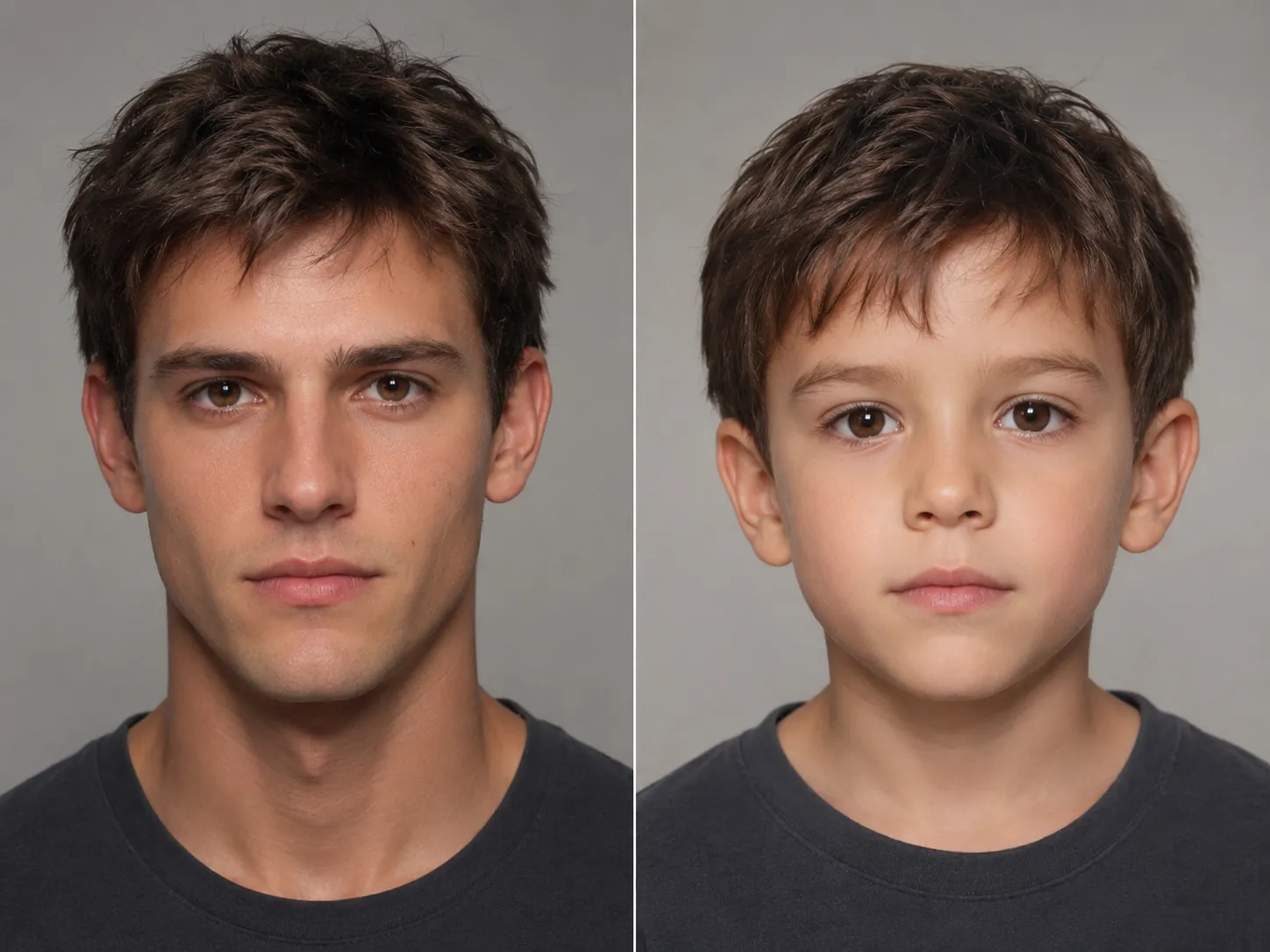
Childhood Age Regression
AI age progression isn't just forward — see yourself as a child. The AI age progression generator restores youthful skin, hair, and proportions while maintaining your unique facial identity.
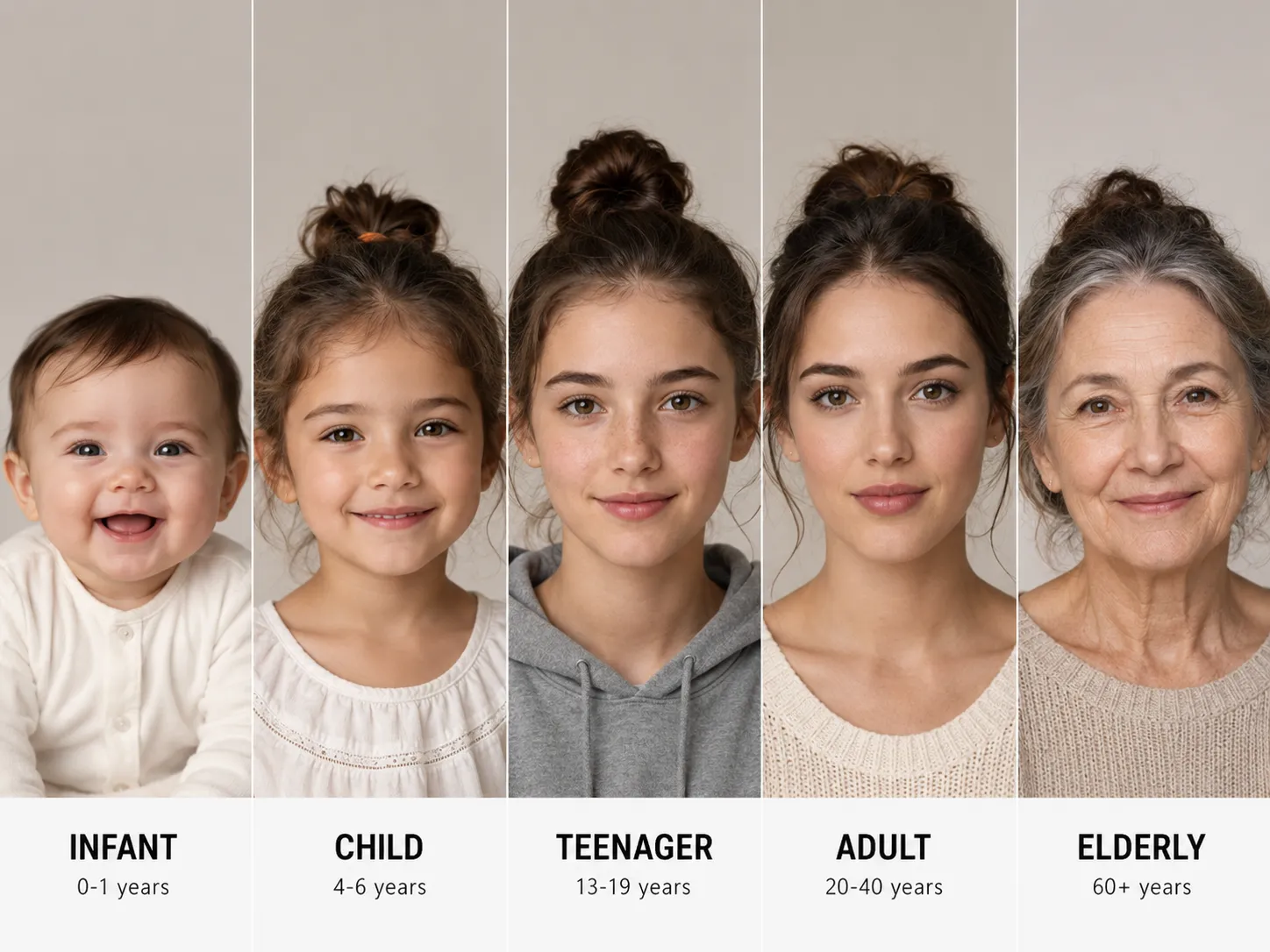
Full Life-Stage Timeline
Generate every life stage from one upload. The AI age progression tool produces a believable timeline — baby, child, teen, adult, and elderly — all of the same person.
More AI Image Generators for Every Creative Idea
Unleash Creativity With Createimg.ai AI Image Generators
Explore a variety of AI image generators tailored to different creative needs. Whether you want to design shirts, make fun emojis, or create unique posters, these tools make it easy to bring every idea to life.
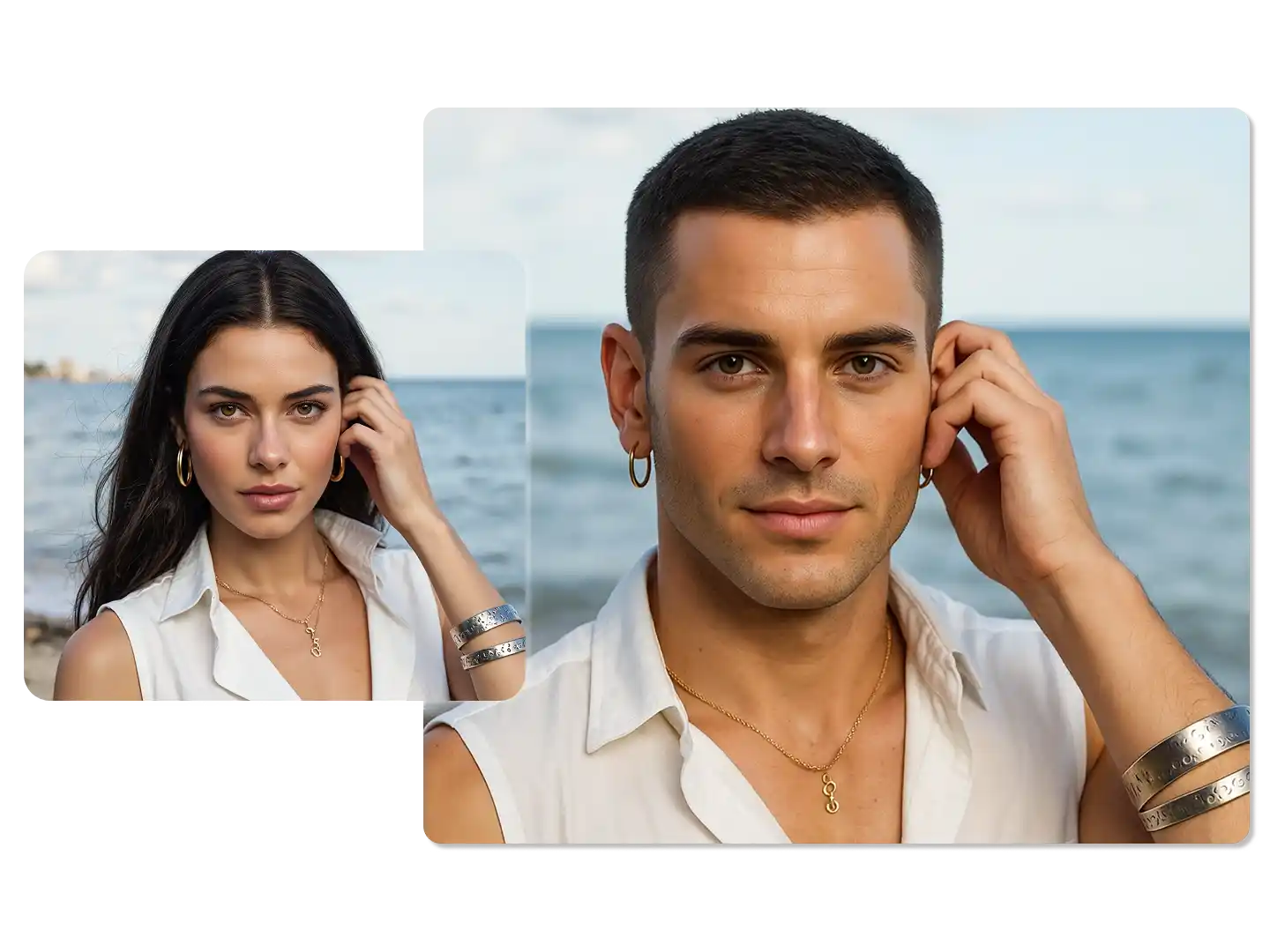
AI Gender Swap
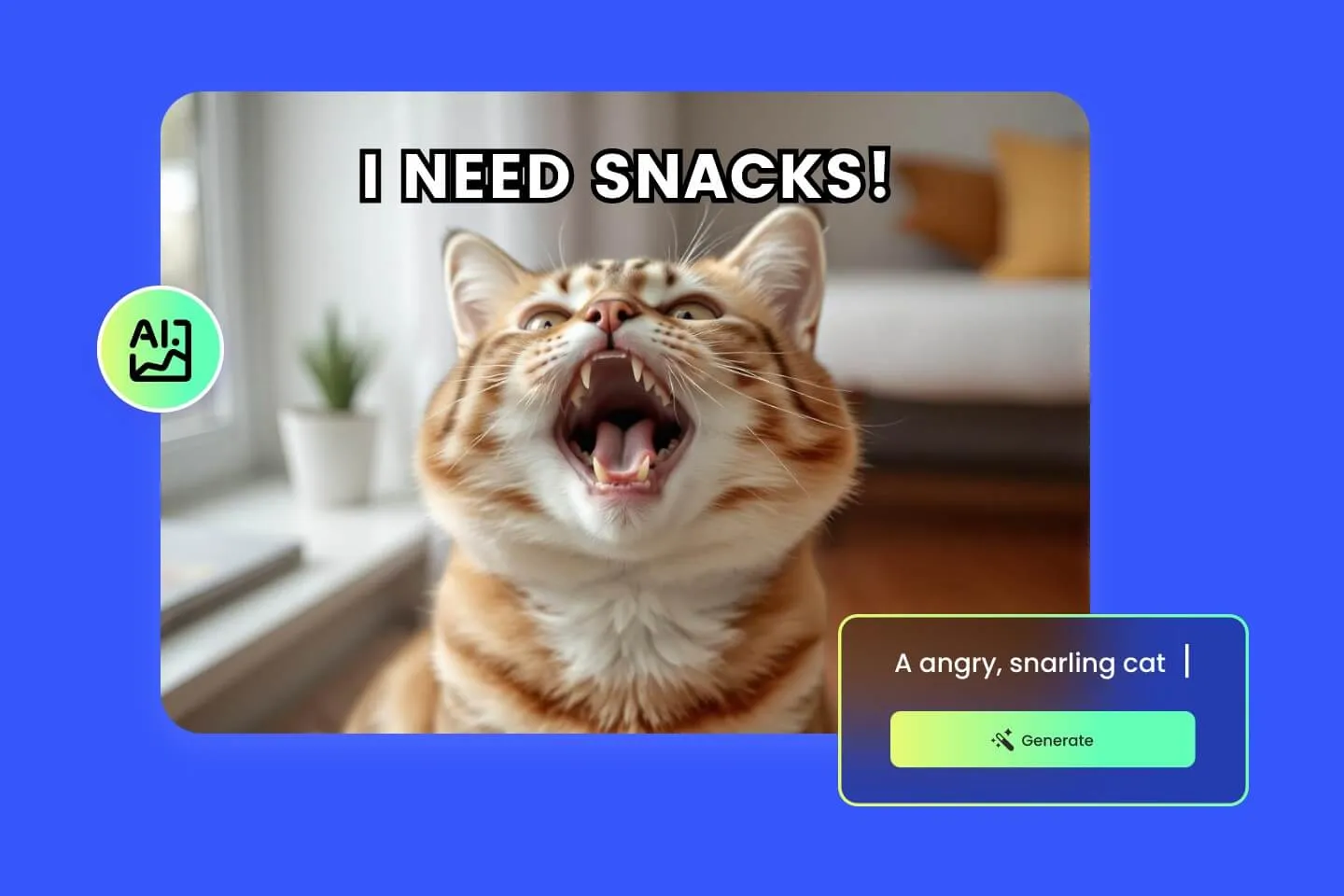
AI Meme Generator
AI Ad Generator
Wedding AI Photo Generator

AI Food Generator
Text To Image
Image To Image

AI Thumbnail Generator
AI Sticker Generator
AI Age Progression
Explore Cutting-Edge AI Models
AI Models — Powerful Image & Video Generation Tools
Explore advanced AI models for high-quality image and video creation. Discover powerful generation and editing technologies that enhance your creative workflow and bring your visual ideas to life with ease.










How to Use the AI Age Progression Generator
See Yourself at Any Age in 3 Easy Steps
Predict your age — older, younger, or all the way back to baby — with our AI age progression tool. Upload your photo, choose your target age, and download a realistic result in seconds.
Upload a Clear Portrait Photo
Upload a well-lit, front-facing photo of yourself or anyone you'd like to age-progress. The AI age progression generator works best with photos where the full face is clearly visible.
Describe the Target Age (Optional)
Add an optional prompt to target a specific age — for example, 'show as 70-year-old' or 'AI age progression baby version.' Leave it blank and the tool naturally ages you up by decades.
Generate and Download Your Result
Click Generate and our AI age progression tool produces a realistic, identity-preserving portrait at your target age. Download in PNG or JPG, in resolutions up to 4K.
AI Age Progression FAQ
Frequently Asked Questions About AI Age Progression
Everything you need to know about predicting your age with our AI age progression generator — how it works, what photos to upload, and how realistic the results are.
What is AI age progression?
AI age progression uses artificial intelligence to predict how a person will look at a different age. Upload one photo and the AI age progression tool generates realistic older or younger versions of the same person in seconds.
How does the AI age progression generator work?
Our AI age progression generator analyzes your facial structure, skin texture, and unique features, then applies age-specific changes — wrinkles, hair tone, bone maturity — while preserving your identity so the result still looks like you.
Can I see how I'd look as a baby with AI age progression baby mode?
Yes. The AI age progression baby feature reconstructs how someone could have looked as an infant or toddler based on their adult photo, with realistic baby-appropriate facial proportions and skin.
Can AI age progression make me look younger?
Absolutely. The tool works both ways — age yourself forward to old age or regress backward to your teenage, childhood, or baby years using the same AI age progression generator.
How realistic are the AI age progression results?
Results are photorealistic. The AI age progression tool produces natural skin texture, realistic graying or thinning hair, and age-appropriate facial maturity while keeping your identifying features intact.
Is the AI age progression tool free?
Yes. Our AI age progression tool is free to try online. Upload a photo, generate your age-progressed result, and download it without a watermark on the free plan.
What photo should I upload for the best results?
Use a clear, well-lit, front-facing portrait. The AI age progression generator works best with photos where the entire face is visible, eyes are open, and no heavy filters or sunglasses are applied.
Can I choose a specific target age?
Yes. Add a prompt like 'show me at age 70' or 'progress to 5 years old' and the AI age progression tool will target that exact stage. Without a prompt, it produces a naturally aged-up version of you.
What resolutions can I export?
Choose 1K, 2K, or 4K resolution. Higher resolutions use more credits but deliver sharper facial details — recommended for printing or close-up viewing of your AI age progression results.
Is my uploaded photo safe?
Your photo is processed securely for AI age progression only. We do not share or repurpose uploaded images, and you control downloads and deletion of your results.
Powered By


Try AI Age Progression Free — Upload a Photo Now
Curious how you'll look in 30 years, or how you looked as a baby? Our free AI age progression generator answers both with one photo. Realistic, identity-preserving results in seconds.