
Change Text in an Image
Box the words you want to change and type the new ones. Only that spot is rewritten; the rest of your image stays as it was.
Result
Change a word, date or price in your image
Draw a box around the text, then type what it says and what it should say. Only that spot changes; the rest of your image stays exactly as it was.
Change Text in Image Examples
Only the boxed text changes
Real results from this editor. The amber box marks what was changed; the zoomed views show it before and after. The example images were made with AI.
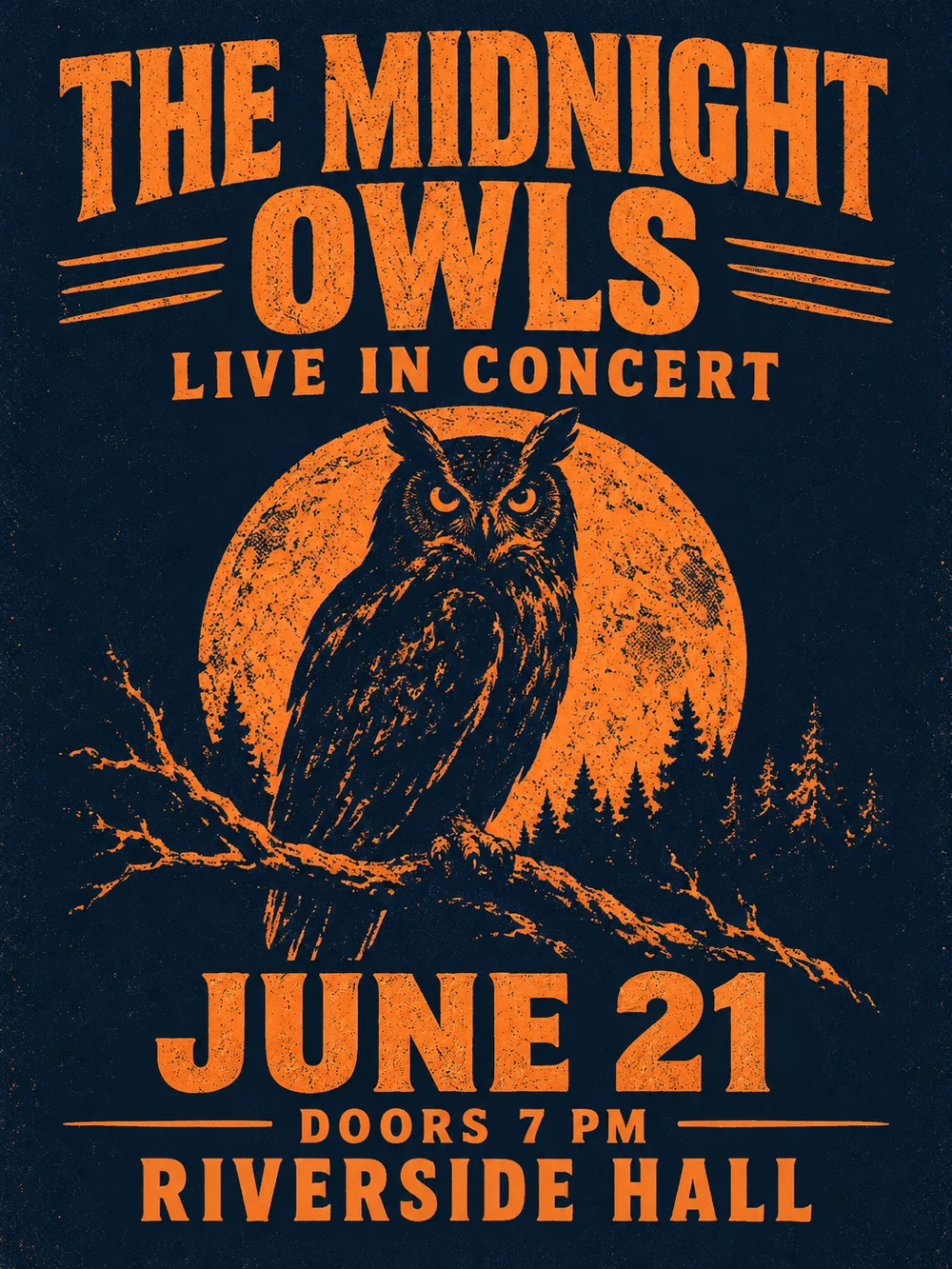
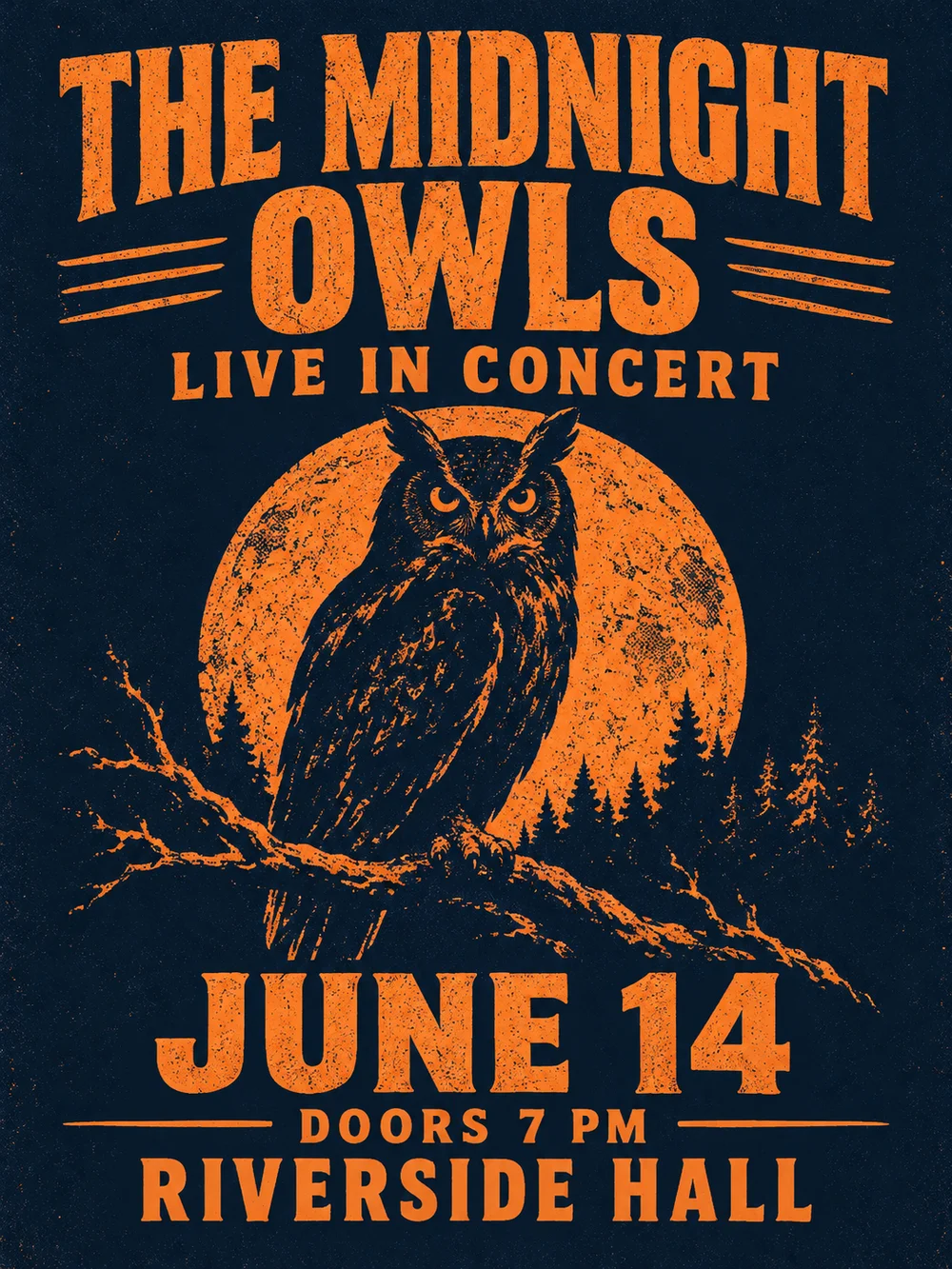
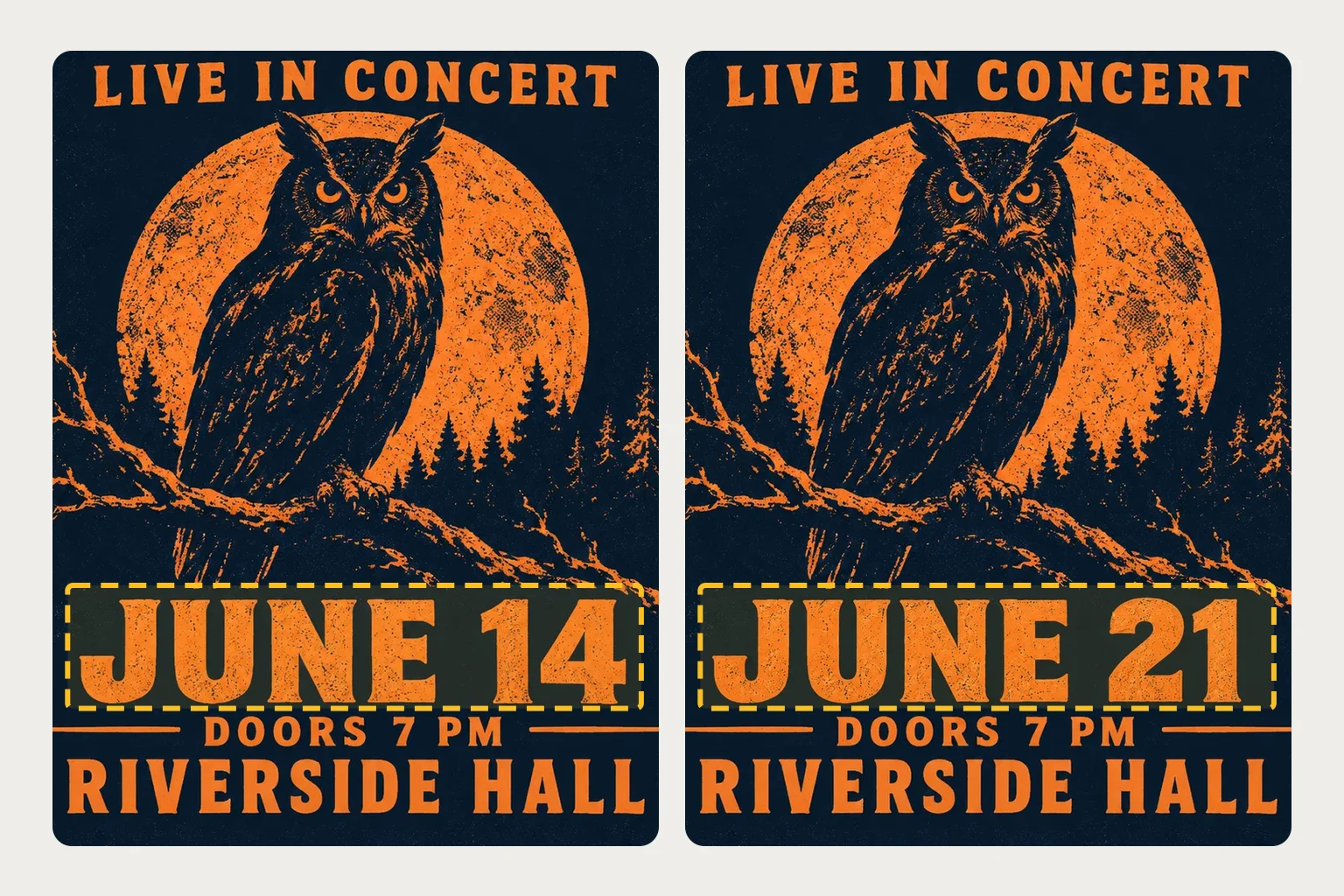
Concert date
BeforeAfterJUNE 14 → JUNE 21
The date in the distressed lettering is rewritten in the same texture. DOORS 7 PM right below it is untouched.
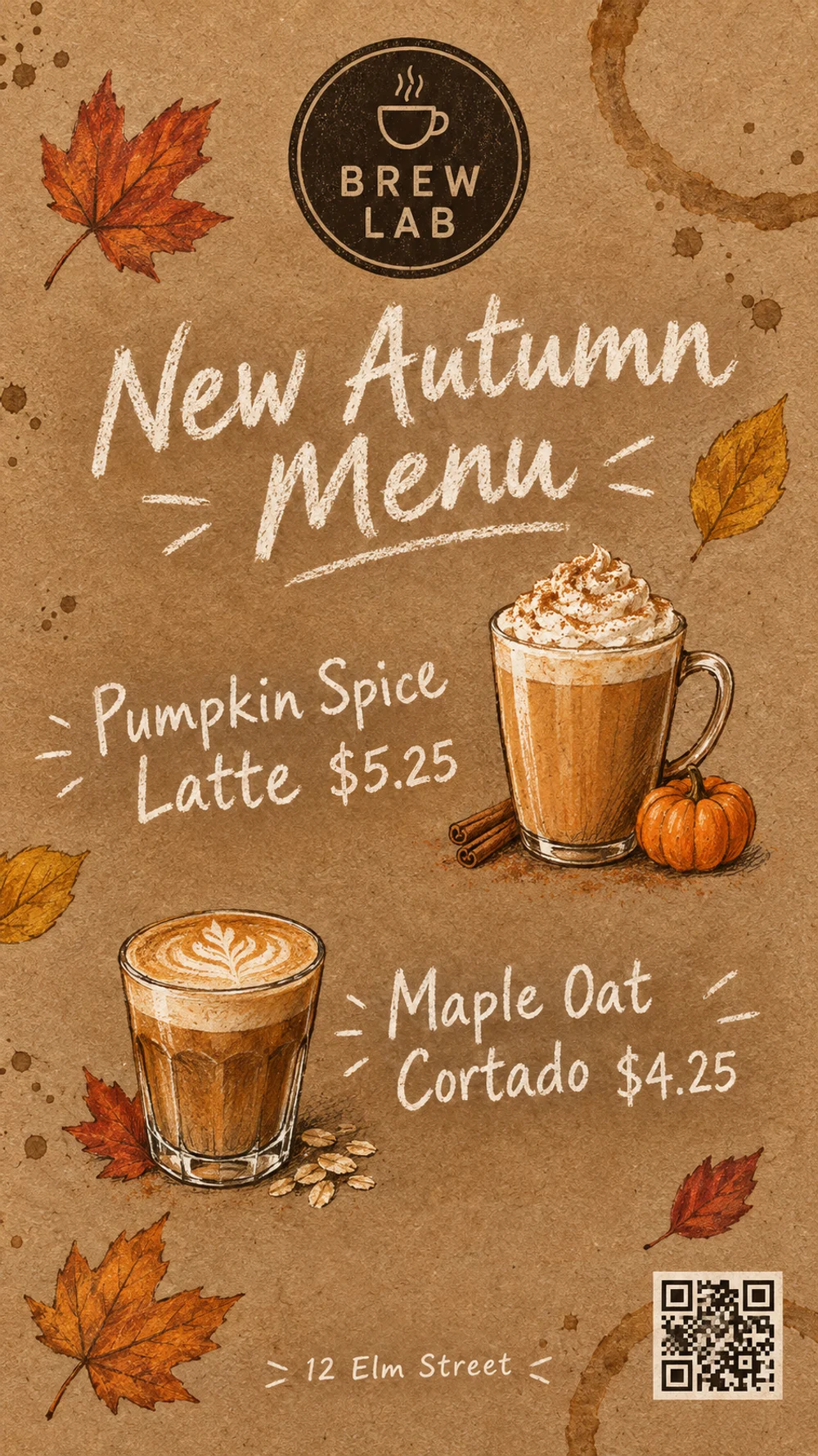
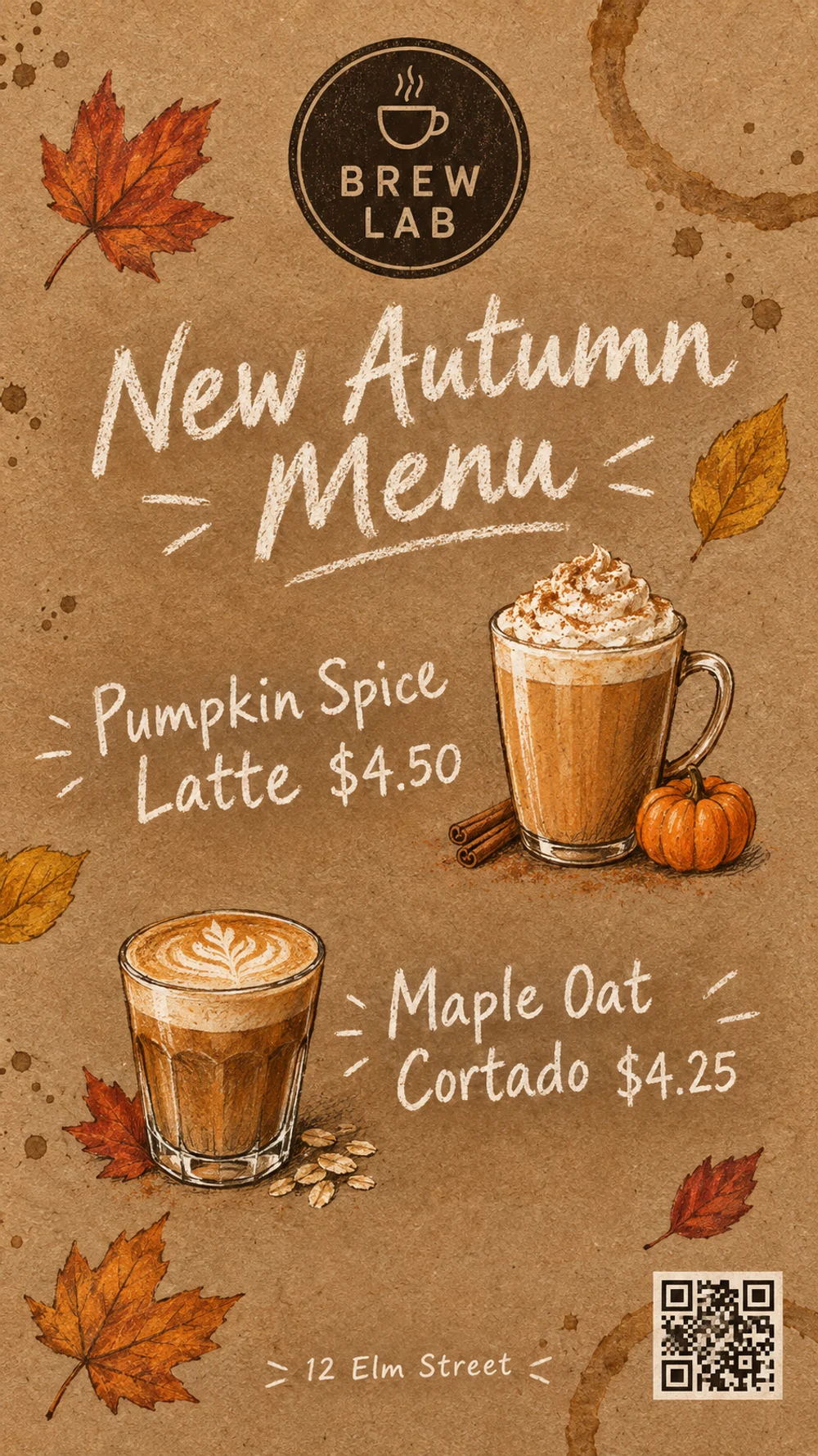
Menu price
 BeforeAfter
$4.50 → $5.25
One price changed in chalk-style handwriting. The other price, the logo and the QR code are exactly as they were.
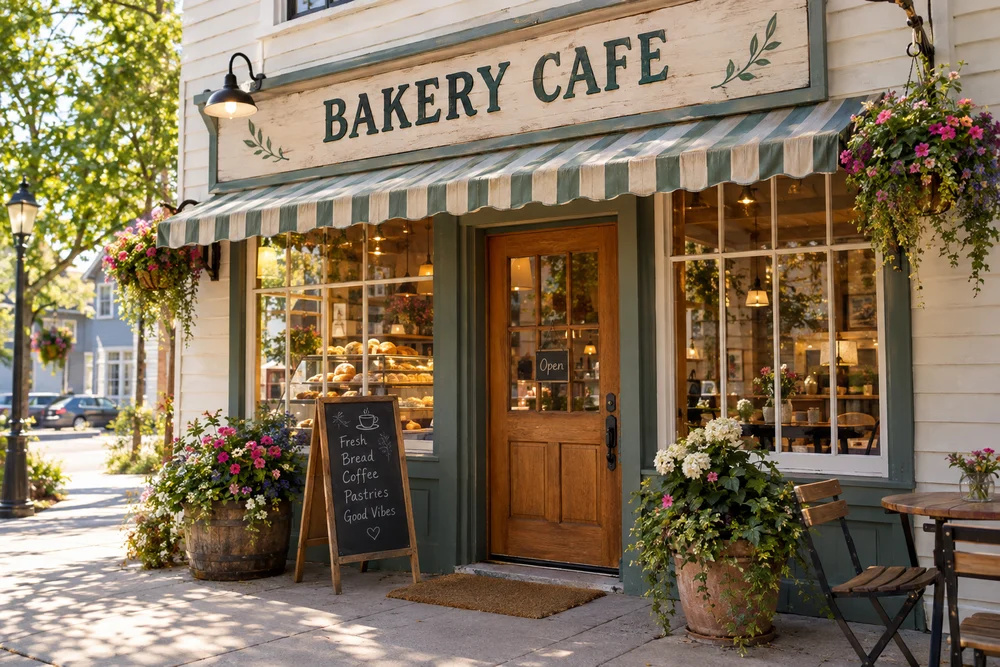
AI typo on a sign
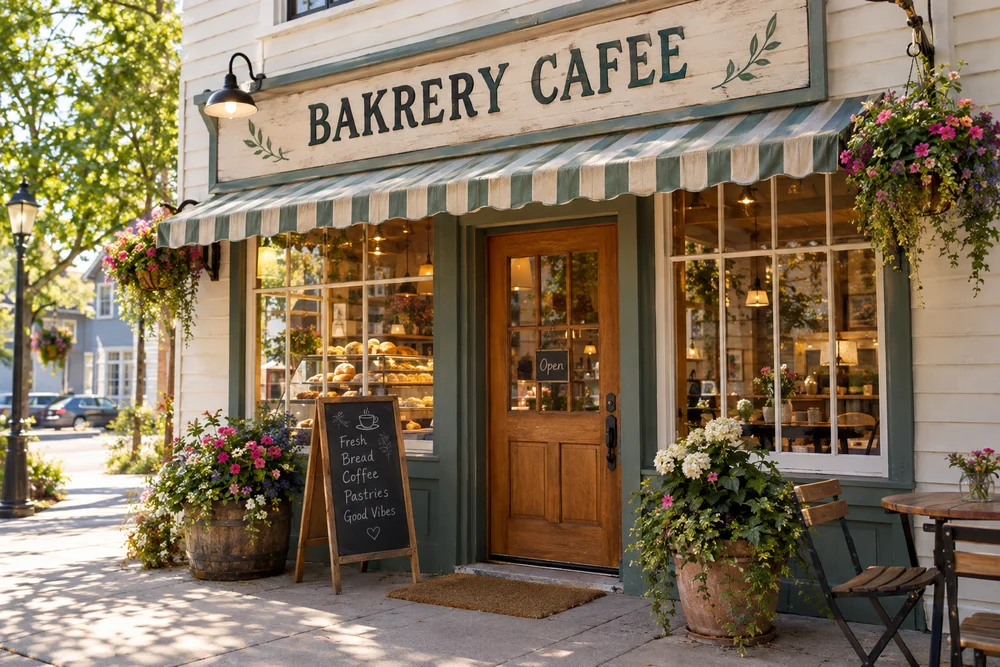 BeforeAfter
BAKRERY CAFEE → BAKERY CAFE
An AI-generated shop photo had a misspelled sign. The letters were fixed on the painted wood, keeping the angle and shadows.

Sale headline
 BeforeAfter
50% → 40%
The headline says 50% twice on this graphic. Only the big headline was boxed, so the 50% in the small line at the bottom stays.
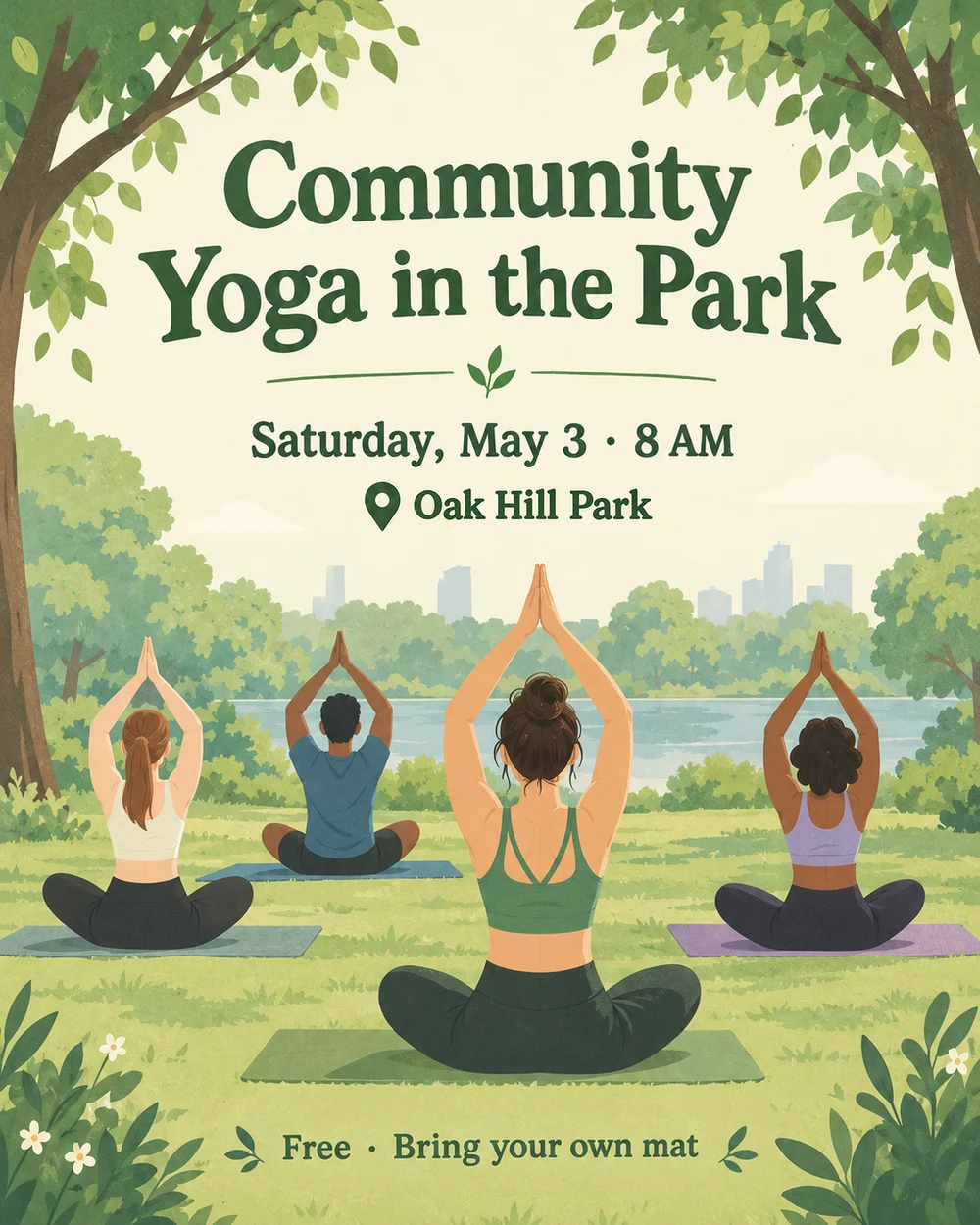
Event location
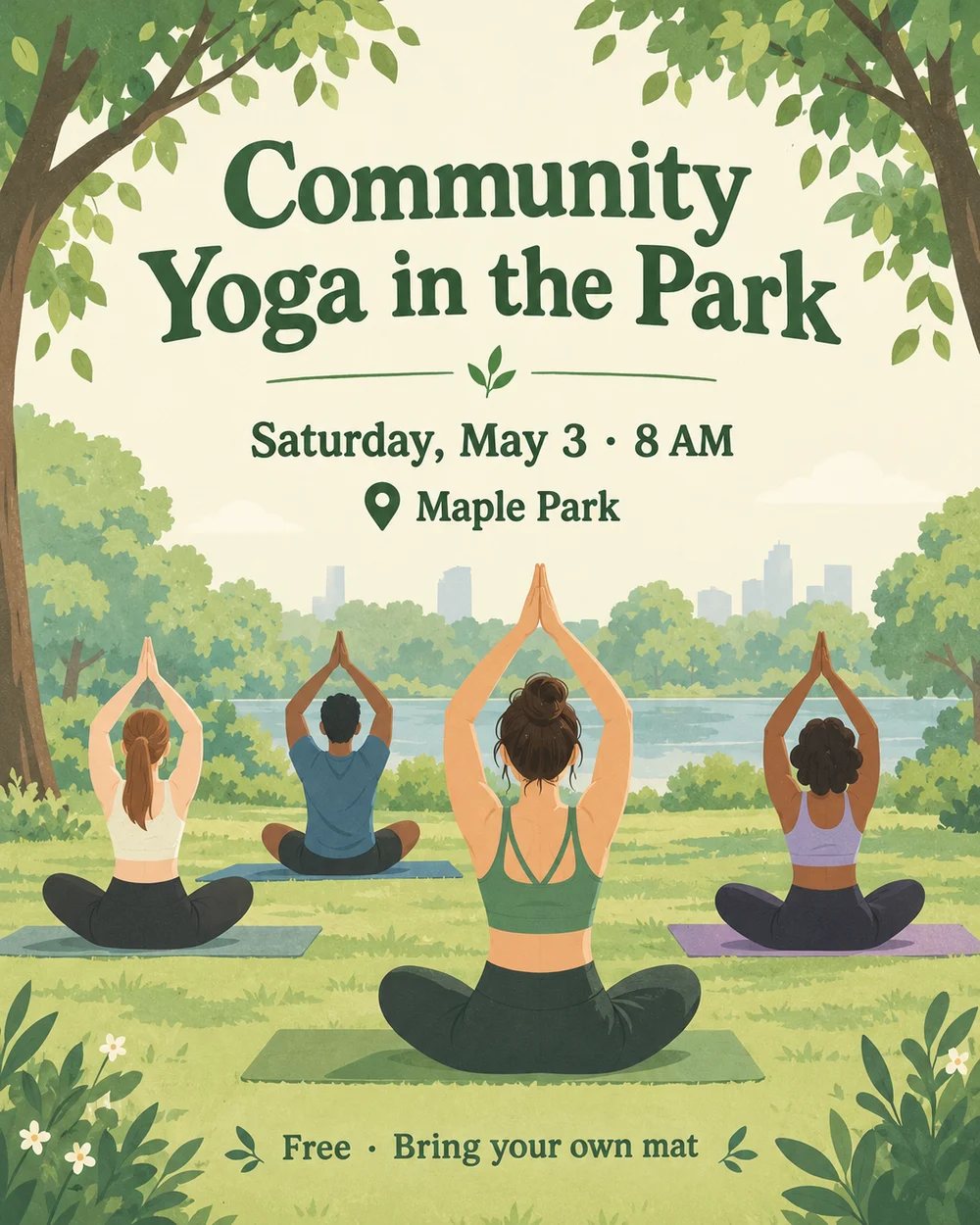 BeforeAfter
Maple Park → Oak Hill Park
A longer place name fits on the same line, next to the original map pin.

Year on a curved badge
 BeforeAfter
1998 → 2004
Even text that follows a curve can work. Results on curved or rotated text vary more than on straight lines.
Edit Text in an Image Without Redoing the Design
Fix the words, keep everything you liked
A general image-to-image edit redraws the whole picture, even to change one word. Here the AI only works on the text you box, and the rest of your image is put back pixel for pixel.
- Everything outside your box is your original image, pixel for pixel. Faces, logos, small print and QR codes are not redrawn.
- The new words follow the original style: font look, weight, color, texture and angle, sitting where the old text was.
- If the same word or number appears twice, box the one you want. The other stays as it is.
- The rest of the image is never shrunk or re-compressed by the AI, so a large poster stays large.
- AI images often come out with misspelled or garbled words. Box the word, type it correctly, and keep the image you were happy with.
- Compare before and after with a slider and a zoomed view of the changed spot, then download the full image.
What Text Edits Work Best
Get it right on the first try
Each edit costs credits, so a good box and a realistic new text make the biggest difference.
Box the whole text, with a little space
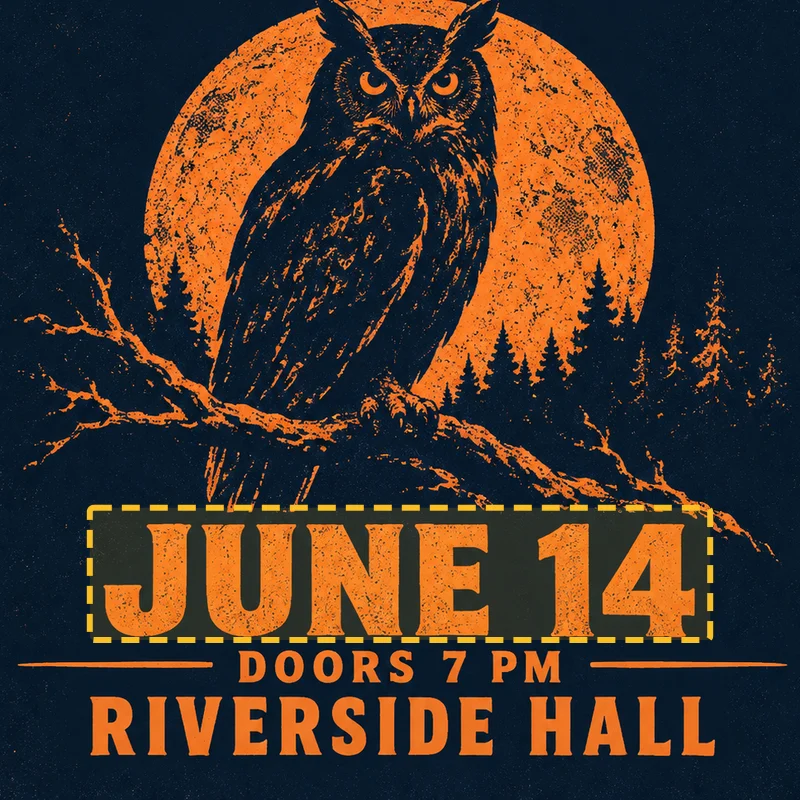 Works well
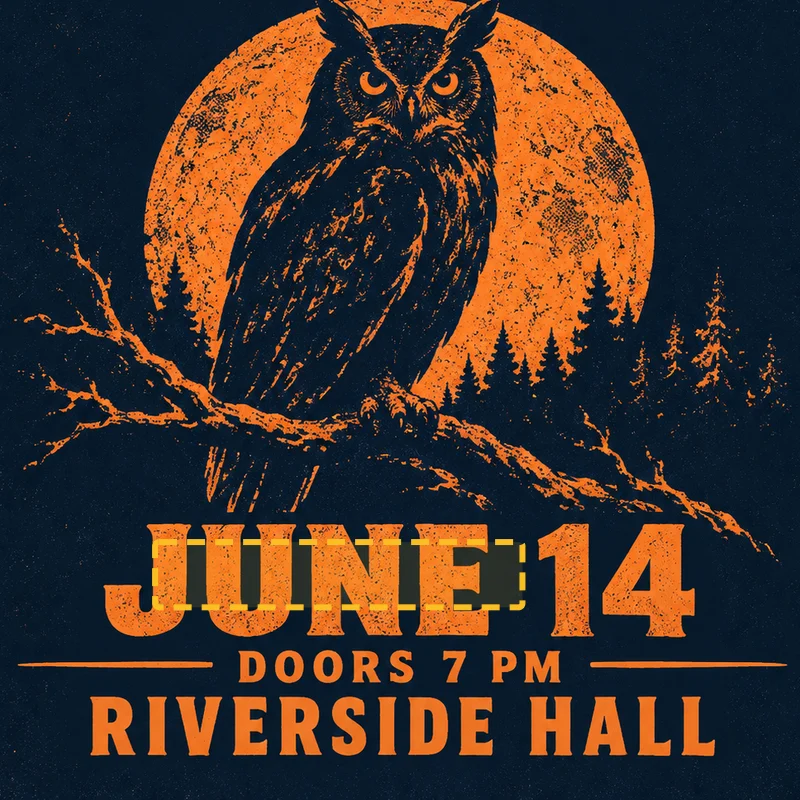 Avoid
AvoidKeep the new text a similar length
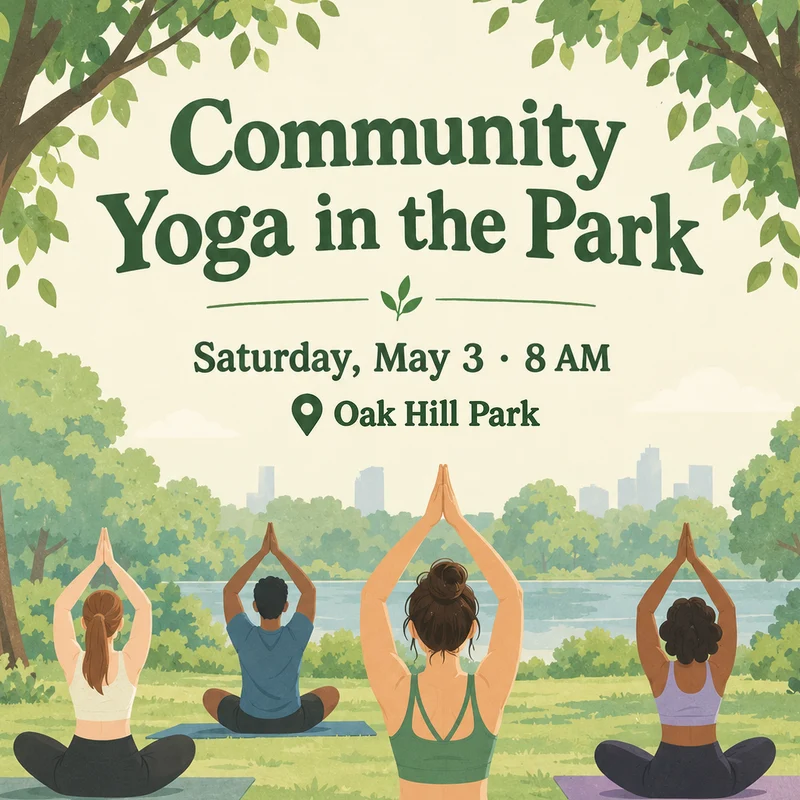 Works well
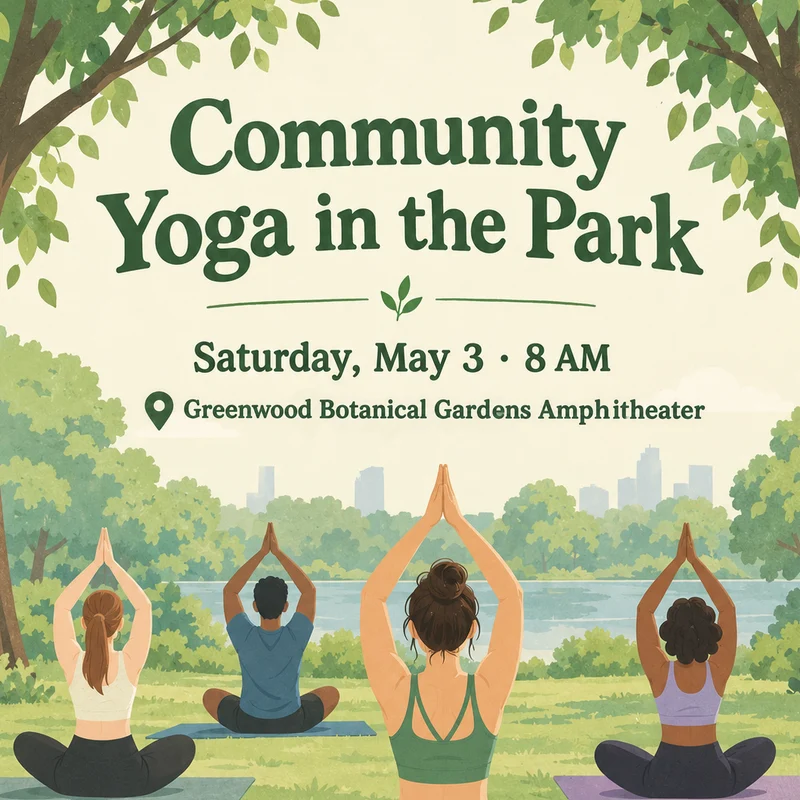 Avoid
AvoidUse clear, readable text
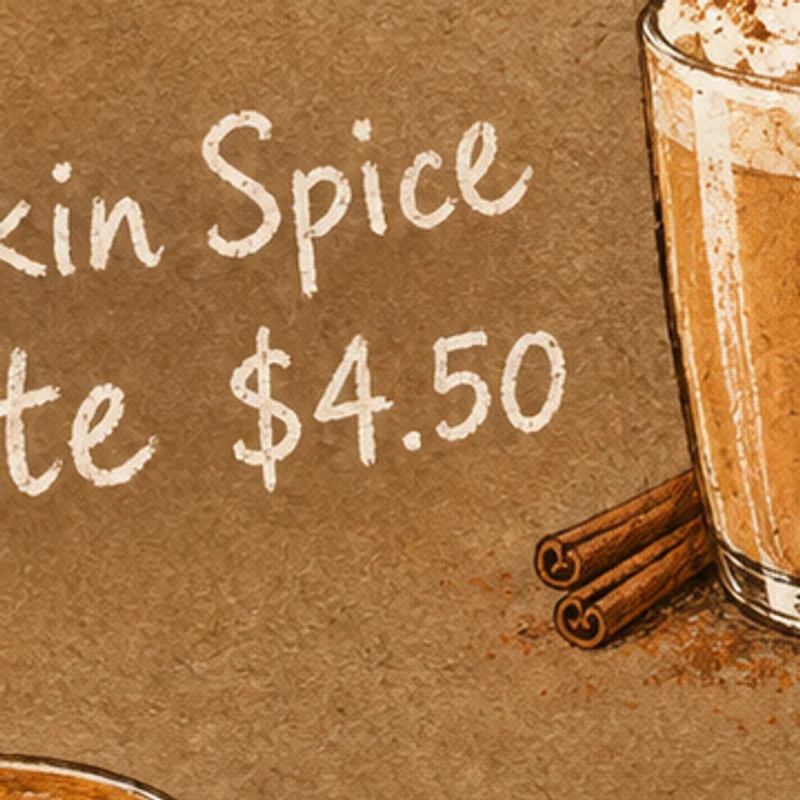 Works well
 Avoid
AvoidChange one line at a time
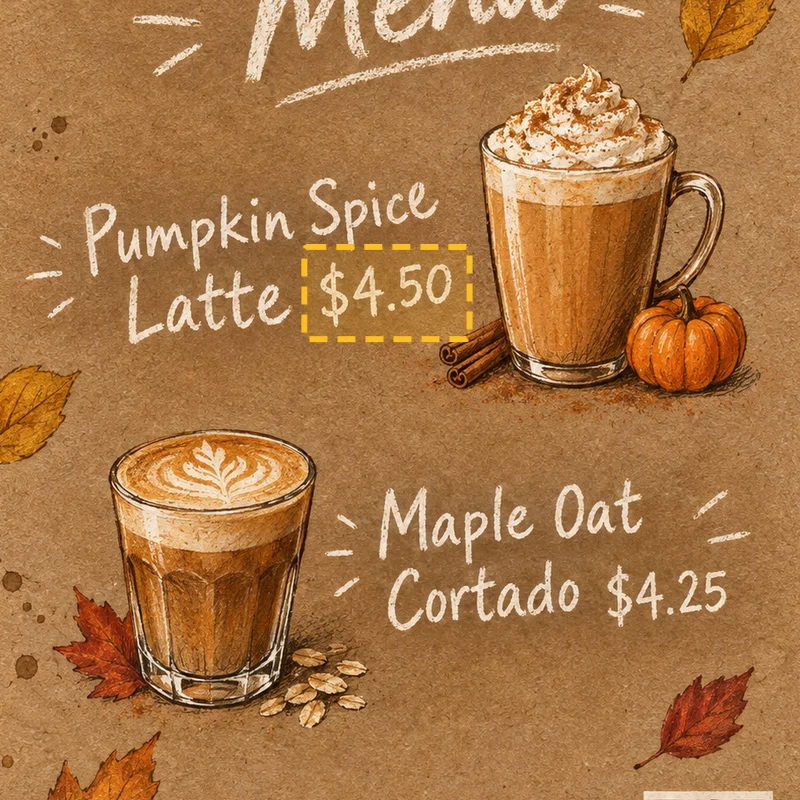 Works well
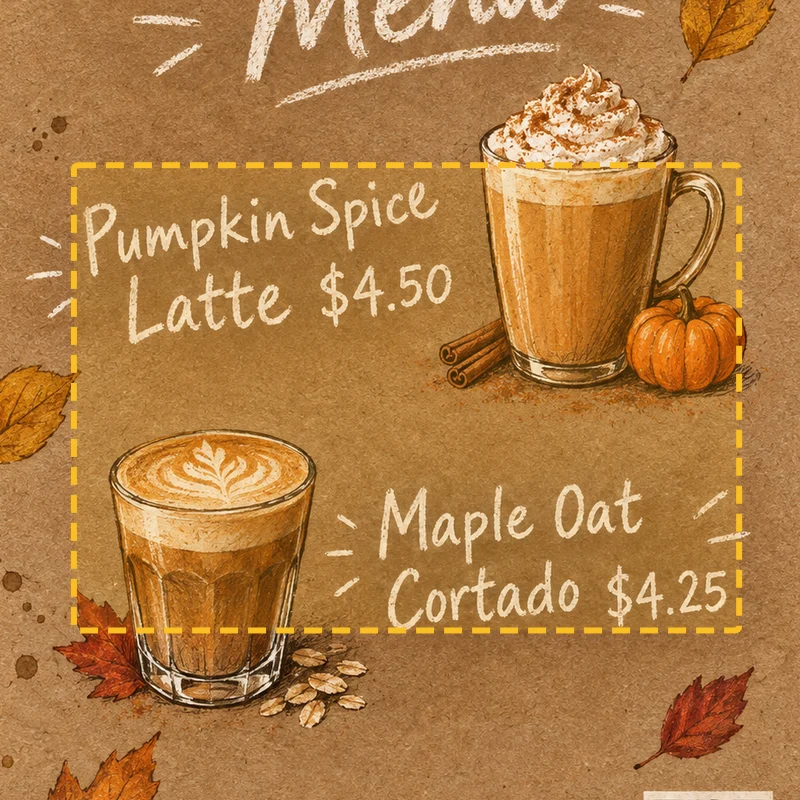 Avoid
AvoidMore AI Image Generators for Every Creative Idea
Unleash Creativity With Createimg.ai AI Image Generators
Explore a variety of AI image generators tailored to different creative needs. Whether you want to design shirts, make fun emojis, or create unique posters, these tools make it easy to bring every idea to life.
 New
NewImage Text Editor
 New
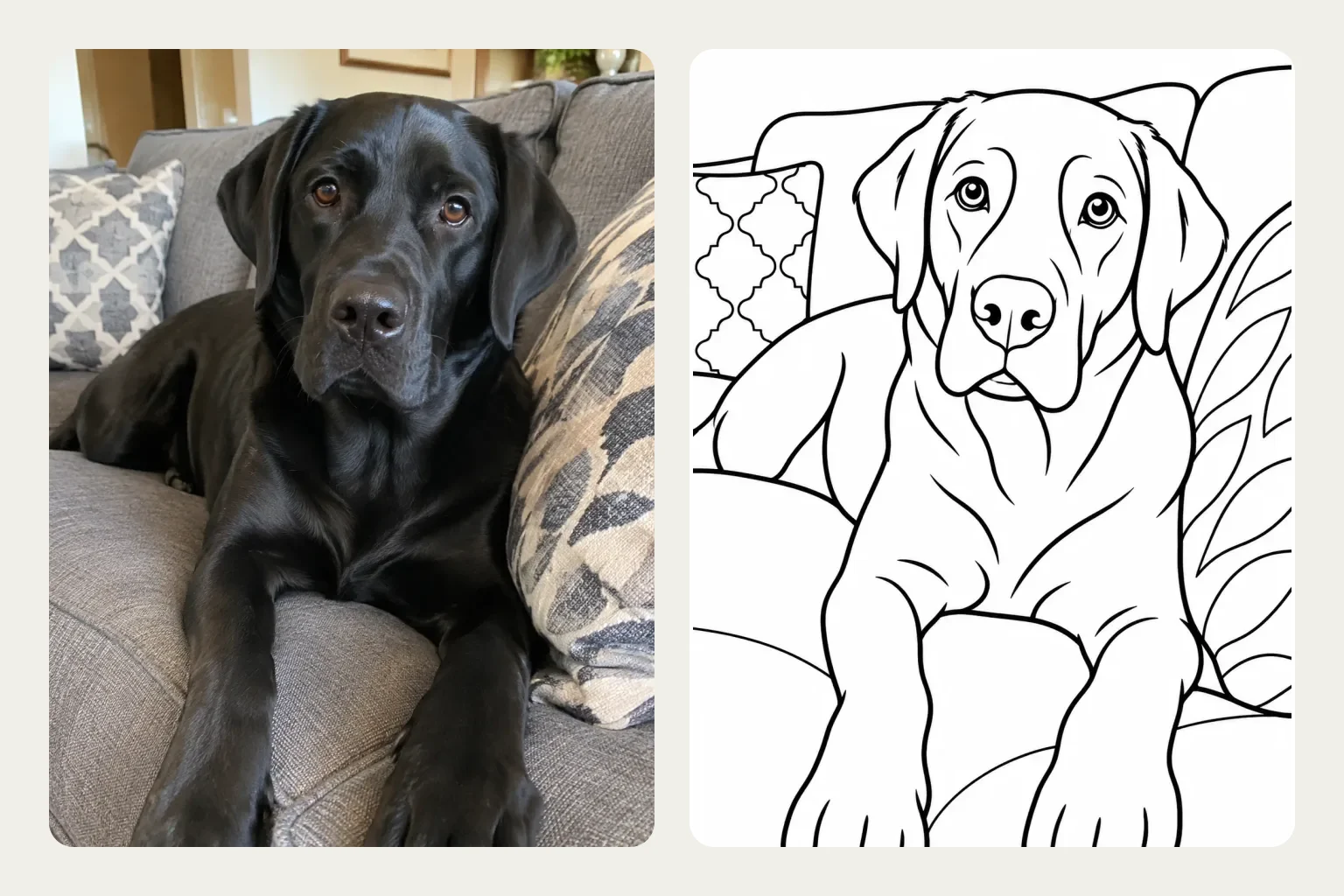
NewPhoto to Coloring Page
 New
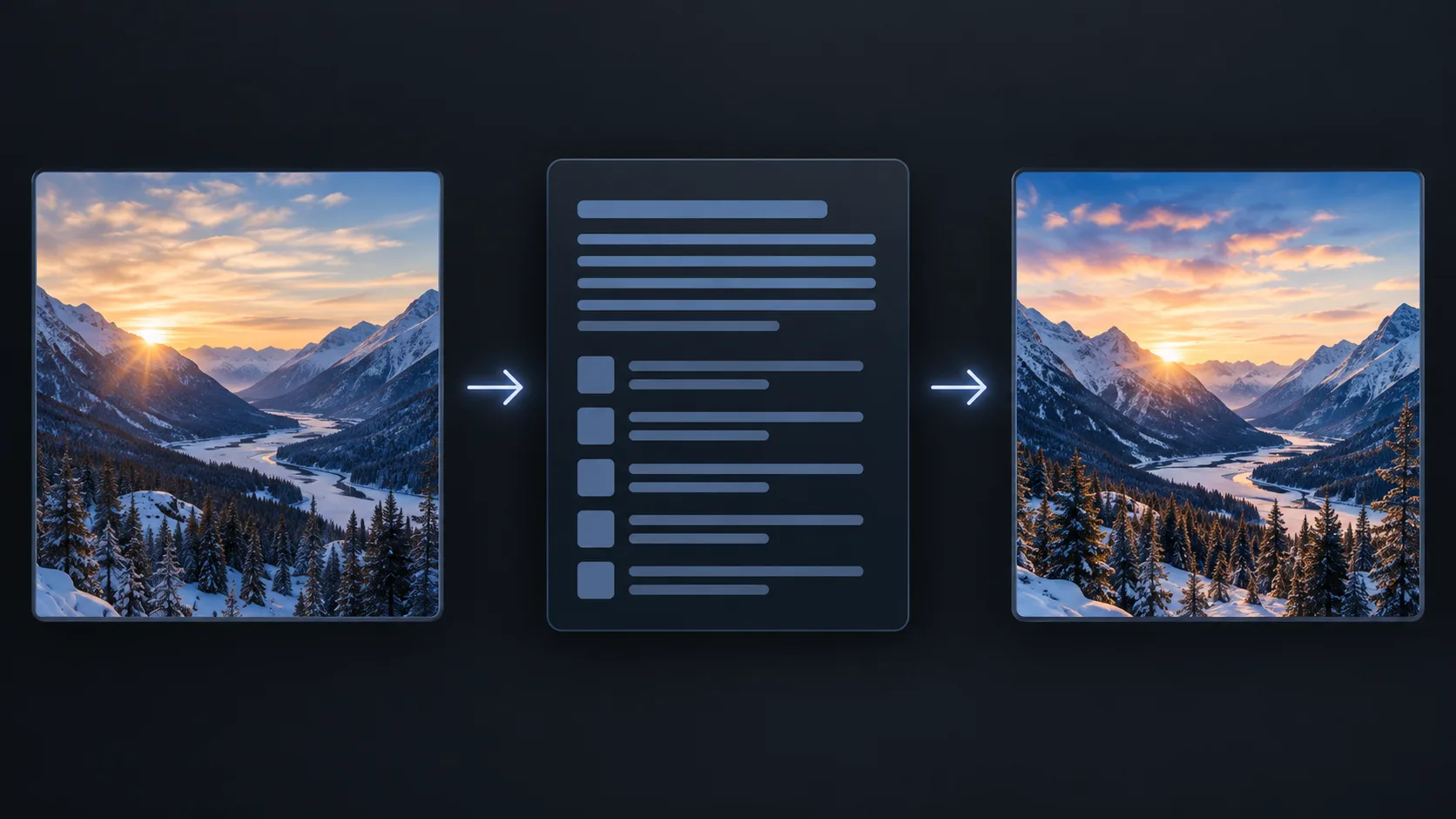
NewImage To Prompt
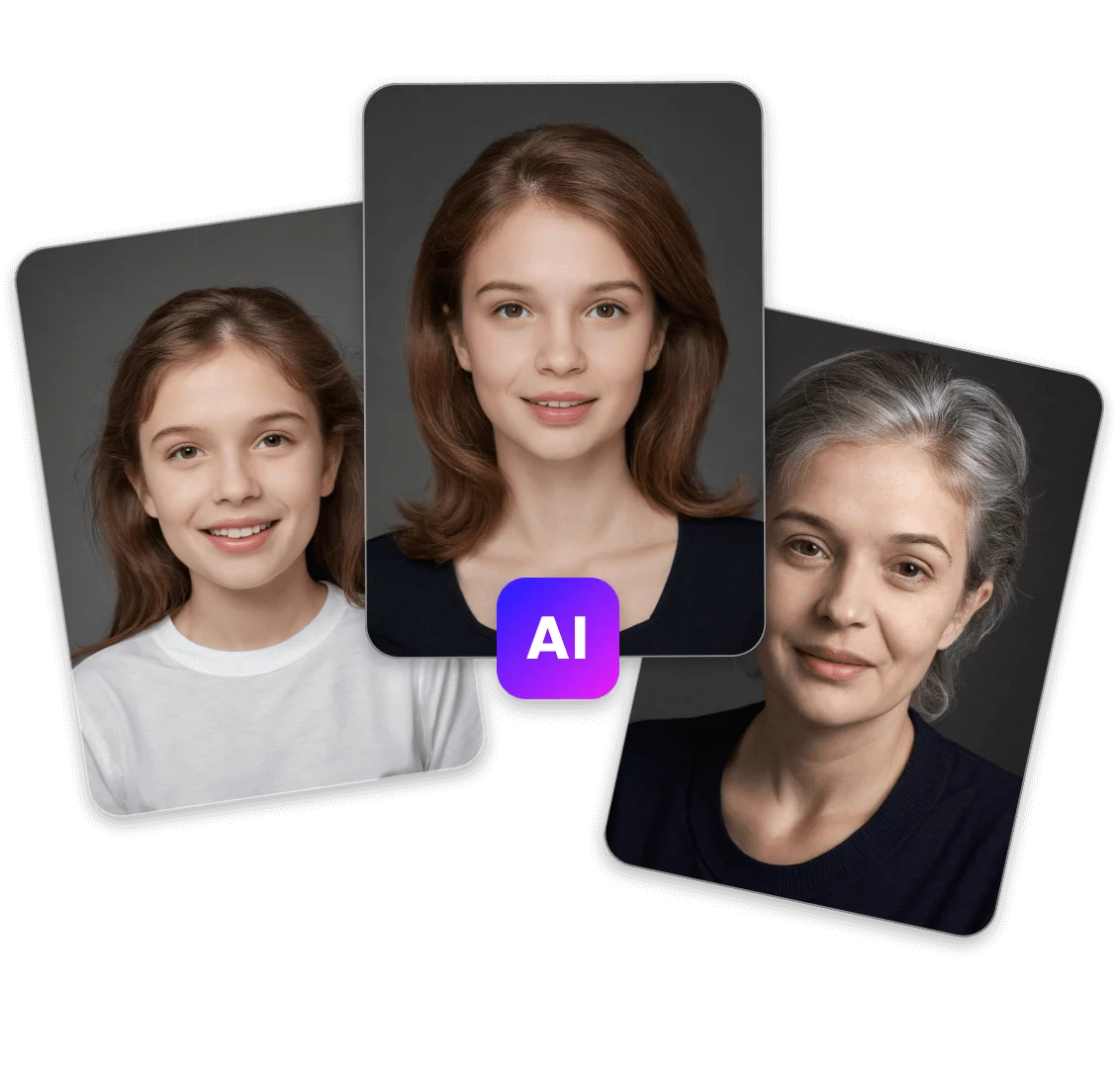
AI Age Progression
AI Sticker Generator
AI Thumbnail Generator
 Hot
HotImage To Image
 Hot
HotText To Image
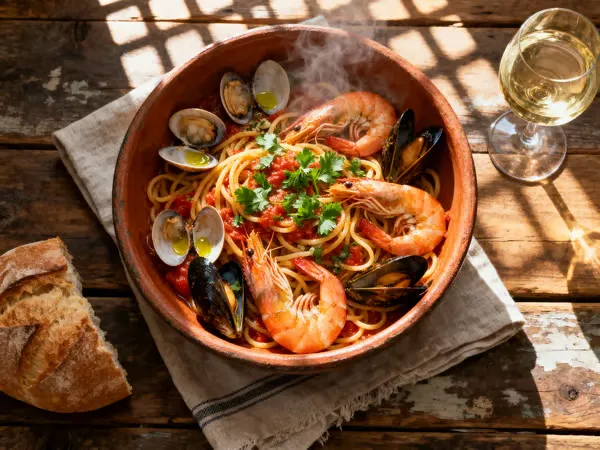
AI Food Generator
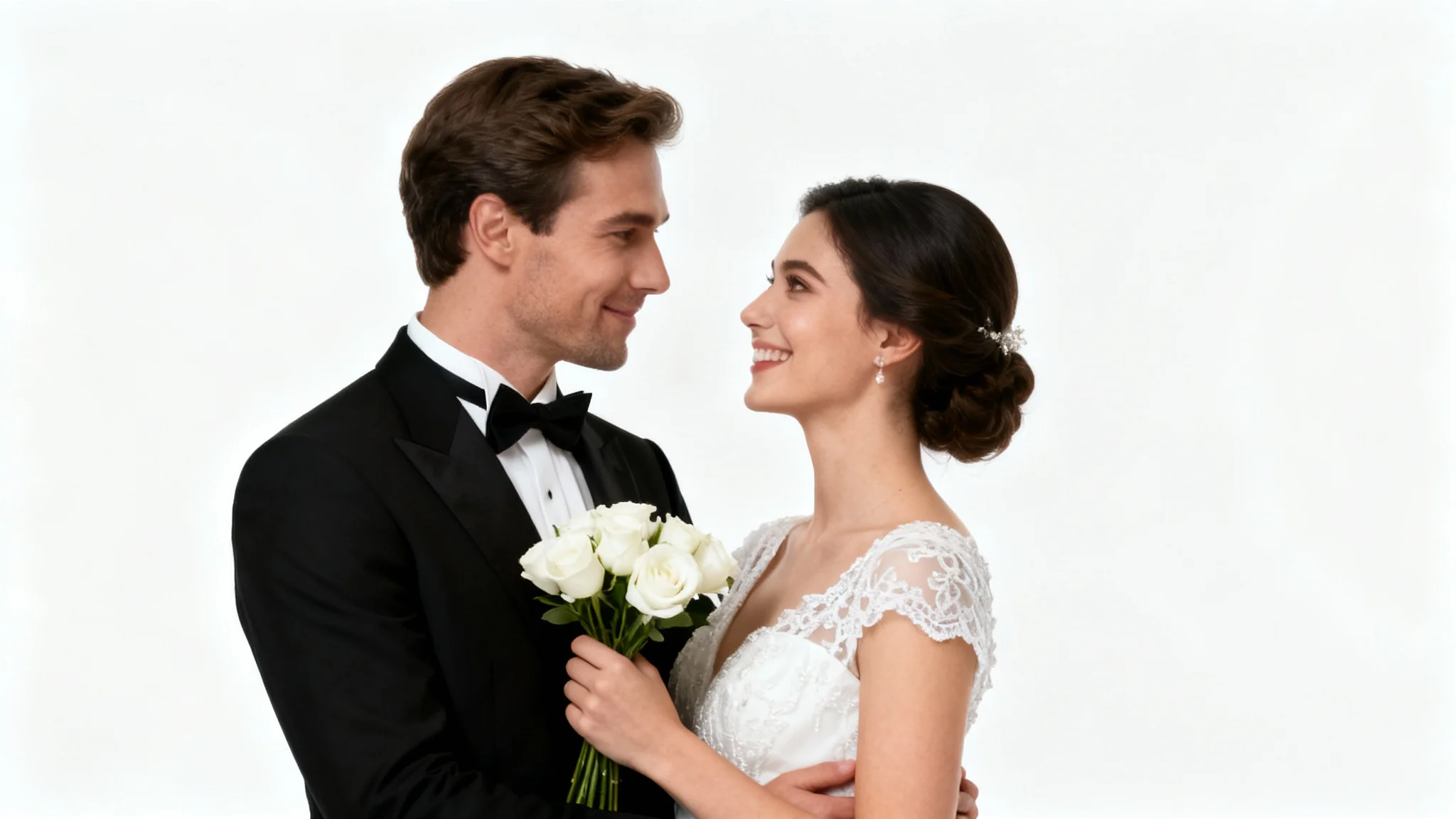
Wedding AI Photo Generator
Explore Cutting-Edge AI Models
AI Models — Powerful Image & Video Generation Tools
Explore advanced AI models for high-quality image and video creation. Discover powerful generation and editing technologies that enhance your creative workflow and bring your visual ideas to life with ease.








How to Change Text in an Image
Three steps, about a minute
Works with PNG, JPG and WebP images up to 20 MB.
Upload and box the text
Upload your image, then drag a box around the word, date or price you want to change. Move the box or drag a corner to adjust it.
Type the old and new text
Type the text exactly as it appears in the box, then what it should say. If the new text is much longer, you'll see a note that it will be shrunk to fit.
Change, check and download
Click Change text. In about a minute you get the full image back. Compare it with the original, zoom in on the change, check every character, and download it.
Change Text in Image FAQ
Questions about editing text in images
What works, what it costs, and what this editor can't do yet.
How do I change text in an image?
Upload the image, draw a box around the text, type what the text says now and what it should say, then click Change text. The AI rewrites the boxed text and the full image comes back in about a minute.
Will the rest of my image change?
No. The AI only edits the area around your box, and only the pixels it actually changed there are pasted back. Everything outside the box is your original image, at its original size.
Will the new text use exactly the same font?
It will look very close: same style, weight, color, texture and angle. It isn't the original font file, so check the result before you print or publish it.
What kind of text works best?
One short line: a word, a date, a time, a price or a name, in clear printed or display lettering. Latin letters and numbers work best. Long paragraphs, handwriting, very small or blurry text, and changing several places in one go are not supported yet. Translating text isn't supported either.
How much does it cost?
Each edit costs 30 credits. If an edit fails for a technical reason, the credits are returned automatically. If you're not happy with a finished result and try again, that new try costs 30 credits.
Can I fix misspelled words in AI-generated images?
Yes, that's one of the most common uses. Box the misspelled or garbled word and type the correct spelling. You keep the image you liked instead of generating a new one.
I have the original design file. Should I use this?
If you can still open the file in Canva, Photoshop or a similar editor, changing the text there is quicker and exact. This editor is for when all you have is the finished image.
Powered By


Fix the text, keep the image
Upload an image, box the words and get the corrected version in about a minute.