No Limit AI Image Generator Guide
Learn what a no limit AI image generator really means, which limits still matter, and how to create more images efficiently.

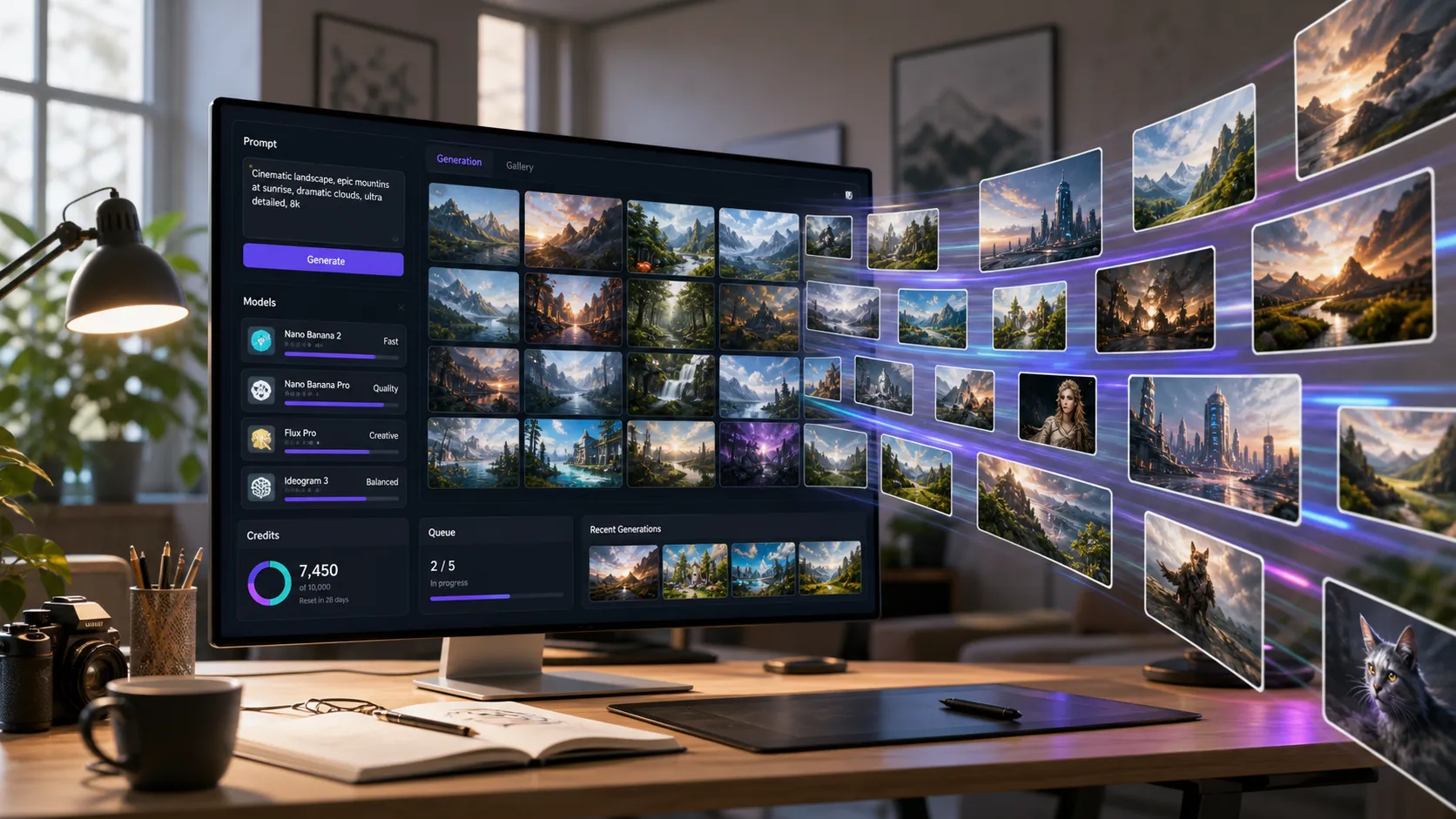
Searching for a no limit AI image generator usually means one thing: you want to create more images without running into credits, daily caps, slow queues, watermarks, or surprise paywalls right when your idea is getting good.
That is a reasonable goal. AI image creation is often iterative. The first image helps you understand the prompt, the second fixes the composition, the third gets closer to the style, and the final version may need editing, upscaling, or a new model entirely.
But "no limit" can be slippery. Some tools mean unlimited low-resolution generations. Some mean unlimited free prompts but slow queues. Some mean no sign-up, but public outputs. Some mean no visible watermark, but strict content filters or limited commercial rights.
If you want a flexible way to test prompts and compare outputs, start with the Text to Image AI generator on Createimg.ai. This guide explains what "no limit" really means, which limits still matter, and how to build a workflow that creates more useful images with less wasted effort.
What does "no limit AI image generator" actually mean?
A no limit AI image generator is usually a text-to-image tool that promises fewer restrictions than typical credit-based generators. People often use the phrase to look for one of these experiences:
- Unlimited prompts or generations
- Free AI image generation with no daily cap
- No sign-up or no account requirement
- No watermark on downloaded images
- No credit card required
- Faster bulk image creation
- More freedom to experiment with styles and prompts
Those are different things. A tool can be unlimited in one way and limited in another.
For example, a free generator might let you create many images, but only at low resolution. Another tool may have no visible watermark, but it may limit how many images you can make per day. A professional platform may not be "unlimited" in a literal sense, but it may give you better model quality, private generation, edit controls, and commercial workflows.
The better question is not simply "which AI image generator has no limits?" It is:
Which limits affect my project, and how can I reduce the ones that slow me down?
The real limits behind most AI image generators
Even when a page says "unlimited", there are usually practical constraints behind the scenes. Understanding them helps you choose the right workflow instead of chasing a promise that may not match your use case.
1. Credit limits
Many AI image tools use credits because image generation costs compute. Credits may reset daily, monthly, or after purchase. Free plans often include enough credits to test the tool, but not enough for a full production workflow.
Credits matter most when you are generating many variations, testing multiple styles, or creating product and marketing assets at scale.
2. Queue limits
Some tools reduce cost by putting free users into a slower queue. That can work for casual images, but it becomes painful when you need fast iteration.
If you are building ad concepts, thumbnails, product photos, or social content, speed is part of quality. A slower queue means fewer attempts, fewer refinements, and less creative momentum.
3. Resolution limits
Unlimited low-resolution images are not the same as production-ready assets. A small preview may look fine on screen, but it may not hold up for ecommerce, blog covers, posters, thumbnails, or paid ads.
This is where a generation workflow can split into two steps: create many drafts first, then polish the winner with an AI Image Upscaler.
4. Watermarks and metadata
Some generators add visible watermarks. Others use invisible metadata or AI provenance systems. Watermarks are not automatically bad, but you should know what your tool adds before using images in commercial or brand work.
If your goal is blog graphics, product visuals, or campaign assets, always check the tool's download format, watermark behavior, and usage terms.
5. Privacy and public galleries
No sign-up tools can be convenient, but they may not be ideal for private prompts, brand concepts, client work, or unreleased products. Some free tools display generations publicly or store prompt history in ways that are not suitable for sensitive work.
If privacy matters, use a workflow where you understand account history, storage, and sharing controls.
6. Model limits
"Unlimited" does not always mean access to the best model. A free unlimited generator may use a lighter or older model for basic outputs, while more advanced models are capped, slower, or paid.
That trade-off matters. A casual illustration may not need the strongest model. A realistic product image, readable poster, consistent character, or brand visual often does.
Free unlimited vs flexible multi-model generation
Free unlimited tools are useful for fast brainstorming. They are especially good when you want to explore styles, loosen up creative ideas, or generate throwaway drafts.
But if your final image needs to look polished, the workflow matters more than the word "unlimited".
A flexible multi-model workflow lets you:
- Test rough prompt ideas quickly
- Compare different model strengths
- Use image-to-image when a reference matters
- Generate variations instead of starting over
- Upscale the best image instead of every image
- Keep a cleaner path from draft to final asset
Createimg.ai is built around that kind of workflow. Instead of treating every prompt as a final attempt, you can use Text to Image AI for first drafts, switch to Image to Image AI when you have a reference, then use model-specific pages when you need a particular strength.
Which AI model should you use when limits matter?
Different models are better at different jobs. Choosing the right model can reduce how many generations you need.
For fast creative exploration
Use a model that responds quickly and handles broad creative prompts well. This is useful when you are still exploring composition, mood, subject, and style.
Nano Banana 2 is a strong option when you want fast, flexible image generation and editing-style experimentation. It is especially useful when you are still deciding what the image should become.
For professional quality and detail
When the final output matters more than raw volume, use a higher-quality model and spend more care on the prompt.
Nano Banana Pro is a better fit when you need more polished visuals, stronger detail, or a more production-oriented result. This is the stage where fewer, better prompts usually beat dozens of random attempts.
For reference-based edits
If you already have an image, do not keep trying to describe it from scratch. Upload the reference and use Image to Image AI. This can save a lot of failed generations because the model can follow the existing subject, style, or composition.
Reference-based workflows are especially useful for product visuals, portraits, character consistency, room redesign, thumbnails, and campaign variations.
How to create more AI images without wasting prompts
The best "no limit" strategy is not always finding a tool with infinite generations. It is reducing wasted generations.
Here is a practical workflow.
Step 1: Start with a small prompt test
Do not begin with a massive prompt. Start with a compact version:
A clean product photo of a matte black water bottle on a stone surface, soft studio lighting, minimal background, ecommerce style.
Generate a few drafts. Look for the biggest issue first: subject, lighting, camera angle, composition, or style.
Step 2: Change one variable at a time
If the first image is close, do not rewrite everything. Change one part:
Change the background to warm beige paper, keep the same bottle, add soft morning light, ecommerce hero image.
This makes each generation more informative. You learn what the model responds to instead of creating random variations.
Step 3: Use the right aspect ratio early
If you need a blog cover, use a wide format. If you need a social post, use square or vertical. If you wait until the end to change aspect ratio, the model may crop or recompose the scene in ways you do not want.
For blog and landing page graphics, 16:9 is often the safest starting point.
Step 4: Move from text-to-image to image-to-image
Once you get a strong draft, use it as a reference. This turns the workflow from "generate from nothing" into "improve this direction."
That is where Image to Image AI becomes valuable. You can preserve the broad composition while testing new styles, lighting, backgrounds, or visual treatments.
Step 5: Upscale only the winner
Do not upscale every draft. Pick the best image first, then use the AI Image Upscaler when you are ready to prepare a final asset.
This saves time and keeps your workflow focused.
When a no limit generator is the right choice
A free or unlimited AI image generator can be useful when:
- You are brainstorming and do not care about final quality yet
- You want quick moodboard images
- You are testing broad style directions
- You do not need private or commercial-ready outputs
- You are creating casual personal images
In that stage, volume is useful. You are exploring possibilities.
When a structured workflow is better
A structured tool is better when:
- You need consistent brand visuals
- You care about commercial usage
- You need cleaner resolution
- You want to compare models
- You are creating product, ad, or blog assets
- You need to edit from references
- You want a repeatable workflow, not just random generations
This is where Createimg.ai fits better than a simple "unlimited" prompt box. The goal is not to generate the most images possible. The goal is to get to a usable final image faster.
A better way to think about limits
The phrase "no limit AI image generator" sounds like the ideal tool. But creative work always has limits somewhere: time, quality, resolution, privacy, model access, commercial rights, or prompt accuracy.
The best workflow gives you more control over the limits that matter.
If you are experimenting, use high-volume generation. If you are producing something real, use the right model, keep your prompt changes deliberate, move to reference-based editing when possible, and upscale only the final candidate.
That way, you create more useful images, not just more images.
FAQ
Is there a truly no limit AI image generator?
Some tools advertise unlimited generation, especially for basic free outputs. In practice, there may still be limits around speed, resolution, model access, privacy, downloads, or commercial usage. Always check what "unlimited" means for the exact tool and plan.
Is a free unlimited AI image generator good enough for commercial work?
Sometimes, but not always. Free tools can be useful for drafts and brainstorming, but commercial work may require better resolution, clearer usage rights, private generation, no visible watermark, or stronger model quality.
What is the best alternative to generating unlimited random images?
Use a structured workflow: test a simple prompt, change one variable at a time, switch models based on the task, use image-to-image for references, and upscale only the best result. This often produces better final images with fewer attempts.
Can I use Createimg.ai as a no limit AI image generator?
Createimg.ai is better described as a flexible AI image creation platform rather than a promise of unlimited free generation. It helps you generate, edit, compare models, and polish images more efficiently across different creative workflows.
What should I try first?
Start with the Text to Image AI generator. Write a simple prompt, generate a few drafts, then refine the strongest direction. If you already have a reference image, move to Image to Image AI instead.
Try it
Run your own prompt in the generator
Pick a model, run one prompt, and compare the results side by side. New accounts start with free credits.
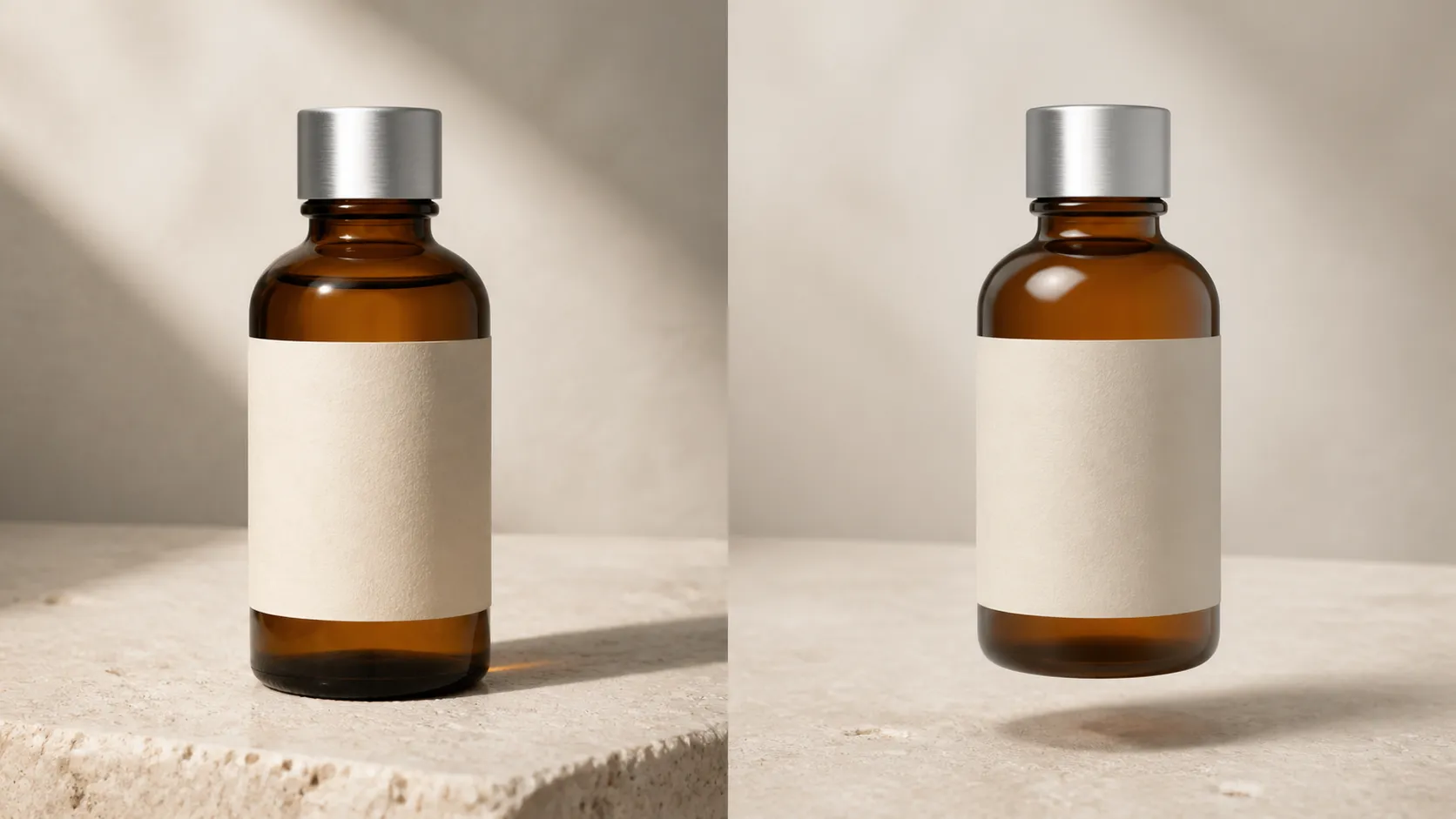
How to Make AI Product Photos Look Real: A 5-Minute Check
Fix fake-looking AI product photos by checking product accuracy, lighting, shadows, reflections, materials, scale, and perspective.
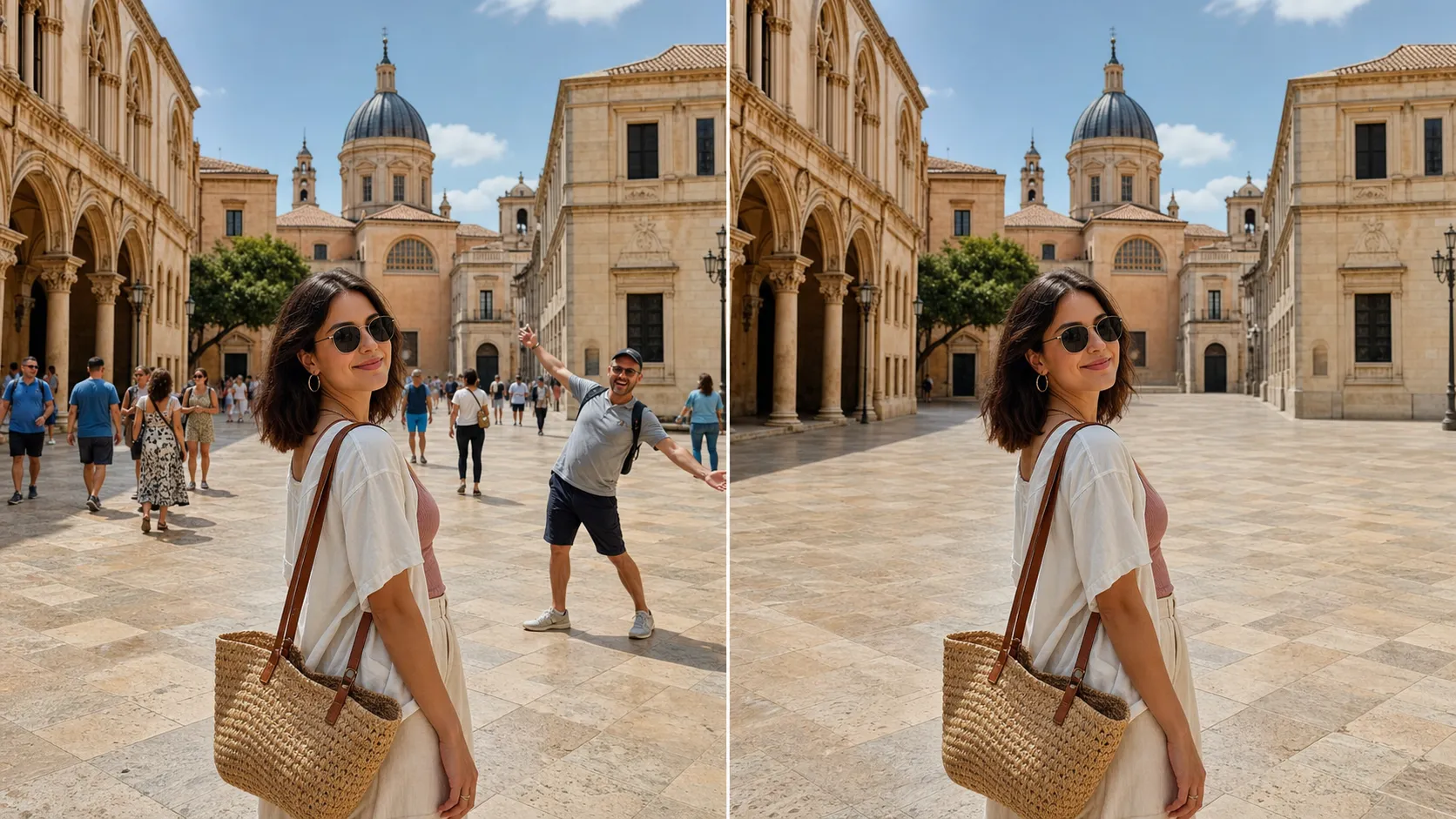
How to Remove Tourists From Photos Without Photoshop
Remove tourists, crowds, strangers, and photobombers from vacation photos with AI—no Photoshop or manual masking required.