
AI Image Upscaler
Results
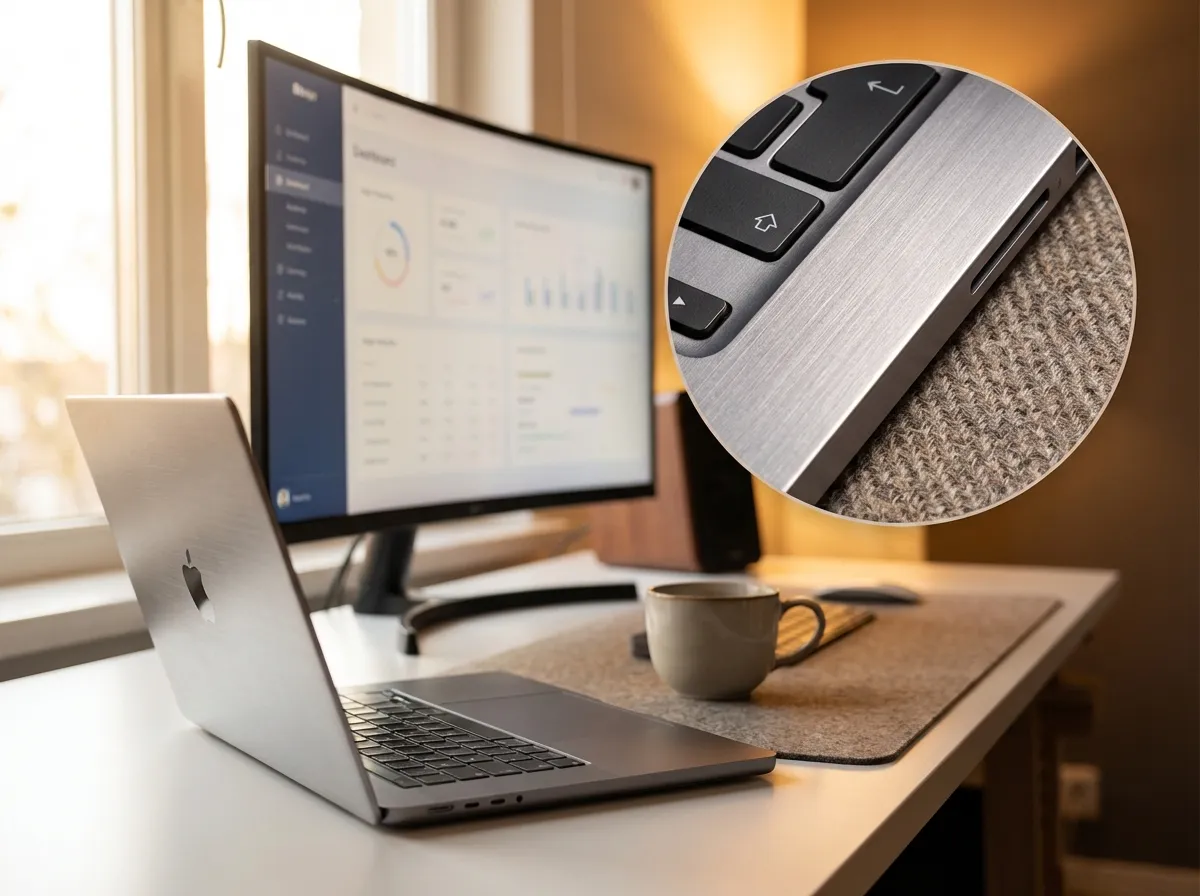
Upload a low-resolution image and click "Upscale" to enhance its quality: increase resolution, sharpen details, and improve clarity with AI.
Why Choose Our AI Image Upscaler and Enhancer
FEATURES
Upscale images to 4K with AI-powered enhancement that preserves every detail. Our free AI image upscaler delivers sharp, noise-free results in seconds.
- Enlarge photos up to 4K without losing quality. Our AI image upscaler 4K technology reconstructs fine details, textures, and edges that standard resizing destroys.
- Remove compression artifacts, grain, and digital noise while upscaling. The AI image upscaler and enhancer sharpens every pixel for clean, professional-grade output.
- Unlike basic interpolation, our AI upscaler maintains accurate color reproduction, contrast balance, and natural tonal gradients throughout the enhanced image.
- Upload your image, choose a target resolution, and get results in seconds. No complex settings, no manual editing — just instant AI-powered image enhancement.
- Export your upscaled images as high-quality PNG for lossless clarity or JPG for smaller file sizes. Choose the format that fits your project requirements.
- Upscale portraits, landscapes, product photos, screenshots, and artwork. The AI image upscaler adapts to different content types for consistently sharp results.
AI Image Upscaler Examples
SHOWCASES
See the difference our AI image upscaler and enhancer makes. From portraits to landscapes, every detail is sharpened and refined.
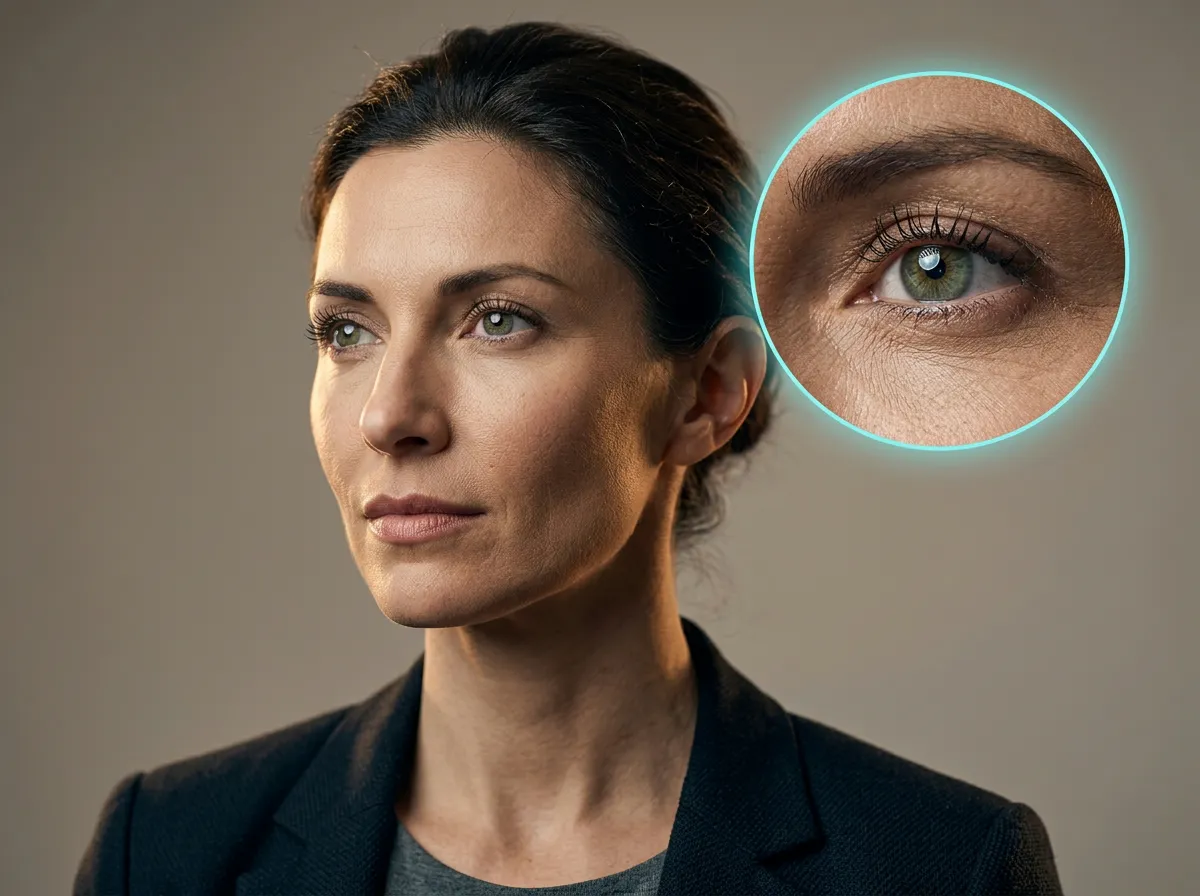
Portrait Enhancement to 4K
Upscale a portrait photo to 4K resolution with enhanced skin texture, sharper eyes, and natural hair detail — perfect for professional headshots and prints.
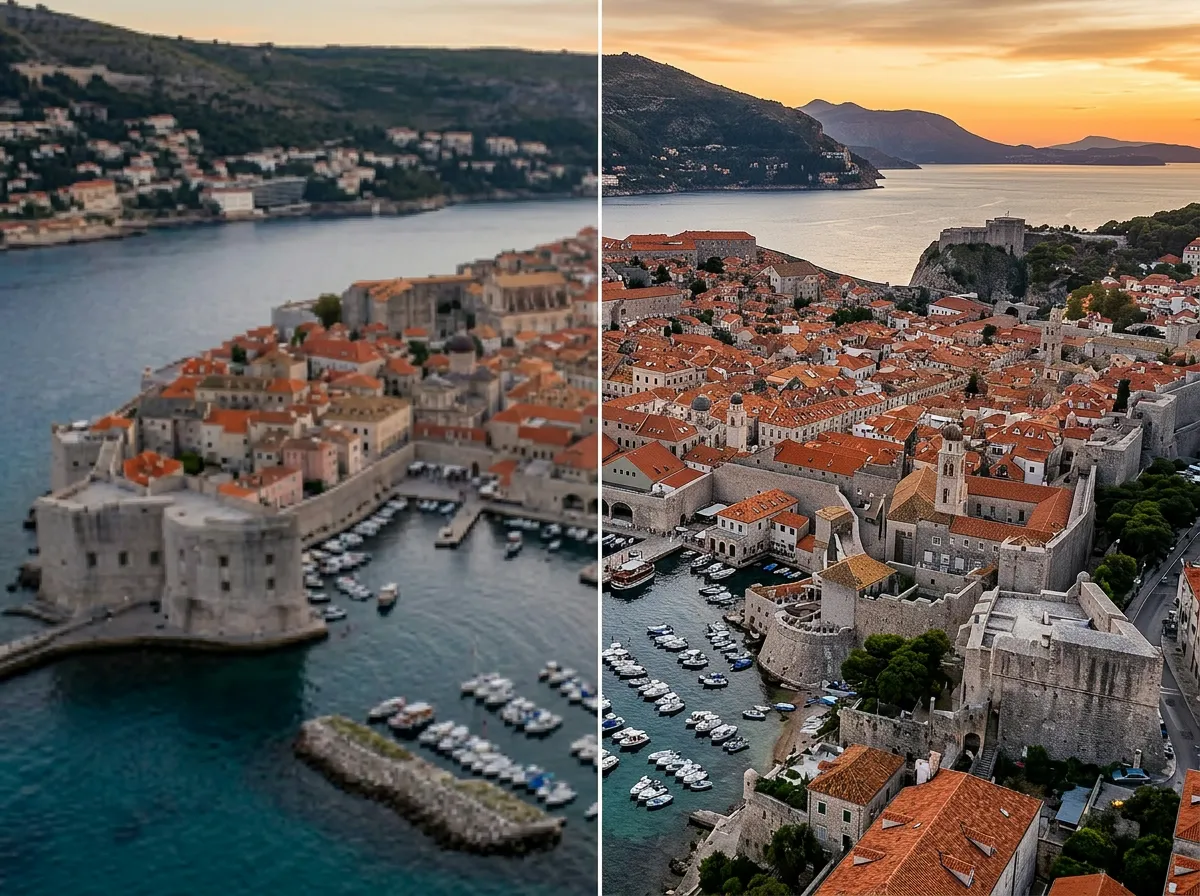
Landscape Photo Upscaling
Transform a compressed landscape image into a stunning high-resolution panorama with crisp foliage, clear skies, and vivid color depth.
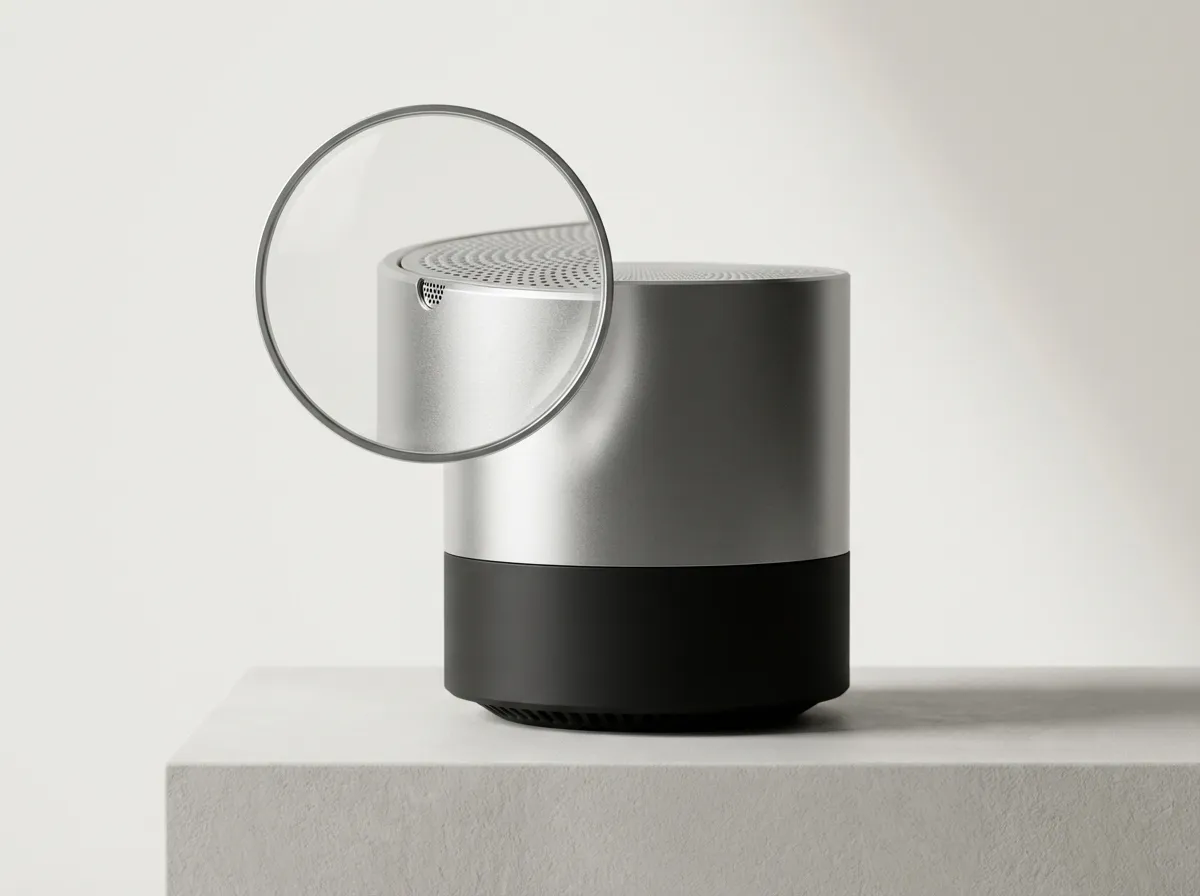
Product Photo Enhancement
Upscale product images for e-commerce with precise edge sharpening, accurate color rendering, and professional-grade clarity.
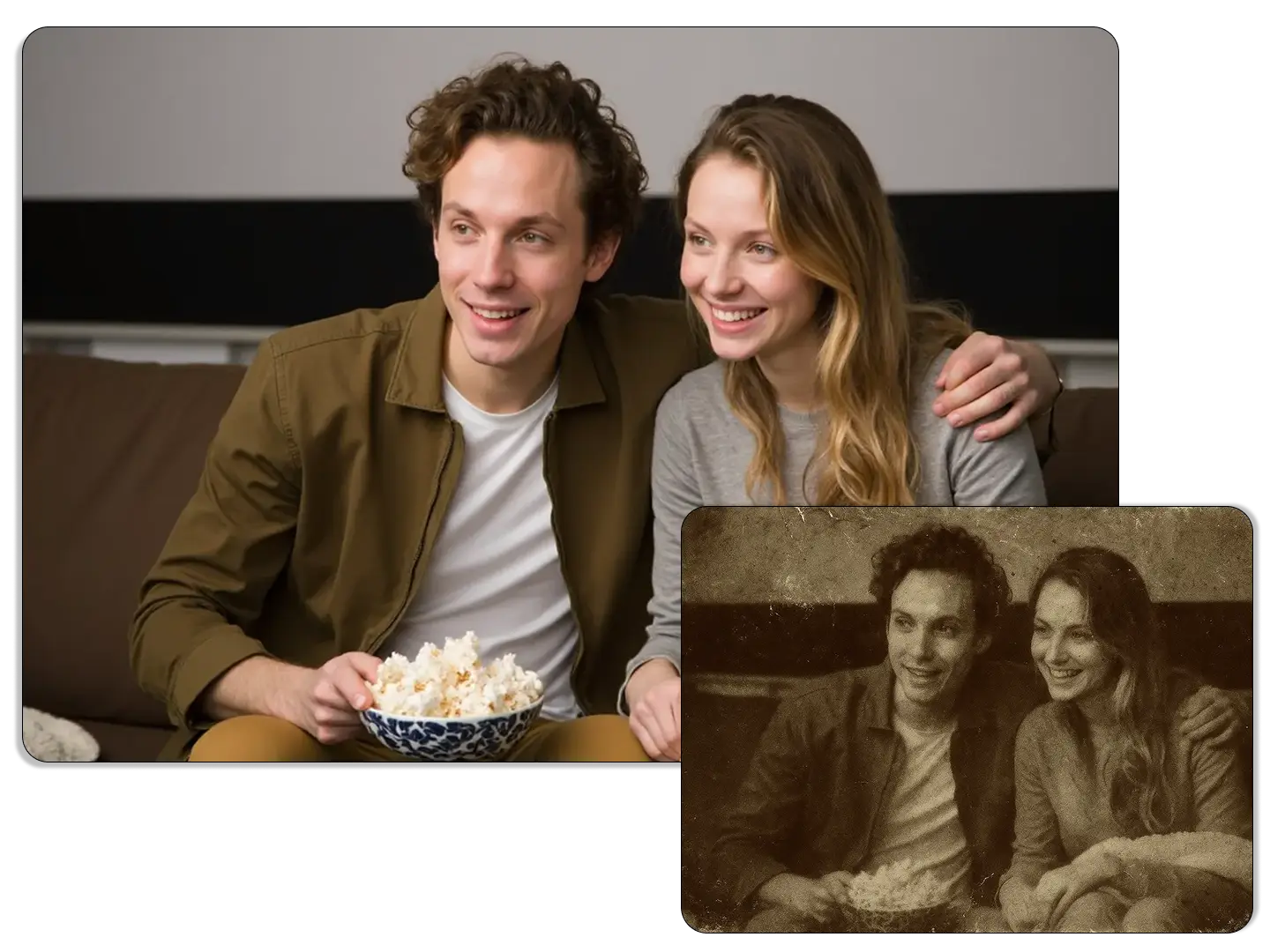
Old Photo Restoration and Upscale
Breathe new life into vintage photographs by removing noise, enhancing faded details, and upscaling to modern resolution standards.
More AI Image Generators for Every Creative Idea
Unleash Creativity With Createimg.ai AI Image Generators
Explore a variety of AI image generators tailored to different creative needs. Whether you want to design shirts, make fun emojis, or create unique posters, these tools make it easy to bring every idea to life.
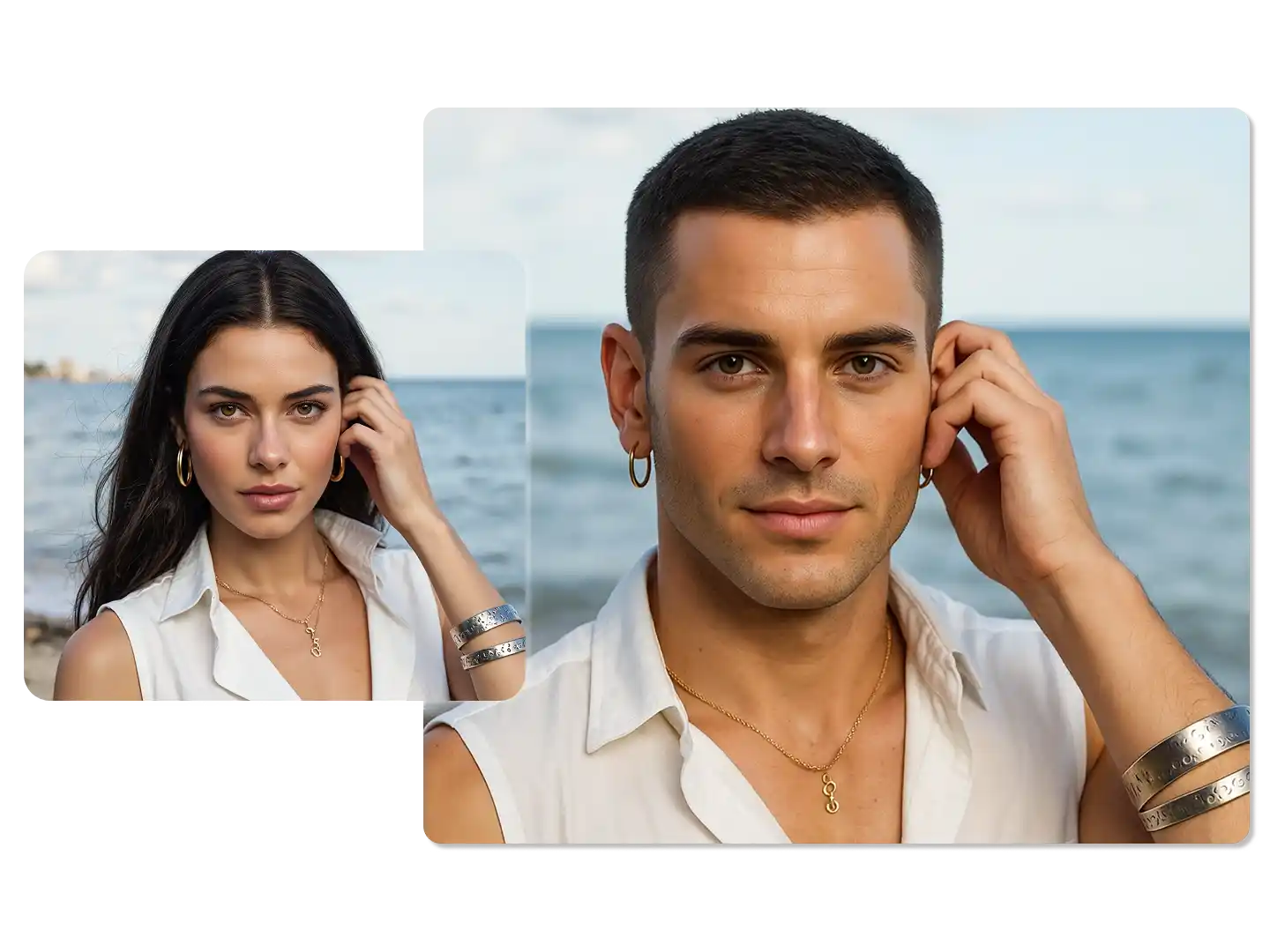
AI Gender Swap
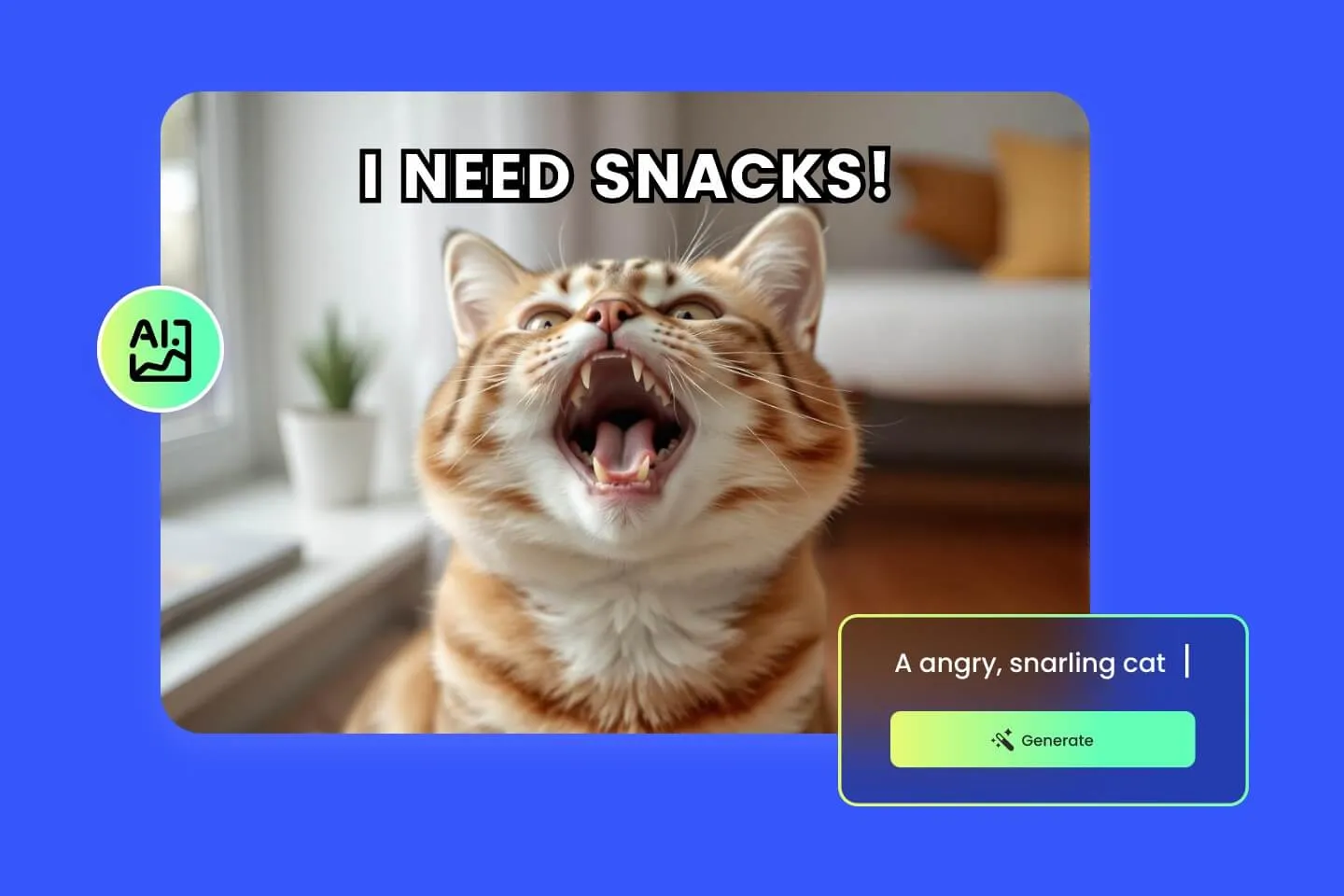
AI Meme Generator
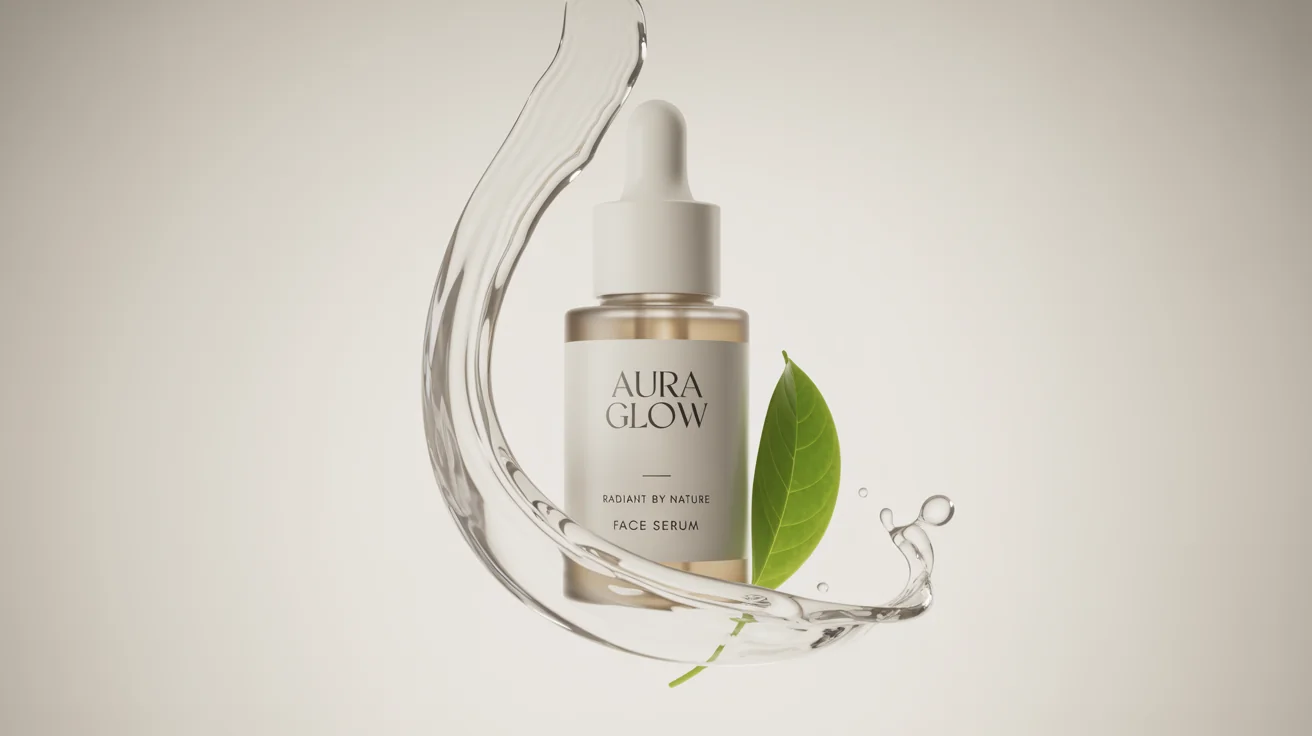
AI Ad Generator
Wedding AI Photo Generator
AI Food Generator
Text To Image
Image To Image
AI Thumbnail Generator
AI Sticker Generator
AI Age Progression
Explore Cutting-Edge AI Models
AI Models — Powerful Image & Video Generation Tools
Explore advanced AI models for high-quality image and video creation. Discover powerful generation and editing technologies that enhance your creative workflow and bring your visual ideas to life with ease.










How to Upscale Images With AI
HOW TO USE
Enhance your photos to higher resolution in three simple steps using our AI image upscaler.
Upload Your Image
Click the upload area and select the photo you want to upscale. Supports JPG, PNG, and WebP formats up to 10 MB.
Choose Resolution and Format
Select your target resolution — 1K, 2K, or 4K — and pick an output format (PNG or JPG). Higher resolutions deliver sharper detail for prints and large displays.
Download Your Enhanced Image
Click Generate and wait a few seconds. Preview the upscaled result, then download your high-resolution image ready for use.
AI Image Upscaler FAQ
FAQs
Common questions about using the AI image upscaler to enhance and enlarge your photos online.
What is an AI image upscaler?
An AI image upscaler uses deep learning to increase image resolution while preserving and enhancing details. Unlike traditional resizing that creates blurry results, AI upscaling reconstructs textures, sharpens edges, and removes artifacts for a natural, high-quality output.
Is this AI image upscaler free to use?
You can try the AI image upscaler free with your account credits. New users receive free credits upon signing up. Each upscale costs credits based on the target resolution — 1K and 2K cost 80 credits, and 4K costs 140 credits.
What resolution can I upscale images to?
Our AI image upscaler 4K supports three output resolutions: 1K, 2K, and 4K. Choose 4K for maximum detail in prints and large displays, or 2K for a balanced upgrade suitable for web and social media.
What image formats are supported?
You can upload JPG, PNG, and WebP images. After upscaling, export your enhanced image as PNG for lossless quality or JPG for a smaller, web-optimized file size.
Will upscaling change the colors or style of my image?
No. The AI image upscaler and enhancer preserves original colors, contrast, and artistic style. It only increases resolution and sharpens details without altering the visual tone of your photo.
How long does it take to upscale an image?
Most images are processed within 10 to 30 seconds depending on the target resolution and image complexity. 4K output may take slightly longer than 1K or 2K.
Can I upscale old or low-quality photos?
Yes. The AI upscaler is especially effective on old, compressed, or low-resolution photos. It reduces noise, removes compression artifacts, and restores clarity that was lost in the original capture or compression.
Is there a file size limit for uploads?
You can upload images up to 10 MB in size. For best results, use the highest quality version of your original image available before upscaling.
Can I upscale screenshots and digital artwork?
Absolutely. The AI image upscaler works with screenshots, digital illustrations, graphic designs, and pixel art. It enhances edges and text clarity while maintaining the original visual style.
Do I need to install any software?
No installation required. The AI image upscaler runs entirely in your browser. Upload your image, select a resolution, and download your enhanced result — all online, on any device.
Powered By


Ready to Enhance Your Photos With AI?
Upload any low-resolution image and upscale it to crisp 4K quality in seconds. Try the free AI image upscaler and enhancer — no download or signup hassle.