
AI Headshot Generator
Results
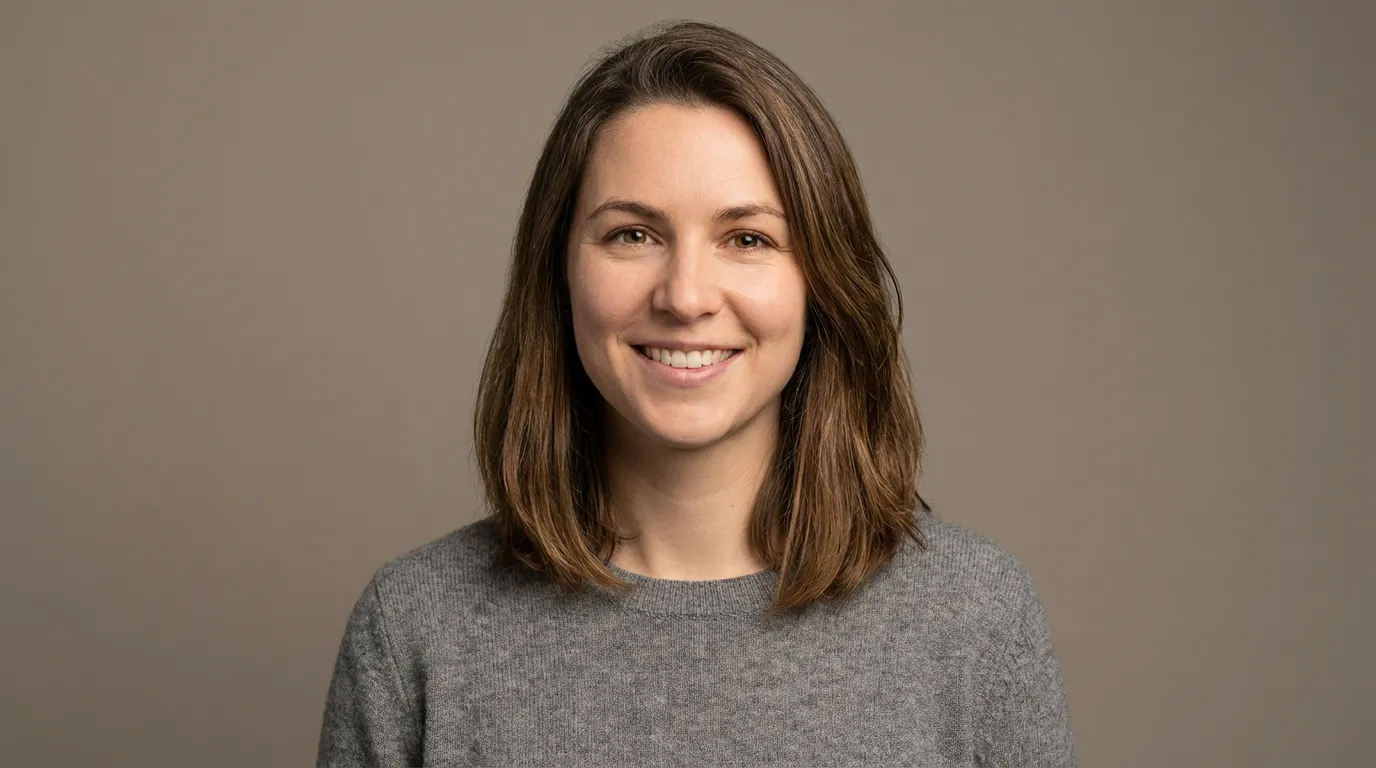
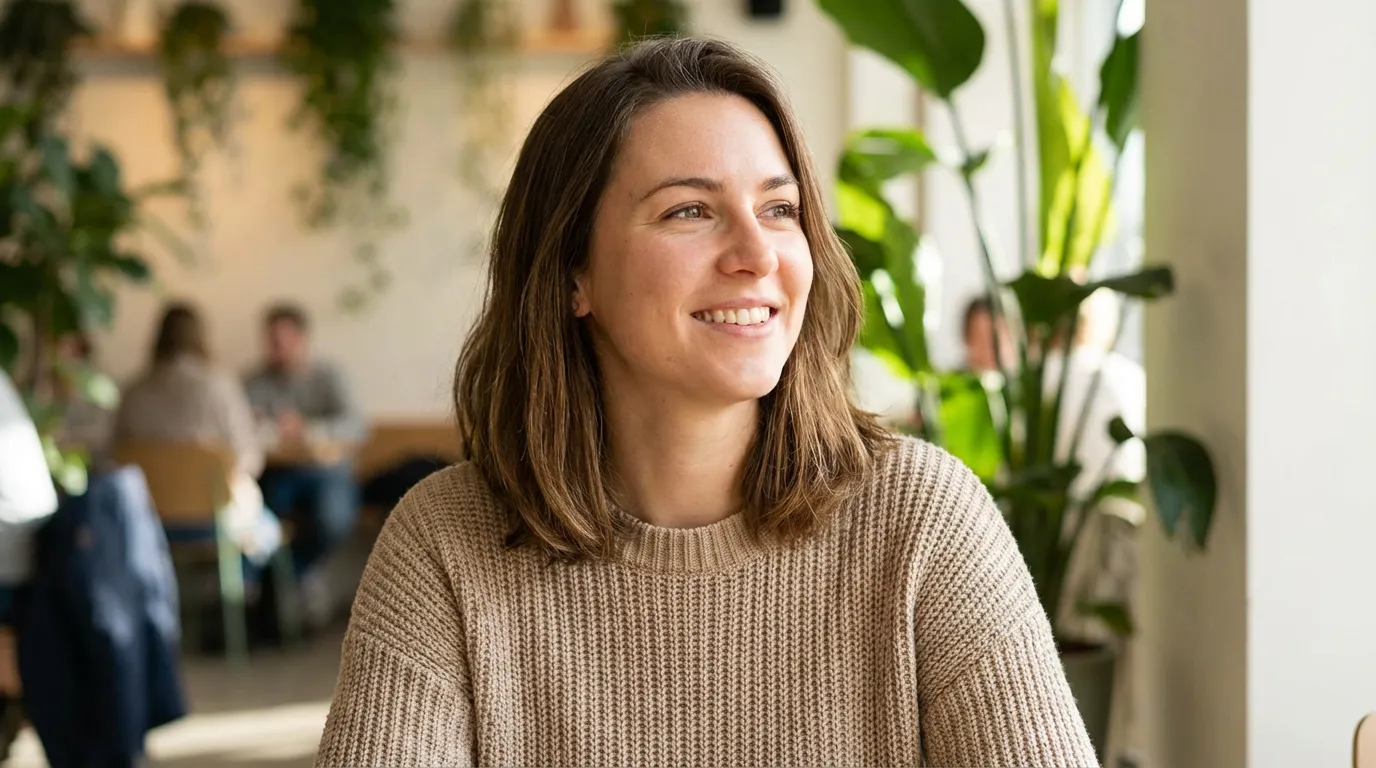
Clean, realistic headshot for LinkedIn, resumes, and corporate profiles.
AI Headshot Generator: LinkedIn Headshot Generator, Resume Headshot Maker, and Corporate Portrait Creator
Why Choose Our AI Headshot Generator?
Generate realistic, studio-style headshots from one photo. Use it as a LinkedIn headshot maker, resume profile photo generator, or corporate headshot creator—fast and privacy-first.
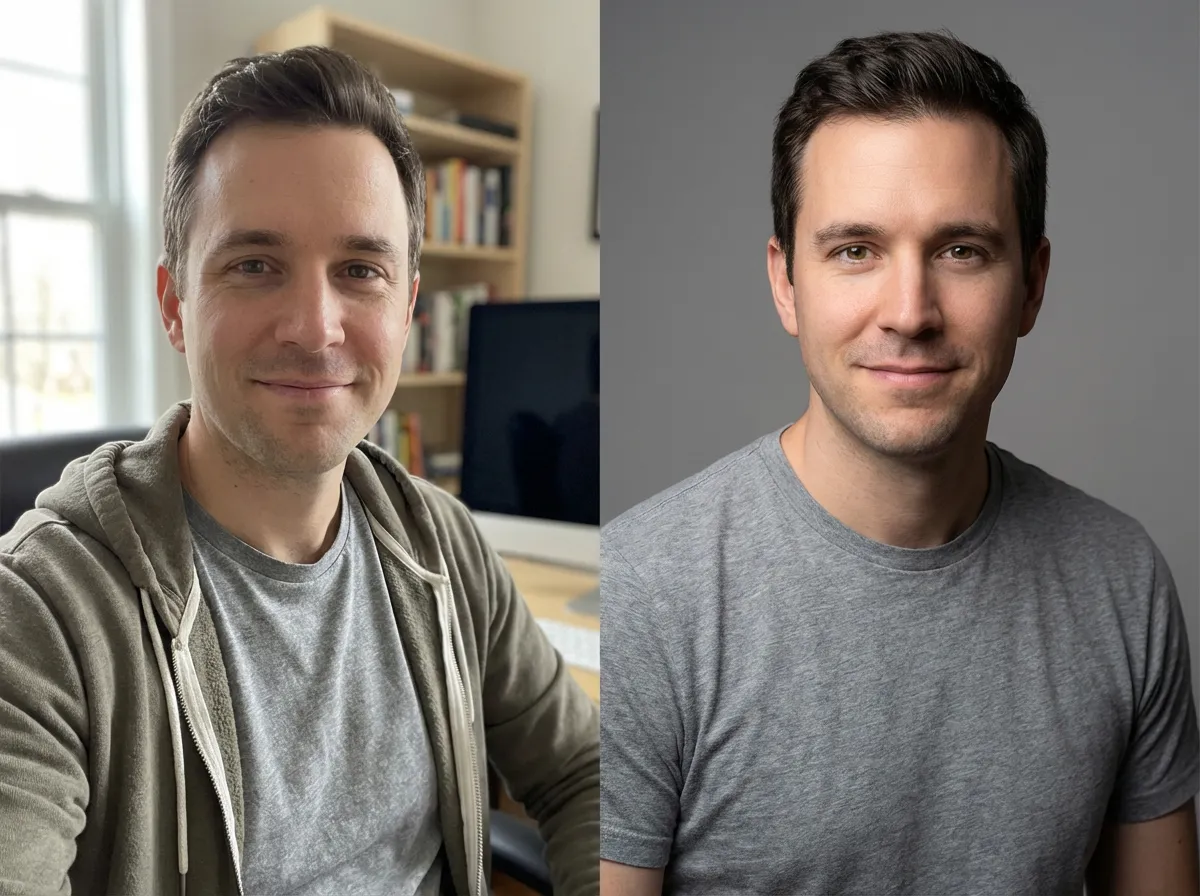
- Get clean, professional headshots with balanced lighting and realistic skin texture—no over-smoothed “plastic” look.
- Choose professional, corporate, casual lifestyle, creative studio, or clean white background styles to match your profile needs.
- Designed to keep your facial features consistent so your headshot still looks like you—just more polished and camera-ready.
- Create clean, distraction-free portraits that fit LinkedIn, resumes, directories, and team pages without extra editing.
- Generate crisp head-and-shoulders portraits with clear eyes and refined detail for online profiles and print.
- Upload, generate, and download in minutes. Great for individuals and teams that need consistent headshots quickly.
AI Headshot Generator: Team Headshot Generator and Corporate Profile Photo Examples
Showcases
See where an AI headshot generator helps: LinkedIn profiles, job applications, creator branding, and consistent corporate headshots for teams.
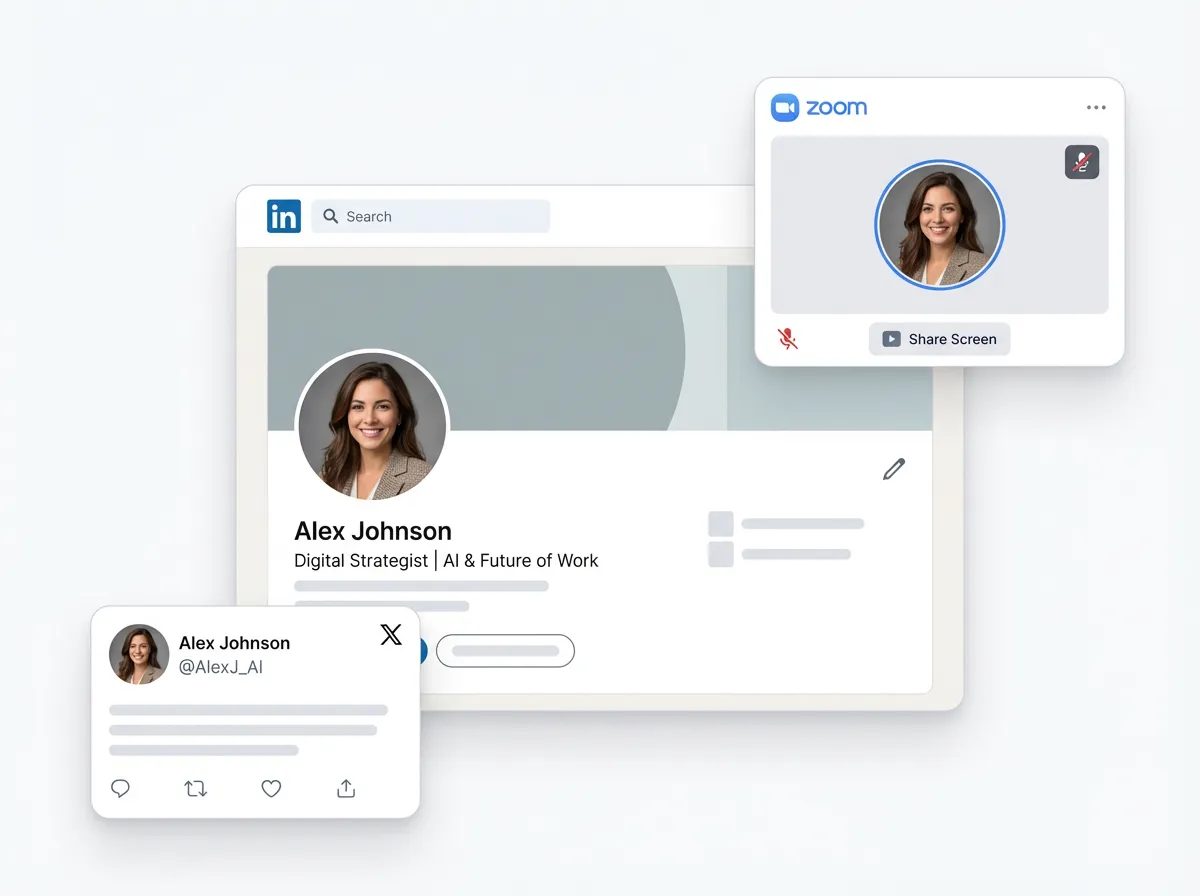
LinkedIn and Job Applications — Make a Strong First Impression
Generate polished, realistic headshots for LinkedIn, resumes, and job platforms with professional lighting and a clean composition.
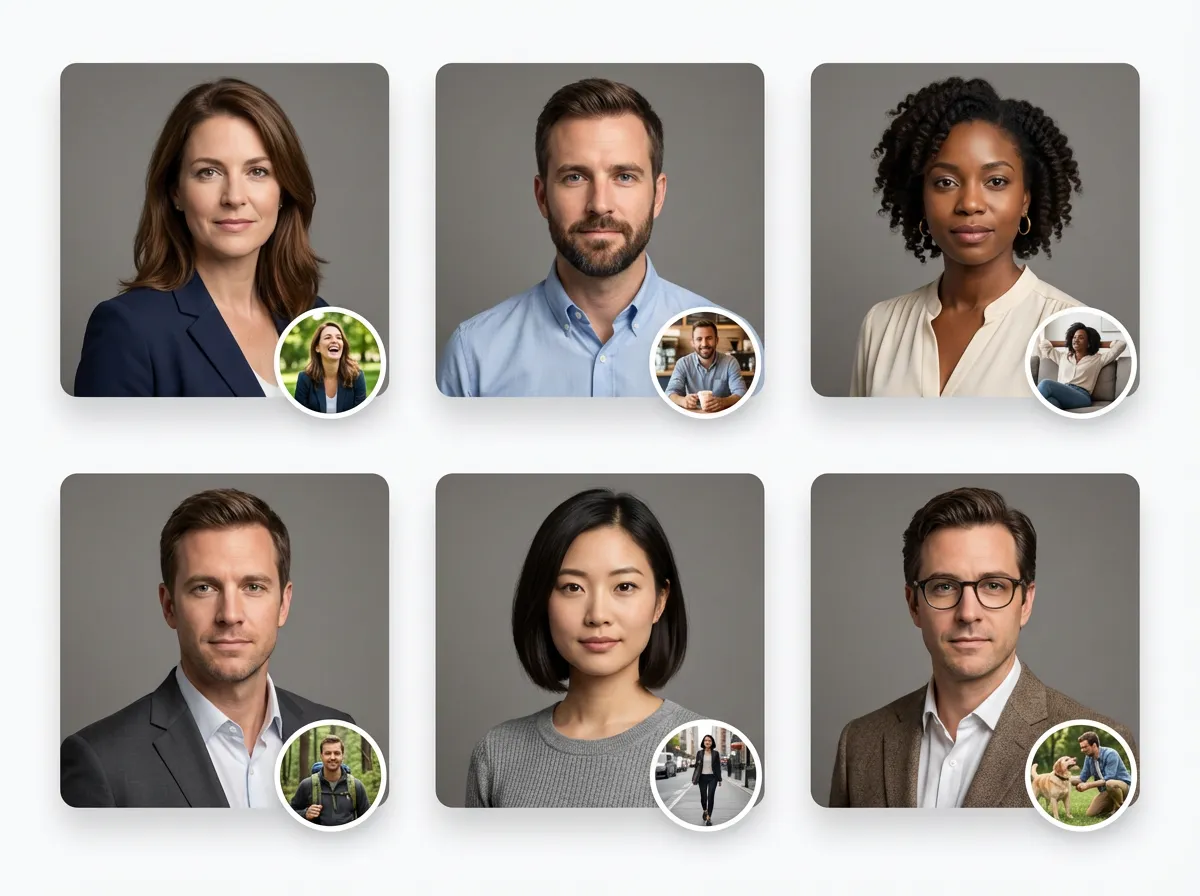
Corporate Websites and Team Pages — Consistent Headshots at Scale
Create cohesive, studio-style portraits for team introductions, directories, and company websites—without scheduling photo shoots.
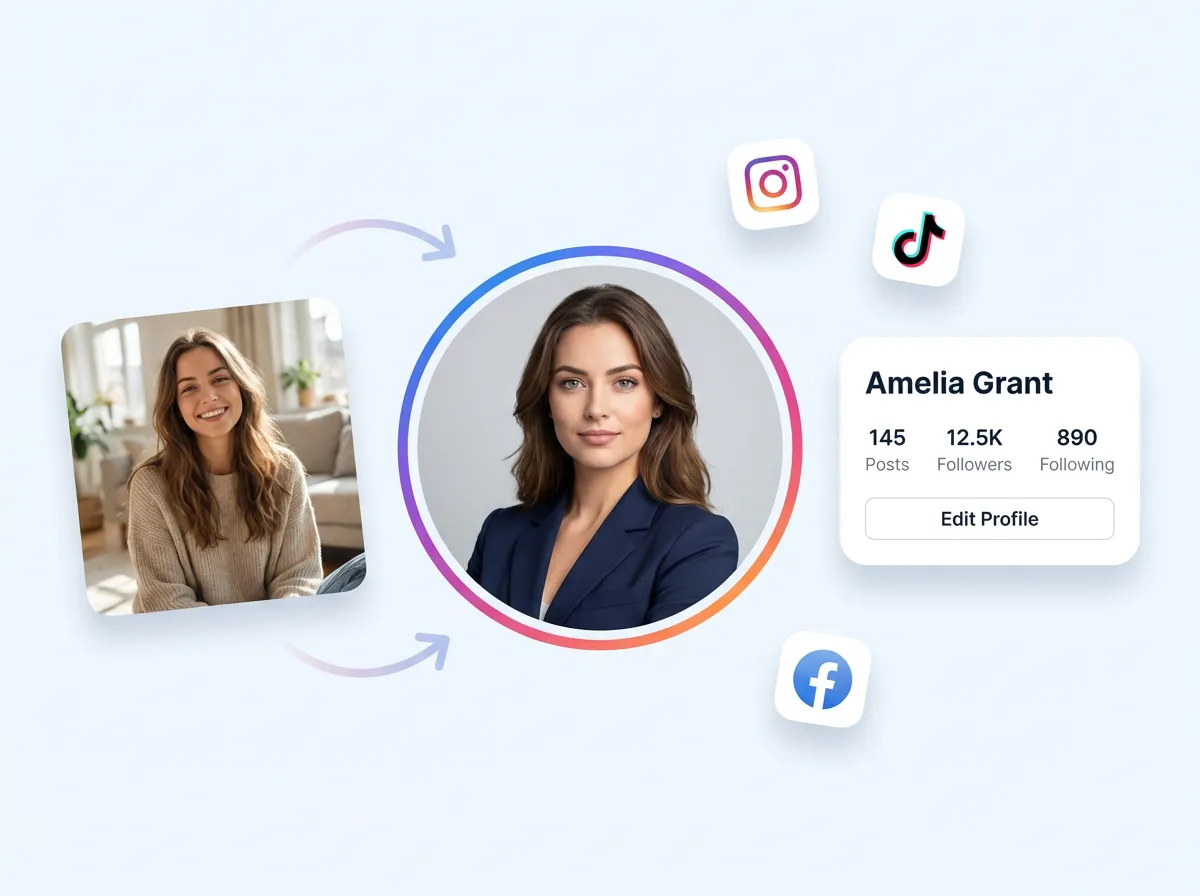
Creators and Personal Brands — Stand Out Across Social Profiles
Try modern, creative styles for YouTube, X, Instagram, and personal sites while keeping your identity consistent and natural.
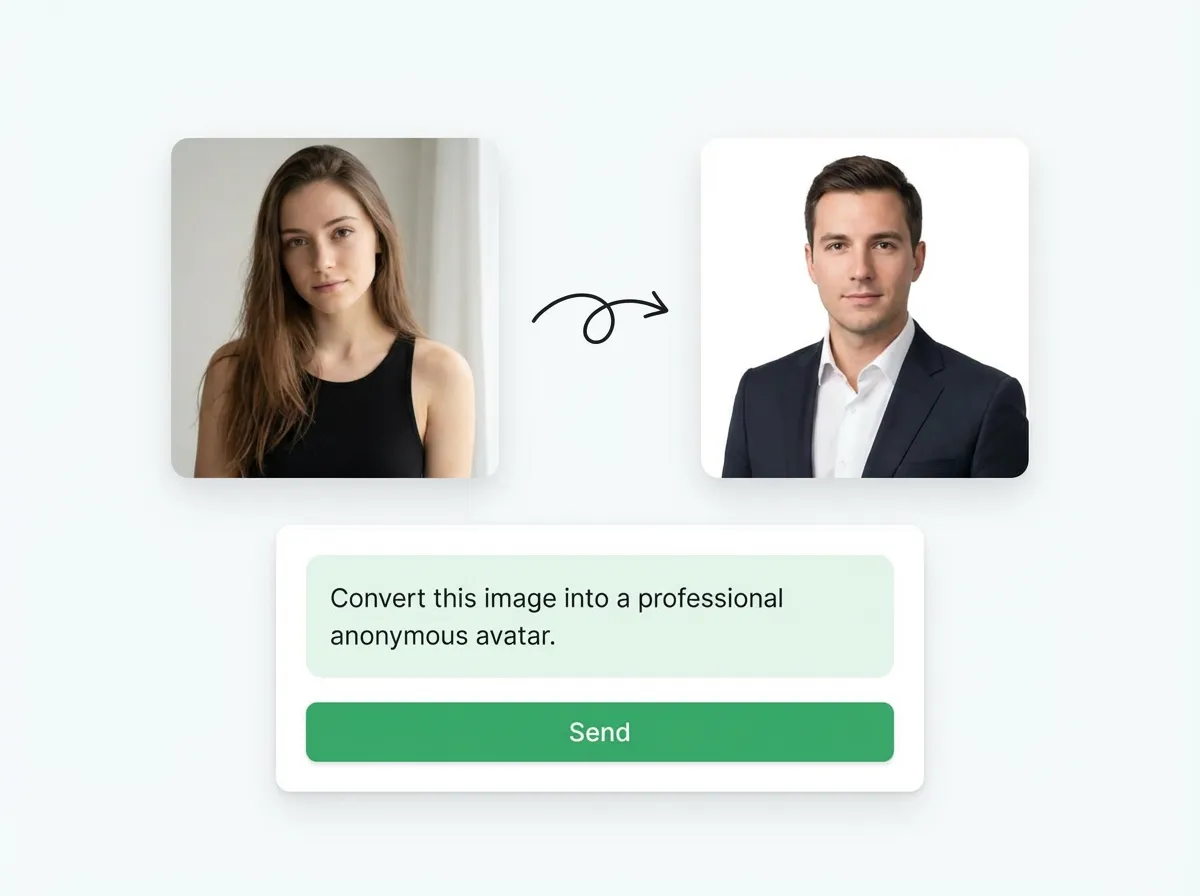
Privacy-Friendly Avatars — Share Without Showing Your Face
Use an anonymous headshot style to keep a consistent look for communities, forums, and creators who prefer privacy.
More AI Image Generators for Every Creative Idea
Unleash Creativity With Createimg.ai AI Image Generators
Explore a variety of AI image generators tailored to different creative needs. Whether you want to design shirts, make fun emojis, or create unique posters, these tools make it easy to bring every idea to life.
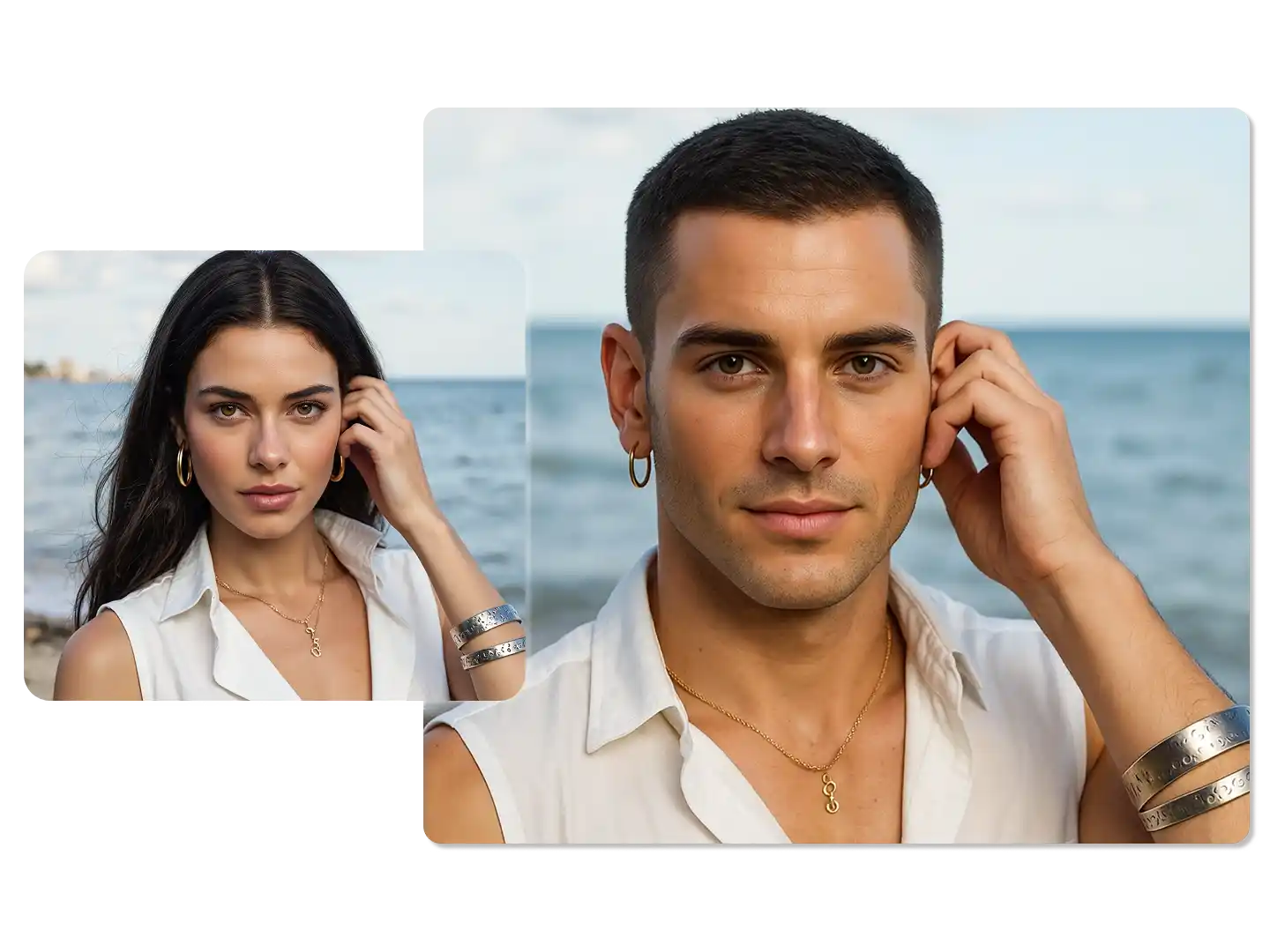
AI Gender Swap
AI Meme Generator
AI Ad Generator
Wedding AI Photo Generator

AI Food Generator
Text To Image
Image To Image
AI Thumbnail Generator
AI Sticker Generator
AI Age Progression
Explore Cutting-Edge AI Models
AI Models — Powerful Image & Video Generation Tools
Explore advanced AI models for high-quality image and video creation. Discover powerful generation and editing technologies that enhance your creative workflow and bring your visual ideas to life with ease.









AI Headshot Generator: LinkedIn Profile Photo Generator How to Use (Step-by-Step)
How To Use
Follow these quick steps to generate a studio-style headshot from your photo and download it for LinkedIn, resumes, or team pages.
Upload Your Photo
Choose a clear, well-lit photo where your face is visible. Upload JPG or PNG for the best results.
Choose a Headshot Style
Pick a look like Professional, Corporate, Casual, Creative Studio, Clean White Background, or Anonymous (Faceless).
Generate & Download
Click Generate and download your new headshot when it’s ready. Use it across profiles, resumes, and directories.
AI Headshot Generator FAQ: Resume Headshots, Corporate Portraits, and Privacy
FAQs
Quick answers about AI headshot generator results, photo requirements, output quality, and privacy for professional profile photos.
What is an AI headshot generator?
It creates professional-looking headshots from your photo by improving lighting, composition, and overall portrait quality.
How does the AI headshot generator work?
It uses your uploaded photo as a reference, then generates a studio-style headshot in the selected style while keeping a realistic look.
Will the headshot from the AI headshot generator still look like me?
Yes. The goal is identity consistency—your facial features stay recognizable, with only natural improvements like better lighting and subtle retouching.
What kind of photo should I upload to the AI headshot generator for best results?
Use a clear, front-facing photo with good lighting and minimal filters. Avoid heavy shadows, sunglasses, or blocked faces.
Can I use the AI headshot generator for LinkedIn and resumes?
Yes. Choose a professional or corporate style for clean, realistic headshots that fit LinkedIn, resumes, and job applications.
Can the AI headshot generator change outfits and backgrounds?
Depending on the selected style, it can produce studio-like backgrounds and a more polished look that fits professional profiles.
Which file formats can I upload and download with the AI headshot generator?
Upload common image formats like JPG and PNG, then download your generated headshot as a standard image file for easy sharing.
How long does the AI headshot generator take to generate a headshot?
Most generations finish in minutes. Timing varies based on image size and current server load.
Is my photo private and secure with the AI headshot generator?
Your upload is processed securely. Review our Privacy Policy for details on data handling, retention, and deletion.
Can I use headshots from the AI headshot generator commercially?
In most cases, yes for profiles and business use. For specifics on usage rights, check our Terms of Service.
Powered By


Create a Professional Headshot in Seconds
Upload a clear photo, choose a style, and download a realistic studio headshot for LinkedIn, resumes, and company profiles.