
AI Icon Generator
Icon Ideas

Shopping Cart

Analytics Dashboard

Security Shield

Pixel Health Potion
Meditation App
Finance App
Weather App
Growth Strategy

Customer Support

Product Launch Rocket
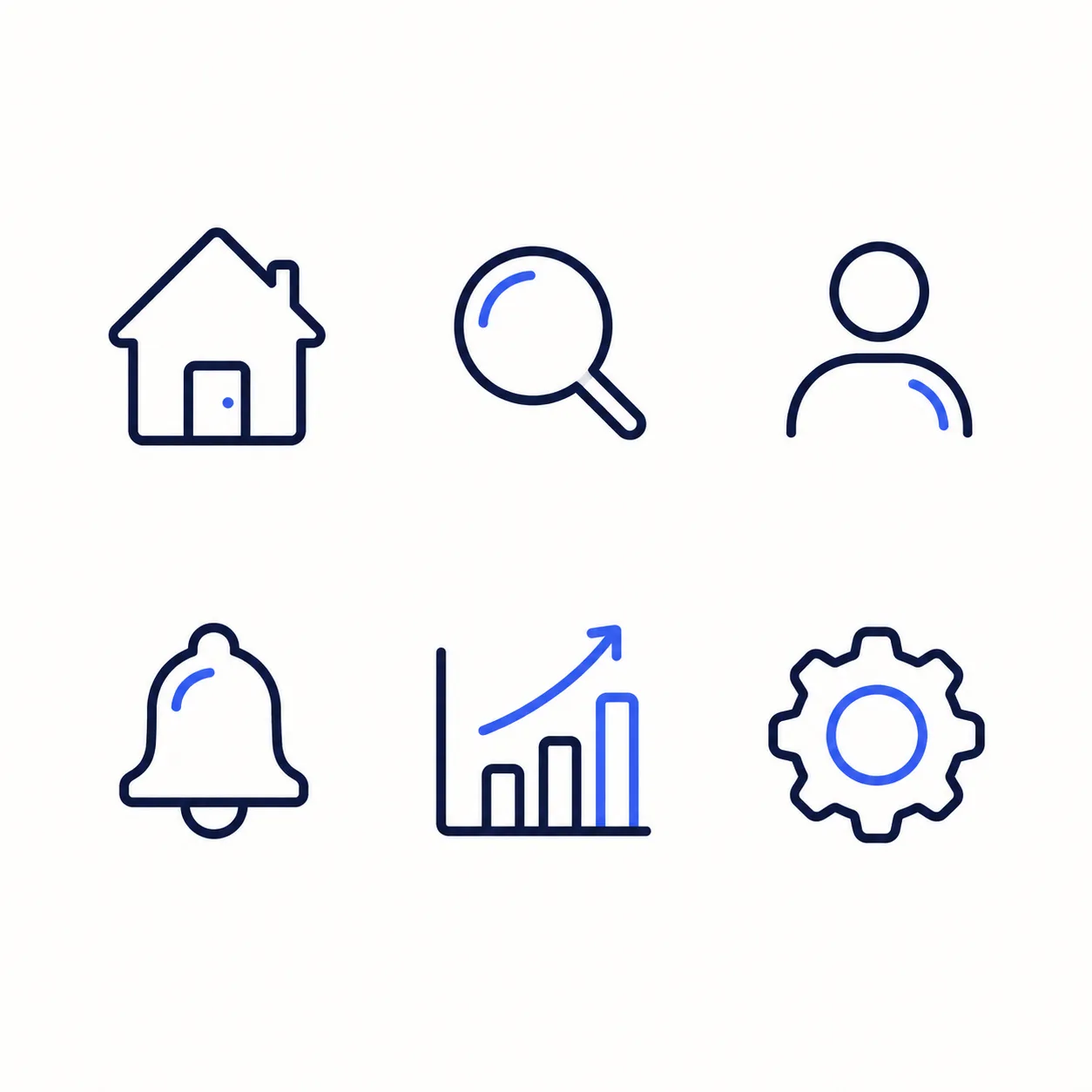
SaaS Dashboard 6-Icon Sheet
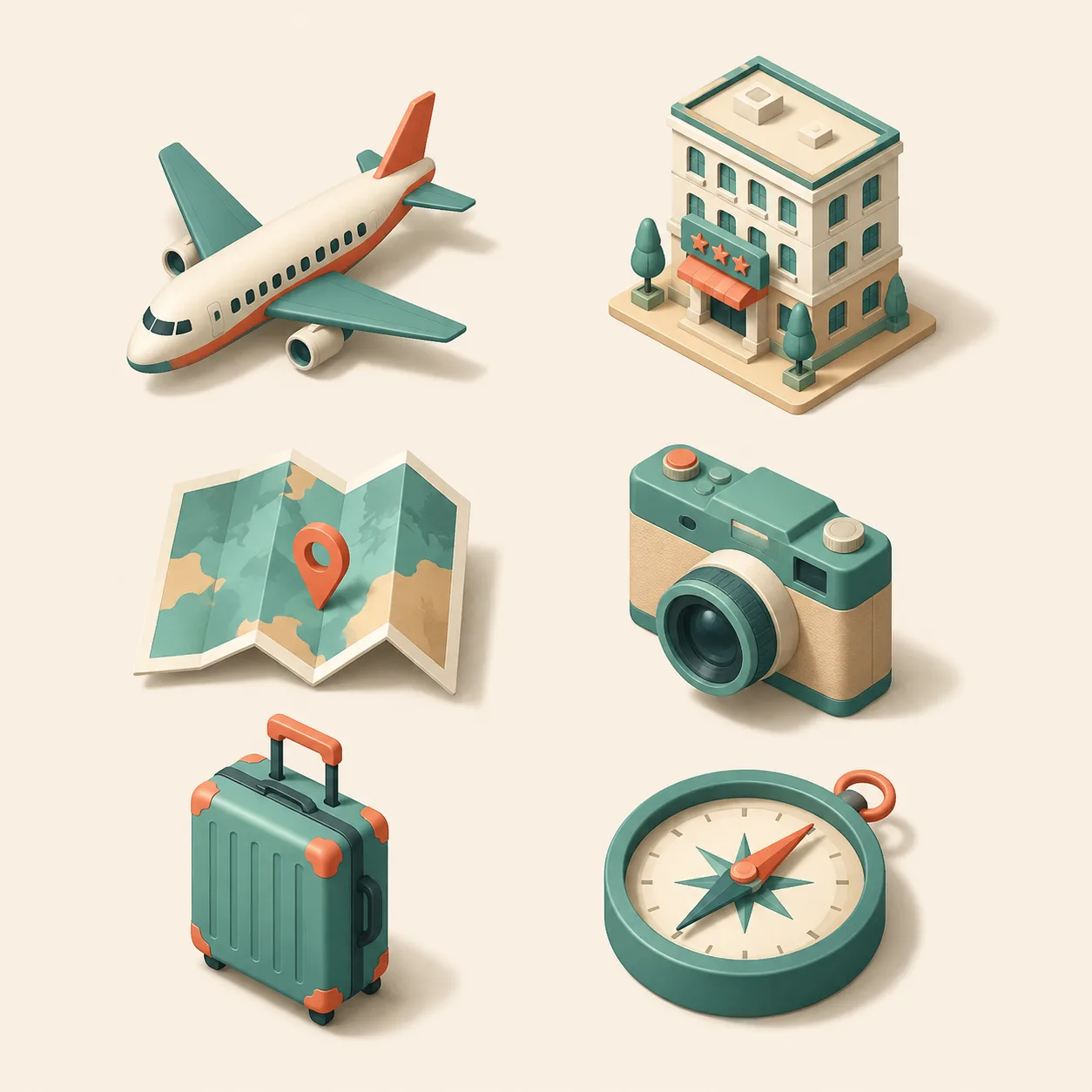
Travel 6-Icon Sheet
AI Icon Generator – Create Professional Icons from Text or Image
FEATURES
Design custom icons for apps, websites, presentations, and branding in seconds. Our AI icon generator turns simple prompts or reference images into polished, pixel-perfect icons — no design skills required.
- Describe the icon you need — a shopping cart, a rocket, a music note, a settings gear — and our AI icon generator creates a clean, professional result in seconds. Perfect for rapid prototyping or final production assets.
- Upload a sketch, photo, or existing icon and let the AI icon generator from image transform it into a polished, professional icon. Turn rough ideas into clean vector-style designs without manual redrawing.
- Generate flat icons, line icons, filled icons, gradient icons, 3D icons, and more. Our AI icon generator prompt system lets you specify exactly the style you want — from minimal outlines to rich, detailed glyphs.
- Whether you need app icons, website navigation icons, dashboard UI elements, or presentation graphics, our AI icon generator delivers production-ready assets that look professional across every platform and screen size.
- Generate crisp, detailed icons at resolutions up to 4K. Every edge, curve, and detail is rendered with pixel-perfect clarity — ideal for retina displays, print materials, and large-format presentations.
- Skip the complex design software and steep learning curves. Our AI icon generator from text makes professional icon creation accessible to everyone — marketers, developers, entrepreneurs, and content creators alike.
AI Icon Generator Showcase – See What You Can Create
SHOWCASES
Explore the creative possibilities of our AI icon generator — from app icons and UI elements to brand assets and presentation graphics.
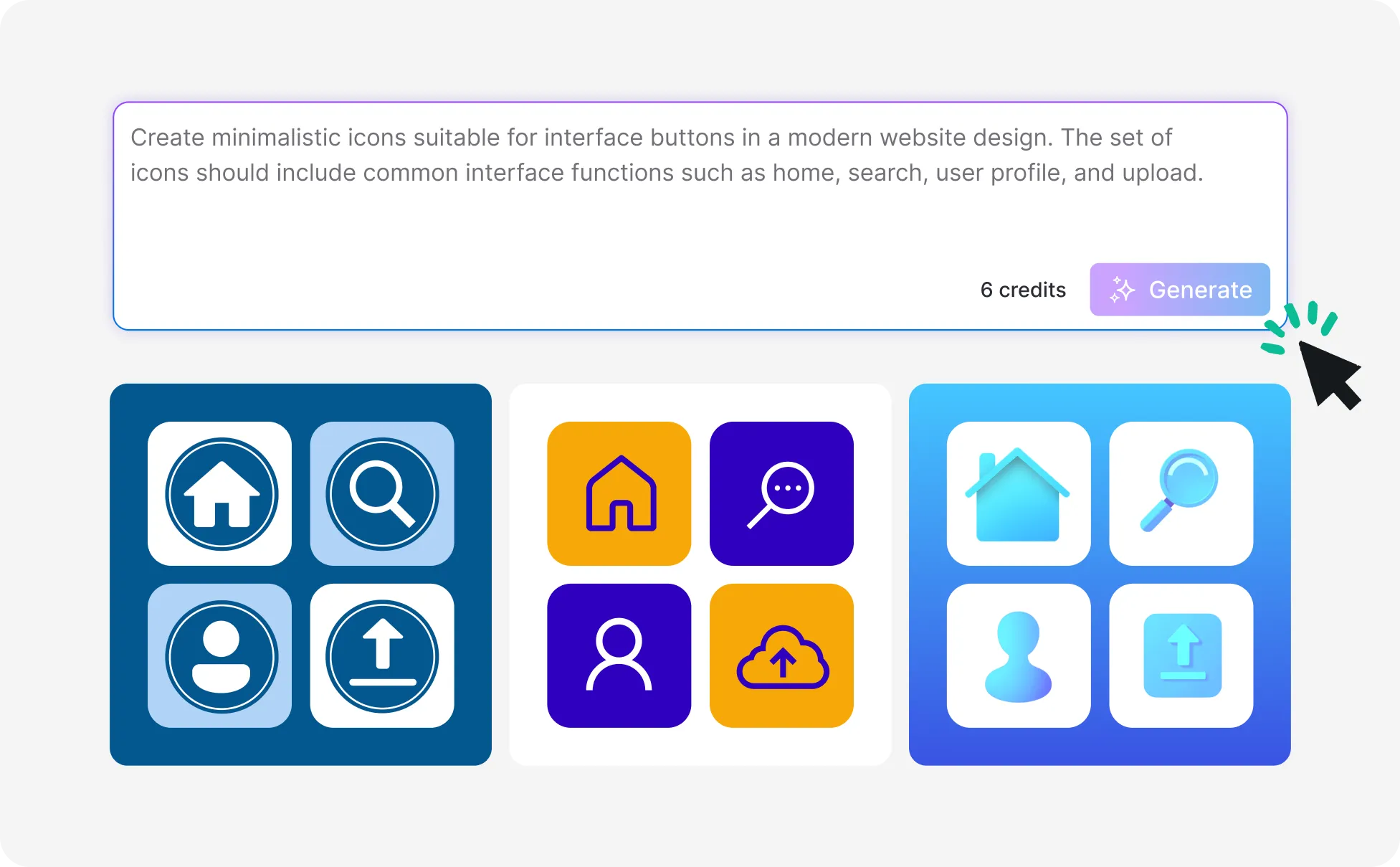
App Icons for Mobile and Desktop
Generate stunning app icons that stand out on any home screen. From sleek minimal designs to vibrant gradient styles, create icons that capture your app's identity instantly.
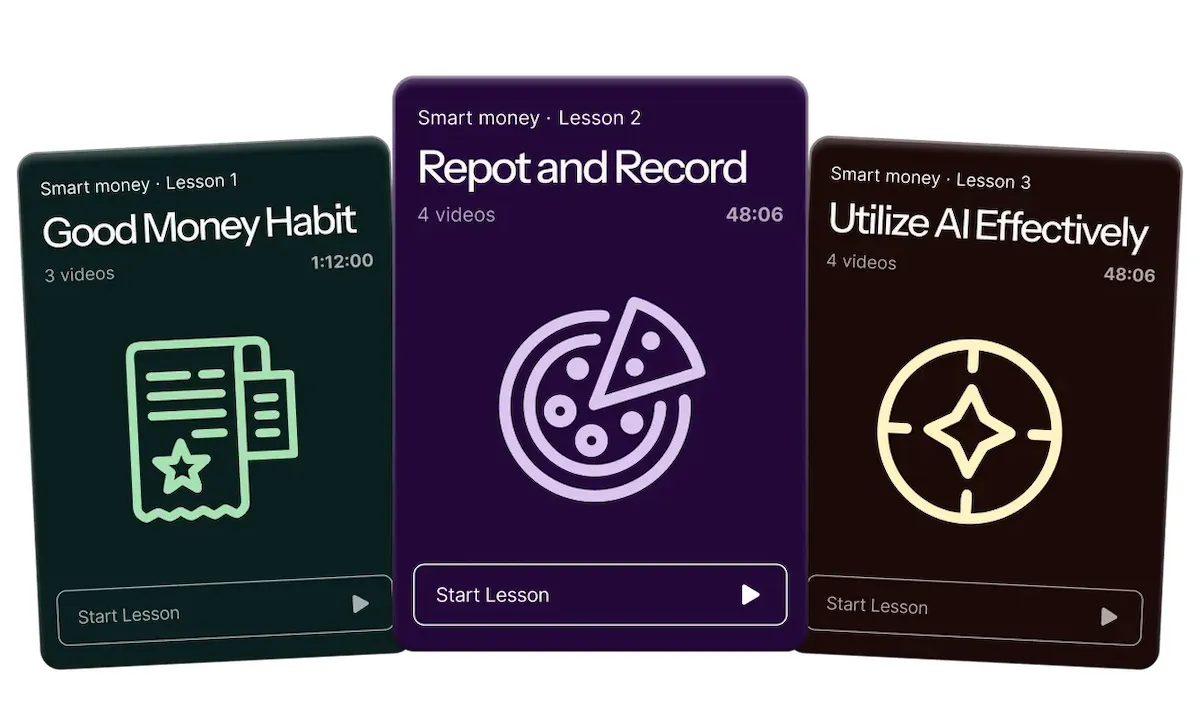
Website and UI Navigation Icons
Design clean, consistent icon sets for website navigation, dashboards, and user interfaces. Generate matching icons that maintain visual harmony across your entire digital product.
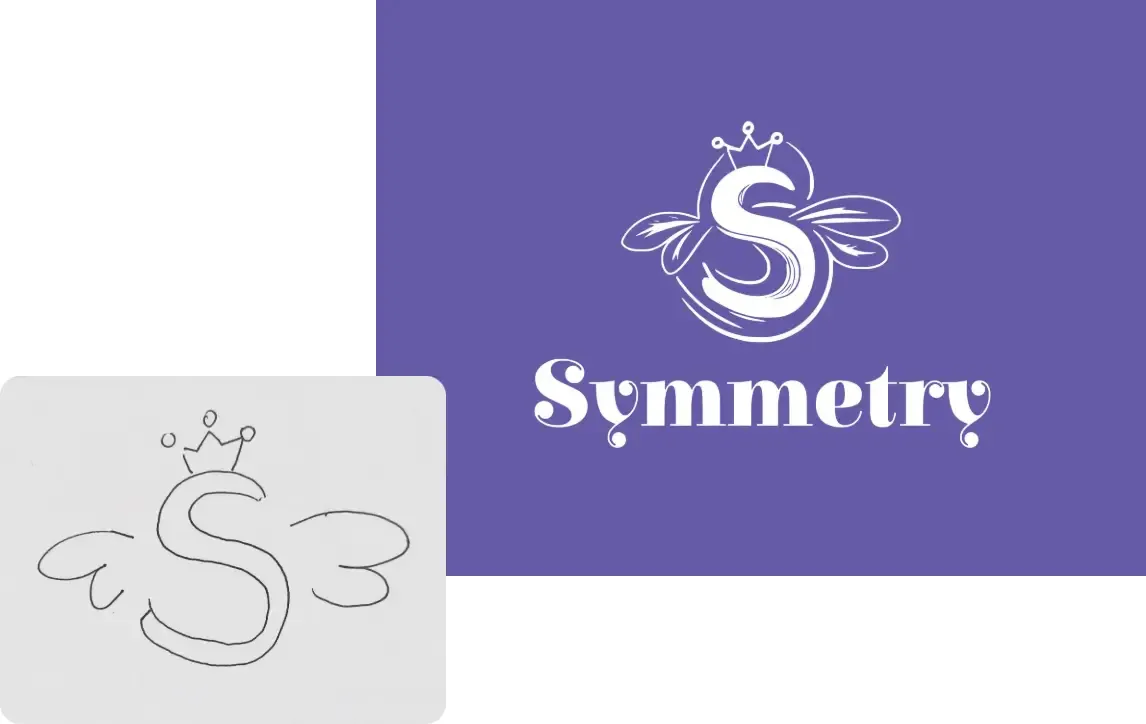
Transform Sketches into Polished Icons
Upload your hand-drawn sketch or rough concept and let the AI icon generator from image turn it into a clean, professional icon ready for production use.
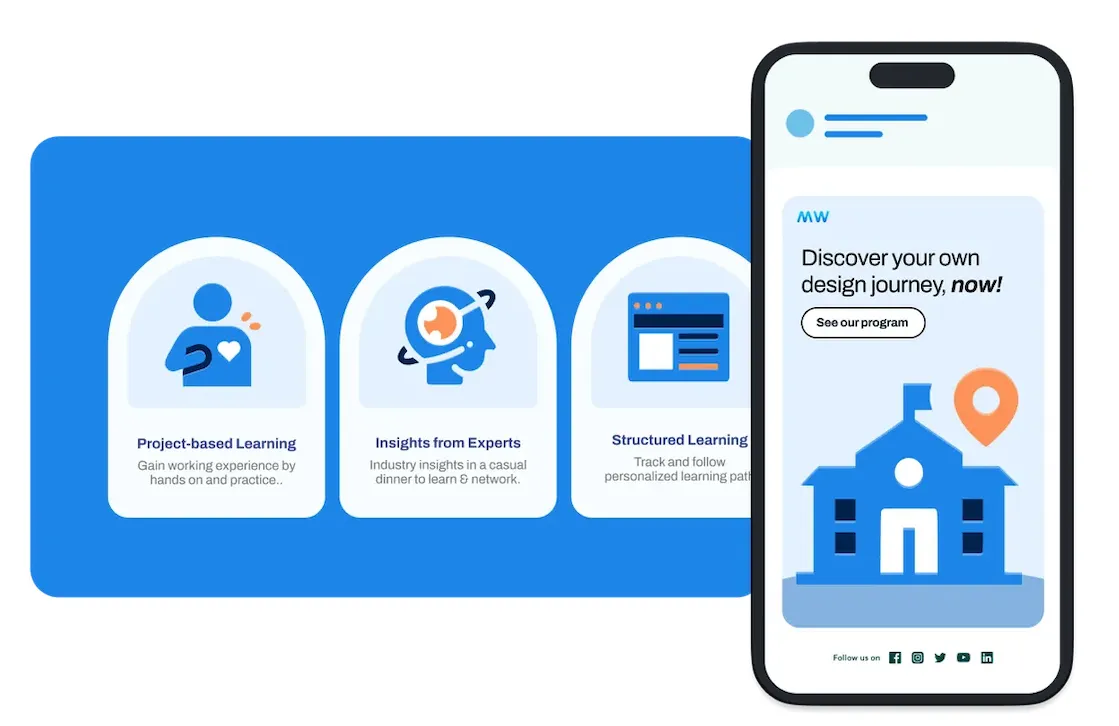
Brand and Business Icon Sets
Create cohesive icon sets for presentations, marketing collateral, and brand identity. Generate professional business icons that elevate your corporate communications.
More AI Image Generators for Every Creative Idea
Unleash Creativity With Createimg.ai AI Image Generators
Explore a variety of AI image generators tailored to different creative needs. Whether you want to design shirts, make fun emojis, or create unique posters, these tools make it easy to bring every idea to life.

AI Gender Swap
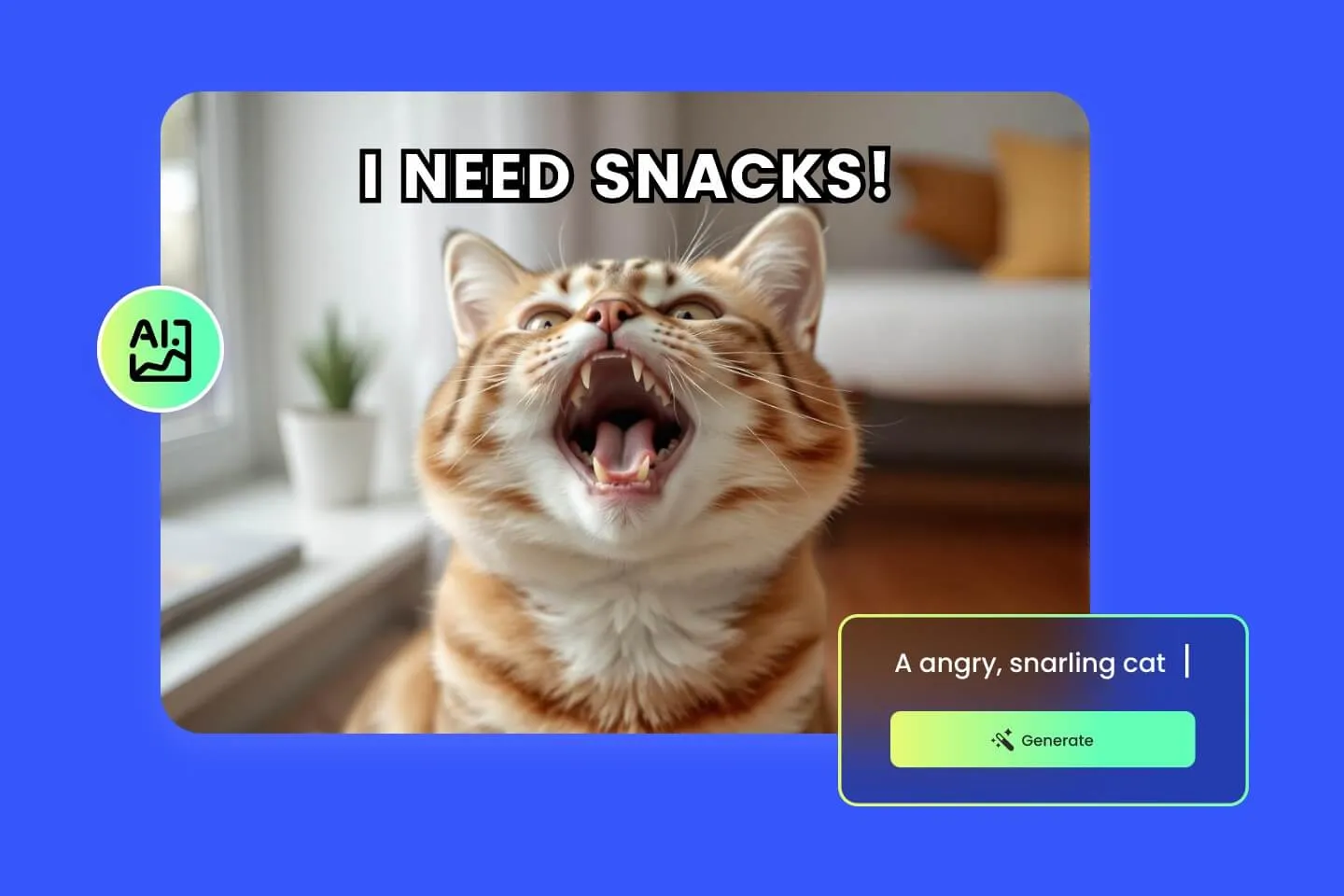
AI Meme Generator
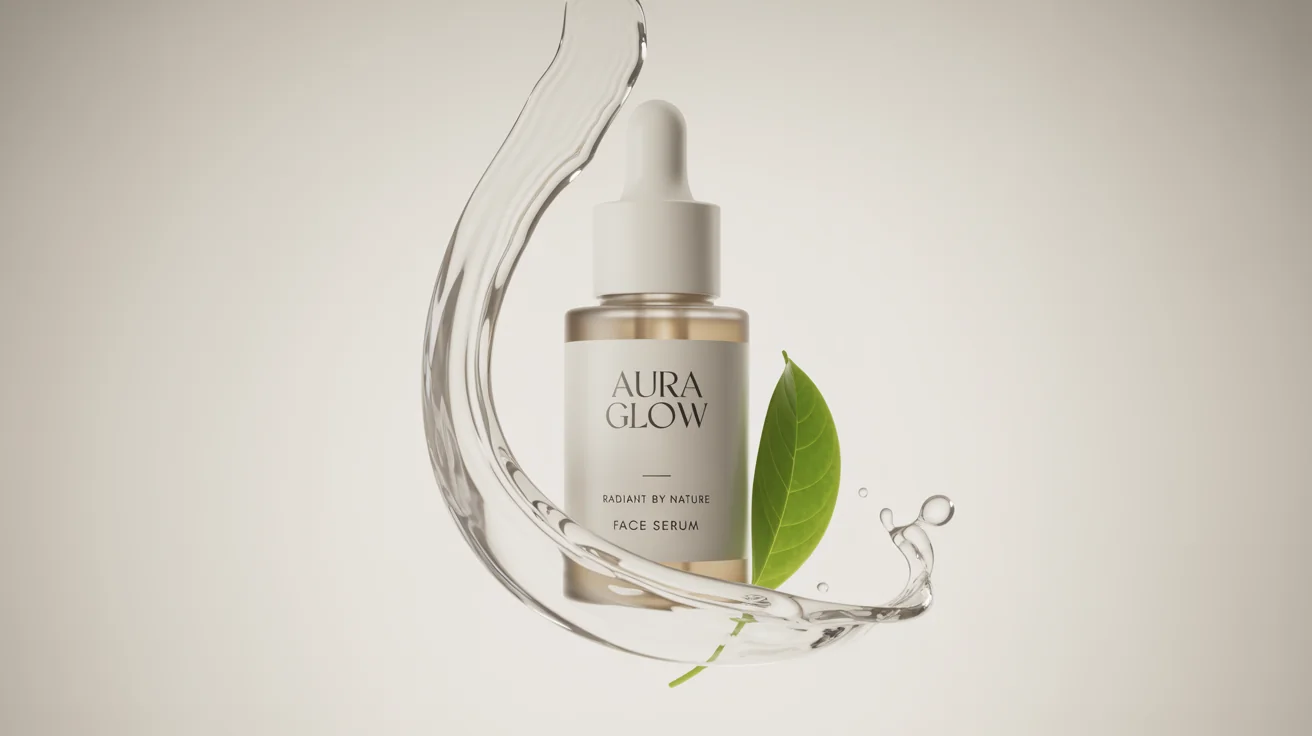
AI Ad Generator

Wedding AI Photo Generator

AI Food Generator
Text To Image

Image To Image

AI Thumbnail Generator
AI Sticker Generator
AI Age Progression
Explore Cutting-Edge AI Models
AI Models — Powerful Image & Video Generation Tools
Explore advanced AI models for high-quality image and video creation. Discover powerful generation and editing technologies that enhance your creative workflow and bring your visual ideas to life with ease.









How to Use the AI Icon Generator Online
HOW TO USE
Create custom professional icons in three easy steps. No registration, no design software — just your idea and our AI icon generator.
Describe Your Icon or Upload a Reference
Enter a text prompt describing the icon you need — subject, style, color, and use case. Or upload a reference image for the AI to transform into a clean, professional icon design.
Choose Resolution and Format
Select your preferred aspect ratio, resolution (1K, 2K, or 4K), and output format (PNG recommended for transparency). Then click Generate and let our AI icon generator create your design.
Download and Use Your Icon Anywhere
Preview the result, download in high quality, and use your AI-generated icon in apps, websites, presentations, social media, marketing materials, or any design project.
AI Icon Generator FAQ – Your Questions Answered
FAQs
Everything you need to know about our AI icon generator — from writing effective prompts to choosing the right style and format for your project.
What is an AI icon generator?
An AI icon generator is an online tool that uses artificial intelligence to create custom icons from text descriptions or reference images. Simply describe the icon you want or upload a reference, and the AI produces a clean, professional icon design in seconds — no graphic design skills required.
Is this AI icon generator free to use?
Yes. New users receive free credits to start generating icons immediately. Each generation uses credits based on your chosen resolution (1K, 2K, or 4K). You can purchase additional credits anytime for continued use.
How do I write an effective AI icon generator prompt?
Be specific about the subject, style, and context. For example: 'A flat design shopping cart icon with rounded corners, blue color scheme, suitable for an e-commerce app.' Include details like icon style (flat, line, 3D, gradient), color preferences, and intended use case for best results.
Can I generate icons from an existing image?
Yes. Upload any image — a sketch, logo, photo, or existing icon — and the AI icon generator from image will create a clean, polished icon version. This is perfect for converting rough concepts into production-ready icons.
What icon styles does the AI support?
Our AI icon generator supports a wide range of styles including flat design, line art, filled icons, gradient, 3D, isometric, glyph, outlined, duotone, and more. Specify the style in your prompt to get exactly the look you need.
Can I use the icons for commercial projects?
Yes. Icons generated with our AI icon generator can be used for both personal and commercial projects, including mobile apps, websites, presentations, marketing materials, product packaging, and branding assets.
What output formats are available?
Download your icons in PNG format for lossless quality with transparency support (ideal for icons) or JPG format for smaller file sizes. PNG is recommended for most icon use cases as it preserves transparent backgrounds.
Can I generate icon sets with a consistent style?
Yes. Use a consistent prompt structure with the same style keywords across multiple generations to create cohesive icon sets. For example, always include 'flat design, rounded corners, blue monochrome' to maintain visual consistency.
How long does it take to generate an icon?
Most icons are generated within 10–30 seconds. Generation time varies slightly based on resolution — 1K is fastest for quick previews, while 4K takes a bit longer to render maximum detail.
What resolutions are available for icon generation?
Generate icons in three resolution tiers: 1K for quick prototypes and web use, 2K for detailed app icons and UI elements, and 4K for maximum quality print materials and large-format displays.
Powered By


Create Professional Icons in Seconds with AI
From app icons to website graphics, our free AI icon generator turns your ideas into polished, production-ready icons. No design tools needed — just describe and generate.