

Seedream 4.5 AI Image Generator
Results
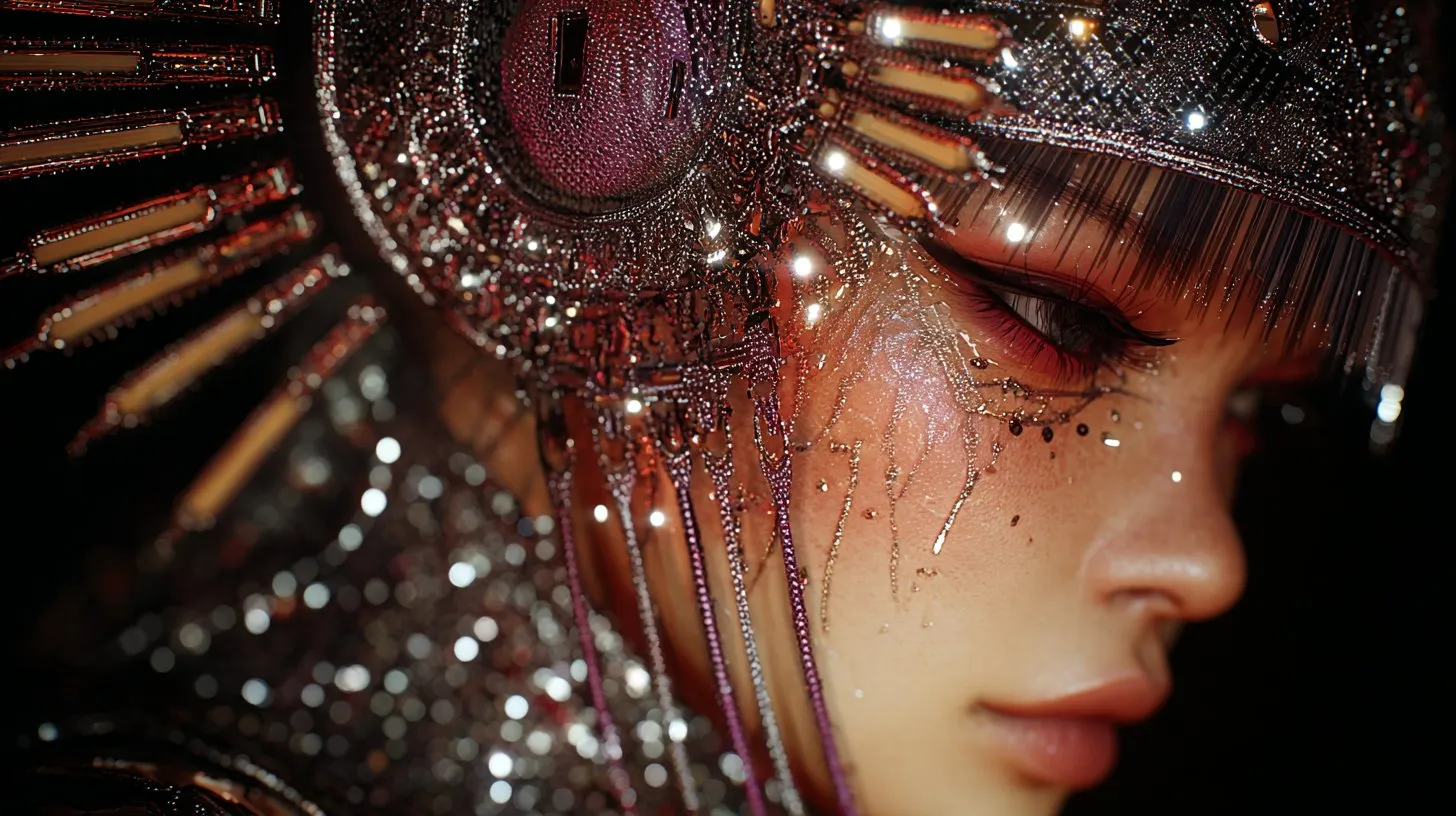


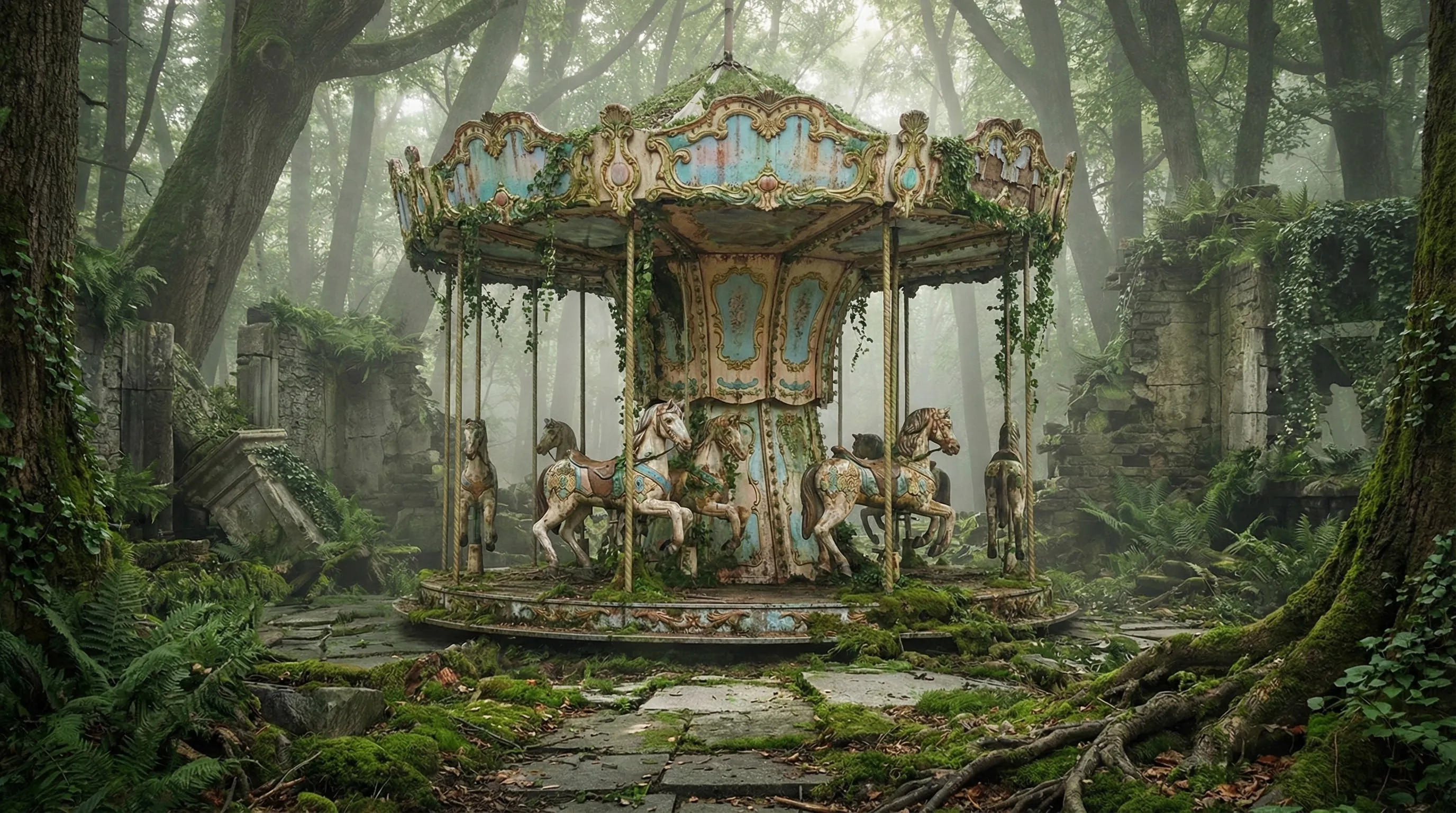
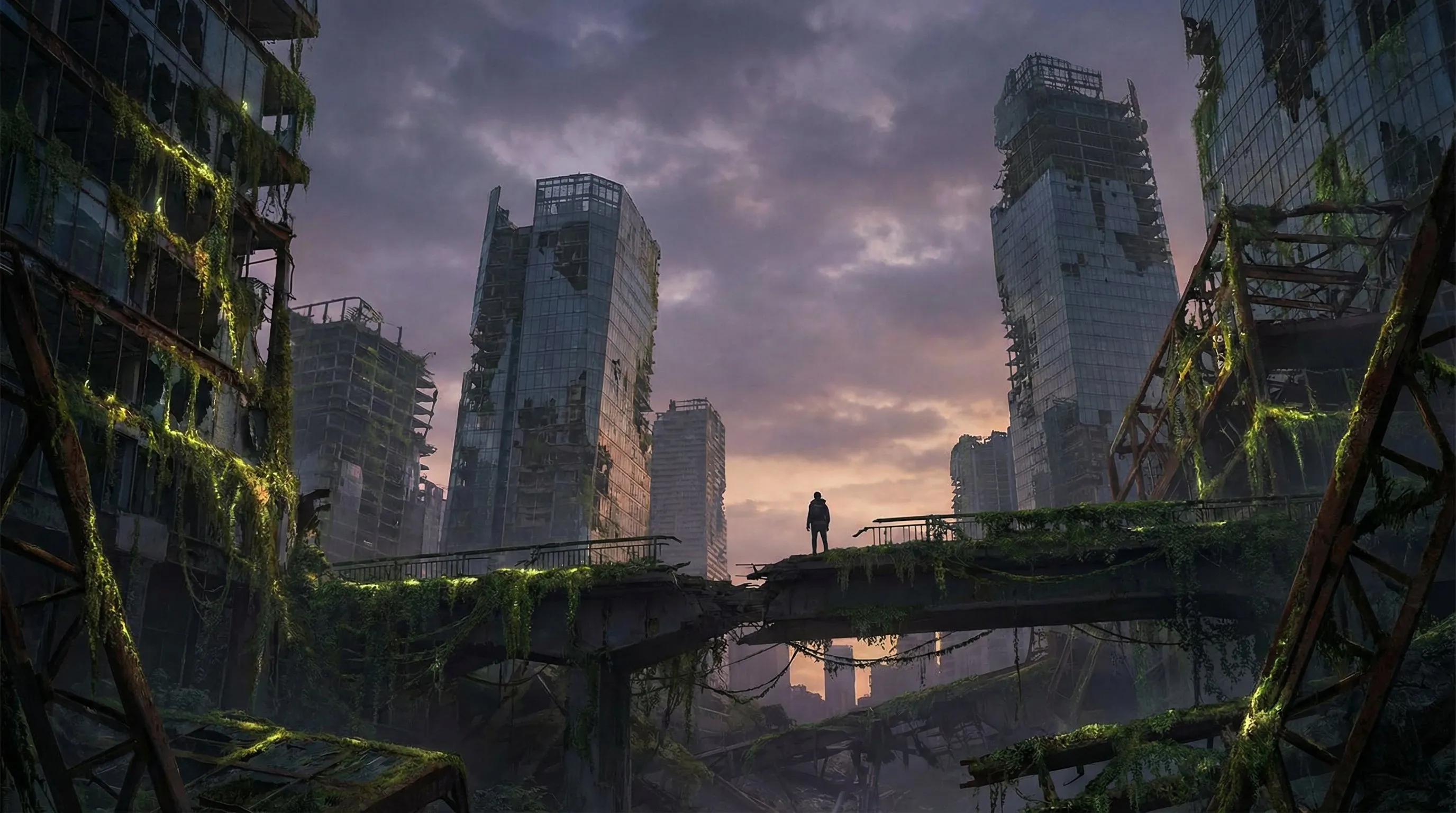
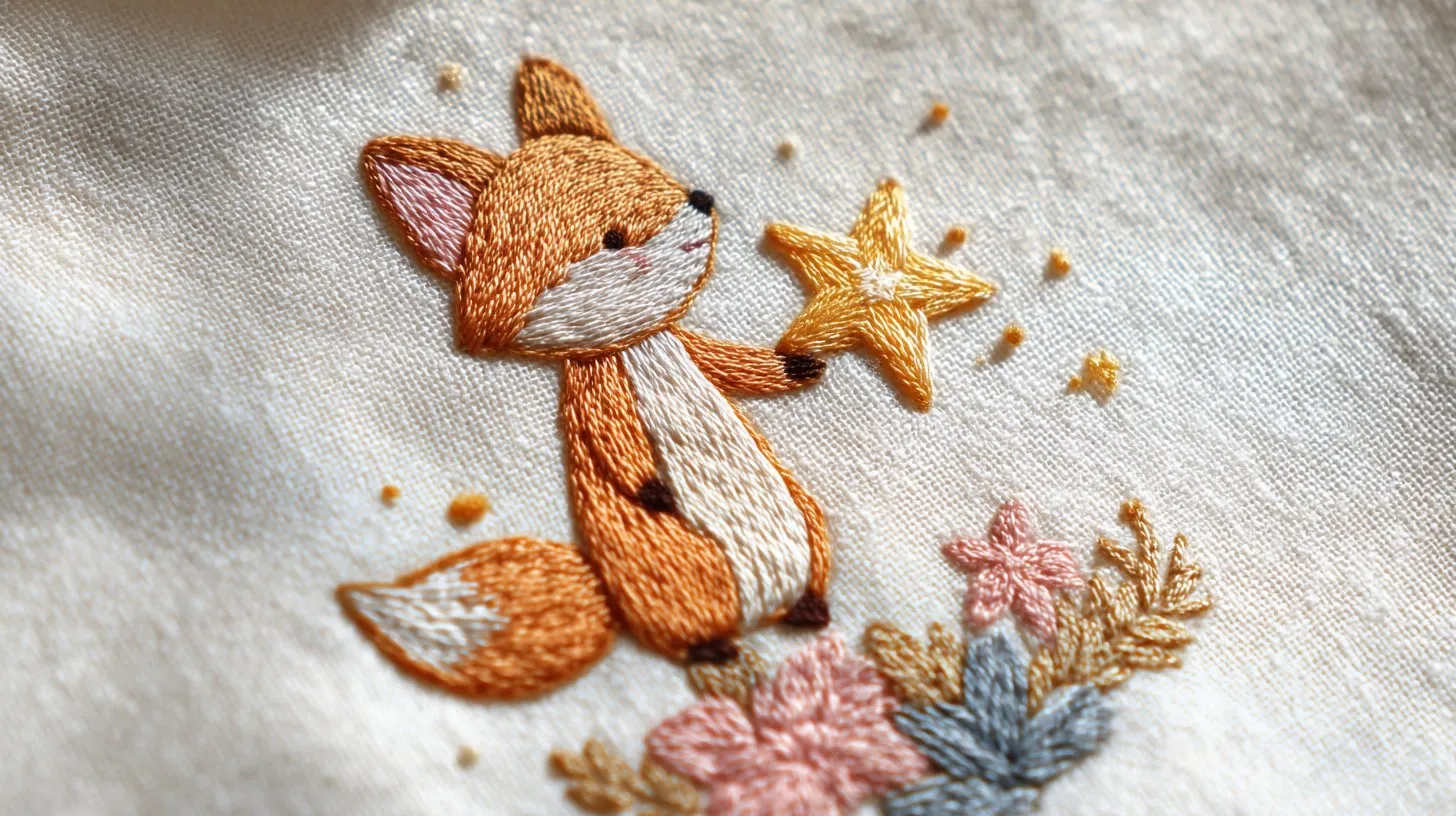
Preview Seedream 4.5 AI results from text-to-image, image-to-image and multi-image reference setups before exporting or scaling to full production.
Seedream 4.5 image model for 4K text-to-image & editing
Create 4K-Ready Visuals with Seedream 4.5
Use Seedream 4.5 AI on Createimg.ai to generate sharp, cohesive 4K images from text prompts or reference photos, with stable subjects, clean lighting and reliable small-text rendering.
- Turn natural‑language prompts into detailed, cohesive scenes, with Seedream 4.5 AI following complex, multi‑step instructions.
- Refine lighting, composition and style on existing images while Seedream 4.5 AI preserves key subject identity.
- Produce 4K‑ready visuals with balanced shading, cinematic lighting and stable clarity for posters and product shots.
- Blend up to 10 reference images so characters, products and branding stay consistent across a full series.
- Generate scenes with believable depth, object placement and architecture for layouts, interiors and storyboards.
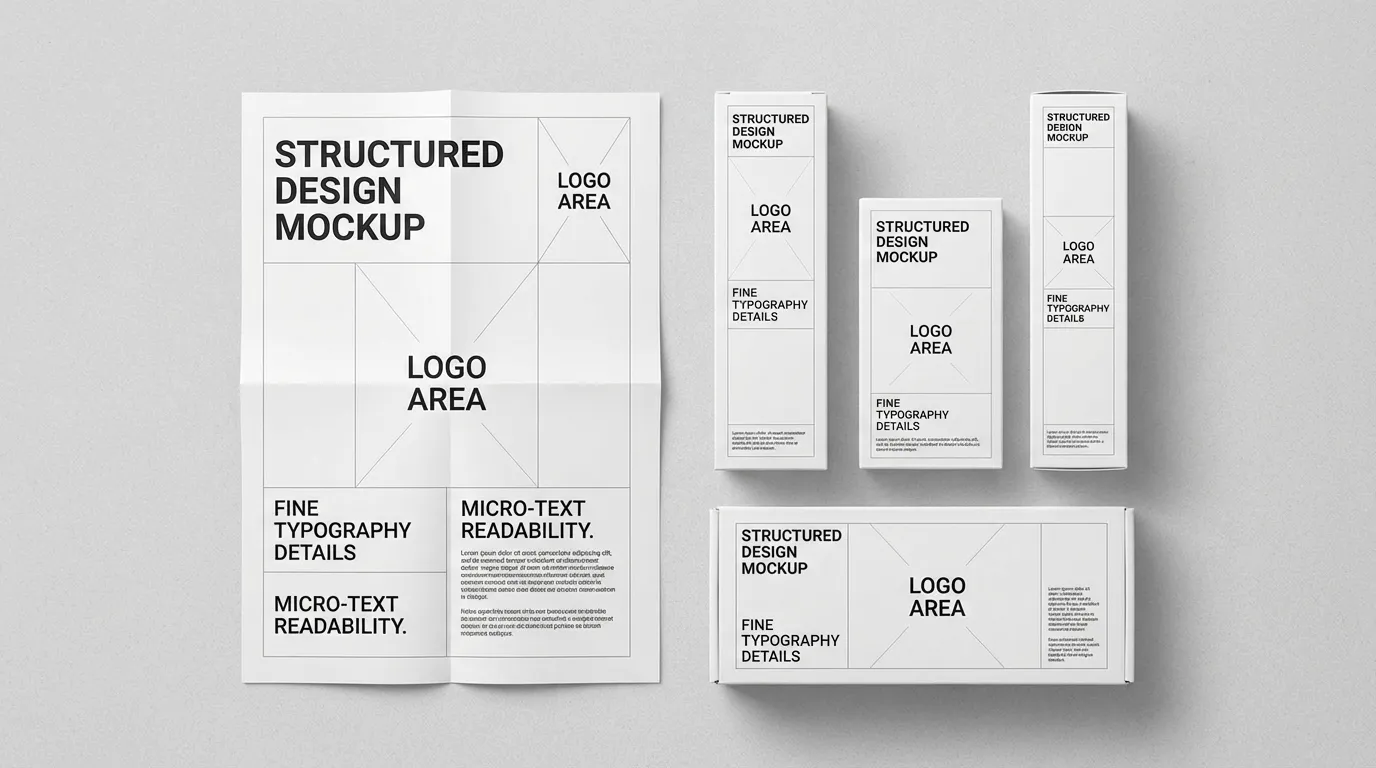
- Render micro‑text, logos and facial features with sharp, legible detail for posters, UI and packaging.
Seedream 4.5 Example Results and Use Cases
What You Can Create with Seedream 4.5
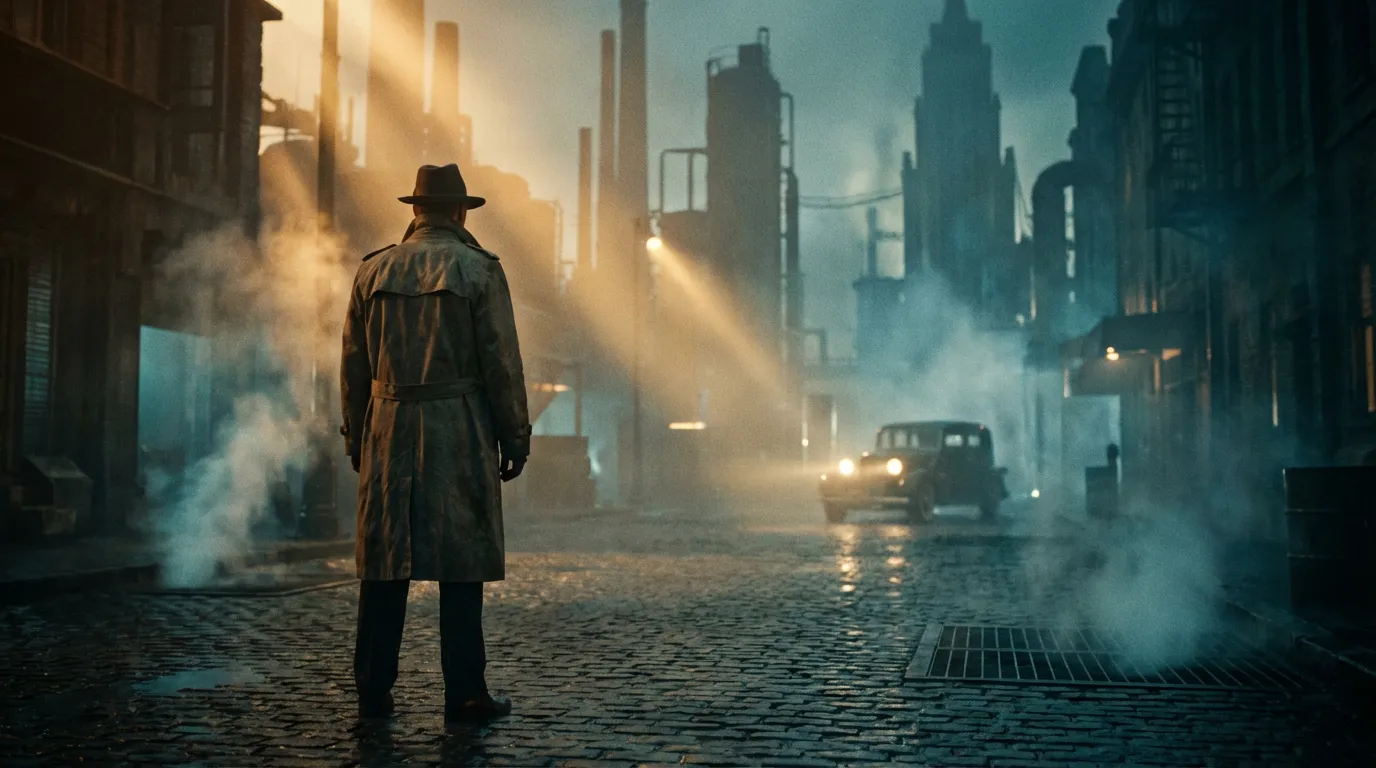
Explore how Seedream 4.5 AI handles e-commerce visuals, cinematic concept art and multi-view character or product sheets.
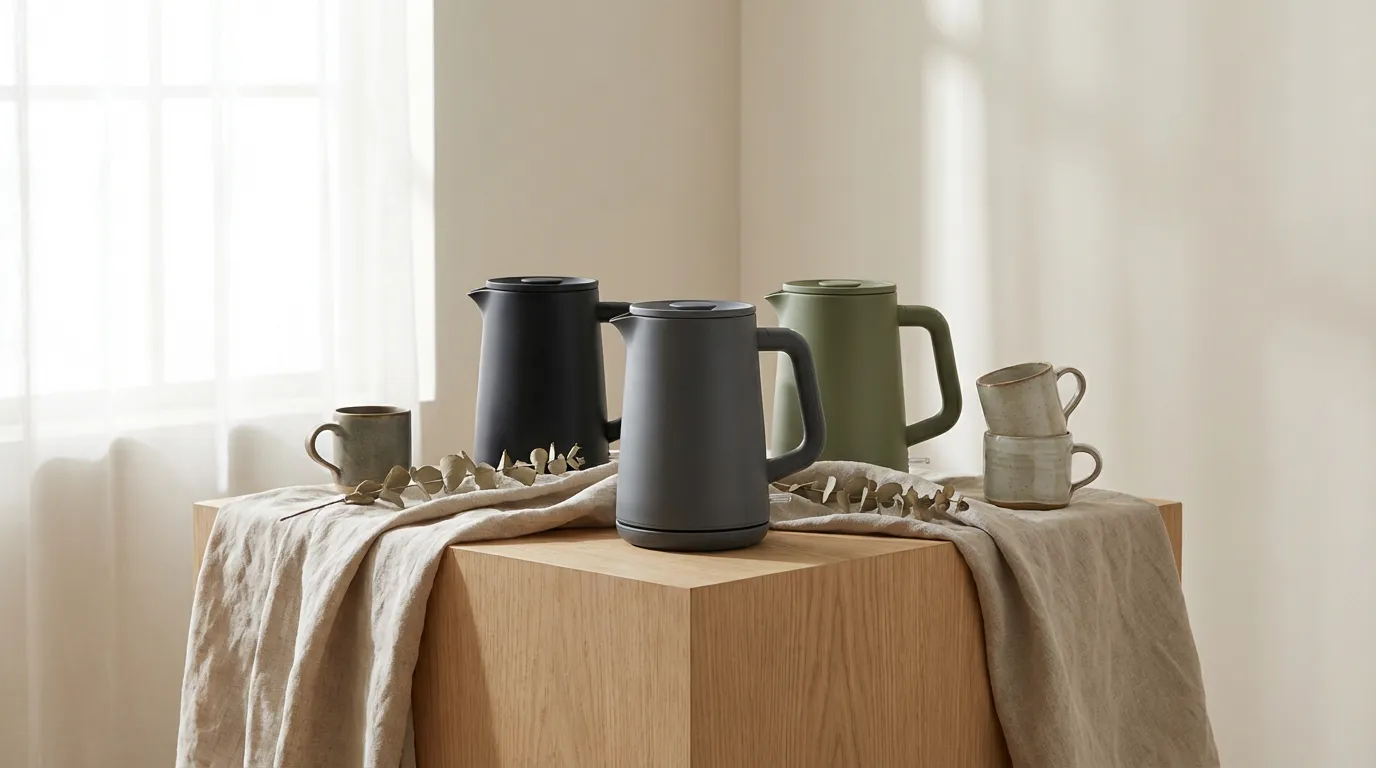
Generate Seedream 4.5 AI product shots and lifestyle scenes with consistent lighting, accurate materials and 4K clarity across colorways and angles.
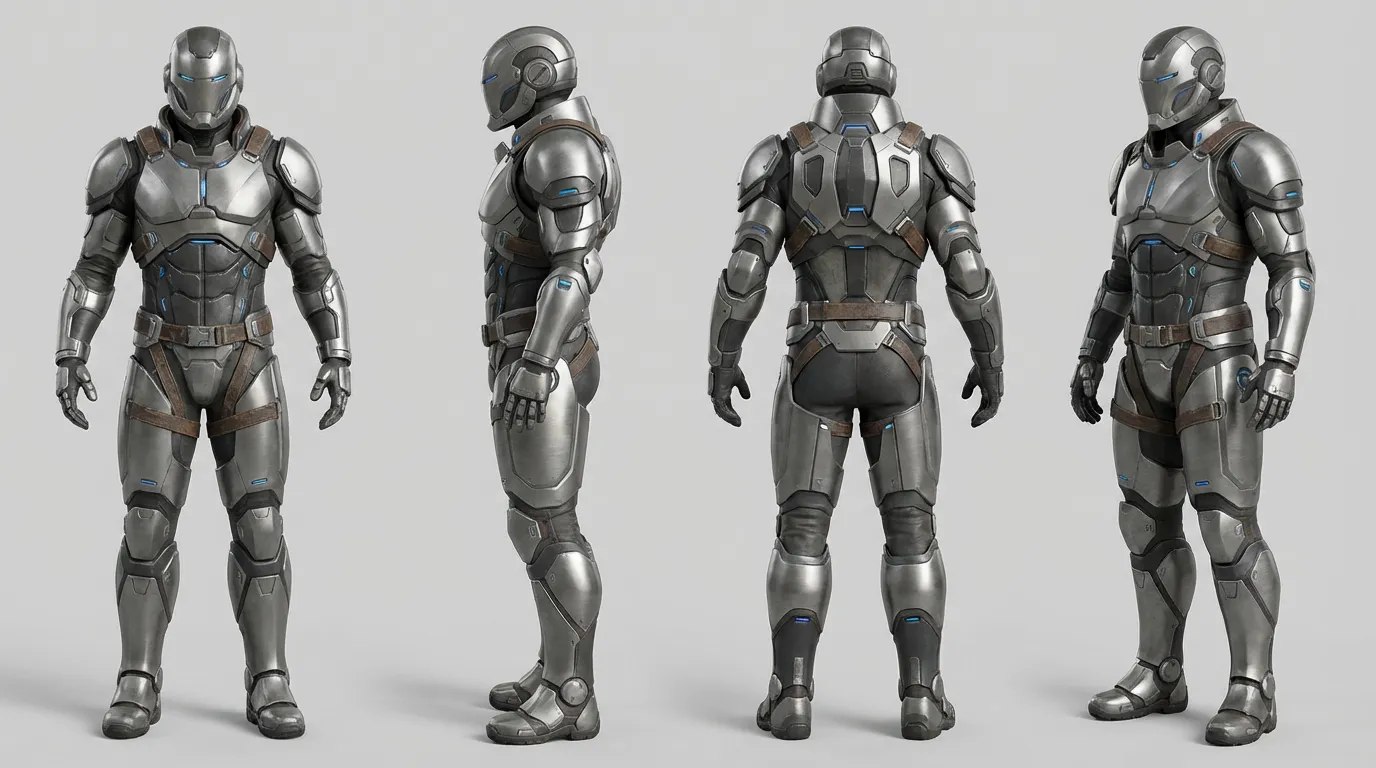
More AI Image Generators for Every Creative Idea
Unleash Creativity With Createimg.ai AI Image Generators
Explore a variety of AI image generators tailored to different creative needs. Whether you want to design shirts, make fun emojis, or create unique posters, these tools make it easy to bring every idea to life.
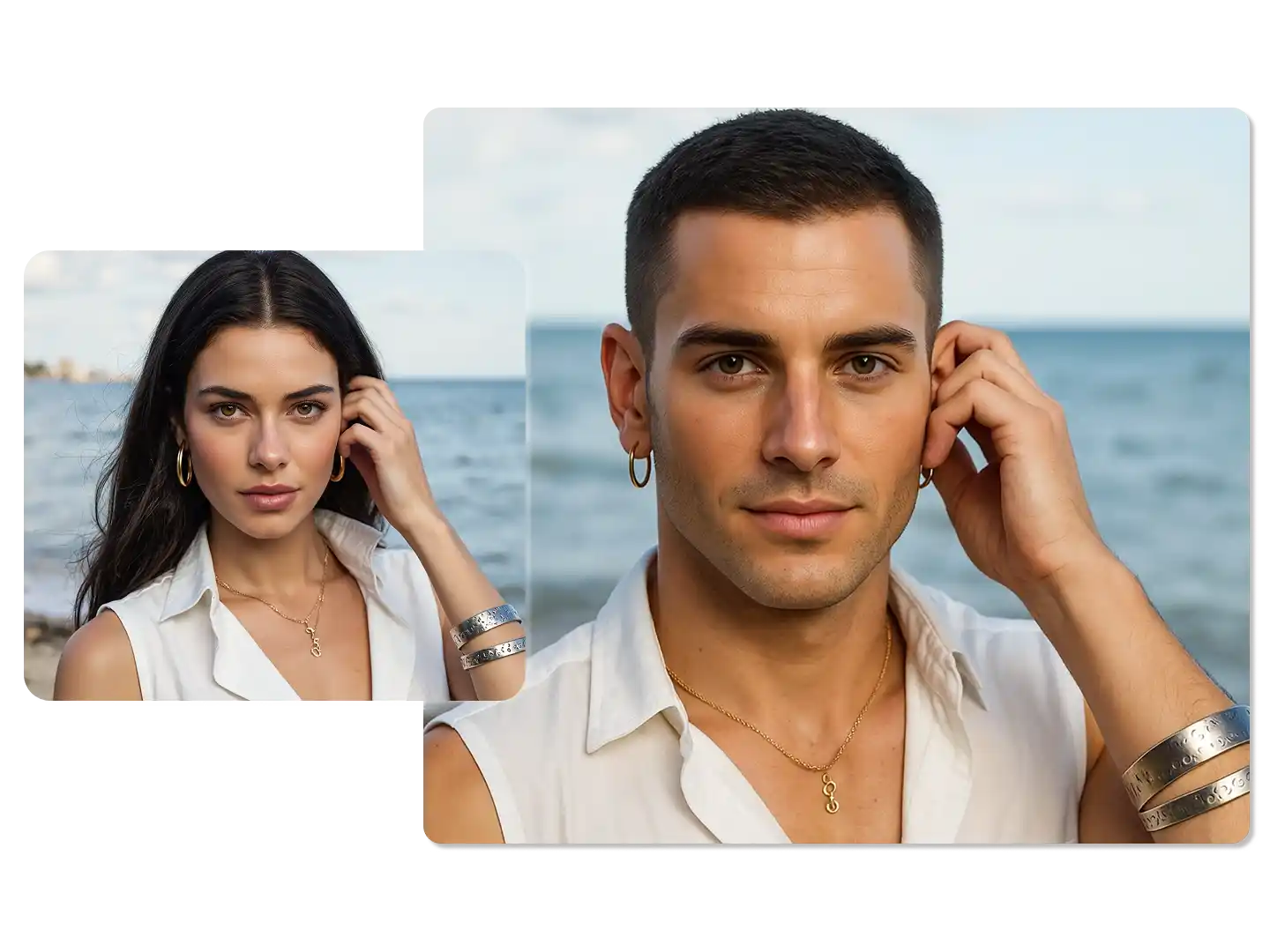
AI Gender Swap
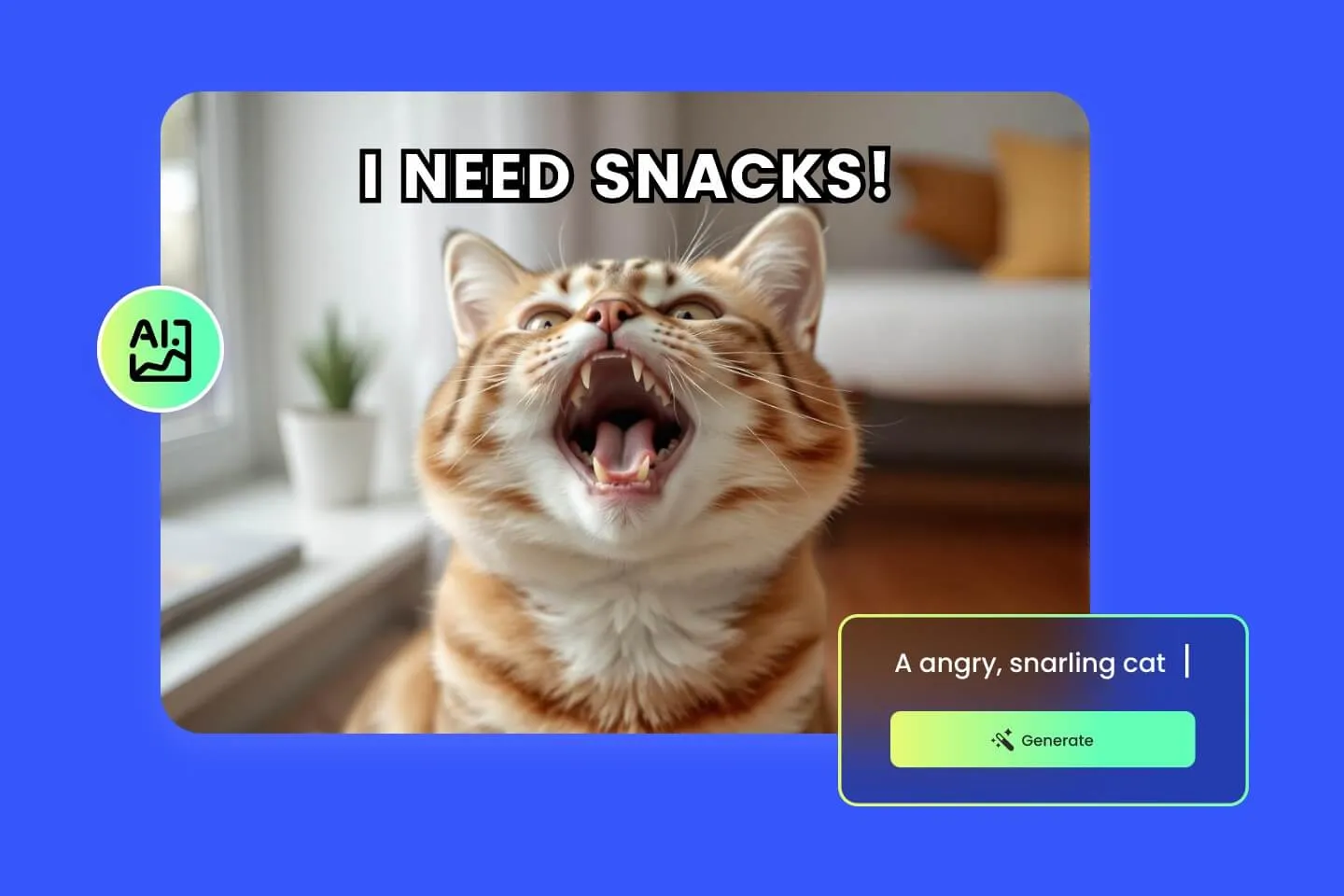
AI Meme Generator
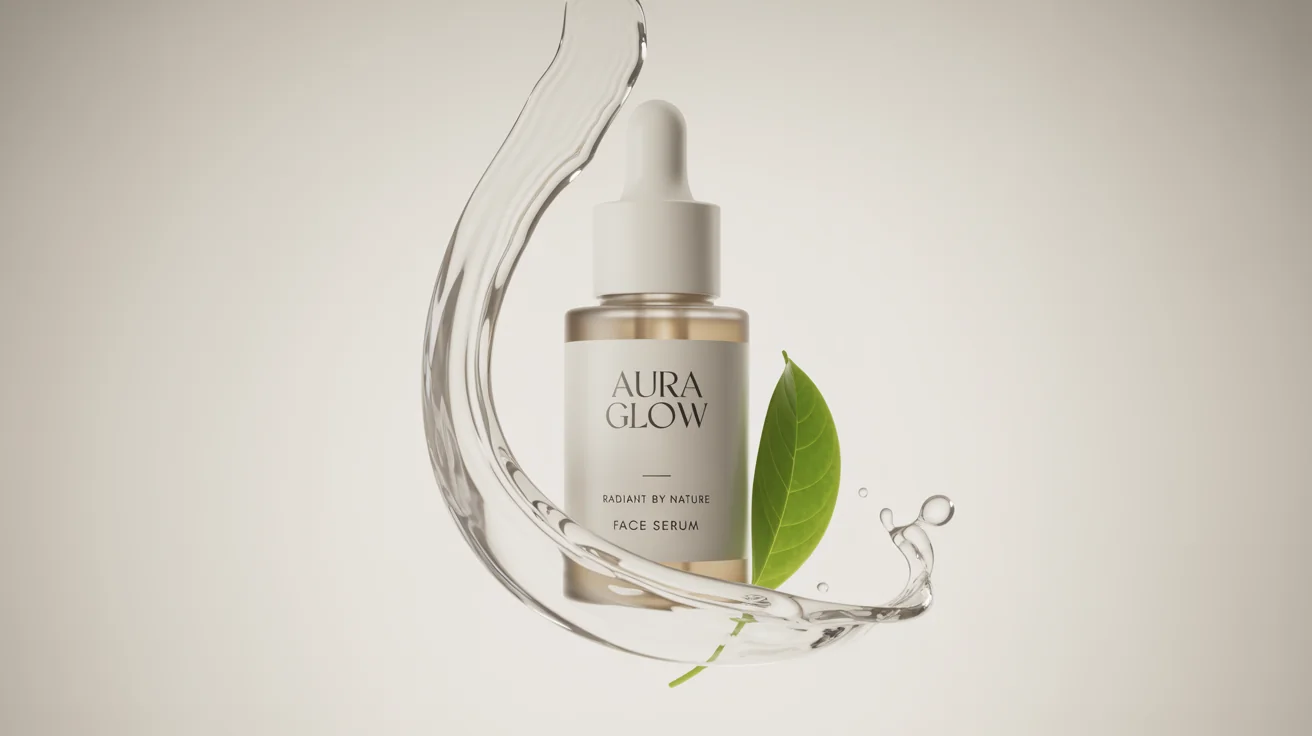
AI Ad Generator

Wedding AI Photo Generator

AI Food Generator
Text To Image

Image To Image

AI Thumbnail Generator
AI Sticker Generator
AI Age Progression
Explore Cutting-Edge AI Models
AI Models — Powerful Image & Video Generation Tools
Explore advanced AI models for high-quality image and video creation. Discover powerful generation and editing technologies that enhance your creative workflow and bring your visual ideas to life with ease.










How to use Seedream 4.5 for image generation
Step-by-Step Guide to Seedream 4.5 on Createimg.ai
Follow these steps to generate and edit images with Seedream 4.5 AI, from quick playground tests to structured API workflows.
Test Seedream 4.5 free in the online playground
Open Seedream 4.5 AI on Createimg.ai, enter a natural-language prompt or upload a starting image, and preview how the model interprets your idea.
Configure prompts, references and parameters
Adjust resolution, prompt strength, number of reference images and editing controls. Combine up to multiple reference images to keep style and identity consistent across a series.
Send the request and refine your results
Generate images, review Seedream 4.5 output for clarity and structure, then iterate on prompts or references until you have visuals ready for export or integration.
Seedream 4.5 image model FAQ
Seedream 4.5 FAQ — Text-to-Image, Image Editing & 4K Output
Learn how Seedream 4.5 AI works for text-to-image, image-to-image editing and multi-image workflows on Createimg.ai.
What is Seedream 4.5 for image generation?
Seedream 4.5 AI is Bytedance’s 4K-ready image model that turns text prompts and reference photos into detailed, cohesive visuals. It improves spatial structure, small-text clarity and subject consistency compared with Seedream 4.0.
Does Seedream 4.5 support image-to-image editing?
Yes. Seedream 4.5 AI image-to-image editing lets you refine existing images with controlled changes to lighting, composition and style while preserving subject identity, making it ideal for retouching, rebranding and layout updates.
Can I try Seedream 4.5 for free on Createimg.ai?
You can test Seedream 4.5 AI in the Createimg.ai online playground with starter credits. Experiment with text-to-image and edit workflows before committing to a larger plan or integrating it into your production pipeline.
Does Seedream 4.5 support 4K output and clear small text?
Seedream 4.5 AI is optimized for high-resolution, 4K-friendly output with improved handling of micro-text, logos and facial features. It helps keep typography legible and faces sharp across posters, packaging and profile images.
How does Seedream 4.5 compare to Nano Banana Pro?
Nano Banana Pro focuses on complex logical instructions, while Seedream 4.5 AI prioritizes visual cohesion, identity stability and film-like 4K rendering. On Createimg.ai you can switch between both models to match each project’s needs.
Powered By


Try Seedream 4.5 Online in the Createimg.ai Playground
Launch Seedream 4.5 AI directly in your browser, test prompts and edits in seconds, and move from exploration to production-ready 4K images on Createimg.ai.