
AI Object Remover
Results
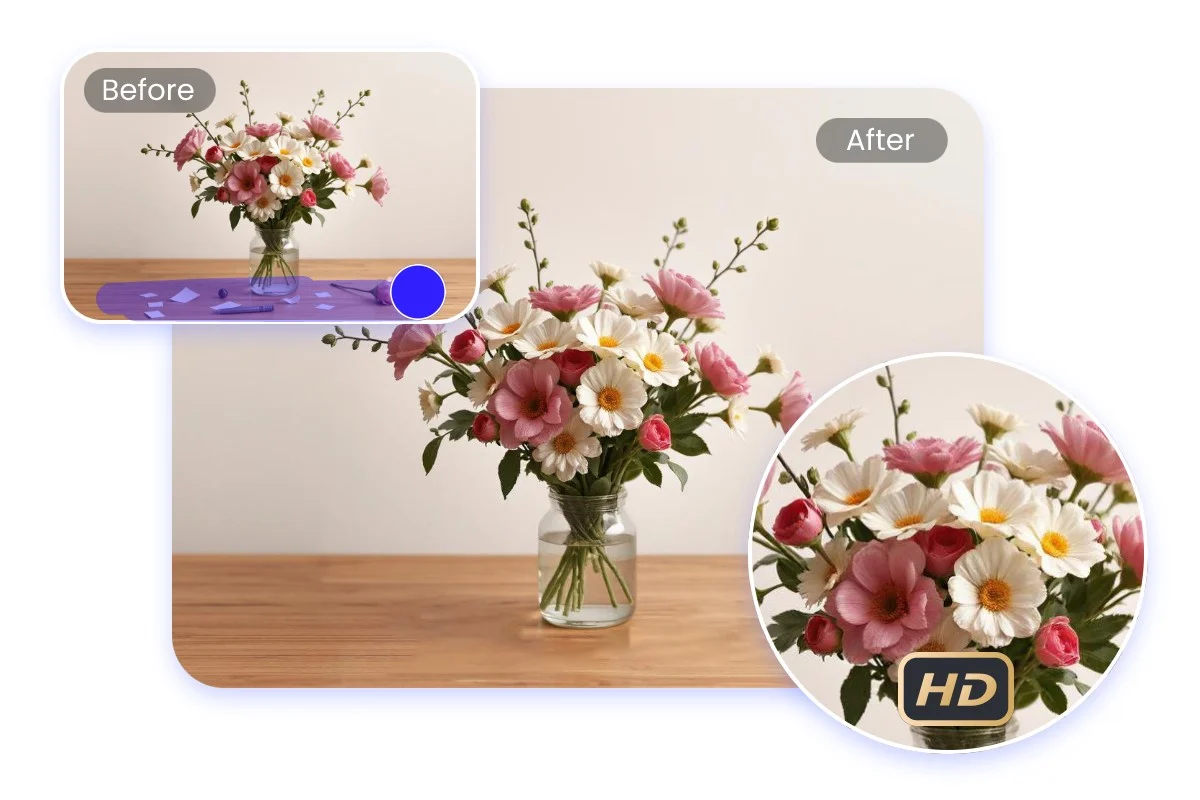
Remove unwanted objects from photos online with our AI magic eraser. Just upload your photo and let AI remove the text, logo, watermark, people, sticker or any other elements in seconds.
Why Choose Our AI Object Remover From Photo
FEATURES
Our free AI object remover delivers clean, professional results in seconds. Remove text, logos, watermarks, people, or any unwanted elements while preserving your original photo quality.
- Our AI object remover from photo erases unwanted people, text, logos, watermarks, stickers, and any other distracting elements with one click — leaving a clean, natural-looking result.
- The AI doesn't just erase — it intelligently fills the removed area with contextually accurate background content that matches the surrounding texture, color, and perspective seamlessly.
- Use our AI object remover free prompt feature to describe exactly what you want removed. Simply tell the AI what to erase, and it handles the rest with precision.
- Get AI object remover free high quality results in up to 4K resolution. Your cleaned photos maintain the original sharpness and detail, ready for print or professional use.
- Easily strip away watermarks, captions, date stamps, and text overlays from photos. The AI seamlessly reconstructs the area underneath for a clean finish.
- Access the AI object remover directly in your browser. No software to install, no sign-up needed — just upload your photo, describe what to remove, and download the result.
AI Object Remover Showcase – See the Results
SHOWCASES
See how our AI object remover from photo cleanly erases unwanted elements while preserving natural, high-quality results.
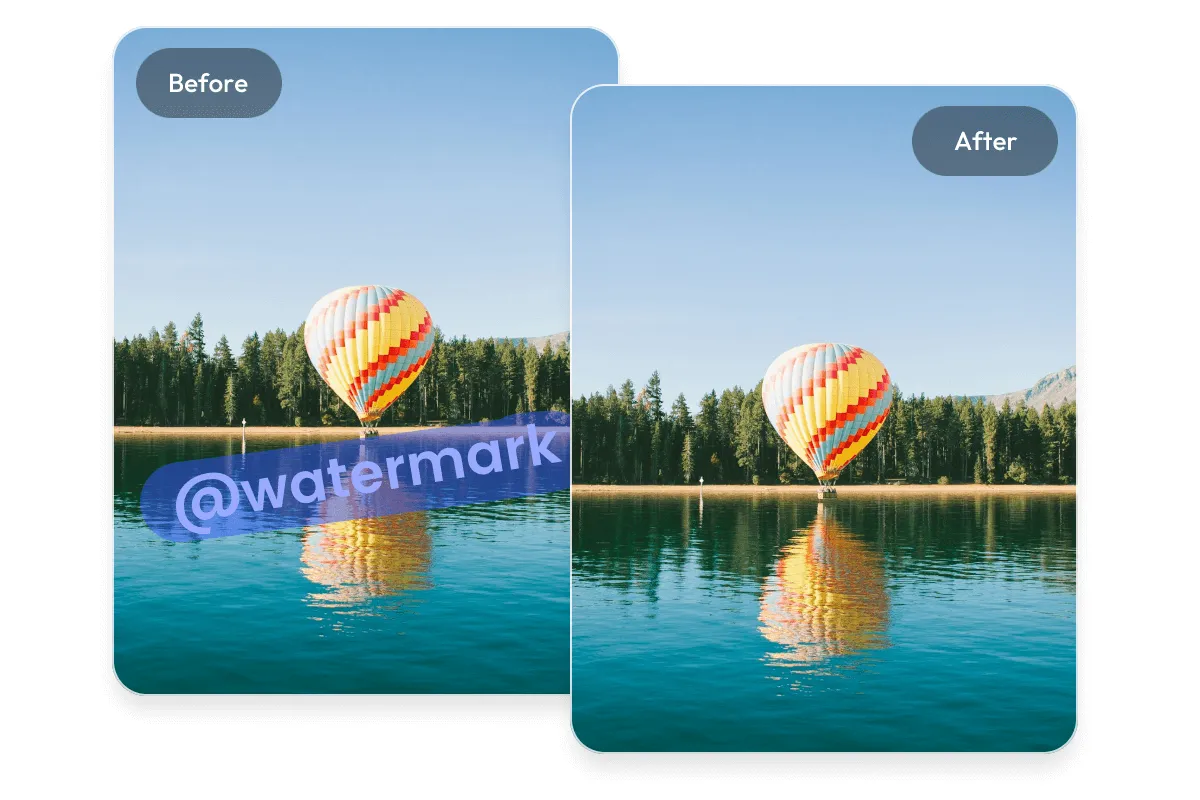
Remove Watermarks From Photos
Cleanly erase watermarks and text overlays from any image. The AI object remover free high quality output reconstructs the hidden content underneath for a flawless finish.
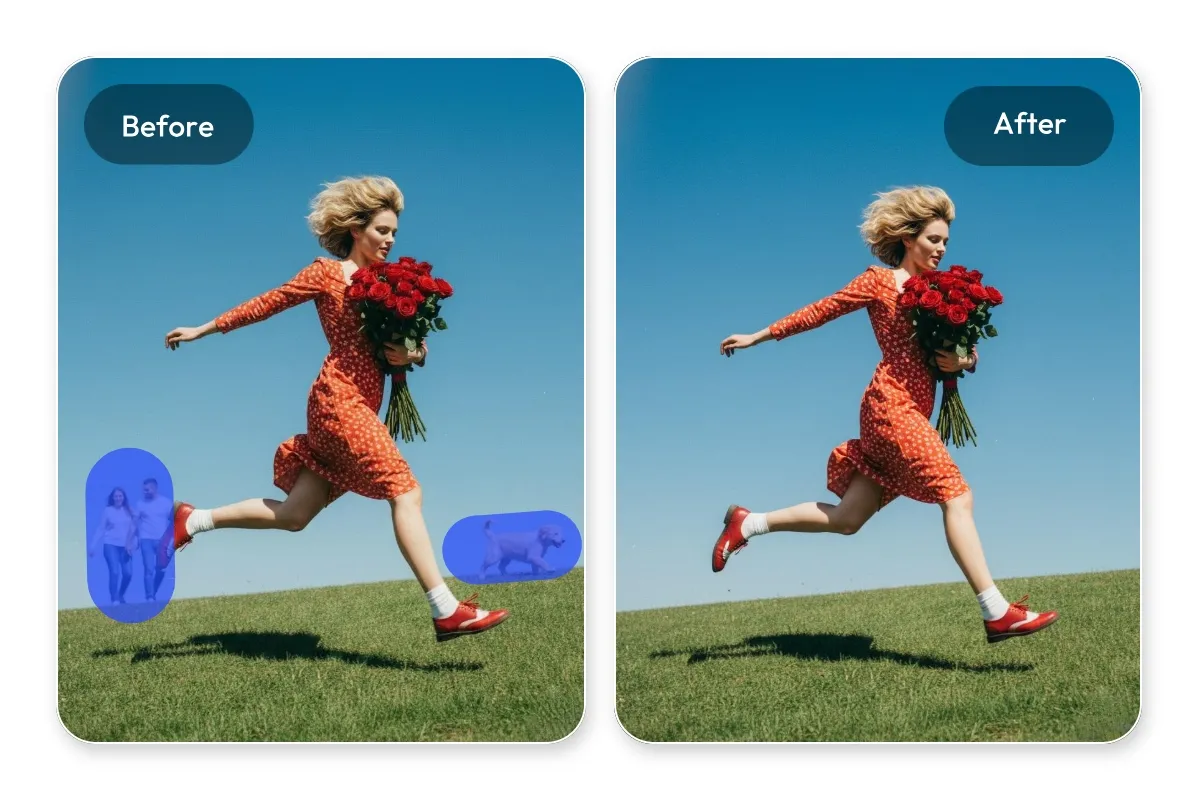
Remove People From Backgrounds
Erase photobombers, bystanders, or any unwanted people from your photos. The AI fills the space naturally, as if they were never there.
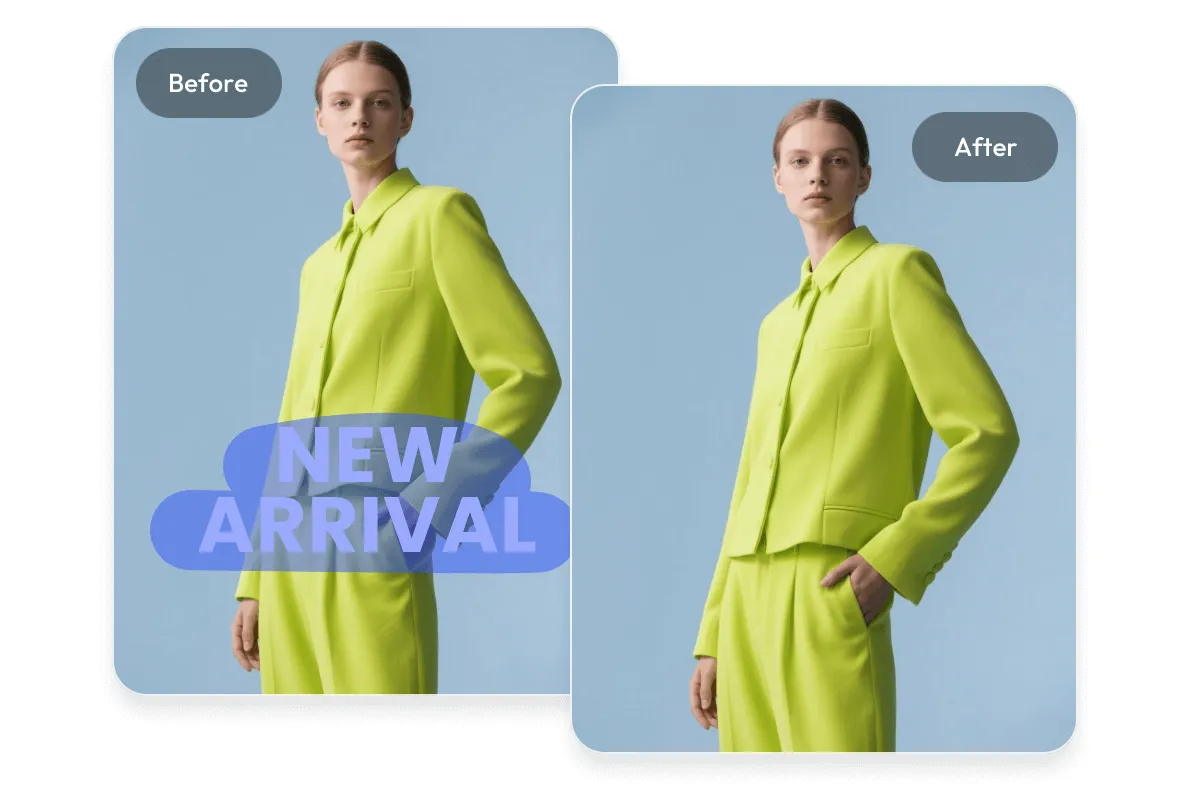
Erase Text and Logos From Images
Remove branding logos, text overlays, date stamps, and captions from photos without leaving any trace — perfect for repurposing images for clean presentations.
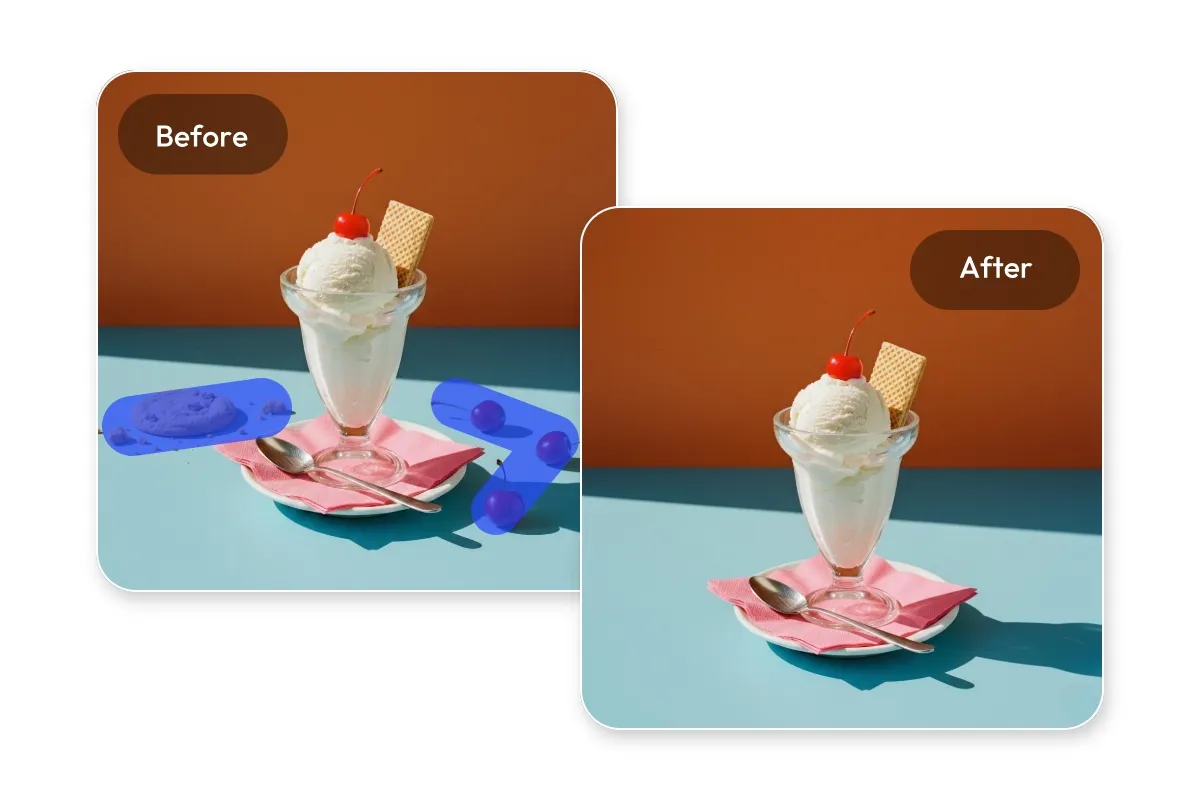
Clean Up Distracting Elements
Remove power lines, trash bins, signs, stickers, or any distracting elements cluttering your photo composition for a professional, polished look.
More AI Image Generators for Every Creative Idea
Unleash Creativity With Createimg.ai AI Image Generators
Explore a variety of AI image generators tailored to different creative needs. Whether you want to design shirts, make fun emojis, or create unique posters, these tools make it easy to bring every idea to life.
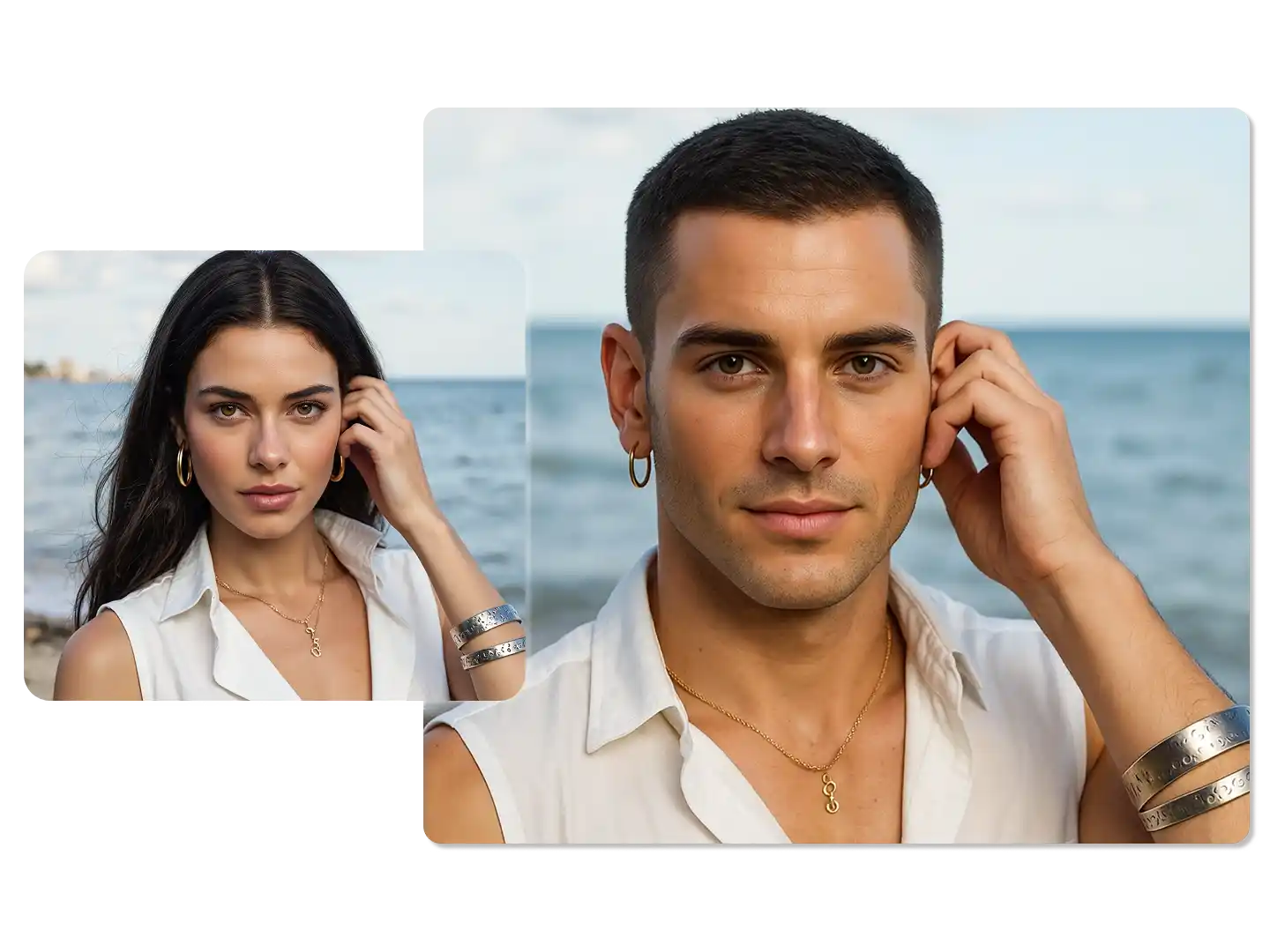
AI Gender Swap
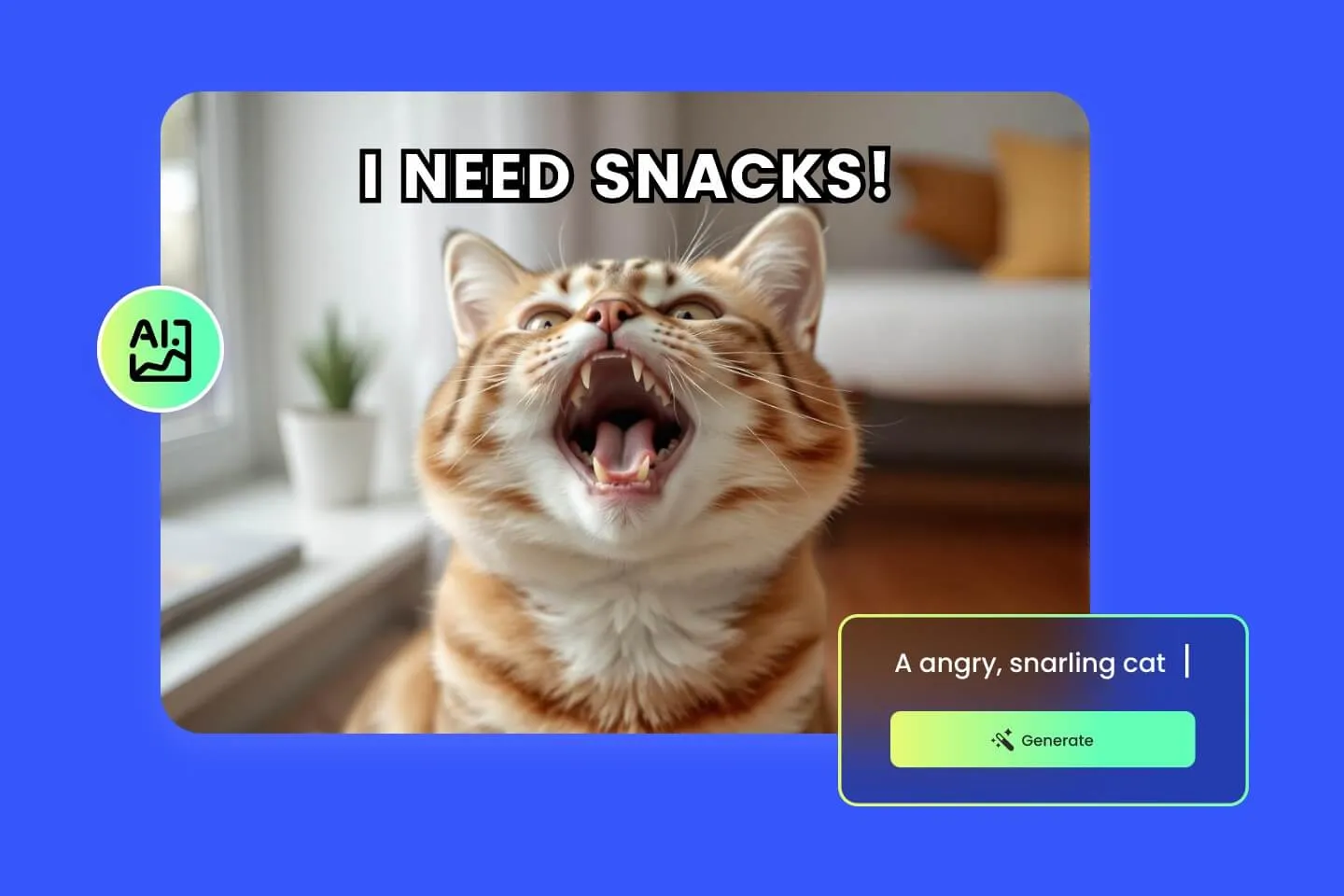
AI Meme Generator

AI Ad Generator

Wedding AI Photo Generator

AI Food Generator
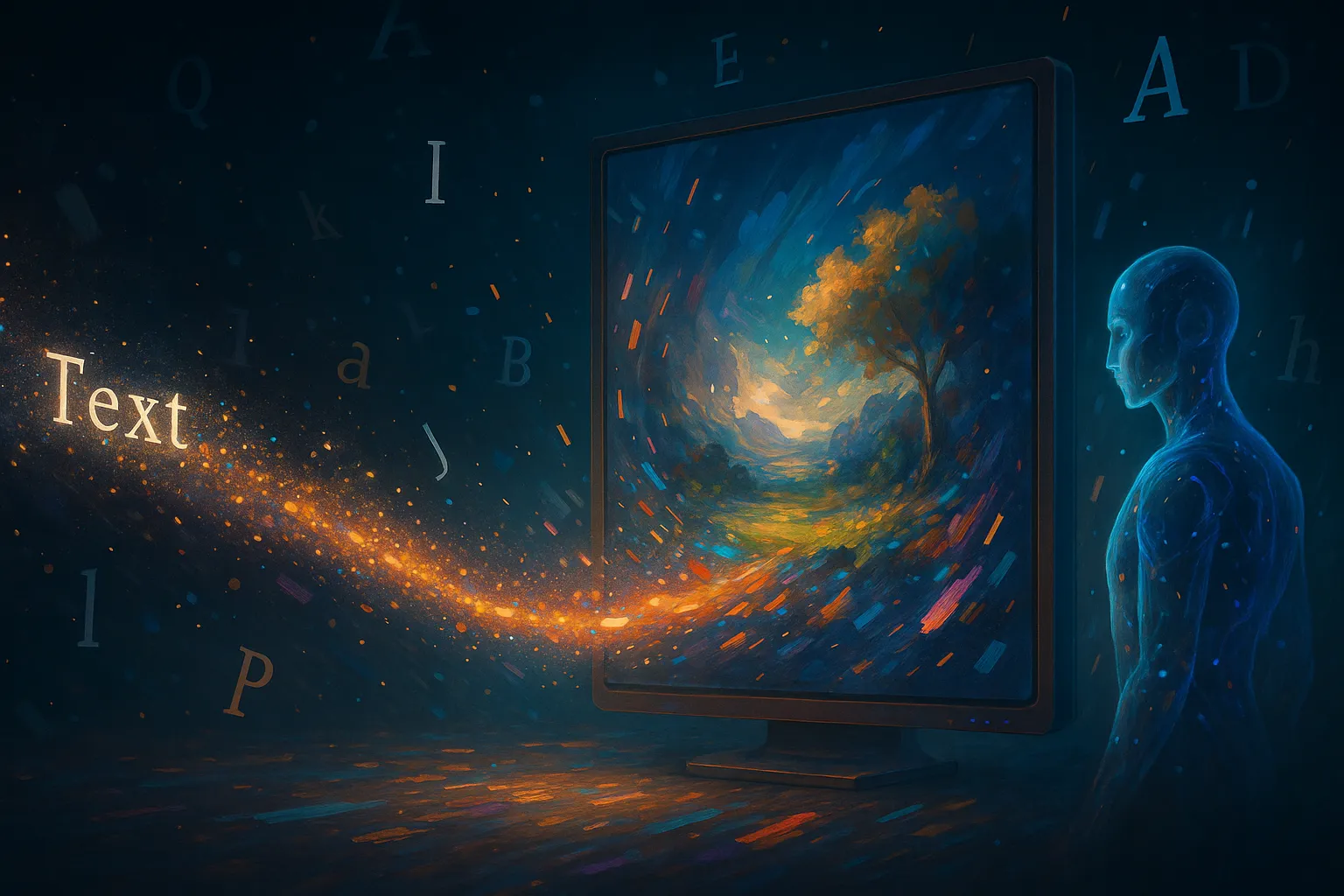
Text To Image

Image To Image
AI Thumbnail Generator
AI Sticker Generator
AI Age Progression
Explore Cutting-Edge AI Models
AI Models — Powerful Image & Video Generation Tools
Explore advanced AI models for high-quality image and video creation. Discover powerful generation and editing technologies that enhance your creative workflow and bring your visual ideas to life with ease.











How to Use the AI Object Remover
HOW TO USE
Remove unwanted objects from any photo in three simple steps — no editing skills required.
Upload Your Photo
Upload the image containing the unwanted object. Our AI object remover supports JPG, PNG, and WebP formats for maximum flexibility.
Describe What to Remove
Use the prompt to tell the AI exactly what to erase — a person, watermark, text, logo, or any other element. You can also leave the prompt empty for automatic detection.
Download Your Clean Photo
Click Generate and the AI removes the object while seamlessly reconstructing the background. Preview the result and download your clean, high-quality photo.
AI Object Remover – Frequently Asked Questions
FAQs
Everything you need to know about using our free AI object remover to erase unwanted elements from your photos online.
What is the AI Object Remover?
The AI object remover is a free online tool that uses artificial intelligence to remove unwanted objects, people, text, logos, watermarks, and other elements from photos. It automatically fills the removed area with a natural-looking background.
How does the AI object remover from photo work?
Upload your photo and optionally describe what you want removed using a prompt. The AI analyzes the image, identifies the target object, erases it, and reconstructs the background seamlessly to match the surrounding context.
Can I specify exactly what object to remove?
Yes! Use the free prompt feature to describe exactly what you want erased — for example, 'remove the person on the left' or 'erase the watermark in the corner.' The AI interprets your instruction and removes only the specified element.
What types of objects can the AI remove?
The AI object remover can erase virtually anything: people, animals, text, logos, watermarks, stickers, date stamps, power lines, photobombers, blemishes, and any other unwanted elements in your photos.
Is the AI object remover really free to use?
Yes, our AI object remover is free to use with the credits you receive. You can start removing objects immediately. Higher resolutions (2K, 4K) require additional credits for the extra processing power.
Will the result look natural after object removal?
Absolutely. The AI uses advanced inpainting technology to fill the removed area with contextually appropriate content — matching textures, colors, lighting, and perspective so the edit looks completely seamless.
What image formats are supported?
You can upload JPG, PNG, and WebP images. Output is available in PNG or JPG format at 1K, 2K, or 4K resolution, suitable for both web use and high-quality printing.
Can I remove multiple objects from the same photo?
Yes, you can describe multiple objects in your prompt, such as 'remove the text and the logo from the bottom right.' The AI will handle multiple removals in a single generation.
Does it work for removing watermarks?
Yes, the AI object remover excels at watermark removal. It can cleanly erase semi-transparent watermarks, text overlays, and logos while accurately reconstructing the image content underneath.
Do I need to download any software?
No. The AI object remover works entirely in your browser — no software installation, no account creation required. Just visit the page, upload your photo, and start removing objects instantly.
Powered By


Remove Unwanted Objects in Seconds
Ready to clean up your photos? Use our free AI object remover to erase text, logos, watermarks, people, and any distracting elements — all with high-quality results in seconds.