
AI People Remover
Results
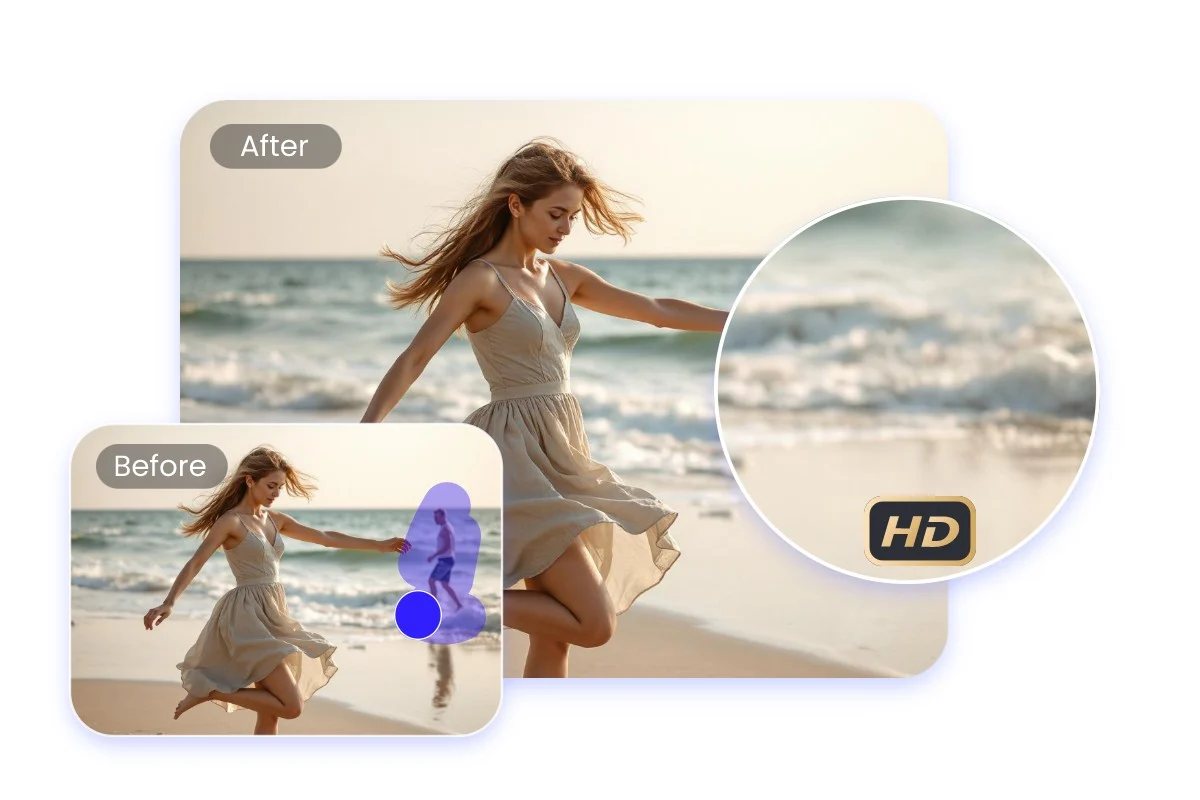
Remove unwanted people from your photos instantly with AI. Upload any image, choose who to remove, and download a clean result in seconds.
AI People Remover – Erase Unwanted People from Any Photo
FEATURES
Remove strangers, photobombers, and unwanted people from your photos with our AI people remover. The AI seamlessly fills in the background — no manual editing, no Photoshop skills required.
- Upload any photo and the AI people remover from photos automatically detects and removes unwanted people. The AI fills the empty areas with natural background content that blends seamlessly — no manual selection needed.
- Clean up vacation photos, street shots, and public space images by removing strangers who walked into your frame. The AI people remover tool erases them completely while preserving every other detail in the scene.
- Use the optional prompt to describe exactly which people to remove — the person on the left, the crowd in the background, or everyone except the main subject. The AI people remover follows your instructions precisely.
- After removing people, the AI reconstructs the background with context-aware inpainting. It matches textures, perspective, lighting, and colors perfectly — the result looks like nobody was ever there.
- The AI people remover from photos keeps your image sharp and intact. Non-removed elements stay pixel-perfect — no blurring, no artifacts, no quality loss. Only the unwanted people disappear.
- Download your cleaned photos at resolutions up to 4K. Every reconstructed background pixel is rendered with the same quality as the original image — ready for printing, social media, or professional use.
AI People Remover Showcase – See the Results
SHOWCASES
See how the AI people remover transforms crowded photos into clean, people-free images with seamless background reconstruction.
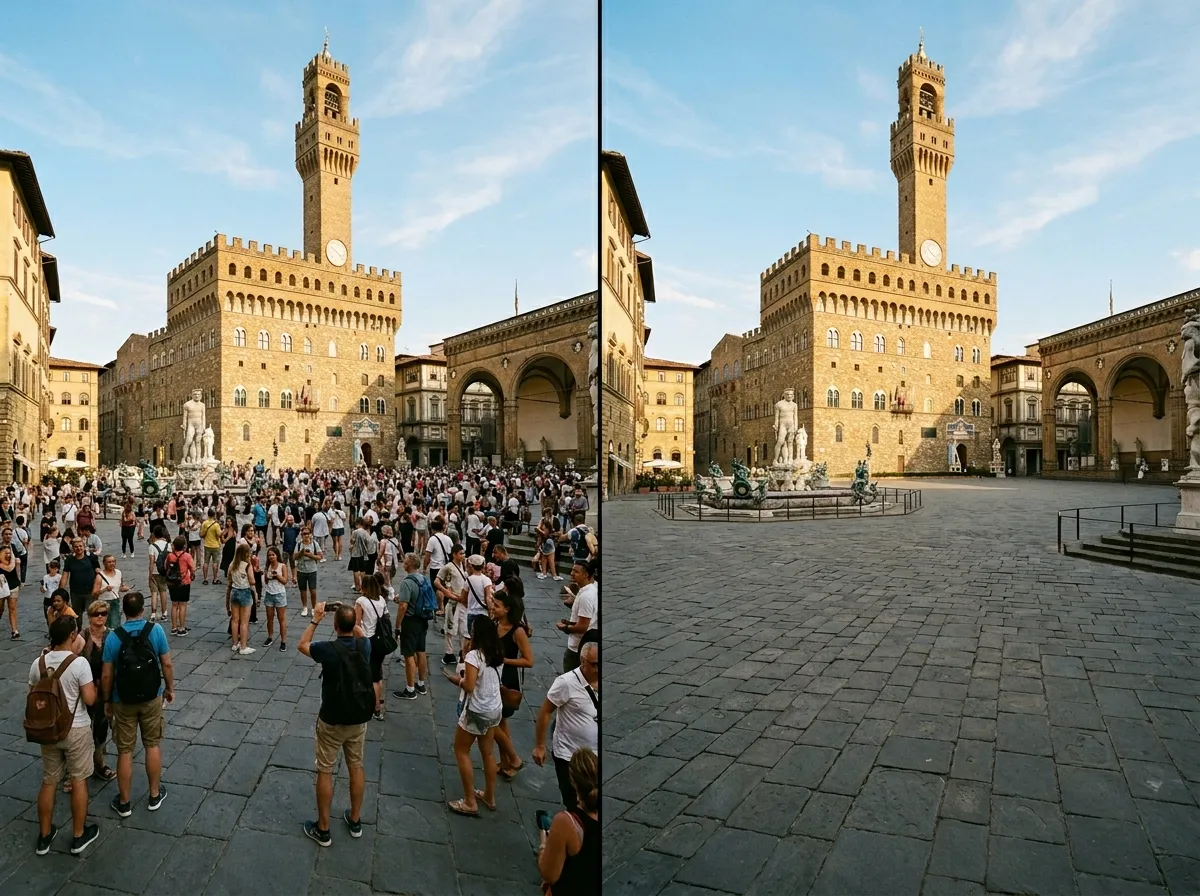
Tourist Photo Cleanup
Remove crowds and strangers from travel photos to get the perfect shot of landmarks and scenery. The AI people remover from photos erases everyone while preserving the architecture and environment flawlessly.
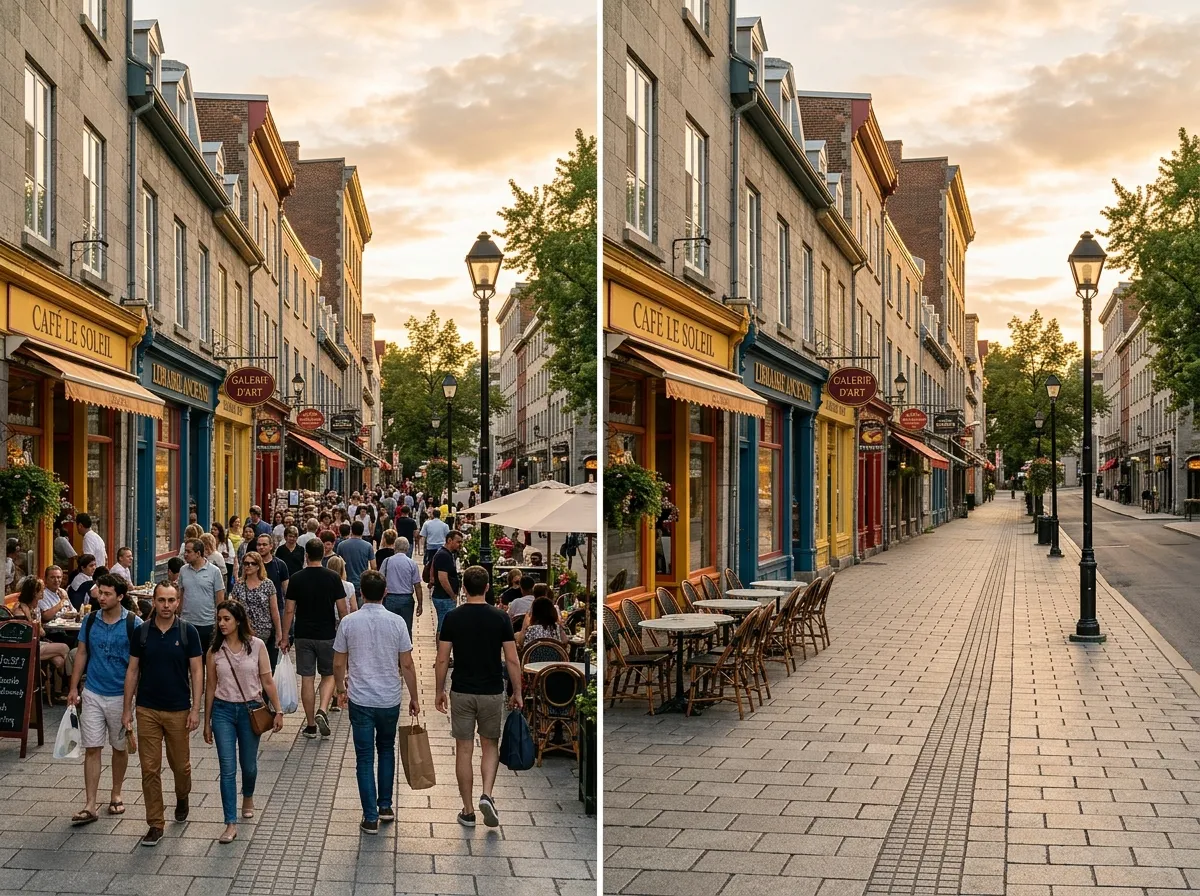
Street Photography Cleanup
Remove passersby from street photos to isolate architecture, storefronts, or your main subject. The AI people remover tool delivers clean results even on busy city streets.
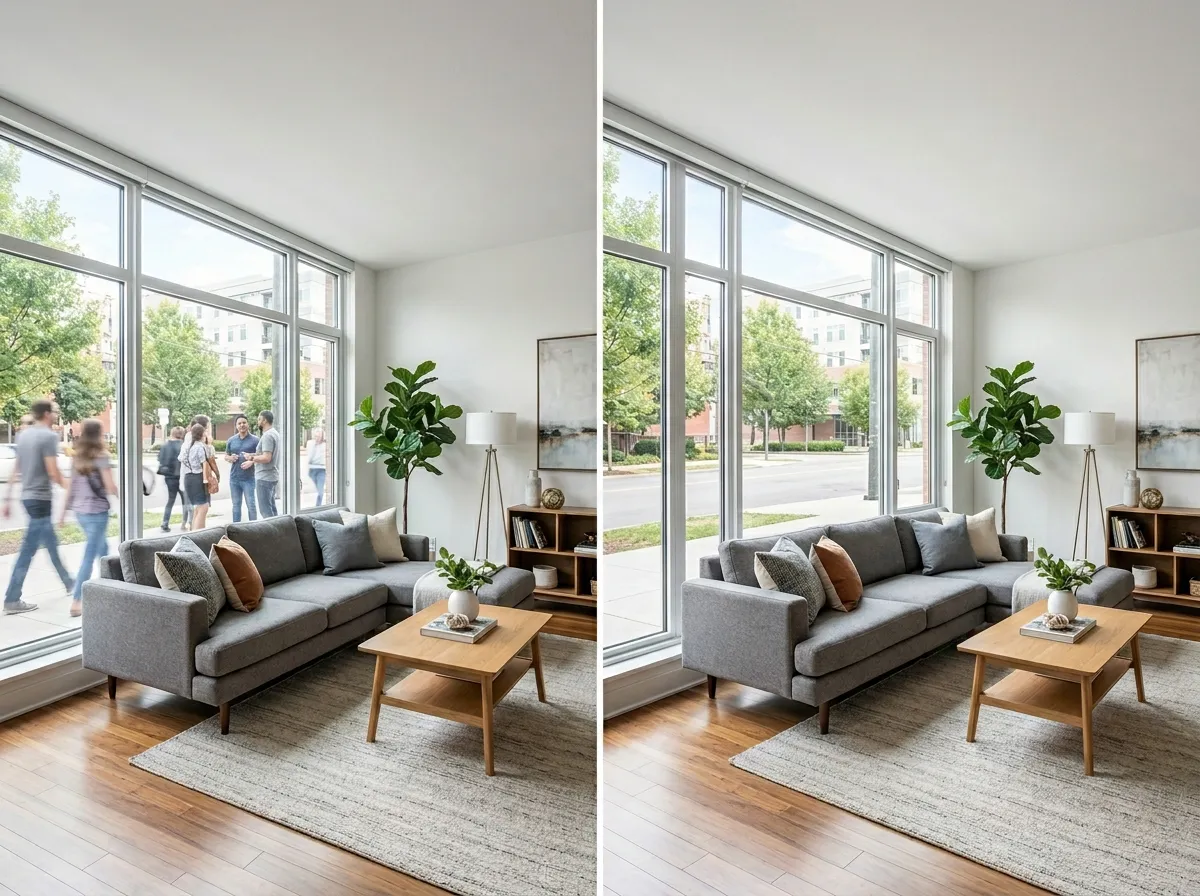
Real Estate Photo Enhancement
Remove people from property photos to showcase spaces cleanly. The AI people remover is ideal for real estate listings where empty, inviting interiors and exteriors sell better.
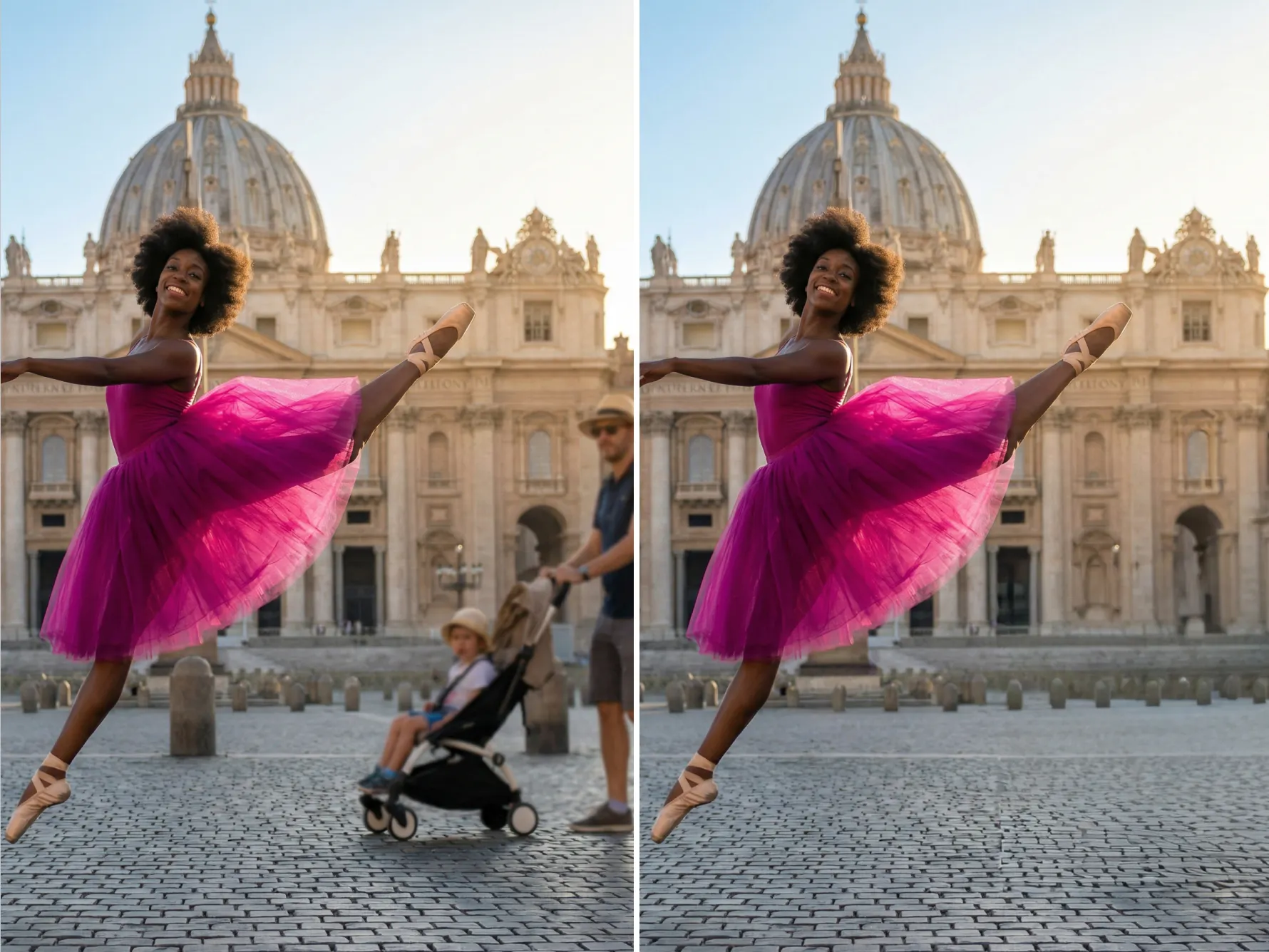
Selective Person Removal
Remove specific individuals from group photos while keeping everyone else. Use a prompt to tell the AI people remover exactly who to erase — perfect for editing group shots and event photos.
More AI Image Generators for Every Creative Idea
Unleash Creativity With Createimg.ai AI Image Generators
Explore a variety of AI image generators tailored to different creative needs. Whether you want to design shirts, make fun emojis, or create unique posters, these tools make it easy to bring every idea to life.
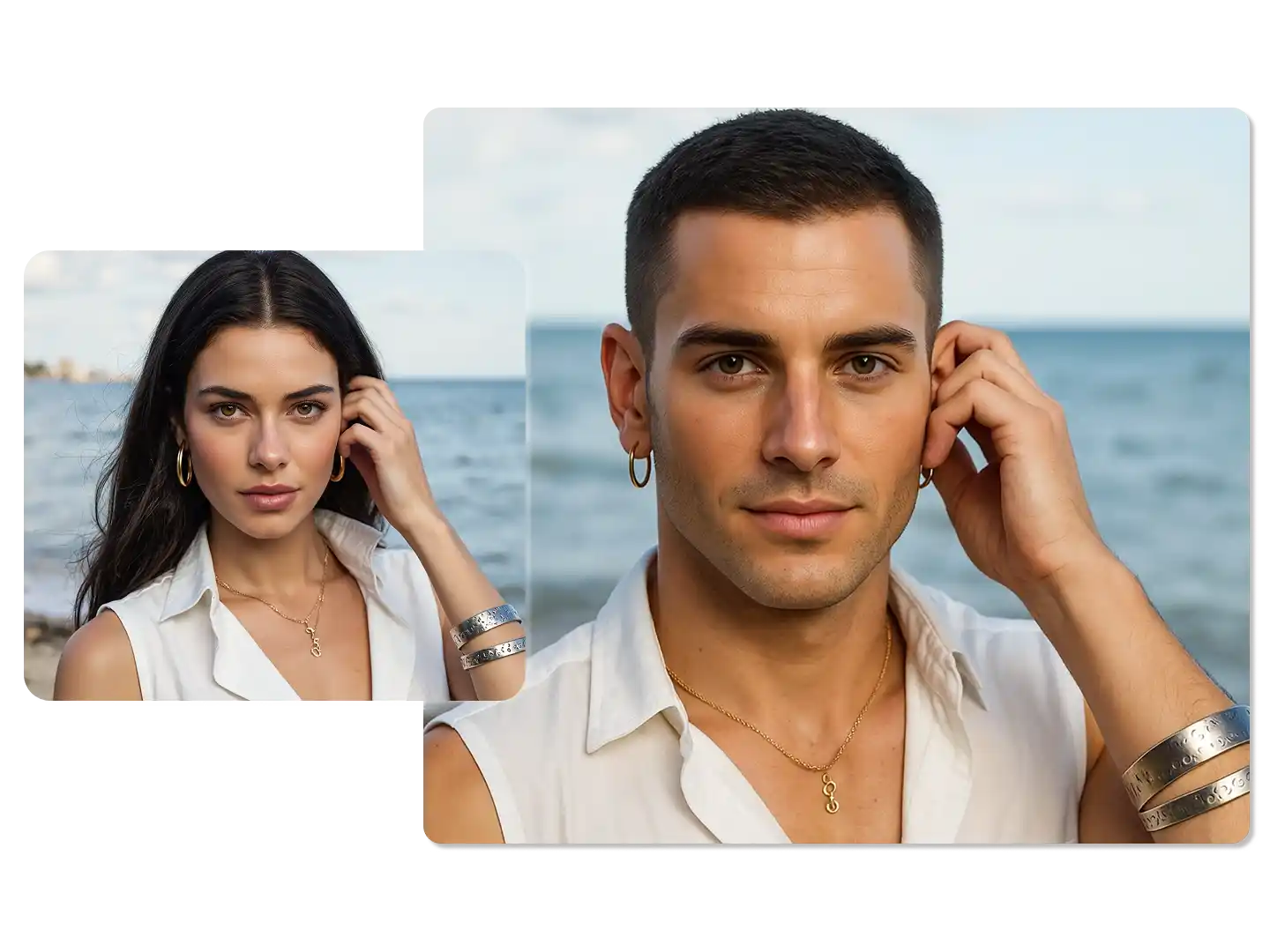
AI Gender Swap
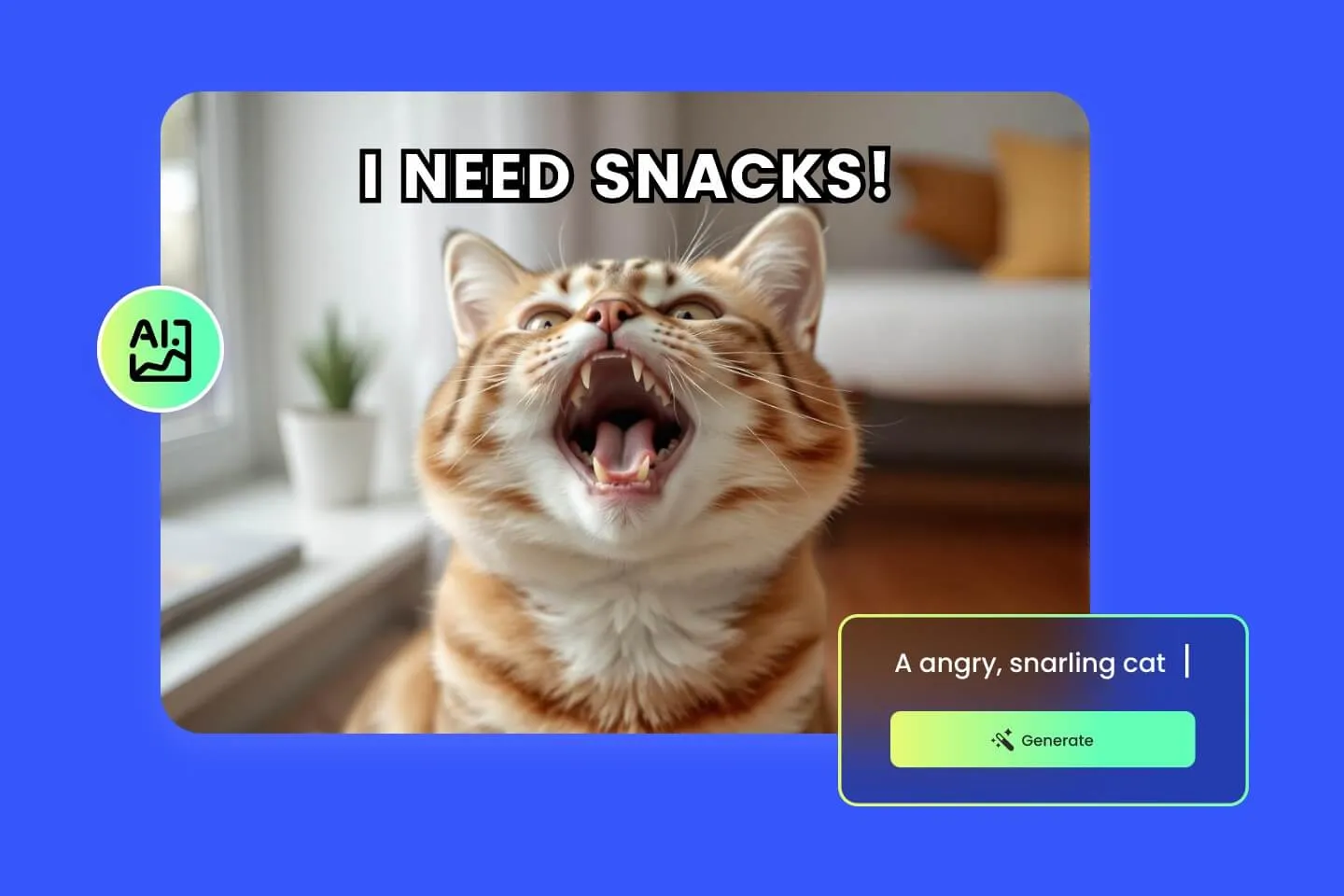
AI Meme Generator

AI Ad Generator
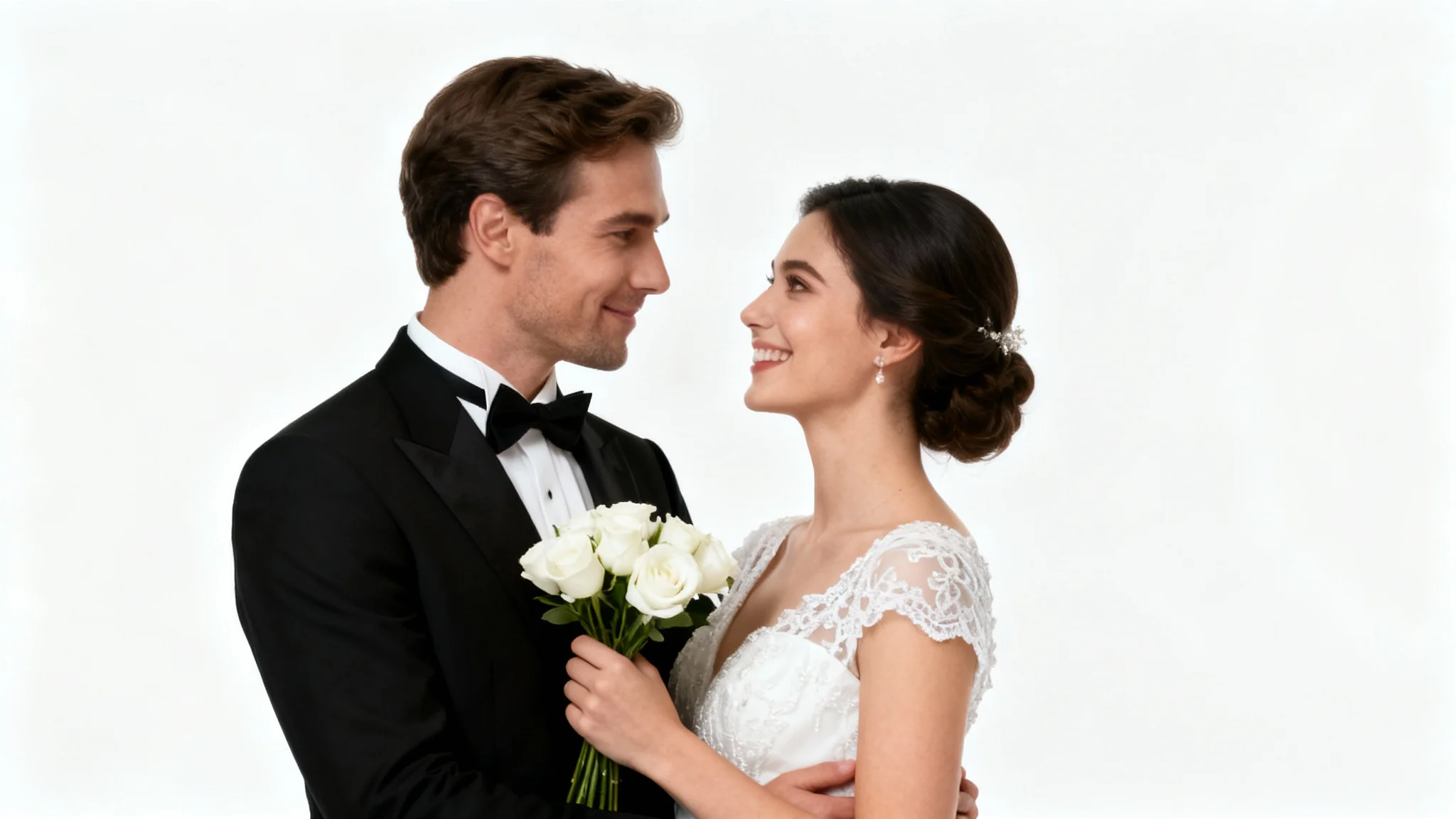
Wedding AI Photo Generator

AI Food Generator
Text To Image

Image To Image
AI Thumbnail Generator
AI Sticker Generator
AI Age Progression
Explore Cutting-Edge AI Models
AI Models — Powerful Image & Video Generation Tools
Explore advanced AI models for high-quality image and video creation. Discover powerful generation and editing technologies that enhance your creative workflow and bring your visual ideas to life with ease.









How to Use the AI People Remover Online
HOW TO USE
Clean up any photo in three simple steps. No registration, no design software — just upload and let our AI people remover do the work.
Upload Your Photo
Select any image from your device — a travel photo, street shot, event picture, or any photo with unwanted people. The AI people remover accepts all common image formats.
Optionally Describe Who to Remove
Use the prompt field to specify which people to erase, or leave it empty to remove all detected people. Choose your output resolution (1K, 2K, or 4K) and format (PNG or JPG), then click Remove.
Download Your Clean Photo
Preview the result, compare before and after, and download your people-free photo in high resolution. Use it for social media, real estate listings, travel blogs, or any project that needs a clean scene.
AI People Remover FAQ – Common Questions Answered
FAQs
Everything you need to know about our AI people remover — from how it detects people to getting the cleanest removal results.
What is an AI people remover?
An AI people remover is an online tool that uses artificial intelligence to detect and erase people from photos. After removal, the AI fills in the empty areas with natural-looking background content, making it appear as if no one was ever in the frame.
Is the AI people remover free to use?
Yes. New users receive free credits to start removing people from photos immediately. Each removal uses credits based on the output resolution you choose (1K, 2K, or 4K). Additional credits can be purchased anytime.
Can I choose which people to remove?
Yes. Use the optional prompt field to describe who should be removed — for example, the person in the red shirt, the crowd in the background, or everyone except the couple in the center. Without a prompt, the AI removes all detected people.
How does the AI fill in the removed areas?
The AI people remover tool uses advanced inpainting to reconstruct the background. It analyzes surrounding textures, colors, perspective, and lighting to generate content that seamlessly fills the gaps — as if the people were never there.
Will the result look natural?
Yes. The AI produces clean, artifact-free results with smooth transitions. Reconstructed backgrounds match the original scene's lighting, texture, and depth perfectly. Most viewers cannot tell anything was removed.
What types of photos work best?
The AI people remover from photos works well on travel photos, street photography, real estate images, event photos, and any image where unwanted people appear in the background. Results are best when the background has repeatable patterns or consistent scenery.
Can I remove just one person from a group photo?
Yes. Use the prompt to specify which person to remove. The AI will erase only the described individual while keeping everyone else intact and reconstructing the background behind them naturally.
What output formats and resolutions are available?
Download your cleaned photos in PNG for lossless quality or JPG for smaller file sizes. Choose from three resolution tiers: 1K for quick previews, 2K for detailed output, and 4K for maximum quality prints and displays.
How long does people removal take?
Most photos are processed within 10–30 seconds depending on the chosen resolution and the number of people being removed. Higher resolutions and complex scenes may take slightly longer.
Do I need to download any software?
No. Our AI people remover tool runs entirely in your browser — no downloads, no installations, no account required to get started. Just upload, remove, and download.
Powered By


Erase Unwanted People from Any Photo in Seconds
Strangers in your vacation shots? Photobombers ruining the moment? Our free AI people remover erases them cleanly and fills the background seamlessly. No Photoshop skills needed.