
AI Photo Enhancer
Results
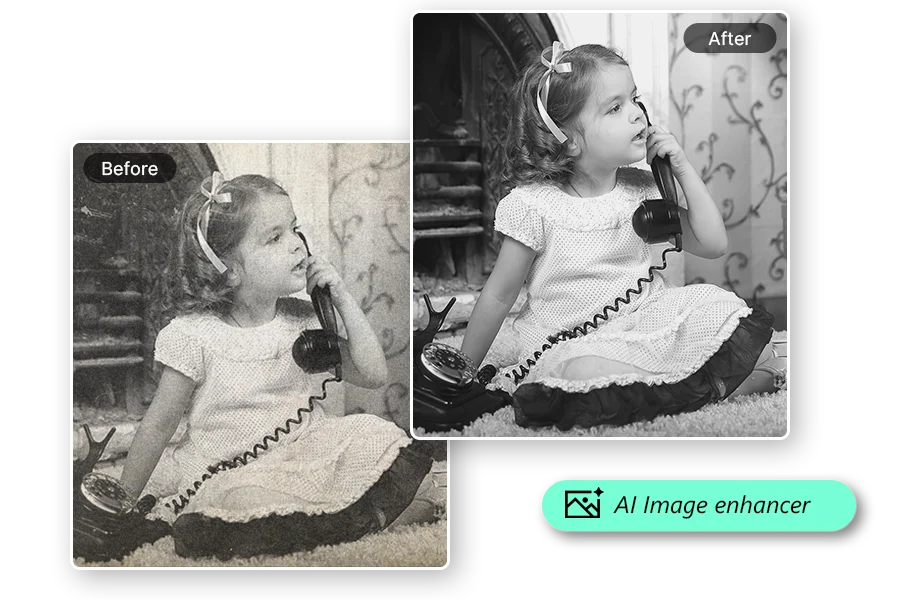
Fast and fun. The Free Online AI Photo Enhancer is an image enhancer and photo quality enhancer that can increase photo resolution and restore crisp detail in one click.
AI Photo Enhancer – Improve Photo Quality and Resolution Instantly
FEATURES
Upgrade any photo to stunning clarity with our AI photo enhancer. Sharpen blurry images, boost resolution up to 4K, restore lost detail, and fix lighting — all in one click with no editing skills required.
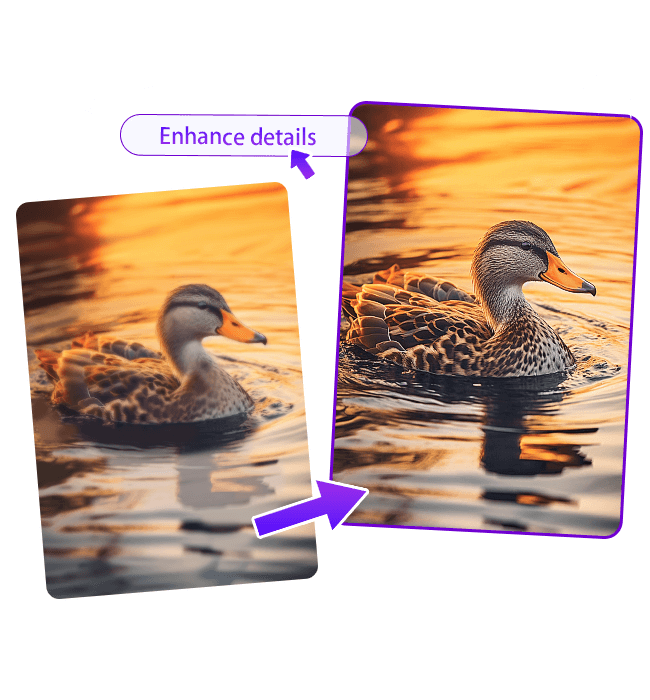
- Upload any photo and let the AI photo enhancer automatically analyze and improve overall quality. It sharpens soft details, balances exposure, and boosts color vibrancy — delivering professional results in a single click.
- Transform low-resolution images into crisp, high-resolution photos. Our AI photo enhancer 4K upscaling rebuilds fine textures, edges, and pixel-level detail that standard upscaling tools cannot recover.
- Rescue blurry shots with intelligent deblurring. The AI photo enhancer restores sharpness to motion-blurred, camera-shaken, or slightly out-of-focus images while preserving natural texture and depth.
- Correct underexposed, overexposed, or flat-looking photos instantly. The enhancer adjusts brightness, contrast, saturation, and white balance to produce vibrant, true-to-life colors worthy of an AI photo enhancer guru.
- Clean up grainy, noisy, or heavily compressed images without losing important detail. Our AI identifies and removes visual noise while keeping edges sharp and textures intact for flawless photo enhancement.
- From selfies and portraits to landscapes and AI photo enhancer art, the tool adapts its enhancement strategy to every image category. It recognizes faces, scenery, textures, and objects to apply context-aware improvements.
AI Photo Enhancer Showcase – See the Difference
SHOWCASES
See how the AI photo enhancer transforms real-world photos — from blurry snapshots to crystal-clear images with vivid color and sharp detail.
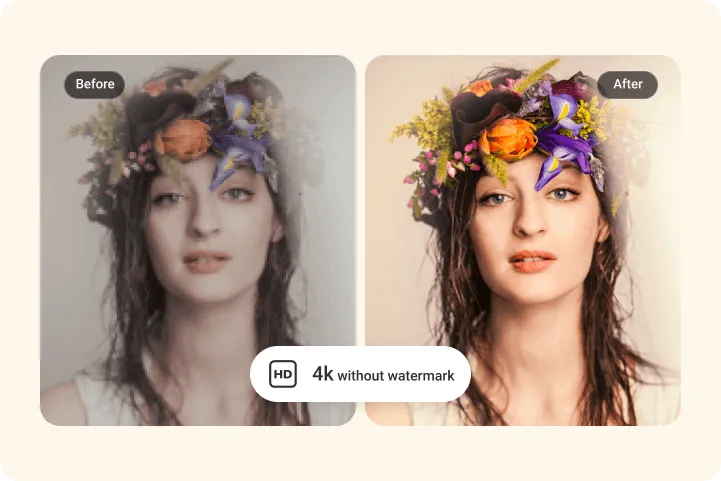
Portrait Photo Enhancement
Sharpen facial details, smooth skin texture naturally, and boost clarity in portrait photos. The AI photo enhancer brings out every fine detail while keeping the subject looking natural and lifelike.
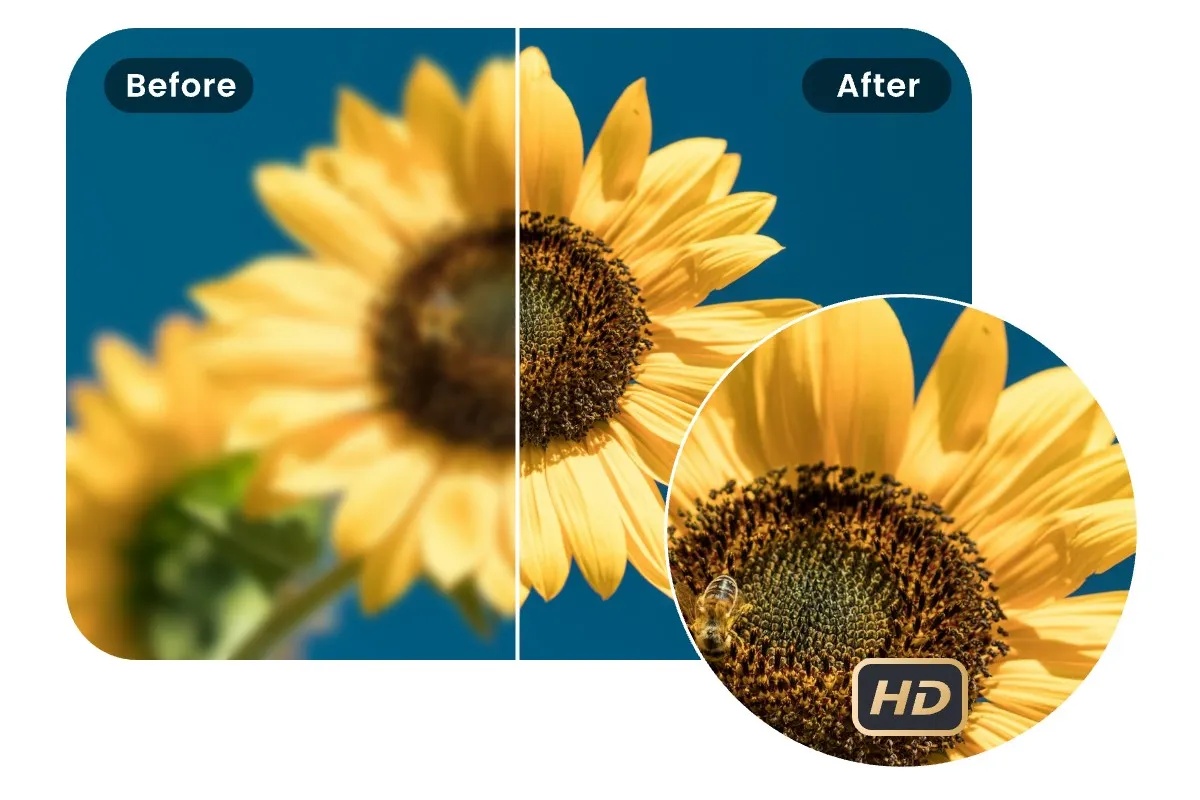
Landscape and Scenery Enhancement
Bring distant details into focus, intensify sky colors, and add depth to landscape shots. Transform flat, hazy outdoor photos into vivid, gallery-worthy scenery with the AI photo enhancer.
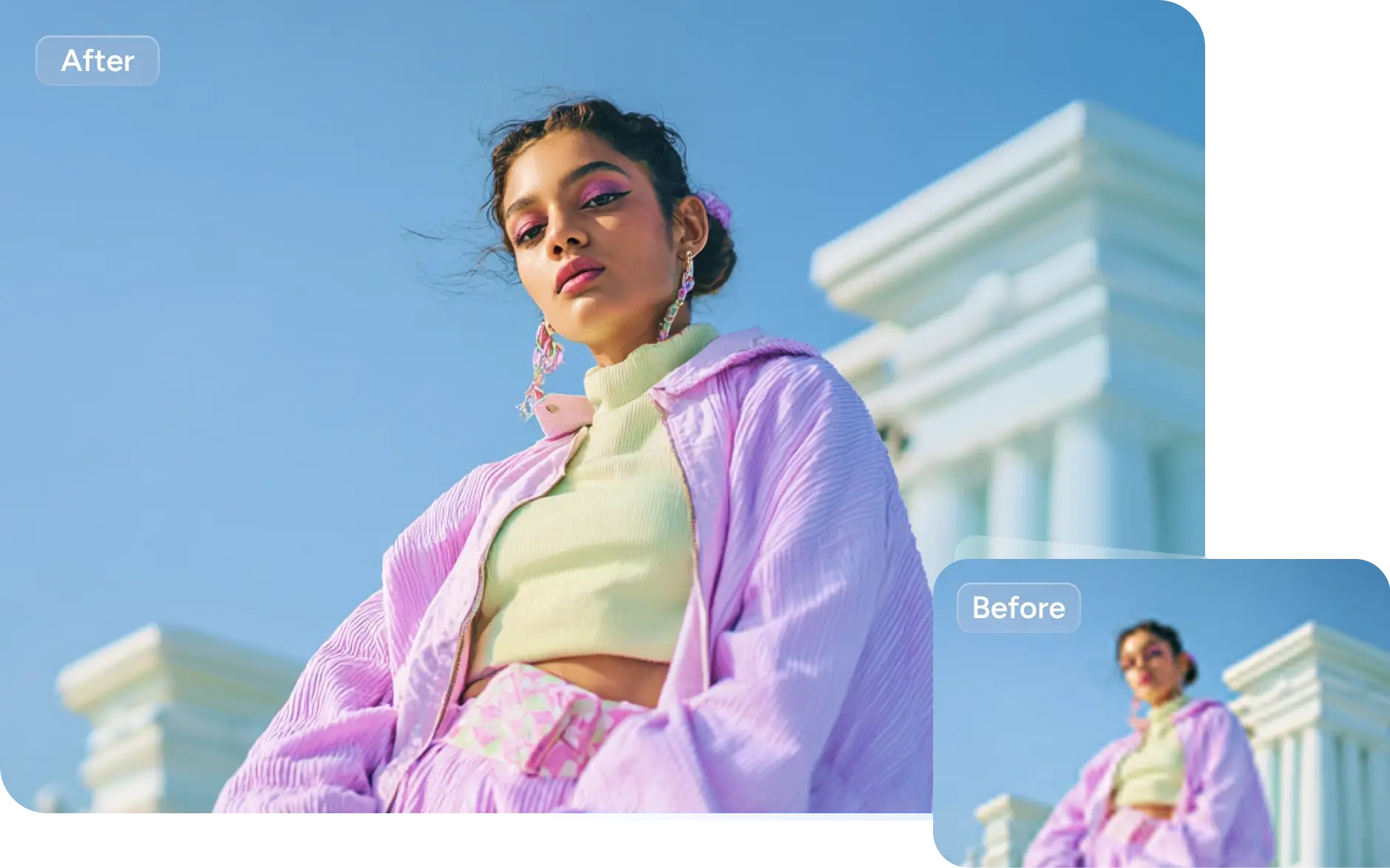
Old Photo Restoration and Enhancement
Revive faded, scanned, or aged photographs with AI-powered enhancement. Restore lost sharpness, correct color degradation, and remove scanning artifacts to give old memories new life.
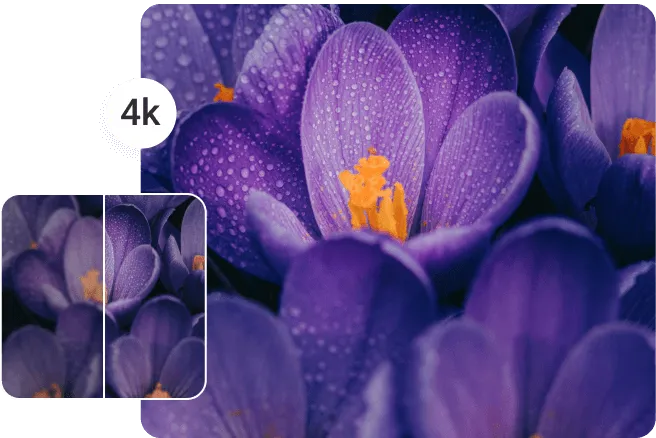
Low-Light and Dark Photo Enhancement
Rescue underexposed and dark photos taken in low-light conditions. The AI photo enhancer guru mode brightens shadows, recovers hidden detail, and balances exposure without introducing noise.
More AI Image Generators for Every Creative Idea
Unleash Creativity With Createimg.ai AI Image Generators
Explore a variety of AI image generators tailored to different creative needs. Whether you want to design shirts, make fun emojis, or create unique posters, these tools make it easy to bring every idea to life.
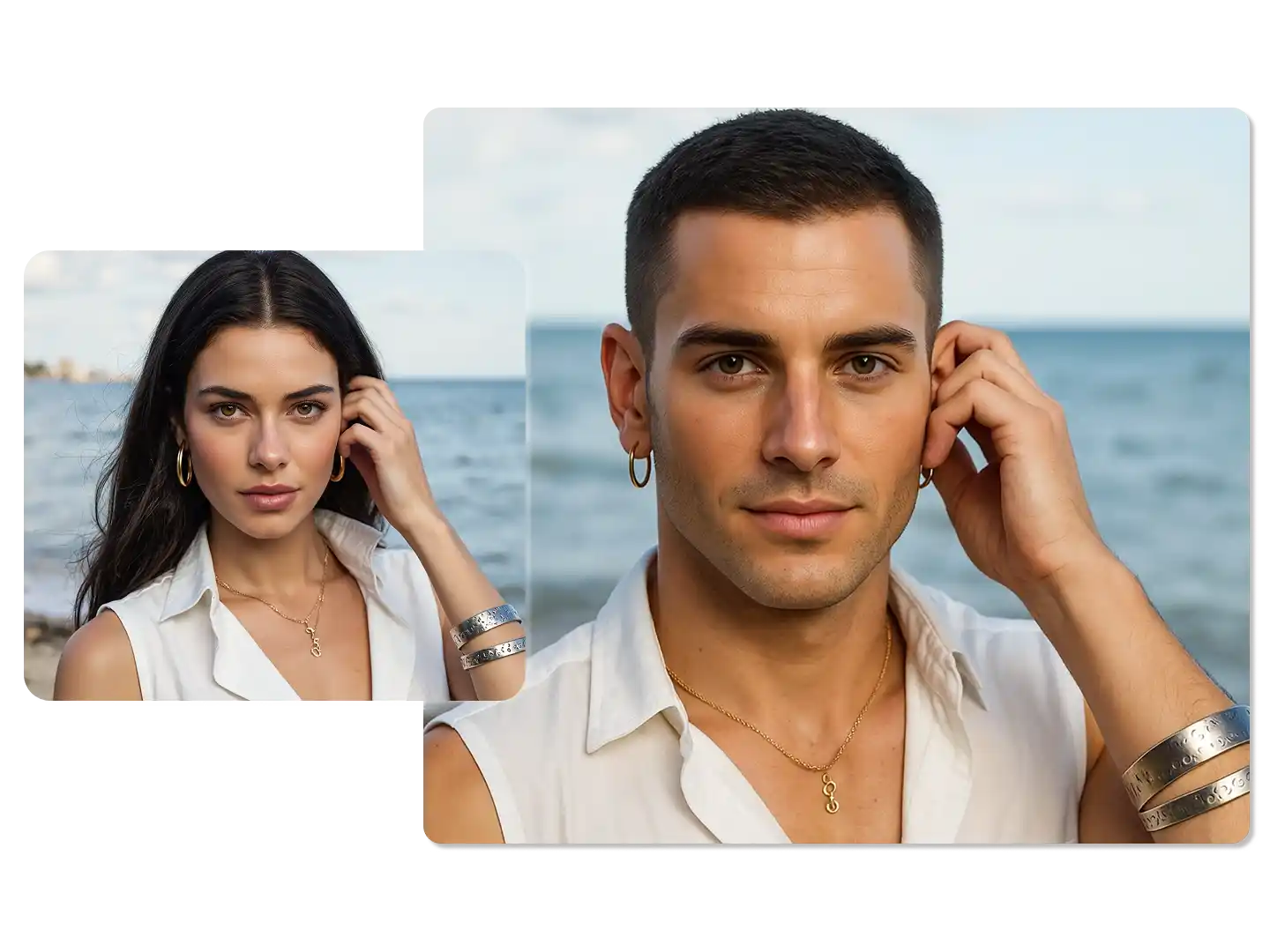
AI Gender Swap
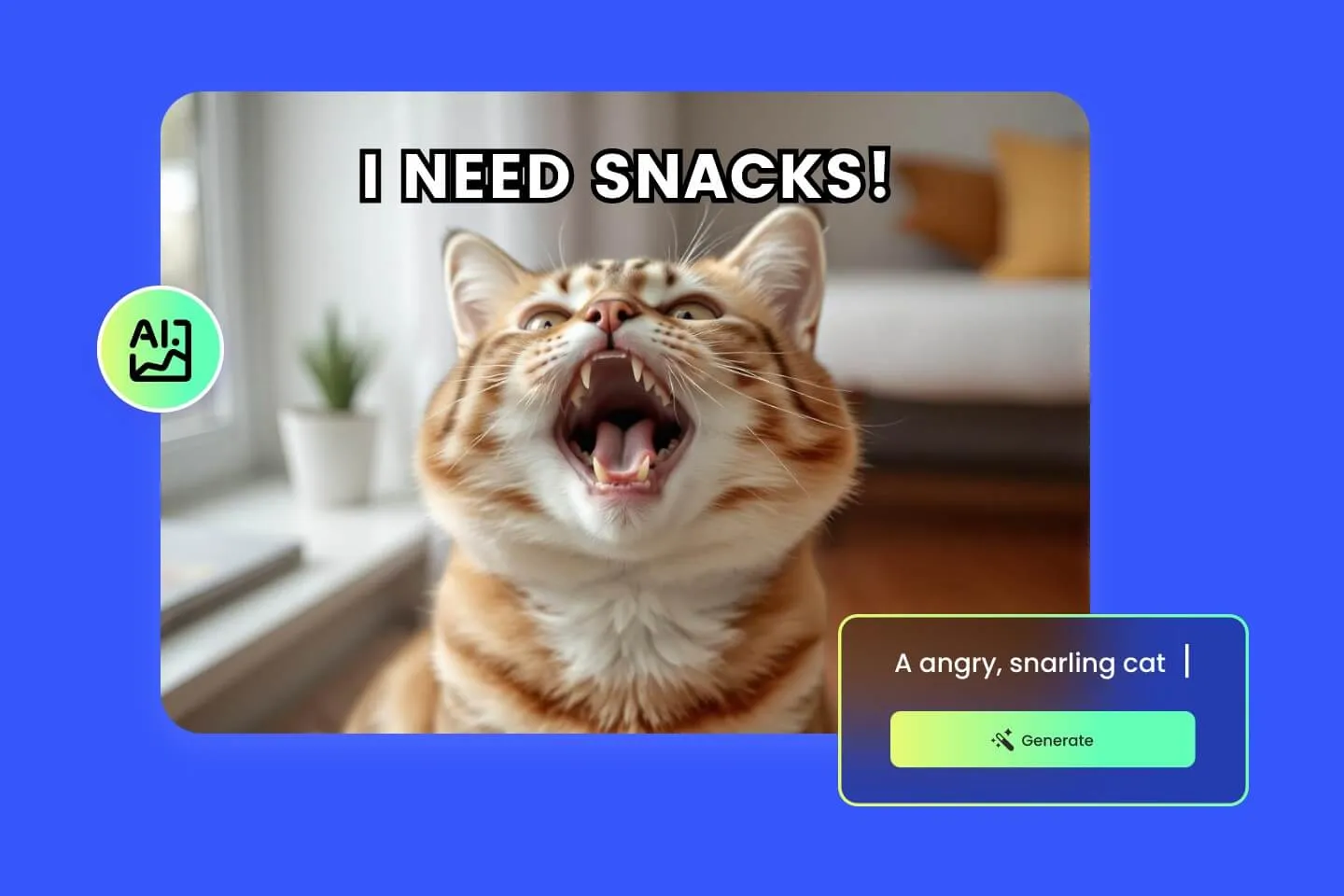
AI Meme Generator
AI Ad Generator
Wedding AI Photo Generator

AI Food Generator
Text To Image
Image To Image
AI Thumbnail Generator
AI Sticker Generator
AI Age Progression
Explore Cutting-Edge AI Models
AI Models — Powerful Image & Video Generation Tools
Explore advanced AI models for high-quality image and video creation. Discover powerful generation and editing technologies that enhance your creative workflow and bring your visual ideas to life with ease.










How to Use the AI Photo Enhancer Online
HOW TO USE
Improve any photo in three simple steps. No registration, no software — just upload and let our AI photo enhancer do the work.
Upload Your Photo
Select any image from your device — a portrait, landscape, screenshot, scanned print, or any photo you want to improve. The AI photo enhancer accepts all common image formats.
Choose Resolution and Output Format
Pick your desired output resolution (1K, 2K, or 4K) and format (PNG or JPG). Select an aspect ratio if needed, then click Enhance to start the AI photo quality improvement.
Download Your Enhanced Photo
Preview the result, compare before and after, and download your enhanced photo in high resolution. Use it for printing, social media, digital art, or any project that demands crisp image quality.
AI Photo Enhancer FAQ – Common Questions Answered
FAQs
Everything you need to know about our AI photo enhancer — from supported formats and resolution options to enhancement quality and usage tips.
What is an AI photo enhancer?
An AI photo enhancer is an online tool that uses artificial intelligence to automatically improve photo quality. It sharpens details, increases resolution, fixes lighting, reduces noise, and boosts colors — making any image look clearer and more professional without manual editing.
Is the AI photo enhancer free to use?
Yes. New users receive free credits to start enhancing photos immediately. Each enhancement uses credits based on the output resolution you choose (1K, 2K, or 4K). Additional credits can be purchased anytime.
What types of photos can I enhance?
You can enhance virtually any photo: portraits, selfies, landscapes, product shots, old scanned prints, screenshots, AI photo enhancer art, and more. The AI adapts its enhancement strategy based on the image content for optimal results.
Can the AI photo enhancer increase resolution to 4K?
Yes. Our AI photo enhancer 4K mode upscales images to ultra-high resolution while reconstructing fine details like hair strands, text, fabric textures, and facial features that standard upscalers would blur.
Will the enhanced photo look natural?
Absolutely. The AI preserves the original mood, composition, and content of your photo. Enhancements are subtle and professional — you get sharper detail and better quality without an over-processed or artificial look.
Can I fix blurry or low-quality photos?
Yes. The AI photo enhancer is specifically designed to rescue blurry, out-of-focus, and low-resolution images. It restores sharpness, rebuilds lost detail, and removes blur caused by camera shake or motion.
What output formats and resolutions are supported?
Download your enhanced photos in PNG for lossless quality or JPG for smaller file sizes. Choose from three resolution tiers: 1K for quick previews, 2K for detailed output, and 4K for maximum quality prints and displays.
Does it work on old or scanned photos?
Yes. Old prints, scanned documents, and vintage photographs benefit greatly from AI enhancement. The tool removes scanning artifacts, sharpens faded details, and improves color fidelity to breathe new life into aged images.
How long does photo enhancement take?
Most photos are enhanced within 10–30 seconds depending on the chosen resolution. Higher resolutions like 4K take slightly longer as the AI performs more detailed reconstruction work.
Do I need to download any software?
No. Our AI photo enhancer runs entirely in your browser — no downloads, no installations, no account creation required to get started. Just upload, enhance, and download.
Powered By


Upgrade Any Photo to Stunning Quality in Seconds
Blurry, dark, or low-resolution? Our free AI photo enhancer fixes it all — sharper details, better colors, and up to 4K resolution in one click. No editing skills needed.