AI Girl Generator Guide: Create Custom Character Images
Learn how to use an AI girl generator to create custom female characters, avatars, portraits, and concept art from text or photos.

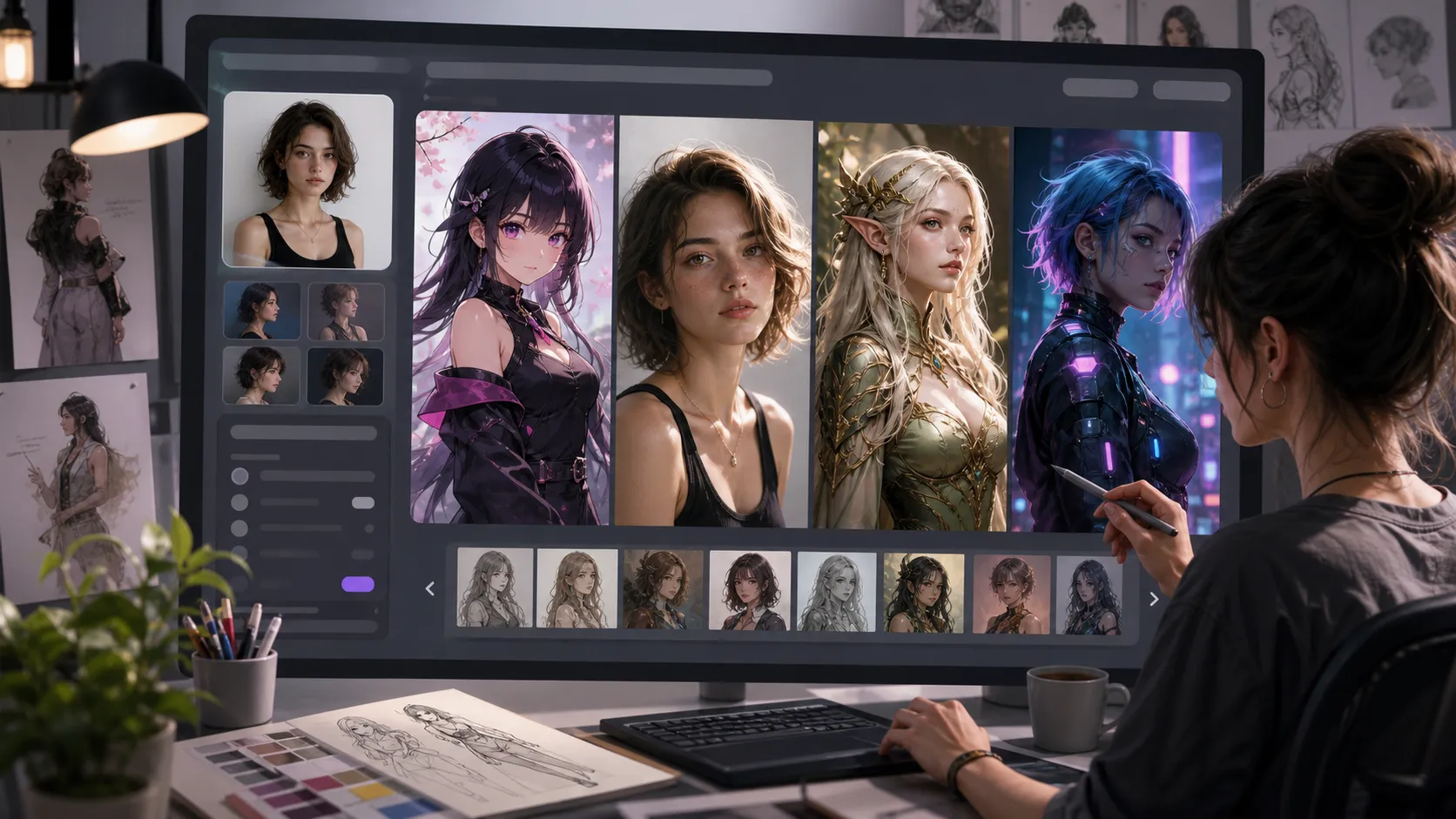
An AI girl generator helps you turn a written idea or reference photo into a custom female character image. Instead of starting with a blank canvas, you describe the character you want: hairstyle, expression, outfit, pose, background, and art style. The generator then creates a polished image you can refine, download, and use for creative projects.
That makes it useful for creators who need anime heroines, realistic portraits, social avatars, game character concepts, wallpapers, story illustrations, or moodboard visuals. The best results come from a clear workflow, not from typing one vague prompt and hoping the model reads your mind.
If you want to create your own character now, try the AI Girl Generator on Createimg.ai. You can start from text, upload a reference photo, choose an aspect ratio, select 1K, 2K, or 4K output, and download the result as PNG or JPG.
What is an AI girl generator?
An AI girl generator is an image generation tool that creates female character images from text prompts or image references. The output can look like an anime character, a photorealistic portrait, a stylized illustration, a 3D render, a watercolor painting, a cyberpunk heroine, or another visual direction you specify.
The tool is not only for people who already know how to draw. It is also useful when you have a strong visual idea but need a fast way to test it. A novelist can explore a heroine's look. A game designer can draft a character concept. A social creator can make a distinctive avatar. A marketer can build a themed visual for a campaign.
The key is specificity. "Beautiful girl" is too broad. "A confident young woman with short silver hair, amber eyes, a black leather jacket, soft neon city lighting, cinematic cyberpunk portrait, 4:5 vertical composition" gives the AI far more direction.
How to create an AI girl image step by step
A good workflow keeps the creative direction clear while leaving room for surprise. Use this process when you want repeatable results.
1. Define the character before writing the prompt
Start with the role of the character. Is she an anime heroine, fashion portrait subject, fantasy mage, sci-fi pilot, cozy lifestyle avatar, or modern influencer-style profile image?
Then write down the visible details:
- Age range and overall mood
- Hair color, length, and style
- Eye color and facial expression
- Clothing, accessories, and makeup
- Pose or camera angle
- Background setting
- Art style and lighting
- Aspect ratio and final use case
This prevents the prompt from becoming a pile of random adjectives. A clear character concept gives the generator a visual target.
2. Choose text-to-image or image-to-image
Use text-to-image when you are creating an original AI-generated girl from scratch. This is the fastest path for anime characters, fantasy portraits, stylized avatars, and concept art.
Use image-to-image when you want to transform a reference photo into a new artistic direction. For example, you might upload a portrait and ask for an anime version, cyberpunk interpretation, watercolor character, sketch style, or polished 3D render. If your project is more general than female character creation, you can also explore Text to Image AI and Image to Image AI for broader workflows.
3. Write a prompt with layers
Strong prompts usually have layers: subject, style, composition, lighting, background, and quality cues. You do not need to write a novel. You need enough detail for the AI to understand the intended image.
Try this structure:
A [character type] with [facial details and hairstyle], wearing [outfit], [pose or expression], in [setting], [art style], [lighting], [composition or aspect ratio], high detail.
Example:
A cheerful anime girl with long lavender hair and bright blue eyes, wearing a white hoodie and headphones, smiling at a desk full of sketchbooks, cozy bedroom background, soft morning light, vibrant anime style, 4:5 portrait, high detail.
For a realistic portrait:
A photorealistic portrait of a young woman with shoulder-length auburn hair, green eyes, natural makeup, wearing a vintage floral dress, sitting at a sunlit cafe terrace, warm cinematic light, shallow depth of field, 3:4 portrait, professional photography.
4. Pick the right aspect ratio
The aspect ratio should match where the final image will be used. A square 1:1 image works well for profile pictures and thumbnails. A 4:5 or 3:4 vertical image is strong for social posts, character portraits, and phone wallpapers. A 16:9 image is better for banners, desktop wallpapers, video thumbnails, and wide scene concepts.
Createimg.ai's AI Girl Generator supports many ratios, including square, landscape, portrait, classic, social, ultrawide, and extra tall formats. Choosing the ratio early helps the model compose the character correctly instead of cropping important details later.
5. Select resolution and output format
Use 1K when you are exploring ideas quickly. Move to 2K when you have a prompt that is close to your target. Choose 4K for final artwork, wallpapers, prints, or detailed character images where hair, clothing, and facial expression matter.
For downloads, PNG is a strong choice when you want lossless quality. JPG is useful when you want a smaller file size for fast sharing or web use.
Prompt ideas for better AI-generated girls
Here are practical prompt angles you can adapt.
Anime girl prompt
An anime girl with pastel pink twin tails, expressive violet eyes, oversized cream sweater, playful smile, standing under cherry blossom trees, soft petals in the air, warm spring light, clean line art, vibrant colors, 4:5 portrait.
Cyberpunk character prompt
A futuristic cyberpunk woman with short silver hair, glowing blue eye makeup, black tactical jacket, neon city street behind her, rain reflections, confident expression, cinematic lighting, realistic digital art, 3:4 portrait.
Fantasy heroine prompt
A fantasy mage girl with long white hair, emerald cloak, delicate gold accessories, holding a glowing crystal staff, ancient library background, magical particles, painterly illustration style, dramatic soft lighting, 2:3 portrait.
Social avatar prompt
A friendly female avatar with warm brown eyes, curly dark hair, yellow jacket, clean studio background, bright approachable expression, modern semi-realistic illustration, centered composition, square 1:1 profile image.
You can change one detail at a time to compare results. Swap the art style, lighting, expression, or background while keeping the character core the same. This makes it easier to find the strongest version instead of accidentally changing everything at once.
Which styles work best?
The best style depends on the purpose of the image.
Anime and manga styles are ideal for expressive character art, profile images, fan-style concepts, and colorful social visuals. Photorealistic style works better for fashion portraits, lifestyle scenes, realistic avatars, and editorial-style images. 3D render style is useful for game-like characters, polished mascots, and collectible-looking visuals.
Watercolor, oil painting, sketch, and illustration styles are better when you want a softer handmade feeling. Cyberpunk, fantasy, and sci-fi styles are strong when the character needs a world around her, not just a face.
For consistent results, include the style directly in the prompt. Instead of writing "cool style," use a specific direction such as "cinematic cyberpunk portrait," "soft watercolor illustration," "clean anime line art," "photorealistic studio portrait," or "3D character render."
Common mistakes and quick fixes
The most common mistake is writing a prompt that is too vague. If the result feels generic, add details about hair, expression, outfit, pose, background, and lighting.
Another mistake is mixing too many styles. "Anime, realistic, watercolor, oil painting, 3D, cyberpunk" gives the model conflicting signals. Pick one main style, then add supporting details.
Cropping issues usually come from the wrong ratio or unclear framing. Add "upper body portrait," "full-body character," "close-up headshot," or "centered composition" to guide the layout.
If the character looks inconsistent across generations, keep the core traits unchanged and vary only one element per attempt. For example, keep the same hair, eyes, outfit, and face description while testing different backgrounds.
If a reference photo transformation misses the intended look, describe what should stay and what should change. For example: "keep the face shape and hairstyle from the reference, transform the image into a soft anime portrait with pastel colors and a magical classroom background."
Creative use cases
An AI girl generator can support many image projects:
- Social media profile pictures and character avatars
- Anime-inspired portraits and wallpapers
- Game character concept art
- Visual references for stories, comics, and roleplay
- Fashion, makeup, and hairstyle moodboards
- Fantasy, sci-fi, and cyberpunk character exploration
- Book illustration concepts and merchandise ideas
For broader character work, the AI Character Generator can help when you need different genders, creatures, mascots, or full casts. For profile-focused visuals, the AI Avatar Generator is a natural next step.
Final workflow: from rough idea to polished image
Start with a simple draft prompt. Generate a 1K version to test the concept. Study what works: maybe the outfit is right but the lighting is dull, or the hairstyle is close but the background feels generic.
Then revise the prompt with specific fixes. Add the missing mood, clarify the framing, and choose a stronger style. Once the image direction is working, increase the resolution to 2K or 4K for the final output. Download as PNG for quality or JPG for easy sharing.
This workflow keeps credits focused on useful iterations. You are not chasing random results. You are guiding the image step by step until the character feels intentional.
FAQ
Can an AI girl generator create images from text?
Yes. You can describe the female character you want in a text prompt, including hairstyle, expression, outfit, setting, and art style. The generator creates a new image from those details.
Can I upload a photo and turn it into an AI girl character?
Yes. The AI Girl Generator supports an optional reference image upload. You can use it to reimagine a portrait in anime, cyberpunk, watercolor, sketch, oil painting, or another style.
What is the best prompt for an AI-generated girl?
The best prompt is specific but not chaotic. Include the character's appearance, clothing, expression, pose, background, style, lighting, and aspect ratio. Avoid stacking too many unrelated styles in one prompt.
Can I make anime girl images?
Yes. Add phrases such as "anime style," "manga style," "clean line art," or "Ghibli-inspired style" to your prompt. Include expressive eyes, color palette, outfit, and setting for a more directed result.
What resolution should I choose?
Use 1K for quick drafts, 2K for detailed digital artwork, and 4K for final images, prints, wallpapers, or professional creative projects.
Where should I start?
Start with the AI Girl Generator. Write a clear prompt, choose the ratio and resolution, generate a first draft, then refine the prompt based on what you want to improve.
Try it
Run your own prompt in the generator
Pick a model, run one prompt, and compare the results side by side. New accounts start with free credits.
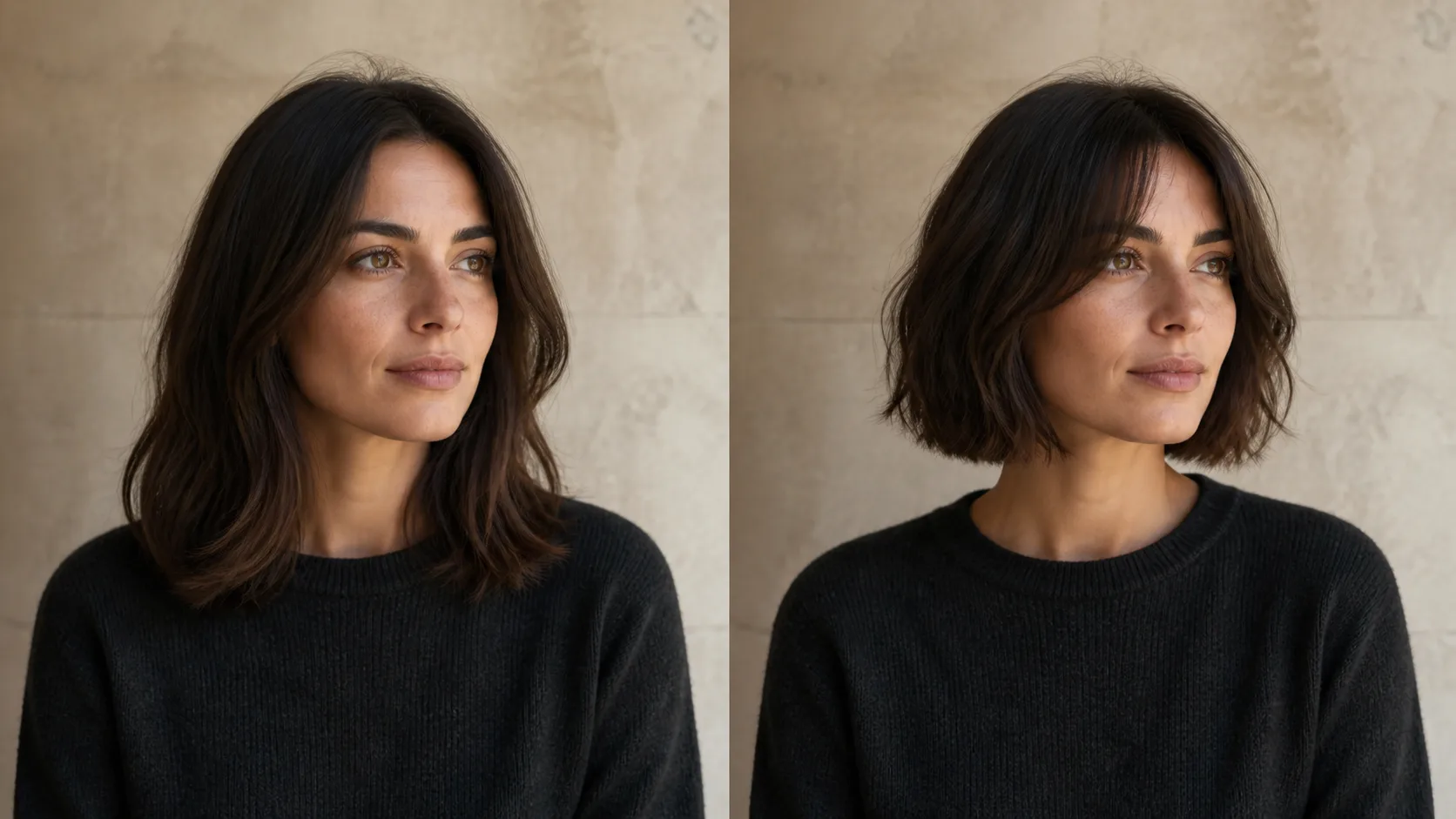
How to Preview a Haircut With AI Before You Commit
Learn how to preview a haircut with AI using better photos, precise prompts, reference images, and a realism check before visiting the salon.
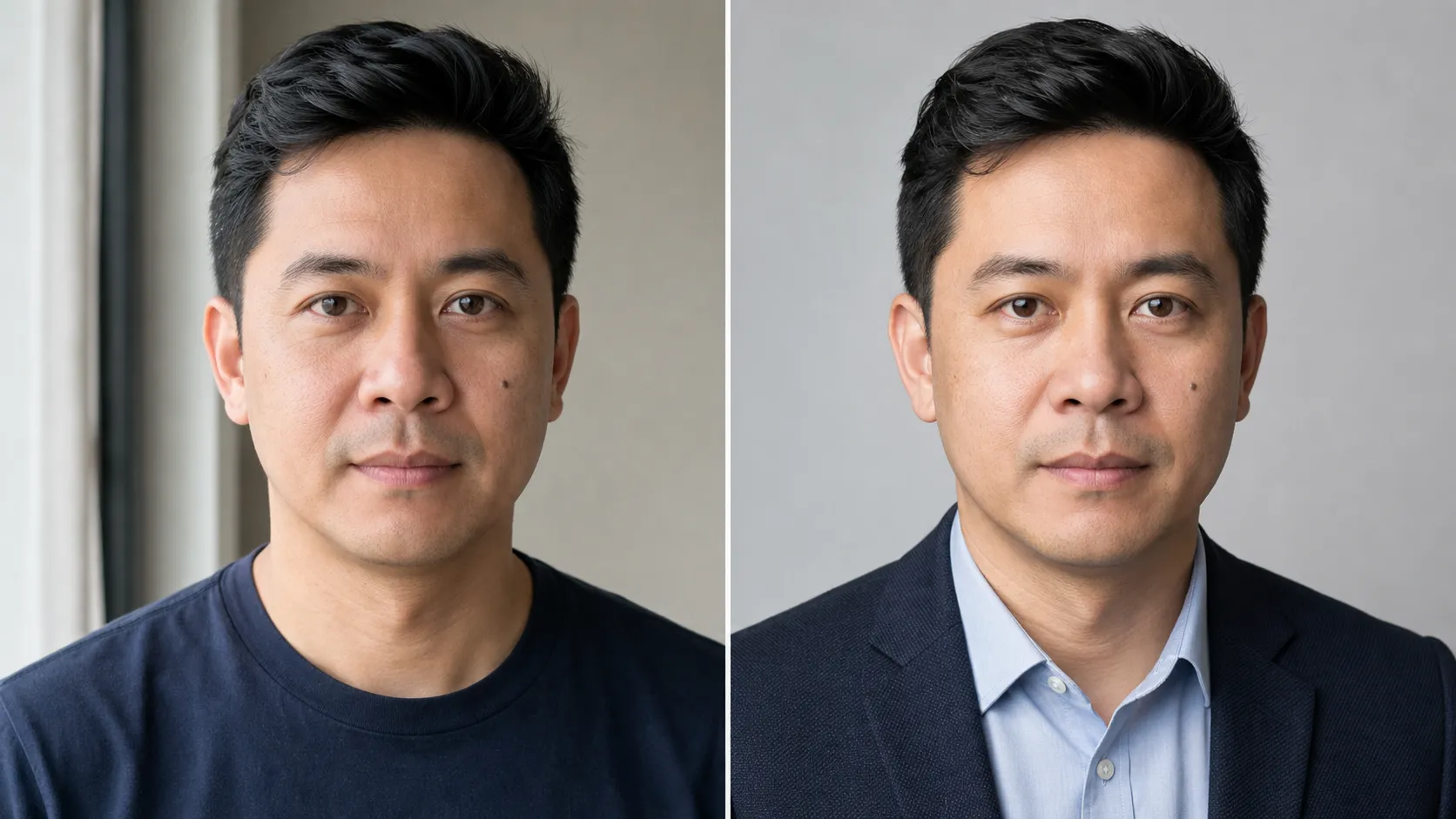
AI Headshot Generator From Photo: A Realistic Workflow
Choose the right source photo, style, crop, and identity checks to create an AI headshot that looks polished without looking like someone else.