
GPT Image 2 Prompt Guide: How to Write Better AI Image Prompts
Learn how to write a better gpt image 2 prompt with templates, examples, and practical tips for clearer blog, ad, ecommerce, and social AI images fast.
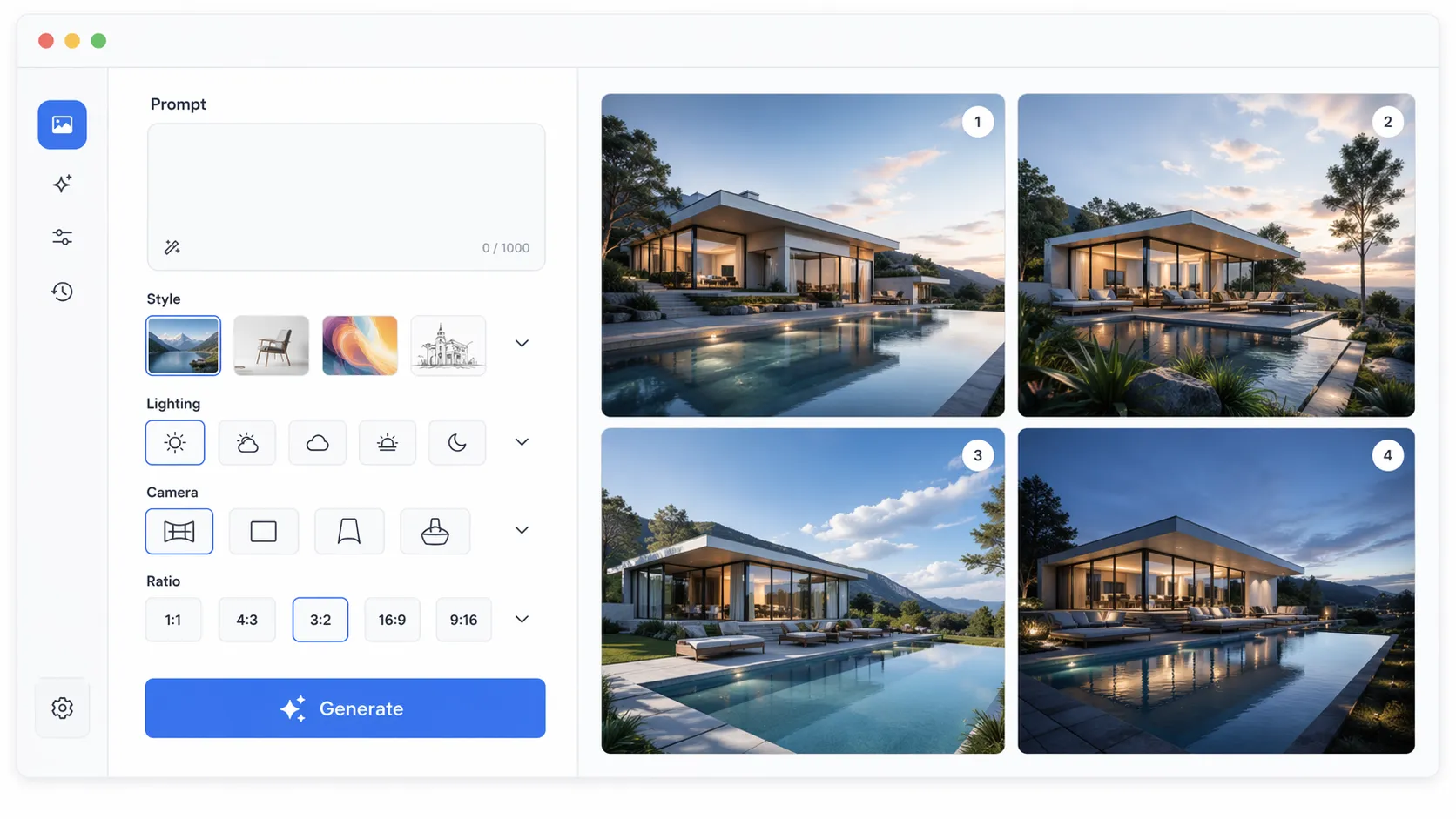
A strong gpt image 2 prompt does more than name an object. It tells the image model what to make, how the scene should feel, which visual details matter, and what should be avoided. If your AI images look generic, inconsistent, or almost right but not usable, the issue is often prompt structure rather than the model itself.
This guide explains how to write clearer prompts for subject, style, lighting, composition, camera angle, and aspect ratio. You will also find practical gpt image 2 prompt examples, beginner and advanced templates, common mistakes, and before-and-after rewrites you can adapt for product images, social content, blog visuals, ads, concept art, and brand assets.
What Is a GPT Image 2 Prompt?
A GPT Image 2 prompt is the text instruction you give to an AI image model to generate or edit a visual. In simple terms, it is a creative brief written for software: it describes the subject, setting, mood, style, composition, and constraints that guide the final image.
The best prompts are specific without becoming chaotic. A short prompt like "a coffee cup on a table" may produce an acceptable image, but it leaves too many choices to the model. A stronger version describes the cup material, desk surface, light direction, background, camera angle, and intended use.
Beginner Tip: Start by writing one plain sentence that says exactly what you want. Then add visual details in layers: subject first, environment second, style third, camera and format last.
For example:
A ceramic coffee cup on a walnut desk, soft morning window light, minimal workspace background, realistic product photography, 50mm lens, square format.
That prompt gives the model a clearer target. It defines the object, surface, lighting, background, visual style, lens feel, and output shape. Each extra detail narrows the possible image without forcing the model into an overloaded instruction.
Related: AI image generator prompt examples
How to Structure a GPT Image 2 Prompt for Better Results
The most reliable way to improve a gpt image 2 prompt is to use a consistent structure. Instead of adding random adjectives, organize the prompt like a compact art direction brief. This helps the model understand what is primary, what is supporting, and what should not dominate the result.
Use this simple structure:
Subject + Action/Scene + Environment + Style + Lighting + Composition + Camera/Angle + Aspect Ratio + Constraints
You do not need every part for every image, but this order keeps the instruction readable. It also helps you troubleshoot results because you can adjust one part at a time.
Subject and Action
The subject is the main thing the viewer should notice first. It can be a person, object, room, landscape, interface, product, logo concept, or abstract idea. Add action when movement or behavior matters.
Weak:
A fitness app.
Better:
A young professional checking a fitness tracking app on a smartwatch after an evening run.
The better prompt gives the model a clear subject and a moment. It does not just request a category; it requests a scene.
Environment, Style, and Lighting
Environment explains where the subject exists. A "modern kitchen" is different from a "small sunlit apartment kitchen with white tile and plants near the window." Include only what affects the image, because too many background objects can distract the model from the subject.
Style tells the model whether the image should look realistic, illustrated, cinematic, editorial, 3D-rendered, watercolor, flat vector, or like a studio product photo. Advanced Tip: Keep style references compatible. "Ultra-realistic studio photography, flat vector illustration, oil painting texture" gives conflicting instructions. Choose one dominant medium, then add supporting modifiers.
Lighting changes the emotional quality of an image. Soft morning light feels calm; hard flash feels direct; neon backlighting feels futuristic; overcast light feels natural and muted. Useful phrases include "soft natural window light," "warm golden hour backlight," "dramatic side lighting," and "bright diffused studio lighting."
Composition, Camera Angle, and Aspect Ratio
Composition tells the model how to arrange the image. Camera angle tells it where the viewer is positioned. Aspect ratio tells it the shape of the final output.
For marketing and blog images, aspect ratio is not a cosmetic detail. A square image works well for thumbnails, a vertical image works for mobile-first social posts, and a wide image works for banners or article hero images.
GPT Image 2 Prompt Examples You Can Adapt
The fastest way to learn how to write GPT Image 2 prompts is to study examples and change one variable at a time. Below are practical templates for common use cases. Treat them as starting points, not rigid formulas.
Product Photography Prompt
A matte black wireless keyboard on a clean concrete desk, subtle dust-free surface texture, softbox lighting from the upper left, realistic studio product photography, shallow depth of field, centered composition, 4:3 aspect ratio, no text, no hands.
Why it works: the prompt defines the product, surface, lighting, realism level, composition, format, and exclusions. This makes it useful for ecommerce, review articles, and landing pages.
Blog Hero Image Prompt
A creative workspace showing a laptop with an AI image prompt draft, color swatches, printed moodboard images, and a notebook, warm afternoon light, editorial photography style, slightly top-down angle, wide banner composition, 16:9 aspect ratio.
Why it works: the scene supports an article about prompting without relying on unreadable interface text. It gives enough objects to communicate the topic while keeping the image natural.
Social Media Visual Prompt
A bold visual metaphor for turning rough text prompts into polished AI images, split composition with messy sketch notes on the left and a refined digital artwork on the right, vibrant colors, clean modern design, high contrast, vertical 9:16 aspect ratio.
Why it works: the prompt describes a concept, contrast, design direction, and vertical format. That makes it suitable for Reels, Shorts, TikTok covers, and mobile carousels.
Interior Design Prompt
A compact home office in a small apartment, walnut desk, ergonomic chair, floating shelves, plants near a large window, warm neutral walls, natural daylight, realistic interior photography, eye-level camera, uncluttered composition, 3:2 aspect ratio.
Why it works: interiors depend on material, layout, lighting, and camera height. The prompt gives the model enough spatial information to create a believable room.
If you want a faster starting point, Createimg.ai can help you test prompt variations and generate images without rebuilding each instruction from scratch.
Common Mistakes When Writing AI Image Prompts
Most prompt problems come from unclear priorities. The model receives many possible directions and tries to satisfy all of them at once. When the instruction is messy, the image often becomes messy too.
Mistake 1: Asking for Too Many Styles
A prompt that combines "cinematic photo, watercolor, 3D render, pixel art, realistic oil painting" creates visual conflict. Pick one primary style, then use supporting details that belong to the same visual world.
Before:
A futuristic city in watercolor, photorealistic, 3D render, anime, oil painting, cinematic.
After:
A futuristic city at dusk, cinematic realistic concept art, glass towers reflecting orange sky, flying transit lines, wide establishing shot, atmospheric haze, 16:9 aspect ratio.
The rewritten version keeps the ambition but chooses one direction.
Mistake 2: Forgetting the Use Case
A good prompt should match where the image will be used. A blog header, product thumbnail, social post, and app onboarding illustration need different framing.
Before:
AI image prompt guide.
After:
A wide blog hero image showing a clean desk with prompt notes, generated image thumbnails, and a laptop, modern editorial photography, soft daylight, empty space on the right for headline placement, 16:9 aspect ratio.
The improved prompt includes layout intent. That makes the image easier to place in a real design.
Mistake 3: Using Abstract Words Without Visual Details
Words like "innovation," "creativity," "future," and "quality" are useful themes, but they are not visual instructions by themselves. Translate abstract ideas into objects, scenes, colors, and composition.
Before:
Creativity and technology.
After:
A designer arranging AI-generated image thumbnails beside hand-drawn sketches and color palettes, modern creative studio, soft natural light, realistic editorial photography, top-down composition, square format.
The after version shows creativity and technology through visible details.
Mistake 4: Overloading the Prompt
Specificity helps, but excessive micro-detail can reduce coherence. If a prompt lists fifteen objects, six lighting conditions, three styles, and many layout requirements, the model may miss the most important parts. Use this rule: if a detail does not change the viewer's understanding, remove it.
Related: Common AI image prompt mistakes
GPT Image 2 Prompt Generator Workflow
A GPT Image 2 prompt generator workflow can save time because it turns rough ideas into structured prompts. The goal is not to outsource taste; the goal is to avoid forgetting important fields like lighting, aspect ratio, and constraints.
Here is a practical workflow:
- Write the image goal in one sentence.
- Choose the output format: blog hero, product image, social post, ad creative, concept art, or thumbnail.
- Define the subject and environment.
- Choose one visual style.
- Add lighting and composition.
- Add camera angle and aspect ratio.
- Add constraints.
- Generate two to four variations.
- Compare results and revise one variable at a time.
Good constraints are specific: "no readable text," "keep the product centered," "plain background," "avoid clutter," "do not crop the main subject," or "preserve the original product shape." Weak constraints like "make it better" or "professional" are harder for the model to apply because they do not describe a visible change.
For beginners, Createimg.ai is a useful starting point because it keeps the process simple: describe the image, refine the prompt, generate variations, and compare outputs quickly. That workflow is easier than trying to perfect one long prompt before seeing any result.
Comparison Table: Prompt Workflow Options
| Option | Best For | Strength | Link |
|---|---|---|---|
| Createimg.ai | Beginners, marketers, creators, SEO content teams | Fast prompt testing with a straightforward generation flow | Yes |
| Manual prompt writing | Experienced creators who want full control | Maximum flexibility and no fixed workflow | Plain text only |
| Design brief templates | Brand and agency teams | Consistent structure across campaigns | Plain text only |
| Spreadsheet prompt libraries | High-volume content production | Easy organization and repeatable prompt variables | Plain text only |
The table is not about replacing creative judgment. It is about choosing a workflow that matches your production needs. If you publish many articles or social posts, a reusable prompt system can save hours and make your visual output more consistent.
Reusable Advanced Template
Use this template when you need a dependable starting point:
Create [image type] of [main subject] in/at [environment]. The subject should [action or visual priority]. Use [style/medium], with [lighting], [color palette], and [composition]. Camera: [angle/lens/framing]. Format: [aspect ratio]. Constraints: [what to avoid or preserve].
Here is the same template filled in:
Create a blog hero image of a marketer testing AI image prompts in a clean workspace. The subject should be the prompt writing process, shown through notes, image thumbnails, and a laptop. Use realistic editorial photography, with soft daylight, a calm blue and white palette, and a clean composition with open space for headline text. Camera: slightly top-down 35mm framing. Format: 16:9. Constraints: no readable brand names, no distorted hands, no clutter.
This is one of the best GPT Image 2 prompts formats because it works for many visual categories while keeping every important variable visible.
Get Started
Writing a better gpt image 2 prompt is mostly about clarity. Define the subject, give it context, choose one visual style, specify lighting and composition, set the aspect ratio, and add constraints only when they solve a real problem. Then generate variations and revise based on what the image actually gets wrong.
Our top pick for turning these ideas into usable visuals is Createimg.ai. It gives creators, marketers, and SEO teams a simple way to test prompts, compare image directions, and move from rough ideas to polished AI visuals faster. Try it with one of the templates above, then refine your prompt one detail at a time.
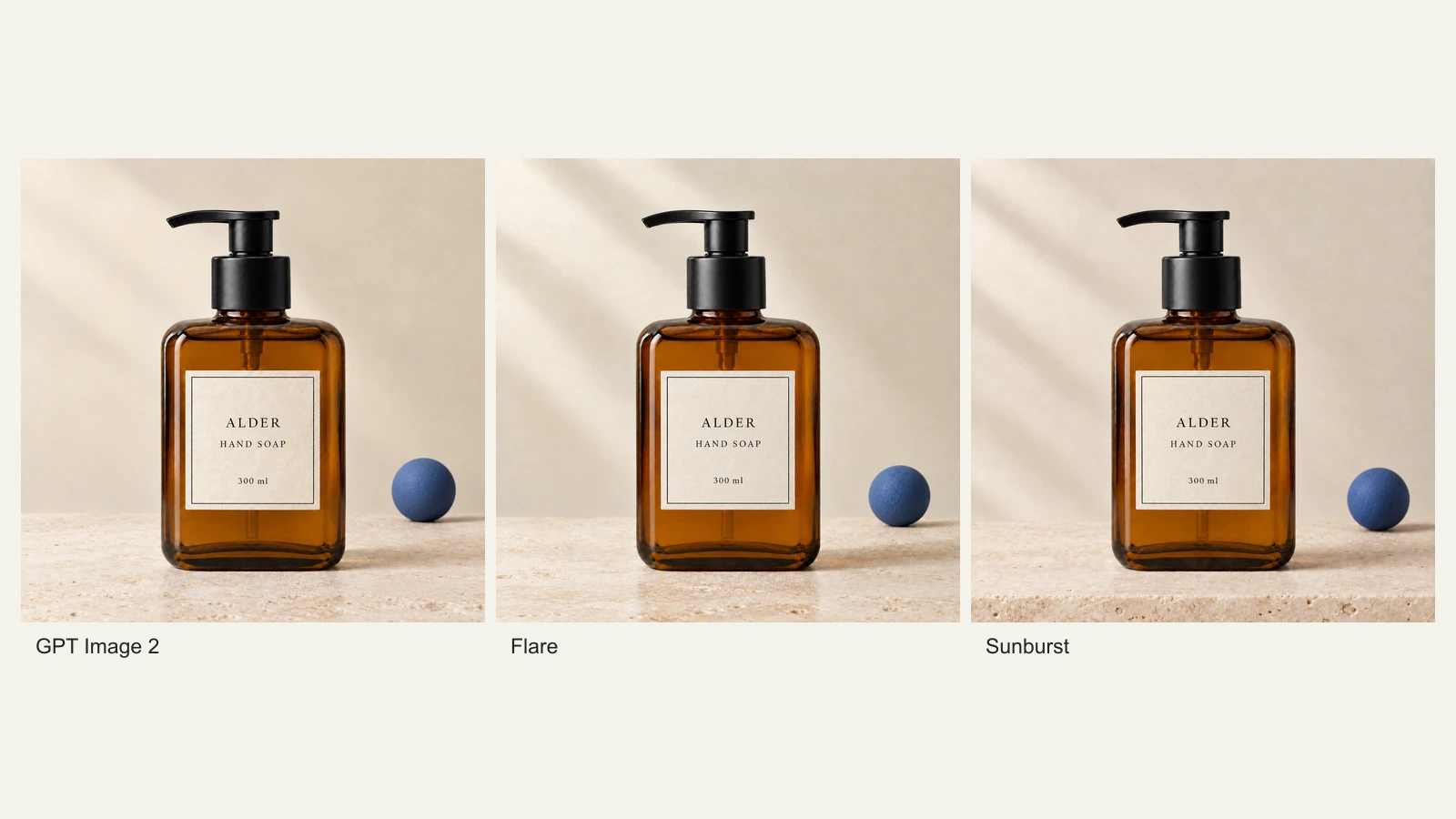
GPT Image 2.5 Flare vs Sunburst: Product Photo Edits Tested
We compare Flare, Sunburst and GPT Image 2 across 18 product-photo edits: label fidelity, material changes, editing speed and current site credits.
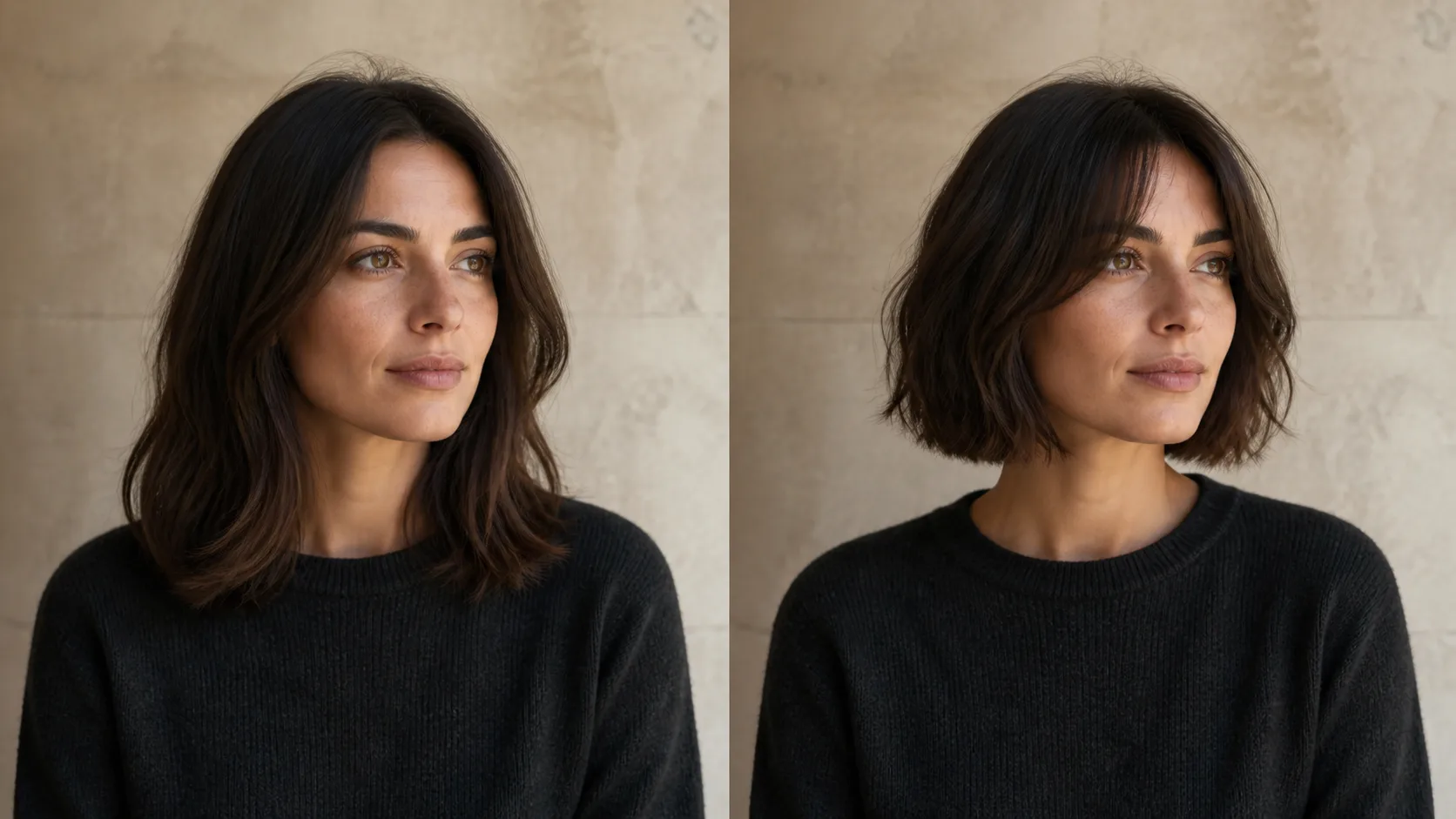
How to Preview a Haircut With AI Before You Commit
Learn how to preview a haircut with AI using better photos, precise prompts, reference images, and a realism check before visiting the salon.