6 Funny AI Image Prompts to Copy and Customize
Copy six funny AI image prompts for pets, work, and everyday objects. Customize each idea and use simple edits to make the visual joke clearer.

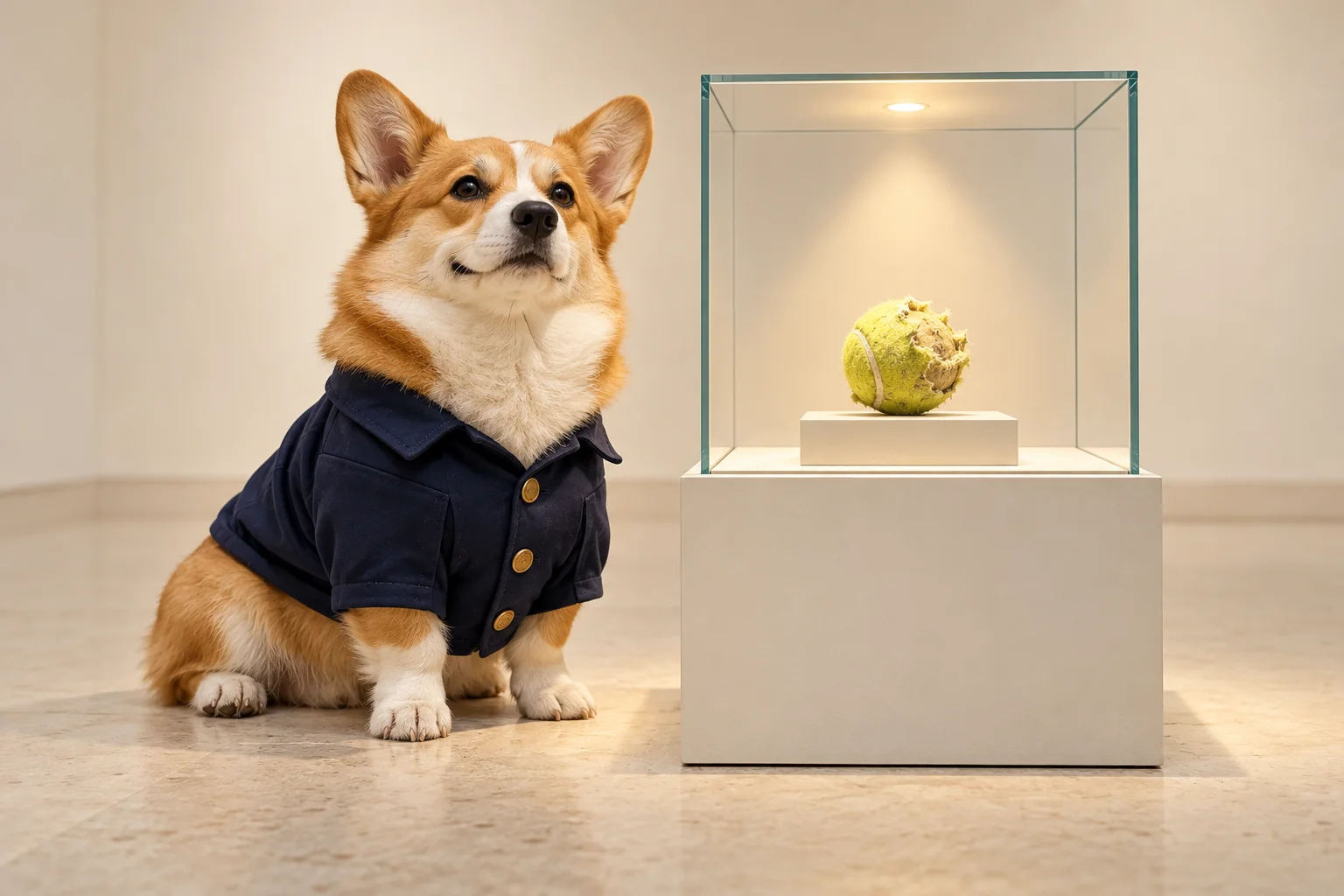
Try a corgi guarding a chewed tennis ball like a priceless museum exhibit, houseplants holding a serious office meeting, or a missing sock taking a vacation. These six funny AI image prompts describe a visible joke you can adapt to your own subject.
Choose an idea, copy its prompt into the funny AI image generator, and use the “Make it yours” notes to change the scene:
- Pets: a museum-guard corgi or a cat interviewing a robot vacuum.
- Work: a botanical meeting or a royal coffee break.
- Everyday objects: a holidaying sock or a cookie incident.
Each idea includes the prompt, the joke it aims to show, and details to replace. After the examples, find a reusable template and specific edits for a cluttered or unclear result.
The images are conceptual AI illustrations, not Createimg sample outputs. These original prompts are adaptable starting points, not results verified on a particular model.
Funny AI image prompts for pets
1. The museum guard and the priceless tennis ball
Prompt
A short-legged corgi wearing a plain navy museum guard jacket sits proudly beside a glass display case containing one heavily chewed tennis ball. Quiet contemporary gallery, blank cream walls, soft spotlight on the ball, natural dog anatomy. Medium-wide photograph at the dog's eye level, with both the dog and the exhibit clearly visible. Deadpan mood, realistic fur and glass. No lettering or logos.
The joke: a dog's favorite possession receives the treatment of a national treasure.
Make it yours: swap the corgi for your pet and the ball for its favorite battered toy. Keep the elegant gallery; it provides the contrast. For a more playful version, request a clay illustration instead of a photograph.
2. The cat interviewing the robot vacuum
Prompt
A stern tabby cat sits upright on a chair behind a small reception desk. One plain robot vacuum waits on the visitor side, facing the cat as though it has arrived for a job interview. Minimal home office, one empty notepad on the desk, natural cat paws, no human hands. Eye-level view, restrained photographic style, soft afternoon light. No readable text or extra characters.
The joke: the household pet appears to be deciding whether its mechanical rival deserves a job.
Make it yours: change the setting to a reception counter, kitchen table, or miniature office. Keep the cat and vacuum facing each other. If the vacuum disappears into the background, ask for a lower camera angle and a clearer gap between the two subjects.
Funny AI image prompts for work
Two fictional scenes built around unexpected roles: plants hold a meeting, while a missing sock takes a vacation.
3. The meeting that could have been a watering
Prompt
Four small green houseplants in plain terracotta pots occupy four office chairs around a compact conference table. A small metal watering can occupies the chair at the head of the table. Bright, uncluttered meeting room, natural plants without faces or limbs, no people. Wide three-quarter view that clearly shows the pots on the seats. Serious corporate photography, soft daylight, no text or logos.
The joke: an ordinary meeting continues with an entirely botanical team.
Make it yours: use your office's usual meeting setting, or replace the plants with identical desk lamps. Keep one object in charge. Adding too many different objects can turn the scene into a collection of unrelated props.
4. The ruler of the coffee machine
Prompt
An ordinary office worker in simple business clothes wears a modest paper crown and a short ceremonial cape while waiting for one cup of coffee from a plain break-room machine. The worker stands with exaggerated dignity; everything else in the small room is completely ordinary. Medium-wide editorial photograph, neutral office lighting, natural proportions. No other people, brand names, or writing.
The joke: making the morning coffee becomes a royal duty.
Make it yours: switch the task to retrieving a lunchbox or refilling the stapler. Choose one everyday action and one ceremonial accessory. If the outfit becomes the whole picture, reduce it to the paper crown and bring the coffee cup into view.
Funny AI image prompts for everyday objects
5. The missing sock's vacation
Prompt
A single navy-and-cream striped sock rests on a tiny yellow deck chair inside an open laundry basket. A miniature cocktail umbrella and folded towel sit beside the chair. Warm sunlight makes the basket feel like a quiet holiday resort. Close photographic view, believable cotton and wicker textures, no face or limbs on the sock. Exactly one sock, no writing.
The joke: the missing laundry item seems to have left for a better life.
Make it yours: use a mitten, slipper, or missing puzzle piece. Preserve the tiny vacation setting so the object has a clear reason to be somewhere unexpected. For a simpler image, keep only the object, deck chair, and umbrella.
6. The cookie incident
Prompt
One chocolate-chip cookie with a single crescent-shaped bite missing sits on a clean kitchen counter. Three tiny orange traffic cones form a careful cordon around the bitten edge, as though this is a very serious incident. A few crumbs remain nearby. Close-up food photograph, gentle morning light, crisp cookie texture. No people, police tape, signs, or text.
The joke: a small snack receives a comically oversized response.
Make it yours: substitute a bitten doughnut or a cracked cracker. Keep the cones small enough to make the food feel important, and the background simple enough that the missing bite remains obvious.
How to write your own funny AI image prompt
Build around one familiar subject and one unexpected situation. Replace the bracketed parts in this template before using it:
A [subject] acts as a [surprising role] in an otherwise ordinary [setting]. The joke is [one visible absurd detail]. Use a [wide, medium, or close] view that shows [the subject and the important prop] together. [Choose a visual style and lighting.] Keep the background simple and leave out signs and lettering.
For example, “a funny cat at work” names a mood without deciding what happens. Make the relationship visible instead:
A stern tabby sits behind a reception desk, facing one robot vacuum on the visitor side as though it is interviewing the appliance for a job. Show both clearly at eye level in a quiet office.
To adapt an idea, change one of these parts first:
- Role: give a pet or household object a familiar human responsibility.
- Scale: make an ordinary object important by surrounding it with miniature props.
- Setting: put an object somewhere that suggests an unexpected life of its own.
Then choose a style that supports the scene. Calm photographic lighting can suit a deadpan premise; a soft clay illustration can suit a playful one. Describe what you want the viewer to notice, rather than adding more words such as “hilarious.”
For broader advice on subject, composition, and style, see the general AI image prompt guide.
When the image looks strange but not funny
Match the next edit to the visible problem. The following are revision suggestions, not guarantees that a model will follow every instruction.
The scene is too busy. Remove competing characters and props. For the museum scene, try: “Show only the corgi and one display case. Keep the gallery walls blank.”
The joke is too small to see. Keep both sides of the relationship in frame. For the cat interview, try: “Use a lower, closer view with the cat and robot vacuum equally visible on opposite sides of the desk.”
It looks random. Restore an ordinary background and keep one absurd detail. For the sock, try: “Keep the laundry basket recognizable. Only the tiny holiday setup should be unusual.”
The pose or anatomy distracts from the idea. Simplify the interaction. Try: “Keep the animal's natural paws. It sits beside the object without holding anything.”
Unwanted writing competes with the picture. Remove requests for signs or captions and try: “Leave the scene free of lettering.” Check the actual image; a text restriction may still be ignored. Add a caption separately if you want one.
Before sharing, view the image at its intended size and crop. Can you still see the important prop? Does the scene make sense without an explanation? Adjust the framing before adding more decorative detail.
Use a prompt, then refine one thing
To try an idea in Createimg's funny AI image generator:
- Paste one prompt and replace the subject or object you want to personalize. For a text-only scene, leave the optional image upload empty.
- If you are adapting your own pet photo, upload it and add a focused instruction such as: “Keep my dog's coat markings and natural proportions; place it beside the museum display case.” Inspect those details in the result.
- Choose the available model and image settings for your intended use. Check the login and credit requirements shown in the interface before generating.
- Look at the image at the size you plan to share. Decide whether the joke is clear, then revise one detail: framing, prop size, pose, or background.
Start with the prompt whose situation you can explain in one sentence. Make the subject your own, keep the absurd detail easy to see, and let the picture carry the joke.
Try it
Run your own prompt in the generator
Pick a model, run one prompt, and compare the results side by side. New accounts start with free credits.
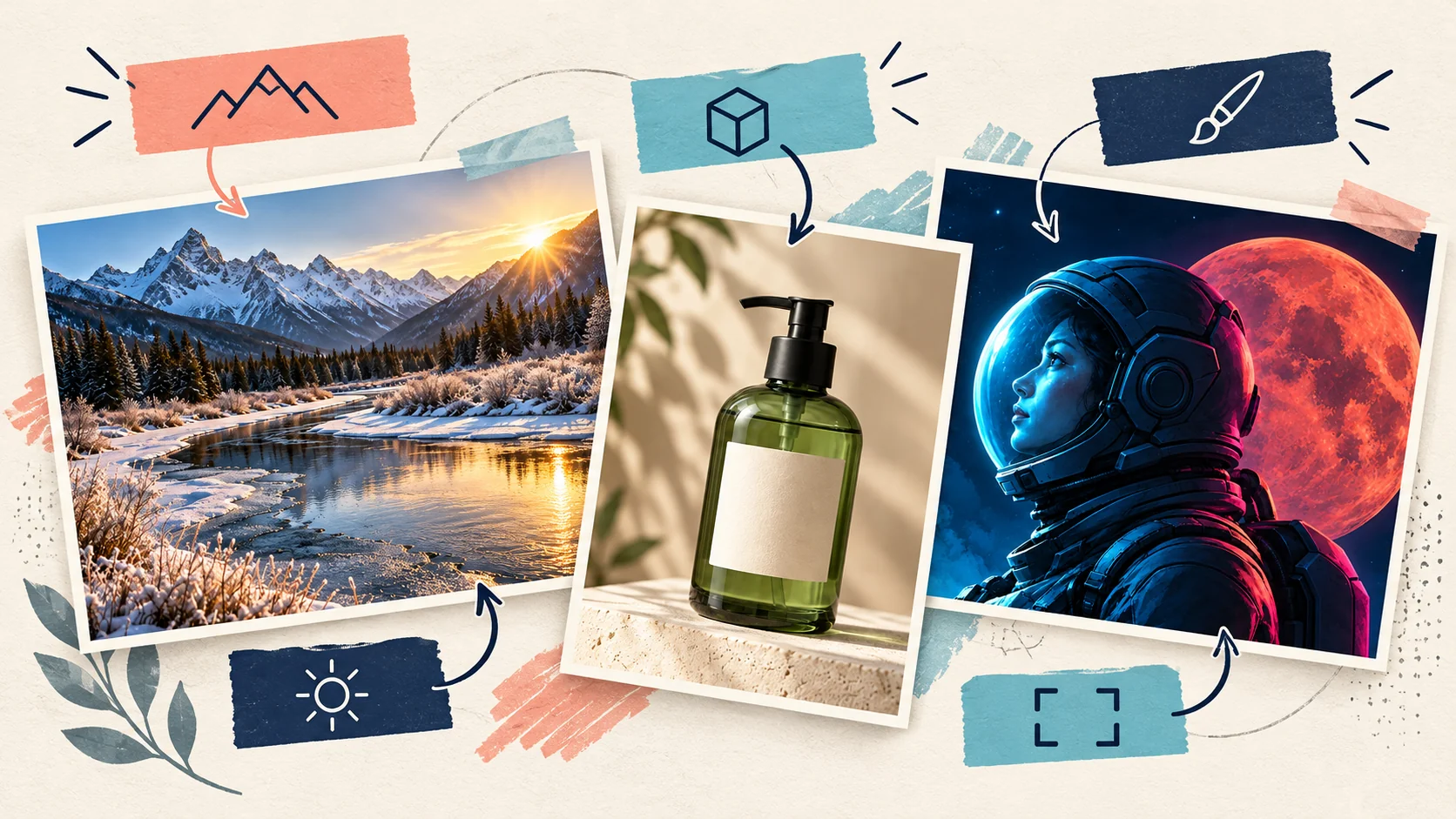
How to Turn an Image into a Prompt: 3 Editable Examples
Turn a reference image into an editable AI prompt with three examples. Learn how to change lighting, setting, or subject and fix unclear descriptions.
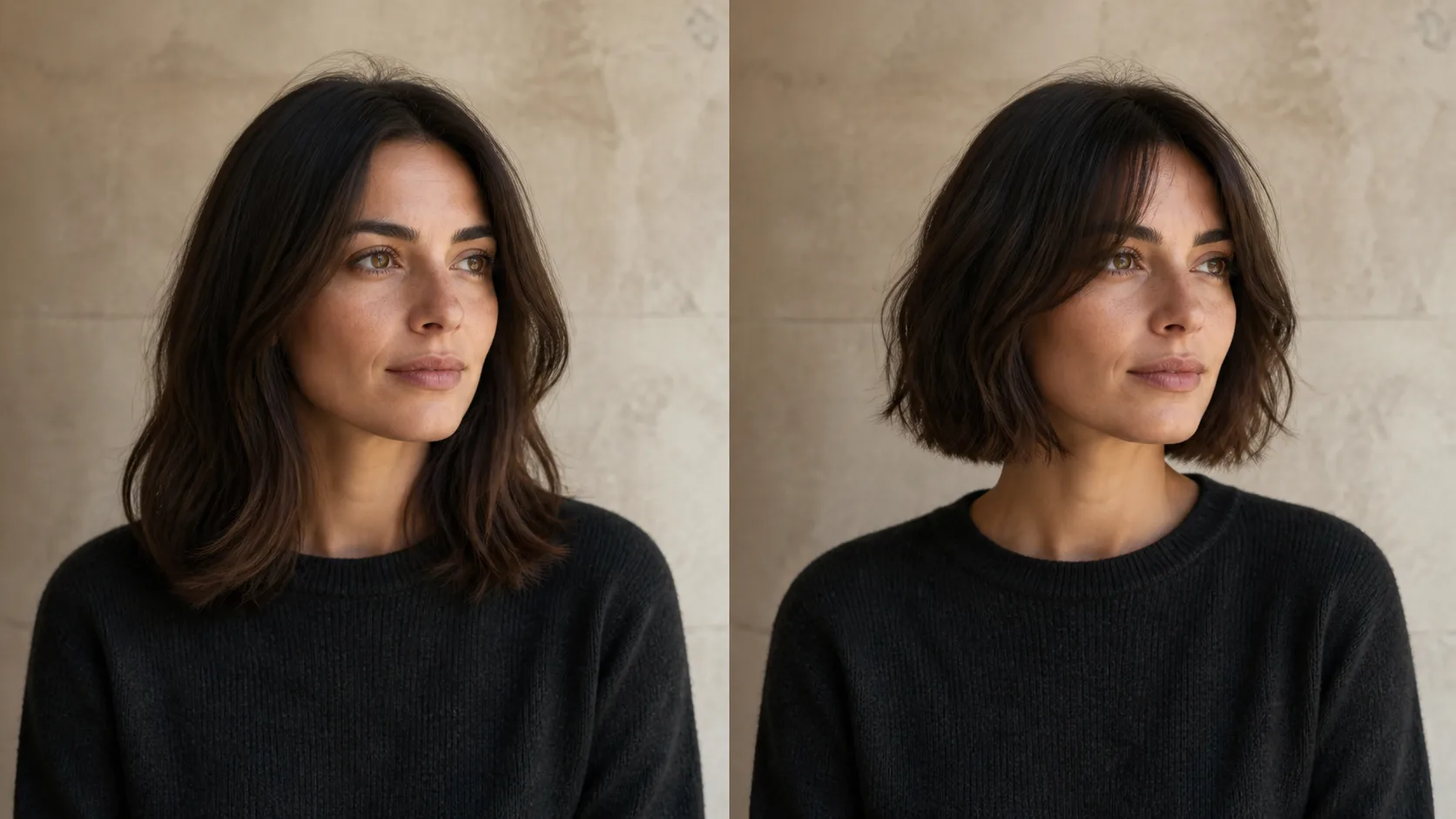
How to Preview a Haircut With AI Before You Commit
Learn how to preview a haircut with AI using better photos, precise prompts, reference images, and a realism check before visiting the salon.