
Photo Restoration: The Best AI Tools in 2026
Discover the best AI photo restoration tools in 2026 to restore old photos, fix damaged images, and bring memories back to life. Try these powerful solutions today.
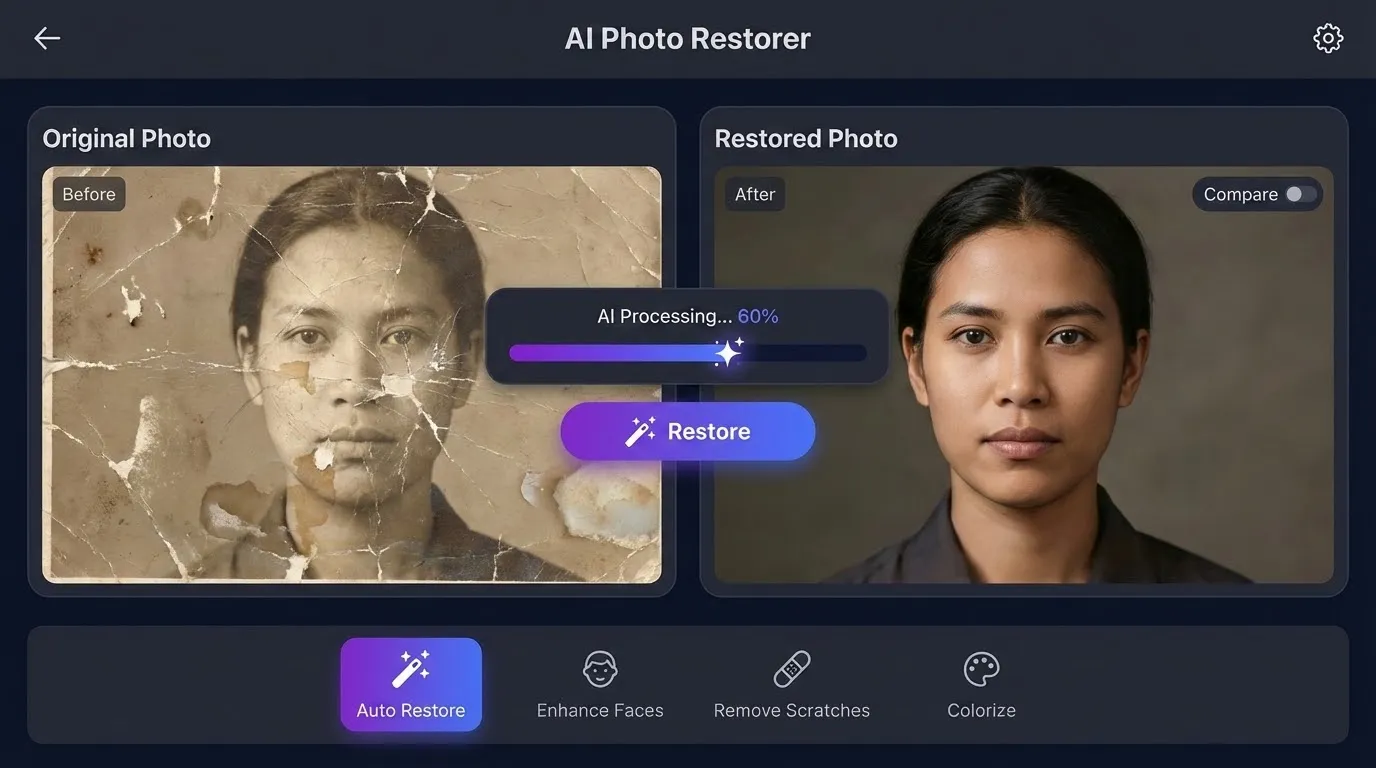
Old photographs hold irreplaceable memories, but time takes its toll. Faded colors, scratches, tears, and water damage can make cherished images nearly unrecognizable. Fortunately, AI photo restoration has transformed how we recover these precious moments. Modern tools can now repair decades of damage in seconds, bringing forgotten faces and places back to vivid life.
Whether you have a box of vintage family photos or a single damaged portrait, AI-powered restoration makes professional-quality repairs accessible to everyone. This guide covers the best AI photo restoration tools 2026 has to offer, from free options to premium solutions.
How AI Photo Restoration Works
Before diving into specific tools, understanding the technology helps you choose the right solution. AI photo restoration uses deep learning models trained on millions of images to recognize and repair damage patterns.
The restoration process typically involves:
- Damage detection: The AI identifies scratches, tears, fading, and other imperfections
- Content reconstruction: Neural networks fill in missing areas based on surrounding context
- Color correction: Algorithms restore original colors or add realistic colorization to black-and-white photos
- Enhancement: Sharpening, noise reduction, and upscaling improve overall quality
Modern tools combine multiple AI models working together. One model might handle scratch removal while another focuses on face enhancement, producing results that would take human editors hours to achieve manually.
Best AI Photo Restoration Tools in 2026
Remini
Remini remains one of the most popular choices to restore old photos with AI. Originally focused on face enhancement, it now offers comprehensive restoration features.
Key features:
- One-tap restoration for quick fixes
- Advanced face enhancement that preserves natural features
- Batch processing for multiple photos
- Available on mobile and web
Beginner Tip: Start with the automatic mode before trying manual adjustments. Remini's AI handles most damage types effectively without intervention.
Pricing: Free tier with limited daily uses; Premium starts at $9.99/month
Adobe Photoshop (Neural Filters)
Adobe's Neural Filters bring AI restoration directly into the professional editing workflow. The Photo Restoration filter launched in late 2025 represents Adobe's most powerful restoration tool yet.
Key features:
- Seamless integration with Photoshop's manual tools
- Adjustable restoration intensity
- Scratch and artifact removal
- Face-aware processing
Advanced Tip: Combine Neural Filters with Photoshop's traditional healing tools for challenging restorations. Use the AI for initial cleanup, then refine specific areas manually.
Pricing: Included with Creative Cloud Photography plan ($9.99/month)
MyHeritage Photo Enhancer
MyHeritage specializes in genealogy, making their photo restoration tools particularly effective for historical family photos. Their AI understands the unique characteristics of vintage photography.
Key features:
- Optimized for historical photos from different eras
- Deep Nostalgia animation feature
- In Color colorization technology
- Integration with family tree features
Pricing: Free basic restoration; Full features require MyHeritage subscription
Fotor AI Photo Restoration
Fotor offers a free AI photo restoration option that delivers impressive results without requiring downloads or subscriptions.
Key features:
- Browser-based processing
- No account required for basic use
- Automatic damage detection
- One-click enhancement
Beginner Tip: Fotor works best for moderately damaged photos. Severe damage may require more specialized tools.
Pricing: Free basic features; Pro version at $8.99/month
Topaz Photo AI
For users who need maximum control and quality, Topaz Photo AI provides professional-grade restoration with extensive customization options.
Key features:
- Desktop application with GPU acceleration
- Separate modules for different restoration tasks
- Exceptional upscaling capabilities
- Batch processing with presets
Advanced Tip: Create custom presets for different photo types. A preset optimized for 1950s color snapshots will differ from one designed for 1920s black-and-white portraits.
Pricing: One-time purchase at $199 (includes one year of updates)
How to Restore Damaged Photos with AI: Step-by-Step
Ready to restore damaged photos AI can help repair? Follow this workflow for optimal results:
Step 1: Digitize your photos properly
- Use a flatbed scanner at 600 DPI minimum for prints
- Clean the scanner glass and photo surface gently
- Scan in color even for black-and-white photos (captures more data)
Step 2: Choose the right tool
- Light damage: Free tools like Fotor or Remini's basic mode
- Moderate damage: Remini Premium or MyHeritage
- Severe damage: Adobe Photoshop or Topaz Photo AI
Step 3: Apply AI restoration
- Upload your scanned image
- Let the AI analyze and process automatically
- Review the initial result before making adjustments
Step 4: Fine-tune if needed
- Adjust restoration intensity if faces look unnatural
- Apply additional sharpening for soft images
- Consider colorization for black-and-white photos
Step 5: Export and preserve
- Save in high-quality formats (TIFF or PNG)
- Keep both original scans and restored versions
- Back up to cloud storage for safety
Free AI Photo Restoration Options
Budget constraints shouldn't prevent you from preserving memories. Several tools offer legitimate free AI photo restoration capabilities:
Completely free options:
- Fotor: Basic restoration with no sign-up required
- Remini: Limited daily free restorations
- ImageColorizer: Free colorization and basic restoration
Free tiers with limitations:
- MyHeritage: Free enhancement with watermarks
- Cutout.pro: Free restoration with reduced resolution
Beginner Tip: Try multiple free tools on the same image. Different AI models produce varying results, and one may handle your specific damage type better than others.
Choosing the Right Tool for Your Photos
Different damage types require different approaches. Here's a quick reference:
| Damage Type | Best Tool Choice |
|---|---|
| Faded colors | Remini, MyHeritage |
| Scratches and tears | Adobe Photoshop, Topaz |
| Missing sections | Adobe Photoshop |
| Blurry faces | Remini, Topaz |
| Old black-and-white | MyHeritage In Color |
| Severe damage | Topaz Photo AI + manual editing |
Advanced Tip: For severely damaged photos, consider using multiple tools in sequence. Start with scratch removal in one application, then enhance faces in another.
Tips for Best AI Photo Restoration Results
Maximize your restoration quality with these proven techniques:
Scanning best practices:
- Higher resolution captures more recoverable detail
- Avoid auto-correction features on your scanner
- Scan creased photos flat, not folded
Working with the AI:
- Process the highest quality source available
- Don't over-process—stop when the image looks natural
- Preserve some grain for authentic vintage appearance
Preserving memories long-term:
- Store digital files in multiple locations
- Print restored photos on archival paper
- Document photo metadata (dates, people, locations)
Limitations to Consider
While AI restoration delivers remarkable results, understanding its limitations helps set realistic expectations:
- Severe damage: Missing large portions of an image requires manual intervention
- Historical accuracy: AI may add details that weren't in the original
- Face consistency: Family resemblance can be altered by aggressive enhancement
- Processing time: Complex restorations require more powerful hardware
For photos with significant historical or sentimental value, consider professional restoration services that combine AI tools with human expertise.
Get Started with AI Photo Restoration
Now that you understand the best AI photo restoration tools 2026 offers, it's time to bring your old photos back to life. Start with a free tool like Fotor or Remini to test the technology on a few images. Once you see the results, you'll understand why millions of people are using AI to preserve their precious memories.
Gather those boxes of old photographs, damaged prints, and faded albums. With today's AI technology, restoring old photos with AI takes minutes instead of hours—and the results can be truly remarkable.
Try it
Run your own prompt in the generator
Pick a model, run one prompt, and compare the results side by side. New accounts start with free credits.
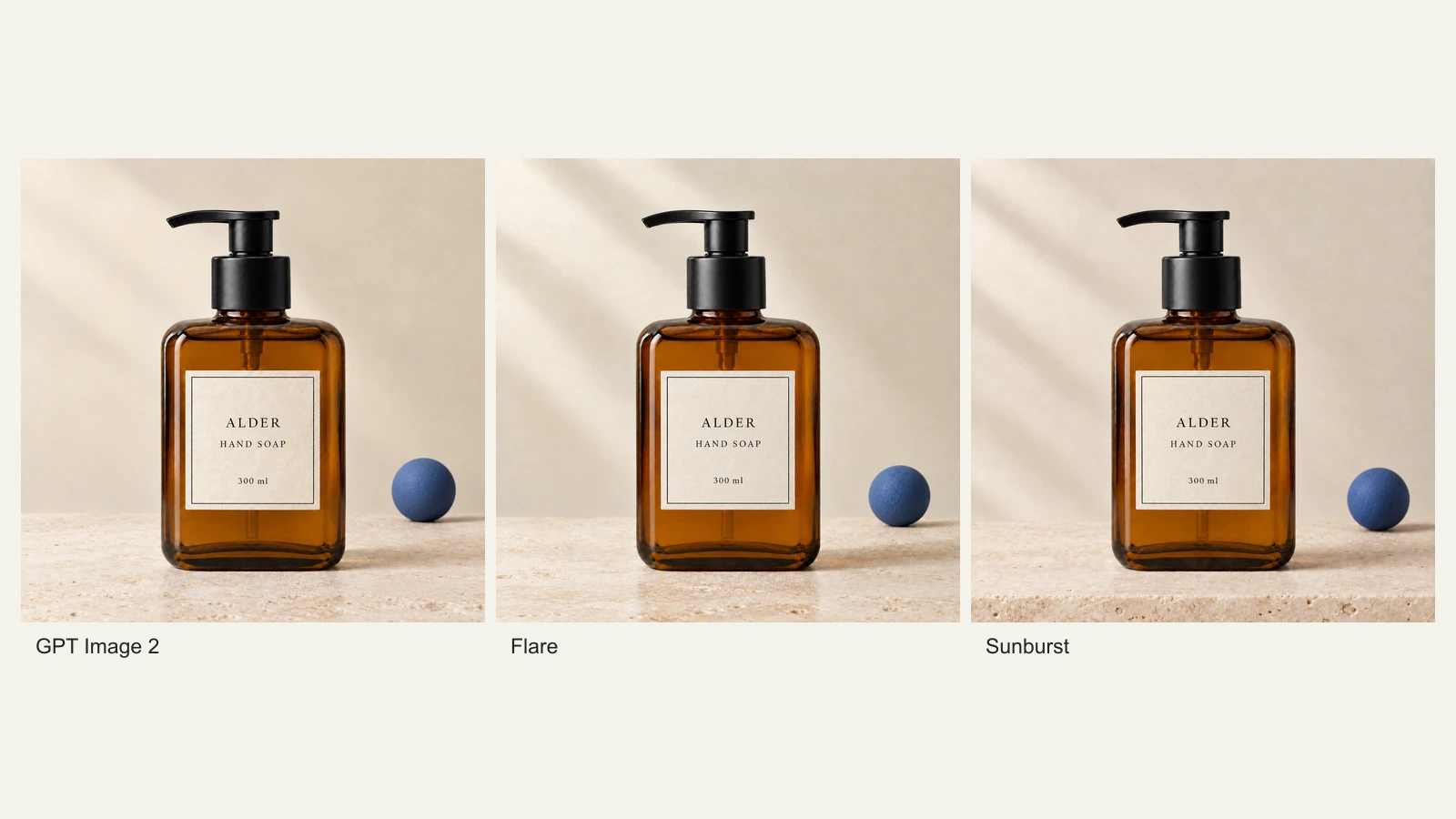
GPT Image 2.5 Flare vs Sunburst: Product Photo Edits Tested
We compare Flare, Sunburst and GPT Image 2 across 18 product-photo edits: label fidelity, material changes, editing speed and current site credits.
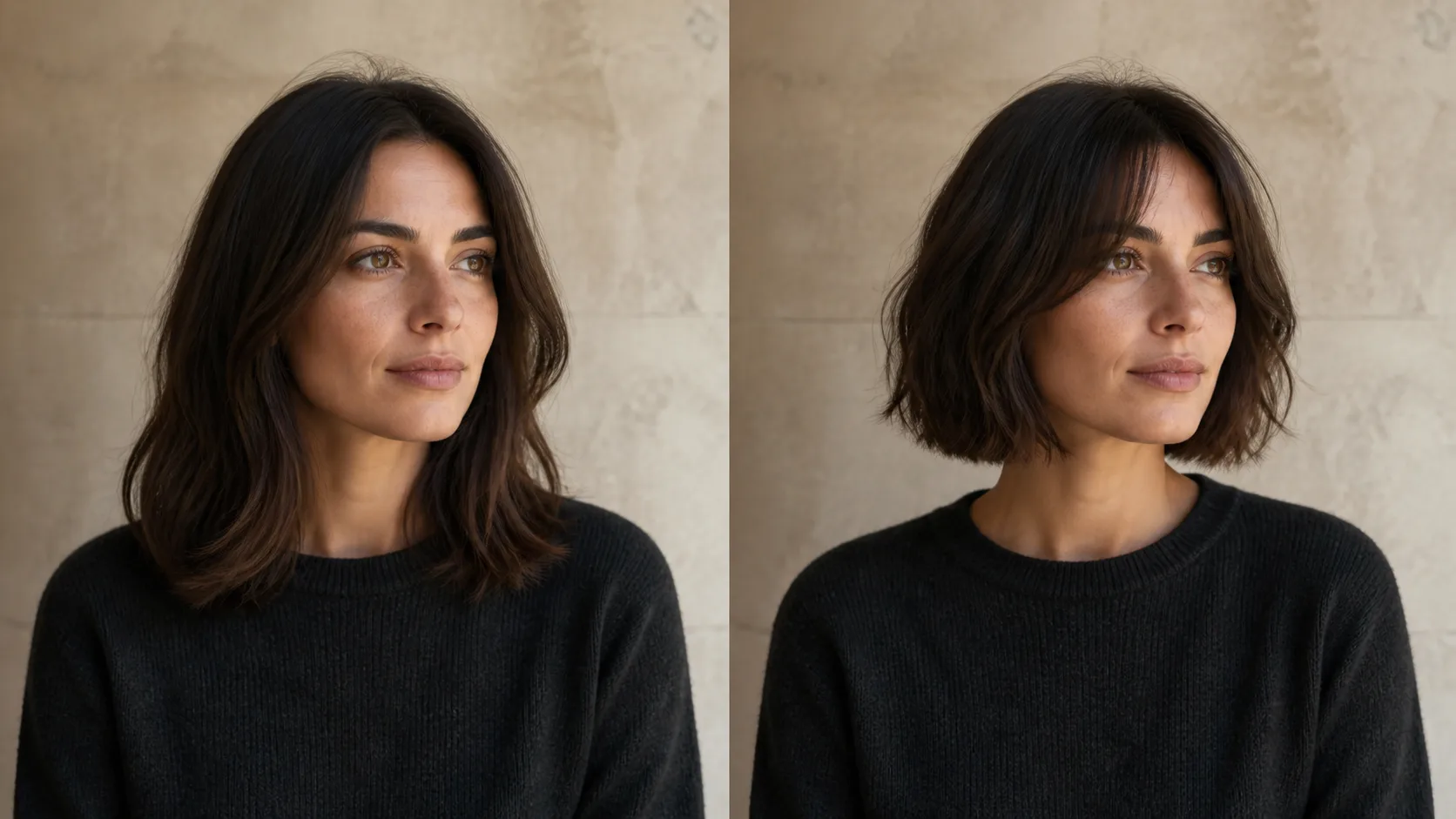
How to Preview a Haircut With AI Before You Commit
Learn how to preview a haircut with AI using better photos, precise prompts, reference images, and a realism check before visiting the salon.