
Photo Restoration
Results
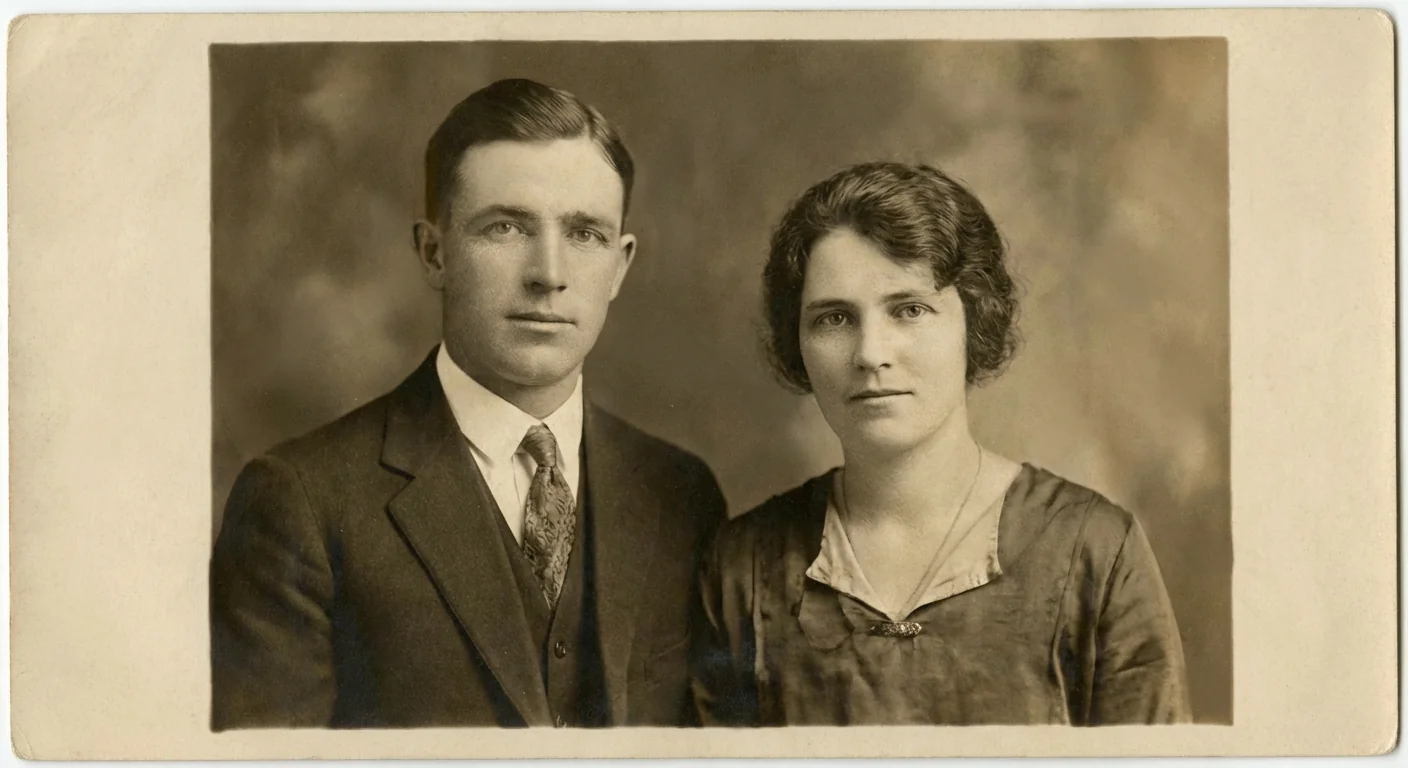
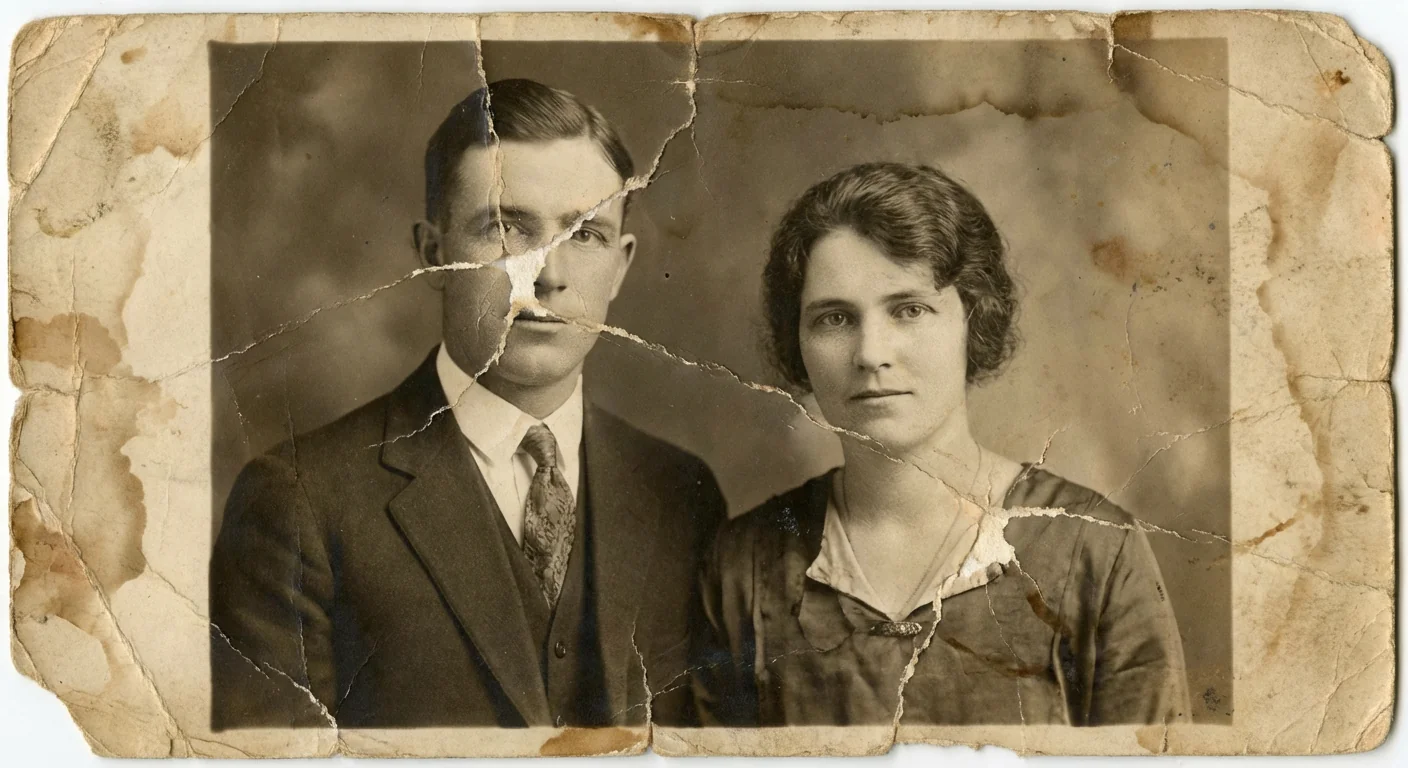
Automatically restore old photos with general enhancement.
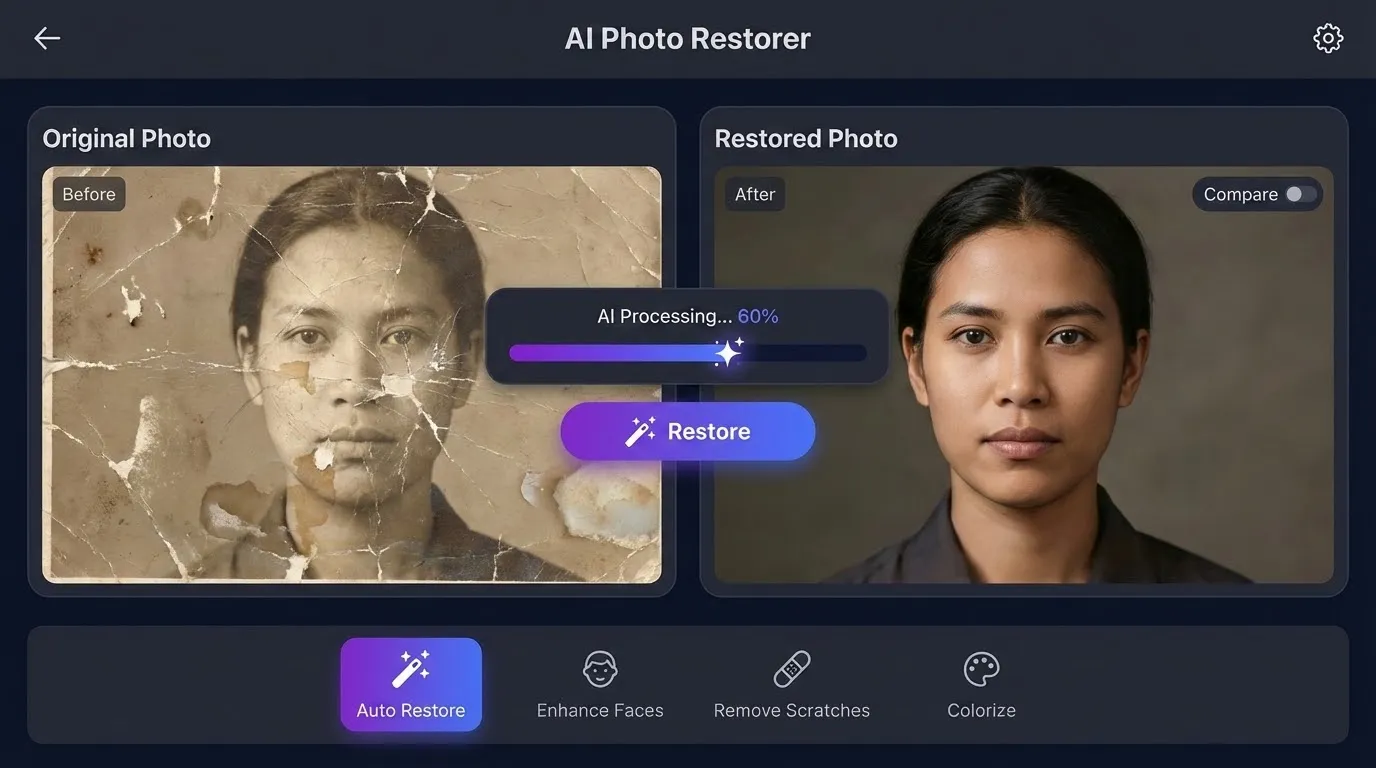
Upload an old or damaged photo and click "Restore" for photo restoration: repair damage, enhance details, and optionally colorize your image with AI.
Photo Restoration: Restore Old, Damaged, and Faded Photos Online
Why Choose Our Photo Restoration?
Repair scratches, recover details, reduce noise, and revive color with Photo Restoration—ideal for family albums, vintage portraits, and archives.

- Automatically remove dust, scratches, creases, and stains while preserving key details in faces, clothing, and backgrounds—perfect for old prints and scans.
- Recover contrast, texture, and subtle tones in yellowed or faded photos while keeping a natural, authentic look.
- Enhance eyes, skin texture, and lighting without changing identity—ideal for family photo restoration and vintage portraits.
- Add realistic color to monochrome images with AI colorization tuned for skin tones, clothing, and natural scenes.
- Upscale low-resolution scans, reduce noise, and sharpen edges to produce clean, reprint-ready images for digital sharing.
- Upload, restore, and download in seconds. Secure processing scales from single keepsakes to large archival collections.
AI Photo Restoration: Real-World Examples
Showcases
Explore how our AI photo restoration revives family portraits, historical images, and damaged prints—repairing flaws, enhancing detail, and restoring color for long-term preservation.
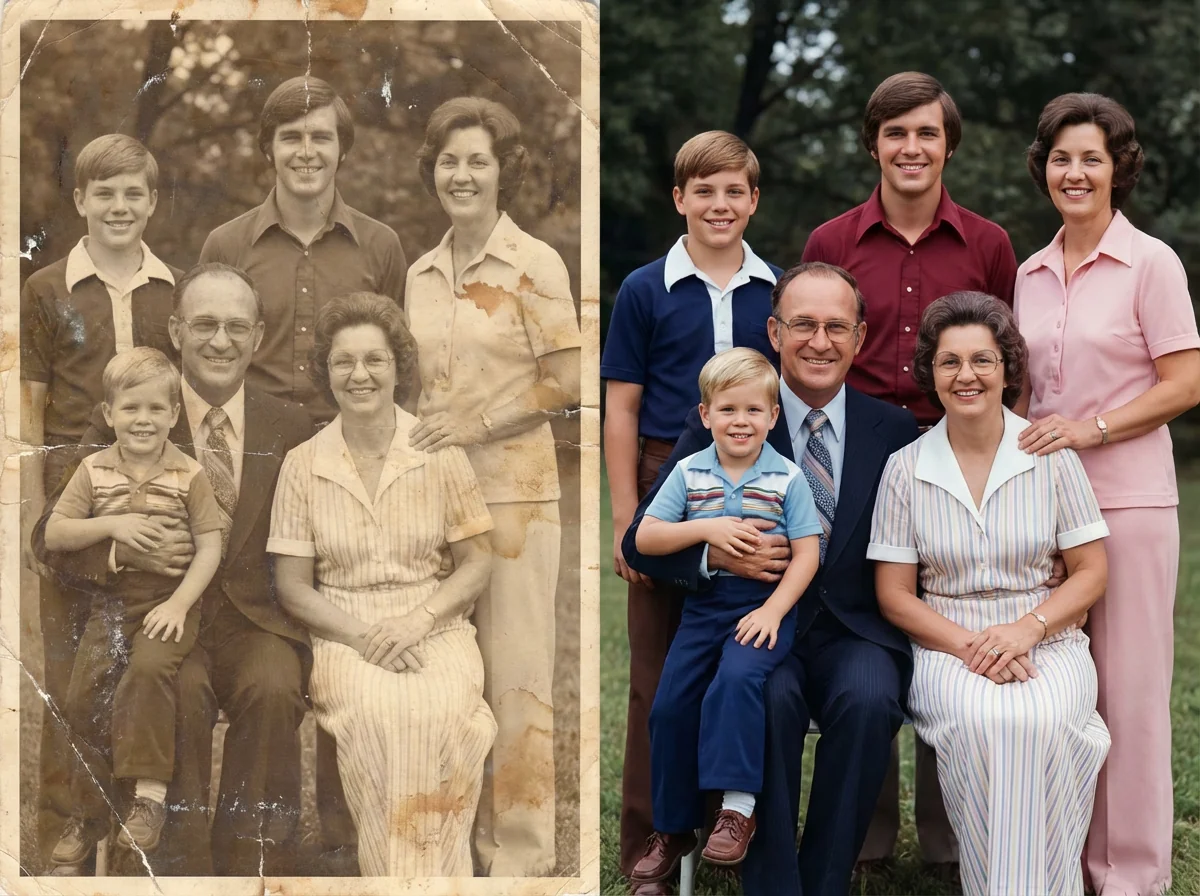
Family Portraits — Repair and Enhance Memories
Remove dust, scratches, and fading from treasured family photos while keeping faces and expressions natural. Ideal for reprints and framed displays.
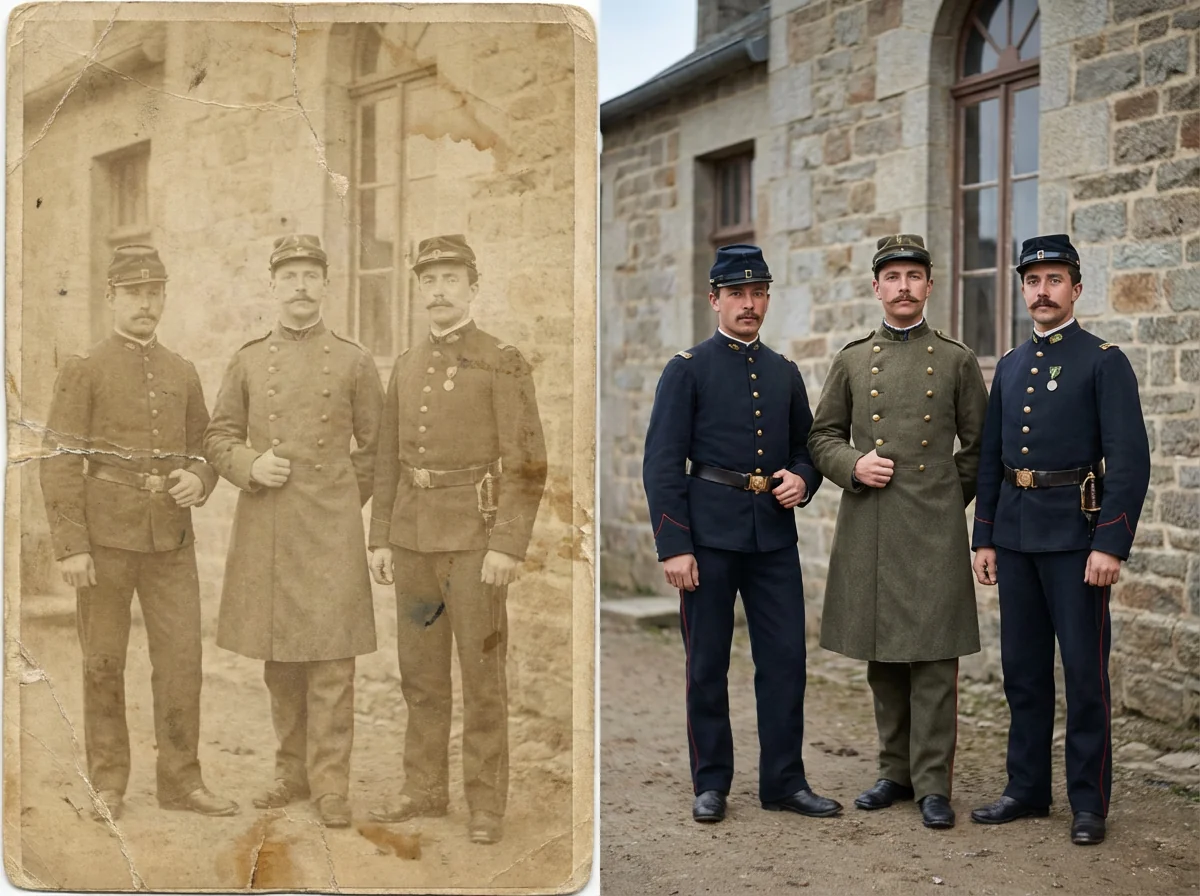
Historical Photos — Preserve Important Details
Enhance contrast, reduce noise, and restore missing details in vintage or archival images for research, exhibitions, or digital archives.
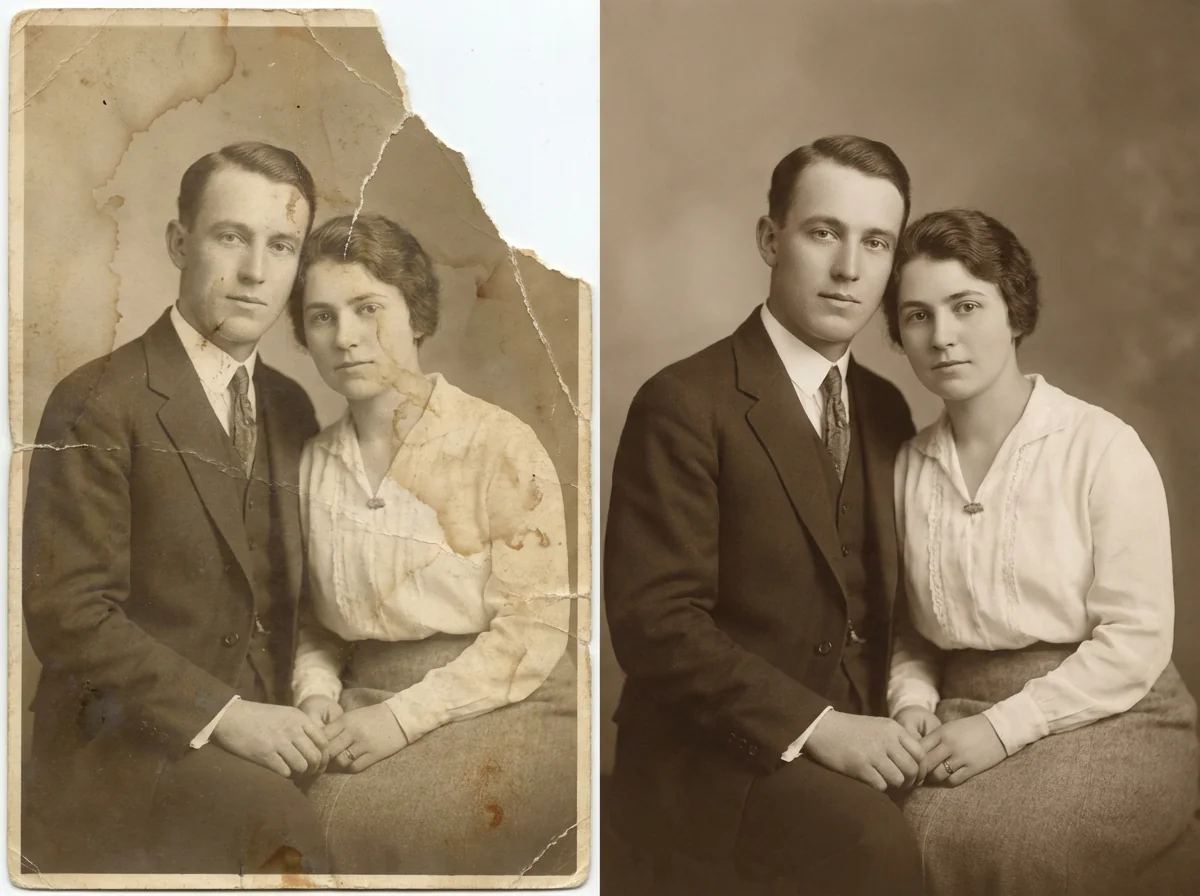
Damaged Prints — Fix Tears and Stains
Recover photos affected by physical damage such as folds, stains, and small missing areas while keeping overall composition intact.
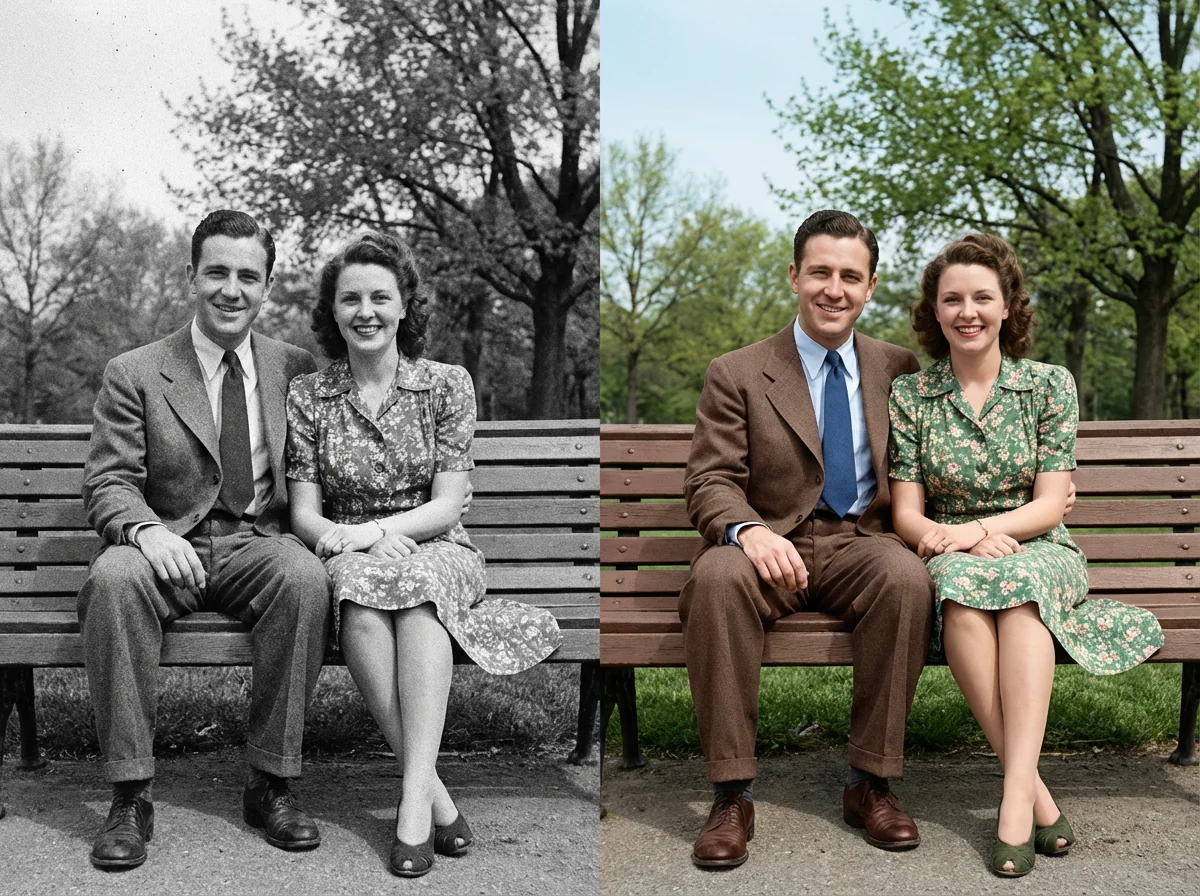
Black & White to Color — Modernize Classics
Turn black-and-white images into naturally colored photos while keeping lighting and mood consistent. Great for sharing historical or family stories online.
More AI Image Generators for Every Creative Idea
Unleash Creativity With Createimg.ai AI Image Generators
Explore a variety of AI image generators tailored to different creative needs. Whether you want to design shirts, make fun emojis, or create unique posters, these tools make it easy to bring every idea to life.
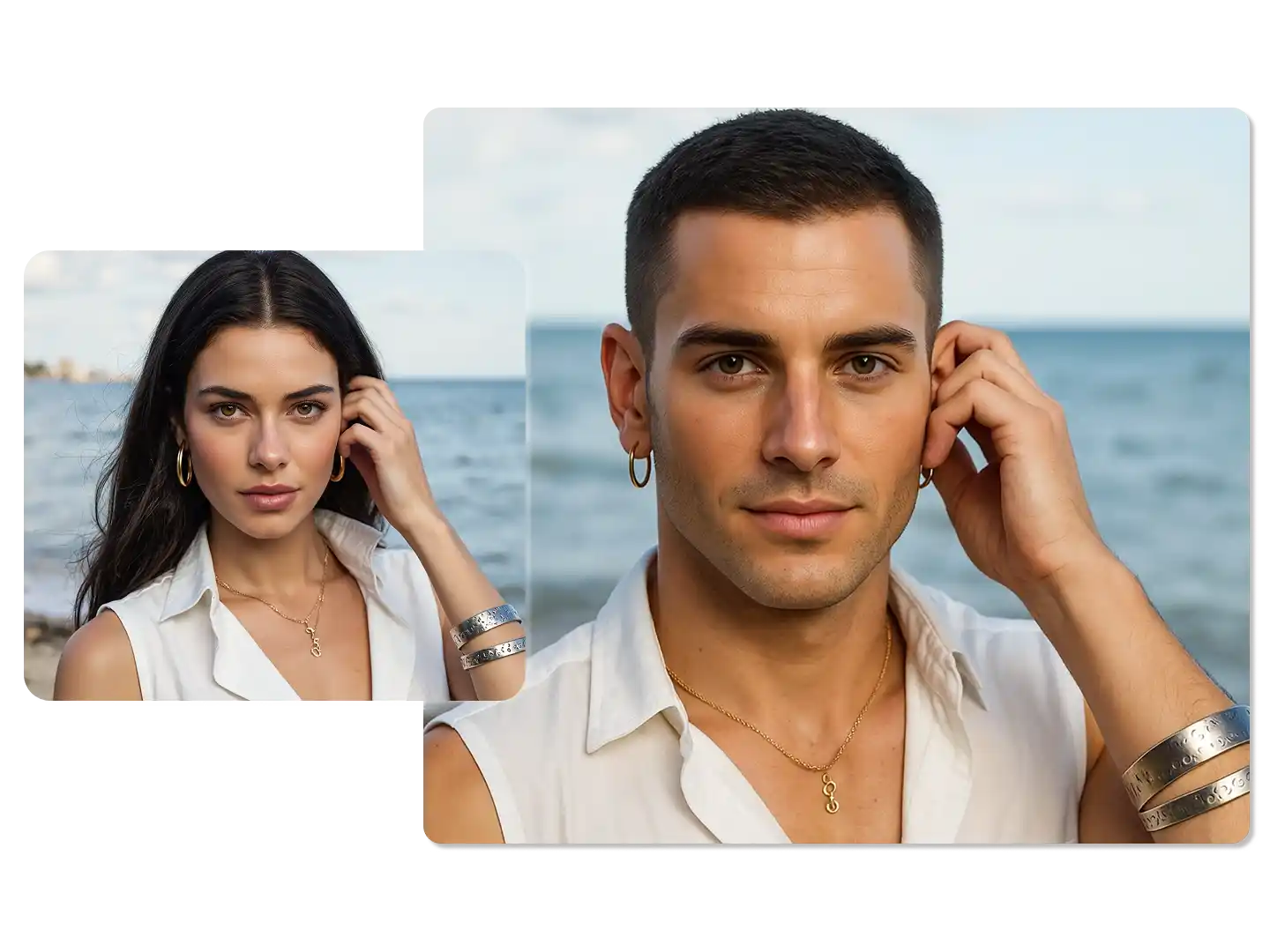
AI Gender Swap
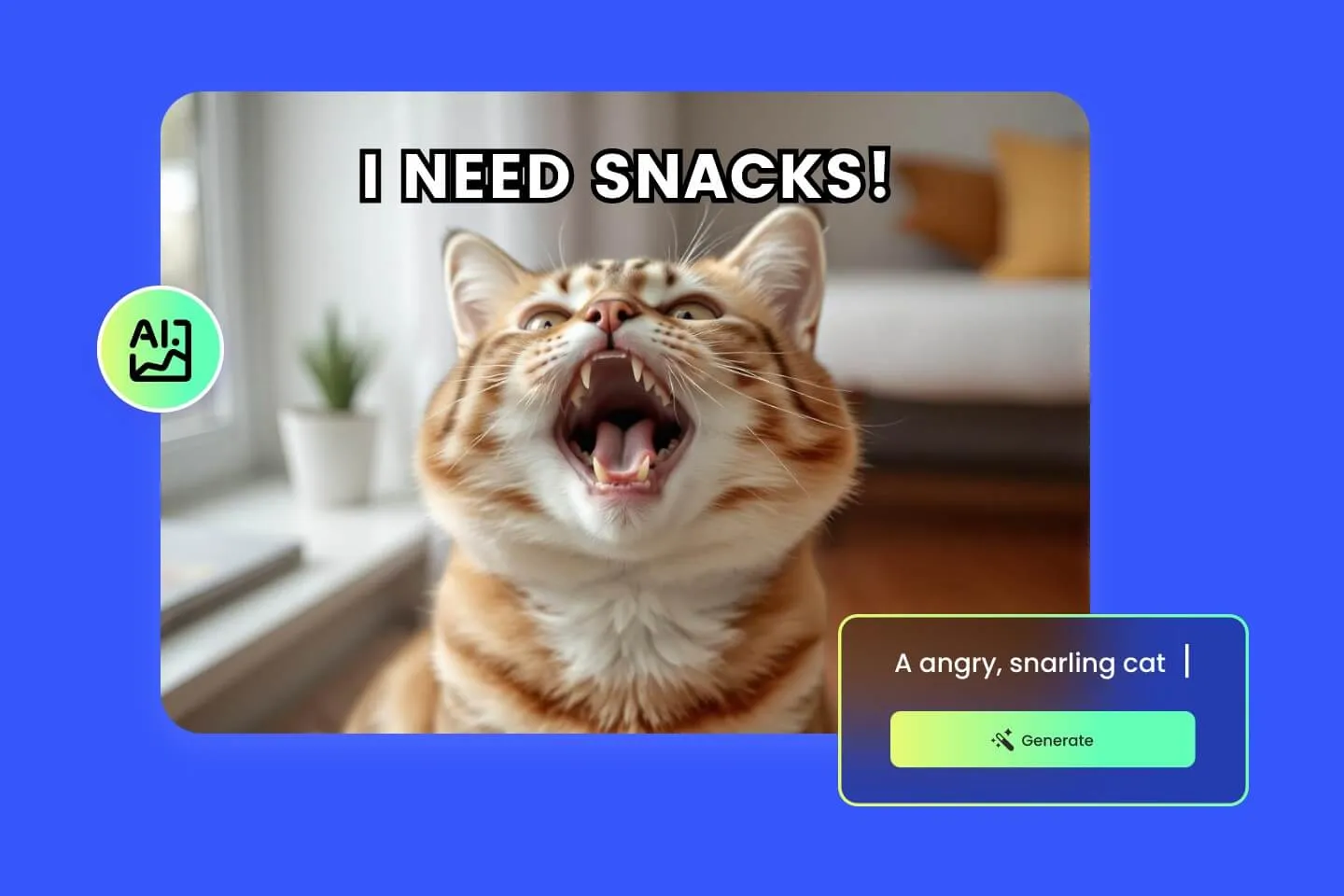
AI Meme Generator
AI Ad Generator
Wedding AI Photo Generator
AI Food Generator
Text To Image
Image To Image

AI Thumbnail Generator
AI Sticker Generator
AI Age Progression
Explore Cutting-Edge AI Models
AI Models — Powerful Image & Video Generation Tools
Explore advanced AI models for high-quality image and video creation. Discover powerful generation and editing technologies that enhance your creative workflow and bring your visual ideas to life with ease.










AI Photo Restoration: How to Use (Step-by-Step)
How To Use
Follow these quick steps to restore old, faded, or damaged photos with our AI photo restoration. Get clean, high-resolution results ready for printing, archiving, or sharing with family.
Upload Your Photo
Scan your print or upload a digital file. Our photo restoration tool supports common formats and keeps your original resolution and aspect ratio.
Choose Restoration Mode
Select a photo restoration mode that fits your photo: General, Damaged, Color, Black & White, Portrait, or Landscape restoration.
Generate & Download
Click Generate to let AI repair damage, enhance details, and optionally colorize. Download the restored image instantly for print or digital use.
Photo Restoration FAQ: AI Photo Restoration Questions Answered
FAQs
Quick answers about AI Photo Restoration: damage repair, clarity, color, output quality, and privacy.
What is photo restoration?
Photo restoration digitally repairs old or damaged photos by reducing defects, recovering detail, and improving overall appearance while keeping the image natural.
How does AI Photo Restoration work?
AI analyzes the photo to detect damage and low-quality areas, then reconstructs missing or degraded details and enhances clarity and tone.
What types of damage can it fix?
It can reduce scratches, dust, creases, stains, noise, fading, and mild blur. Results depend on the original photo quality and damage severity.
Can it restore color in faded photos?
Yes. AI can rebalance tones, contrast, and exposure to help revive faded colors while keeping the photo’s look realistic.
Can it colorize black-and-white photos?
Yes. Use Black & White mode to add natural-looking color, especially for skin tones, clothing, and outdoor scenes.
Does it improve resolution and sharpness?
It can upscale low-resolution scans and enhance sharpness while controlling noise, so details look cleaner without harsh artifacts.
Is it good for portraits and faces?
Yes. Face-focused restoration helps recover facial detail and lighting while preserving identity and a natural texture.
Which file formats can I upload and download?
Upload common formats like JPG and PNG. Export restored results in standard formats for sharing, archiving, or printing.
How long does photo restoration take?
Most photos process in seconds. Time varies by resolution and the amount of damage in the image.
Is my photo private and secure?
Your upload is processed securely. See our Privacy Policy for details on data handling, retention, and deletion.
Photo Restoration Guide & Tutorial
Read the Professional Photo Restoration User Guide
Powered By


Restore Old Photos in Seconds
Bring memories back to life with our AI photo restoration. Upload a scanned or digital photo and download a repaired, enhanced version—fewer scratches, richer details, and revived colors for print, framing, or sharing.