GPT Image 2 vs Nano Banana Pro and Nano Banana 2
Compare GPT Image 2, Nano Banana Pro, and Nano Banana 2 for text, realism, edits, speed, references, and creative workflows.

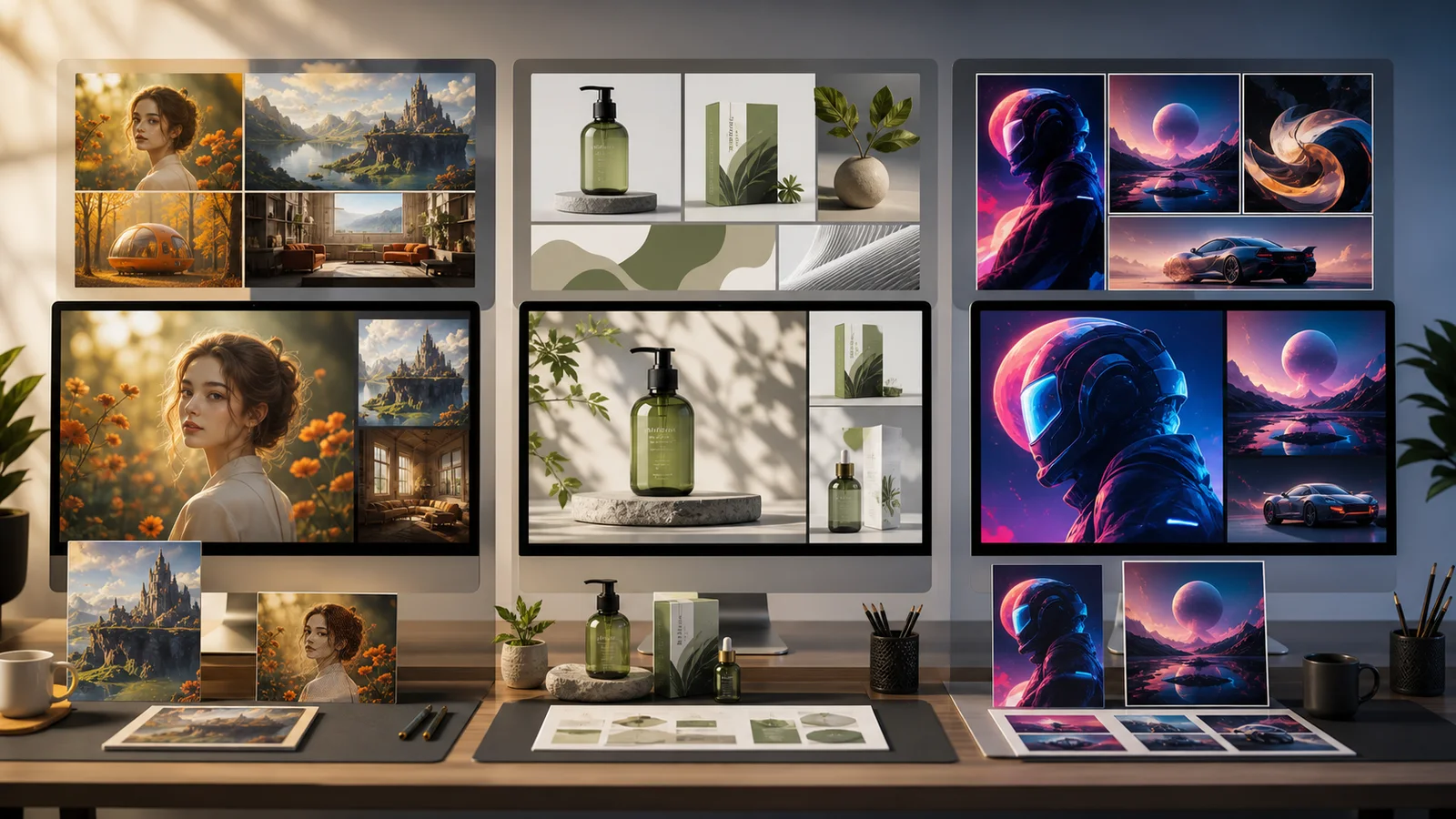
People searching for GPT Image 2 vs Nano Banana usually want a direct answer: which AI image model should I use for serious creative work? The honest answer is that GPT Image 2, Nano Banana Pro, and Nano Banana 2 are all strong, but they are not interchangeable.
GPT Image 2 is best understood as OpenAI's high-quality image generation and editing model, especially attractive when you want polished visual output, flexible sizes, and strong prompt following. Nano Banana Pro, also known as Gemini 3 Pro Image, is built for reasoning-heavy image generation: complex graphics, product mockups, diagrams, text-heavy layouts, and real-world grounding. Nano Banana 2, also known as Gemini 3.1 Flash Image, is the faster all-around option in the Nano Banana family, built for strong quality, fast iteration, and broad creative workflows.
If you want to test these styles in a practical workflow, start with Text to Image AI, then move your best draft into Image to Image AI when you need edits, variations, or reference-based refinement.
Quick Verdict
Choose GPT Image 2 when you want a clean, high-quality OpenAI-style image workflow for text-to-image, image-to-image, and polished visual generation.
Choose Nano Banana Pro when the image needs more reasoning: readable text, visual explanations, diagrams, product concepts, brand layouts, multi-reference consistency, or grounded creative direction.
Choose Nano Banana 2 when you want the most balanced Google image model for everyday use: faster iteration, strong prompt following, broad aspect ratios, and reliable quality for social, product, and campaign assets.
The best model is not always the most "powerful" one. It is the model that fails the least for the job you are doing.
GPT Image 2 vs Nano Banana Series: Comparison Table
| Need | GPT Image 2 | Nano Banana Pro | Nano Banana 2 |
|---|---|---|---|
| Best for | Polished image generation and editing | Professional design, graphics, text, reasoning | Fast all-around generation and editing |
| Provider family | OpenAI | Google Gemini | Google Gemini |
| Model identity | GPT Image 2 | Gemini 3 Pro Image | Gemini 3.1 Flash Image |
| Text in images | Strong fit for typography-style outputs | Strong fit for text, diagrams, and layouts | Improved text rendering for everyday graphics |
| Real-world grounding | Depends on workflow | Strong fit with Google Search grounding | Strong fit with real-time and contextual use cases |
| Reference workflow | Good for image input and editing | Strong for multi-reference production | Strong for broader reference-heavy iteration |
| Best creative stage | Final-quality generation and edits | Design direction and complex visual planning | Exploration, fast drafts, and campaign variations |
| Createimg.ai fit | Available in 1K, 2K, and 4K via generation tools | Try on Nano Banana Pro | Try on Nano Banana 2 |
Where GPT Image 2 Stands Out
GPT Image 2 is a strong choice when you want a direct, polished image-generation workflow. It is especially appealing for creators who already like OpenAI's instruction-following style and want a model that can handle both generation and editing from text and image inputs.
Use GPT Image 2 when your prompt is visual but not overly technical:
- Product-style images
- Marketing visuals
- Editorial blog graphics
- Social media concepts
- Image edits with clear instructions
- Clean scene generation with controlled composition
A practical advantage is predictability. If your prompt says "a studio product shot with soft shadows, a white background, and a centered object," GPT Image 2 is a natural model to test early. It can produce polished outputs without requiring a long prompt.
The limitation is that highly structured visuals still need review. Any model can misread small labels, dense UI, complex charts, or factual diagrams. For serious business assets, always check text, numbers, and brand details manually.
Where Nano Banana Pro Wins
Nano Banana Pro is the better choice when the image is not just beautiful, but structured. Think of it as the model to reach for when the prompt includes reasoning, layout, references, or visual information design.
It is especially useful for:
- Posters with readable text
- Product mockups
- Infographics and diagrams
- Localized marketing layouts
- Multi-reference brand visuals
- Character or object consistency
- Complex edits where composition matters
Nano Banana Pro is also a strong fit when you need the image to reflect real-world context. For example, a prompt like "turn these notes into a clean educational diagram" or "create a localized campaign concept for this product category" benefits from stronger reasoning.
That does not mean every image should use Pro. If you are only brainstorming styles, Pro can be more model than you need. Save it for the outputs where precision matters.
Where Nano Banana 2 Wins
Nano Banana 2 is the most practical option for many creators because it balances quality, speed, and flexibility. It is the model to use when you need to explore ideas quickly without dropping too much quality.
Use Nano Banana 2 for:
- Fast campaign concepting
- Social media variations
- Product scene drafts
- Character and object experiments
- Wide and vertical layouts
- Reference-based creative edits
- Everyday image generation at 1K, 2K, or 4K
Nano Banana 2 is especially useful when you do not know exactly what you want yet. Generate a few directions, compare them, then push the strongest one into a more refined prompt or image-to-image workflow.
If Nano Banana Pro is the careful production designer, Nano Banana 2 is the fast creative partner that helps you find the right direction.
The Best Workflow: Do Not Pick One Model Too Early
A common mistake is asking, "Which model is best?" before testing the prompt. A better workflow is:
- Start broad with Nano Banana 2 for fast exploration.
- Move promising ideas into GPT Image 2 or Nano Banana Pro.
- Use Nano Banana Pro when text, reasoning, or layout becomes important.
- Use GPT Image 2 when you want a polished OpenAI-style final image.
- Use Image to Image AI once you have a reference worth preserving.
This matters because model comparison is prompt-specific. A model that wins for a product bottle may not win for an infographic. A model that handles typography well may not be the fastest choice for 20 social variations.
Prompt Examples for Testing
Use the same prompt across models before deciding.
Create a premium product photo of a matte black water bottle on a stone surface, soft studio lighting, subtle reflection, minimal ecommerce background, high-end brand campaign style.
For text rendering:
Design a clean poster for a coffee brand launch. Include one short headline, one product image area, warm morning lighting, modern typography, and a premium editorial layout.
For reasoning-heavy visuals:
Turn this product positioning into a simple infographic-style visual: three benefits, one central product, clean labels, soft brand colors, professional marketing presentation.
For reference-based editing:
Keep the same product shape and label structure, change the scene to a bright kitchen counter with morning light, preserve brand colors, make it feel natural and premium.
Which One Should You Use?
Use GPT Image 2 if you want polished, general-purpose image generation and editing with a strong OpenAI model.
Use Nano Banana Pro if your image depends on text, structure, real-world context, or multiple visual references.
Use Nano Banana 2 if you want a fast, balanced model for everyday image generation, social creative, product experiments, and high-volume iteration.
For most creators, the best answer is not one model forever. Use Nano Banana 2 to explore, Nano Banana Pro to structure, and GPT Image 2 to compare final polish. That gives you a stronger creative workflow than betting everything on a single model.
FAQ
Is GPT Image 2 the same as GPT Image 2.0?
People often search for "GPT Image 2.0," but the model is commonly referenced as GPT Image 2 or gpt-image-2 in developer contexts. In this comparison, GPT Image 2 and GPT Image 2.0 refer to the same search intent.
Is Nano Banana Pro better than Nano Banana 2?
Nano Banana Pro is better for complex, reasoning-heavy, professional visual work. Nano Banana 2 is better when you want faster iteration and a strong all-around image model.
Which model is best for text in images?
Nano Banana Pro is a strong choice for text-heavy visuals, diagrams, and structured layouts. GPT Image 2 is also worth testing for typography-style outputs, especially when the desired image is more editorial or product-focused.
Which model should I use for product images?
Start with Nano Banana 2 for fast product scene exploration. Use Nano Banana Pro when you need structured brand visuals, localized layouts, or multiple references. Compare GPT Image 2 when you want a polished product-style final image.
Can I compare these models on Createimg.ai?
Yes. Use Text to Image AI for prompt-based generation, Image to Image AI for edits and references, or go directly to Nano Banana Pro and Nano Banana 2 for model-specific workflows.
Try it
Run your own prompt in the generator
Pick a model, run one prompt, and compare the results side by side. New accounts start with free credits.
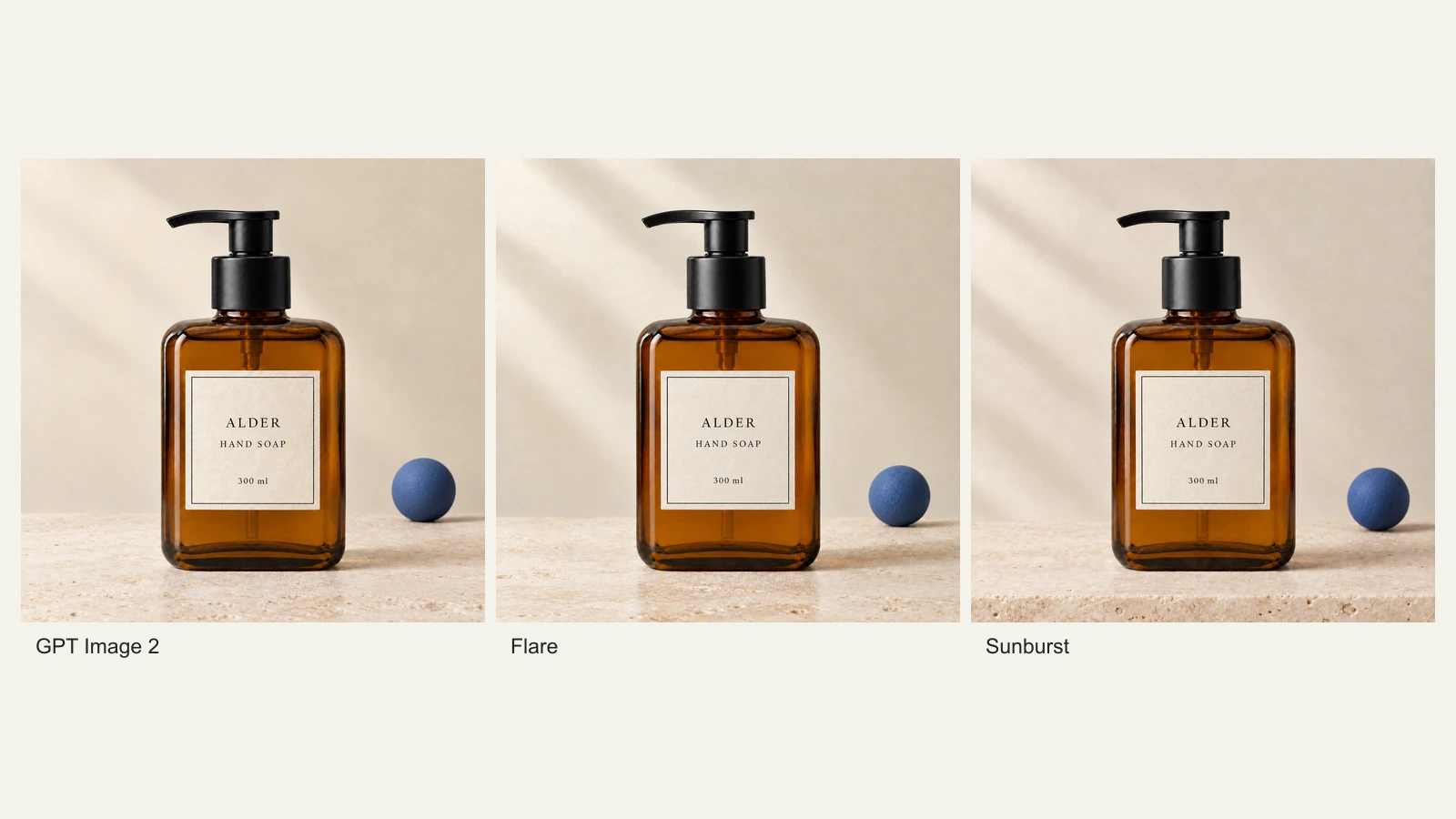
GPT Image 2.5 Flare vs Sunburst: Product Photo Edits Tested
We compare Flare, Sunburst and GPT Image 2 across 18 product-photo edits: label fidelity, material changes, editing speed and current site credits.
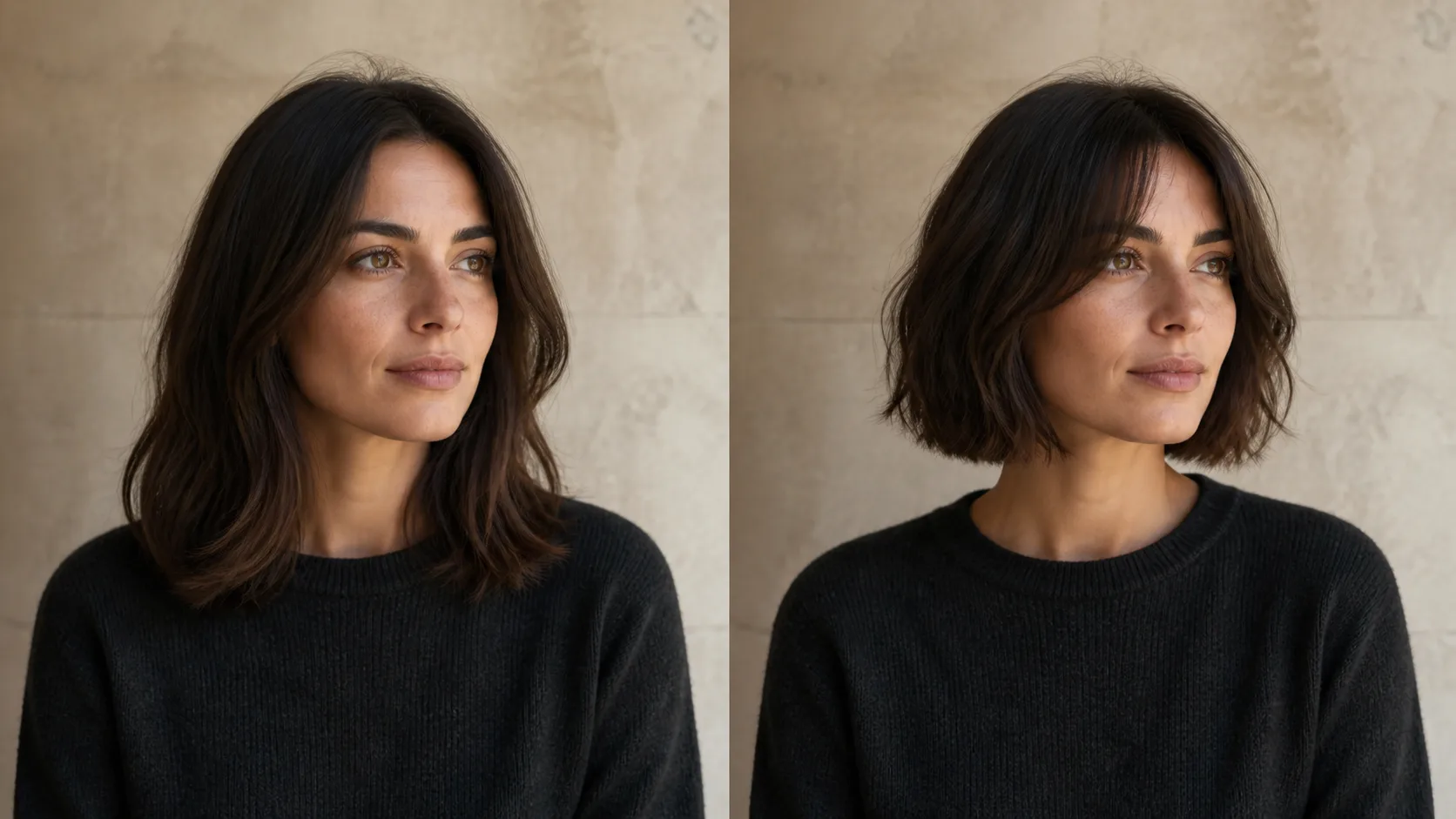
How to Preview a Haircut With AI Before You Commit
Learn how to preview a haircut with AI using better photos, precise prompts, reference images, and a realism check before visiting the salon.