
Flux 2 Pro AI Image Generator
Results
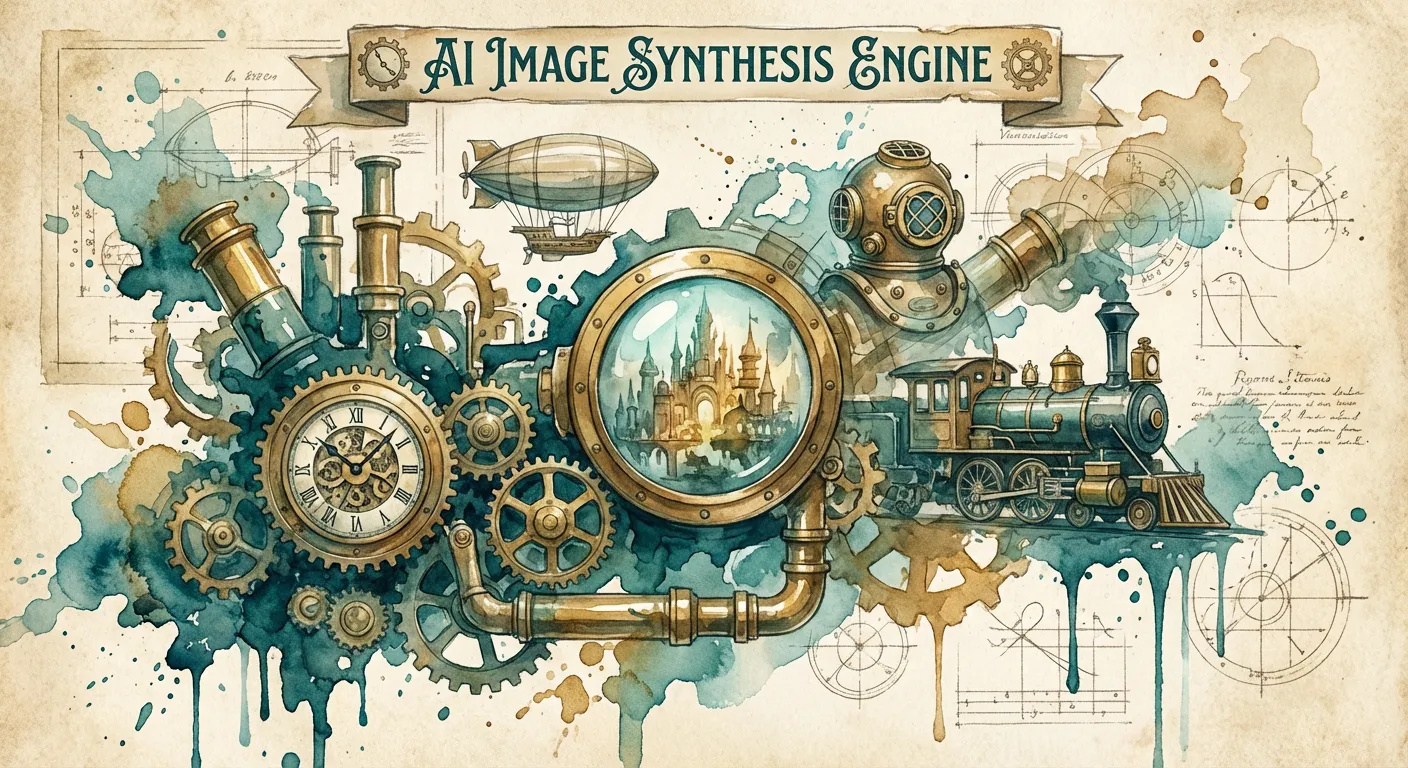
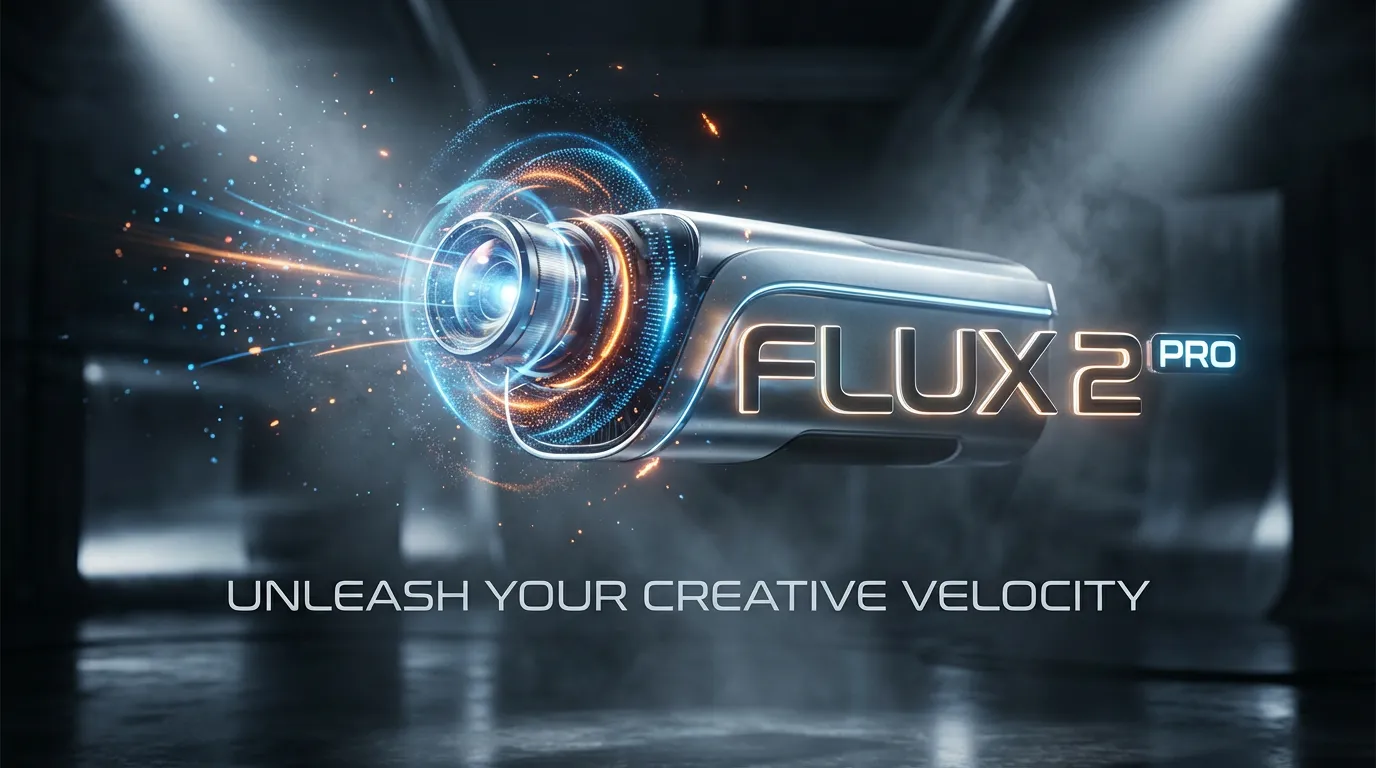
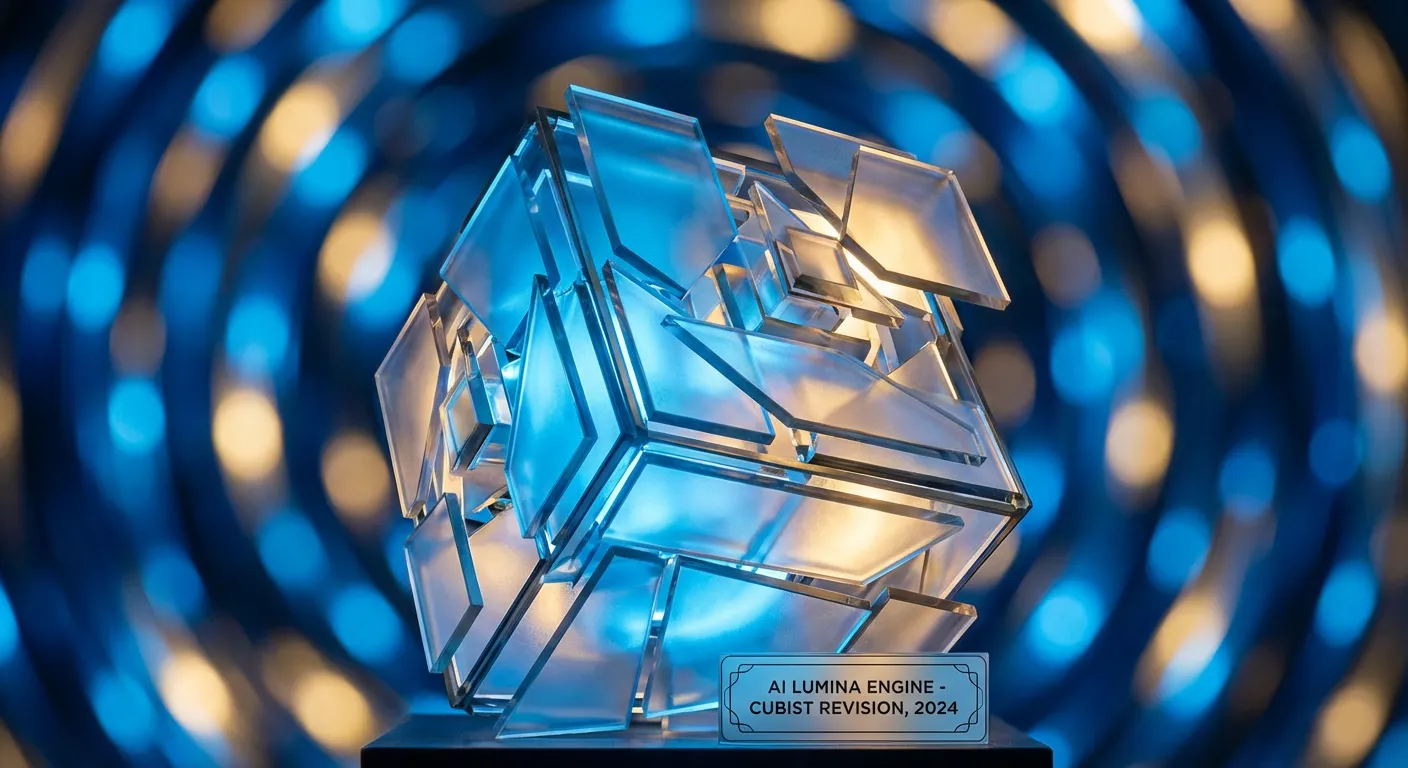
Create and edit images with Flux 2 Pro AI. Test in the free Flux playground.
Flux 2 Pro AI Features
Powerful Features of Flux 2 Pro AI
Flux 2 Pro AI delivers consistent, high‑fidelity generation and editing for production.
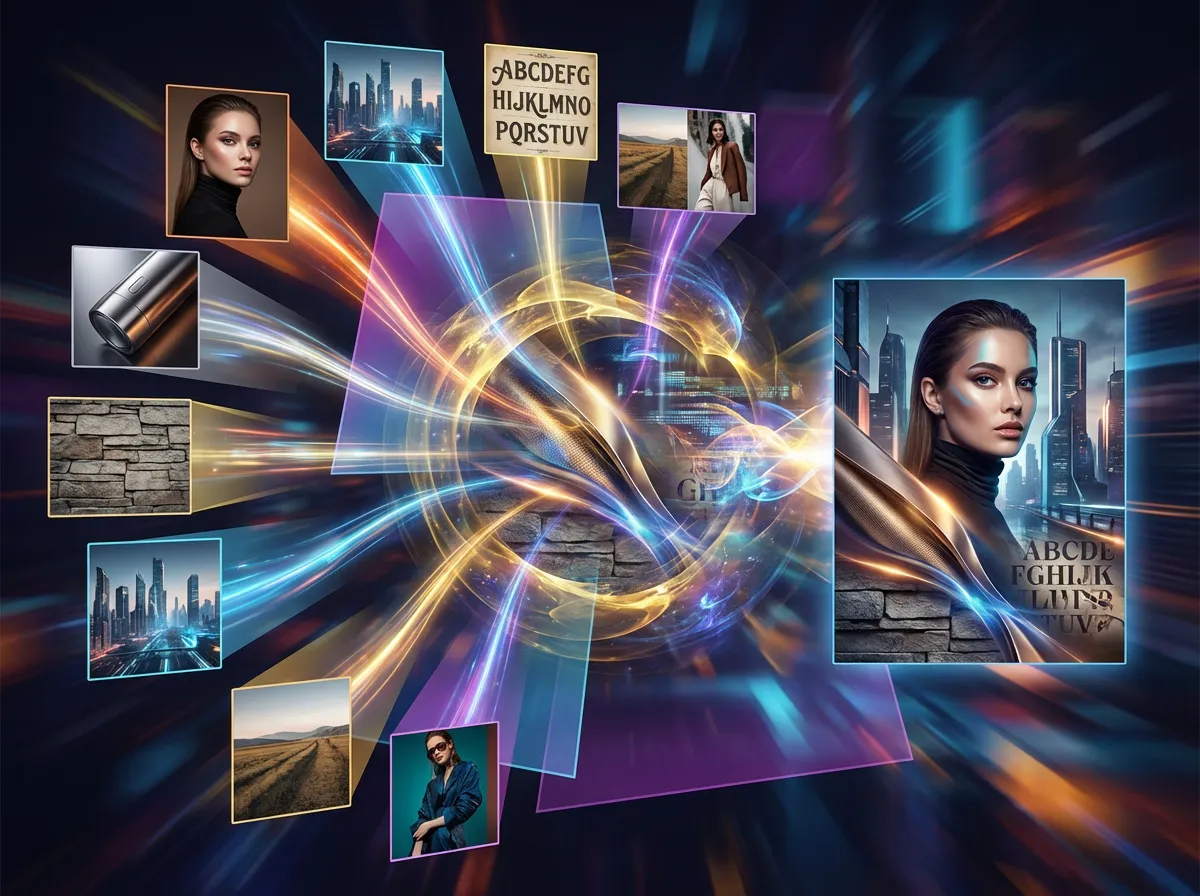
- Keep characters, products, and style consistent across outputs with up to 8 references.
- Sharper textures, stable materials, and controlled lighting for production‑grade visuals.
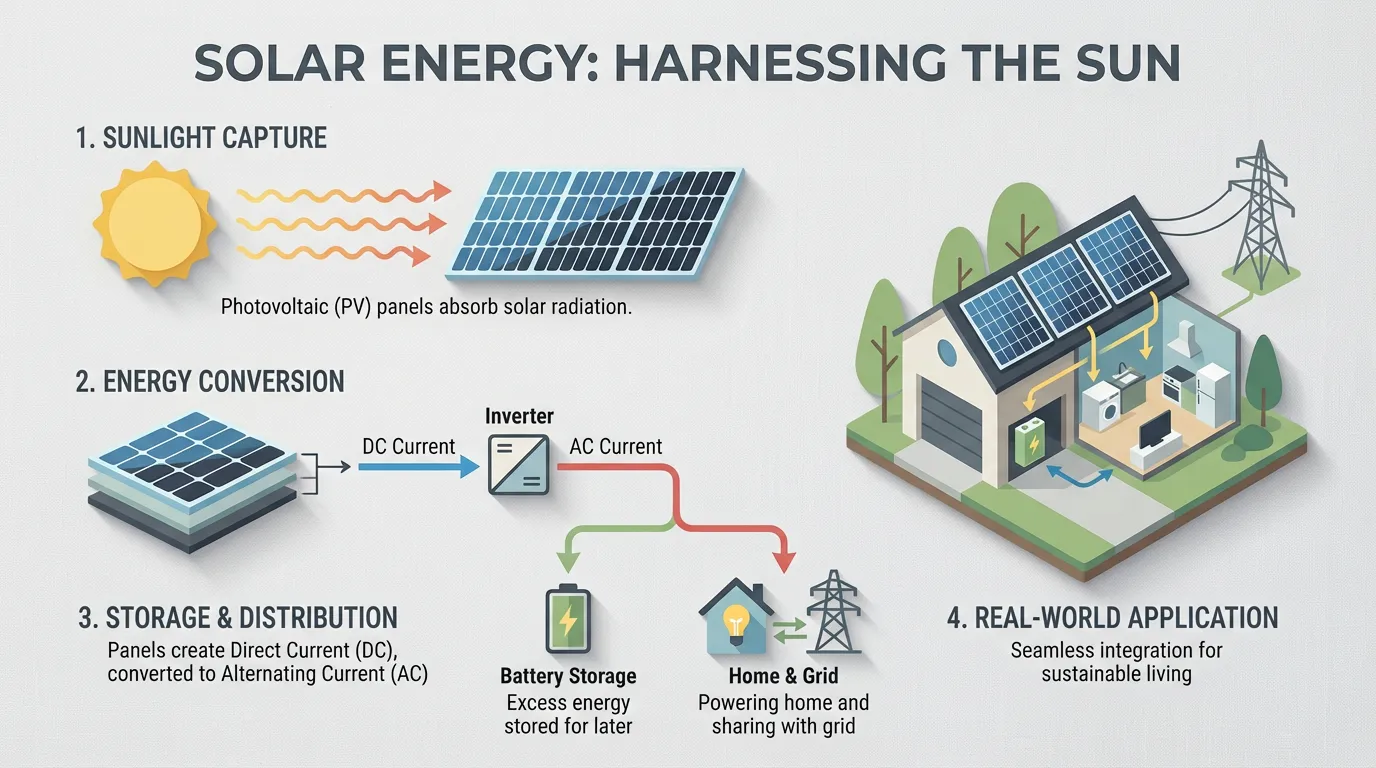
- Legible typography for posters, UI, and infographics with balanced layout spacing.
- Reliable adherence to complex instructions, composition rules, and subject placement.
- Scenes behave logically with natural reflections, materials, and object interactions.
- Generate and edit up to 4MP with vertical, square, and wide formats.
- Create from text or refine existing images with precise control over style and lighting.
- Stable results and fast turnaround for apps that need dependable image generation at scale.
Flux 2 Pro AI Creative Examples
Explore the Power of Flux 2 Pro AI
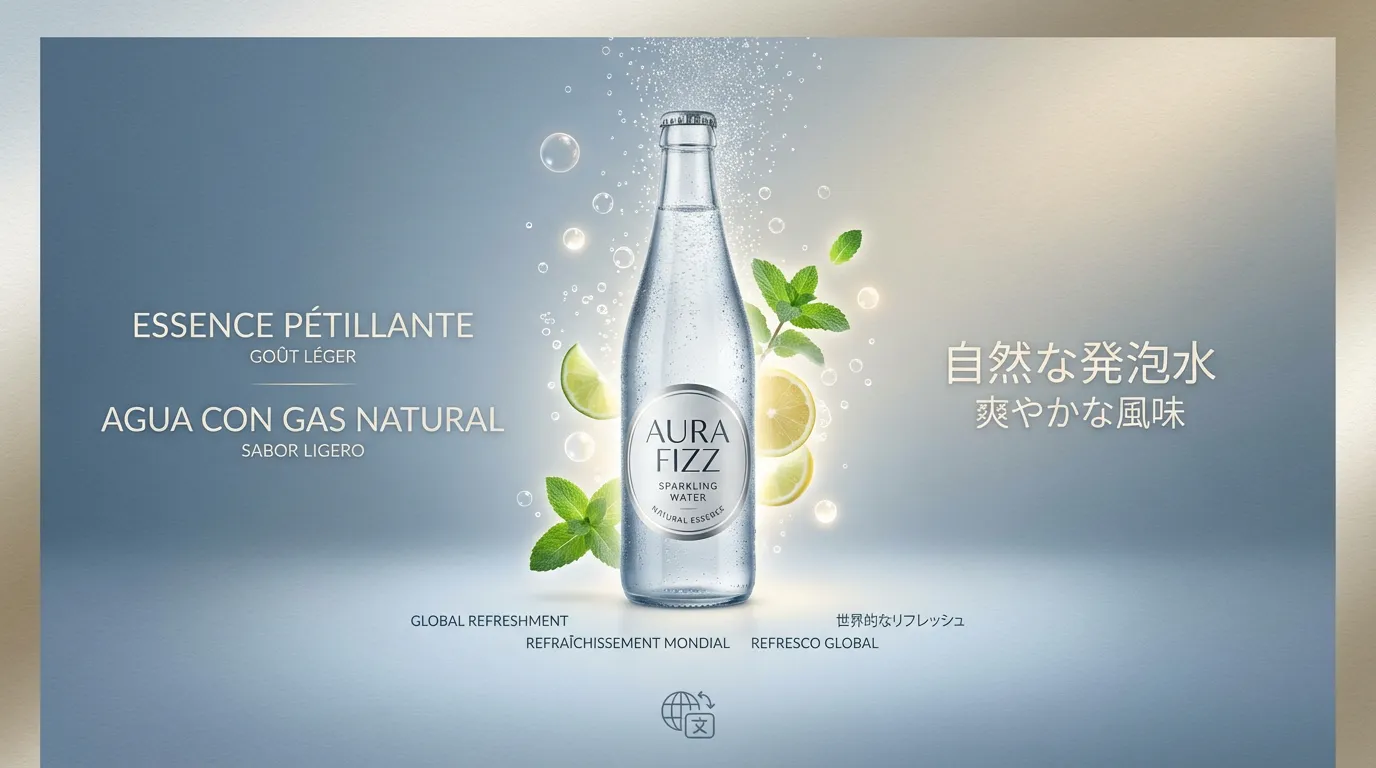
See how Flux 2 Pro AI turns ideas into polished visuals and consistent assets.
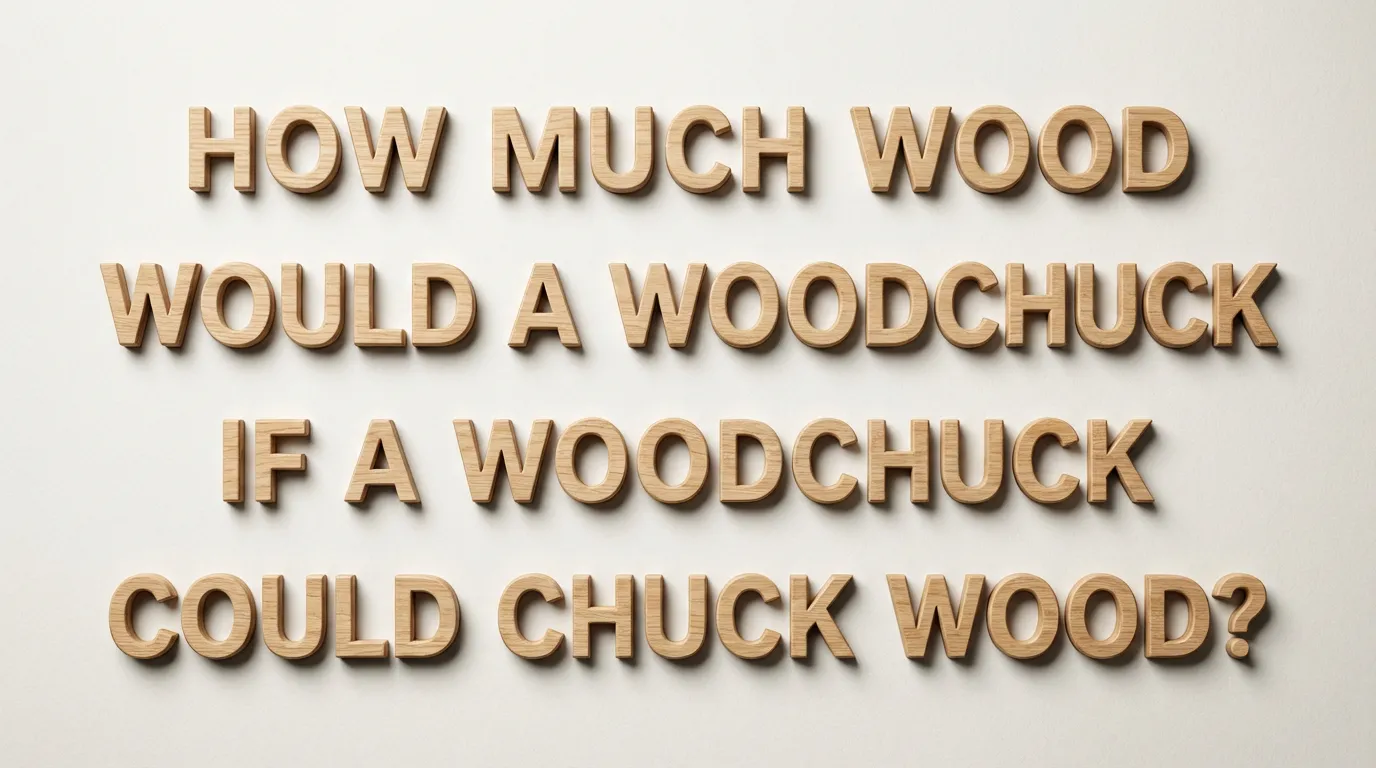
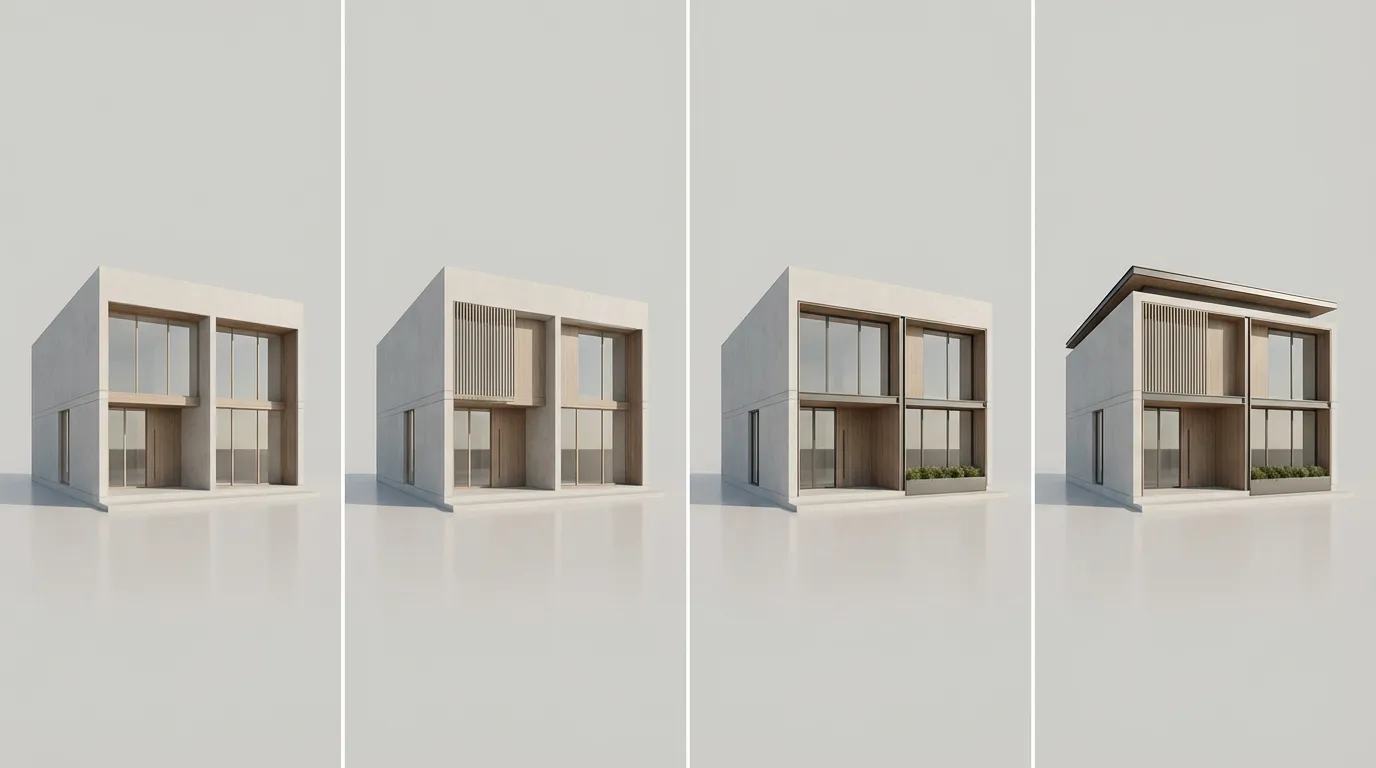
Sharp, readable typography for posters, diagrams, UI drafts, and product mockups.
More AI Image Generators for Every Creative Idea
Unleash Creativity With Createimg.ai AI Image Generators
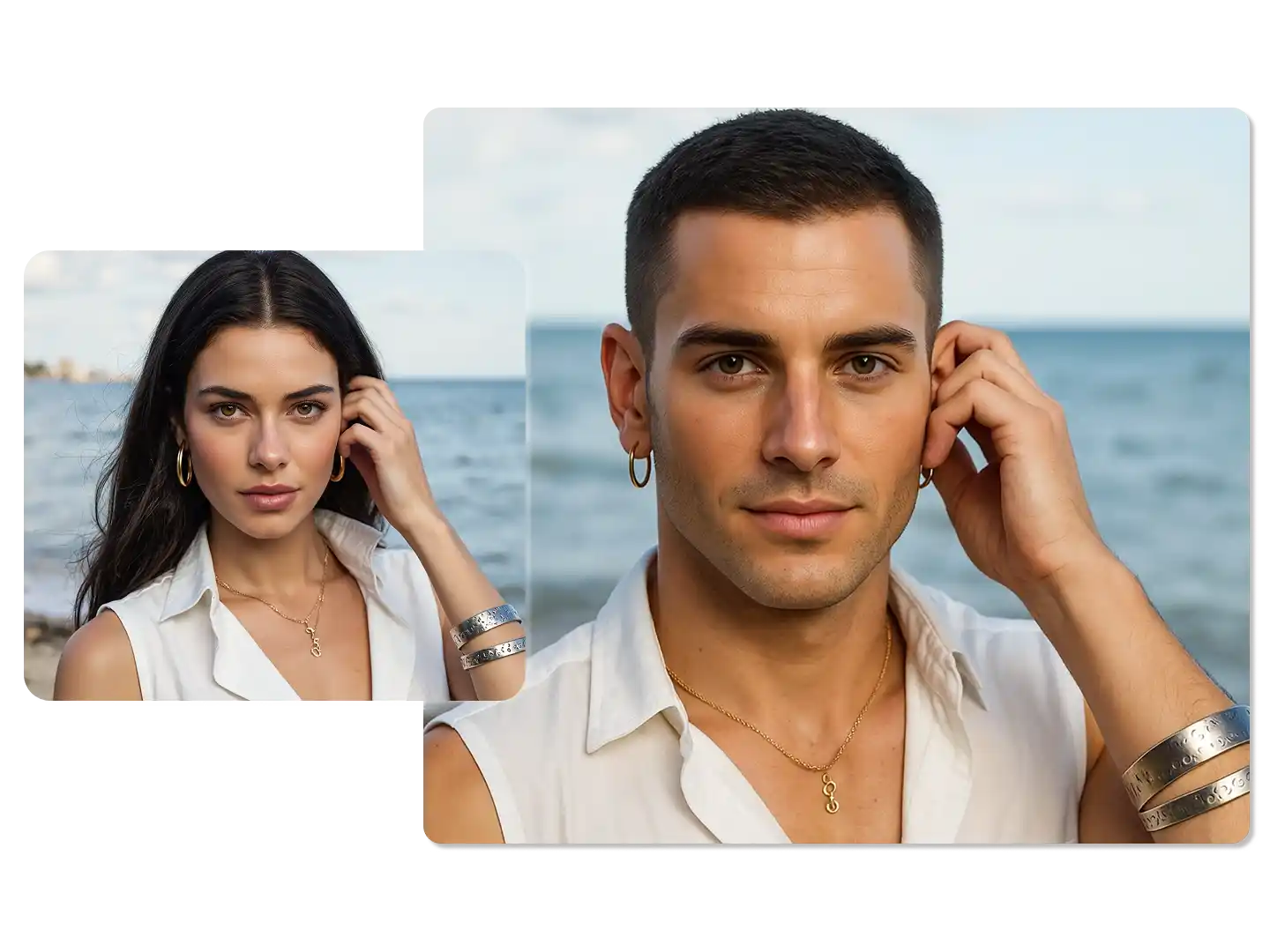
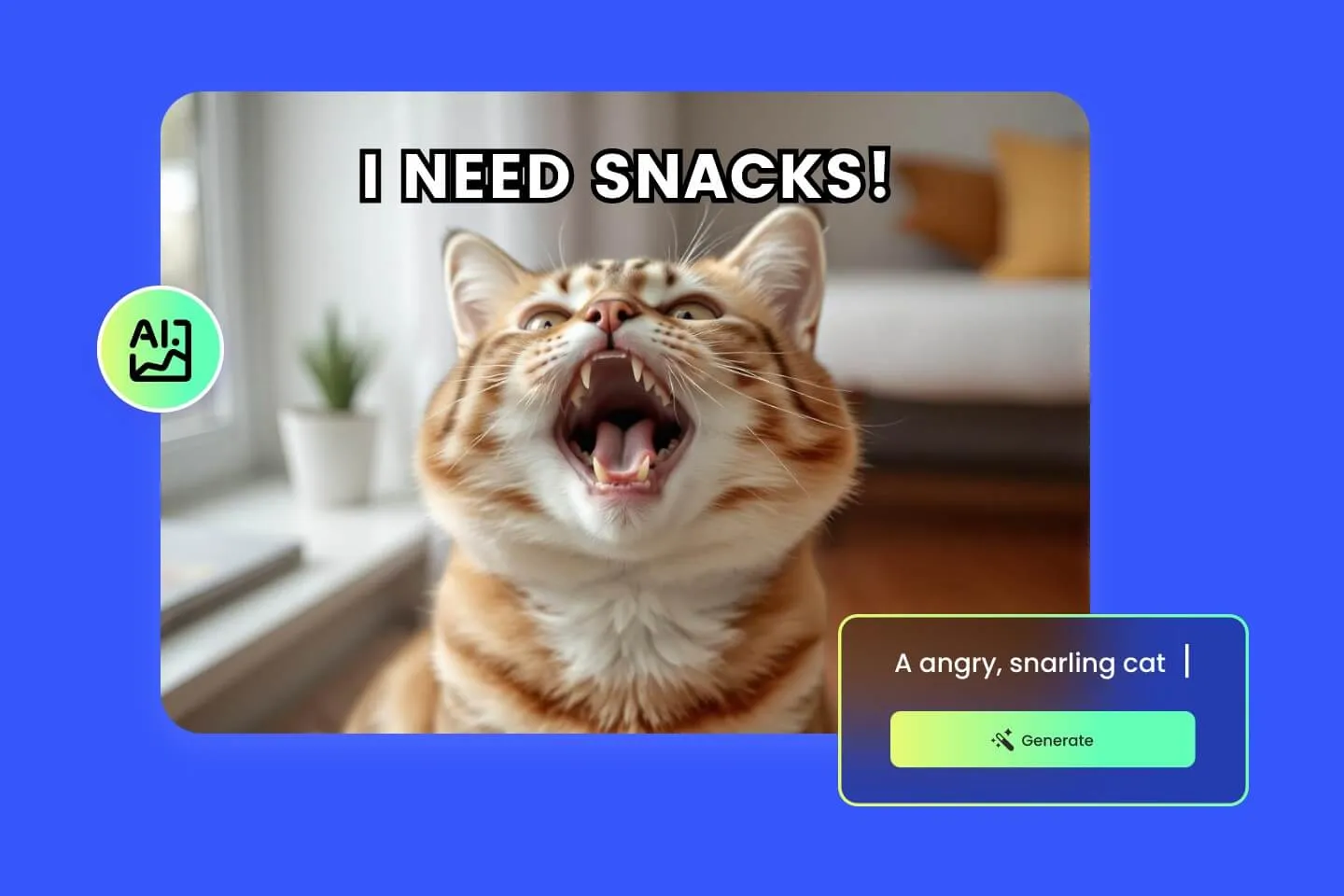
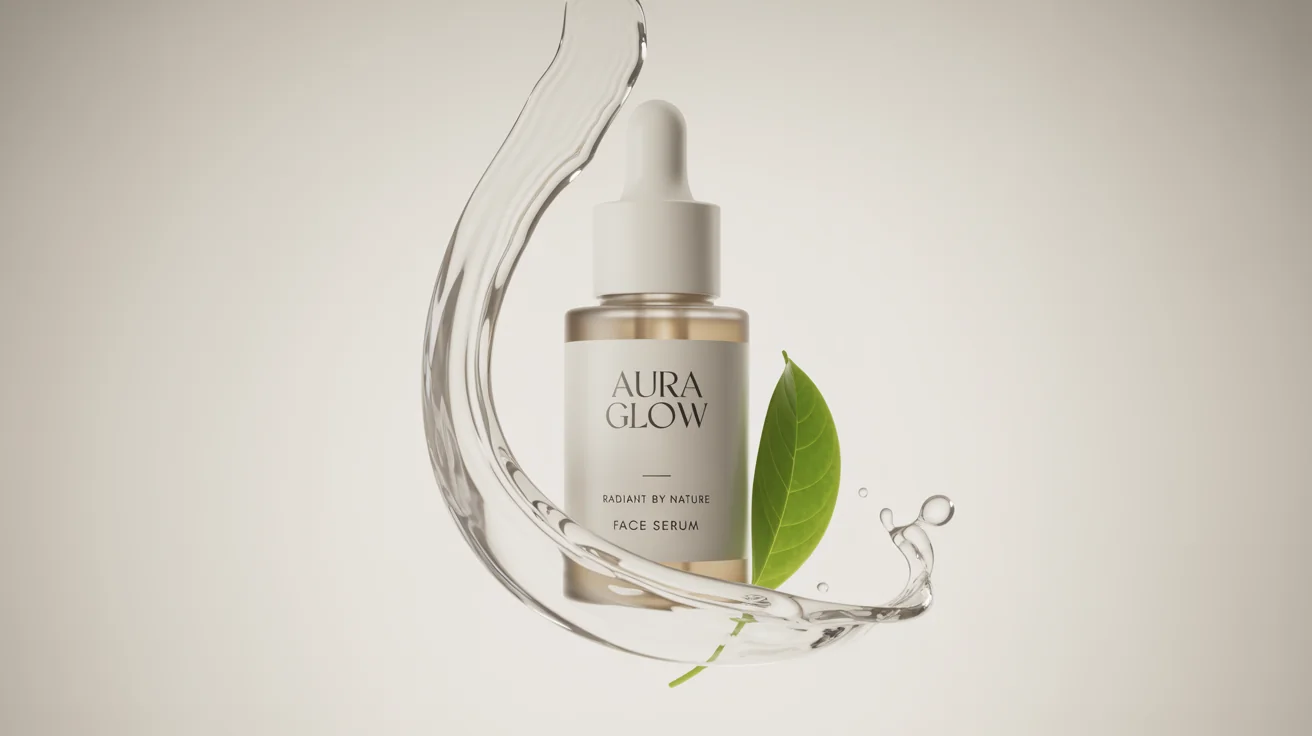
Explore a variety of AI image generators tailored to different creative needs. Whether you want to design shirts, make fun emojis, or create unique posters, these tools make it easy to bring every idea to life.
AI Gender Swap
AI Meme Generator
AI Ad Generator

Wedding AI Photo Generator

AI Food Generator
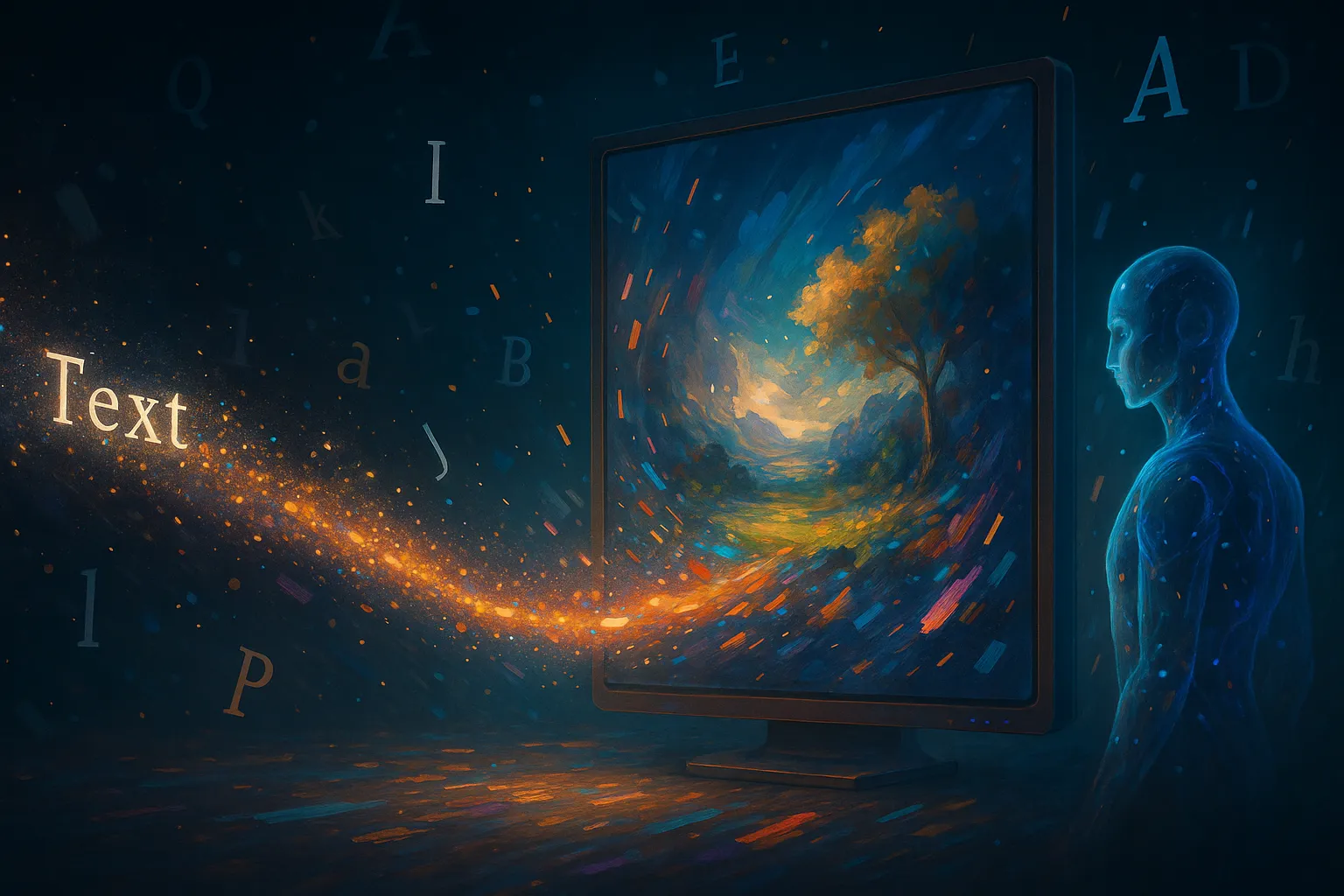
Text To Image
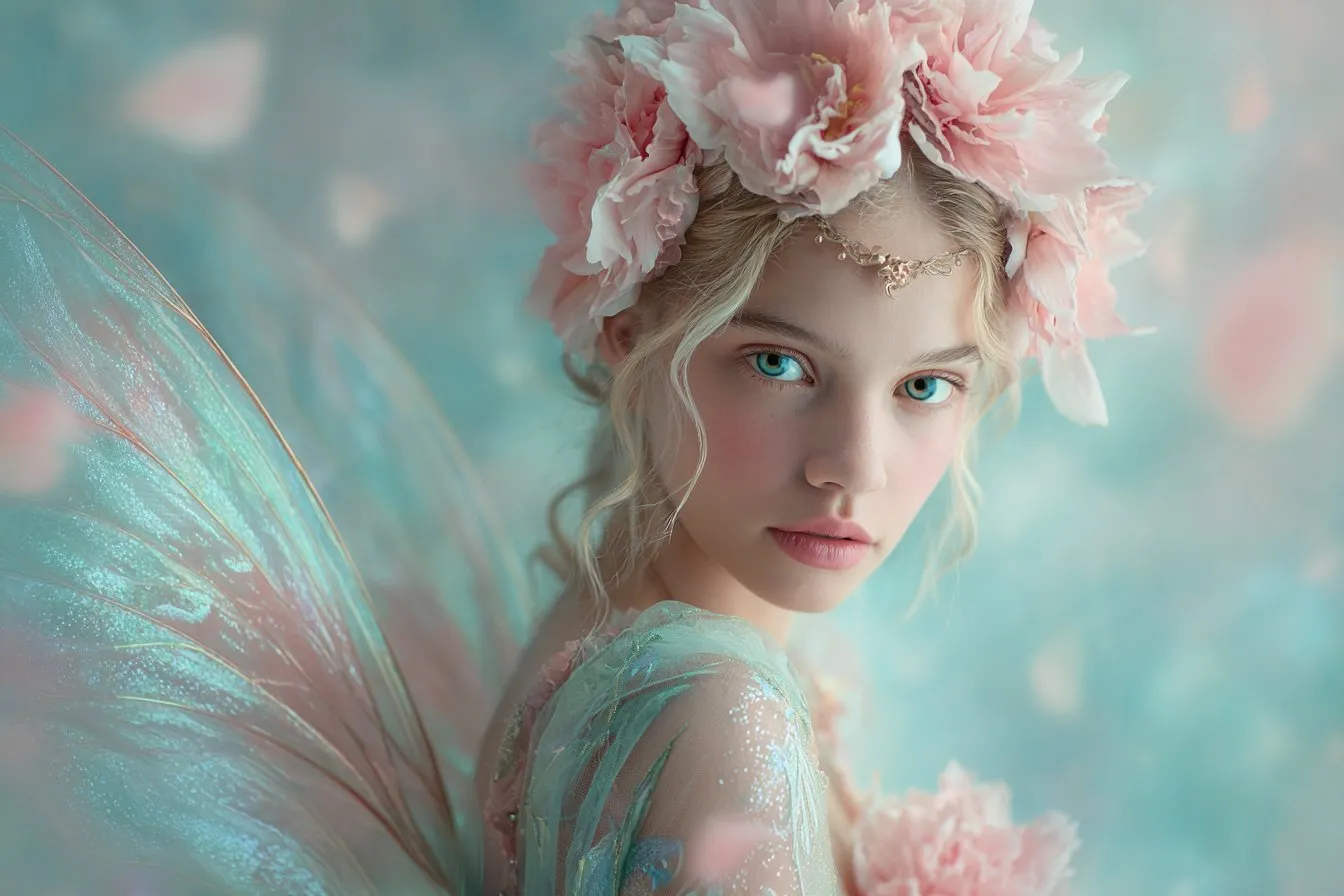
Image To Image

AI Thumbnail Generator

AI Sticker Generator
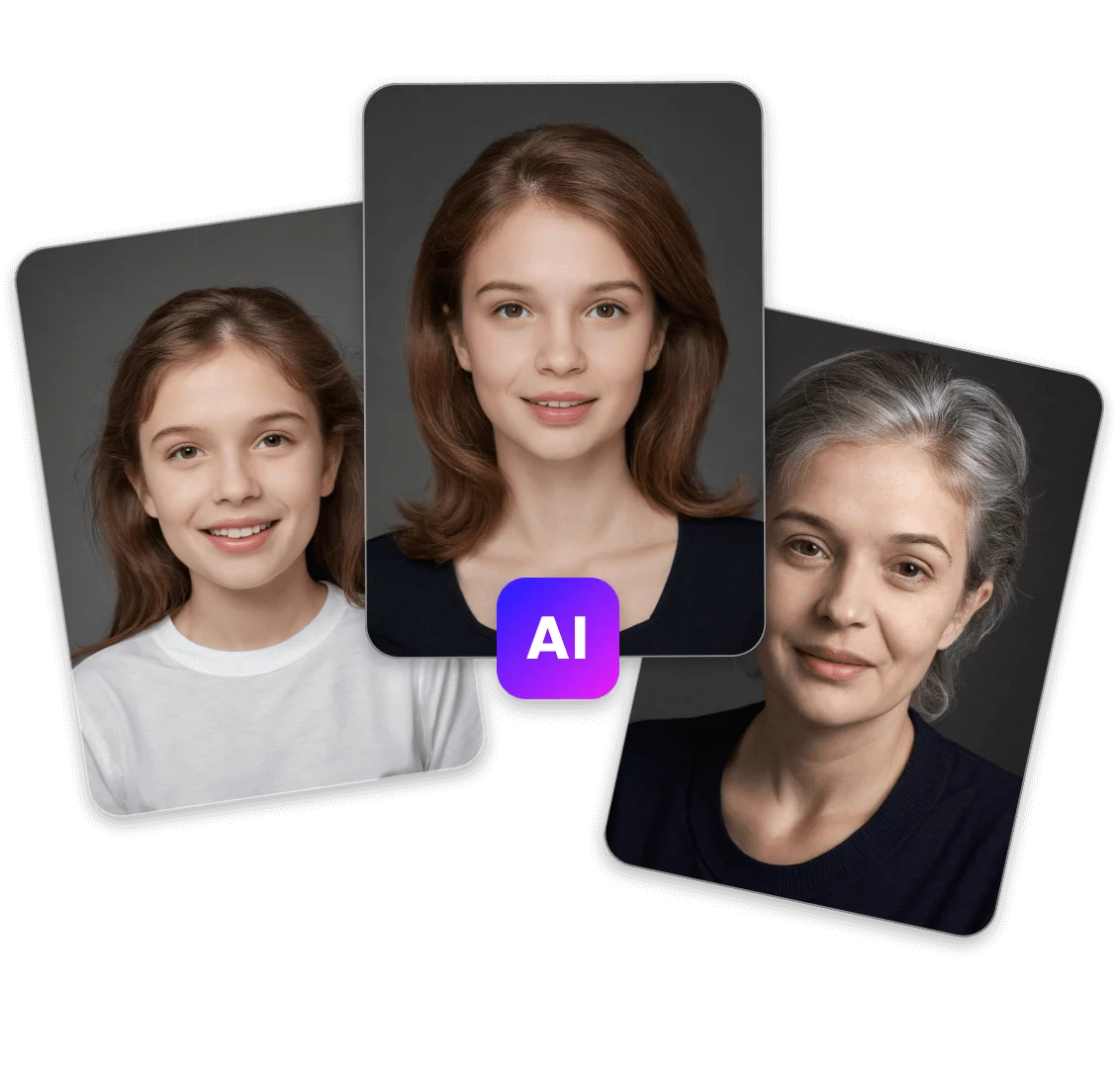
AI Age Progression
Explore Cutting-Edge AI Models
AI Models — Powerful Image & Video Generation Tools
Explore advanced AI models for high-quality image and video creation. Discover powerful generation and editing technologies that enhance your creative workflow and bring your visual ideas to life with ease.







How to Use Flux 2 Pro AI
Quick Start Guide with Flux 2 Pro AI
Create high‑quality visuals in minutes with Flux 2 Pro AI on Createimg.ai.
Upload References
Select up to 8 images to guide consistency across characters, products, and style.
Write a Prompt & Generate
Choose aspect ratio and resolution (up to 4MP), then generate or edit your image.
Download or Share
Download in high quality or share directly across platforms.
Flux 2 Pro FAQ
Frequently Asked Questions about Flux 2 Pro AI
Key answers about using Flux 2 Pro AI for creation and editing.
What is Flux 2 Pro?
A professional model for high‑quality text‑to‑image and editing with multi‑reference consistency and up to 4MP outputs.
Can I use it commercially?
Yes—ensure you have rights for any uploaded references, sketches, or photos.
How many references can I use?
Up to 8 images on Createimg.ai for consistent identity, products, and style.
Does it support image editing?
Yes—refine lighting, style, and composition with precise controls.
How accurate is text rendering?
Sharp small fonts and structured layouts; review fine details for accuracy.
Which resolutions and aspect ratios are supported?
Up to 4MP with vertical, square, and wide formats for social, ads, and print.
Flux 2 Pro vs Flux 2 Flex
Pro focuses on fast, clean, consistent results; Flex offers maximum quality with tunable guidance.
Is there a free Flux playground?
Yes—test Flux 2 Pro online with free credits on Createimg.ai.
Powered By


Create and Edit Images Instantly with Flux 2 Pro AI
Try studio‑quality generation and editing with Flux 2 Pro AI on Createimg.ai.