

Grok Imagine AI Image Generator
Results
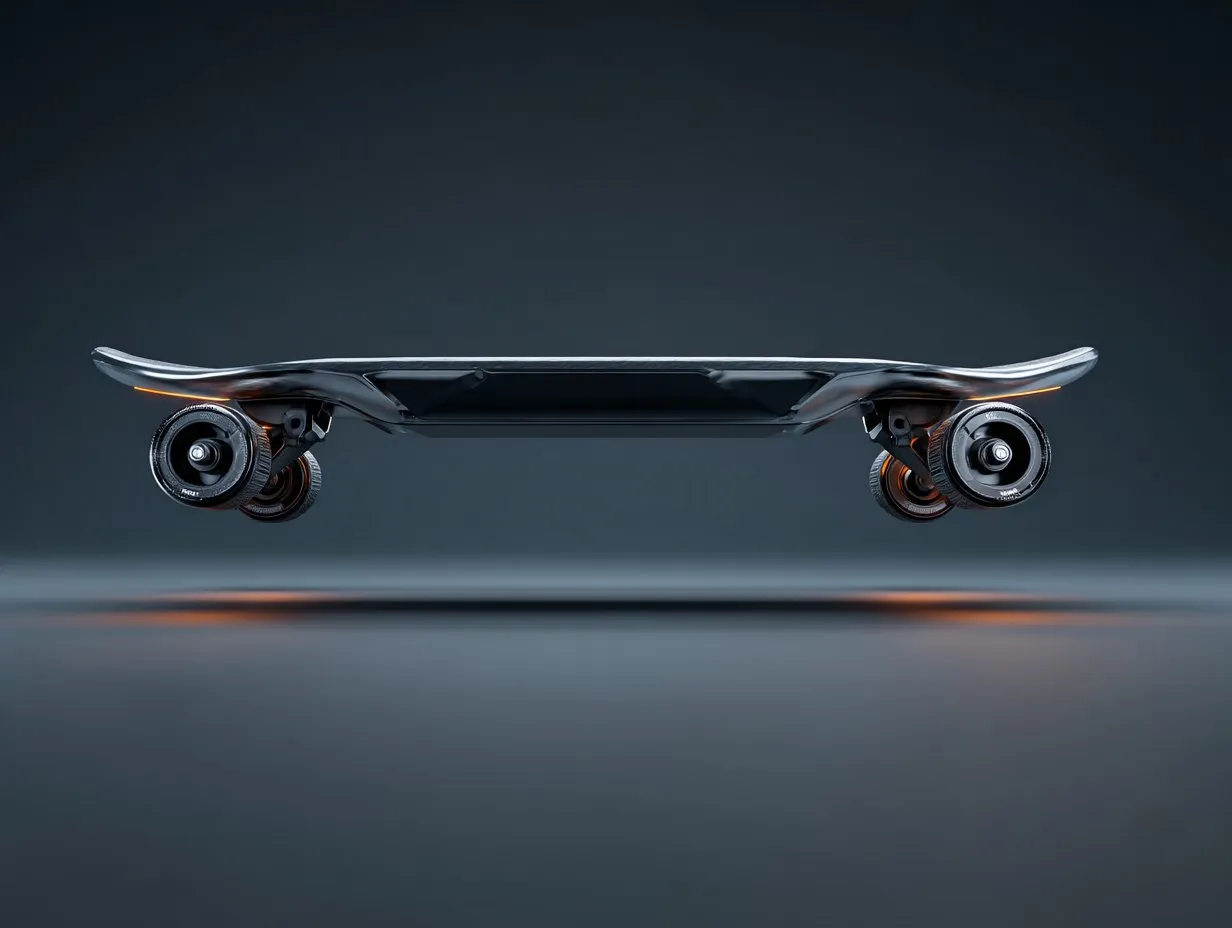
Preview how Grok Imagine AI interprets prompts, styles, and aspect ratios before exporting results.
Grok Imagine AI Image Generator Features
Create Bold Visuals with Grok Imagine
Grok Imagine AI helps you turn detailed prompts into high-fidelity images with strong composition, flexible styles, and fast iteration on Createimg.ai.
- Follow complex instructions about mood, lighting, environment, and camera framing so outputs match your creative intent.
- Write richer descriptions (up to ~1,000 characters) for storytelling scenes, product briefs, and design directions.
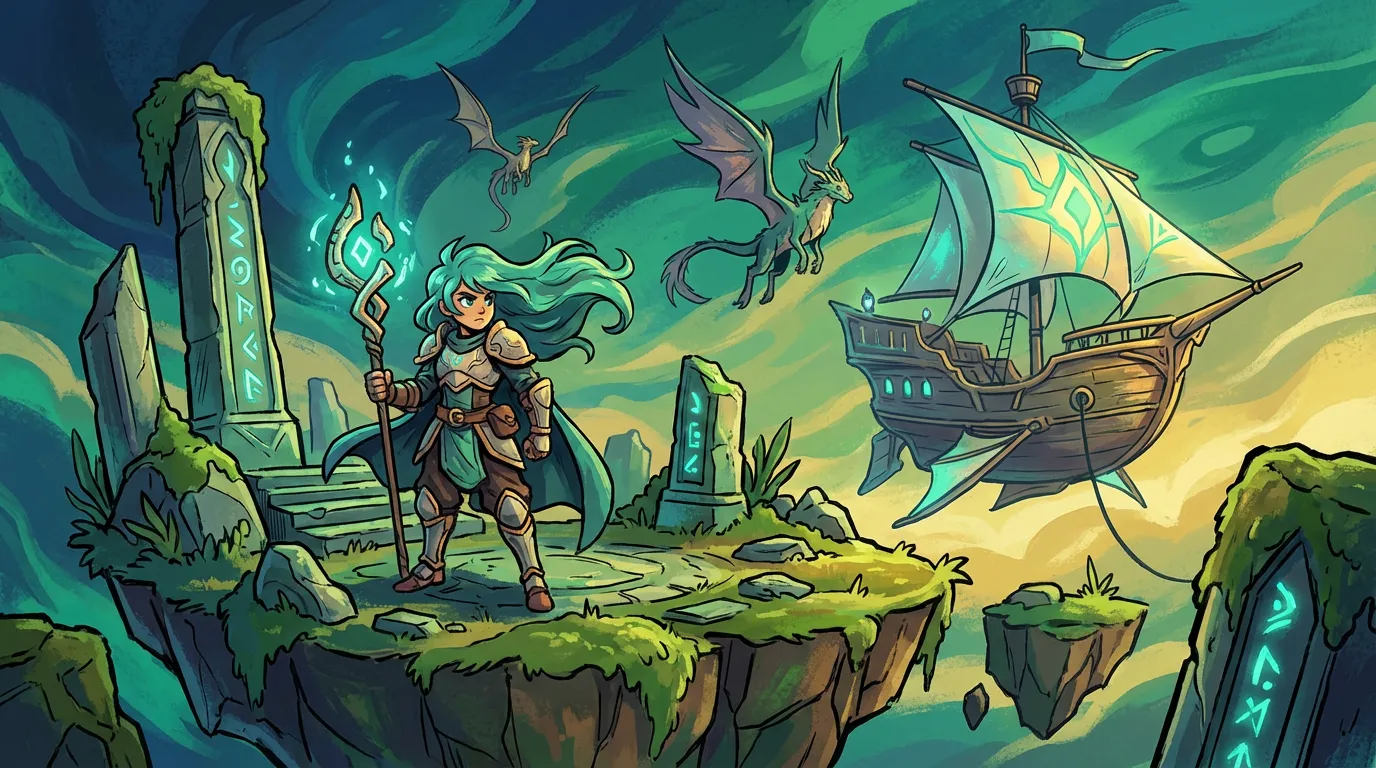
- Switch between photorealistic, editorial, painterly, abstract, or manga-inspired looks without changing tools.
- Built on Aurora, an autoregressive mixture-of-experts architecture designed to improve scene understanding and reduce inconsistencies.
- Create posters, thumbnails, and UI-style visuals where typography and composition work together in one frame.
- Generate in popular ratios like 1:1, 3:2, and 2:3 for social posts, covers, and web assets.
- Move from concept to polished variations quickly, making it easier to compare directions and refine prompts.
- Generate ecommerce visuals, branded assets, concept art, and social creatives with a single Grok Imagine AI workflow.
Grok Imagine Creative Use Cases
Grok Imagine AI Image Generator Examples
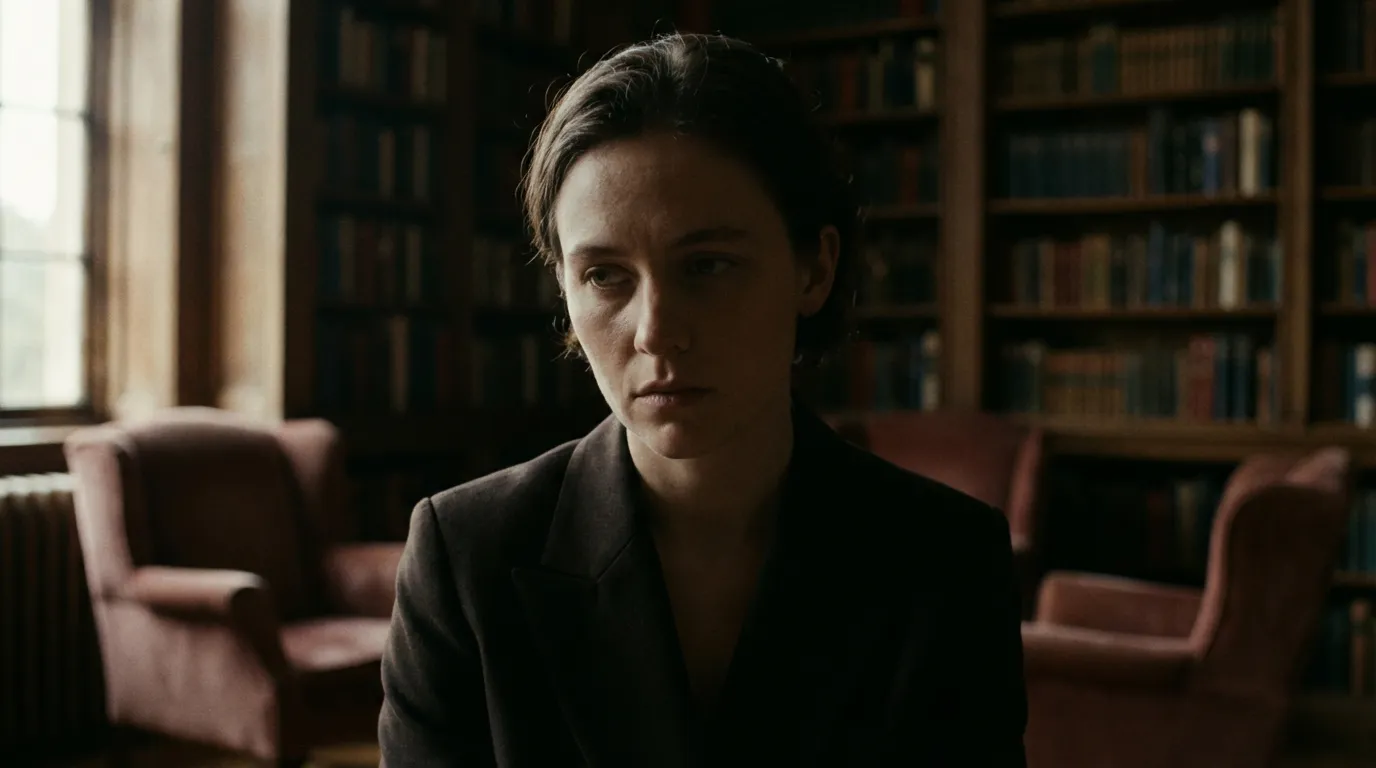
Explore what Grok Imagine can create across product, social, and artistic workflows.
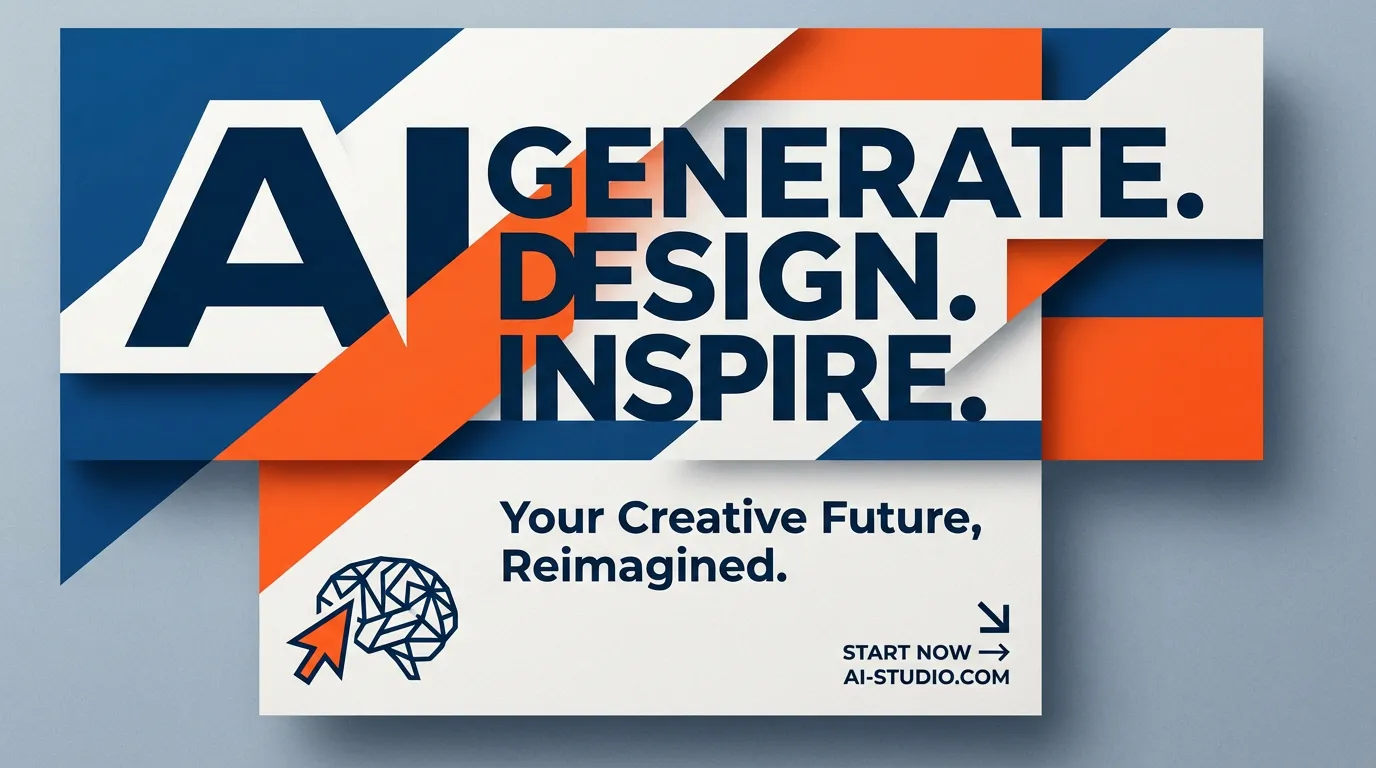
Generate poster-style visuals where composition and typography work together for marketing and social content.
More AI Image Generators for Every Creative Idea
Unleash Creativity With Createimg.ai AI Image Generators
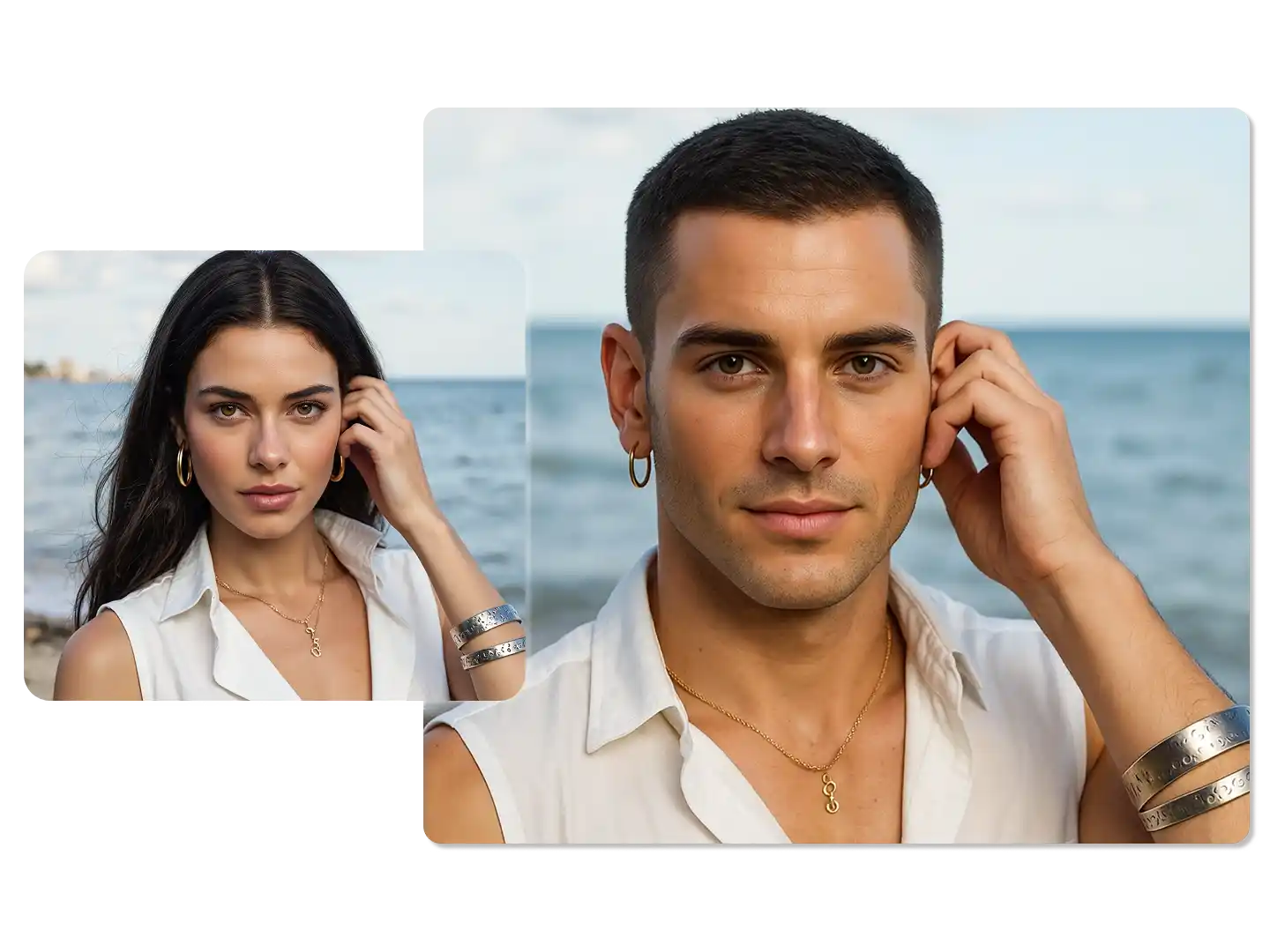
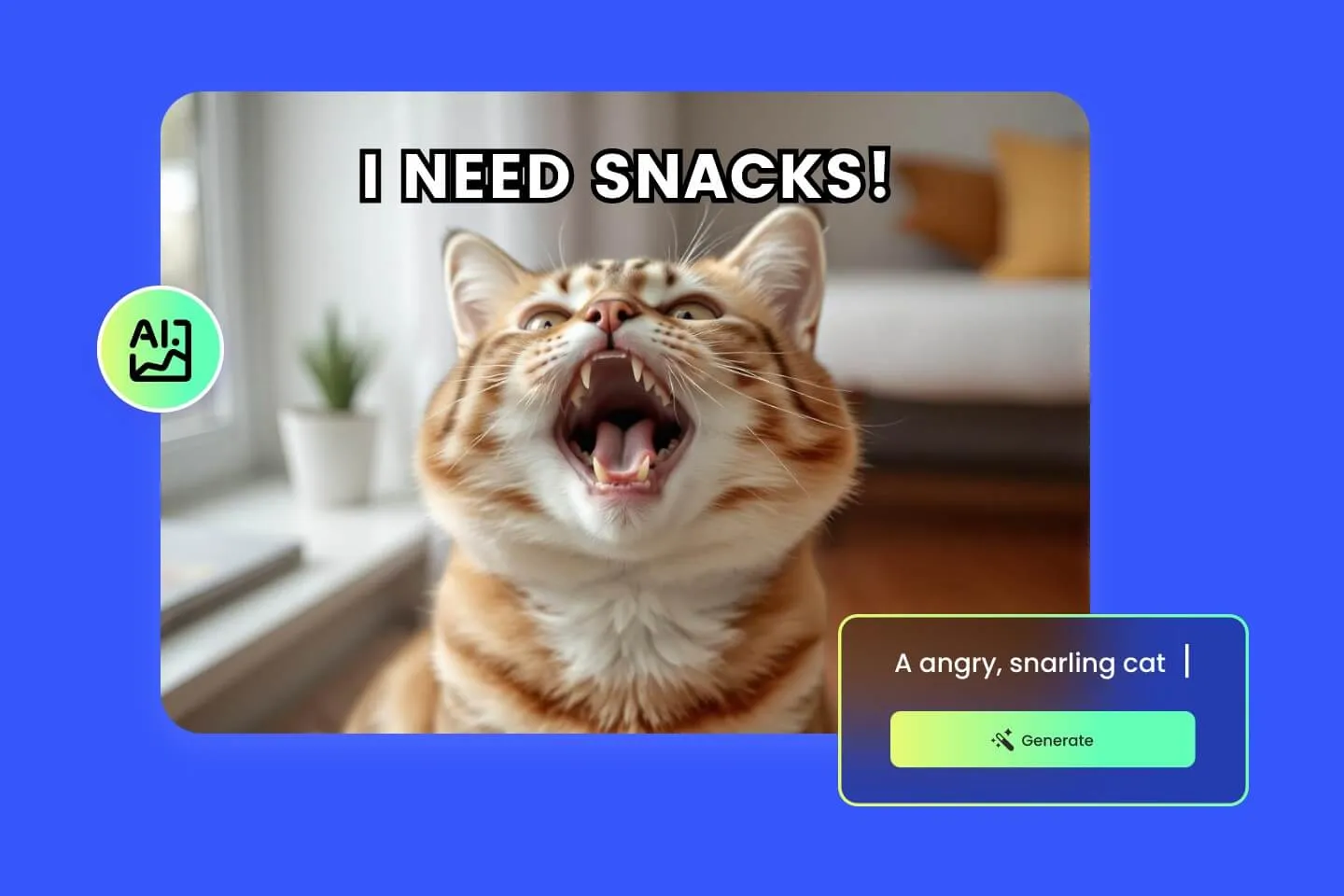
Explore a variety of AI image generators tailored to different creative needs. Whether you want to design shirts, make fun emojis, or create unique posters, these tools make it easy to bring every idea to life.
AI Gender Swap
AI Meme Generator
AI Ad Generator
Wedding AI Photo Generator
AI Food Generator
Text To Image
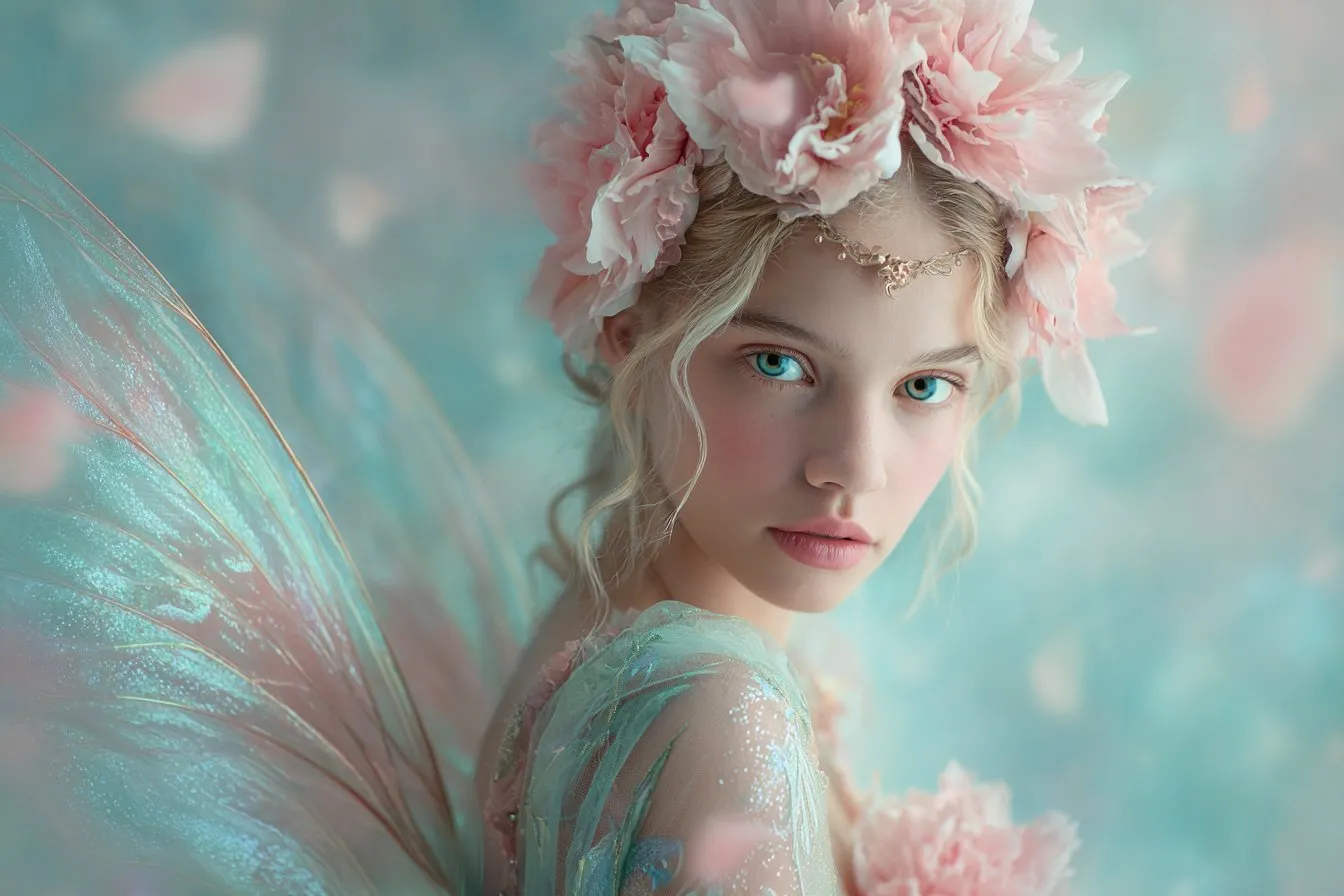
Image To Image
AI Thumbnail Generator
AI Sticker Generator
AI Age Progression
Explore Cutting-Edge AI Models
AI Models — Powerful Image & Video Generation Tools
Explore advanced AI models for high-quality image and video creation. Discover powerful generation and editing technologies that enhance your creative workflow and bring your visual ideas to life with ease.









How to Use Grok Imagine AI
Quick Start Guide for Grok Imagine AI
Start creating with Grok Imagine AI in a few simple steps on Createimg.ai.
Select Grok Imagine
Open the generator and choose Grok Imagine to start a text-to-image workflow.
Write a Detailed Prompt
Describe the subject, style, lighting, and composition. Choose an aspect ratio like 1:1, 3:2, or 2:3.
Generate and Download
Generate your image, iterate on the prompt if needed, then export the result for your project.
Grok Imagine AI FAQ
Frequently Asked Questions about Grok Imagine AI
Quick answers about Grok Imagine AI image generation, prompts, styles, and outputs on Createimg.ai.
What is Grok Imagine?
Grok Imagine is a text-to-image AI model that turns natural-language prompts into stylized or photorealistic images with strong composition and detail.
What makes Grok Imagine AI different?
Grok Imagine is built around Aurora, an autoregressive mixture-of-experts approach designed for stronger prompt understanding and fewer visual inconsistencies.
How detailed can my prompts be?
Grok Imagine AI supports long, detailed prompts (up to ~1,000 characters), so you can specify lighting, environment, mood, and camera framing.
Which aspect ratios are supported on this page?
You can generate in popular ratios including 1:1 (square), 3:2 (horizontal), and 2:3 (vertical) to fit common design needs.
What styles does Grok Imagine handle well?
It works across photorealism, editorial looks, digital painting, anime/manga, fantasy, minimal, surreal, and more—depending on your prompt.
Can I use Grok Imagine AI for commercial projects?
Yes. Ensure you have the rights to any prompts, brand assets, or reference material you upload or recreate in generated images.
How do I get more consistent results?
Describe your subject clearly, keep key details consistent across iterations, and specify camera, lighting, and style cues in the same order each time.
Is there a free way to test Grok Imagine?
You can try Grok Imagine AI on Createimg.ai with available credits to explore prompts and styles before scaling up production.
Powered By


Generate Images with Grok Imagine AI
Turn detailed ideas into high-quality visuals in seconds with Grok Imagine AI on Createimg.ai.