
AI Girlfriend Image Generator
Results vary by model. If a generation fails or is blocked, switch to another model and try again.
Ideas
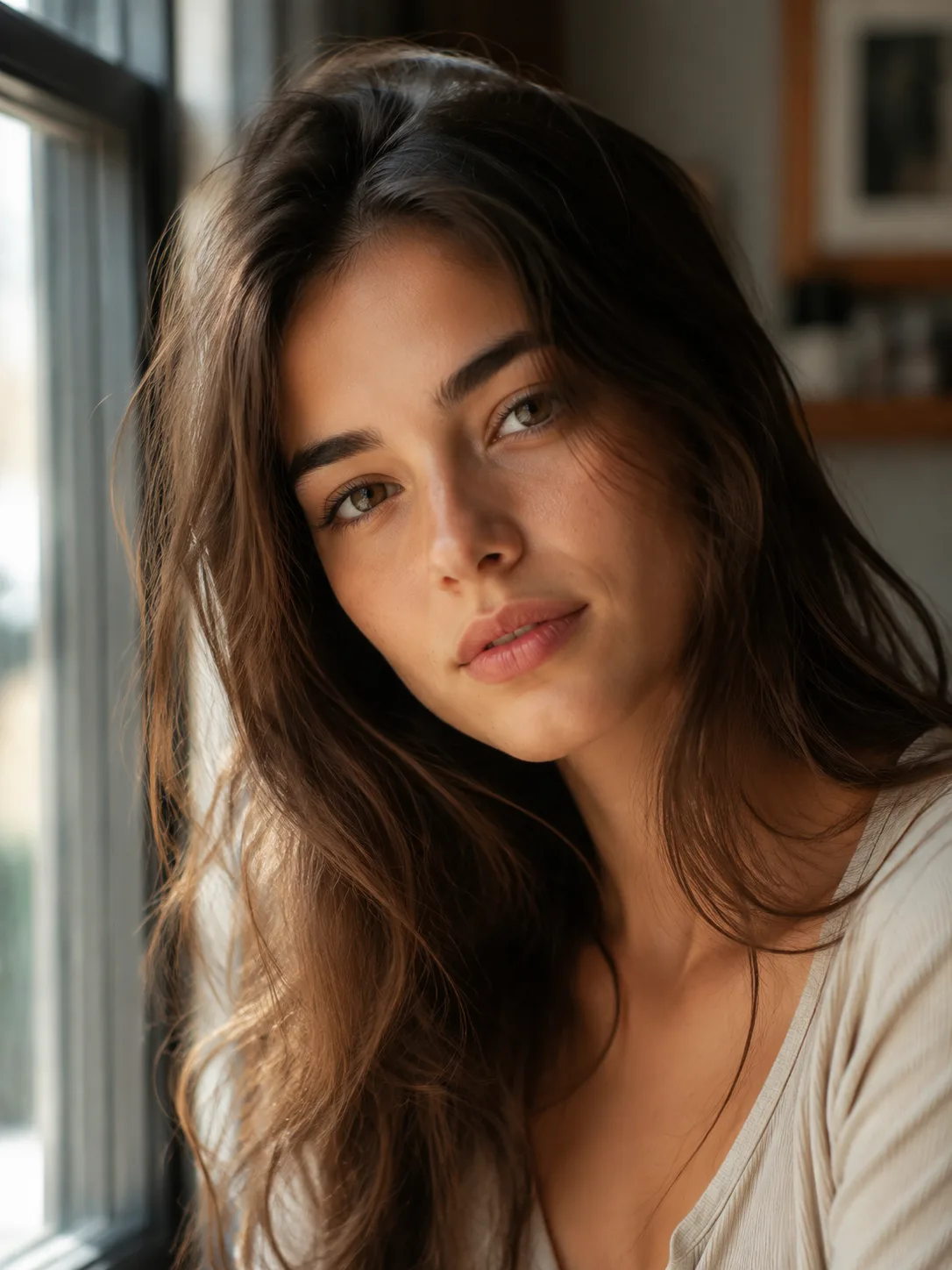
Soft Window Portrait
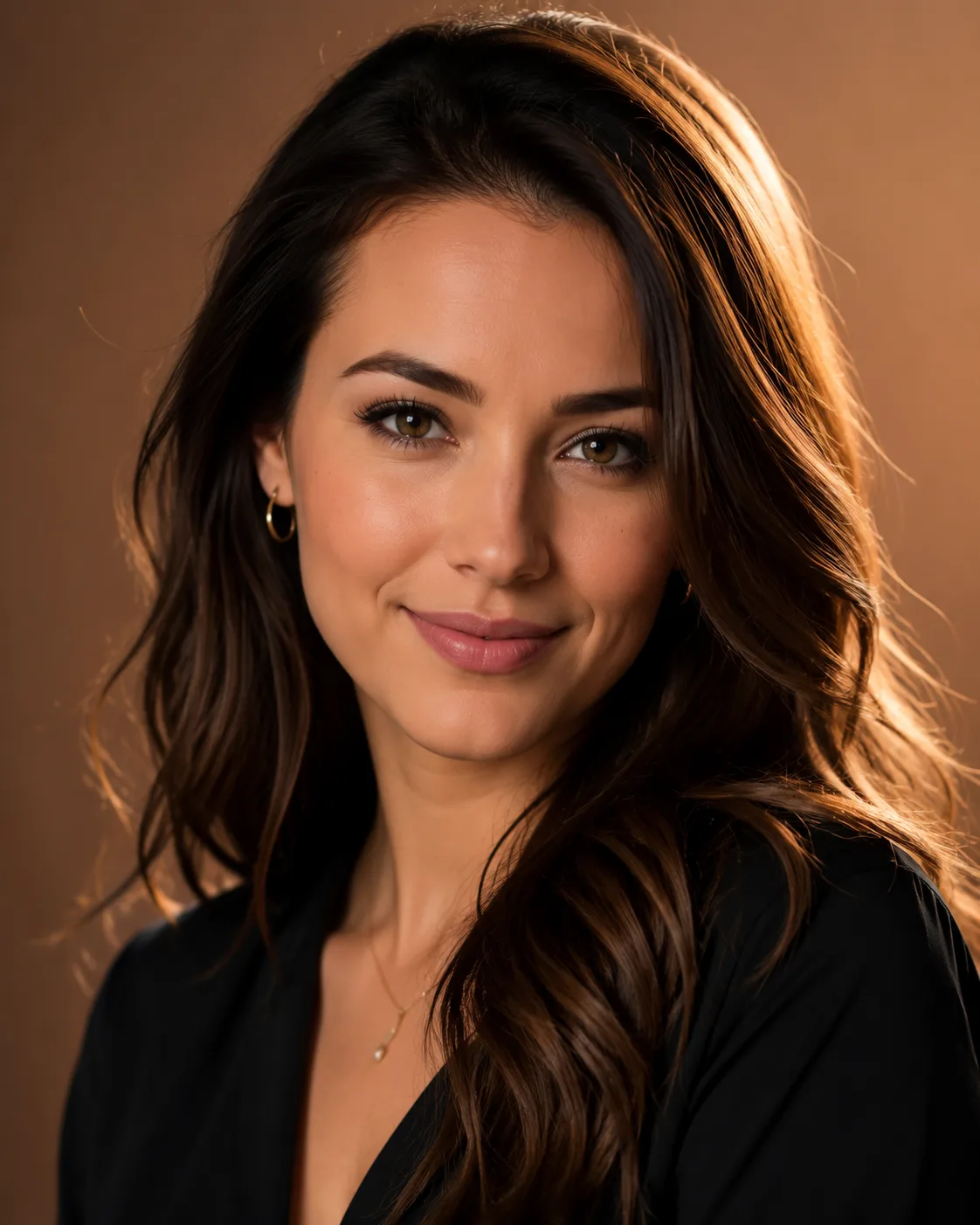
Warm Studio Close-Up
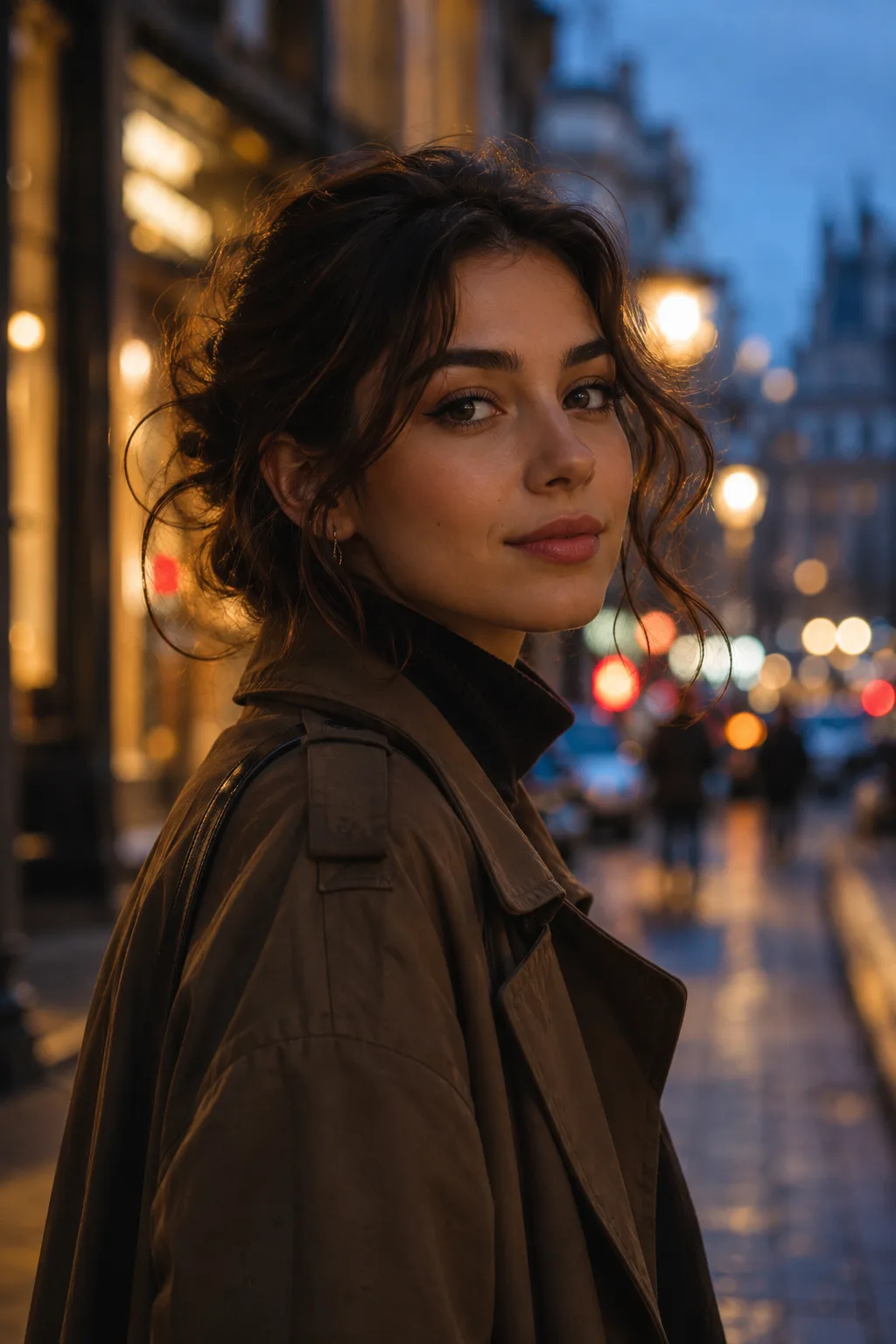
Evening City Portrait

Natural Profile Photo
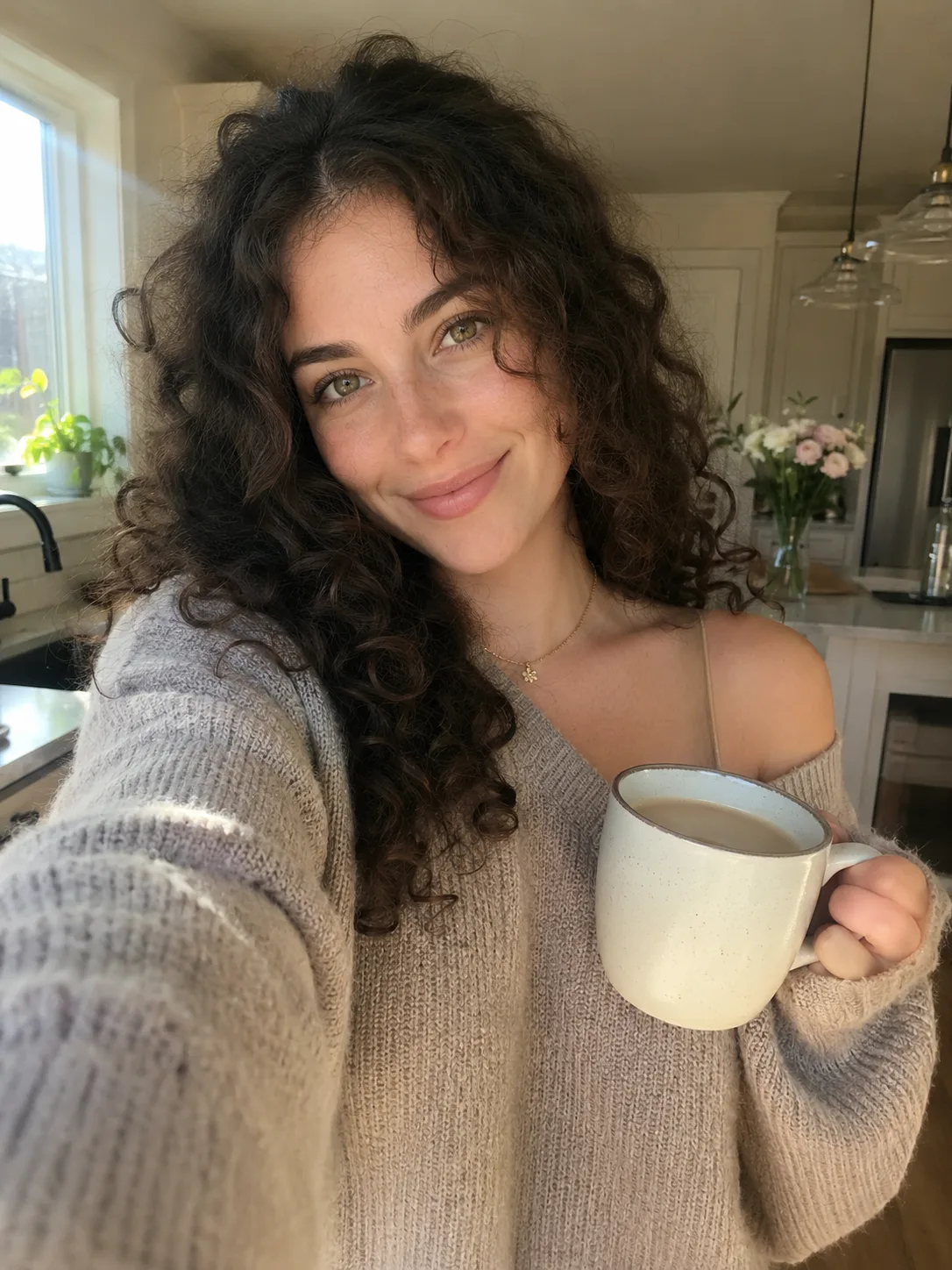
Morning Coffee Selfie
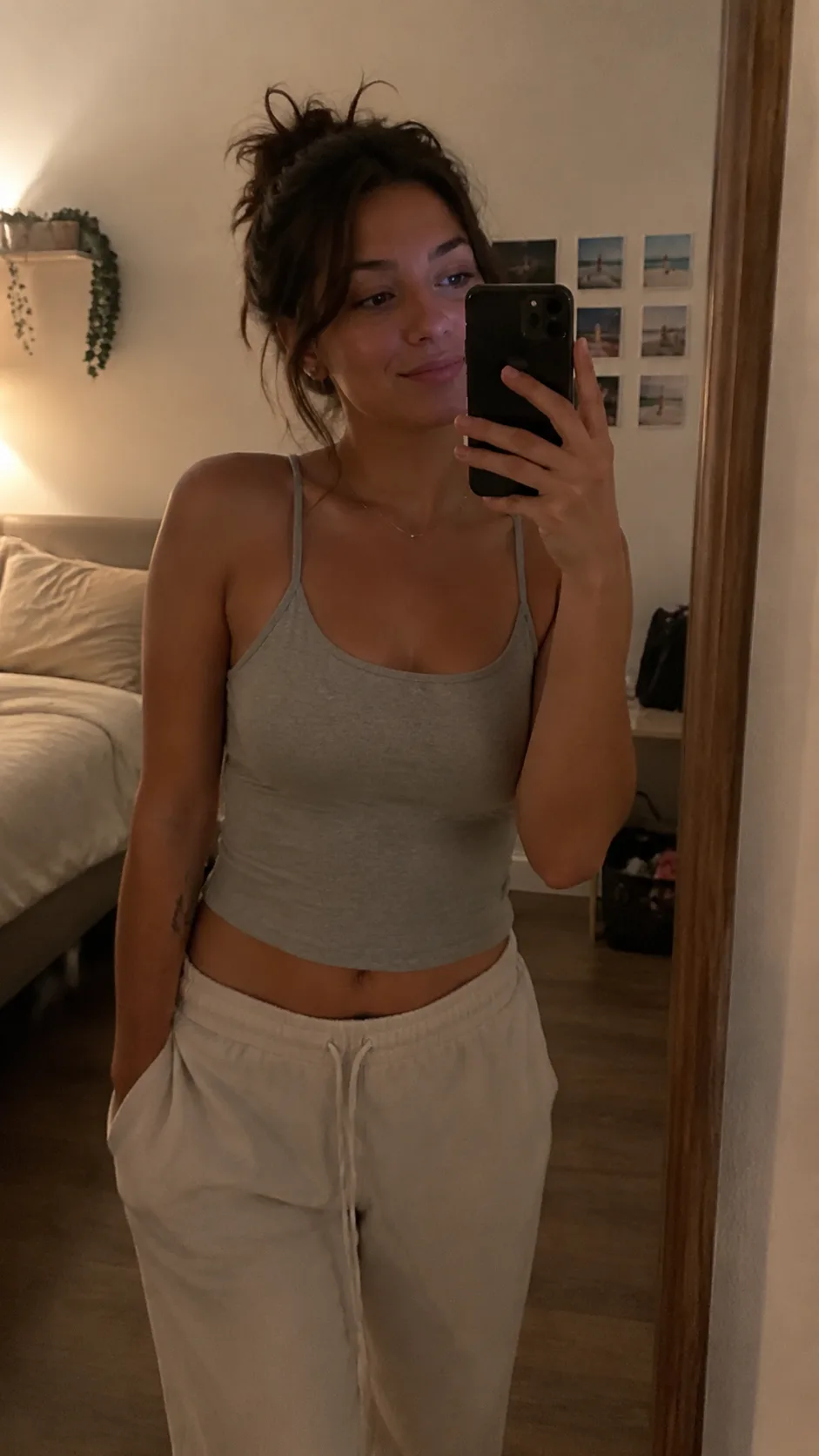
Cozy Mirror Selfie
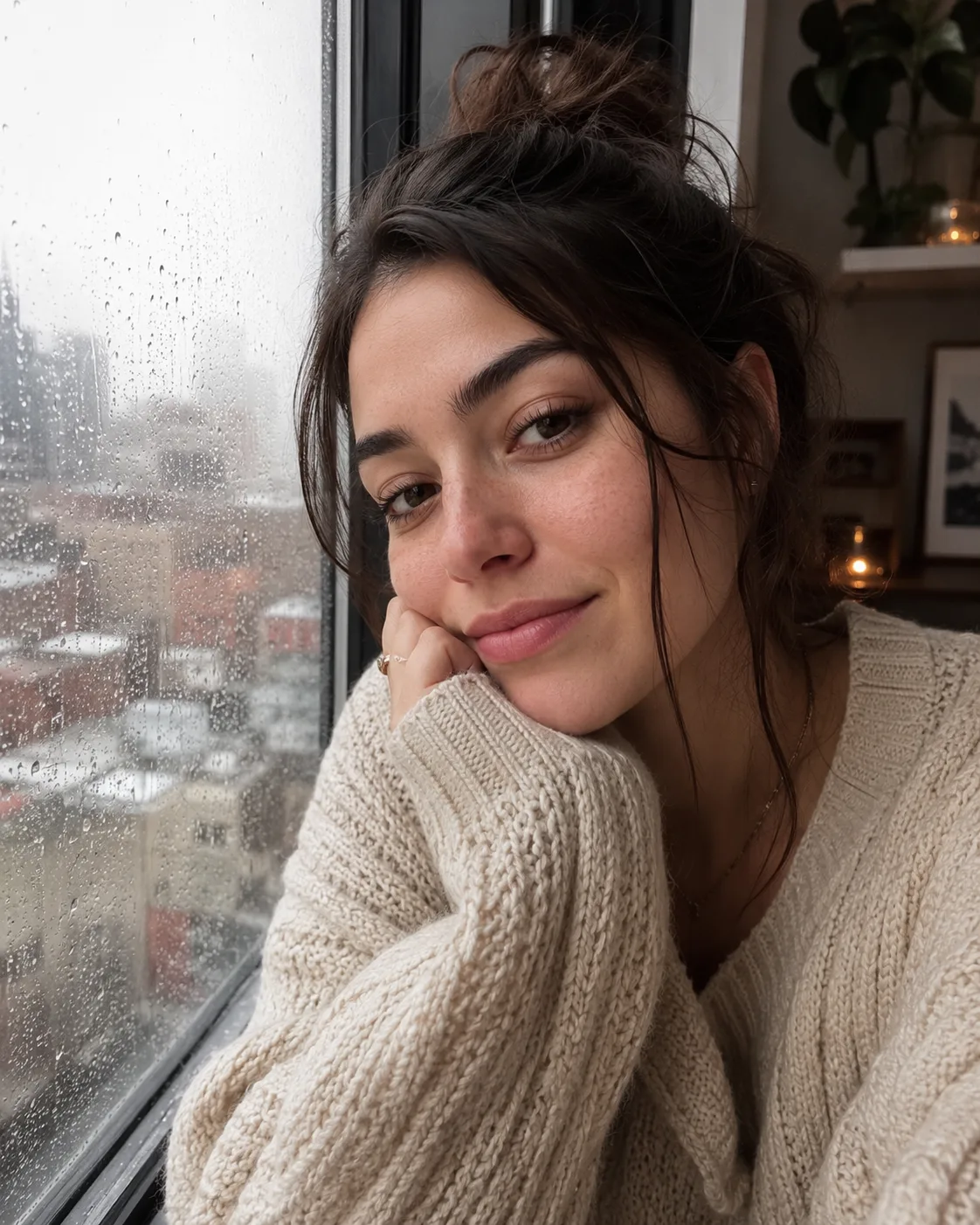
Rainy-Day Window Selfie
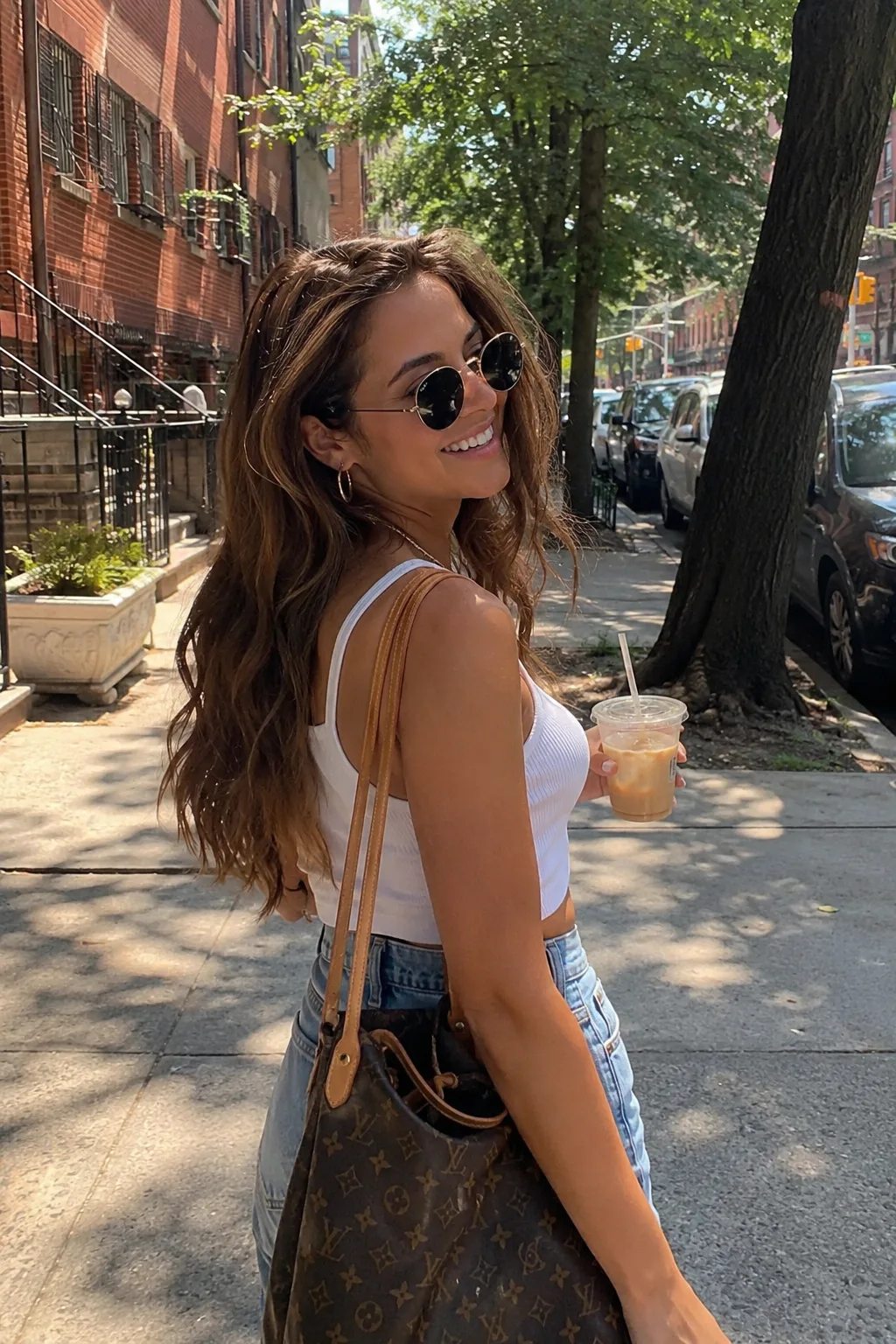
Weekend Street Snapshot
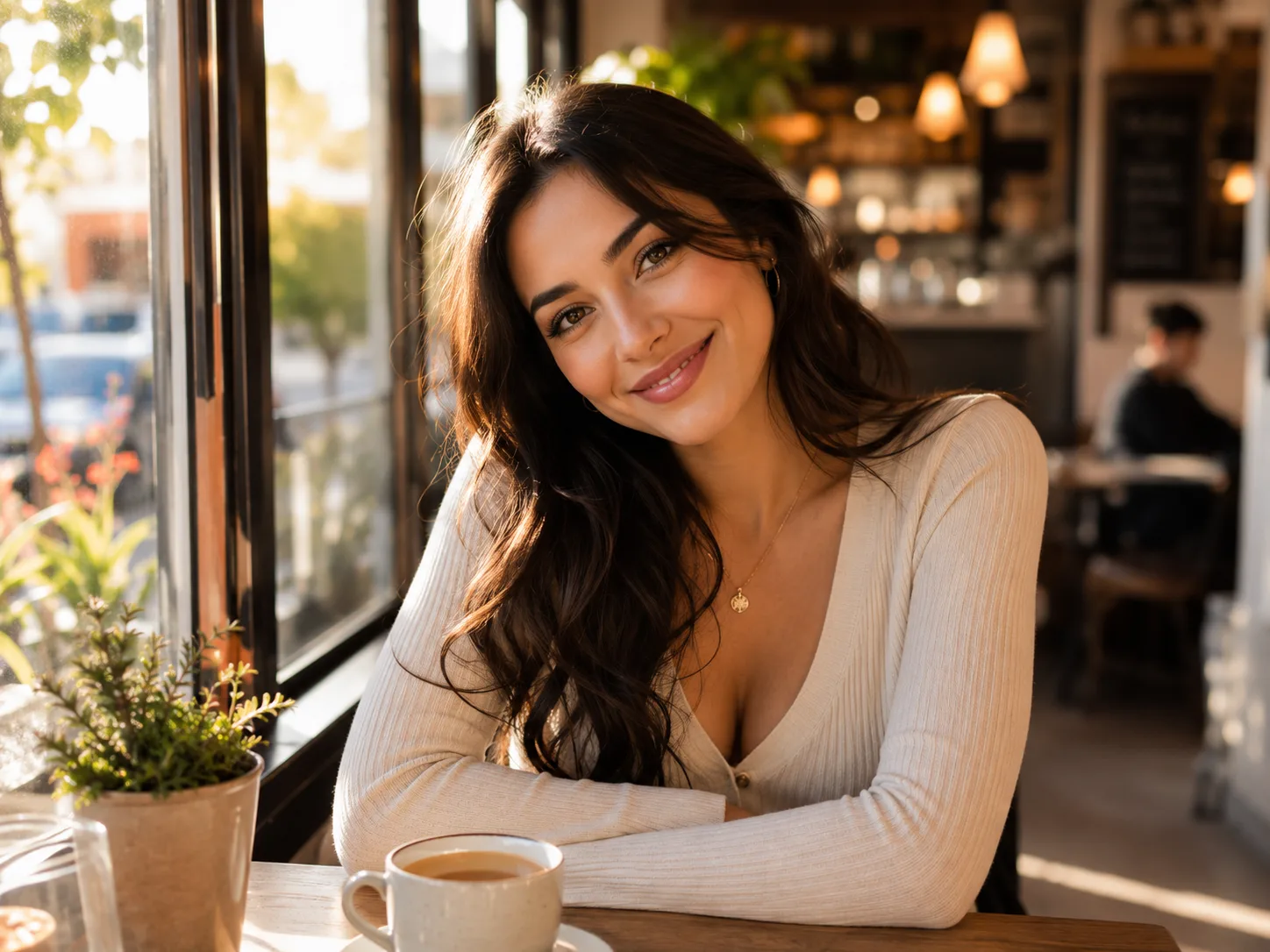
Sunlit Café Date
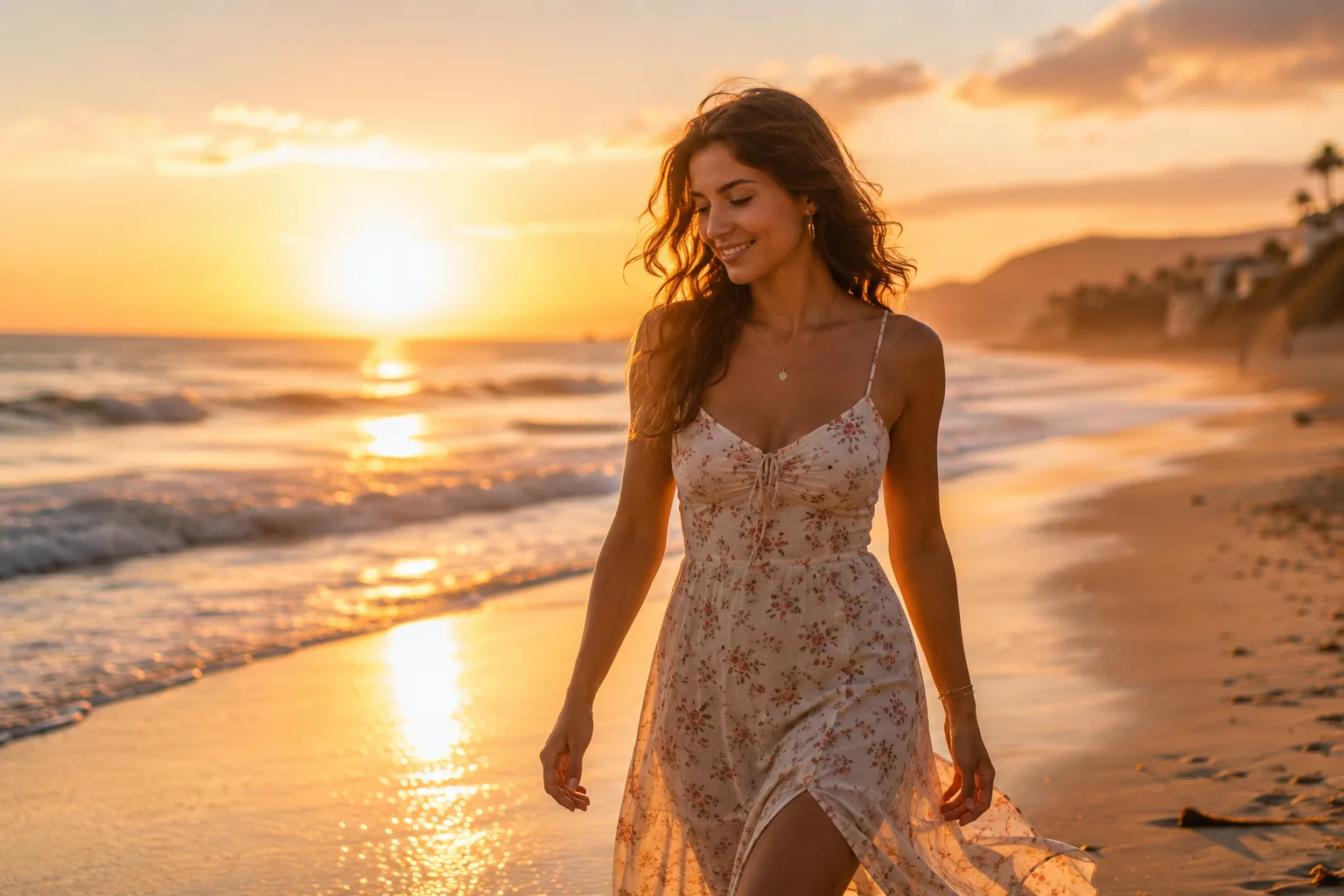
Sunset Beach Walk

Winter Market Evening
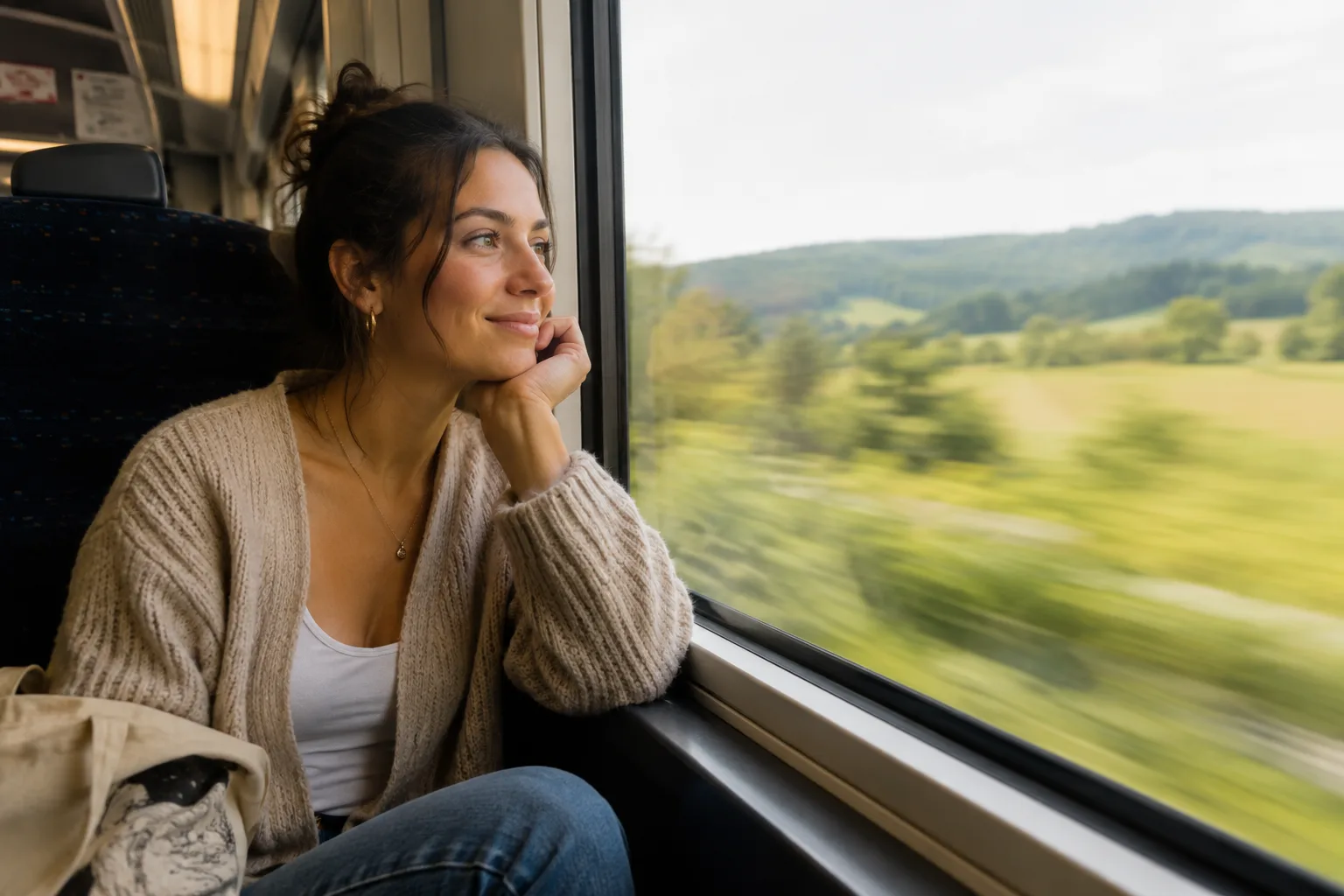
Weekend Train Journey
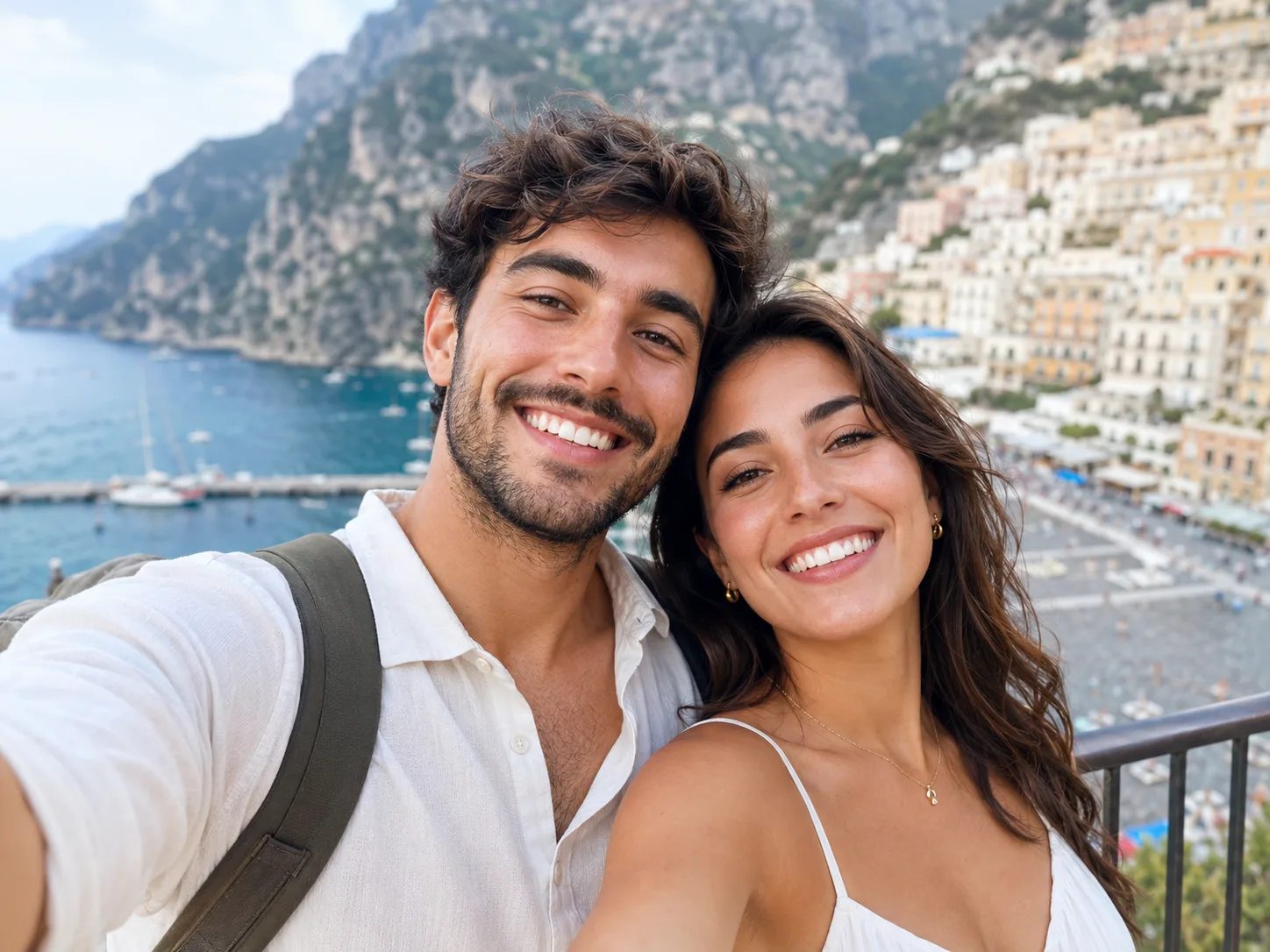
Travel Selfie Together
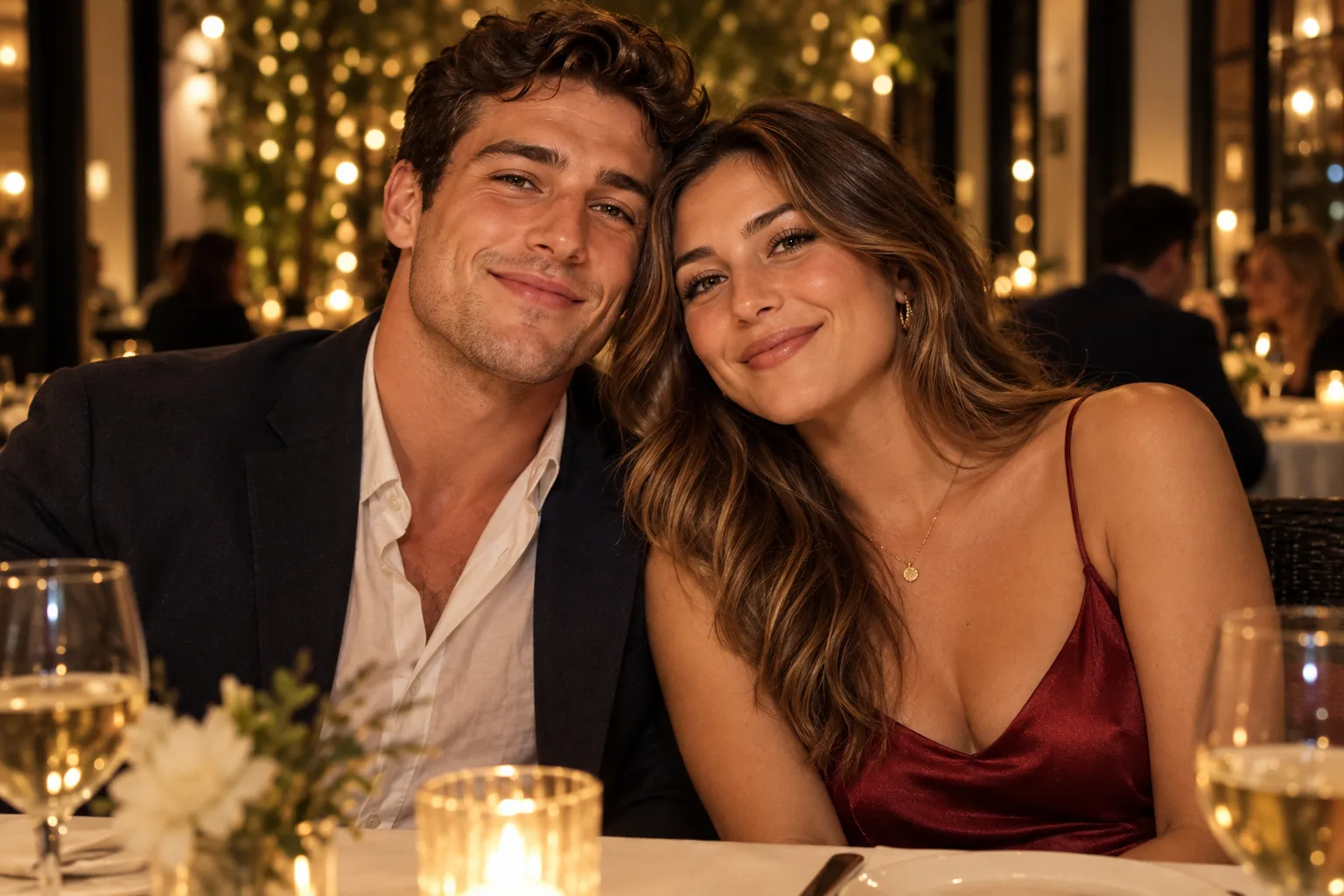
Restaurant Table Portrait
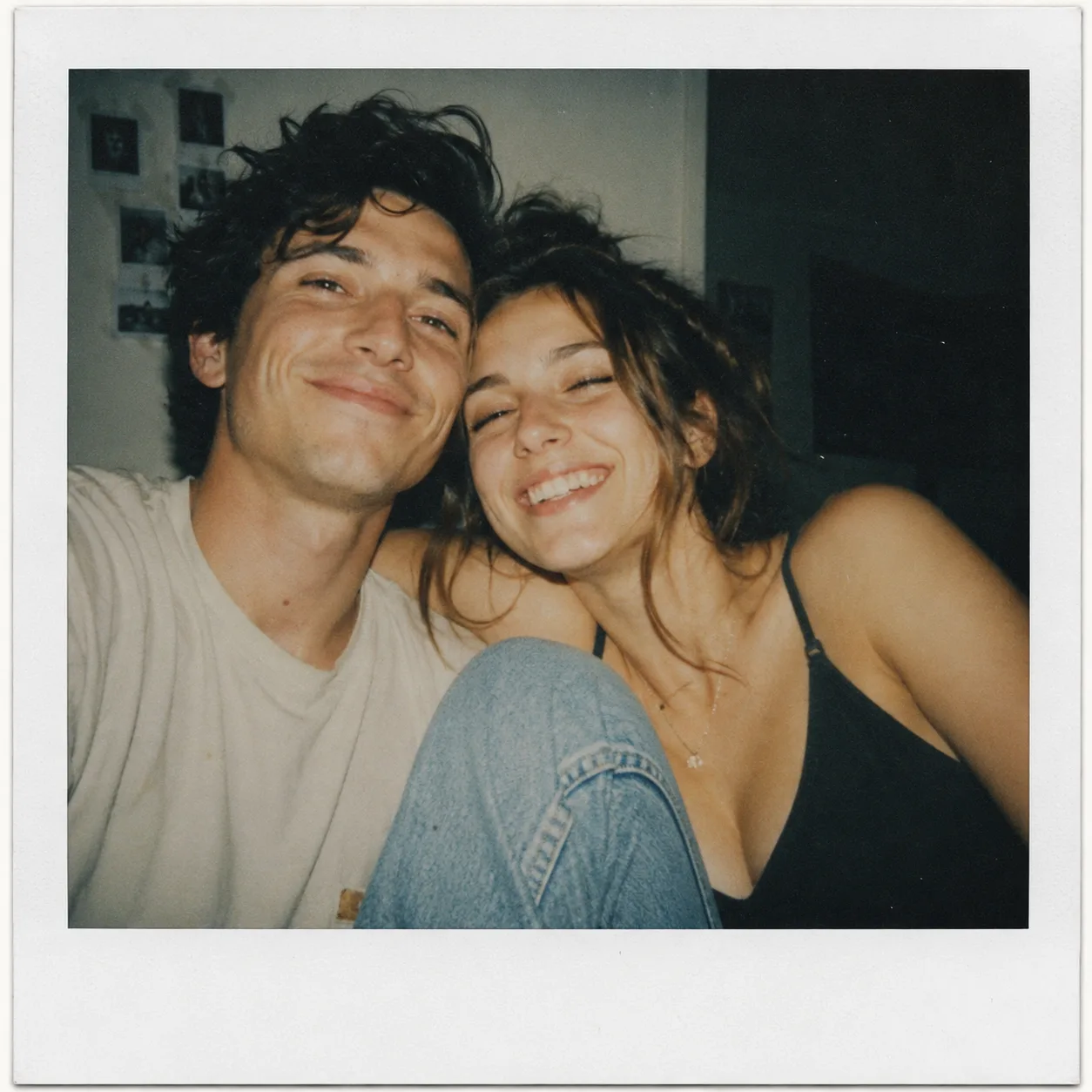
Instant-Film Couple Photo
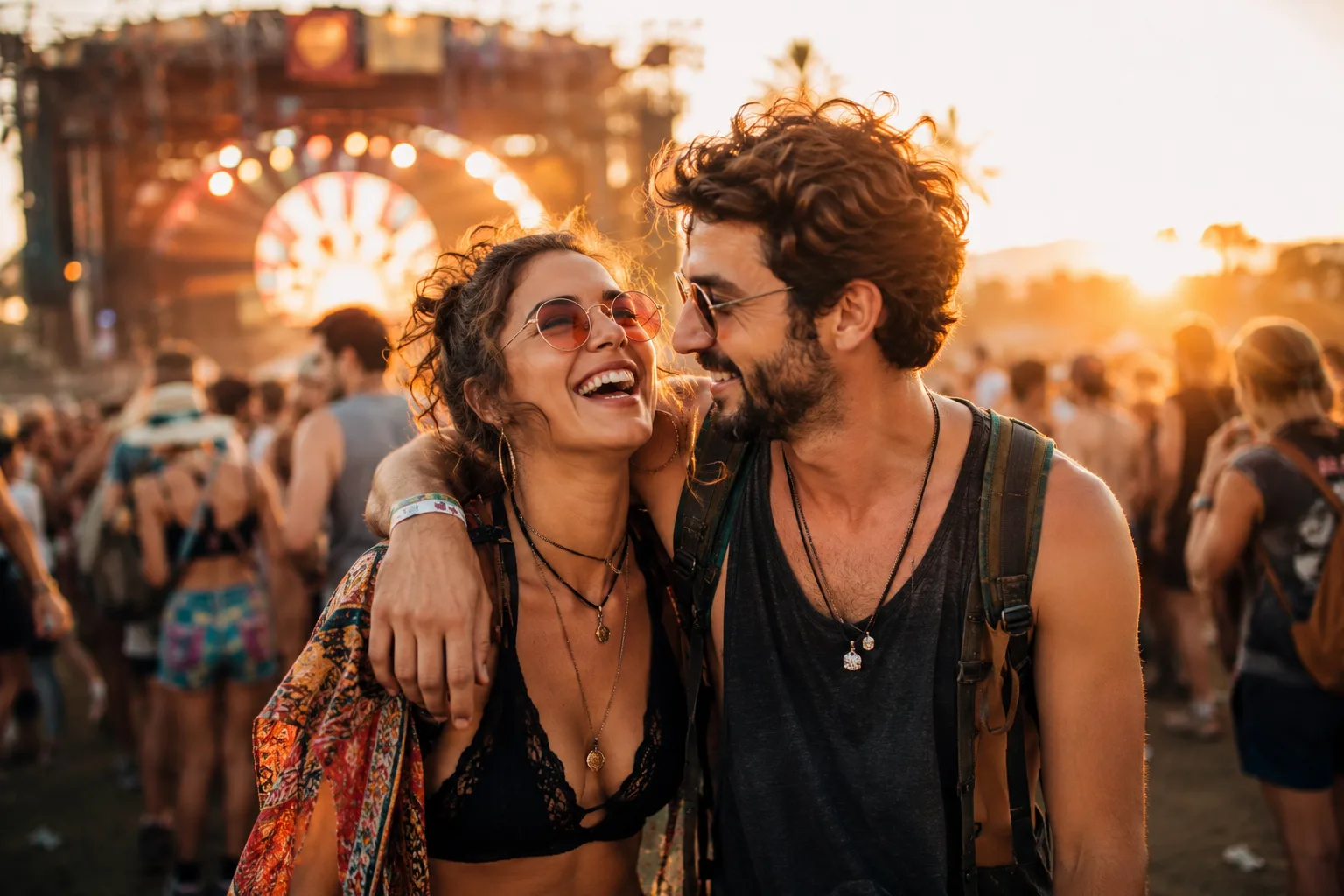
Music Festival Candid
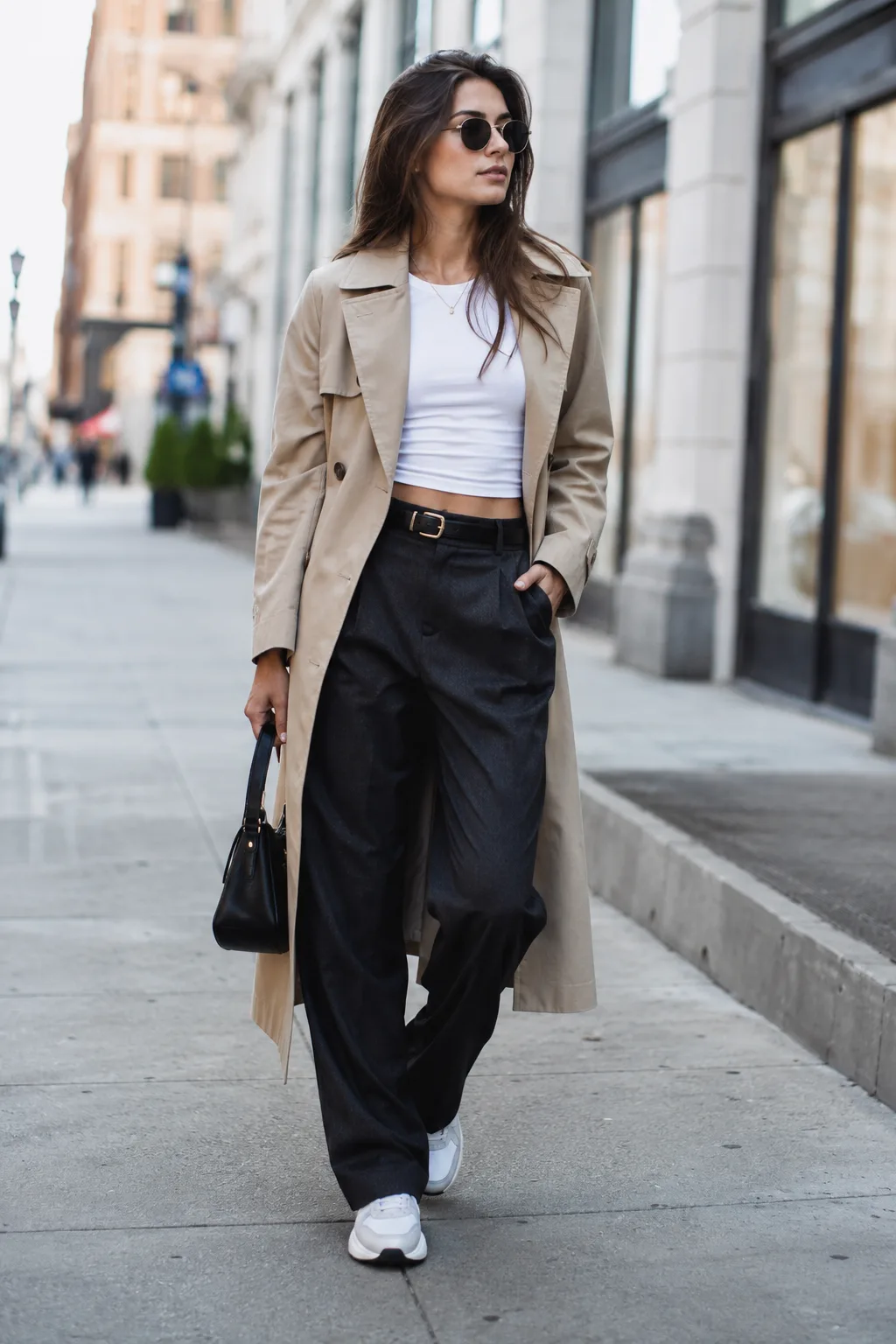
Modern Street Style
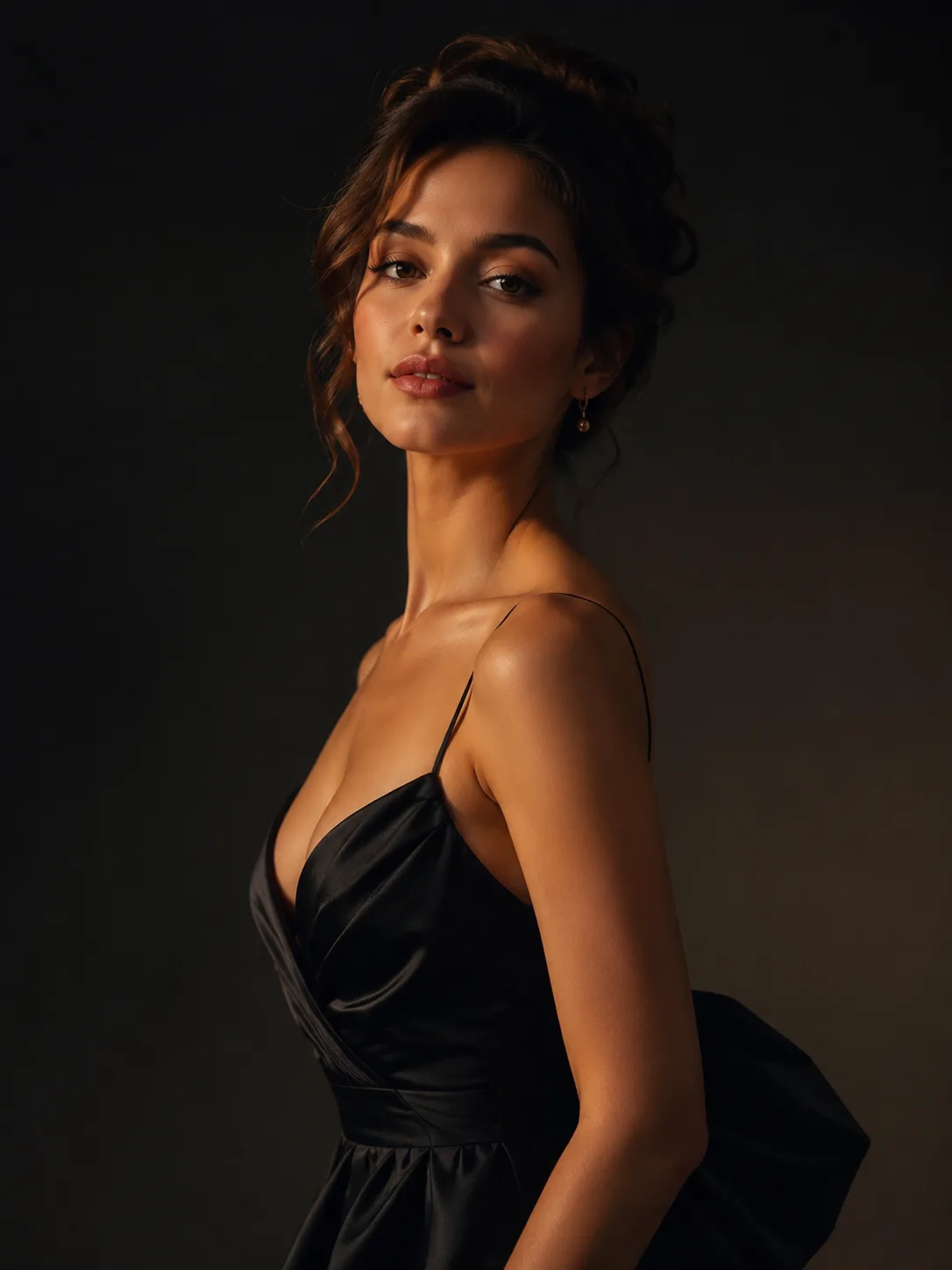
Elegant Evening Look
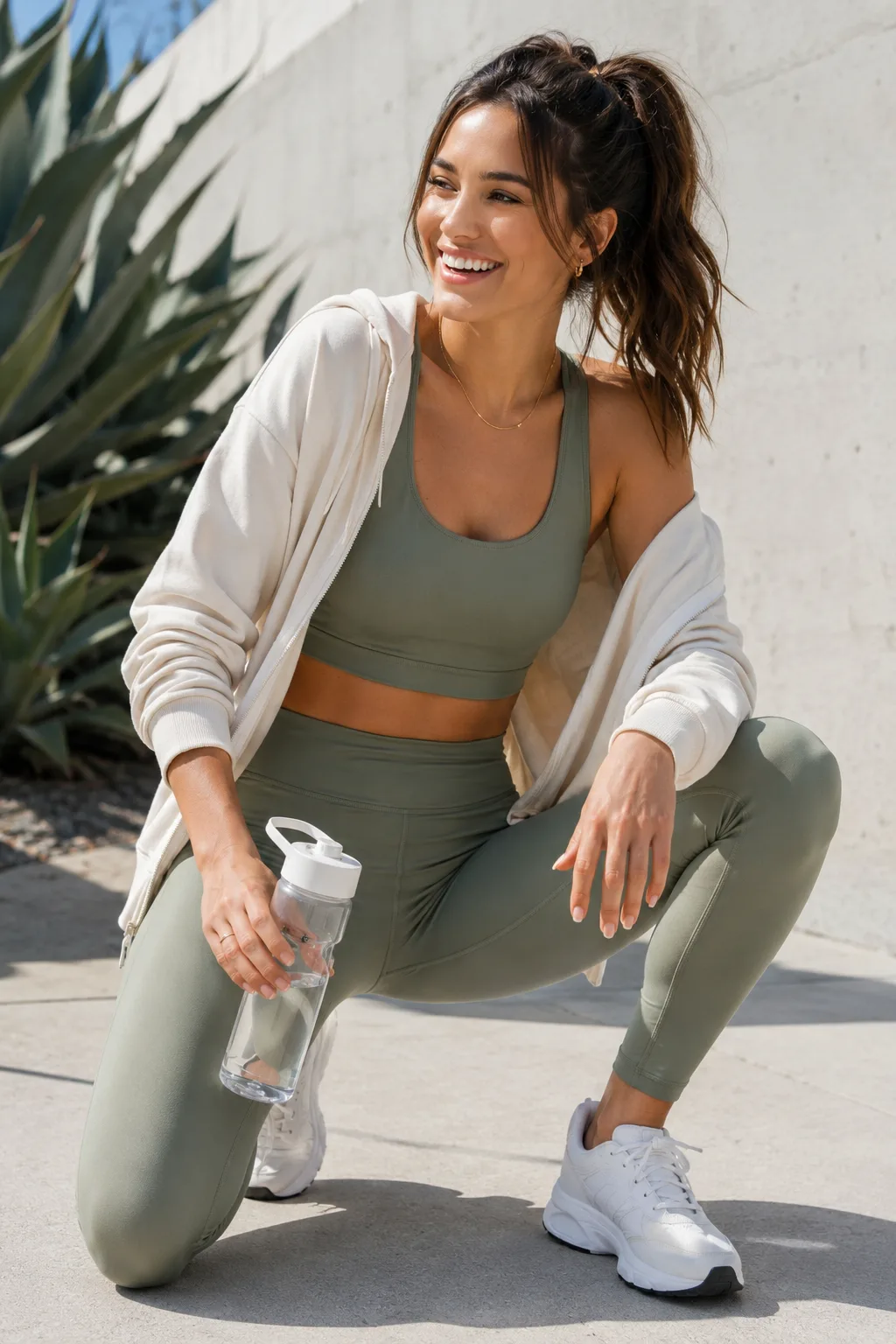
Sporty Weekend Outfit
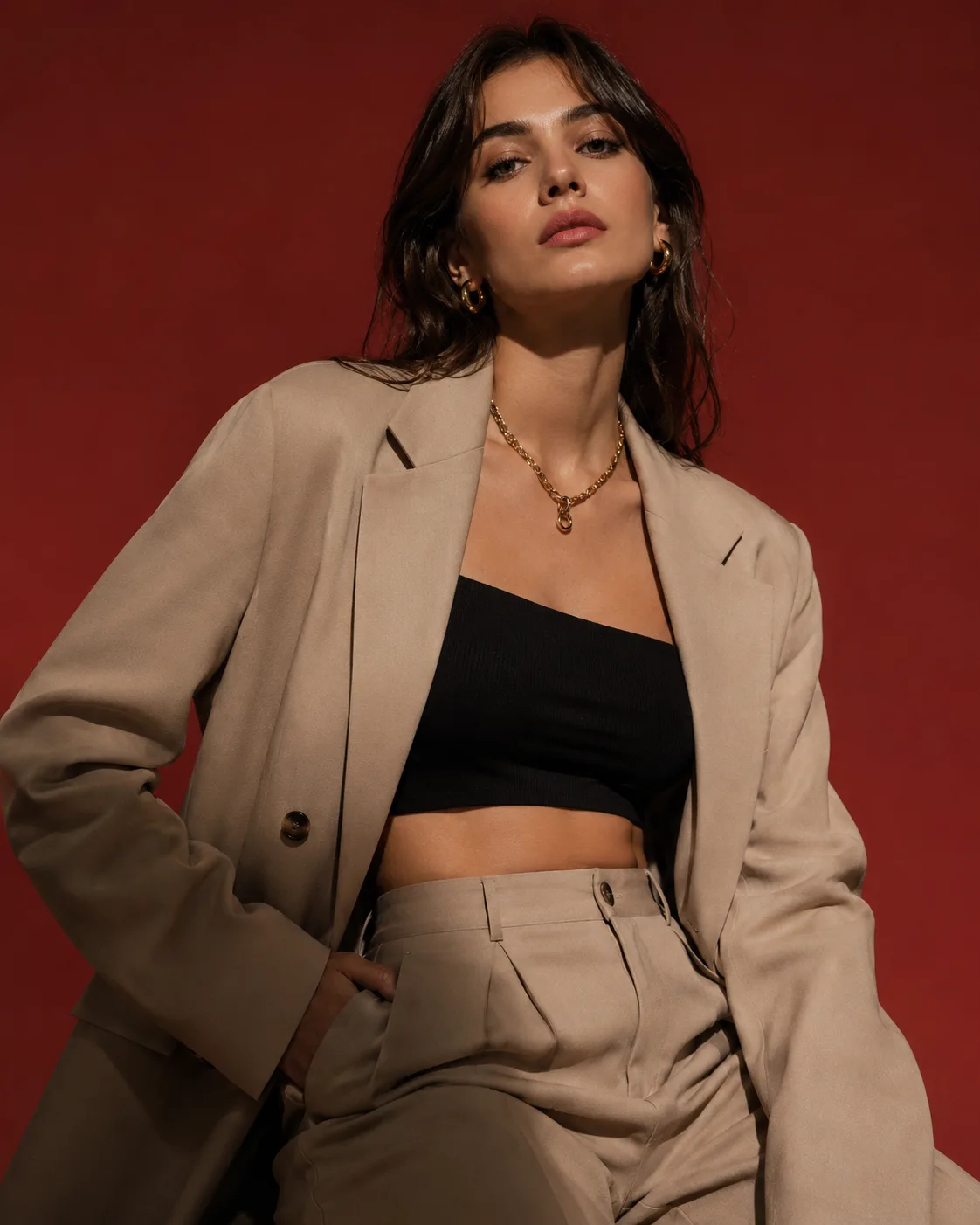
Editorial Studio Fashion
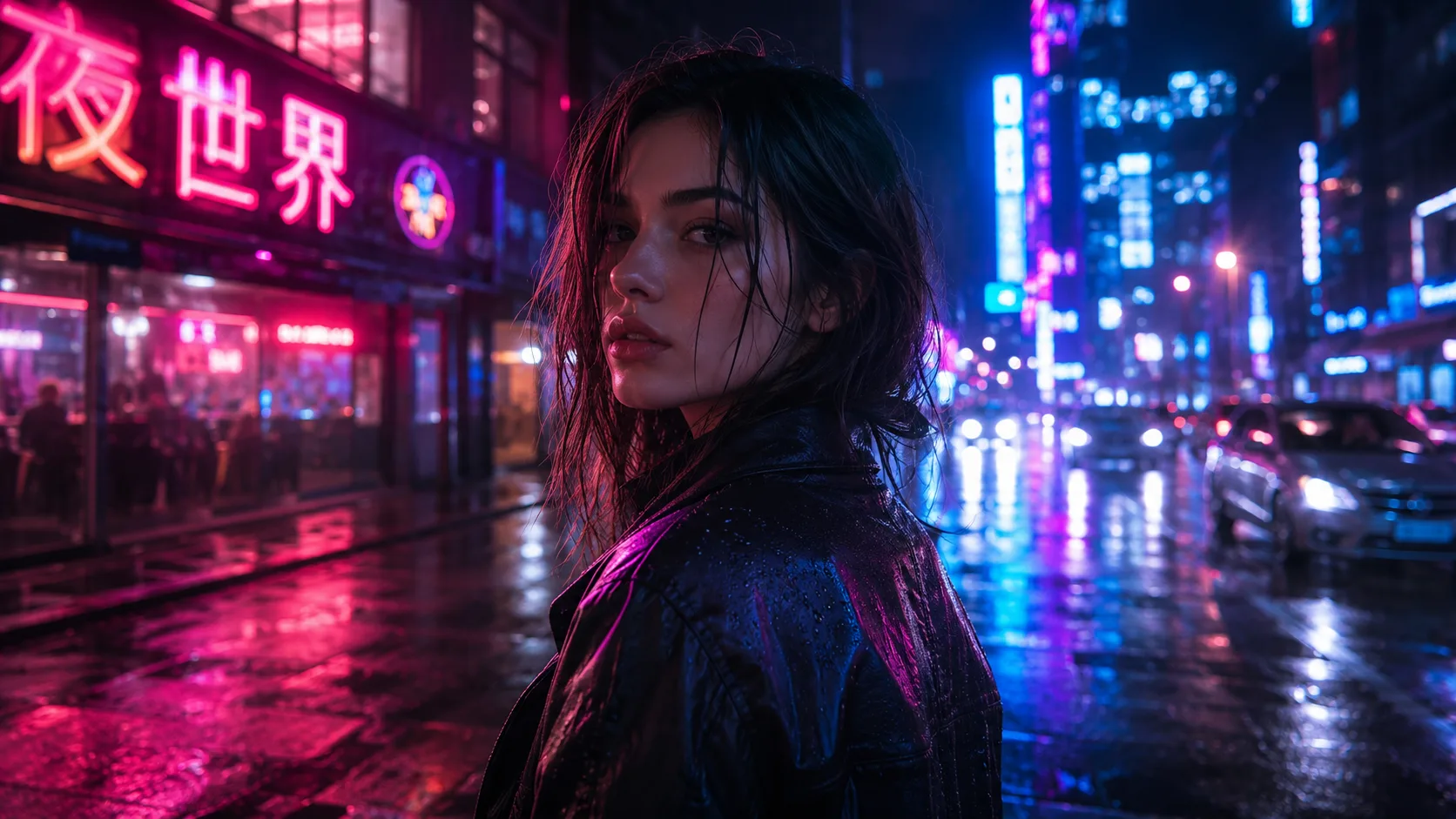
Neon City Night
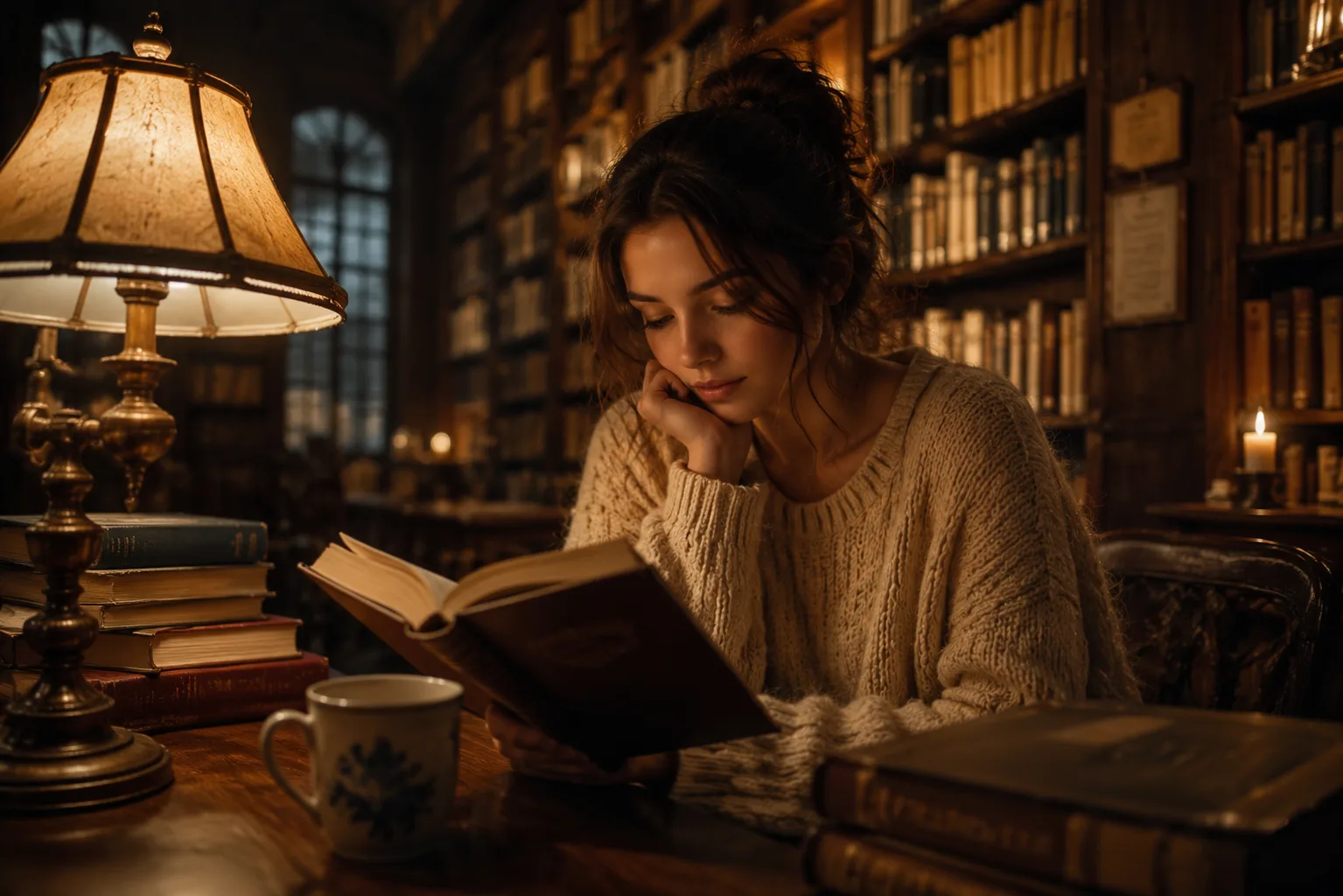
Cozy Library Scene
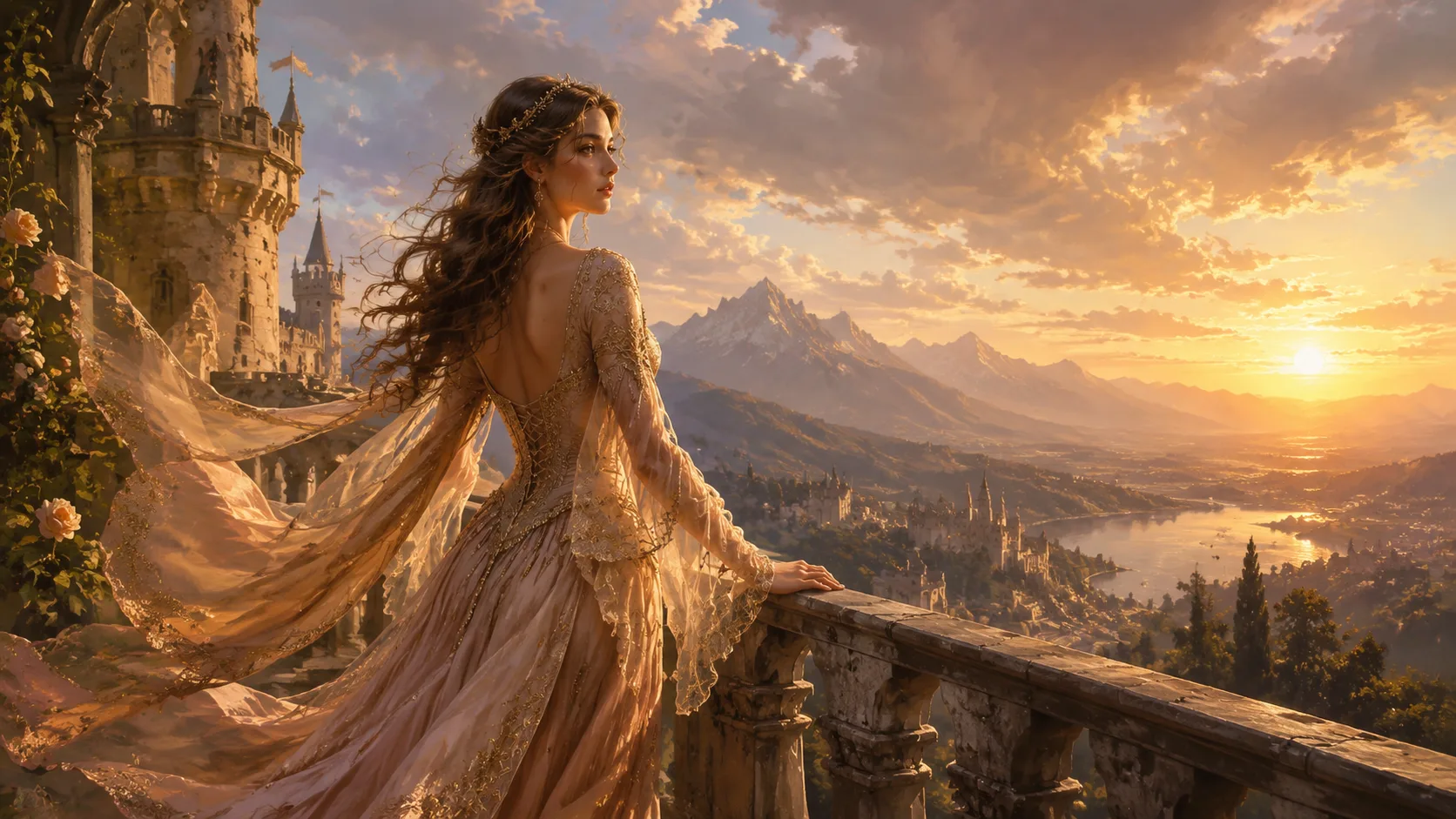
Fantasy Castle Balcony
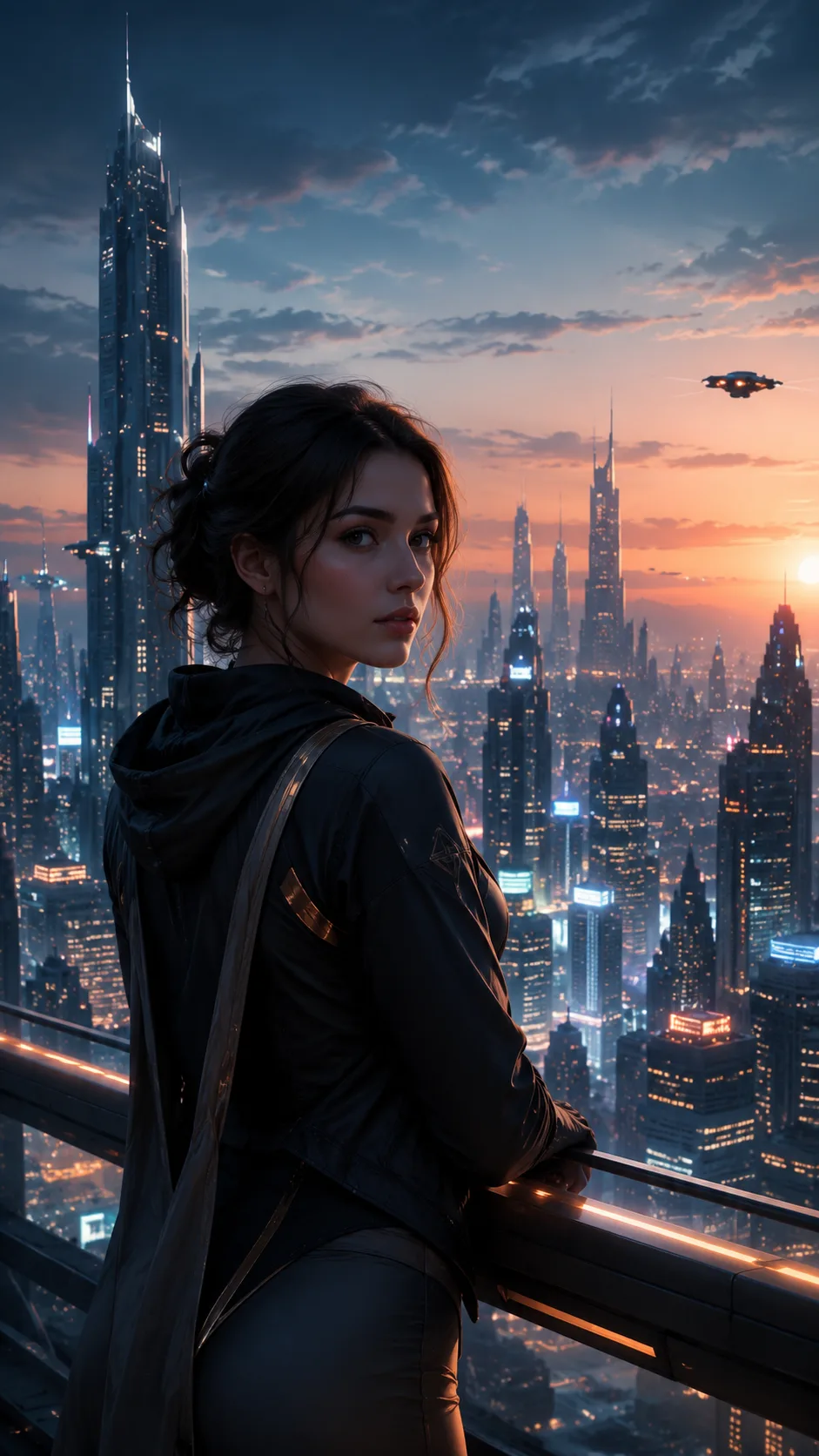
Sci-Fi Skyline Portrait
AI Girlfriend Image Generator – Create One Character and Reuse Her Across Scenes
FEATURES
Create a fictional adult companion from a text prompt or reference images, then reuse that character across portraits, selfies, date scenes, couple photos, and wallpapers. This is an image generator — it does not include chat, voice, or a simulated relationship.
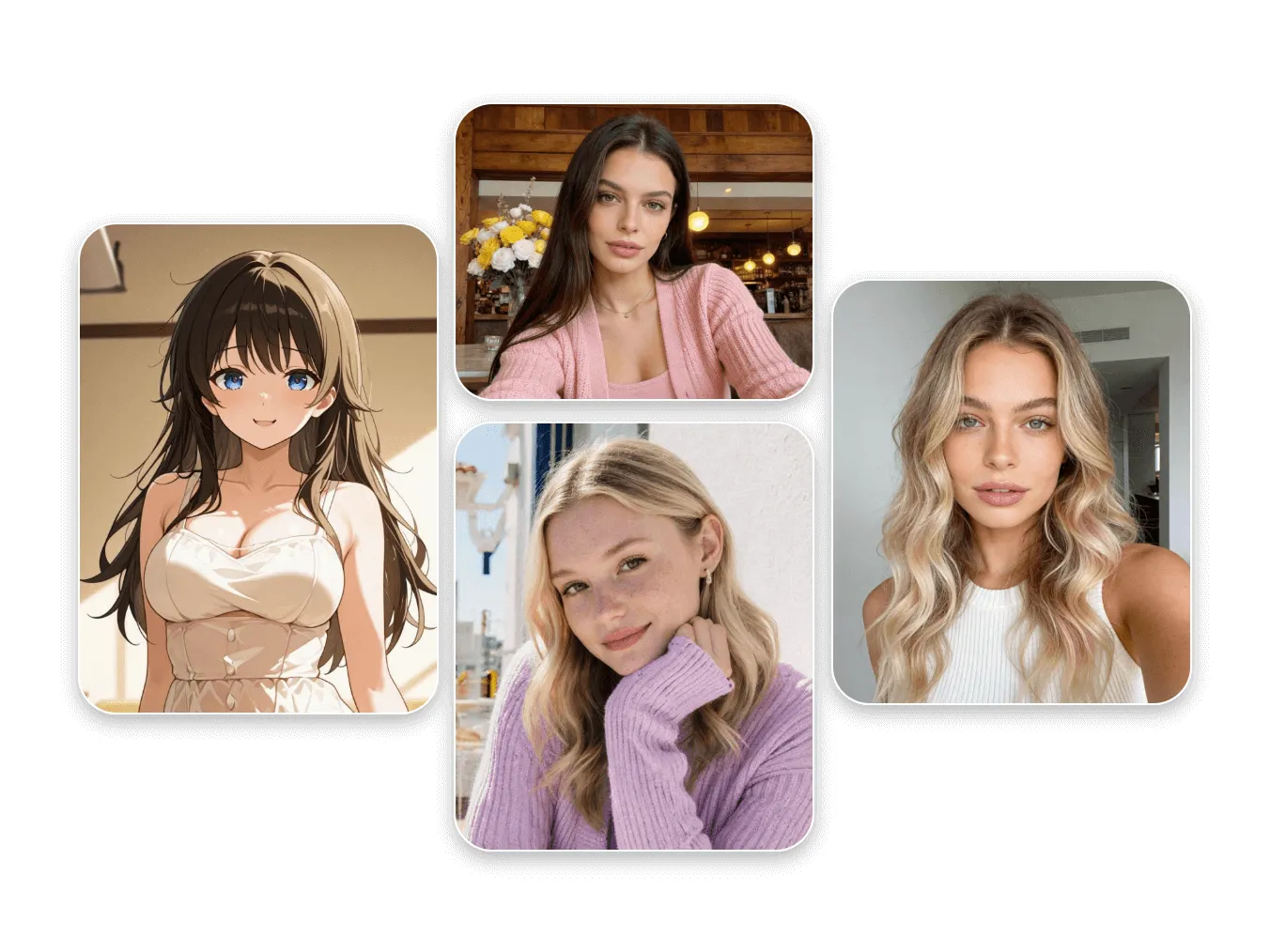
- Describe the character you have in mind, or upload a reference photo to use as an identity anchor. You can start from a blank prompt, a ready-made scene idea, or your own image — whatever gets you to a first result fastest.
- The first image you upload acts as an identity reference. Reuse it — or a result you generated — so the same character stays recognizable while you change the outfit, pose, scene, and mood. Reference-guided consistency is a strong approximation, not an exact match.
- Pick from focused visual styles — photorealistic, candid phone photo, cinematic, fashion editorial, anime, 3D illustration, or fantasy art — or leave it on Auto to follow your prompt. Each style shapes the rendering without forcing a single look.
- Browse scene ideas for portraits, casual selfies, date and lifestyle moments, couple photos, fashion looks, and wallpapers. Apply one to fill an editable prompt — your uploaded identity reference is preserved when you switch scenes.
- Generate at 1K, 2K, or up to 4K, and pick from multiple AI models with different strengths. Download your result, or send it back in as the next identity reference to keep building scenes of the same character.
How to Use the AI Girlfriend Image Generator
HOW TO USE
Create a fictional companion image and reuse the same character across scenes in three steps. Sign-in is required to generate, and each result uses credits based on your model and resolution.
Pick a Scene Idea or Describe Your Character
Choose a scene idea to fill an editable prompt, or write your own description — the prompt is optional. To keep a specific look, upload a photo as your character's identity reference; the first image is treated as the identity anchor.
Choose Style, Model, and Output Settings
Select a visual style (or leave it on Auto), pick an AI model, and set aspect ratio, resolution (1K, 2K, or 4K), and format. Switching scene ideas keeps your uploaded identity reference in place.
Generate, Download, and Reuse the Result
Sign in to generate, then preview and download your image. Send a result back in as the next identity reference to create more scenes of the same character. Credits are deducted per generation based on model and resolution.
AI Girlfriend Image Generator Showcase – See What You Can Create
SHOWCASES
Explore what the AI girlfriend image generator can create — from portraits and lifestyle scenes to fashion looks and cinematic wallpapers, all built around one recognizable fictional character.

Photorealistic Portrait
Generate detailed, photorealistic portraits of a fictional adult companion with natural skin, expressive eyes, and flattering lighting — a strong starting point for your character's identity.
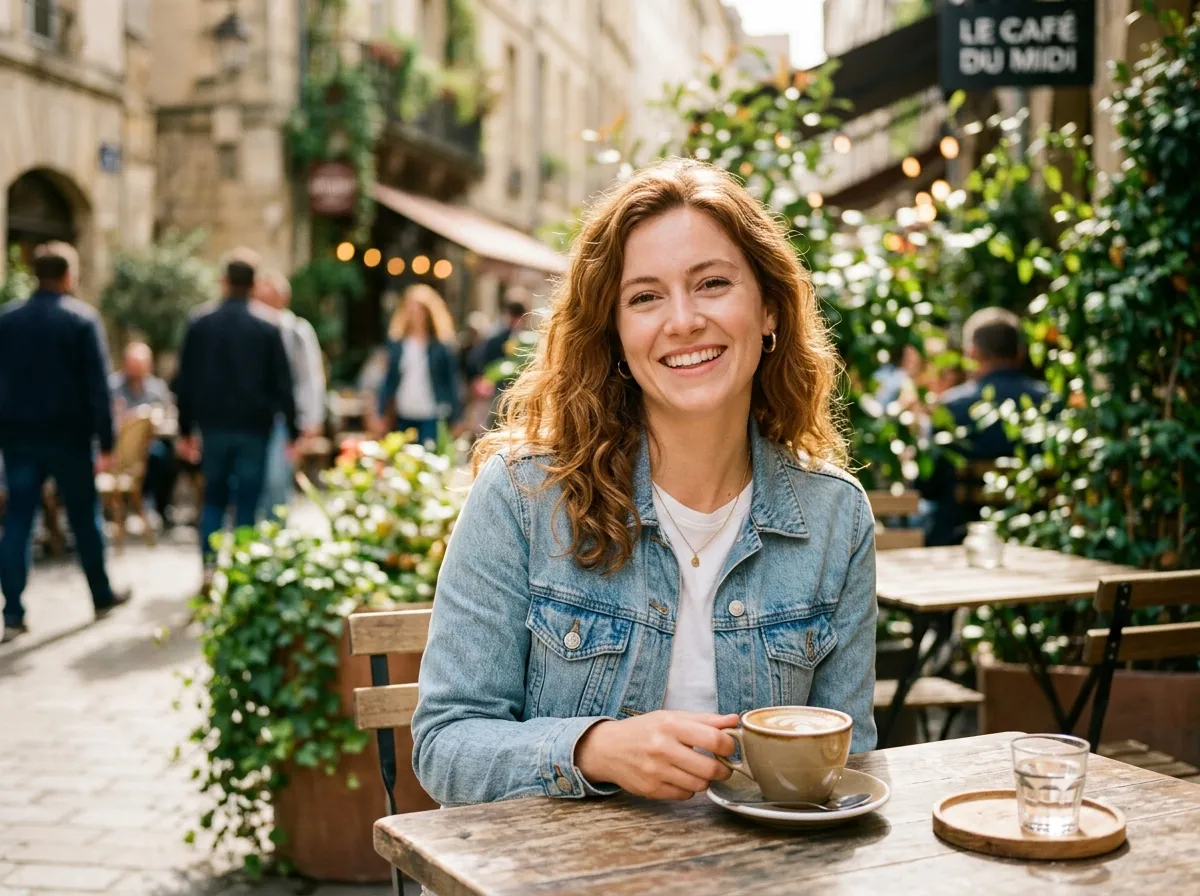
Casual Lifestyle Scenes
Place your character in everyday settings — coffee shops, city streets, and cozy interiors — for natural, candid-looking images with warm, inviting atmospheres.
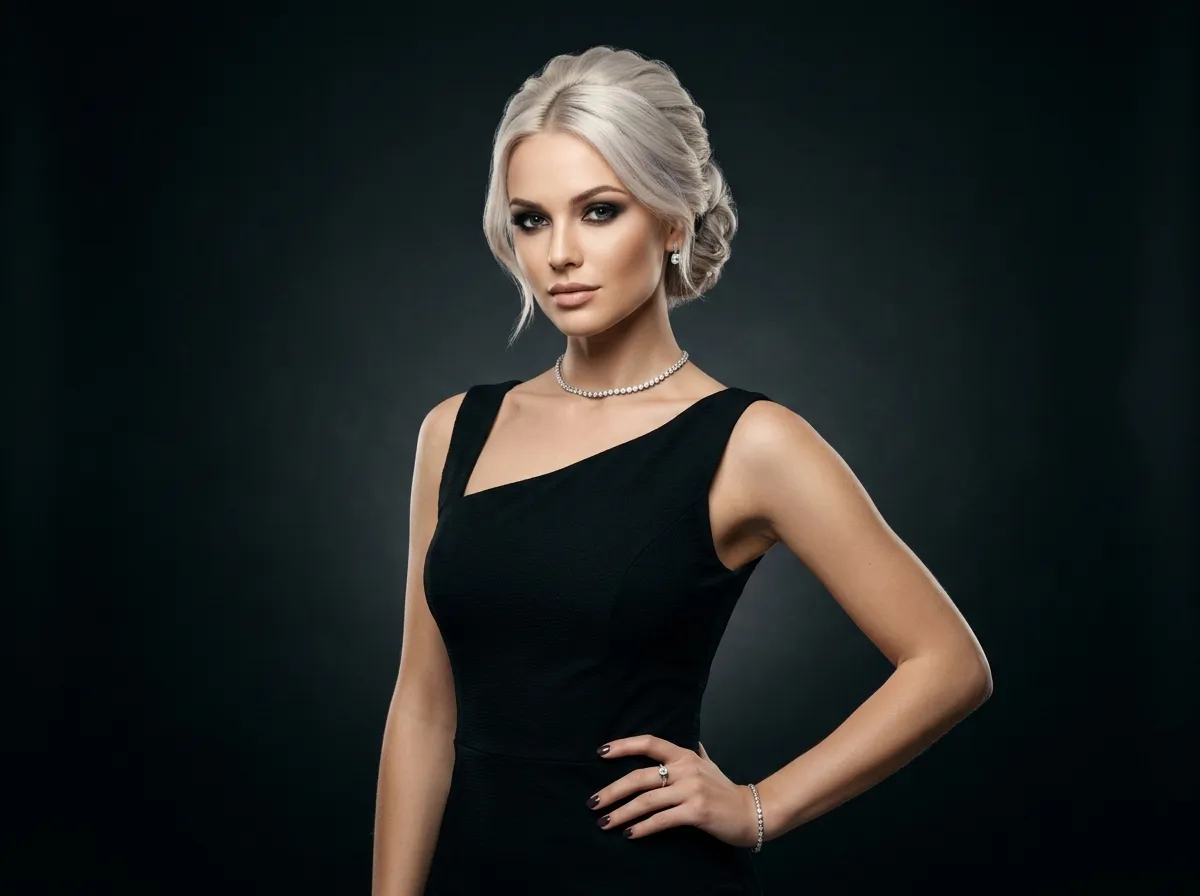
Fashion & Editorial Looks
Give your character glamorous fashion aesthetics — styled outfits, editorial makeup, and dramatic lighting — while keeping the same recognizable face across different looks.
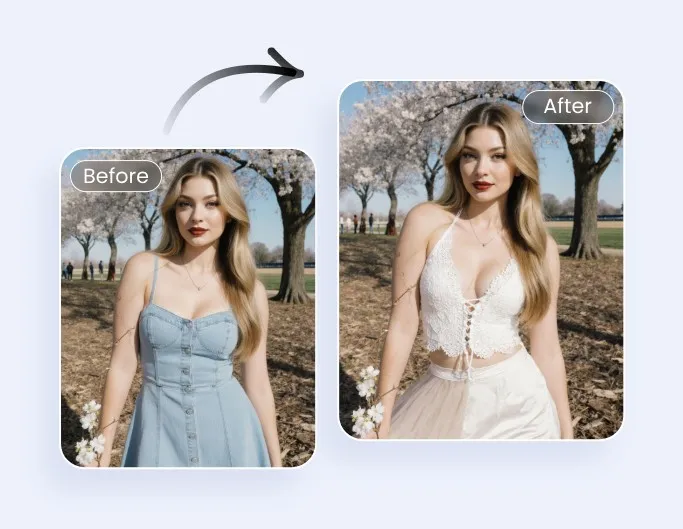
One Character, Many Scenes
Reuse an uploaded photo or a generated result as your identity reference to keep the same character recognizable across new scenes, outfits, and moods. Consistency is reference-guided, not an exact identity match.
AI Girlfriend Image Generator FAQ – Your Questions Answered
FAQs
How the AI girlfriend image generator works — what it creates, how to keep one character consistent, and how sign-in and credits work.
What is the AI girlfriend image generator?
It is an online tool that creates images of a fictional adult companion from a text prompt or reference images. You can start a character, then reuse it across portraits, selfies, date scenes, couple photos, and wallpapers. It creates images only — it does not include chat, voice, memory, or a simulated relationship.
Does it include chat or voice?
No. This page is an image generator. It does not offer conversation, voice replies, personality, or relationship features. If you are looking for those, this is not the right tool.
How much does it cost, and do I need an account?
New users receive free credits to start. Generating an image requires sign-in, and each result uses credits based on the model and resolution you choose (for example, 1K, 2K, or 4K). You can browse ideas and set up your image before signing in; the sign-in requirement appears when you generate.
Can I create an AI girlfriend from a photo?
Yes. Upload a photo to use as your character's identity reference — the first image you add is treated as the identity anchor. The tool aims to keep that character recognizable, but reference-guided consistency is a strong approximation, not an exact identity match. Only upload images you have the right to use.
How do I keep the same character across different scenes?
Keep your identity reference in place while you change the scene, outfit, pose, or style — applying a new scene idea does not remove your uploaded reference. You can also reuse a generated result as the next identity reference to build a set of images of the same character.
What styles and models can I choose?
Visual styles include Auto, Photorealistic, Candid Phone Photo, Cinematic, Fashion Editorial, Anime, 3D Illustration, and Fantasy Art. You can also pick from multiple AI models with different strengths and reference-image limits. Auto follows your prompt instead of forcing a single look.
What resolutions and formats are available?
You can generate at 1K, 2K, or up to 4K, and download in PNG or JPG. Available aspect ratios and formats depend on the model you select.
Is the tool safe-for-work?
Yes. All characters are fictional adults, and templates and previews are kept safe-for-work and tasteful. The tool is not intended for explicit content, public-figure imitation, or images that misrepresent a real relationship.
Can I use the images for my own projects?
You can use your results for personal creative projects such as wallpapers, digital art, and storytelling. For any other use, review the site Terms — do not assume commercial rights unless they are explicitly granted there.
I want a broader female-character generator — is there another tool?
Yes. If you want general female-character art, avatars, headshots, or anime and game assets rather than a recurring companion, try the AI Girl Generator. This page focuses specifically on creating one companion character and reusing it across scenes.
Create Your AI Girlfriend and Bring Her Into Every Scene
Start with a portrait, then reuse the same fictional character across selfies, date scenes, couple photos, and wallpapers. New users get free credits — sign in to generate.
More AI Image Generators for Every Creative Idea
Unleash Creativity With Createimg.ai AI Image Generators
Explore a variety of AI image generators tailored to different creative needs. Whether you want to design shirts, make fun emojis, or create unique posters, these tools make it easy to bring every idea to life.
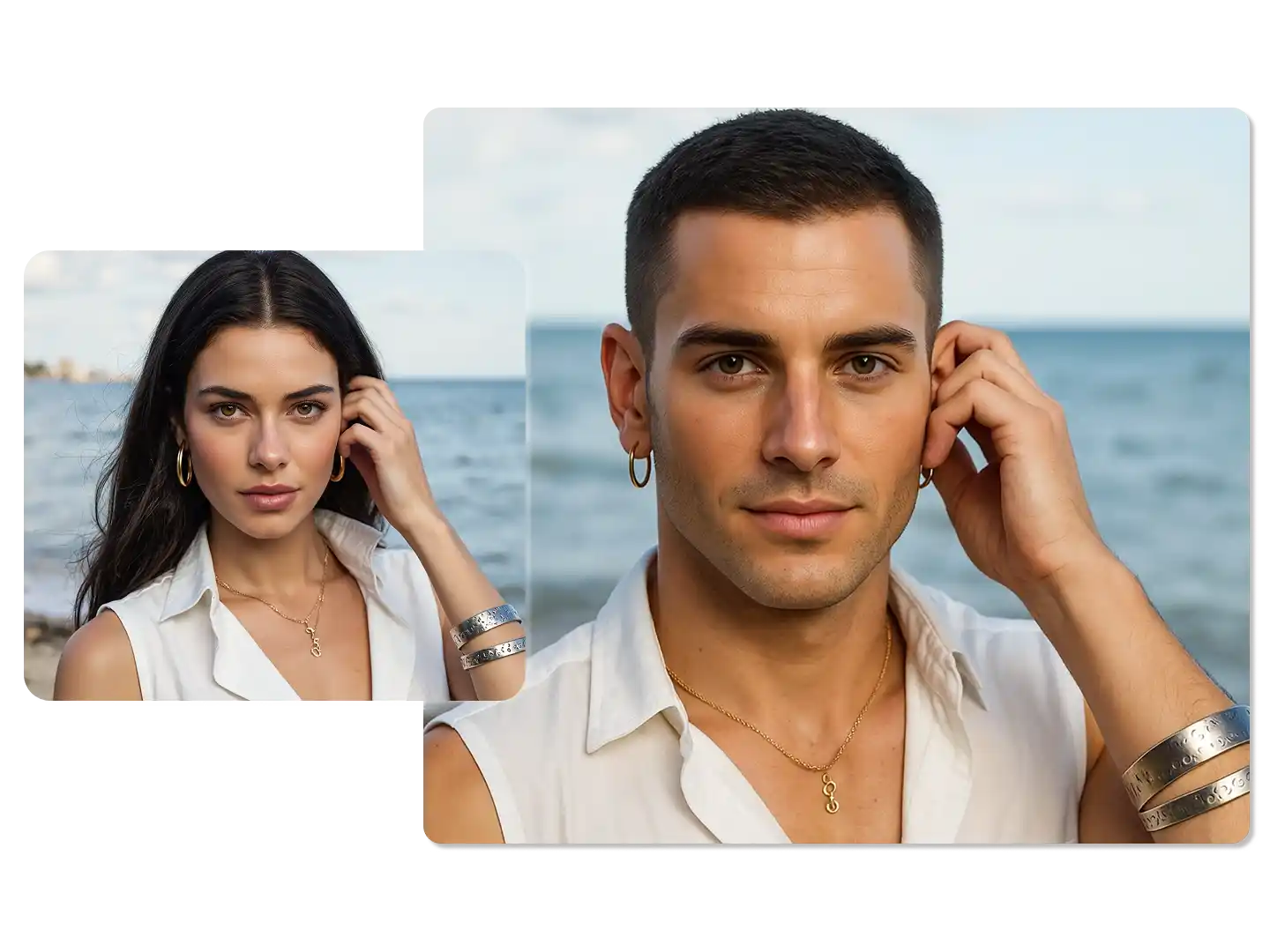
AI Gender Swap
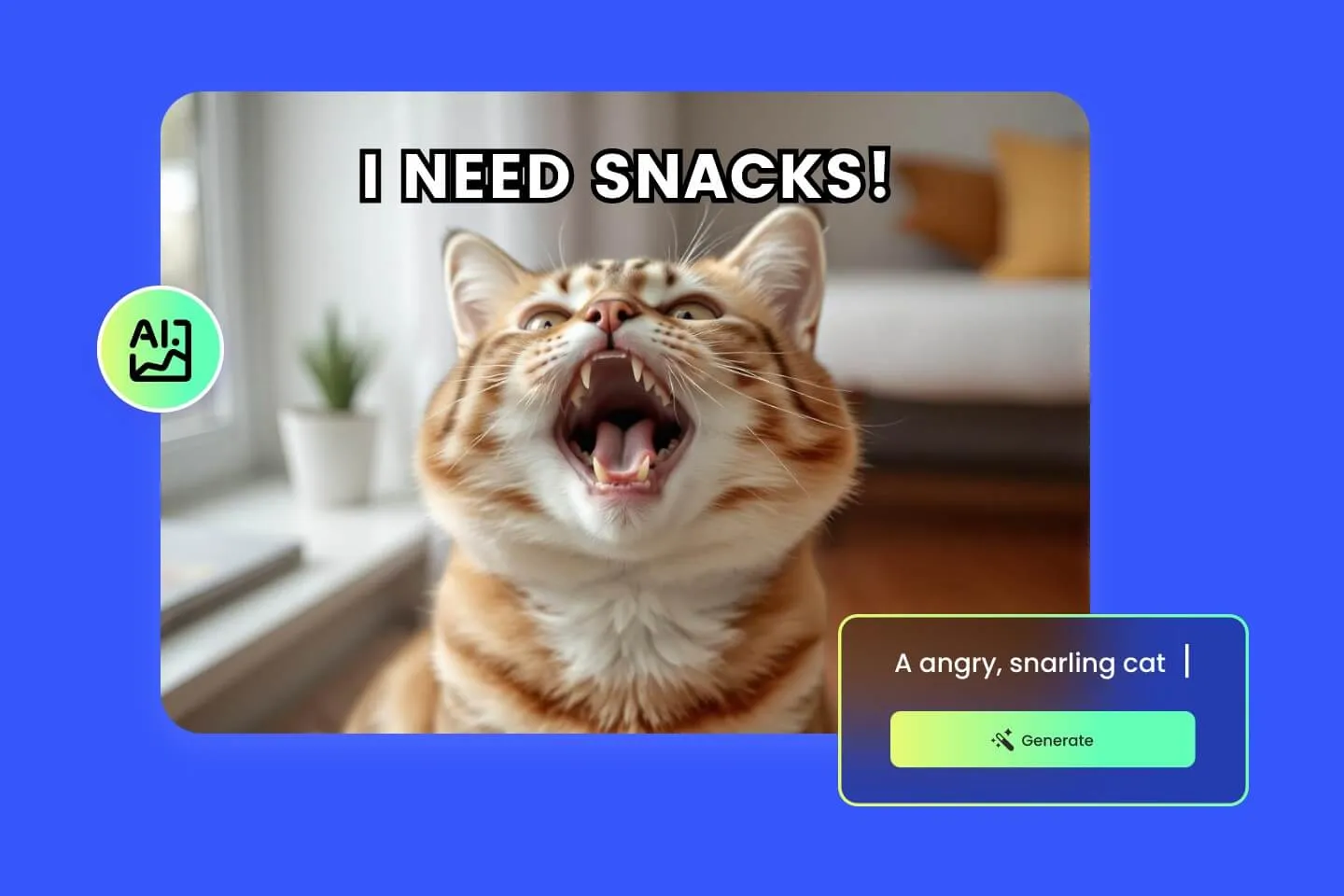
AI Meme Generator
AI Ad Generator
Wedding AI Photo Generator
AI Food Generator
Text To Image
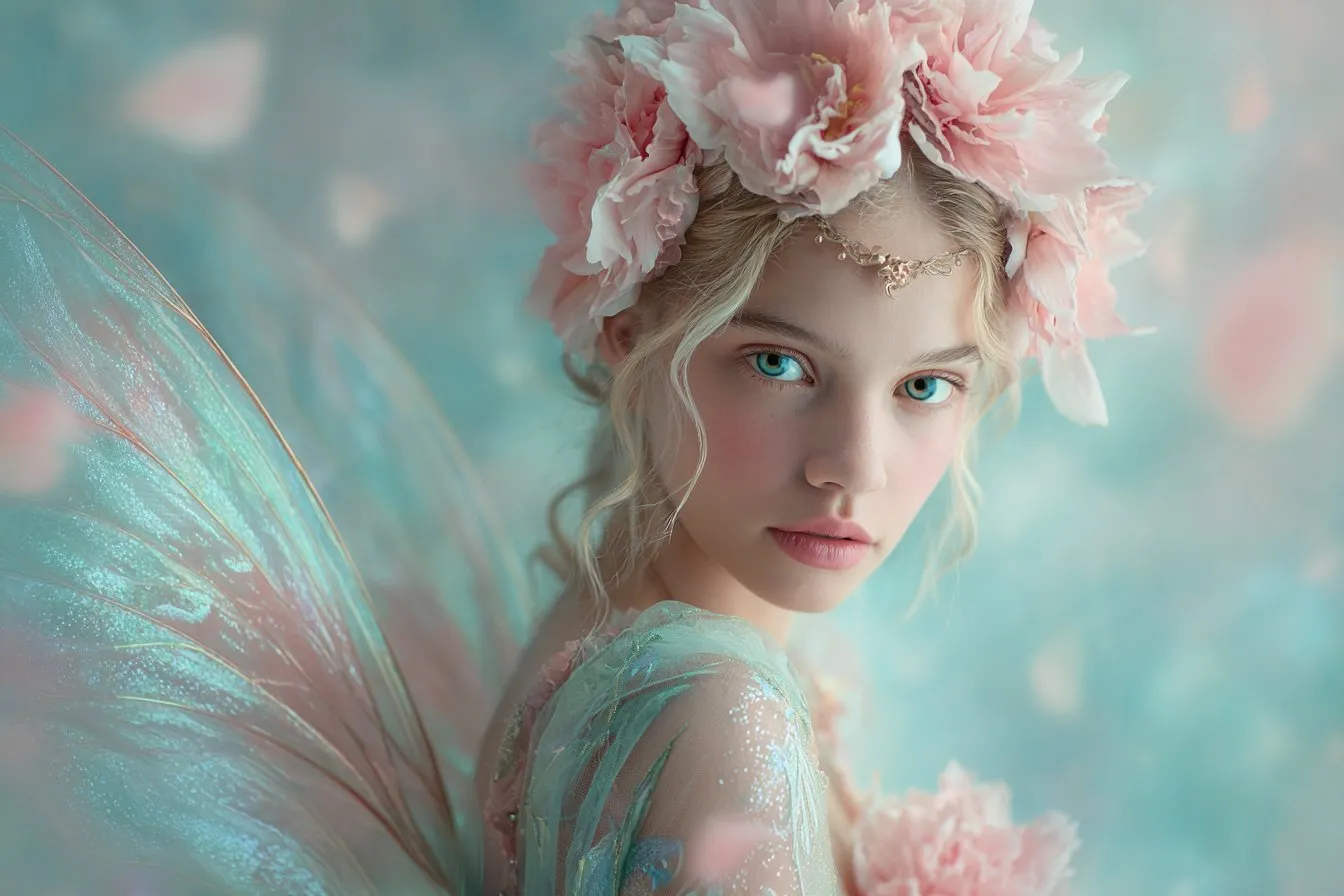
Image To Image
AI Thumbnail Generator
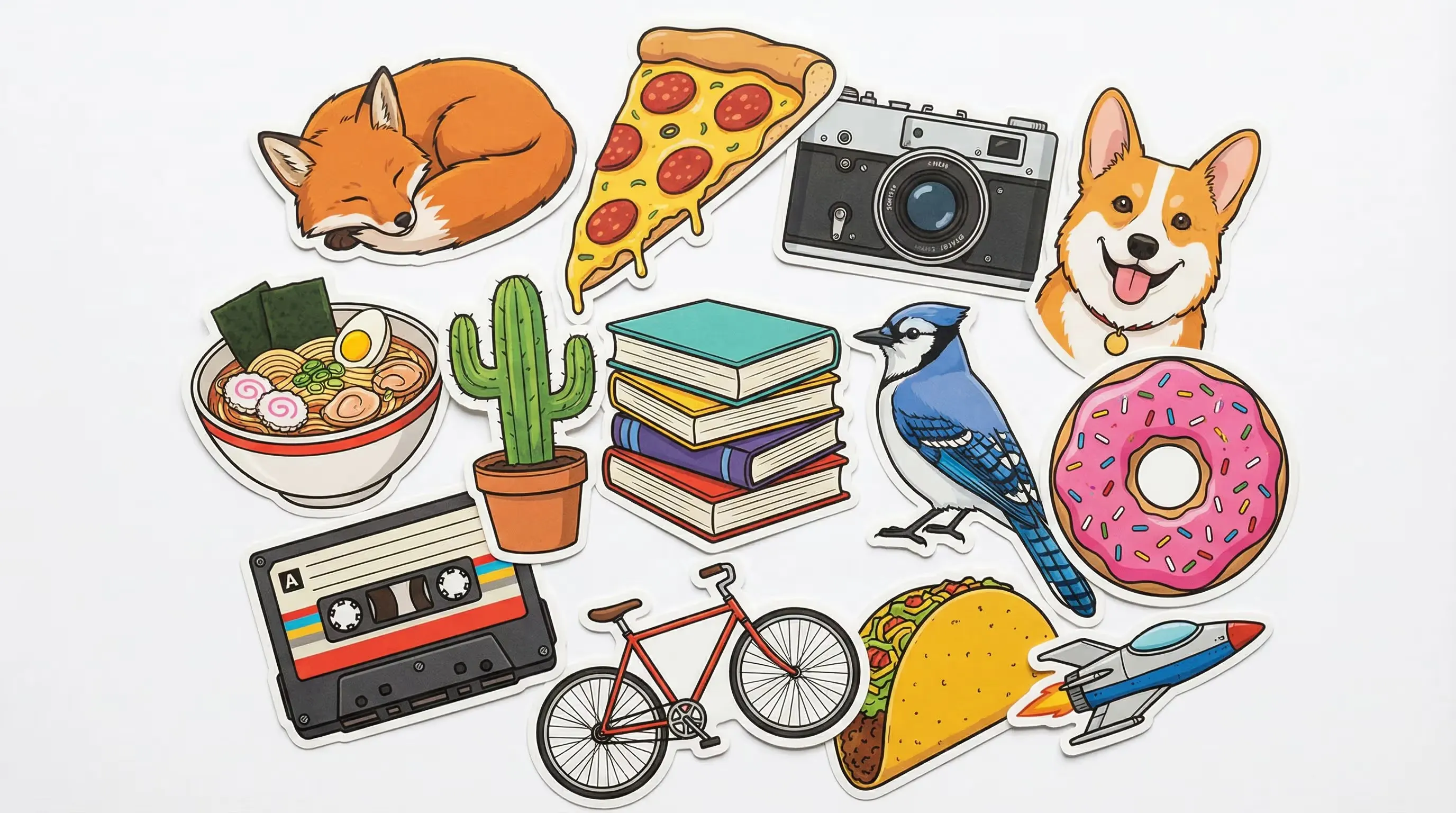
AI Sticker Generator
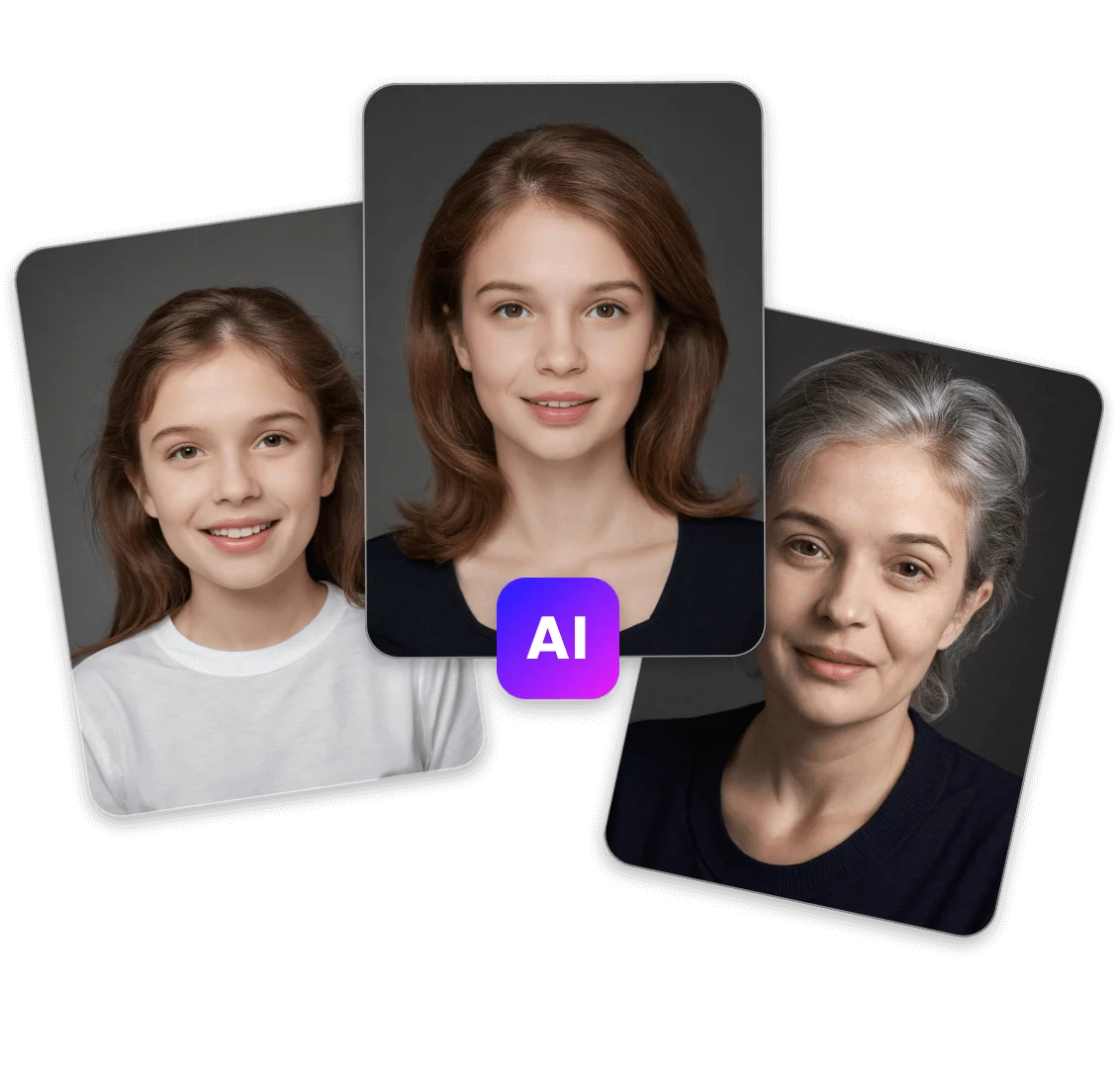
AI Age Progression
Explore Cutting-Edge AI Models
AI Models — Powerful Image & Video Generation Tools
Explore advanced AI models for high-quality image and video creation. Discover powerful generation and editing technologies that enhance your creative workflow and bring your visual ideas to life with ease.










Powered By


