
AI Hair Style Generator
Results vary by model. If a generation fails or is blocked, switch to another model and try again.
Results
Watch a quick preview of ai hair style generator and see how hairstyle try-on results look on real photos.
AI Hair Style Generator: Virtual Hairstyle Try-On & Hair Color Preview
Preview a New Hairstyle on Your Photo
Upload a selfie, add a reference hairstyle or write a prompt, and get a realistic AI hairstyle preview for cuts, colors, and textures with our AI hair style generator.
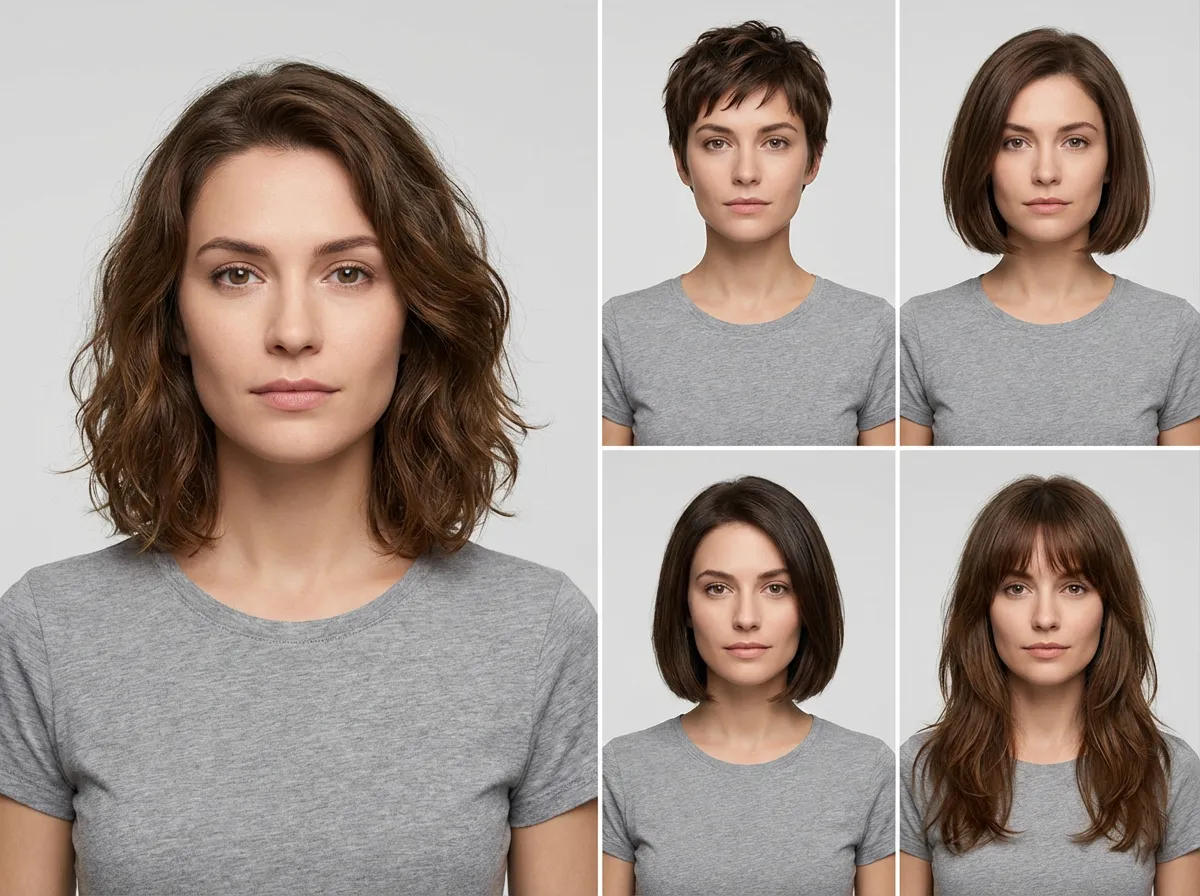
- See how different haircuts, parts, and textures look on you before you book a salon appointment.
- Upload a hairstyle you like and let the AI adapt it to your face for a natural-looking preview.
- Describe your dream hair (bob, bangs, curls, fade, highlights) and generate variations instantly.
- Keeps facial features and lighting consistent so the hairstyle blends naturally with your photo.
- Try blonde, brunette, vivid colors, short cuts, or long styles to find what fits your vibe.
- Generate quickly and keep your try-ons private with secure image processing.
AI Hair Style Generator Examples: Haircuts, Colors, and Textures
Examples
Explore hairstyle try-on results from our ai hair style generator for popular cuts, color changes, and texture swaps.
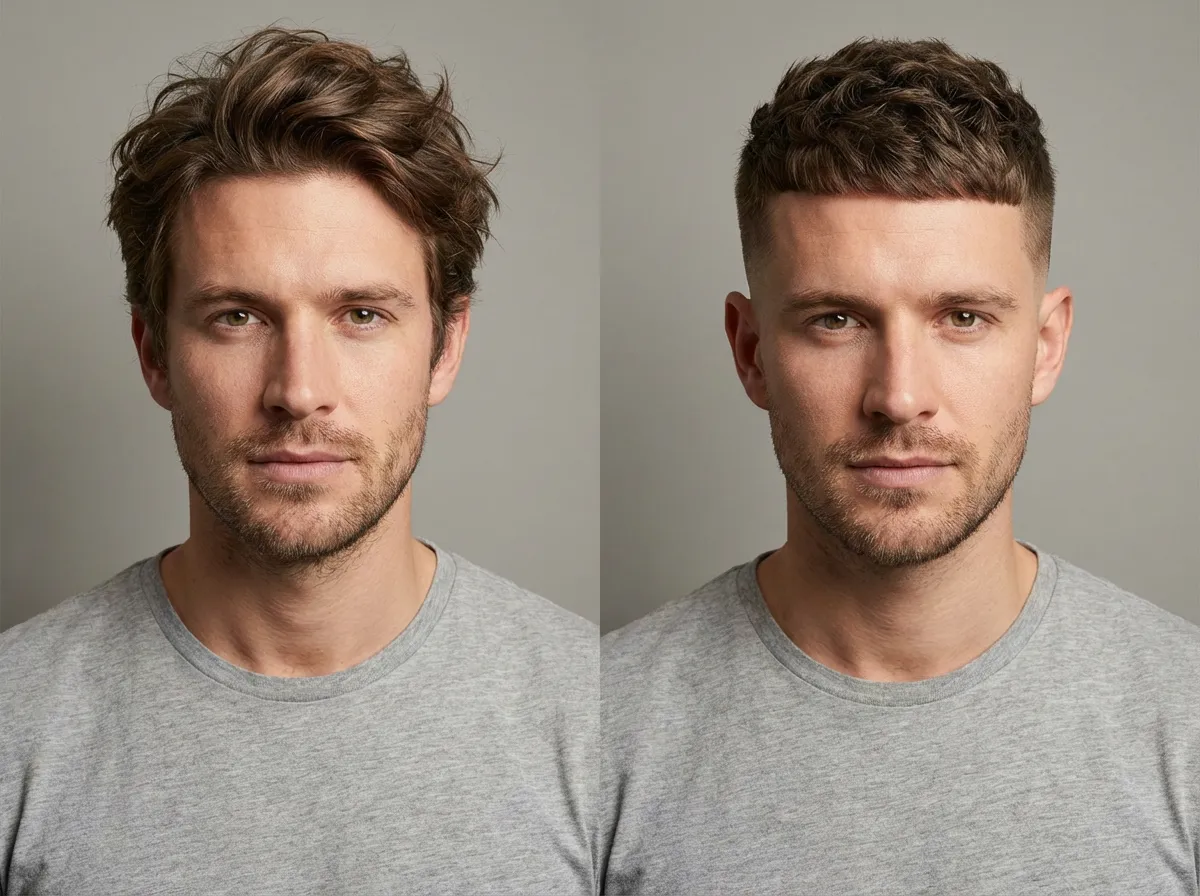
Haircut Preview
Preview bobs, pixies, layers, or fades to see how a new cut frames your face.
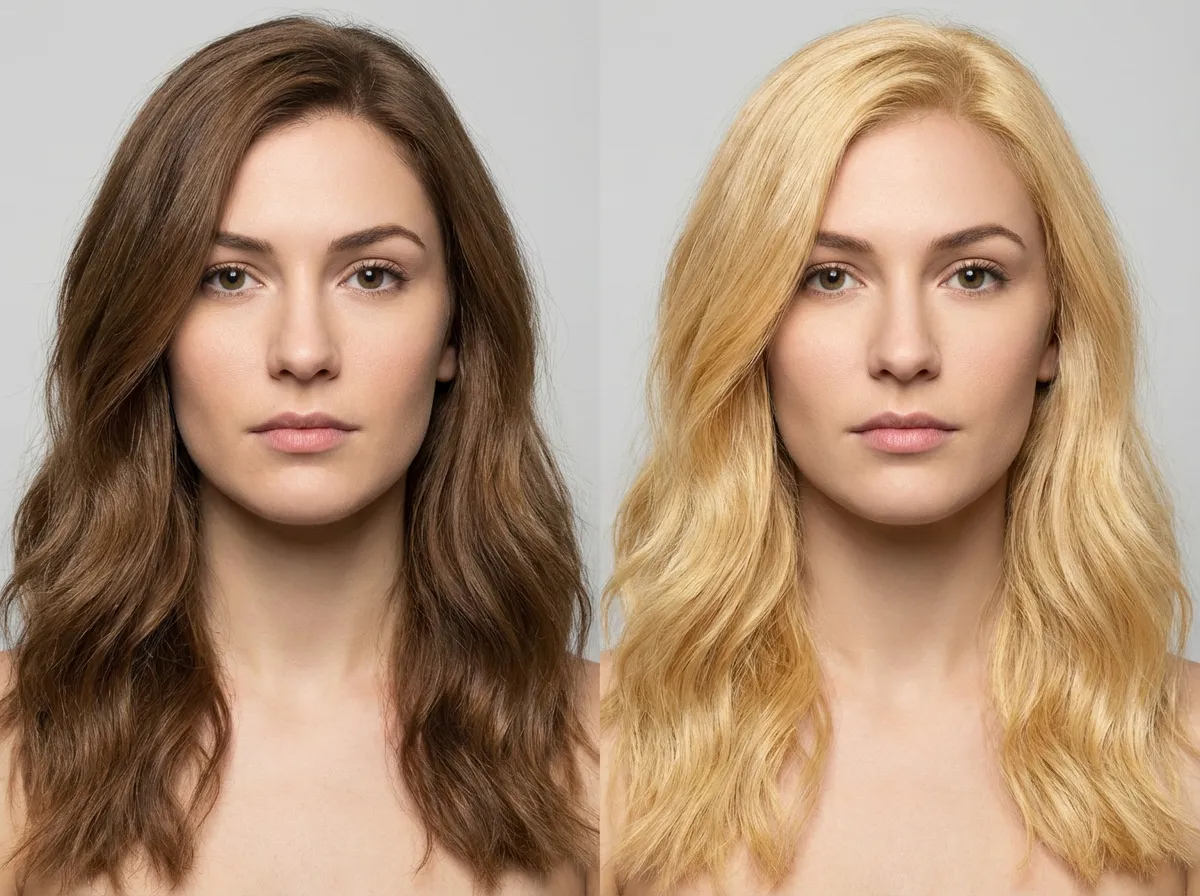
Hair Color Change Preview
Try blonde, brunette, black, red, or bold colors and see what complements your look.
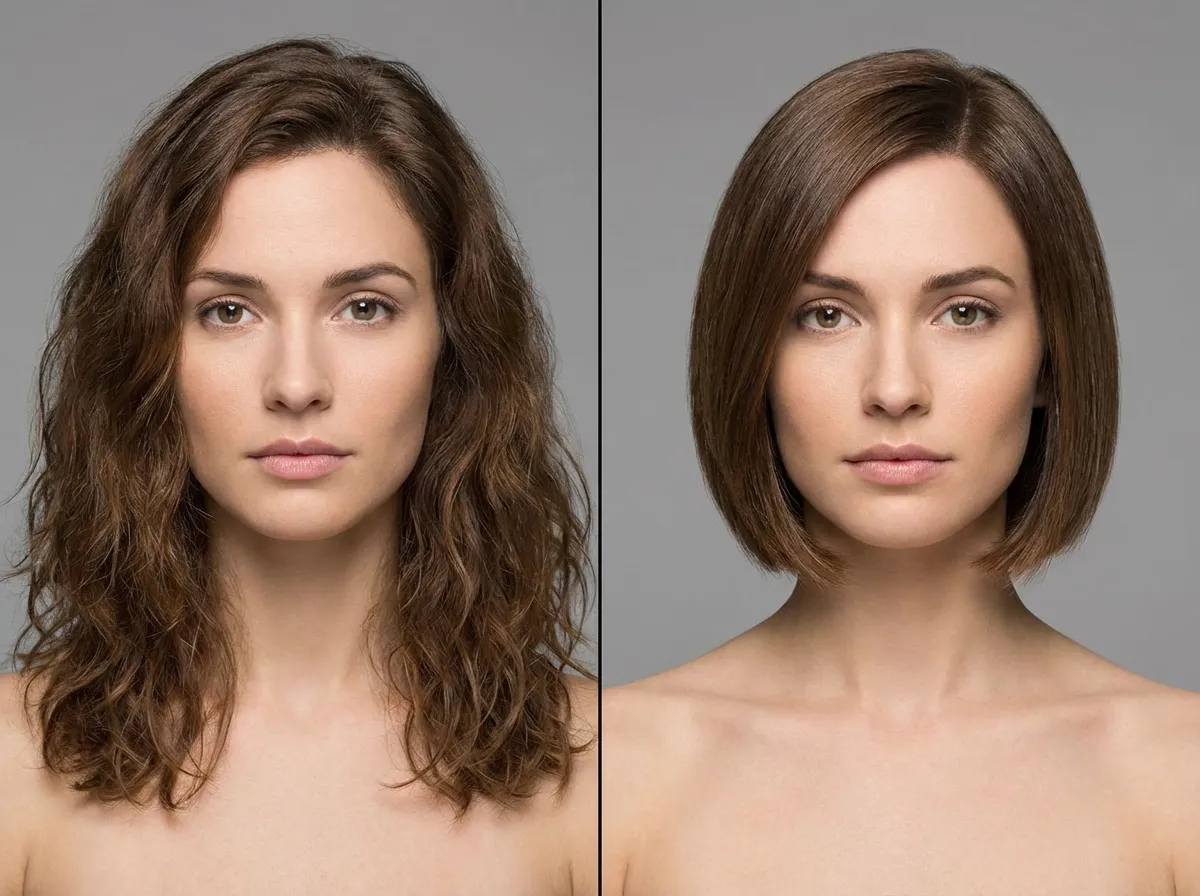
Reference Style Match
Upload a reference hairstyle (including celebrity looks) to preview a similar style on your photo.
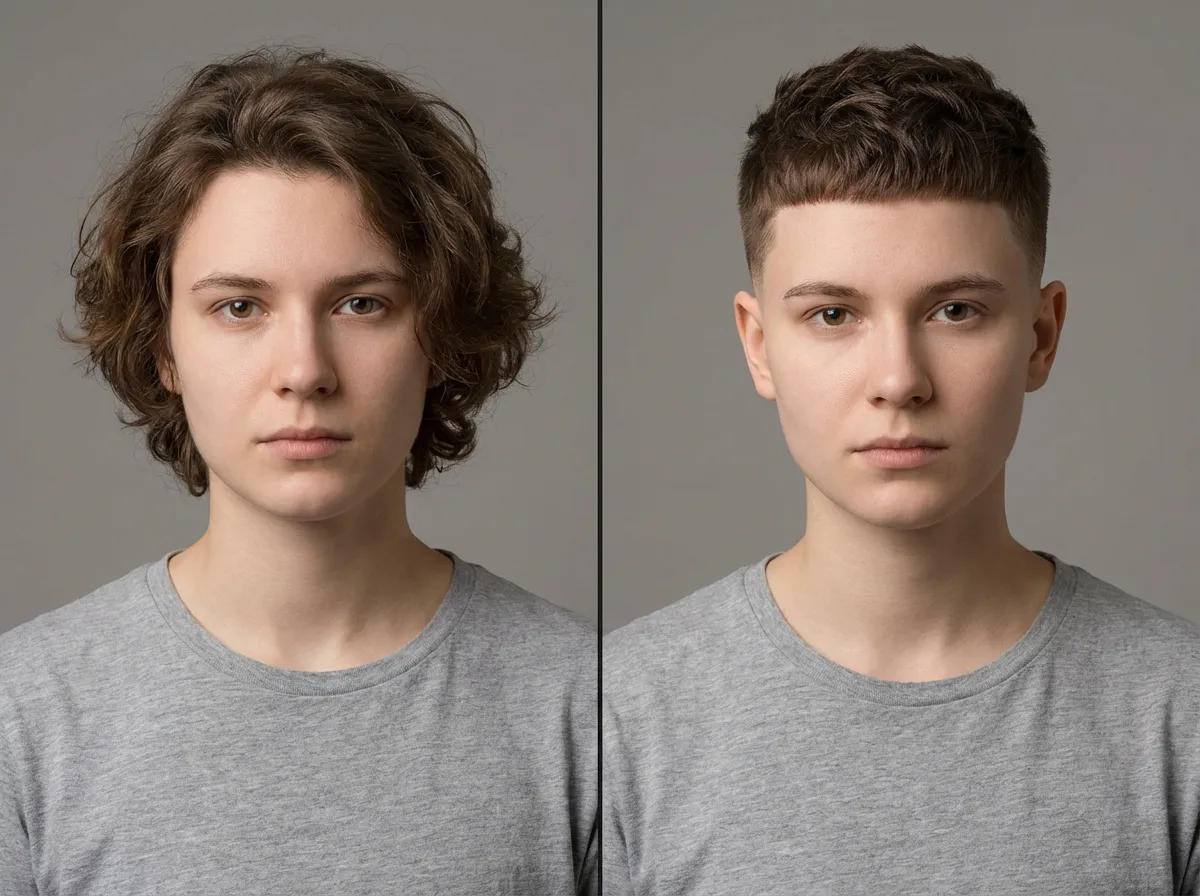
Texture Swap
Try curly, wavy, or straight textures to explore how a different hair type changes your look.
More AI Image Generators for Every Creative Idea
Unleash Creativity With Createimg.ai AI Image Generators
Explore a variety of AI image generators tailored to different creative needs. Whether you want to design shirts, make fun emojis, or create unique posters, these tools make it easy to bring every idea to life.
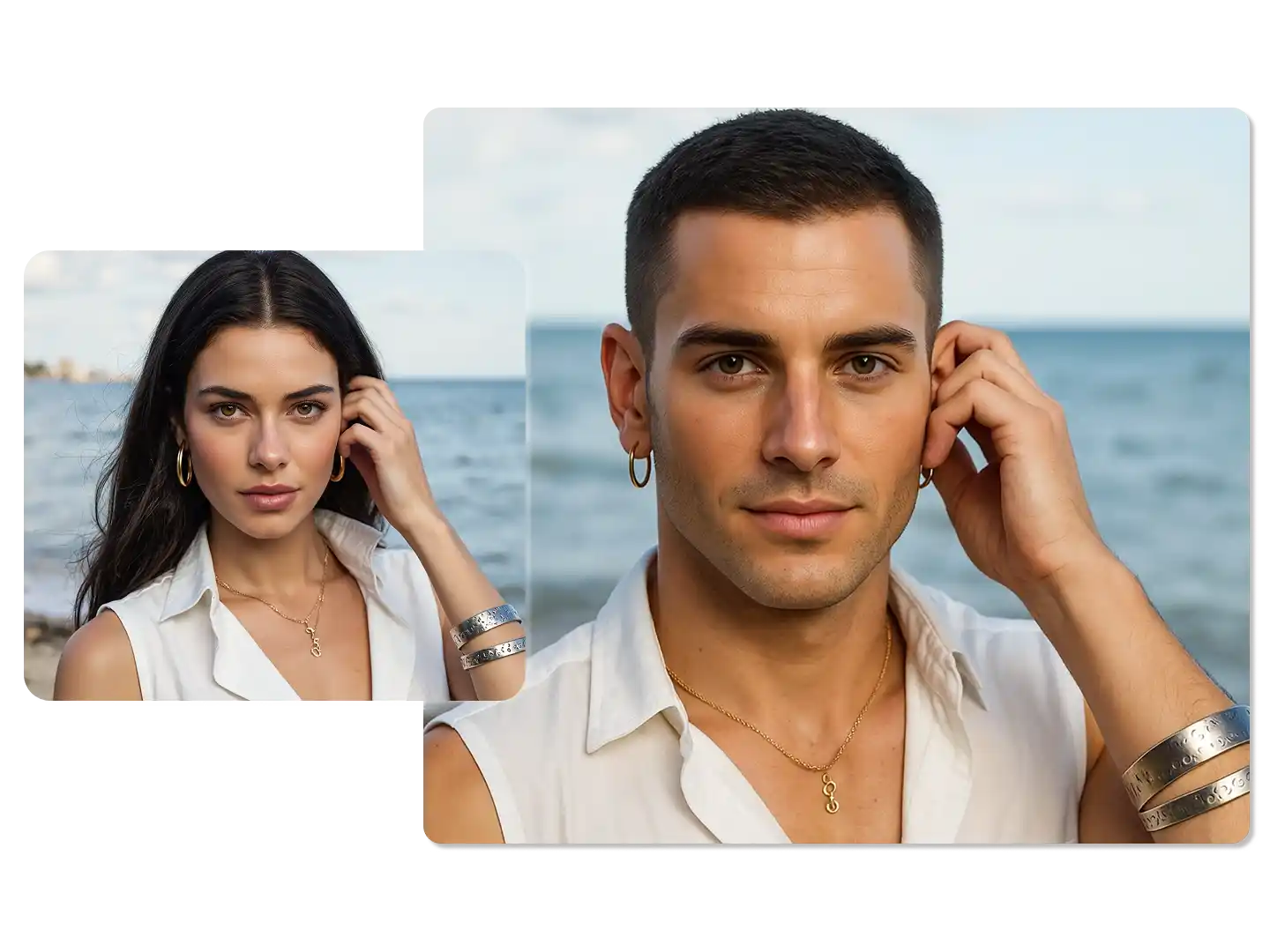
AI Gender Swap
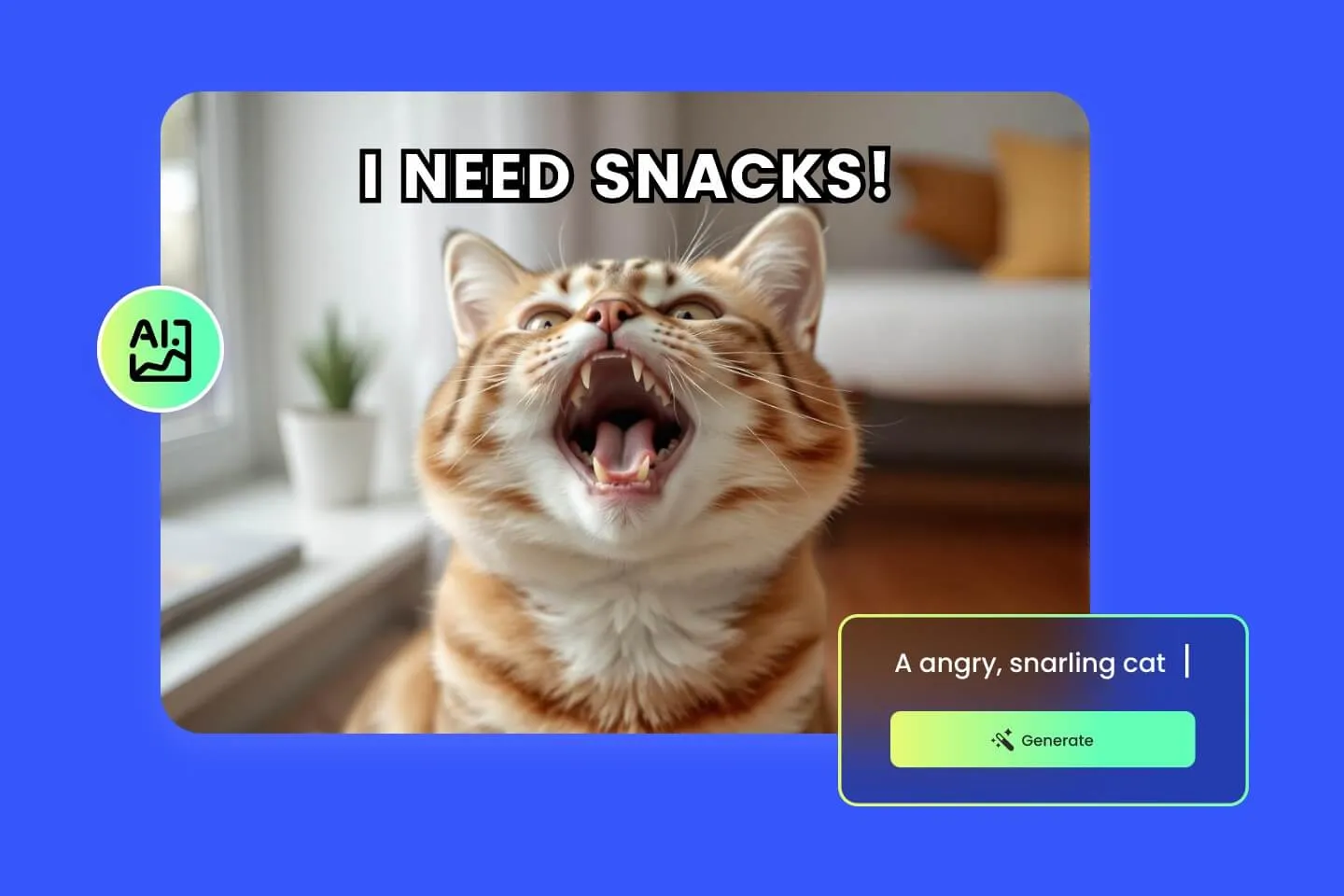
AI Meme Generator
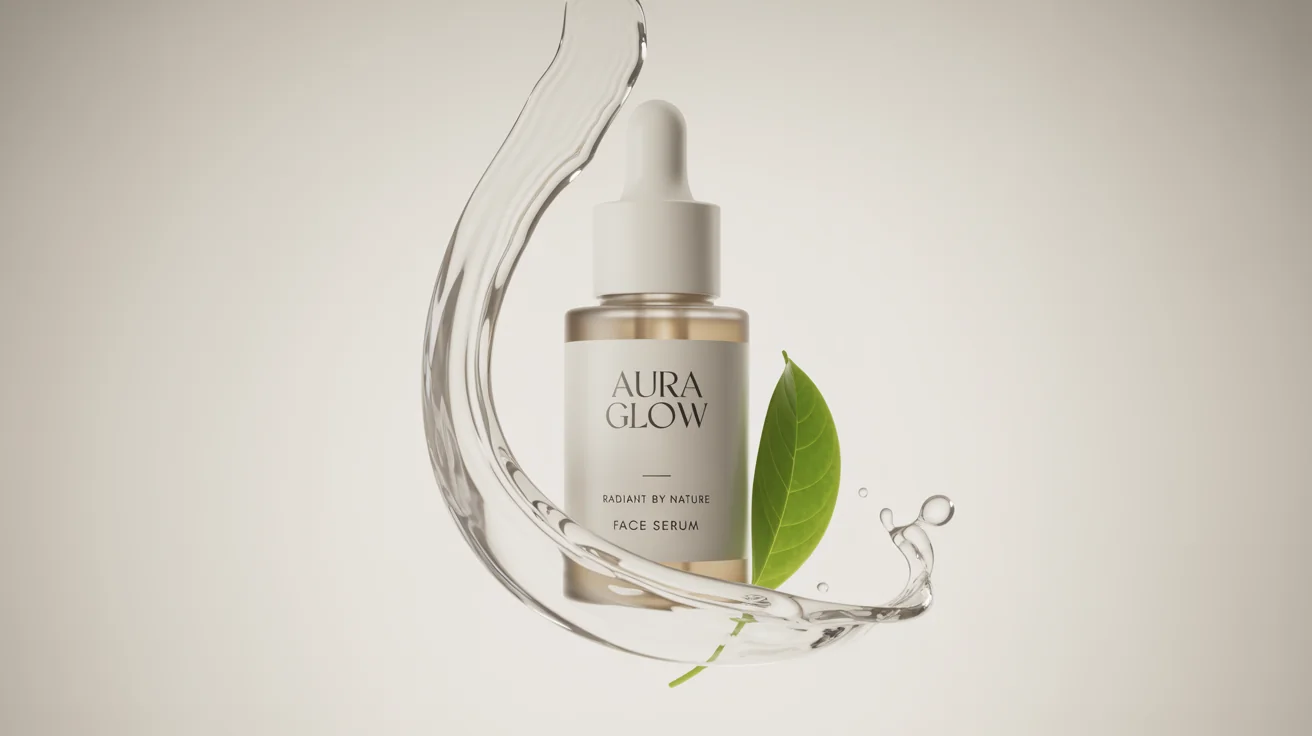
AI Ad Generator
Wedding AI Photo Generator
AI Food Generator
Text To Image
Image To Image
AI Thumbnail Generator
AI Sticker Generator
AI Age Progression
Explore Cutting-Edge AI Models
AI Models — Powerful Image & Video Generation Tools
Explore advanced AI models for high-quality image and video creation. Discover powerful generation and editing technologies that enhance your creative workflow and bring your visual ideas to life with ease.







How to Use the AI Hair Style Generator (Step‑by‑Step)
How It Works
A simple 3-step workflow to preview new haircuts and hair colors on your photo with ai hair style generator.
Upload a Clear Photo
Choose a front-facing photo with good lighting and a visible hairline for the most realistic results.
Add a Reference or Prompt
Upload a hairstyle reference image or describe the style you want (e.g., “low fade”, “curly bob”, “blonde highlights”).
Generate and Compare
Generate your preview, download the result, or refine the prompt to try more variations.
AI Hair Style Generator FAQ: Virtual Hairstyle Try‑On Help
FAQs
Answers about how the AI hair style generator works, what to upload, and tips for better results.
What is AI Hair Style Generator?
An AI hairstyle tool that previews new haircuts and hair colors on your photo, so you can try styles virtually before making a real change.
How does it work?
Upload a clear photo, then add a reference hairstyle image or write a description. The model generates a new hairstyle that fits your face and lighting.
Do I need both a reference image and description?
No. Use either a reference photo or a text prompt. Using both can help the AI match details more closely.
What kind of photo should I upload?
Use a sharp, front-facing photo in good light. Avoid hats or heavy filters; keep your hairline visible for the best hairstyle try-on.
Can I try different hair colors?
Yes. Try natural shades (blonde, brunette, black, red) or creative colors (blue, pink) and details like ombré or highlights.
Does it work for all hair types?
It supports straight, wavy, curly, and coily hair. Results can vary with complex styles and low-quality source images.
How realistic are the results?
Most common hairstyles look realistic, especially with clear photos and specific prompts. Use reference images for the closest match.
Can I use celebrity hairstyle photos as reference?
Yes. Upload a celebrity hairstyle reference and the AI will adapt the cut and texture to your photo.
Is my photo kept private?
Your photos are processed securely. Check the Privacy Policy for details on handling and retention.
How long does generation take?
Most generations finish in seconds. Time varies based on complexity and server load.
Powered By


Generate Your Next Hairstyle
Upload your photo, choose a reference style or describe your idea, and get a realistic hairstyle preview in moments with our AI hair style generator.