
AI Image Extender
Results
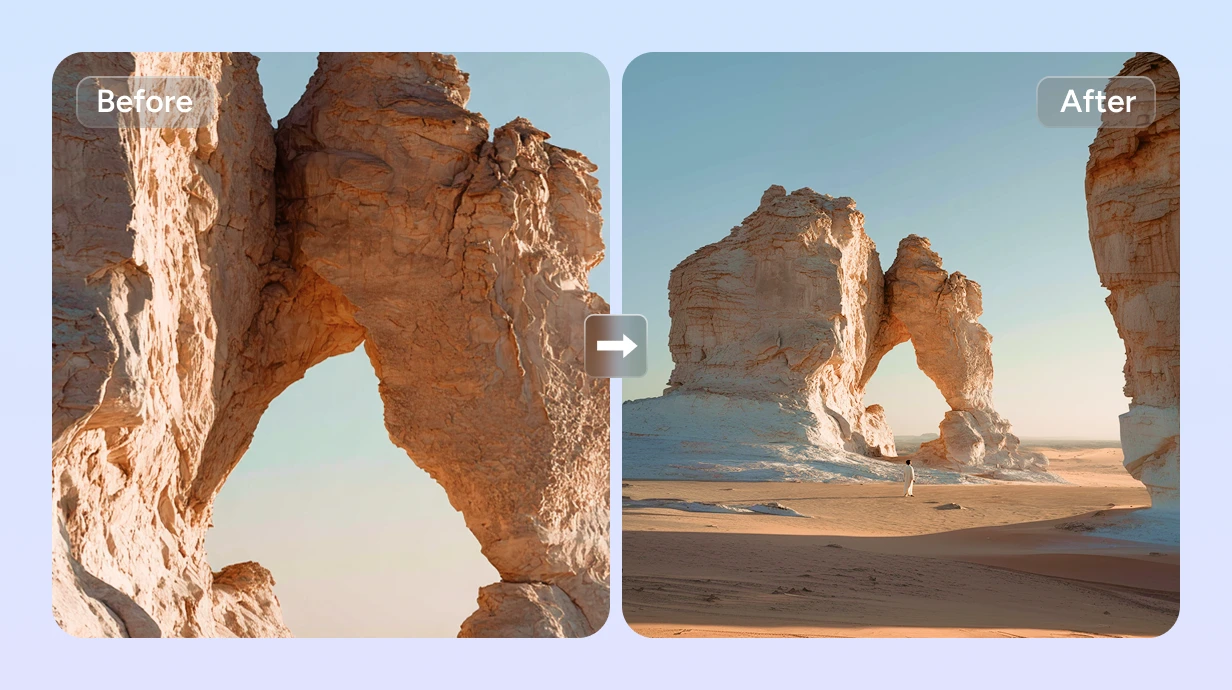
Expand images with AI outpainting. Extend backgrounds, uncrop awkward framing, and resize photos for any platform. AI generates missing details seamlessly.
AI Image Extender – Expand Any Photo Beyond Its Borders
FEATURES
Extend images in any direction with our AI image extender. Outpaint backgrounds, uncrop awkward framing, and resize photos for any platform — the AI generates seamless, context-aware content that blends perfectly with your original image.
- Upload any photo and let the AI image extender generate new content beyond the original borders. The AI analyzes perspective, lighting, and scene context to create seamless extensions that look like they were always part of the image.
- Fix awkward framing by expanding the canvas. The AI image extender intelligently predicts and generates what was beyond the original crop — completing cut-off subjects, extending backgrounds, and revealing a wider view of any scene.
- Need more background space for text, design, or different aspect ratios? The AI image extender online expands backgrounds seamlessly while preserving your main subject exactly as it is — no distortion, no artifacts.
- Use the optional prompt field to describe what the AI should generate in the extended areas. Our AI image extender with prompt support lets you specify scenery, objects, colors, or atmosphere for complete creative control over the outpainted content.
- Convert portrait photos to landscape, square images to widescreen, or any ratio to another. The AI image extender fills the new canvas areas with contextually appropriate content — perfect for social media, print, and web banners.
- Generate extended images at resolutions up to 4K with crisp, detailed AI-generated content. Every texture, color gradient, and element in the extended areas is rendered with the same quality as the original photograph.
AI Image Extender Showcase – See the Expansion
SHOWCASES
See how the AI image extender transforms tightly cropped photos into expansive, beautifully extended images with seamless AI-generated content.
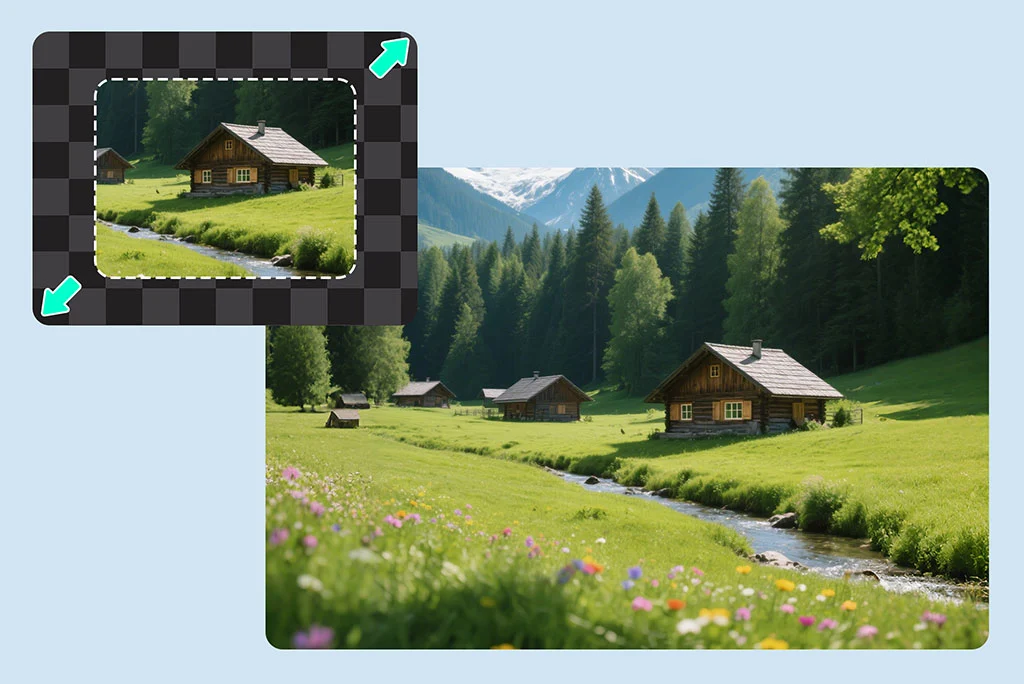
Landscape Photo Extension
Expand a landscape photo into a stunning panoramic view. The AI image extender continues mountains, sky, and scenery beyond the original frame with perfect lighting and perspective continuity.
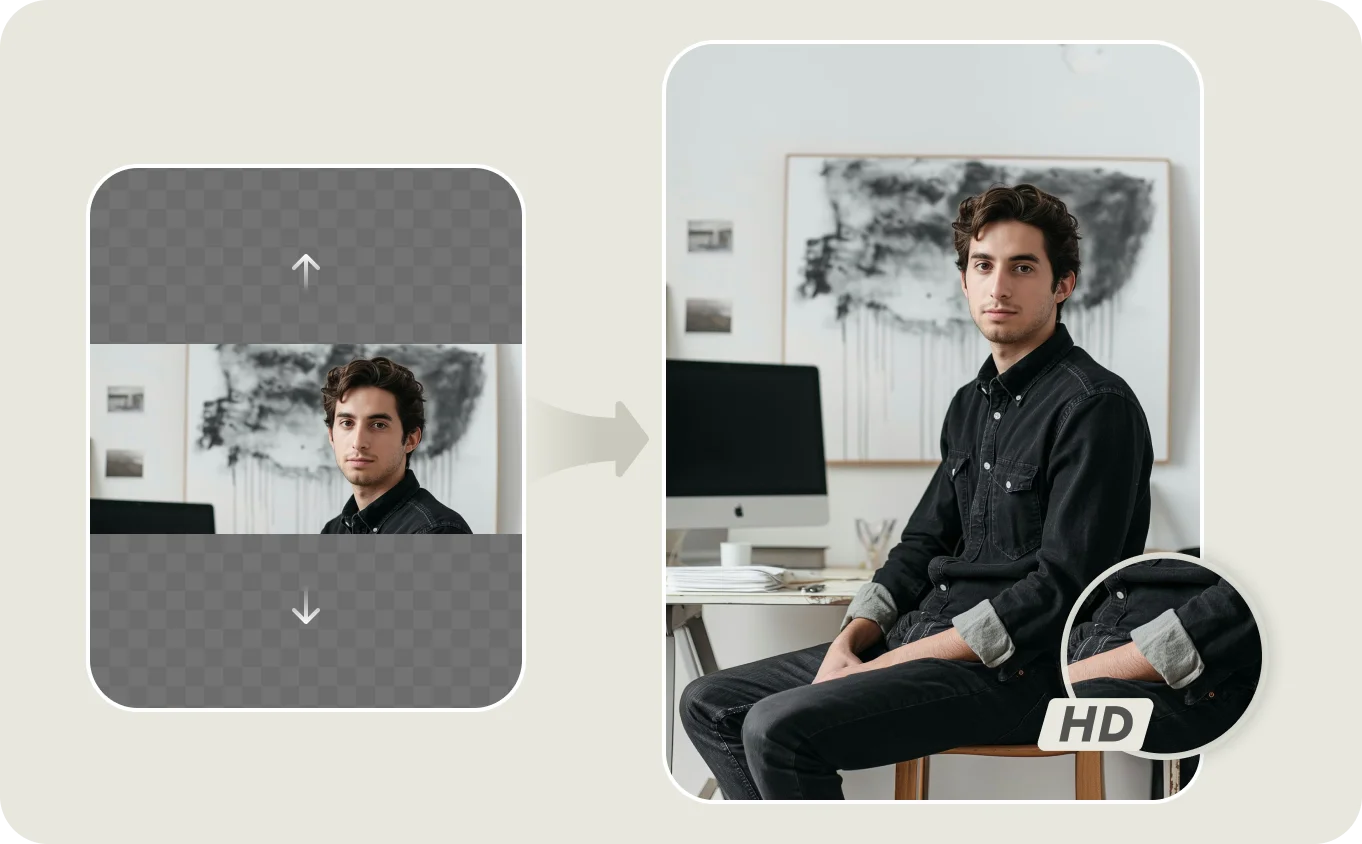
Portrait Uncropping
Fix tightly cropped portraits by extending the canvas around the subject. The AI image extender generates natural background continuation while keeping the person completely intact.
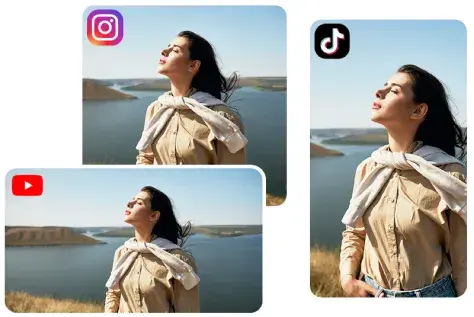
Social Media Resize with Extension
Convert a square photo to widescreen or portrait format for social media. The AI image extender online fills the new canvas areas with contextually appropriate content — no stretching or distortion.
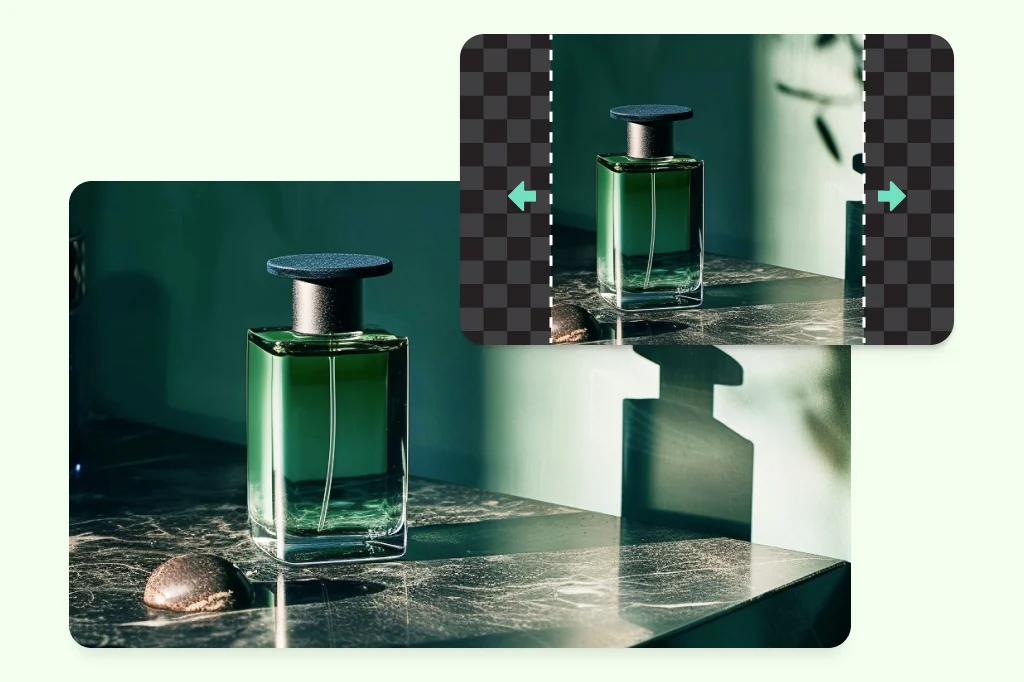
Prompt-Guided Image Extension
Use a text prompt to guide what the AI generates in the extended areas. Our AI image extender with prompt gives you creative control — describe the scenery, objects, or atmosphere you want beyond the original frame.
More AI Image Generators for Every Creative Idea
Unleash Creativity With Createimg.ai AI Image Generators
Explore a variety of AI image generators tailored to different creative needs. Whether you want to design shirts, make fun emojis, or create unique posters, these tools make it easy to bring every idea to life.
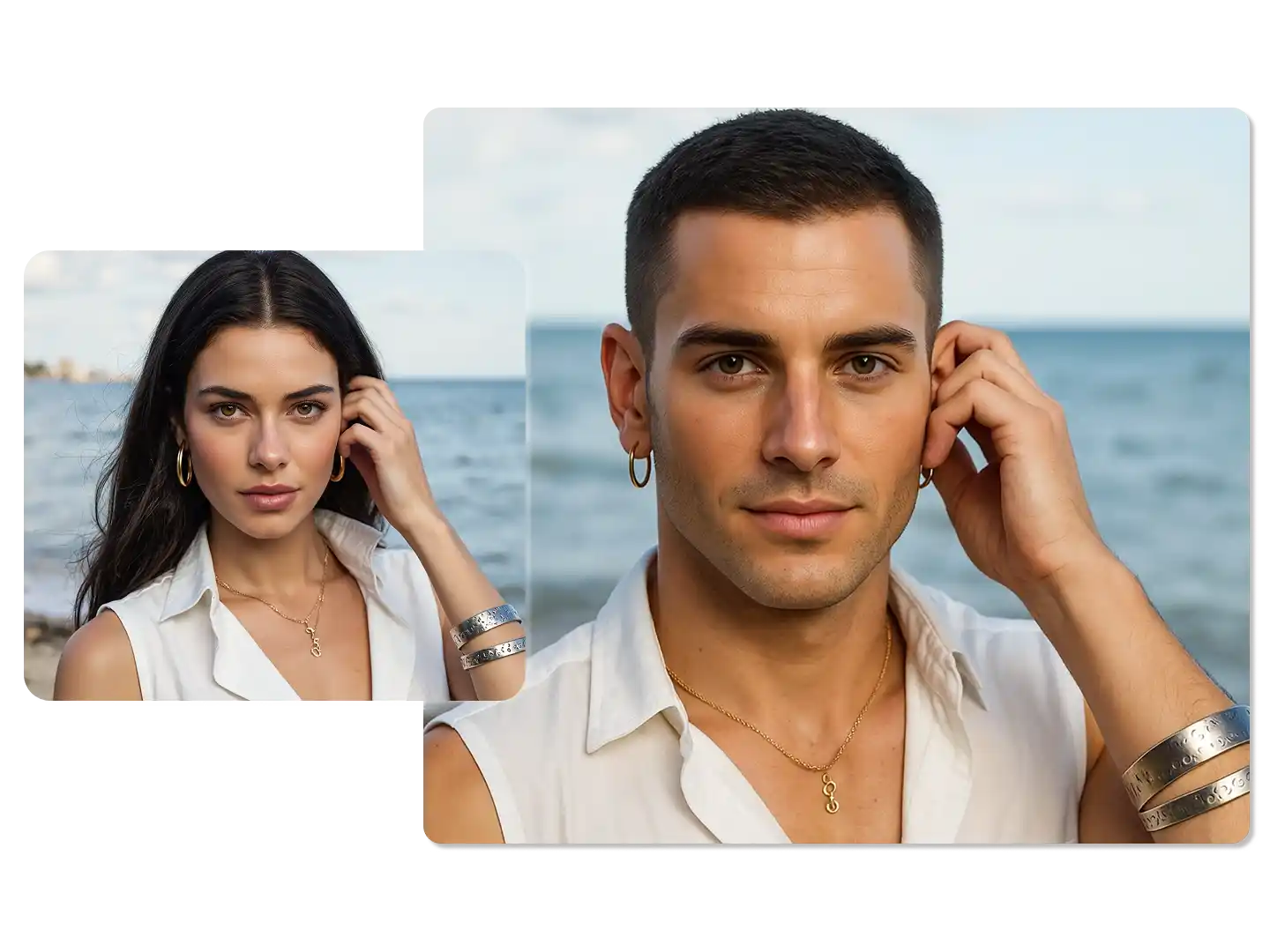
AI Gender Swap
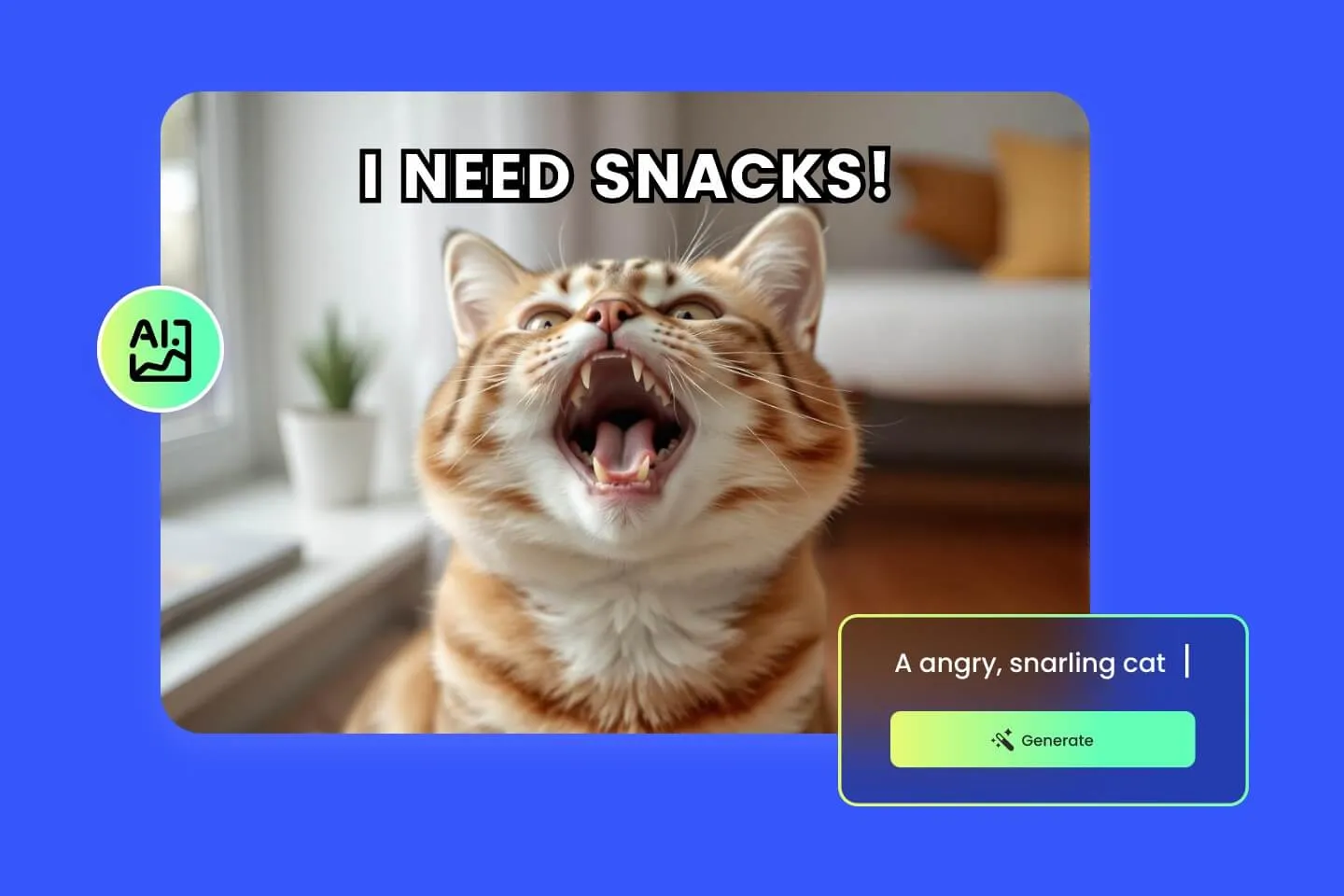
AI Meme Generator
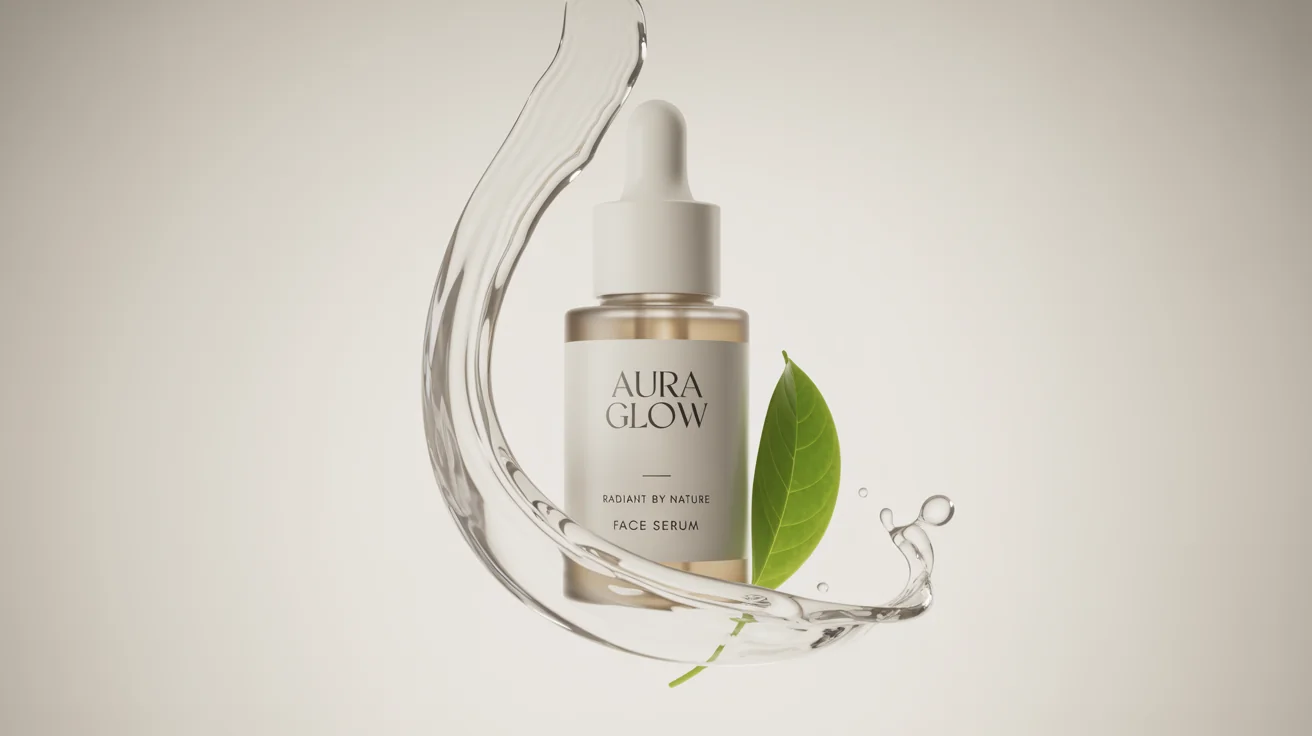
AI Ad Generator
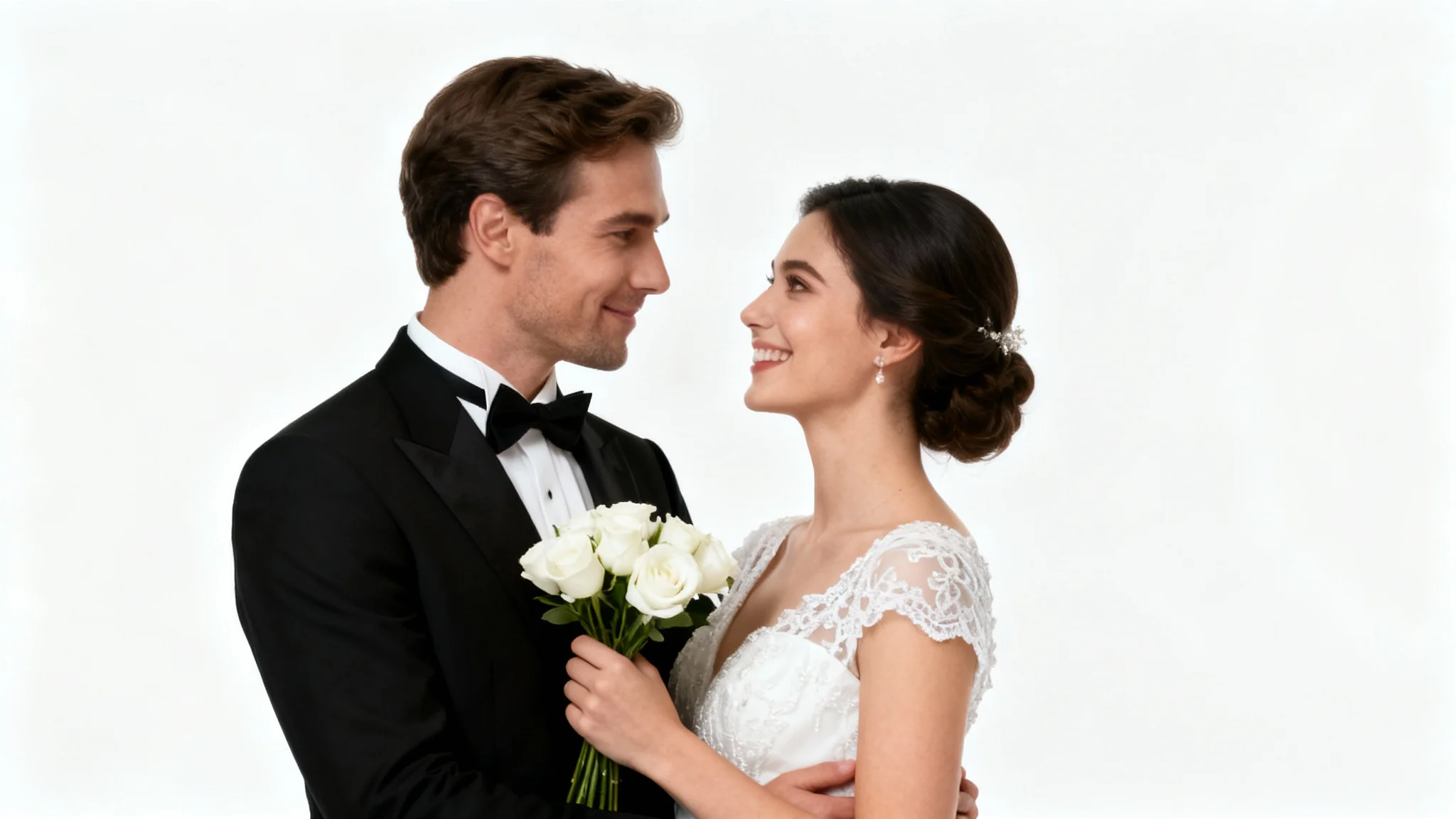
Wedding AI Photo Generator
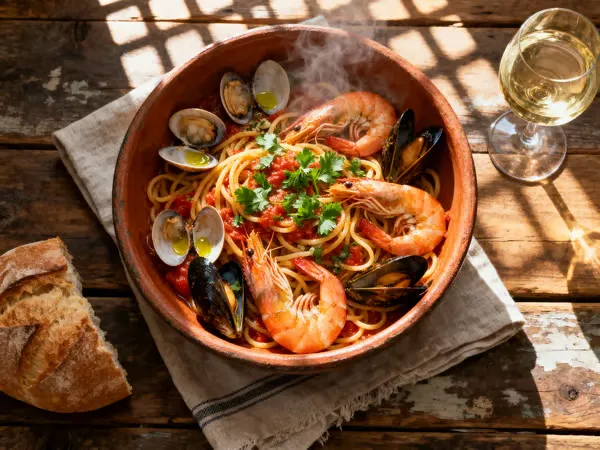
AI Food Generator
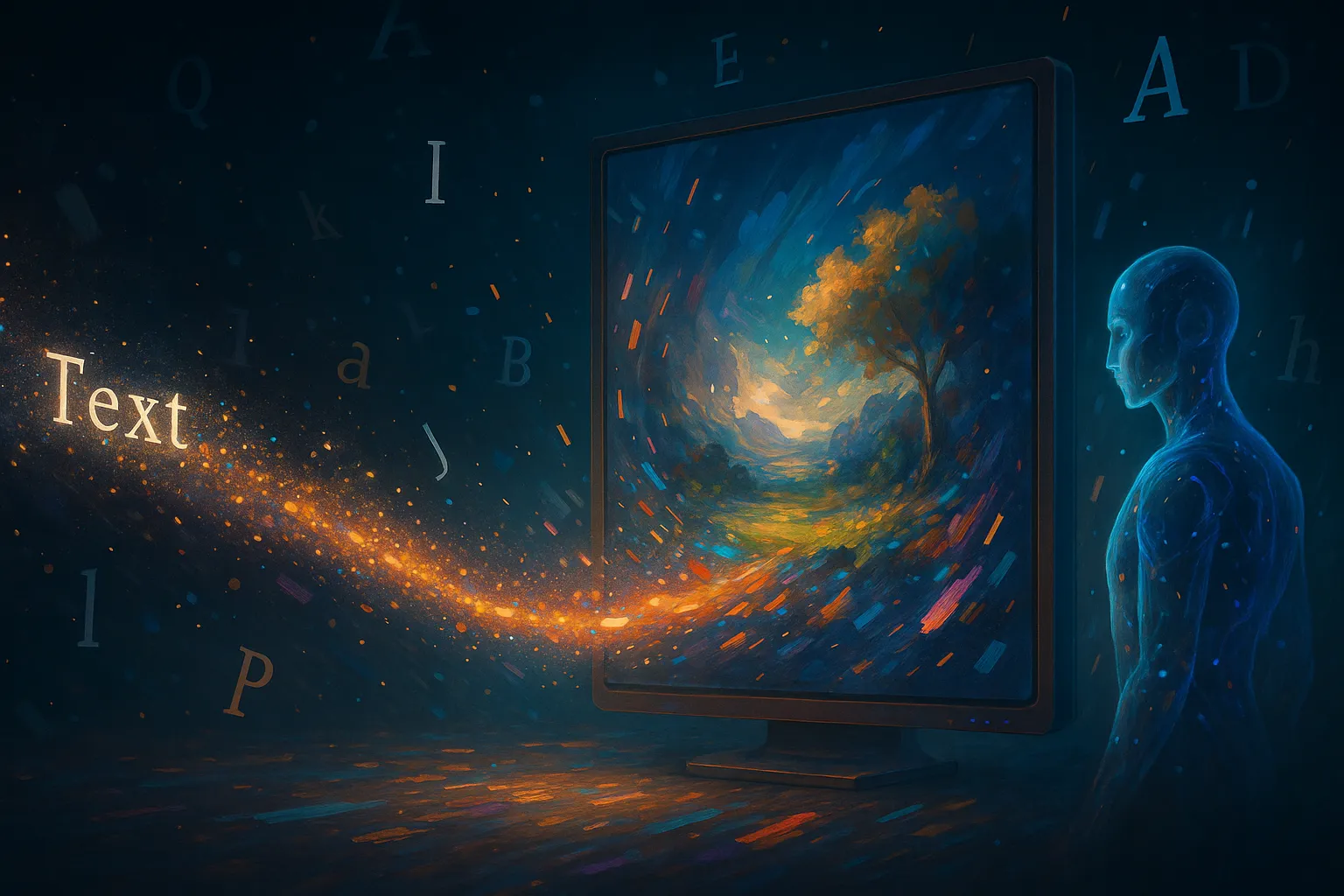
Text To Image
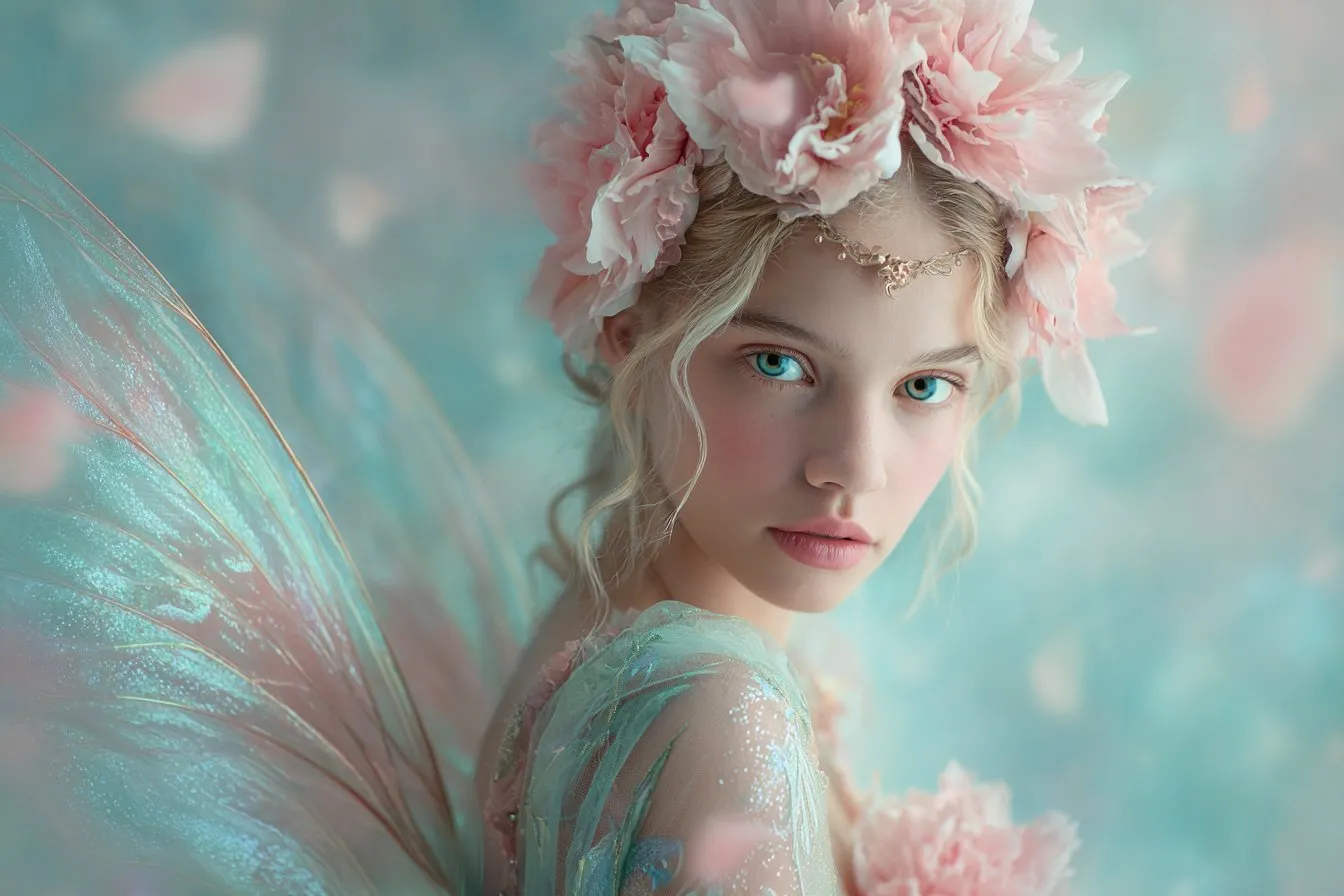
Image To Image
AI Thumbnail Generator
AI Sticker Generator
AI Age Progression
Explore Cutting-Edge AI Models
AI Models — Powerful Image & Video Generation Tools
Explore advanced AI models for high-quality image and video creation. Discover powerful generation and editing technologies that enhance your creative workflow and bring your visual ideas to life with ease.







How to Use the AI Image Extender Online
HOW TO USE
Expand any image in three simple steps. No registration, no design software — just upload and let our AI image extender do the outpainting.
Upload Your Image
Select any photo from your device — a portrait, landscape, product shot, or any image you want to expand. The AI image extender accepts all common image formats.
Choose Settings and Add an Optional Prompt
Select your target aspect ratio, output resolution (1K, 2K, or 4K), and format (PNG or JPG). Optionally describe what the AI should generate in the extended areas using the prompt field.
Download Your Extended Image
Preview the result, compare with the original, and download your expanded image in high resolution. Use it for social media, print, web banners, or any project that needs a wider frame.
AI Image Extender FAQ – Common Questions Answered
FAQs
Everything you need to know about our AI image extender — from how outpainting works to using prompts, supported formats, and getting the best results.
What is an AI image extender?
An AI image extender is an online tool that uses artificial intelligence to expand images beyond their original borders. It generates new, contextually accurate content in the extended areas — continuing backgrounds, completing cropped subjects, and creating seamless transitions that look natural.
Is the AI image extender free to use?
Yes. New users receive free credits to start extending images immediately. Each extension uses credits based on the output resolution you choose (1K, 2K, or 4K). Additional credits can be purchased anytime.
How does AI outpainting work?
AI outpainting analyzes the existing image content — perspective, lighting, colors, textures, and objects — then generates new pixels beyond the original borders that seamlessly match the scene. The AI image extender online produces results that look like the image was originally captured with a wider frame.
Can I control what appears in the extended areas?
Yes. Our AI image extender with prompt feature lets you describe what the AI should generate in the new areas. For example, you can specify scenery, weather, objects, or atmosphere. If no prompt is provided, the AI automatically continues the existing scene.
What aspect ratios can I extend to?
You can extend to any aspect ratio — square 1:1, widescreen 16:9, portrait 9:16, panoramic 21:9, ultra-wide 4:1, and many more. The AI image extender fills all new canvas areas with contextually matched content.
Will the extended areas look natural?
Yes. The AI generates content that matches the original image's perspective, lighting direction, color palette, and texture style. The transition between original and generated content is designed to be completely seamless and invisible.
Can I uncrop a photo that was cropped too tightly?
Absolutely. Upload the cropped photo, select a wider aspect ratio, and the AI image extender will intelligently generate what was beyond the original frame — completing cut-off subjects, extending backgrounds, and revealing a natural wider view.
What output formats and resolutions are supported?
Download your extended images in PNG for lossless quality or JPG for smaller file sizes. Choose from three resolution tiers: 1K for quick previews, 2K for detailed output, and 4K for maximum quality prints and displays.
How long does image extension take?
Most images are extended within 10–30 seconds depending on the chosen resolution and how much new content needs to be generated. Higher resolutions and larger extensions take slightly longer.
Do I need to download any software?
No. Our AI image extender online runs entirely in your browser — no downloads, no installations, no account required to get started. Just upload, choose your settings, and extend.
Powered By


Expand Any Photo Beyond Its Borders in Seconds
Cropped too tight? Need a wider view? Our free AI image extender expands photos seamlessly in any direction — with optional prompt control for creative outpainting. No editing skills needed.