
AI Tattoo Generator
Results vary by model. If a generation fails or is blocked, switch to another model and try again.
Tattoo Ideas
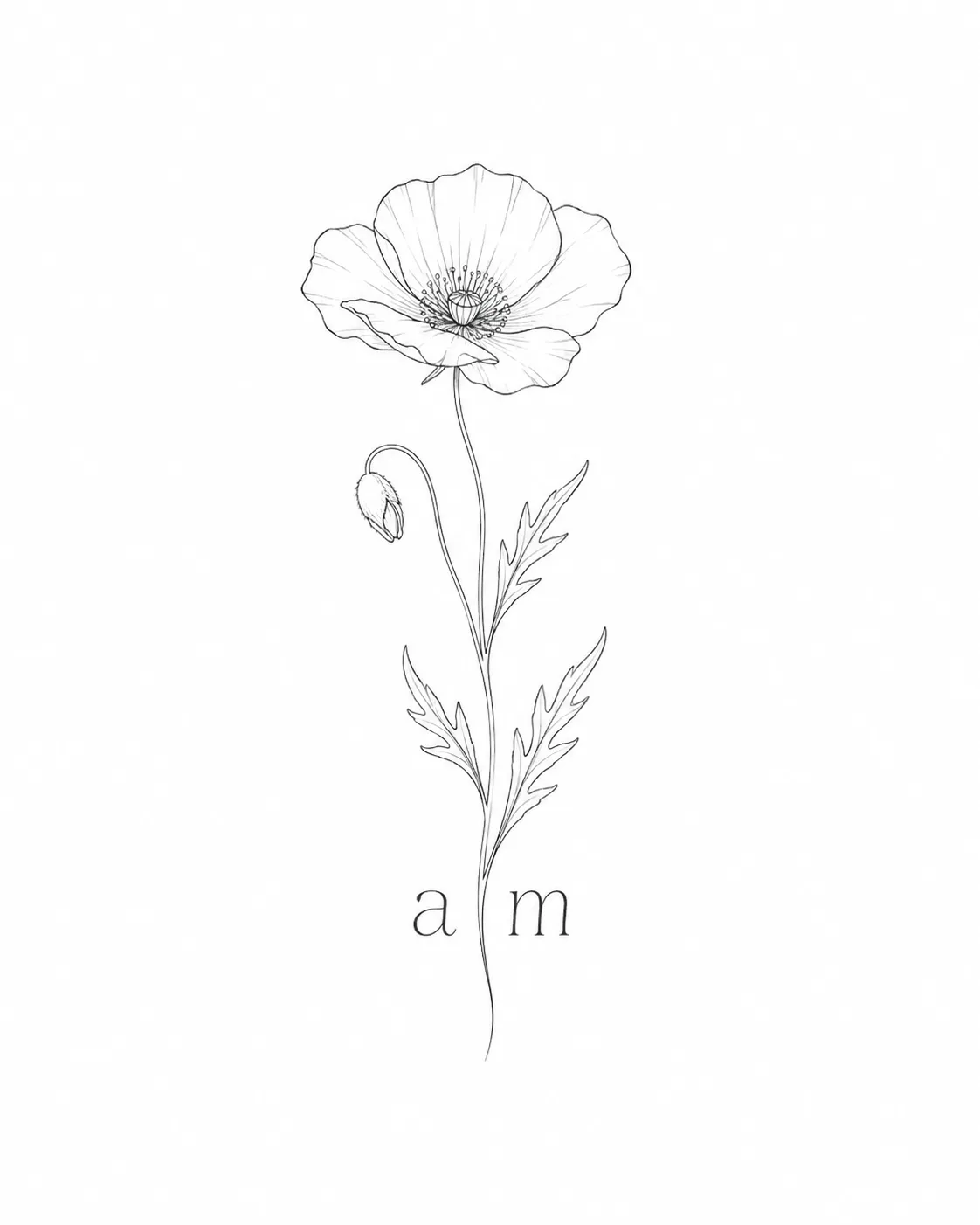
Birth Flower & Initials
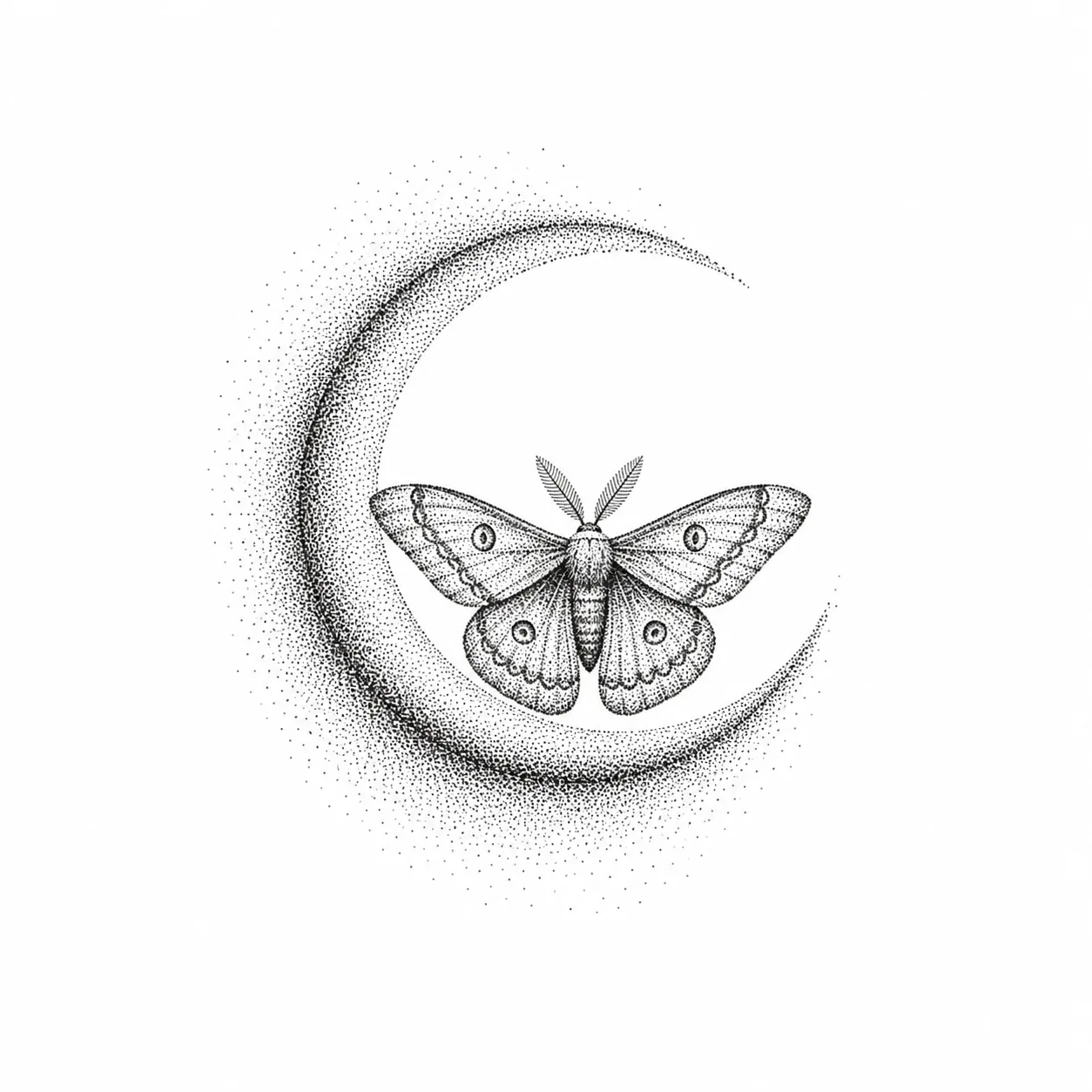
Crescent Moon & Moth
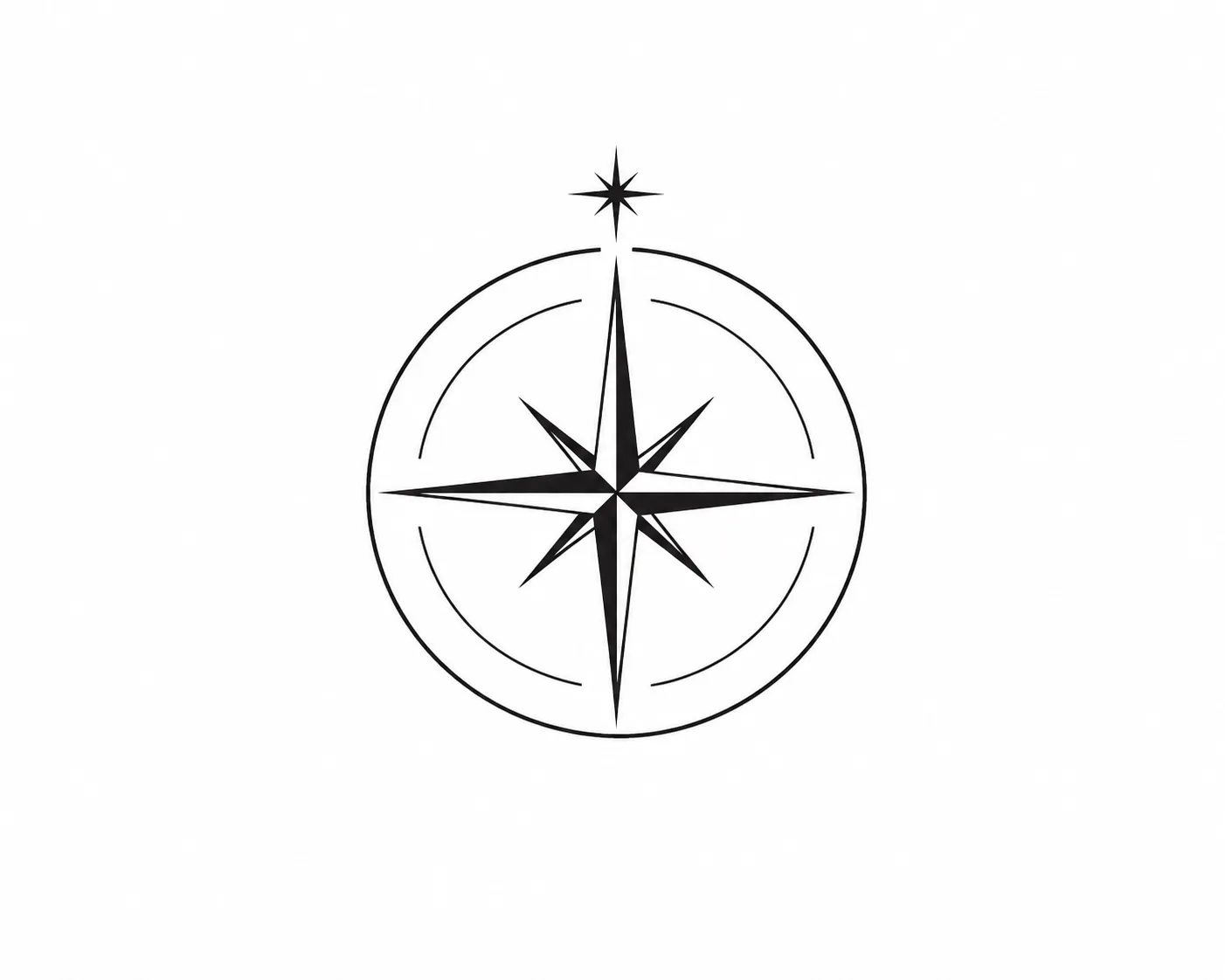
Minimal Compass
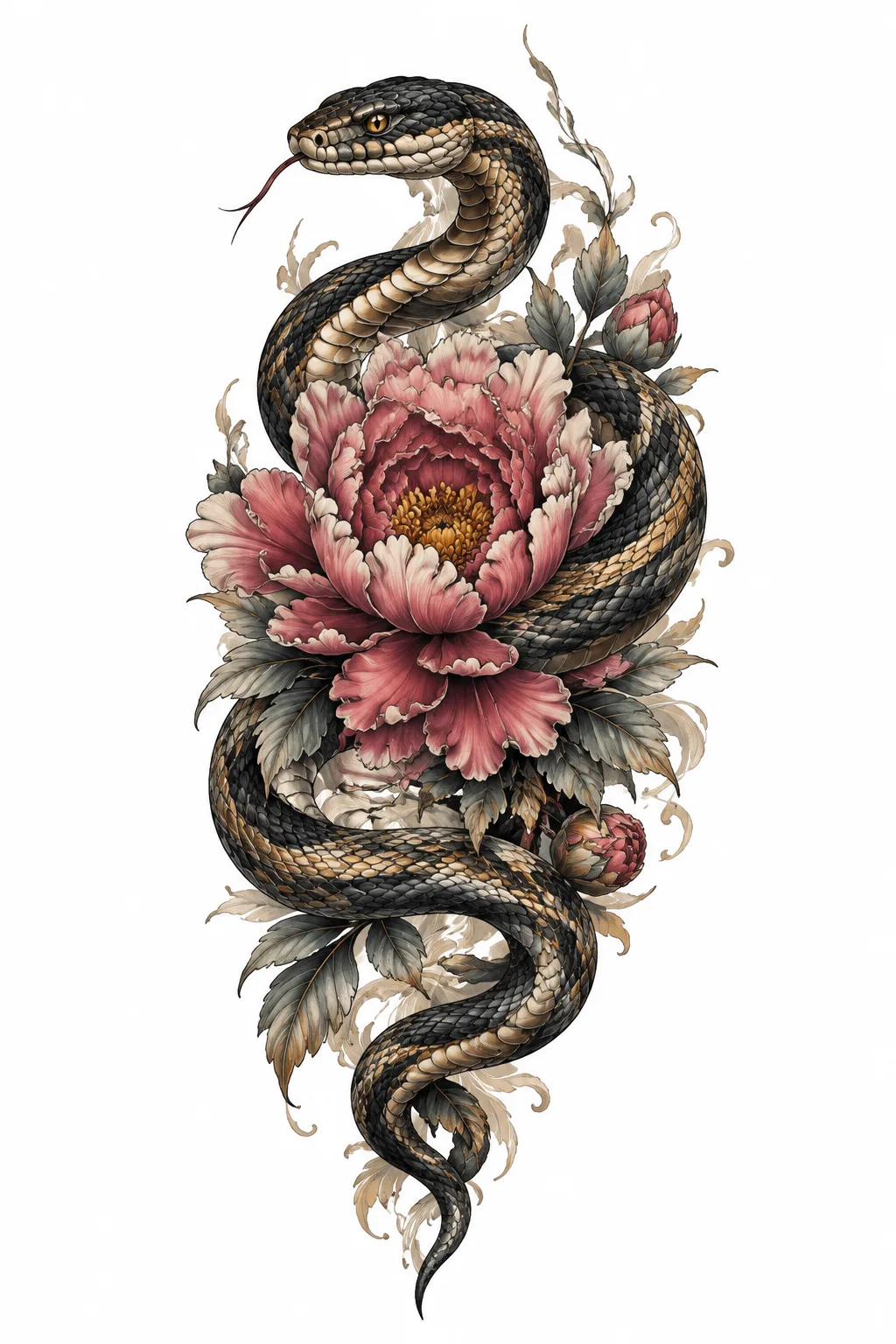
Snake & Peony
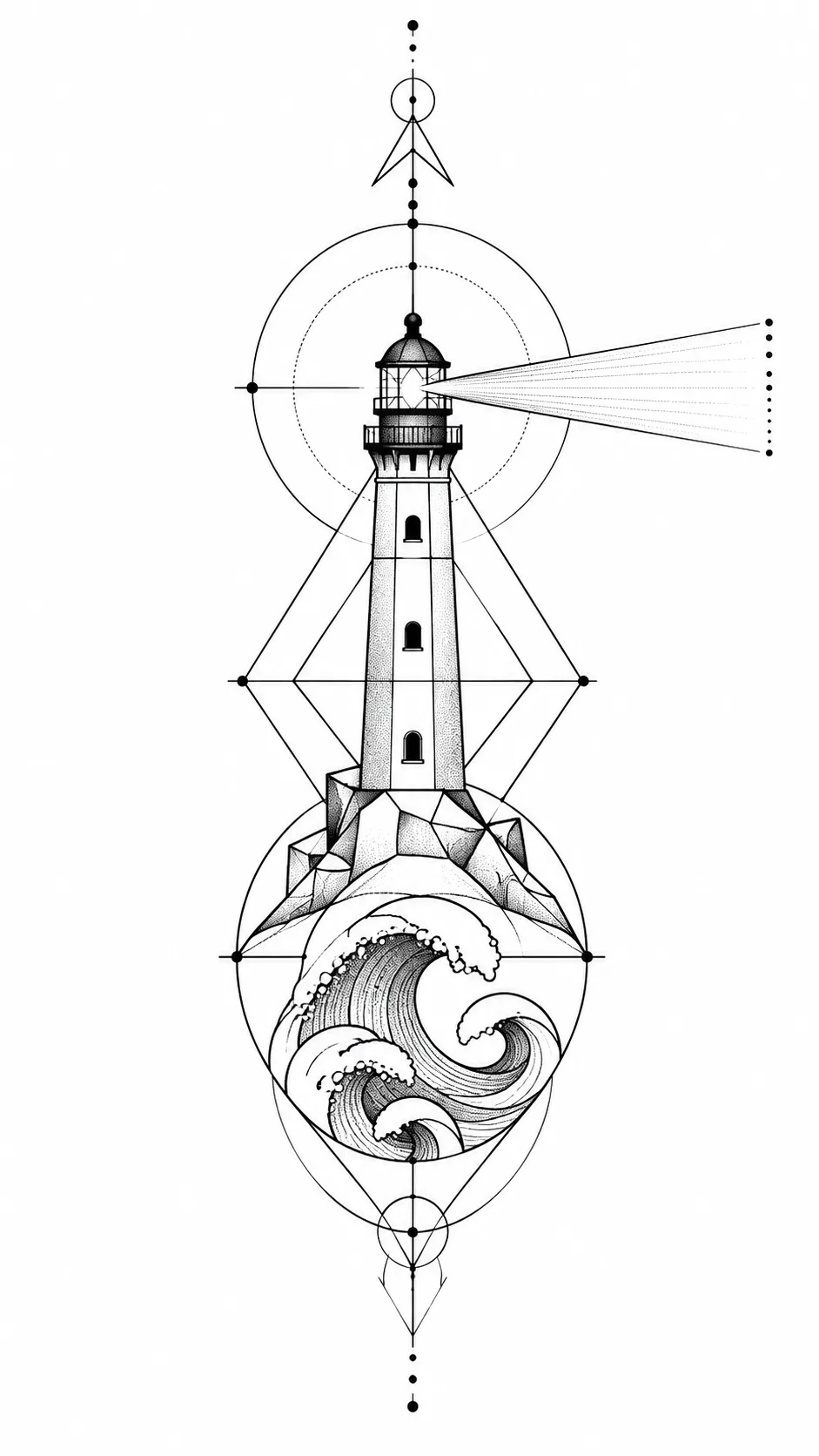
Lighthouse & Waves
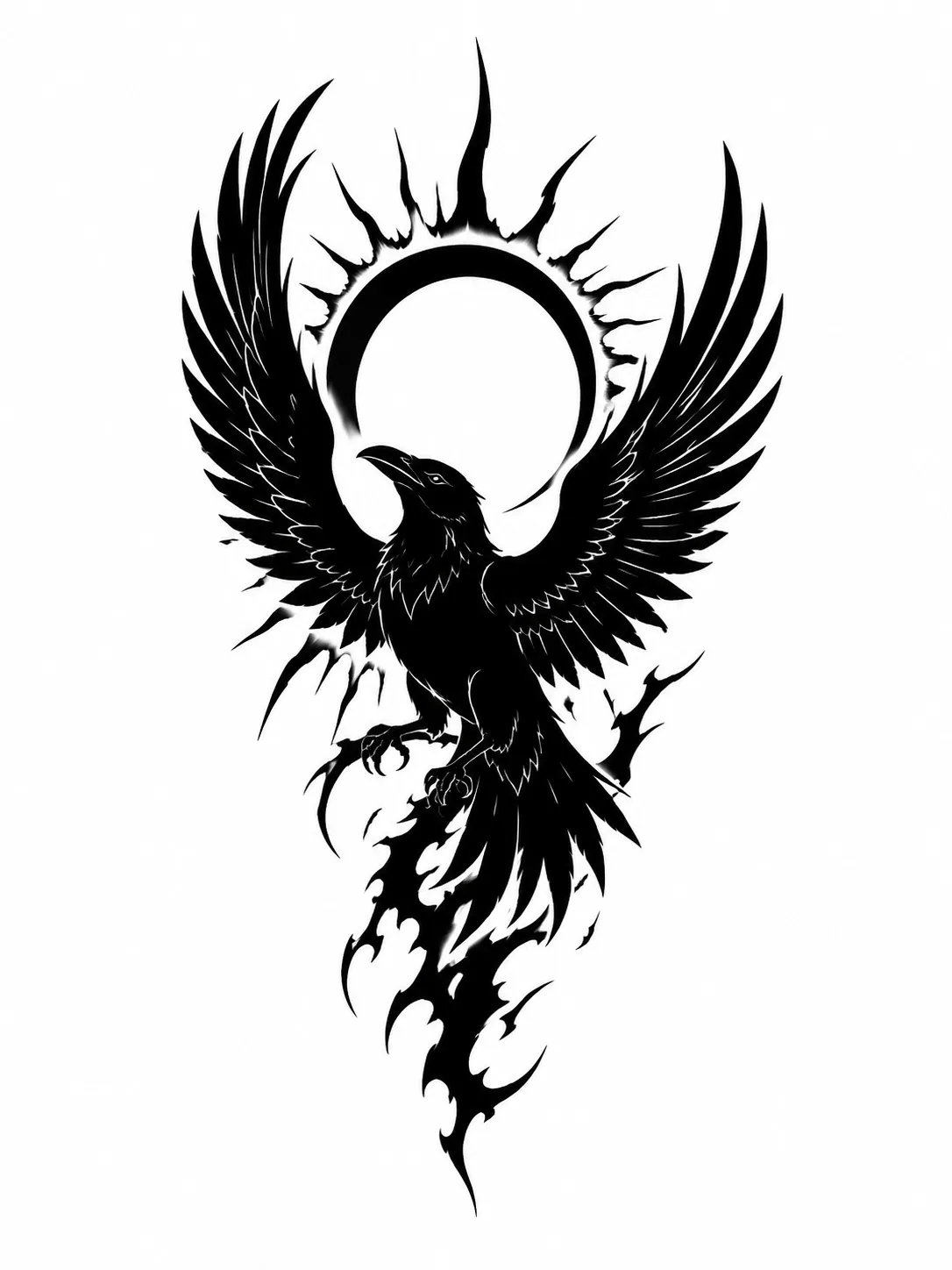
Raven & Eclipse
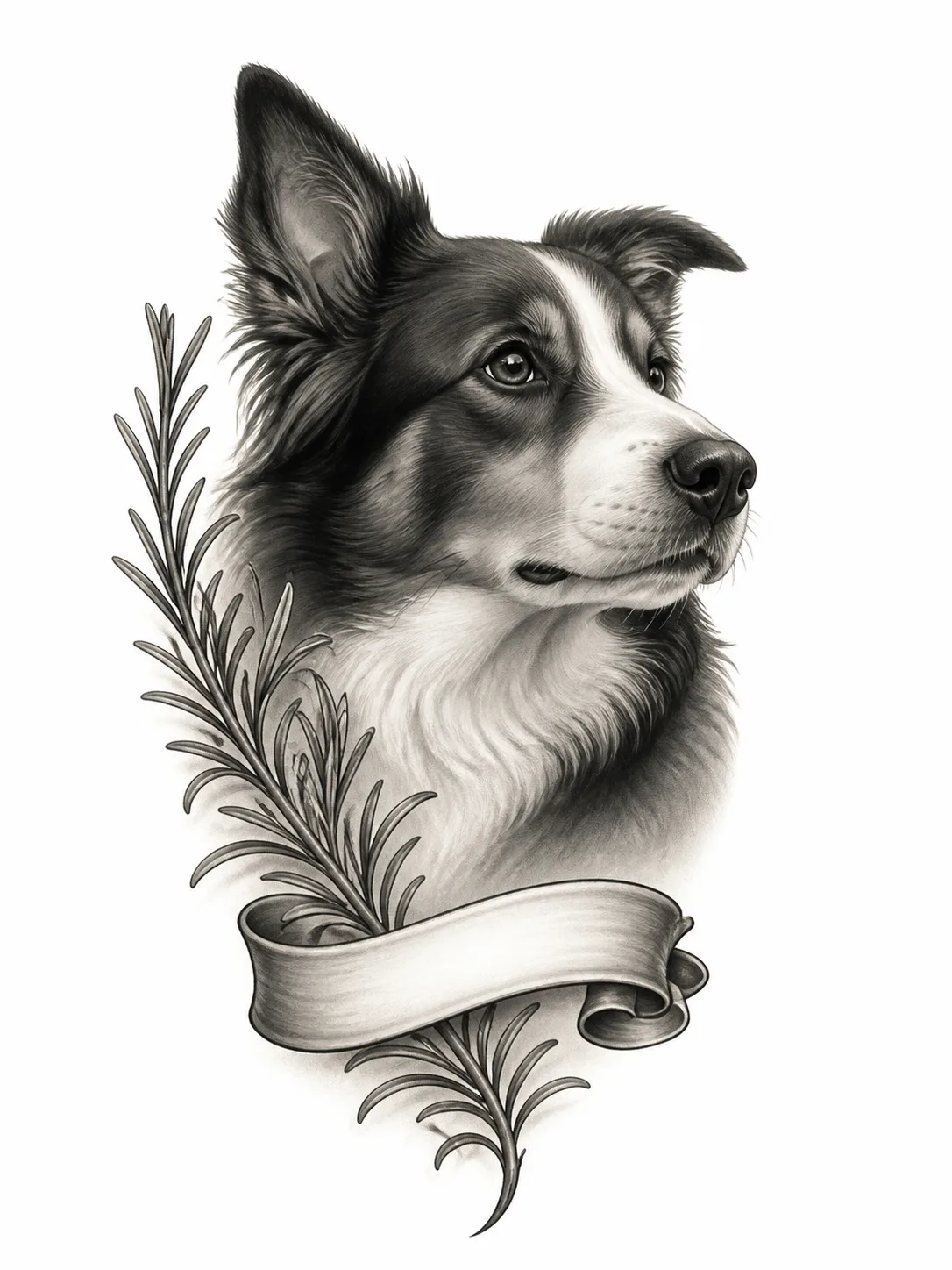
Pet Memorial Portrait
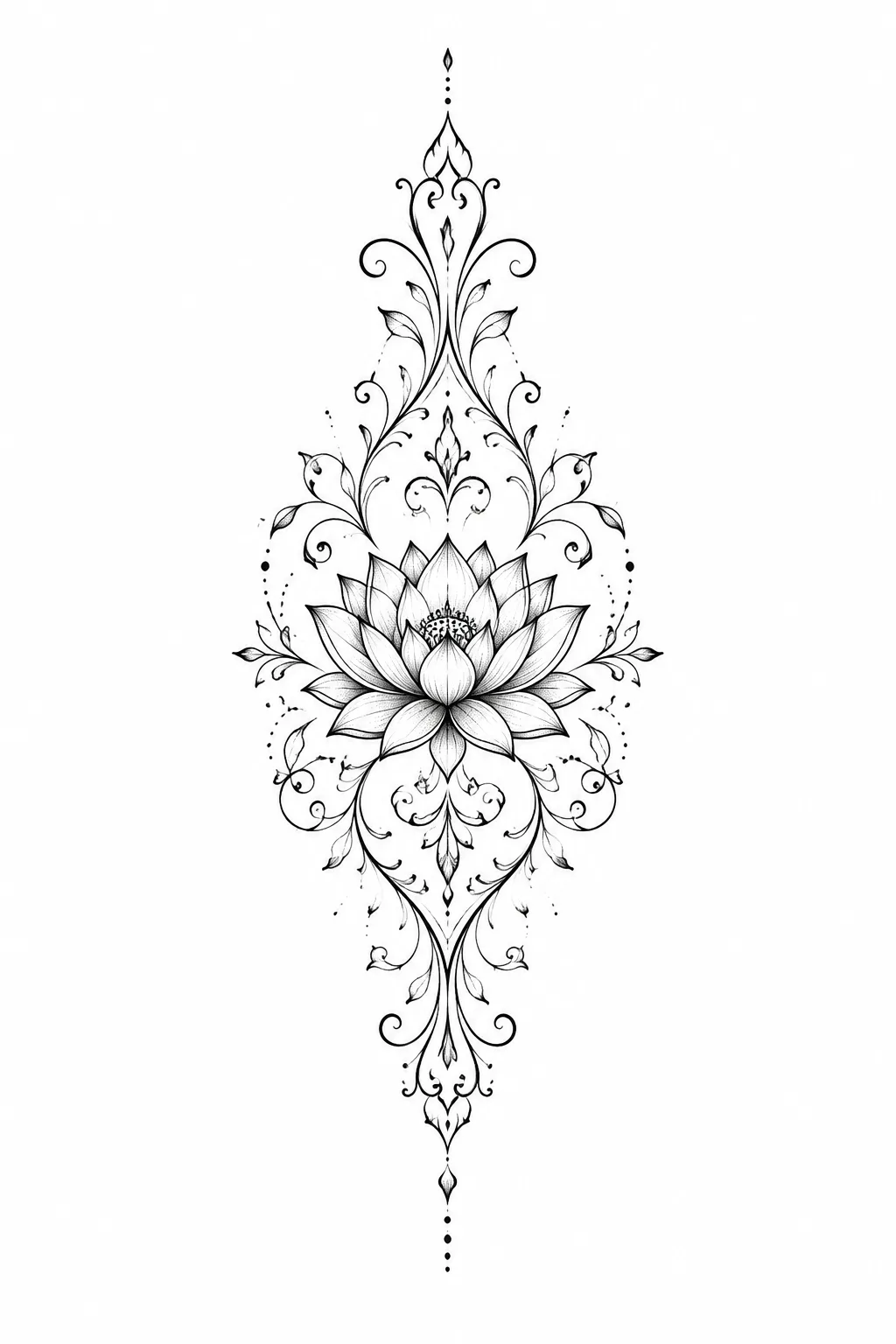
Ornamental Lotus
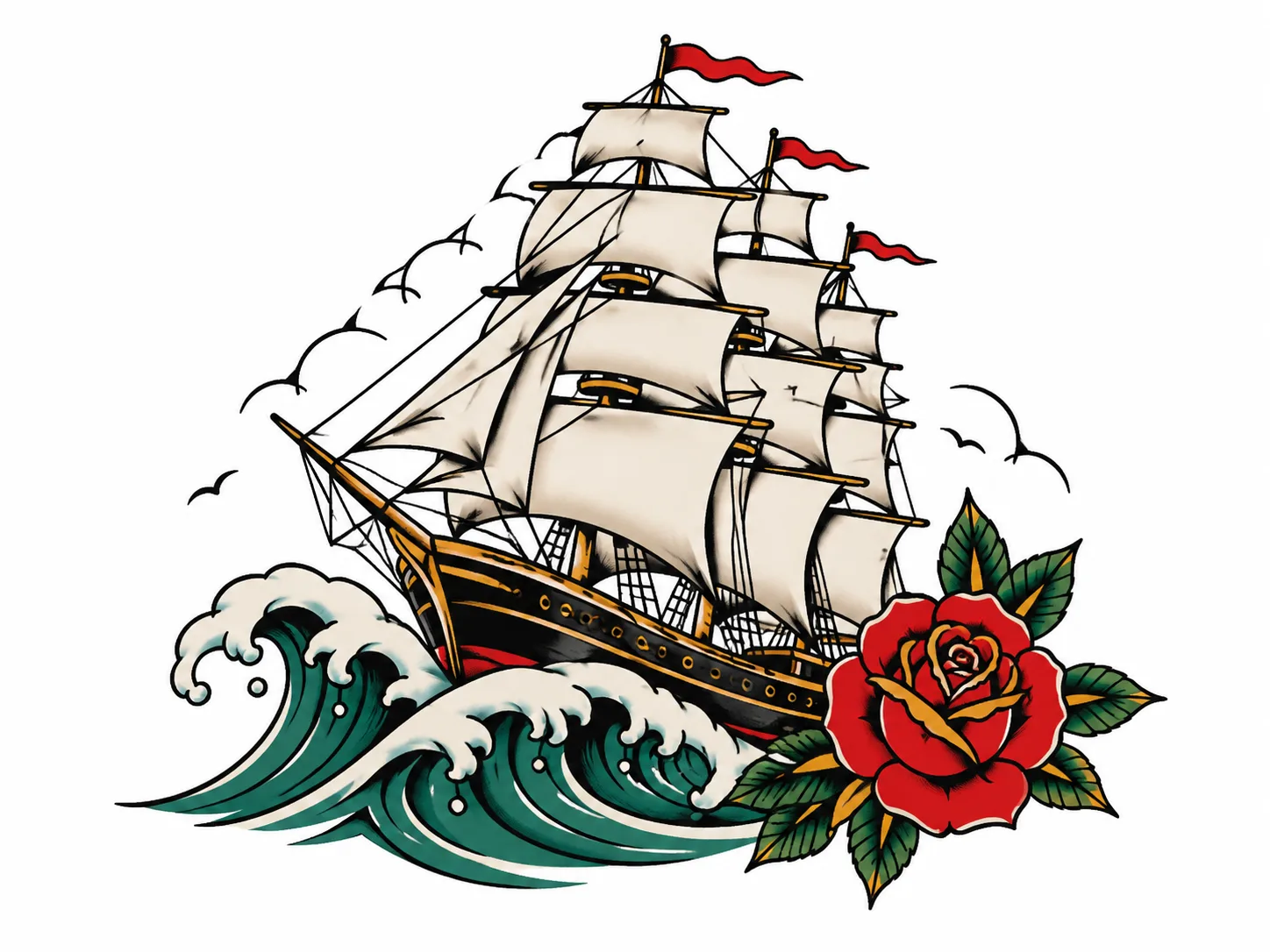
Ship & Rose
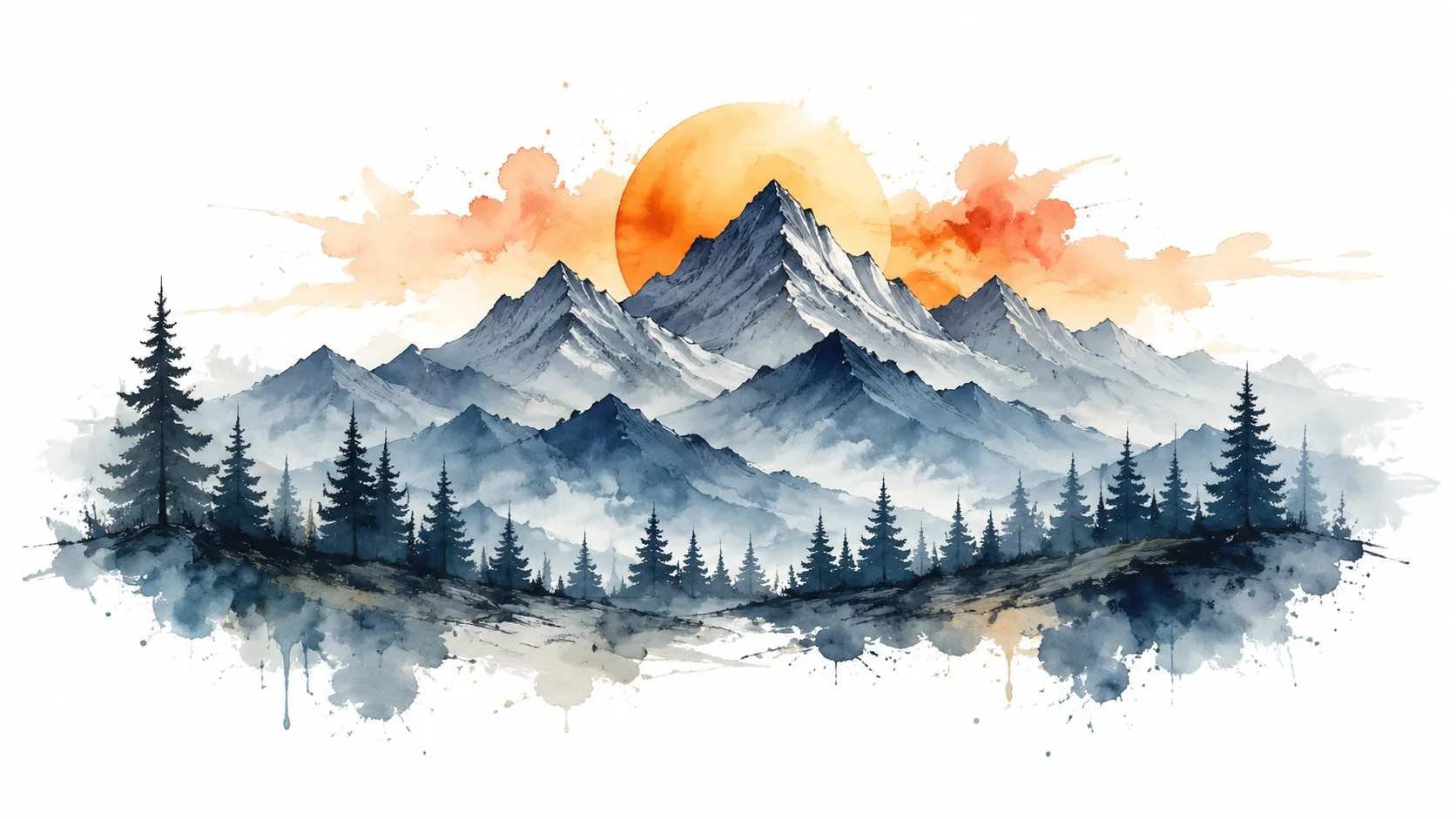
Mountain Range & Pines
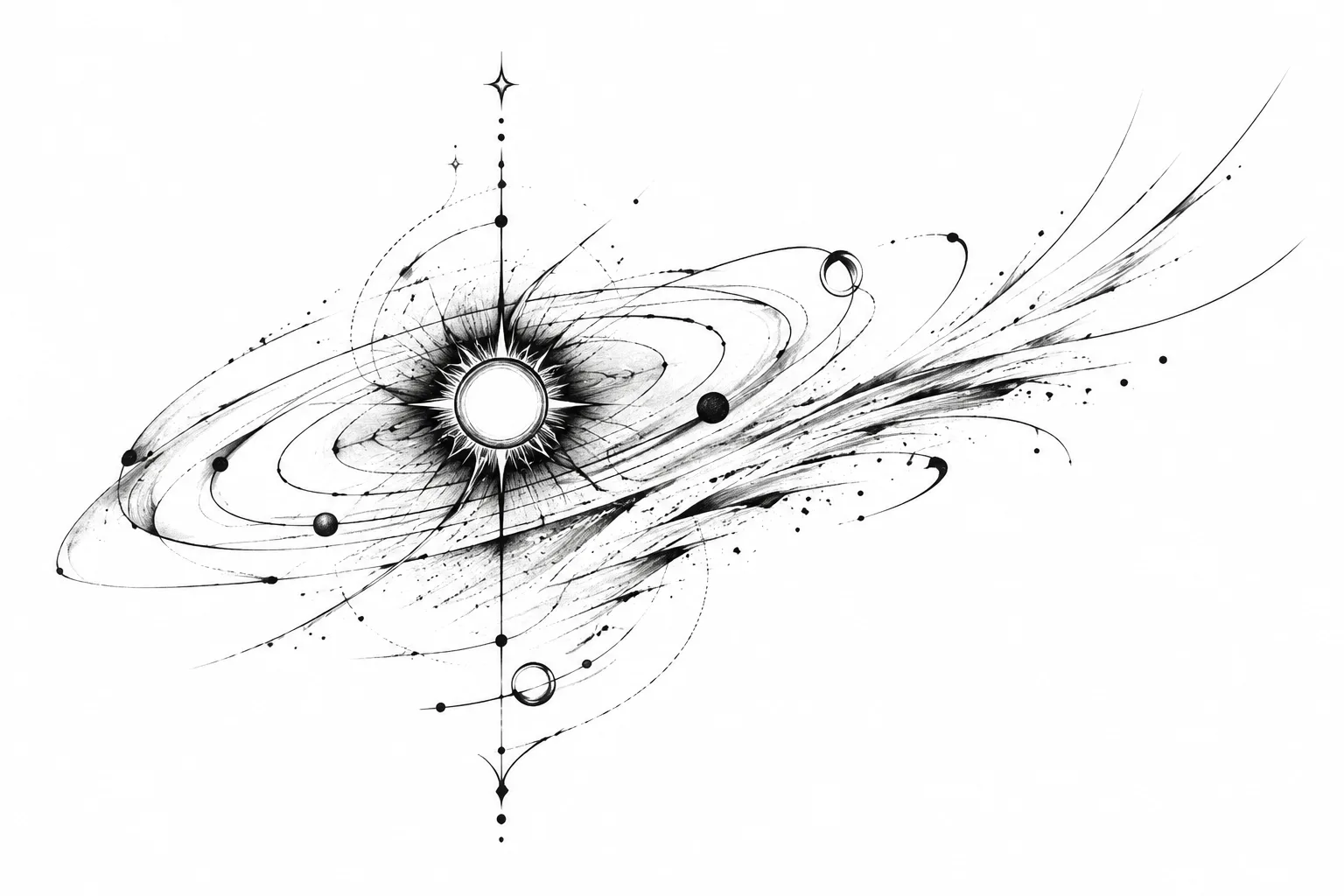
Solar Orbit
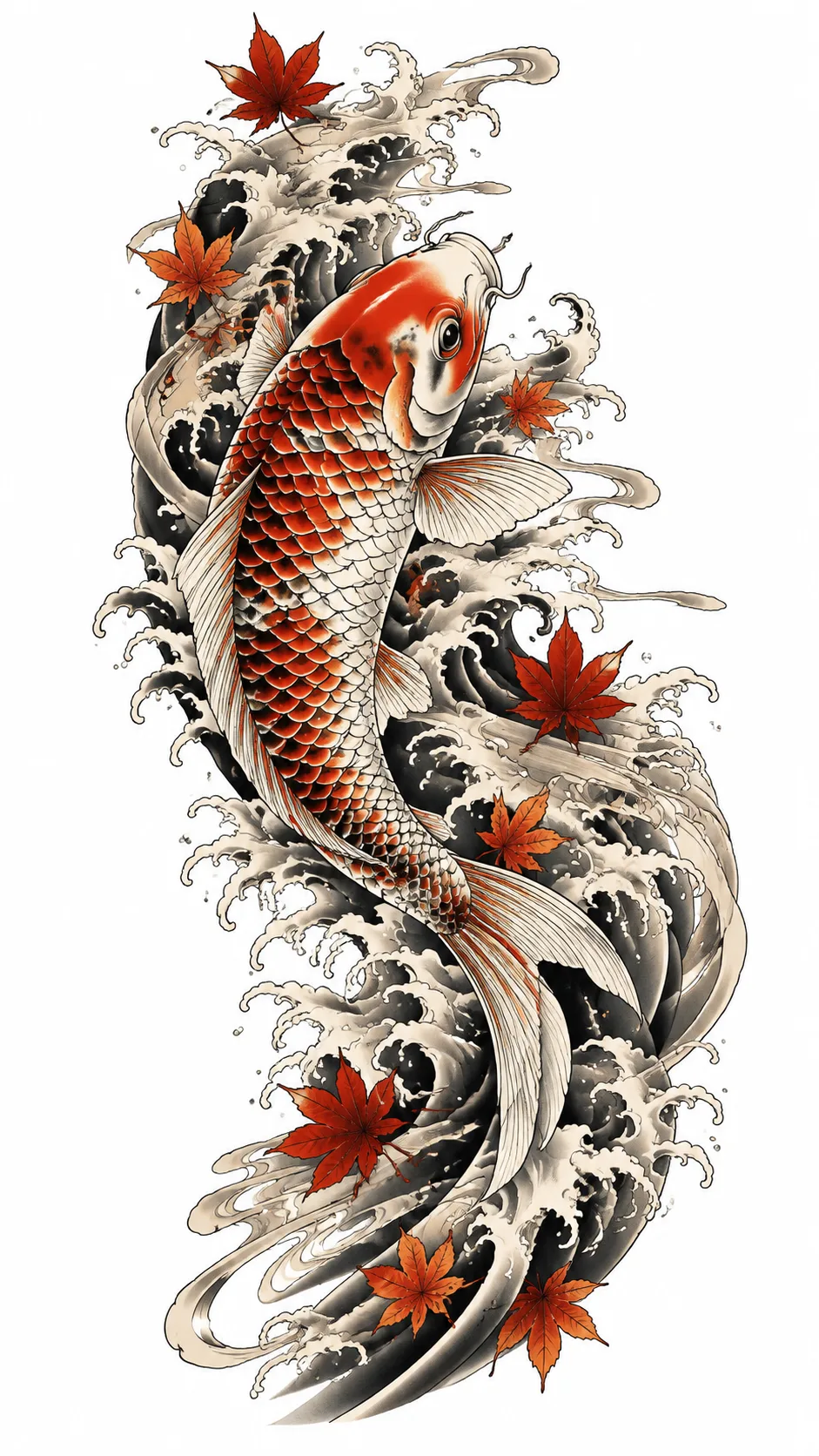
Koi & Waves Sleeve
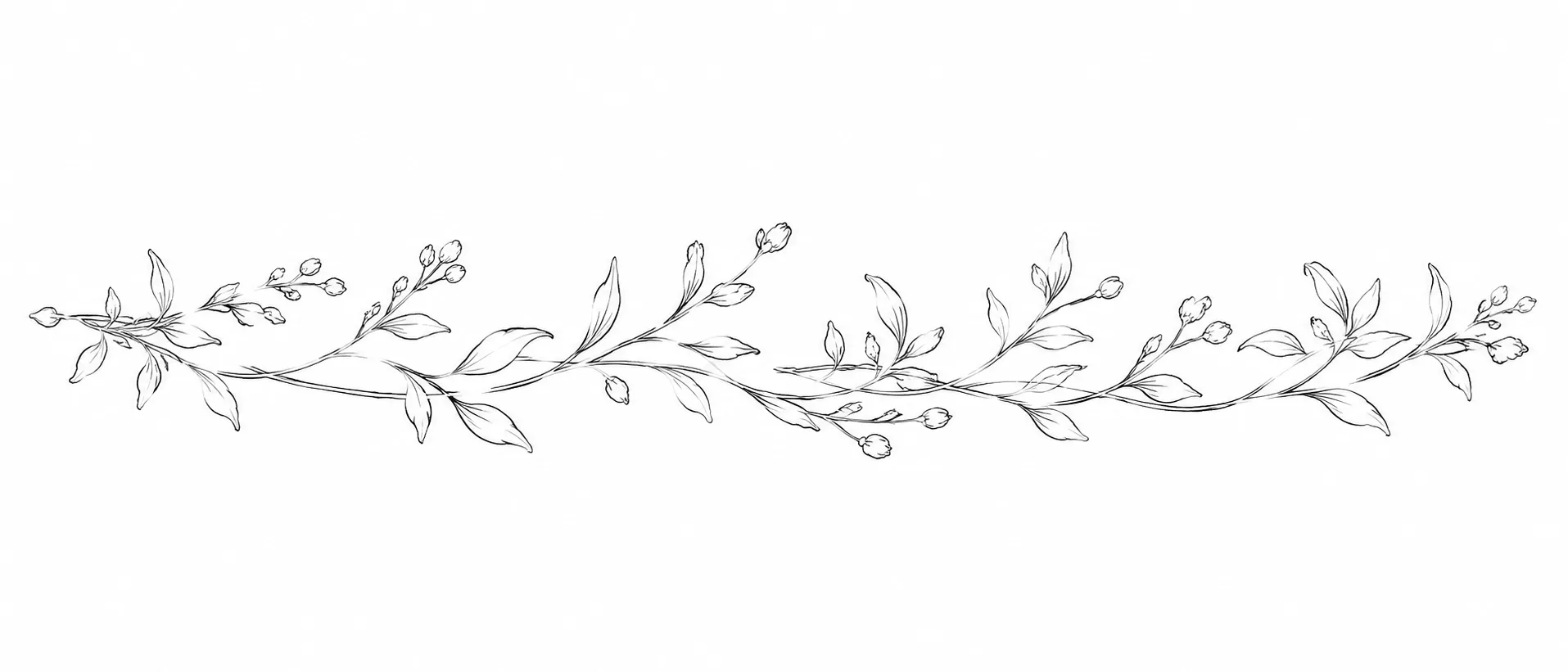
Botanical Armband
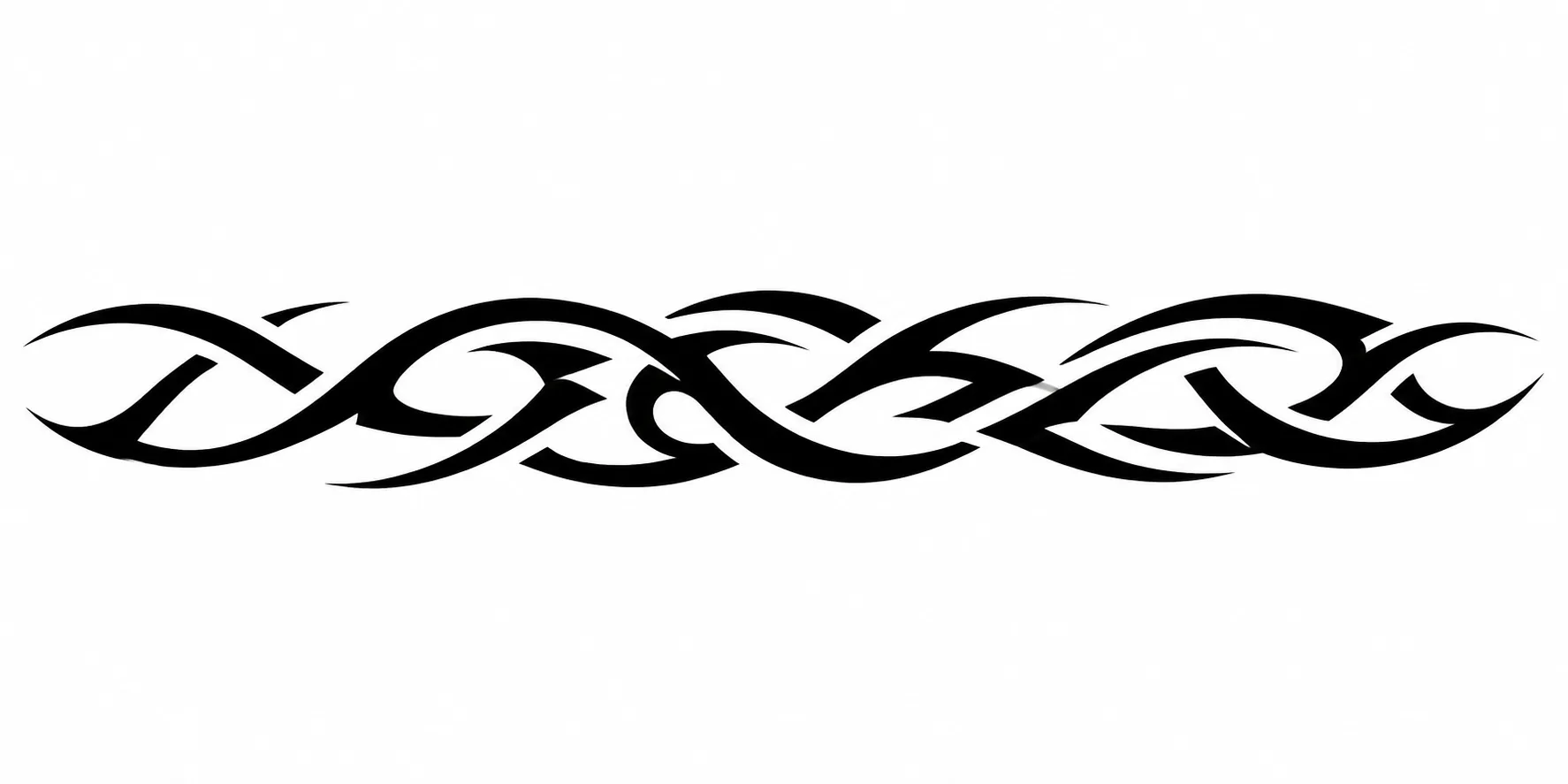
Rhythmic Black Armband
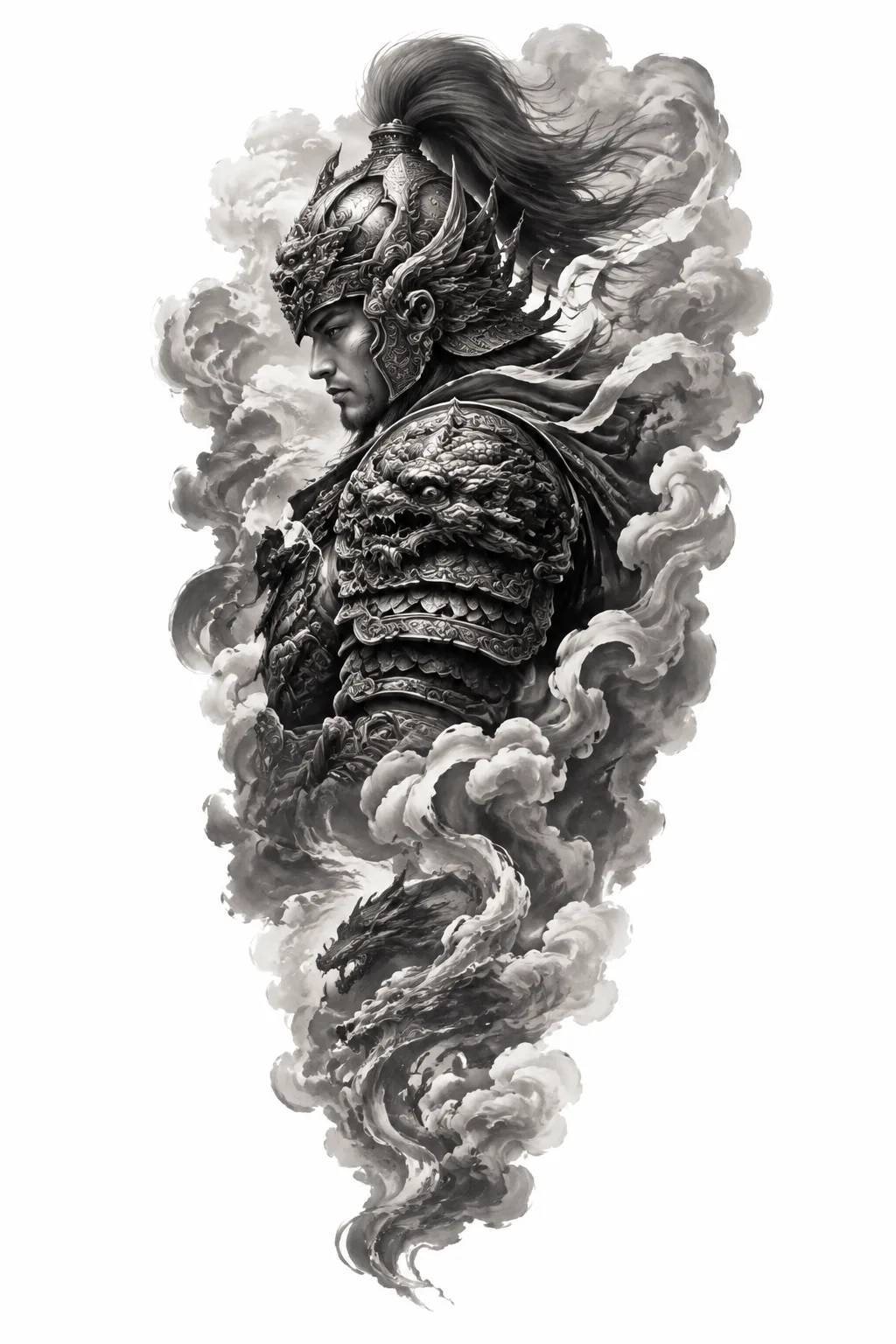
Mythic Warrior Sleeve
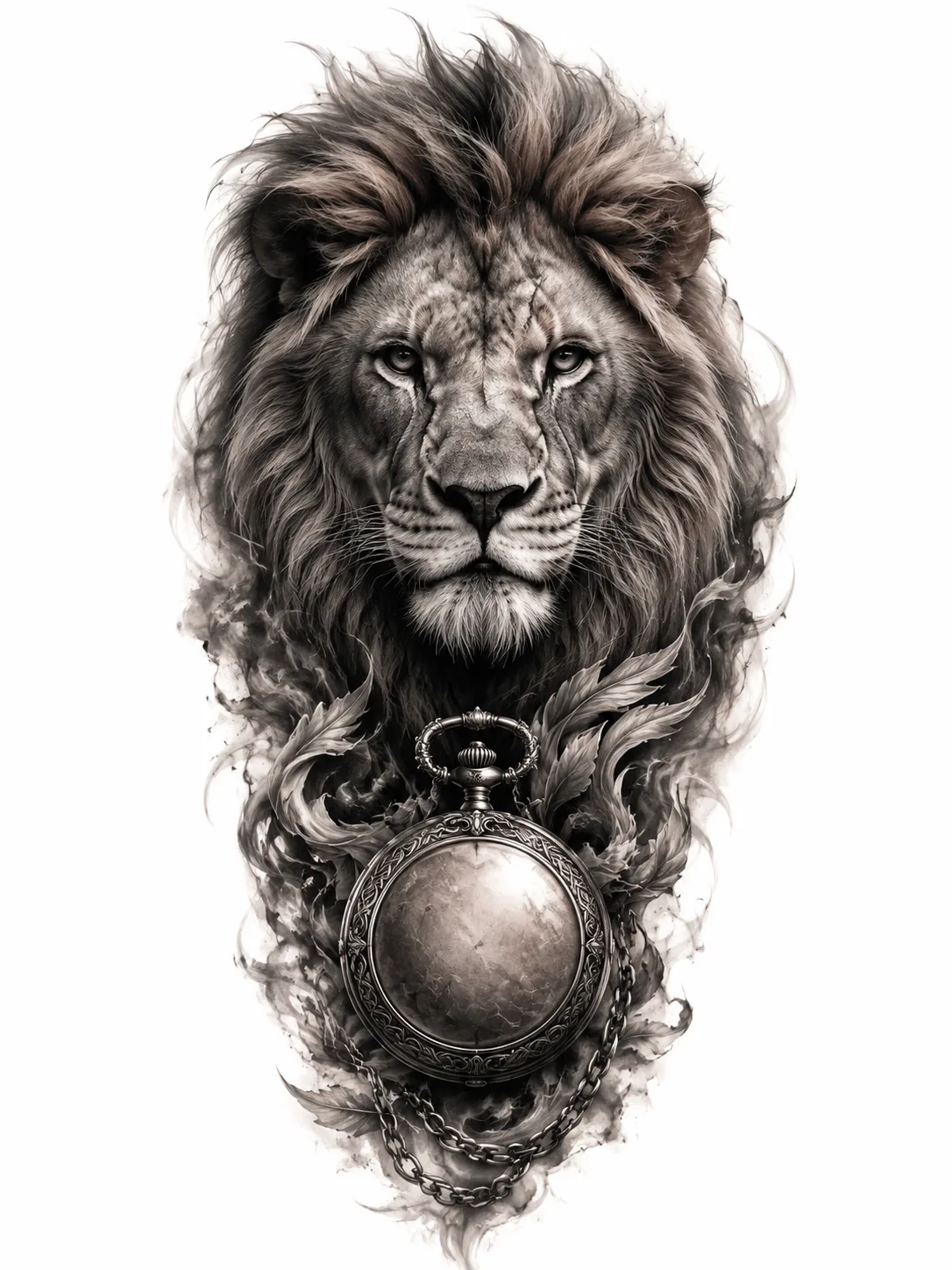
Lion & Clock
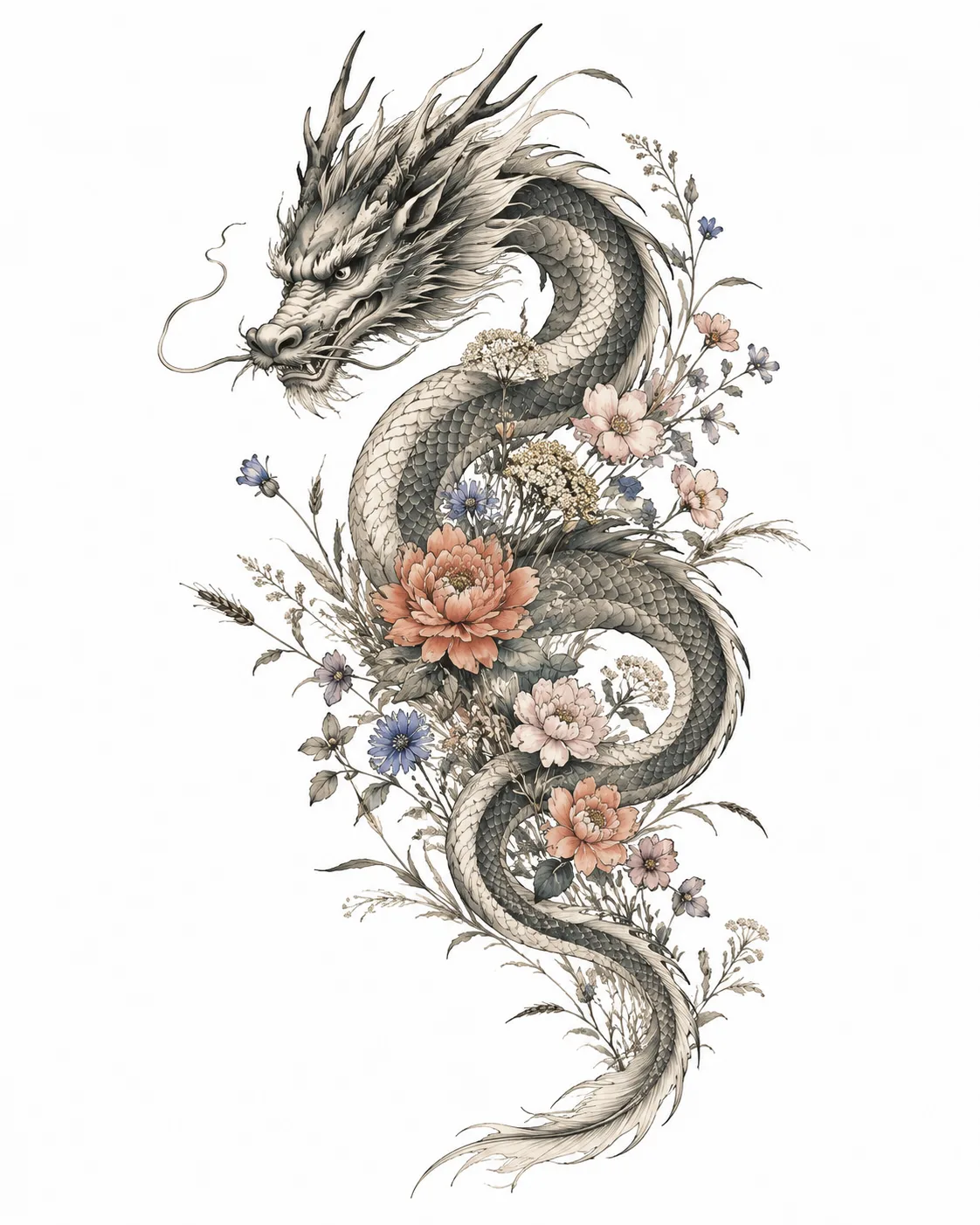
Dragon & Wildflowers
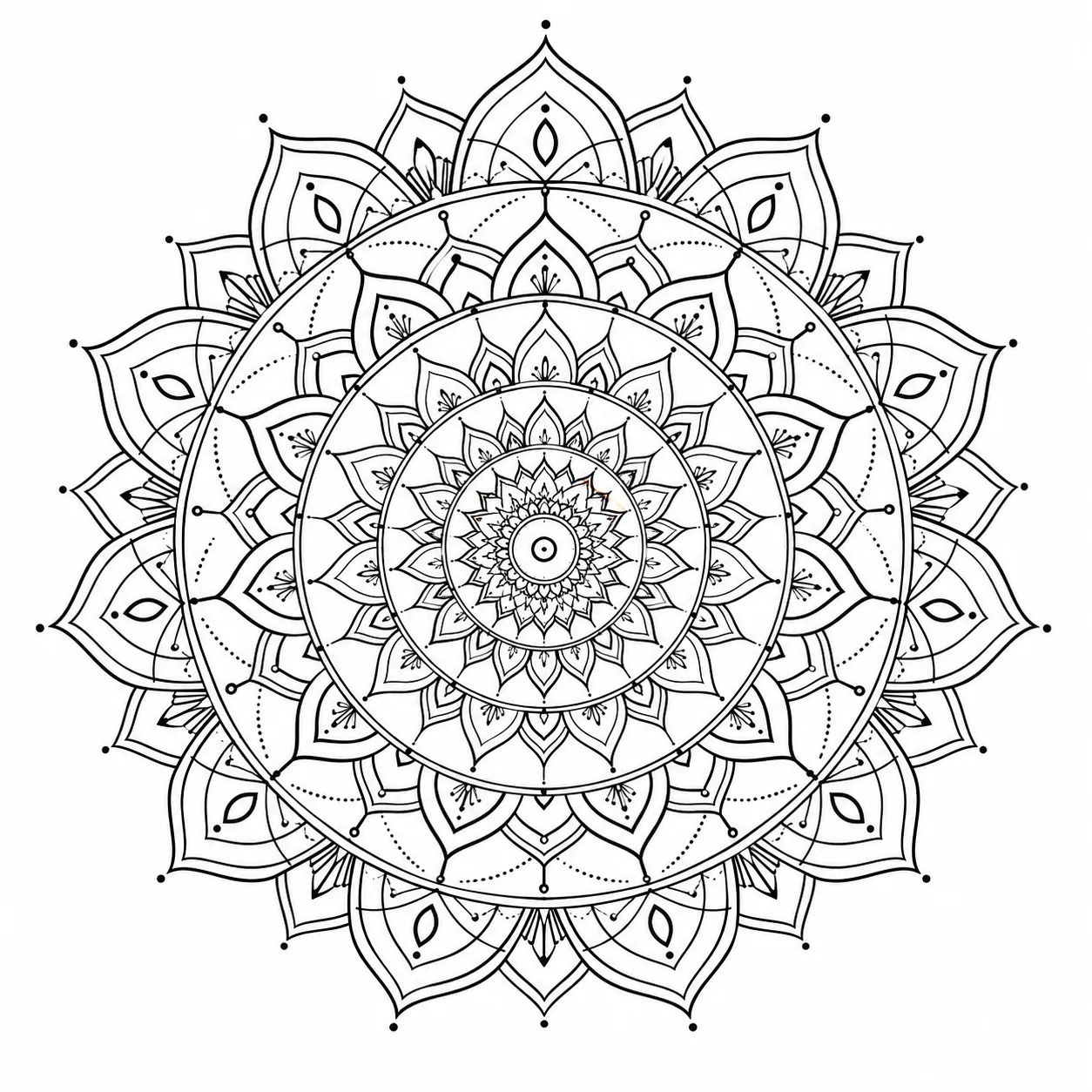
Mandala Geometry
Why Use Our AI Tattoo Generator for Custom Designs
FEATURES
Create stunning tattoo designs from text or reference images. Our free AI tattoo generator delivers professional-quality body art concepts in seconds.
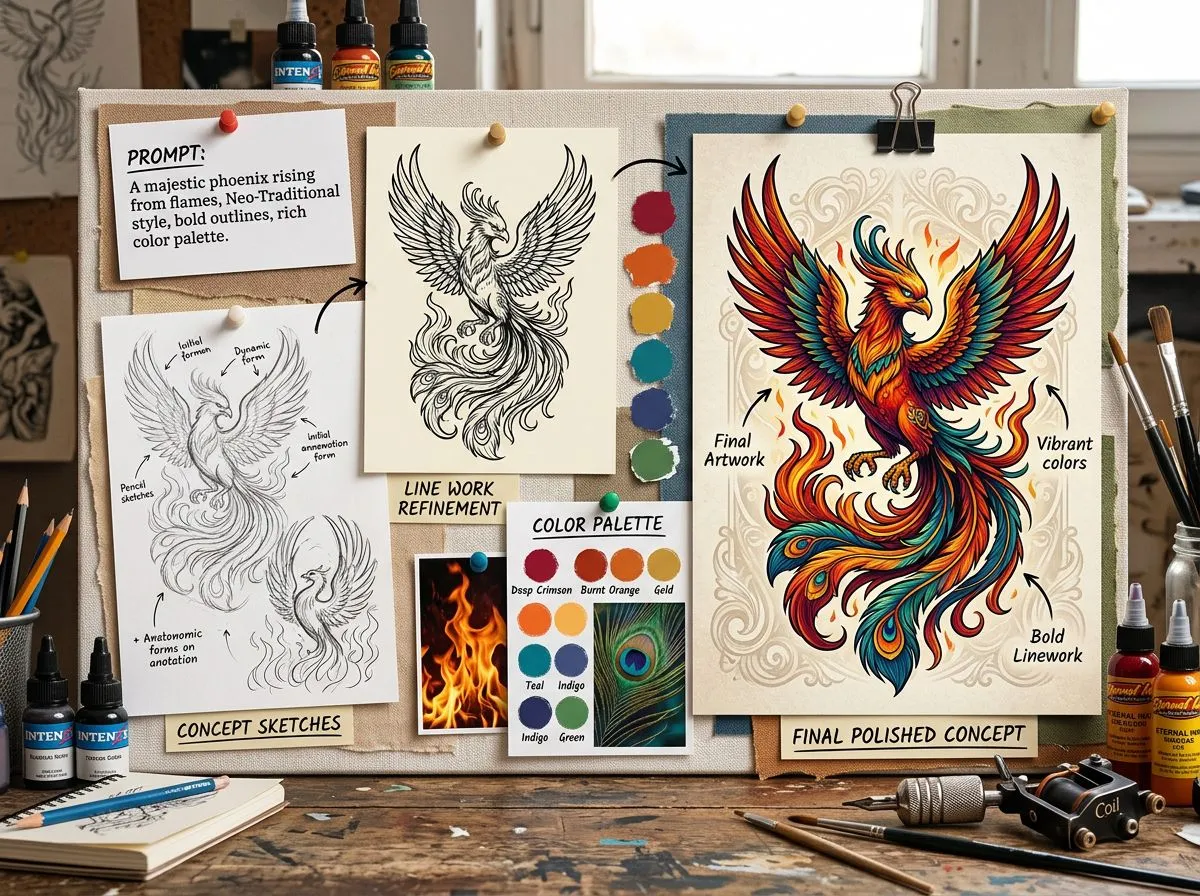
- Describe your vision and the AI tattoo generator from text creates detailed, ink-ready designs. From minimalist line art to intricate sleeves — just type and generate.
- Upload a photo or sketch as a starting point. The AI tattoo generator transforms your reference into a polished tattoo concept while preserving your creative direction.
- Generate designs across styles — traditional, Japanese, geometric, watercolor, tribal, minimalist, and more. Every AI-generated tattoo is tailored to your preferred aesthetic.
- Export your tattoo designs in up to 4K resolution as PNG or JPG. Get clean, sharp linework ready for your tattoo artist to work with directly.
- Get started with the AI tattoo generator free using your account credits. New users receive free credits on signup — no subscription required to create your first designs.
- The AI tattoo generator produces dozens of unique concepts in minutes. Explore variations, refine your ideas, and find the perfect design before committing to permanent ink.
What You Can Do With the AI Tattoo Generator
SHOWCASES
From quick sketches to polished stencils, see how the AI tattoo idea generator brings your body art concepts to life in seconds.
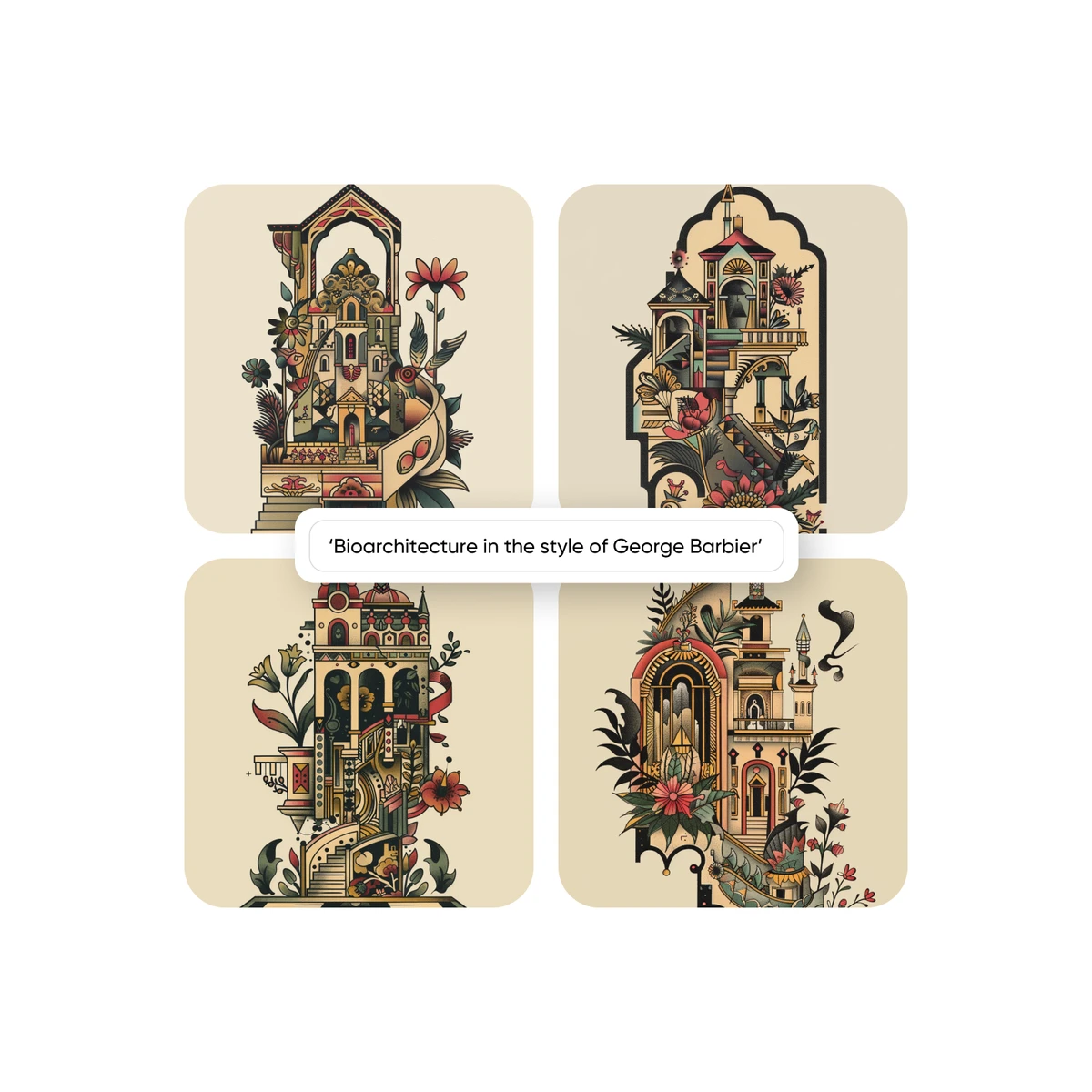
Draw Up Your Designs Instantly
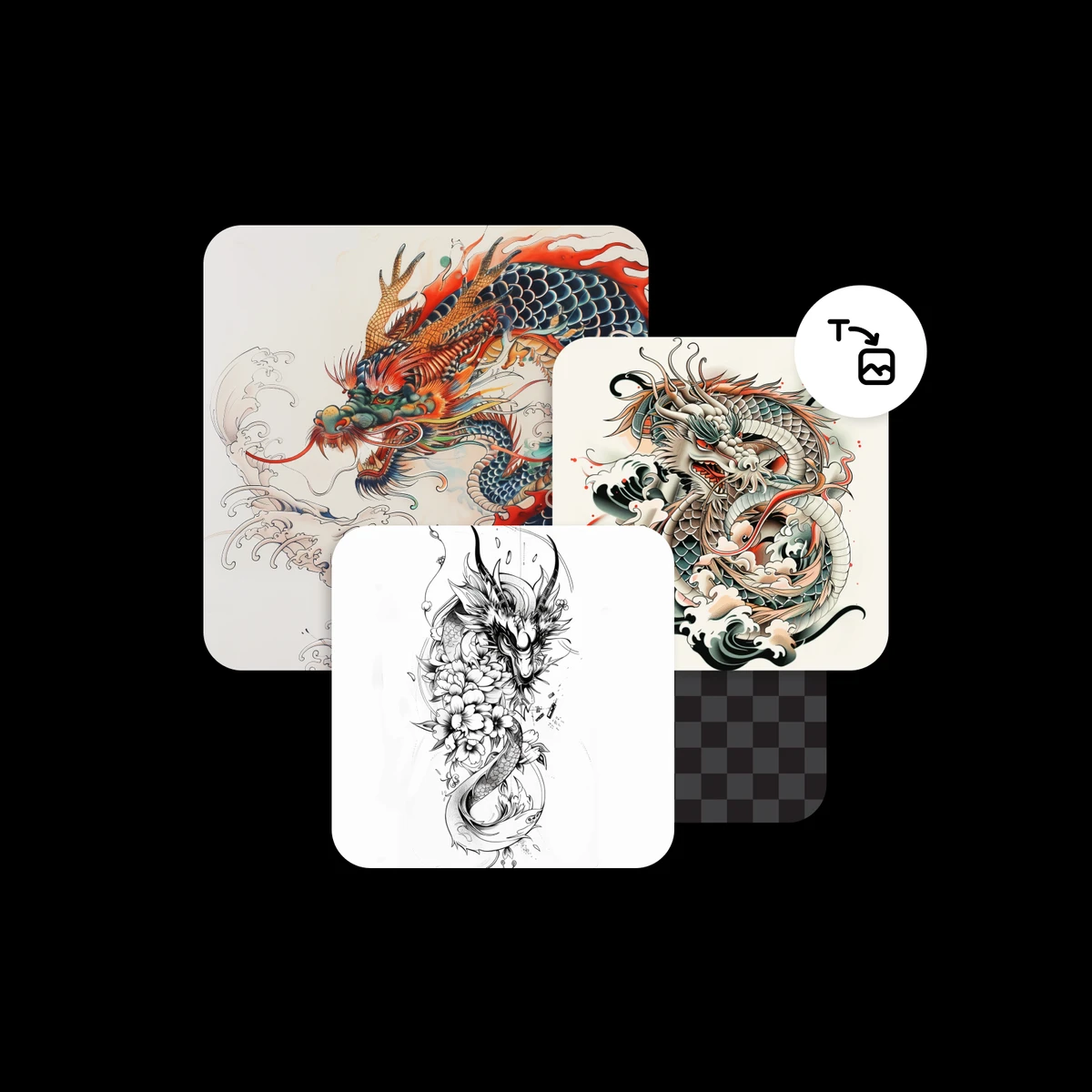
Forget sketching ideas on paper after paper. Just grab the AI tattoo generator and create your own tattoo design art in seconds. Experiment with different styles — from classic black and white to modern trends like 3D tattoos.
Visualize Body Art Concepts With AI
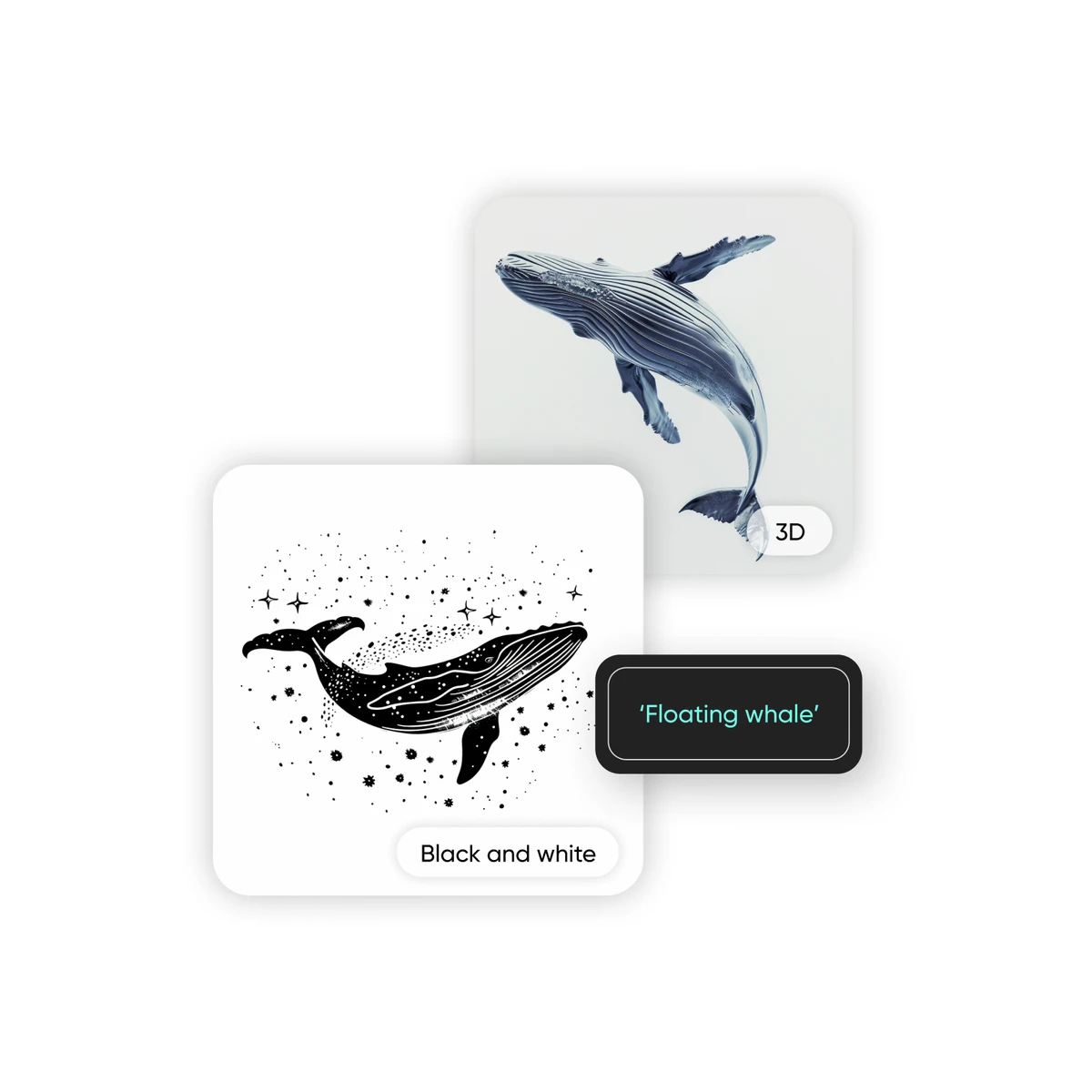
Got a specific concept you can't quite picture? Use the AI tattoo generator for inspiration. It creates tattoo designs based on your prompts and gives you fresh ideas to refine your vision before visiting the studio.
Explore Every Tattoo Style Imaginable
Traditional, Japanese, geometric, watercolor, tribal, minimalist, blackwork, dotwork — the AI tattoo generator from text handles them all. Describe any style and get a design that matches your aesthetic perfectly.
Preview Tattoo Designs on Yourself
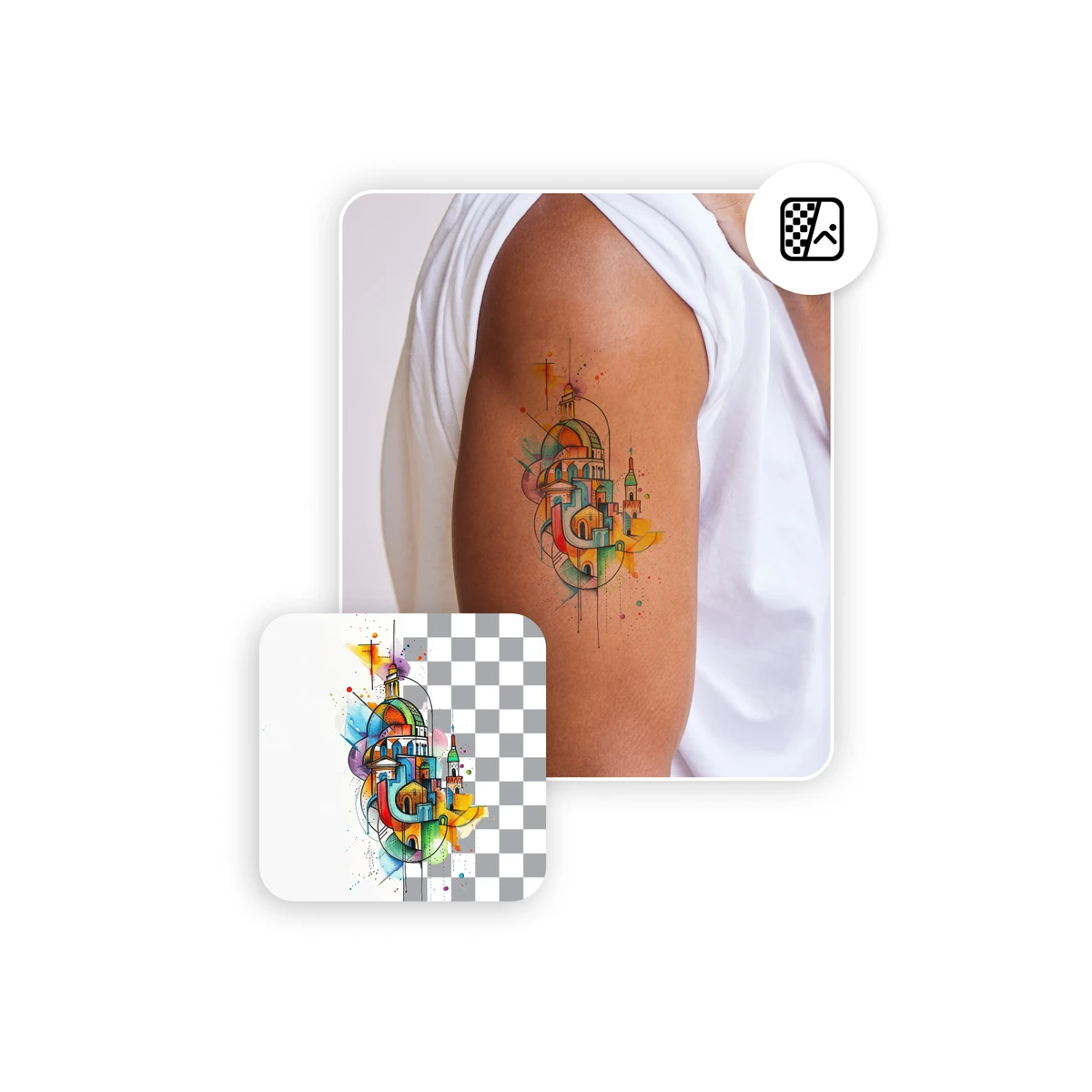
Think before you ink. Once the AI tattoo generator creates your perfect design, download it as a transparent PNG and overlay it on your photos to see exactly how it will look on your skin before committing.
More AI Image Generators for Every Creative Idea
Unleash Creativity With Createimg.ai AI Image Generators
Explore a variety of AI image generators tailored to different creative needs. Whether you want to design shirts, make fun emojis, or create unique posters, these tools make it easy to bring every idea to life.
AI Gender Swap
AI Meme Generator
AI Ad Generator

Wedding AI Photo Generator

AI Food Generator
Text To Image
Image To Image
AI Thumbnail Generator
AI Sticker Generator
AI Age Progression
Explore Cutting-Edge AI Models
AI Models — Powerful Image & Video Generation Tools
Explore advanced AI models for high-quality image and video creation. Discover powerful generation and editing technologies that enhance your creative workflow and bring your visual ideas to life with ease.







How to Create Tattoo Designs With AI
HOW TO USE
Generate custom tattoo artwork in three simple steps using our AI tattoo generator.
Describe Your Tattoo or Upload a Reference
Enter a text prompt describing your ideal tattoo — style, subject, and details. Optionally upload a reference image for additional inspiration.
Choose Resolution and Format
Select your output resolution — 1K, 2K, or 4K — and pick PNG for transparent backgrounds or JPG for standard files.
Download Your Tattoo Design
Click Generate and wait a few seconds. Preview your AI-created tattoo design, then download the high-resolution artwork to share with your tattoo artist.
AI Tattoo Generator FAQ
FAQs
Common questions about using the AI tattoo generator to create custom tattoo designs online.
What is an AI tattoo generator?
An AI tattoo generator uses artificial intelligence to create custom tattoo designs based on your text descriptions or reference images. It produces professional-quality tattoo artwork with clean linework and detailed compositions — ready to bring to your tattoo artist.
Is this AI tattoo generator free?
You can use the AI tattoo generator free with your account credits. New users receive free credits upon signing up. Each design costs credits based on the output resolution — 1K and 2K cost 80 credits, 4K costs 140 credits.
Can I generate tattoo designs from text descriptions?
Yes. The AI tattoo generator from text lets you describe any tattoo concept — style, subject, placement, size — and generates a matching design. Be as detailed as possible for the best results.
Can I upload a reference image?
Absolutely. Upload a photo, sketch, or existing tattoo as inspiration. The AI will use it as a style or subject reference to create a new, original tattoo design that builds on your vision.
What tattoo styles can the AI generate?
The generator supports a wide range of styles including traditional, neo-traditional, Japanese, tribal, geometric, minimalist, watercolor, blackwork, dotwork, realistic, and abstract designs.
Can I preview how a tattoo looks on my body?
While the AI tattoo generator on body preview is not yet available as a built-in feature, you can generate your design and use photo editing to overlay it on a body photo for visualization before your appointment.
What output formats and resolutions are available?
Export your designs as PNG for transparent backgrounds or JPG for standard use. Choose from 1K, 2K, or 4K resolution depending on how much detail and print quality you need.
Are the generated designs original?
Yes. Each design is uniquely generated by AI based on your specific input. No two outputs are identical, giving you one-of-a-kind tattoo concepts that you can further customize with your artist.
Can I use these designs for a real tattoo?
Absolutely. The designs are created with clean linework and proper contrast to work as real tattoo stencils. Share the output with your tattoo artist for final refinement and inking.
Do I need to install any software?
No. The AI tattoo generator runs entirely in your browser. Describe your design, generate it, and download — all online, on any device, with no installation required.
Powered By


Ready to Create Your Perfect Tattoo?
Describe your dream tattoo or upload a reference image and let AI generate a unique, professional design in seconds. Try the free AI tattoo generator — no download needed.