
Batch Image Generator Use Cases
One prompt, dozens of ready-to-pick visuals
Stop clicking generate one image at a time. Queue up to 100 images per batch, keep working while earlier jobs run, and pick the strongest shots from one place.
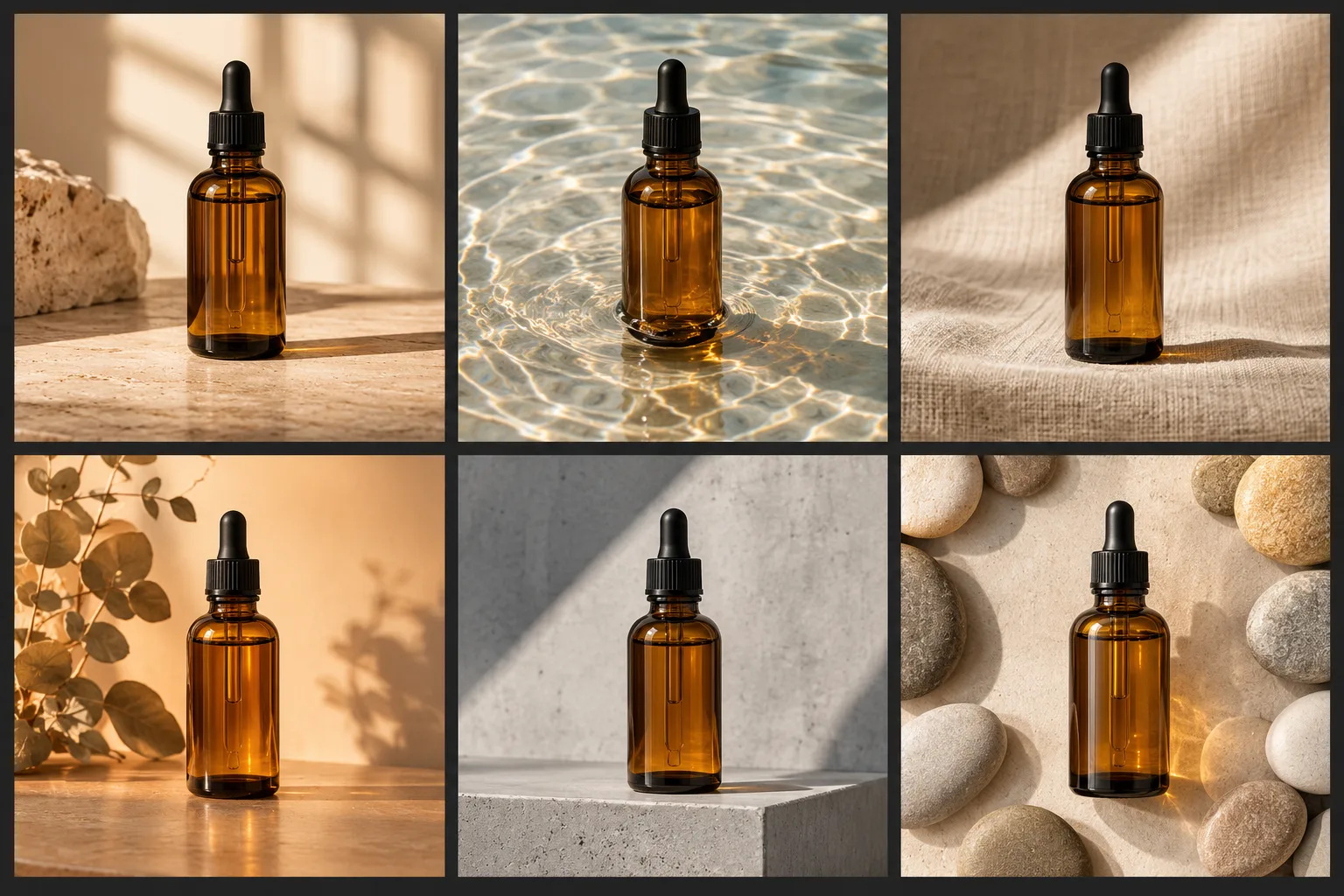
Generate multiple AI images at once for ads and social campaigns
When you need options for thumbnails, paid social creatives, or blog headers, a single render rarely nails the angle on the first try. Run 10 to 100 variations from one prompt, review finished frames as they arrive, and download only the winners or export the entire batch as one ZIP file.
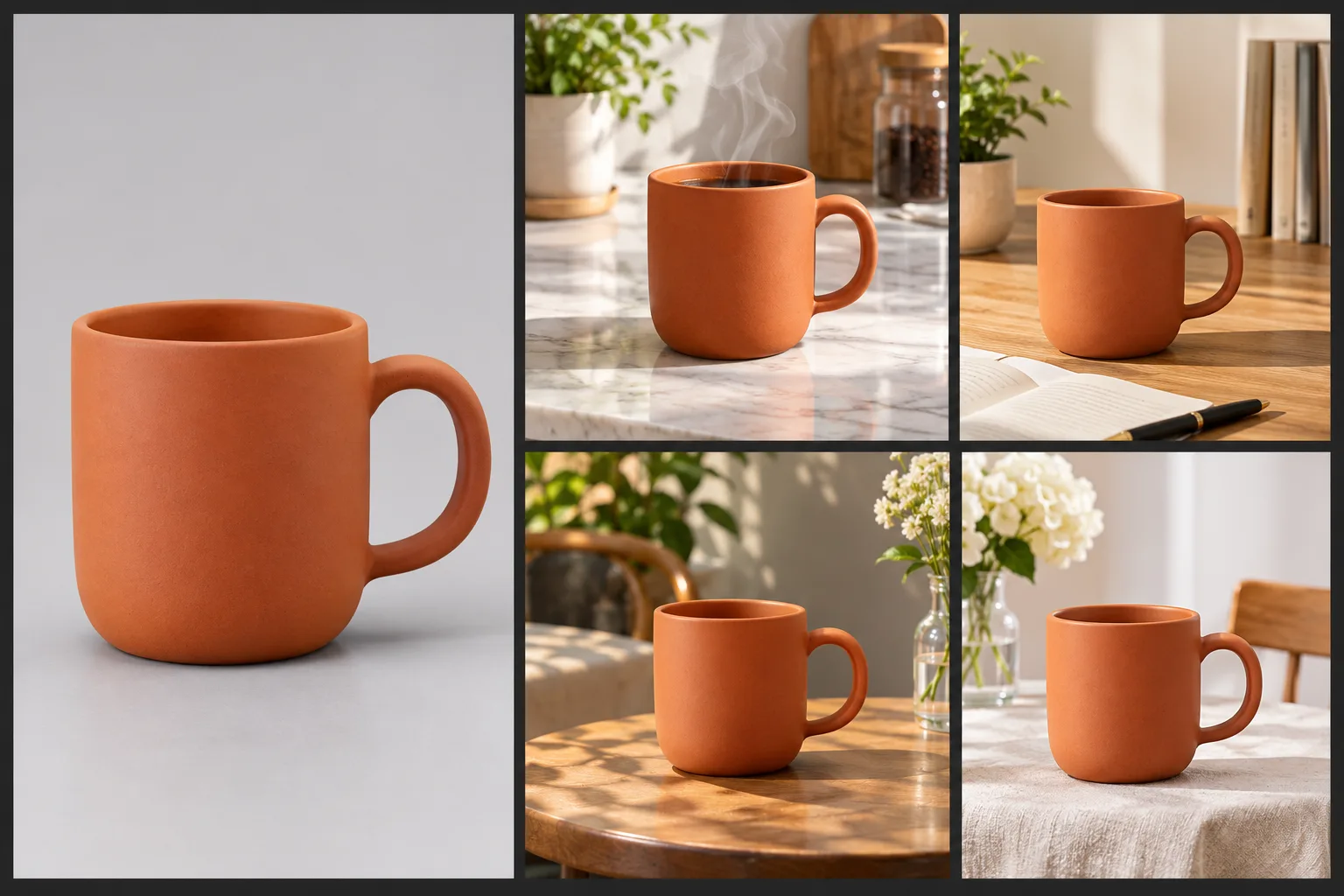
Produce consistent product and brand sets from reference photos
Upload up to 16 reference images on compatible models to keep a product silhouette, color palette, or brand look steady across a full batch. Compatible models and aspect ratios are filtered automatically so you know before submitting which models accept your reference photos.
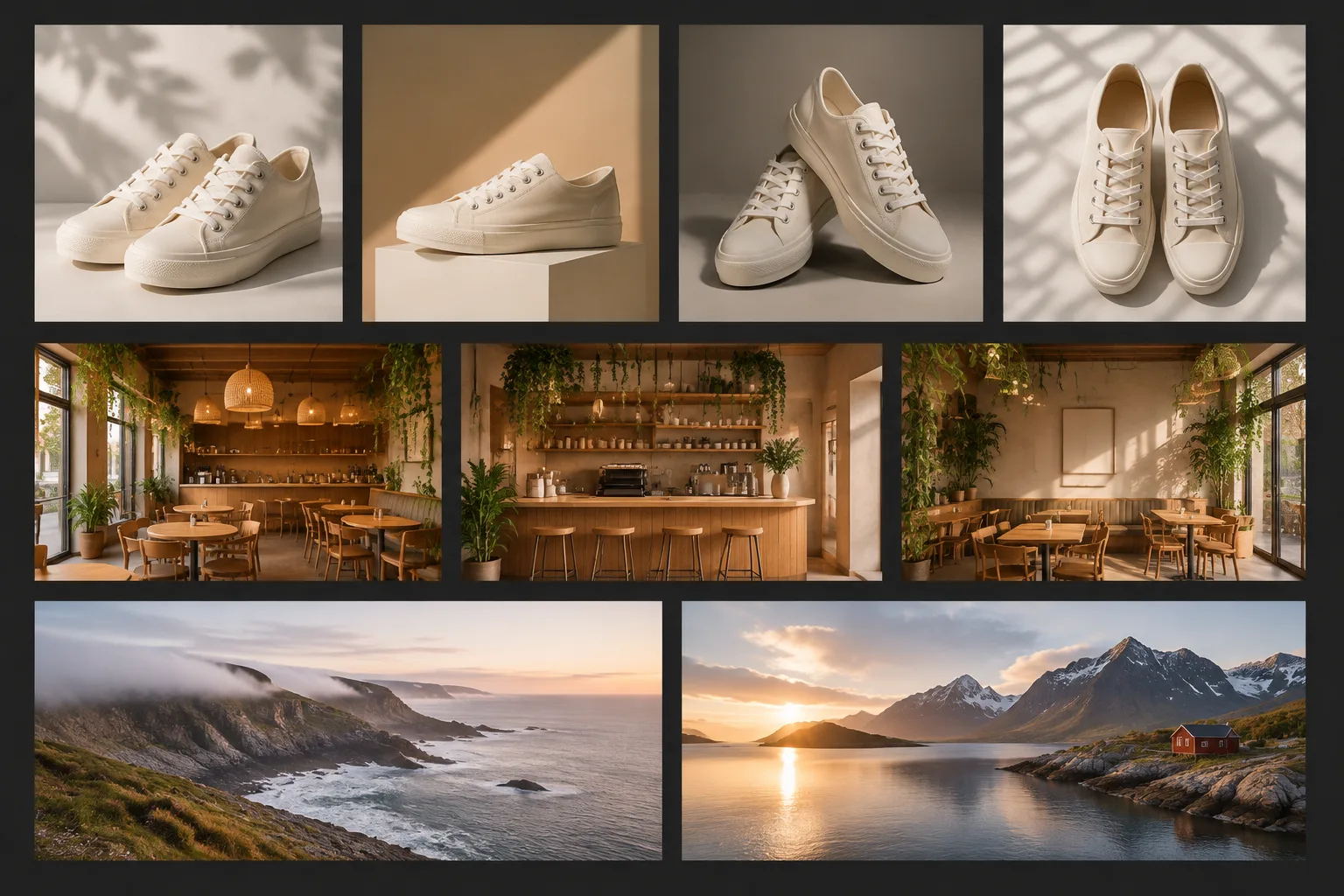
Queue parallel batches across models and aspect ratios without waiting
The compose form unlocks the moment a batch is accepted. Switch between GPT Image 2.6, GPT Image 2.5, Nano Banana 2.1, Nano Banana Pro, Qwen 3, or Grok Imagine, change the aspect ratio or quality, and queue the next run immediately—with up to 1,000 in-flight images per account.
Batch vs. Single-Image Workflows
How batch image generation compares
Compare running one bulk queue against repeating single-image prompts or juggling multiple browser tabs.
| Batch Image Generator1–100 images per submission | Single-image generatorsOne render at a time | Multiple browser tabsManual tab-by-tab runs | |
|---|---|---|---|
| Images per submission | Yes: 1 to 100 images per batch (up to 1,000 in-flight) | No: Usually 1–4 images | Partly: Repeated manually in each tab |
| Keeps running if you close the tab | Yes: Server-side queue + optional email alert | Partly: Depends on the tool | No: Easy to lose progress across tabs |
| Edit next prompt while running | Yes: Compose form stays unlocked immediately | No: Wait until the current render finishes | Partly: Requires opening and managing new tabs |
| Failed or canceled items | Yes: Refunded automatically per image | Partly: Varies by platform | No: Must track and retry each tab manually |
| Download all finished images | Yes: One-click ZIP archive per batch | No: Save images one by one | No: Download tab by tab |
| Reference photo handling | Yes: Upload once (up to 16 refs) with automatic model checks | Partly: Limited per single run | No: Re-upload and check settings per tab |
Batch limits, supported models, and per-image credit pricing reflect current live Createimg.ai settings.
Why Use Our Batch Image Generator
Built for high-volume image runs, not one-off clicks
Designed for creators, marketers, and e-commerce teams who need a reliable batch image generator for multiple images with predictable credit controls and zero babysitting.
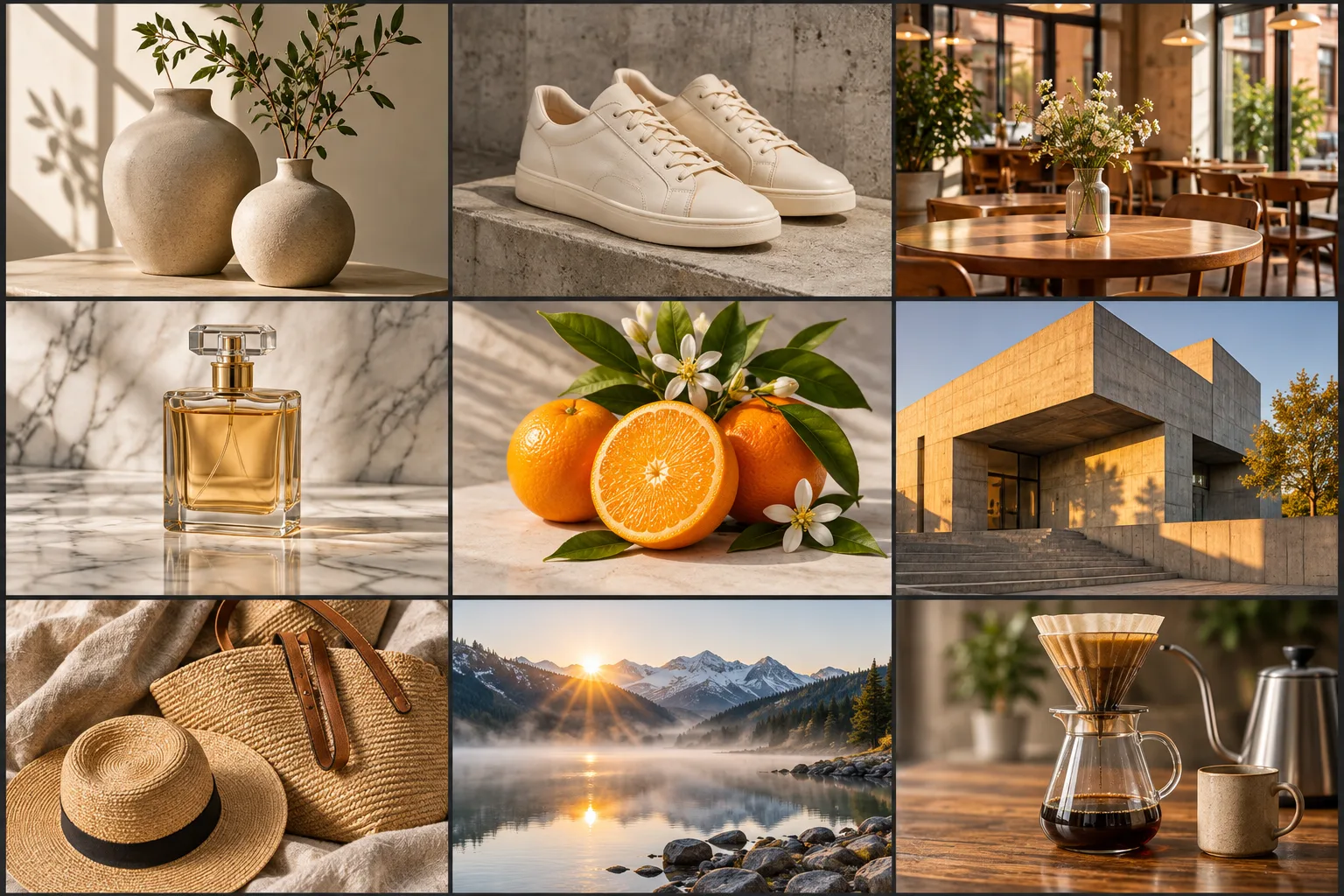
- Choose quick count presets or enter any exact number from 1 to 100 per submission. Run multiple batches side by side up to 1,000 queued and active images per account.
- Access Nano Banana, Nano Banana 2.1, Nano Banana Pro, GPT Image 2.5, GPT Image 2.6, Qwen 3, and Grok Imagine in one picker. Aspect ratios, quality tiers, output formats, and reference photo limits adjust automatically for each model.
- Once your batch is queued, the compose panel stays ready for your next idea. Change the prompt, swap models, or adjust ratios and submit another batch while earlier images render in the results feed.
- All queued images are dispatched server-side. Close the tab, refresh, or sign in on another device to check progress in Results and History, or enable the optional completion email.
- See exact per-image pricing, reference fees, and any active plan discount before submitting, with an extra confirmation prompt for batches of 500 credits or more. Any failed image or canceled queued item is refunded automatically.
- Filter results by Ready, In progress, or Failed, download individual files, export every finished image in a batch as a single ZIP, or send any standout result straight back into your reference images for the next run.
More AI Image Generators for Every Creative Idea
Unleash Creativity With Createimg.ai AI Image Generators
Explore a variety of AI image generators tailored to different creative needs. Whether you want to design shirts, make fun emojis, or create unique posters, these tools make it easy to bring every idea to life.
 New
Batch Image Generator
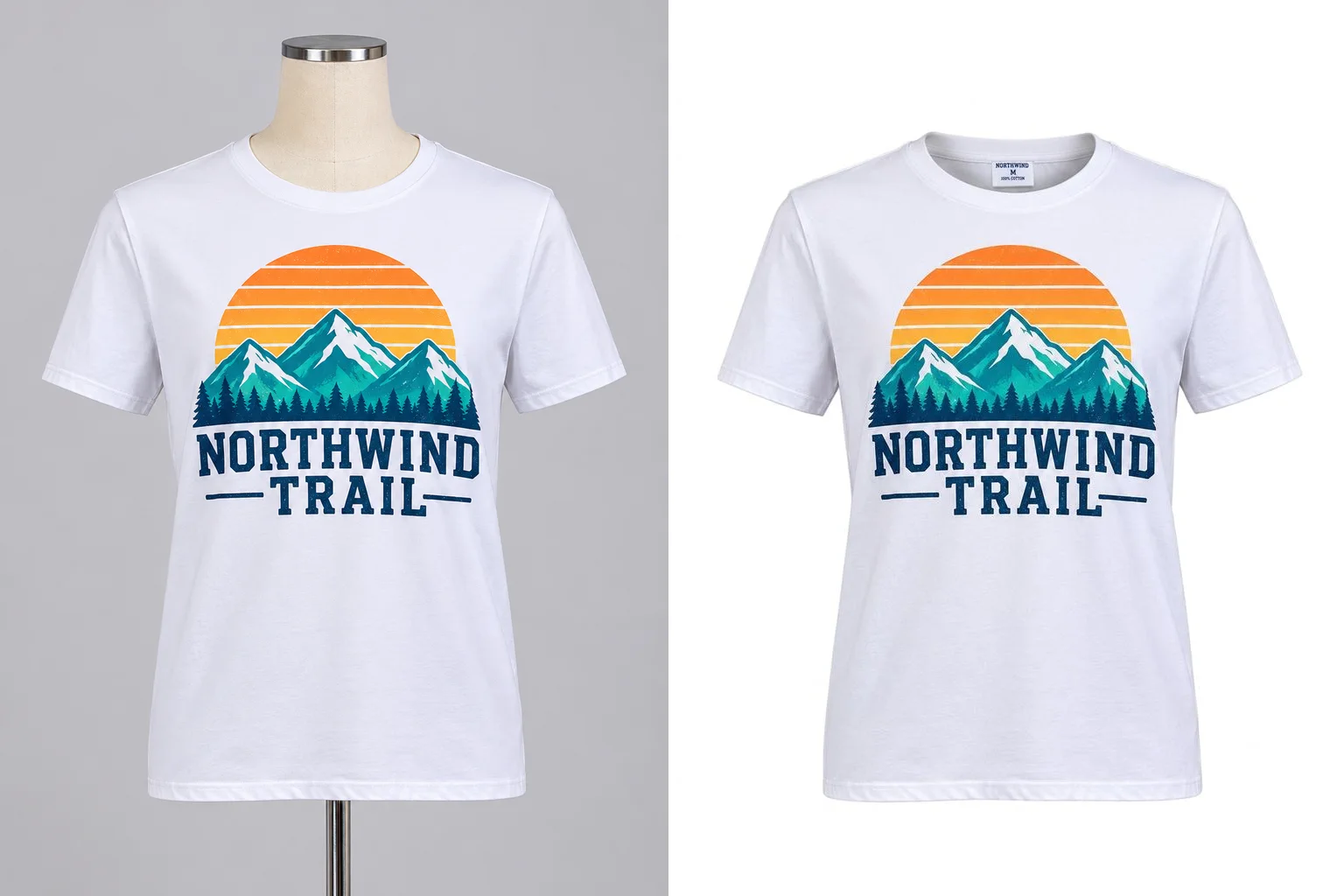 New
Ghost Mannequin AI
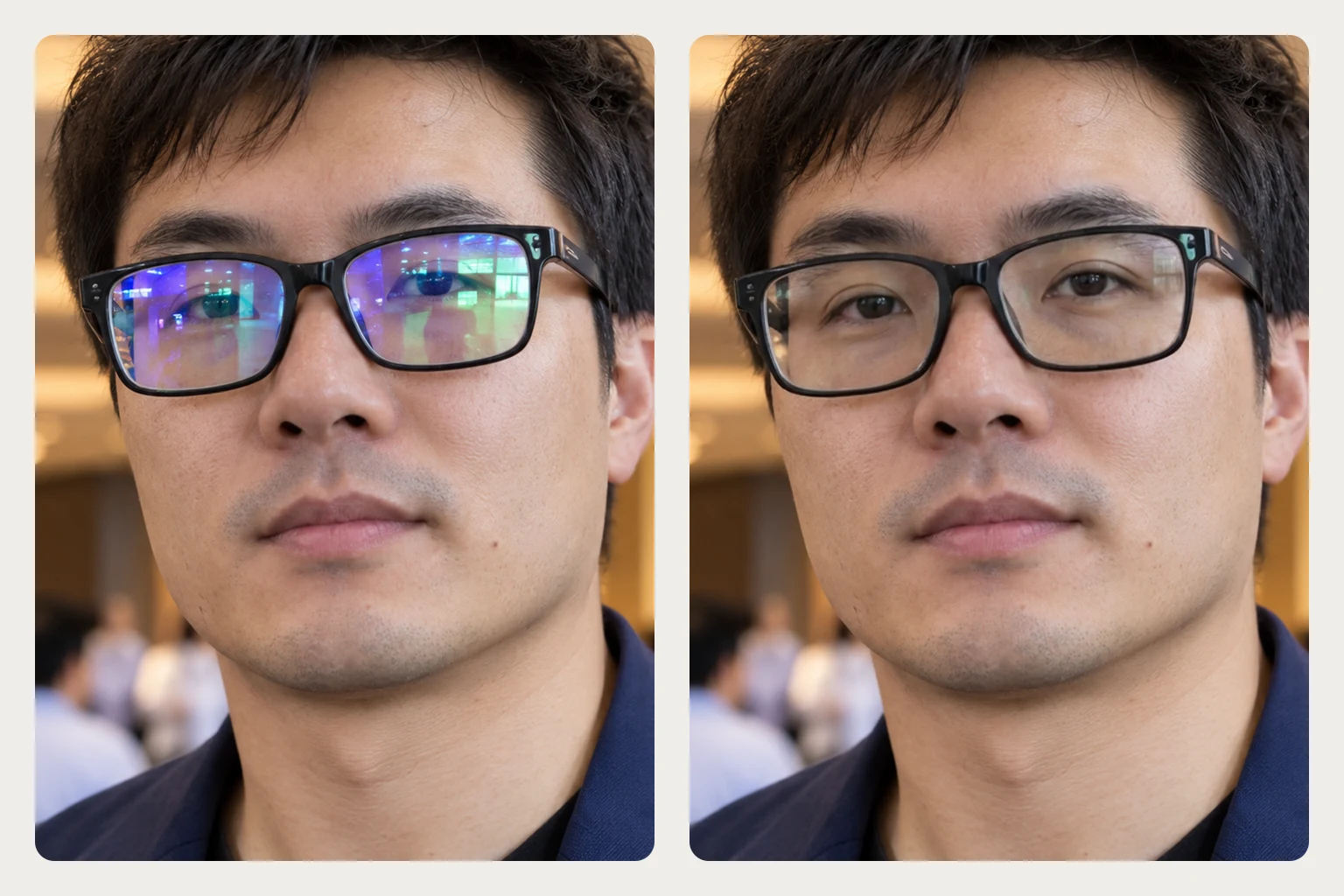 New
Photo Glare Remover
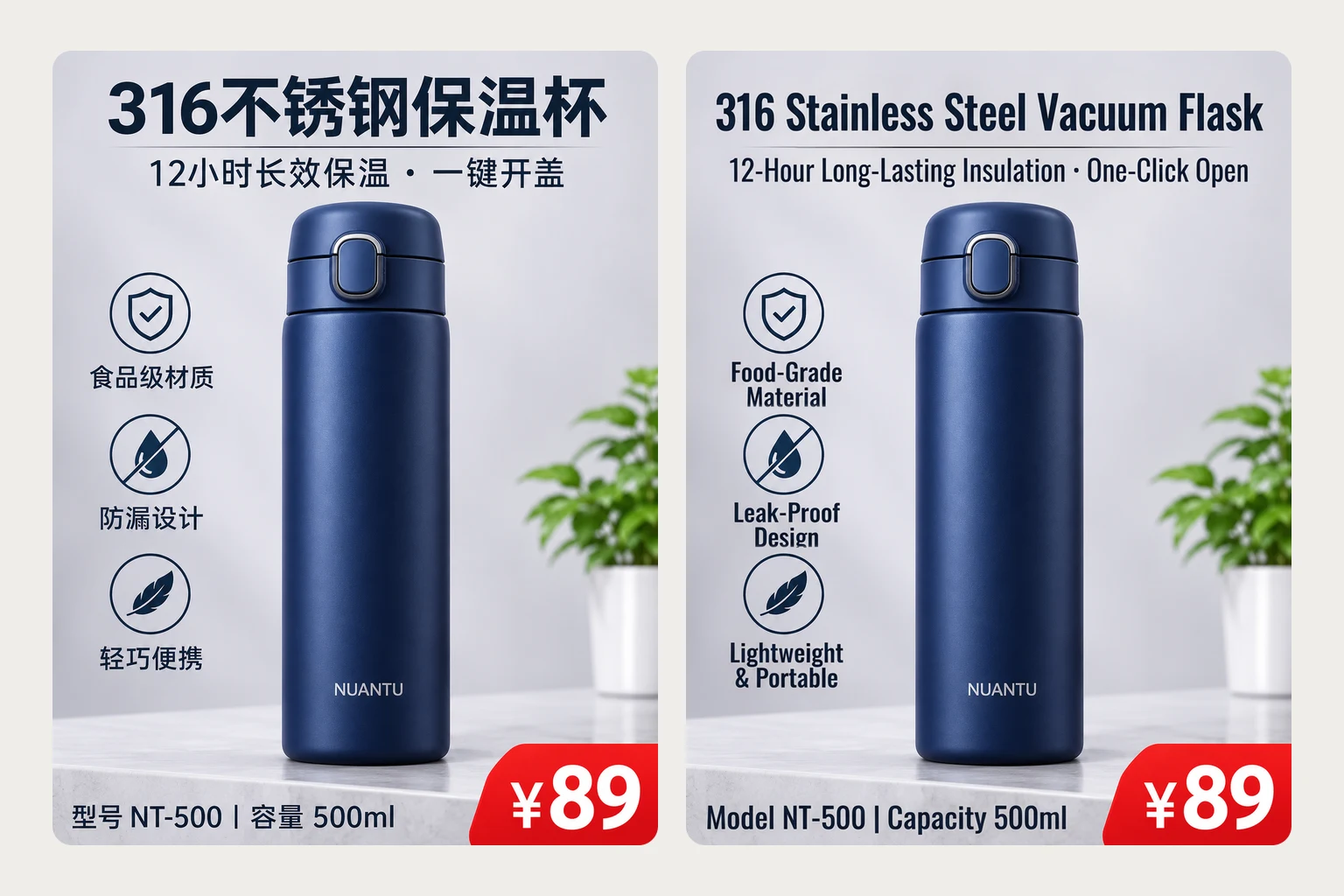 New
Image Translator
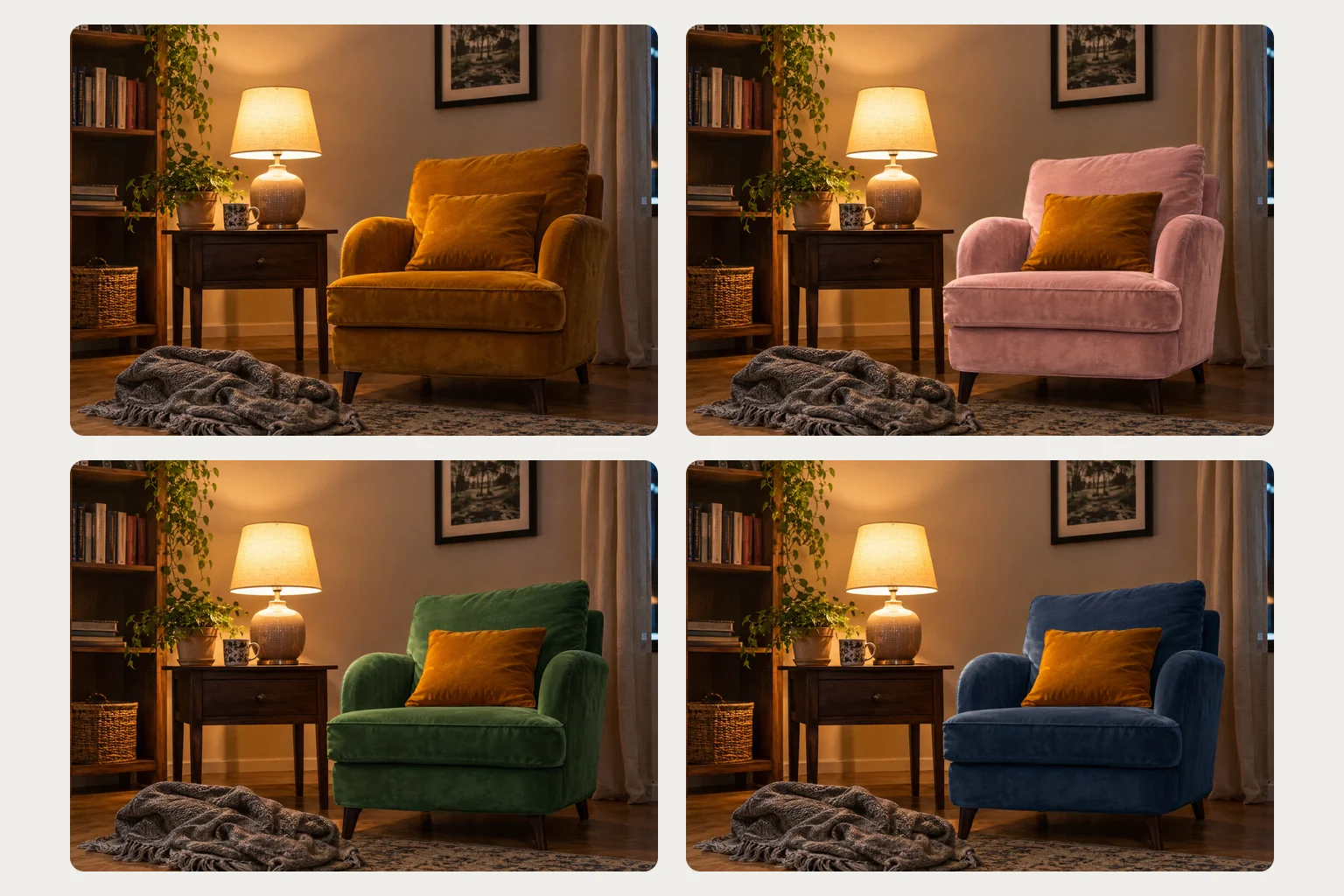 New
AI Color Changer
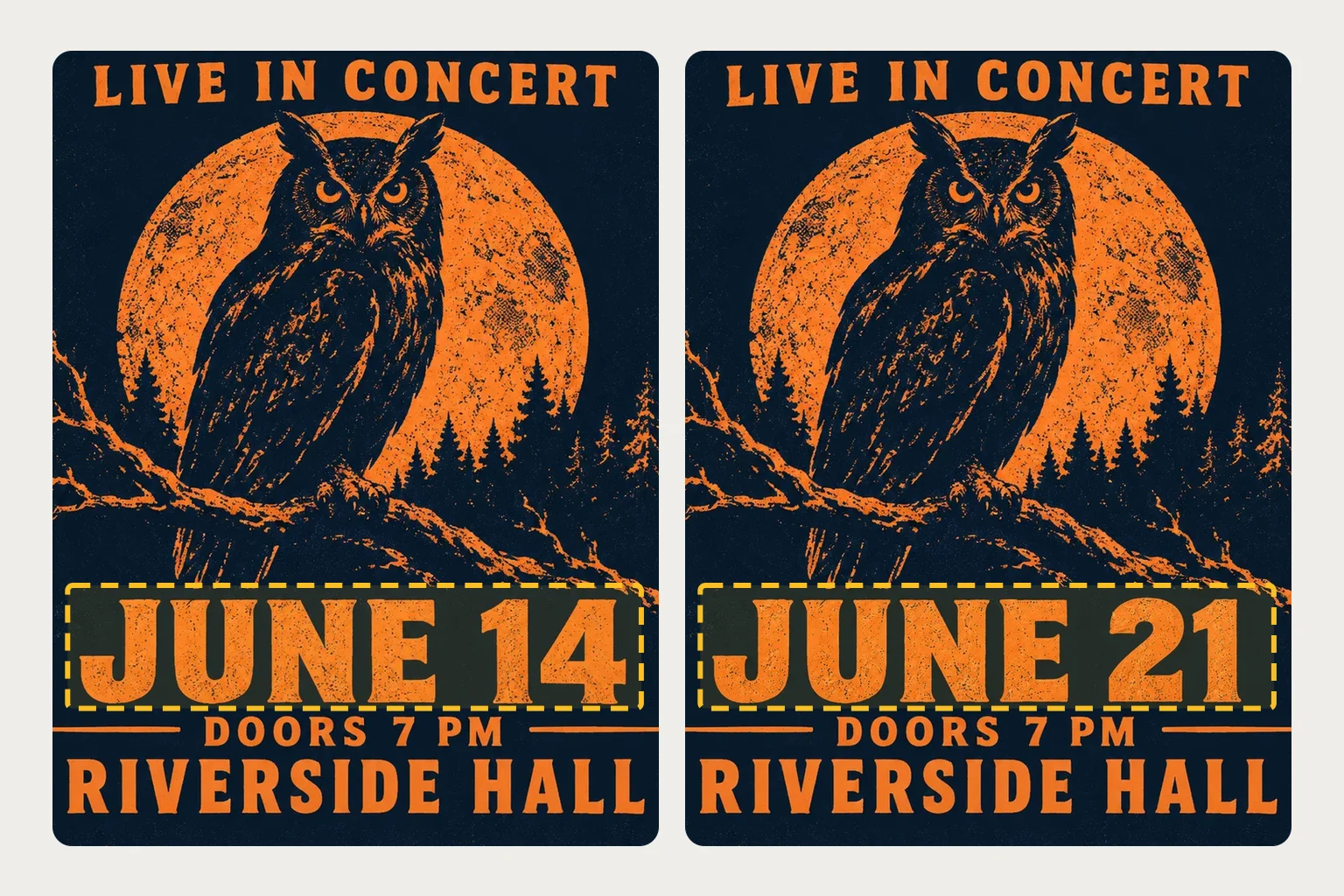 New
Image Text Editor
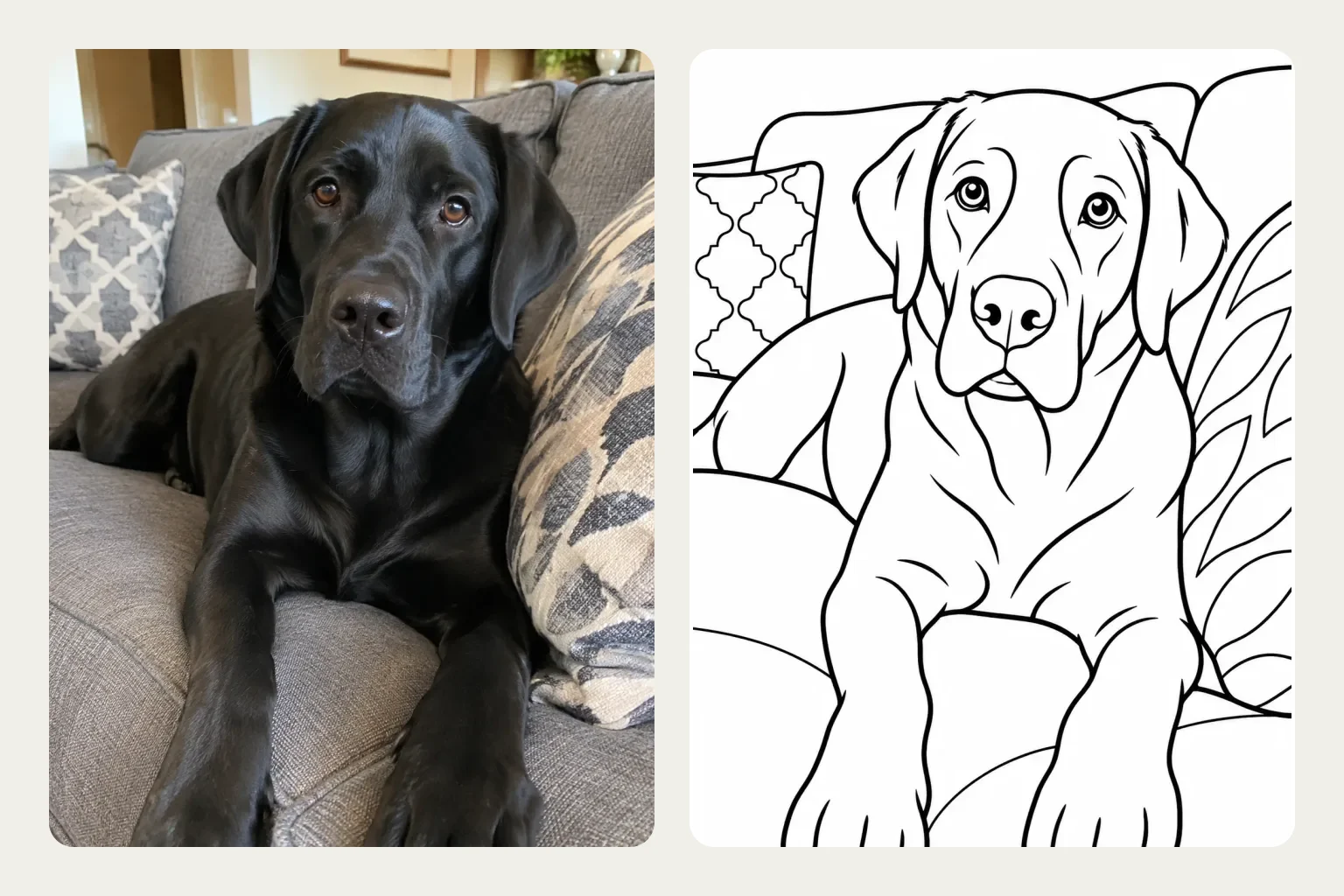 New
Photo to Coloring Page
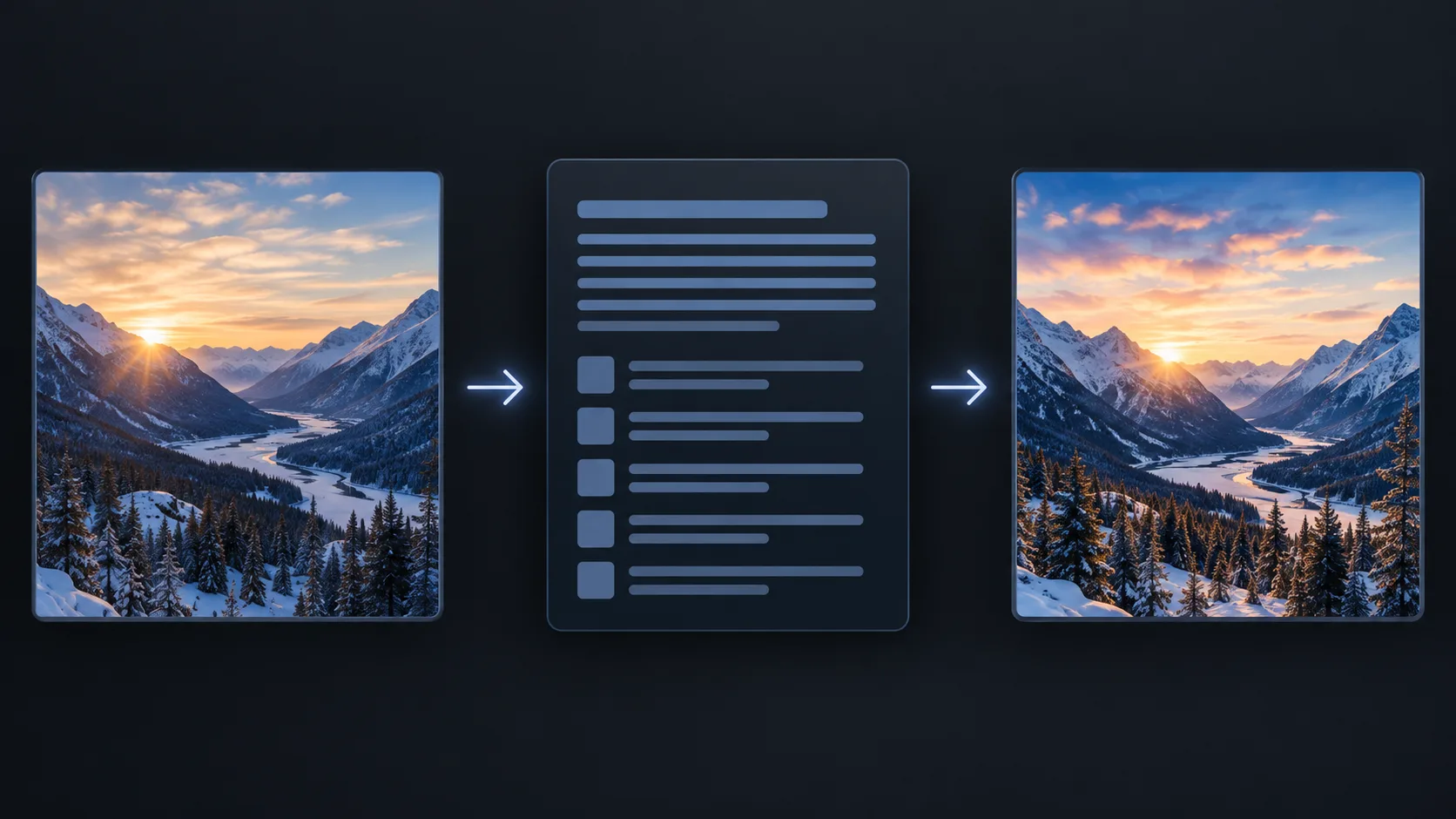 New
Image To Prompt
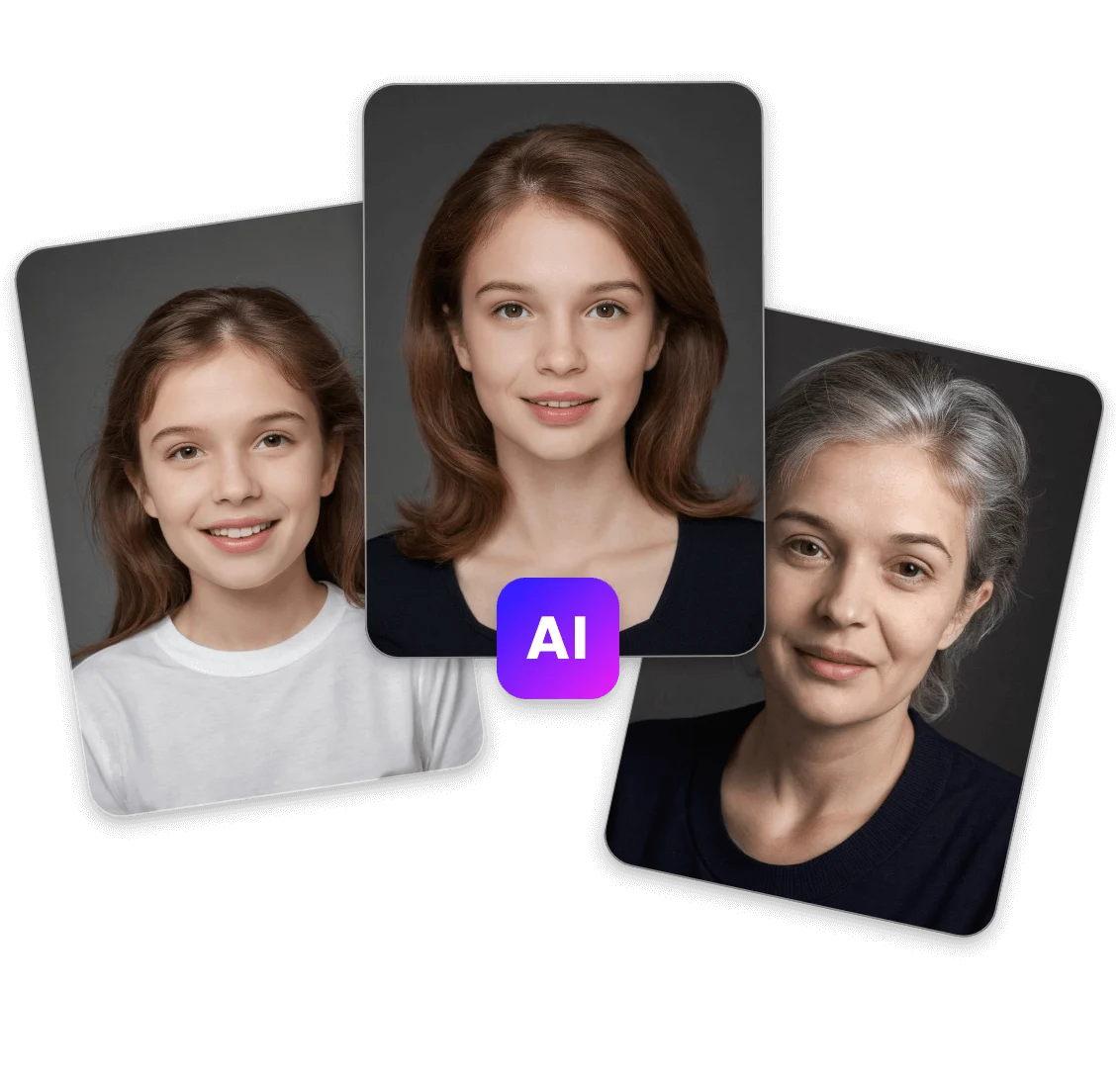
AI Age Progression
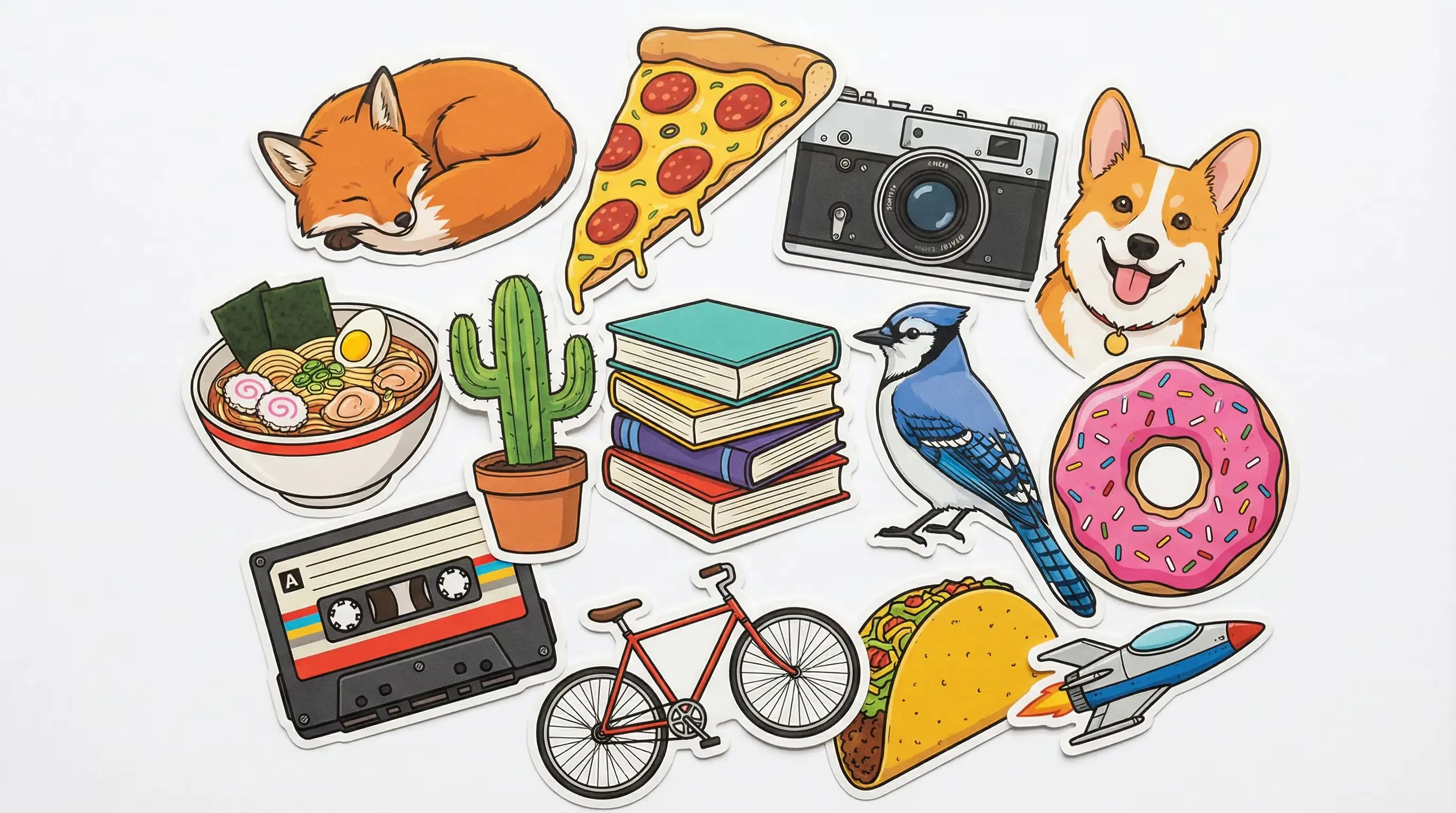
AI Sticker Generator
Explore Cutting-Edge AI Models
AI Models — Powerful Image & Video Generation Tools
Explore advanced AI models for high-quality image and video creation. Discover powerful generation and editing technologies that enhance your creative workflow and bring your visual ideas to life with ease.








How to Use the Batch Image Generator
Three steps from one prompt to a full batch
Configure once, submit cleanly, and collect every finished image without watching a progress spinner.
Choose a model and add your prompt
Pick from 28 available image model options, write your prompt, and optionally upload up to 16 reference photos. Incompatible models are flagged automatically.
Set image count (1–100) and parameters
Select how many images to generate along with aspect ratio, quality, output format, or background mode. Review the exact total credit estimate and click Generate.
Keep editing or leave, then download ZIP
Start another batch right away or close the browser while the queue runs. Return anytime to preview results, reuse settings, retry failed items, or download all finished images as a ZIP.
Batch Image Generator FAQ
Common questions about bulk and batch image generation
How many AI images can I generate at once?
You can generate between 1 and 100 images in a single batch submission. If you need more, you can queue additional batches right away up to 1,000 in-flight images per account at the same time.
Will my batch keep generating if I close the browser?
Yes. Once a batch is accepted into the queue, image generation runs in the background on our servers. You can close the page or switch devices and return to Batch Image Generator anytime to view results in Results or History, or check the email notification box before submitting.
How are credits calculated, and what happens if some images fail?
The compose panel shows the exact per-image price, any reference image fee, and total credits before you submit, matching single-image pricing and eligible plan discounts. Credits are reserved upfront when a batch is accepted, and any image that fails is refunded automatically to your balance.
Can I stop or cancel a batch after submitting it?
Yes. Click Stop queued on a running batch to cancel all images that have not yet started generating and refund their reserved credits automatically. Images already dispatched to the model finish and settle normally.
Which models support reference images in batch mode?
Compatible options across Nano Banana, GPT Image 2.5, GPT Image 2.6, Qwen 3, and Grok Imagine support reference images—up to 16 photos depending on the model. When you upload reference images, the model picker automatically shows which models fit your input and flags any incompatible choices.
How do I download all generated images together?
As soon as the first image in a batch finishes, you can download individual images or click Download ZIP on the batch card to export every completed image in that batch as a single ZIP archive.
Can I change my prompt and start another batch while one is running?
Yes. Submitting a batch never locks the left compose panel. You can edit the prompt, swap models, change aspect ratios, or click Reuse on any earlier batch to load its settings into a fresh draft and queue another run.
When should I use Batch Image Generator instead of Text to Image AI?
Use this batch image generator when you want to generate multiple AI images in bulk, explore variations, run background queues, or export a set as a ZIP file. If you only need a single quick image or want to test a prompt interactively one render at a time, Text to Image AI or Image to Image AI is faster for one-off checks.
Powered By


Start generating images in bulk
Queue 1 to 100 images across 28 model options, keep working while they render in the background, and download every finished shot in one ZIP.